Best CapCut Alternatives in 2026: 9 Video Editors Compared

How we put this together: we compare official feature and pricing pages, app store listings, privacy policies and public user reviews. Prices change, so check the provider's site before you pay.
Key takeaways
- DaVinci Resolve suits editors who want free professional colour, audio, and finishing tools on desktop.
- Filmora suits creators who want a middle ground between simple mobile editing and a full professional suite.
- Clipchamp suits Windows users who want free 1080p exports in a browser or desktop app without a watermark on the free plan.
- Mobile editors like VN, InShot, and KineMaster suit short form creators who edit mainly on a phone.
- Check export limits, watermarks, and hardware needs before you commit, since free versions differ widely on those points.
Quick comparison
| Name | Who it suits | Starting price | Free option | |
|---|---|---|---|---|
 DaVinci Resolve | Free professional editing | Free | Yes | Visit |
 Filmora | Beginner to intermediate creators | See website | Yes | Visit |
 Adobe Premiere Pro | Professional creators | See website | Free trial (7 days) | Visit |
 Clipchamp | Free Windows editing | Free | Yes | Visit |
 Shotcut | Free open source editing | Free | Yes | Visit |
 OpenShot | Simple free editing | Free | Yes | Visit |
 KineMaster | Mobile multi layer editing | Free | Yes | Visit |
 InShot | Fast mobile social edits | Free | Yes | Visit |
 VN Video Editor | Free mobile editing | Free | Yes | Visit |
The best CapCut alternatives
CapCut is popular for fast short form edits, templates, and auto captions, but some creators want more control, no watermark, better desktop tools, or a different pricing model. The editors below cover that range, from free professional desktop suites to simple mobile apps. The best choice depends on where you edit, how long your videos are, and how much control you want over colour, audio, and effects.
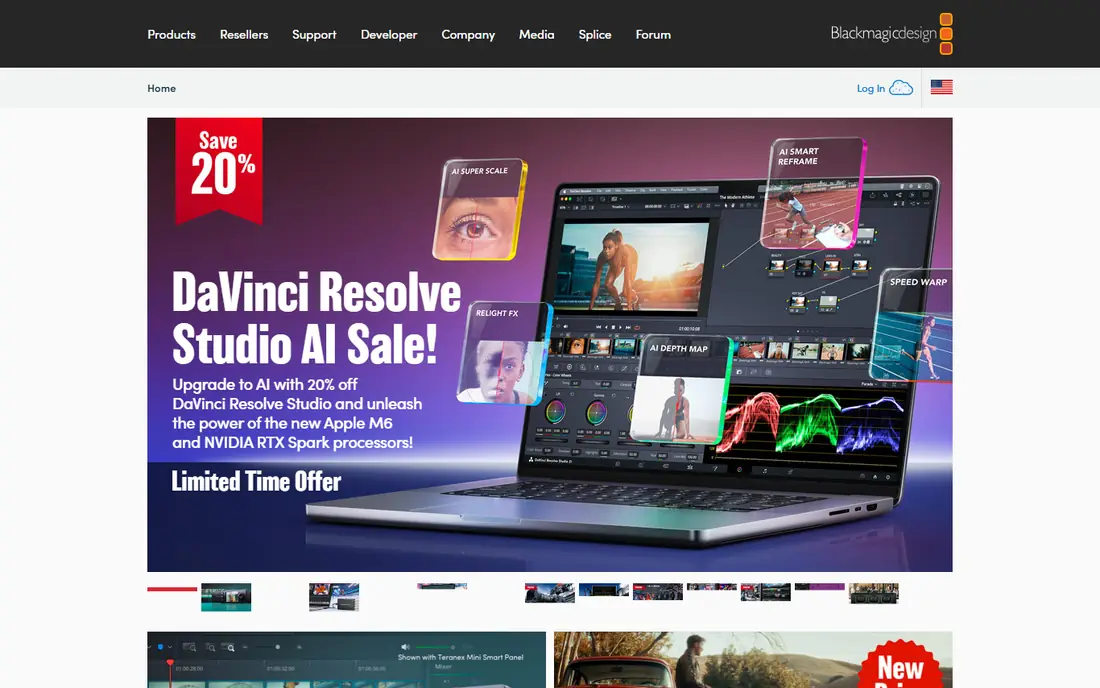
DaVinci Resolve is the strongest free alternative for creators who want to move beyond short form templates. It combines editing, colour grading, visual effects, and Fairlight audio in one desktop app, with a free version that covers most YouTube and long form needs. Colour tools are a particular strength, with scopes, wheels, and node based grading that professional colourists use. The free version exports up to Ultra HD at 60 frames per second in many cases, with no watermark, which is rare for a free editor at this level. Multicam editing, subtitles, and audio mixing help long form creators, podcasters, and filmmakers build polished videos without a monthly fee. A paid Studio version adds extra AI tools, stereoscopic tools, and some codecs. Resolve needs a stronger computer than CapCut, with more RAM and graphics power for smooth playback. Beginners may feel lost on first use, since the app uses separate pages for media, editing, colour, effects, and audio. For creators willing to learn, Resolve offers the most professional free path away from CapCut.
- Free professional colour and audio tools
- Multi track timeline
- No watermark on free version
- Steep learning curve
- Needs strong hardware
- Some advanced tools need Studio
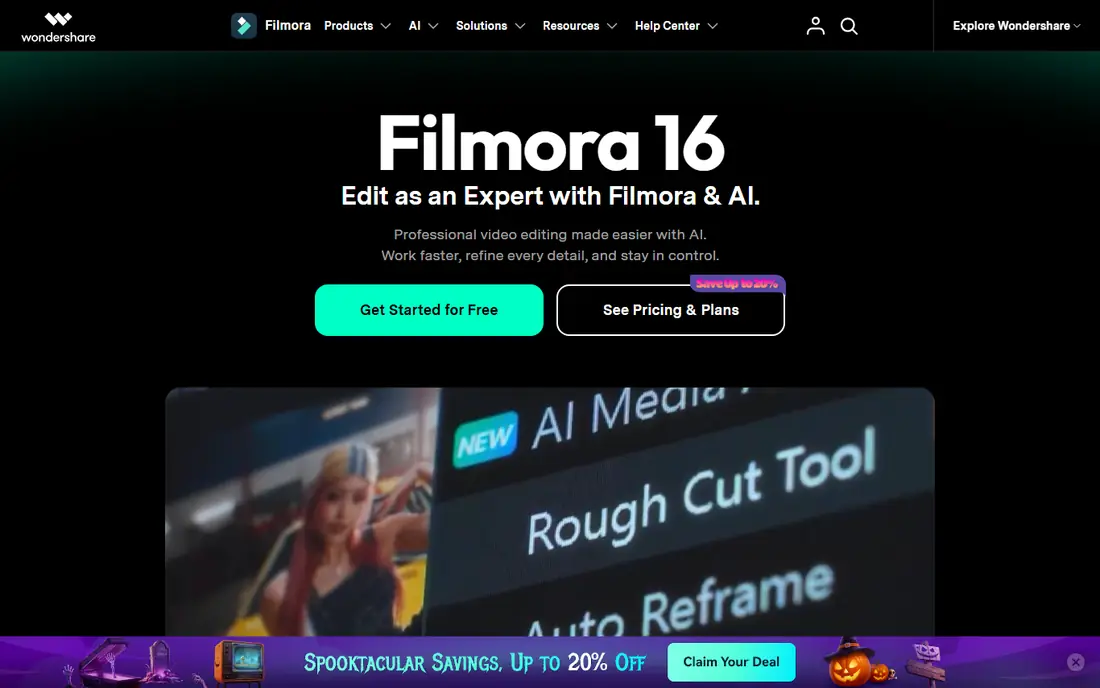
Filmora sits between CapCut and a professional suite. It offers a classic timeline, drag and drop effects, titles, transitions, and motion tracking, with a learning curve that most creators can handle in a few days. Desktop, phone, and tablet apps let you start a project on one device and finish it on another, which suits creators who film on a phone and edit on a laptop. Templates and effects help creators make polished YouTube videos, tutorials, and promos without building every effect from scratch. Filmora also offers AI tools for background removal, smart masking, and captions on paid plans, which can speed up common edits. The interface surfaces key tools faster than Resolve, so new editors finish videos sooner. The free version exports with a watermark, so you will need a paid plan for clean final videos. Colour grading is less deep than Resolve, and some advanced audio tools are simpler. For creators who want ease, effects, and room to grow, Filmora is a balanced CapCut alternative.
- Easy drag and drop timeline
- Many templates and effects
- Desktop and mobile apps
- Free exports include a watermark
- Some AI features need a paid plan
- Less colour depth than Resolve
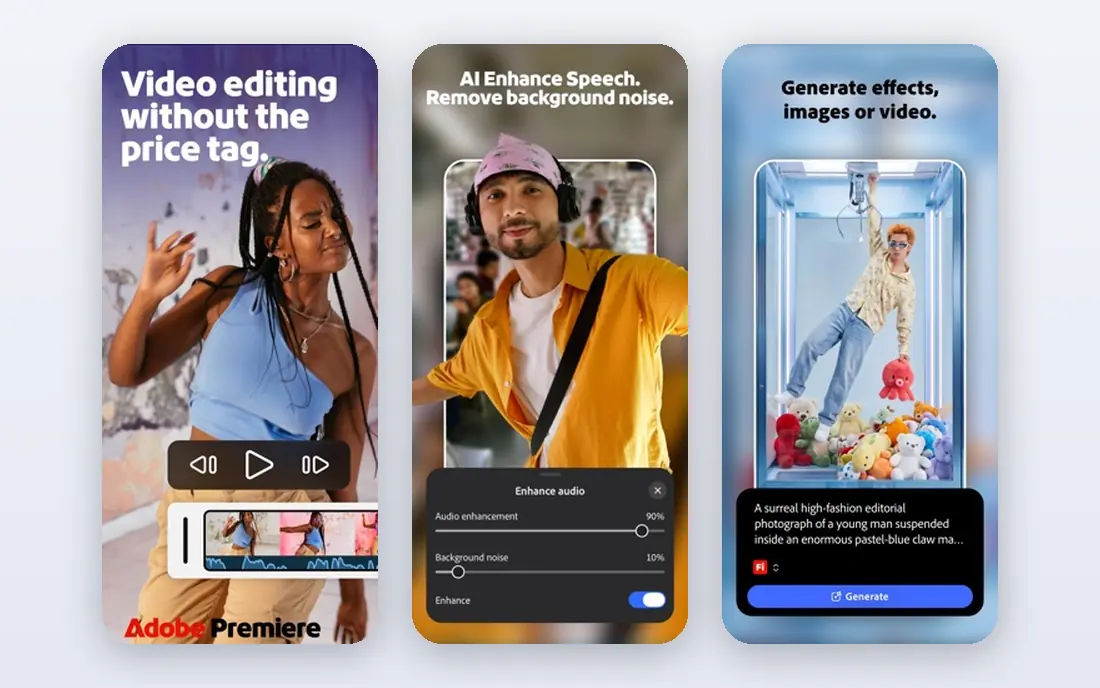
Adobe Premiere Pro is the industry standard for many professional creators, agencies, and YouTubers who need precise control. It offers a multi track timeline, advanced audio tools, colour grading, captions, and a direct link to After Effects for motion graphics. That link lets editors move a clip to After Effects and back without exporting in between, which saves time on complex projects. Premiere Pro also works well in a team setting, with shared projects, review tools, and a large library of third party plugins. Regular updates add new AI and caption features, though some require a current subscription. Cost is the main barrier. Premiere Pro is subscription only, with a trial available, and it needs a capable computer for smooth editing. Beginners may find the interface dense at first, and short form creators may not need its full depth. For a professional career path, Premiere Pro remains a top CapCut alternative.
- Industry standard timeline
- After Effects link
- Strong audio and colour tools
- Subscription cost
- Needs strong hardware
- Learning curve for beginners
Clipchamp, from Microsoft, is a strong free option for Windows users who want simple editing without a watermark. The free plan offers 1080p exports, templates, stock media, and basic editing tools in a browser or desktop app. That combination suits social videos, school projects, small business promos, and YouTube shorts. The interface is clean and template driven, similar in spirit to CapCut, with text, transitions, and audio tools that new editors can learn quickly. Clipchamp also offers screen recording and webcam recording, which help tutorial creators and presenters. Integration with OneDrive and Microsoft accounts helps Windows users save and share projects. Paid plans add premium stock, filters, and brand kits, while pro colour and audio tools remain thinner than Resolve or Premiere Pro. For free, watermark free 1080p editing on Windows, Clipchamp is one of the best CapCut alternatives, especially for creators who do not want to install a heavy desktop suite.
- Free 1080p exports without a watermark on free plan
- Browser and desktop use
- Templates and stock
- Some features need a paid plan
- Web performance varies
- Less pro colour depth
Shotcut is a free, open source video editor for Windows, Mac, and Linux, with no watermark and no subscription. It supports many video and audio formats, offers a multi track timeline, filters, transitions, and colour tools, and runs on modest hardware compared with Resolve. For budget conscious creators and open source fans, Shotcut offers real editing power at zero cost. Shotcut also supports GPU acceleration, 4K editing in many cases, and a wide range of export presets for YouTube, social media, and local files. Users can customise the interface, save filter sets, and work with proxy files for smoother playback on slower computers. The interface feels less polished than Filmora or Clipchamp, and some effects take longer to learn. Large projects can feel slower than in a paid suite, and support relies on community docs and forums. For free, no watermark editing with strong format support, Shotcut is a dependable CapCut alternative.
- Free and open source
- No watermark
- Wide format support and filters
- Interface feels less polished
- Learning curve for effects
- Performance varies on large projects
OpenShot is a free, open source editor built for beginners who want simple cuts, titles, and transitions without a steep learning curve. Its drag and drop timeline, clear buttons, and cross platform support for Windows, Mac, and Linux make it easy to start a first video project. OpenShot also offers 3D animated titles, keyframes for basic animation, and a range of effects for social and YouTube videos. The simplicity is the main draw for school projects, family videos, and short social clips. Users can trim clips, add music, insert titles, and export in common formats without learning a professional page based workflow. OpenShot has no watermark, which is a clear advantage over free versions of paid editors. Advanced tools are limited compared with Resolve, Shotcut, or Premiere Pro, and large projects can feel slow. Colour grading, audio mixing, and effects depth are basic, so OpenShot suits simple edits rather than professional finishing.
- Simple drag and drop interface
- Free and open source
- Cross platform
- Fewer advanced tools
- Can feel slow on large projects
- Limited pro colour and audio
KineMaster is a powerful mobile editor for iOS and Android, with multi layer video, images, stickers, text, and handwriting on a phone timeline. It offers chroma key for green screen work, blending modes, speed control, and 4K export on supported devices, which gives mobile creators more control than many simple phone apps. The asset store adds music, effects, and templates for social videos. KineMaster suits YouTubers and social creators who edit entirely on a phone, especially when they film on the go and need to publish quickly. Real time preview helps check transitions and effects before export, and the layer system mirrors desktop editing in a mobile form. That depth makes KineMaster a step up from basic phone editors. The free version includes ads and locks some assets behind a subscription, so full access costs a monthly or yearly fee. Desktop editing is not the focus, so creators who want a large screen timeline should pair KineMaster with a desktop editor. For mobile multi layer work, KineMaster is a strong CapCut alternative.
- Multi layer mobile timeline
- Chroma key and 4K export
- Many effects and assets
- Free version includes ads and some locked features
- Subscription for full access
- Phone only focus
InShot is built for fast social edits on a phone, with tools for trimming, splitting, speed, filters, text, stickers, and music. Aspect ratio controls for TikTok, Reels, and Shorts make it easy to resize a video for each platform without re-editing from scratch. The app also offers collage, photo editing, and basic effects, so a creator can prepare a full social post in one place. InShot is easy to learn, which helps beginners who want a polished short video in minutes rather than hours. It runs well on most modern phones and does not need a desktop computer. Advanced editing is limited compared with KineMaster, VN, or desktop suites. Multi layer work, colour grading, and audio mixing are basic, and some features and exports need payment to remove a watermark or open assets. For fast, simple social edits, InShot is a practical CapCut alternative.
- Very fast for social formats
- Filters, text, and music tools
- Simple aspect ratio controls
- Limited advanced editing
- Some features need payment
- Watermark on some free exports
VN Video Editor, also known as VlogNow, is a lightweight mobile editor that offers multi layer editing, templates, transitions, and keyframes without a watermark on many free exports. That combination makes it popular with CapCut users who want a free mobile editor with more timeline control and fewer watermark limits. VN suits short form creators who want CapCut like templates and transitions, but with a cleaner timeline and more control over layers and curves. The app is intuitive for beginners, yet it offers enough depth for creators who want to adjust speed curves, masks, and effects. Audio editing is more basic than a desktop suite, and some advanced features take practice to master. For free mobile editing with multi layer control and no watermark on many exports, VN is one of the best CapCut alternatives, especially for social creators on a budget.
- Multi layer editing without a watermark on many exports
- Templates and transitions
- Easy learning curve
- Some advanced features need practice
- Audio editing is basic
- Desktop version is newer
How we picked these
We compared official feature pages, pricing pages, app store listings, and public reviews for video editors that serve as CapCut alternatives today. We looked at platform support, timeline depth, colour and audio tools, export limits, watermarks, templates, and pricing. We used first person plural language for our method, and we did not claim hands on testing that did not happen. We also weighed mobile versus desktop needs, since a phone editor and a desktop suite solve different problems. A mobile app that is fast for shorts may fail for long form YouTube work, while a desktop suite may be overkill for daily social posts. That distinction shaped our best for labels and our advice to match the editor to your main video type.
Choosing a CapCut alternative
Match editor to video type
Short form creators need fast templates, captions, and mobile export, which suits VN, InShot, KineMaster, and Clipchamp. YouTube creators need longer timelines, audio, and colour tools, which suits Filmora, Resolve, and Premiere Pro. Choose the editor that fits your most common video length and platform.
Check watermark and export limits first
Free versions differ on watermarks, resolution, and export length. Resolve, Shotcut, OpenShot, and VN offer no watermark on many exports, while Filmora free exports include a watermark and some mobile apps lock features behind payment. Test an export with your usual settings before you commit to a project.
Check hardware and platform
Resolve and Premiere Pro need stronger computers, while Shotcut and OpenShot run on more modest hardware. Mobile editors need a modern phone with enough storage for video files.
Keep a simple workflow
Start with one editor for most videos, and add a second only for a specific need, such as colour grading or mobile shorts. A simple workflow with clear export presets, a template for titles, and a folder structure for footage will save more time than a large collection of editors you rarely use.
Frequently asked questions
What is the best free CapCut alternative?
DaVinci Resolve is the best free desktop alternative for professional features, while VN and Shotcut are strong free options for mobile and open source editing. Clipchamp is also strong for free 1080p exports on Windows. Choose based on device, video length, and whether you need pro colour tools.
Is DaVinci Resolve really free?
Yes, DaVinci Resolve has a free version with professional editing, colour, and audio tools and no watermark on most exports. A paid Studio version adds extra AI tools, some codecs, and advanced features, but most creators can start and finish videos with the free version.
Which CapCut alternative is best for TikTok and Reels?
VN, InShot, and KineMaster suit TikTok and Reels because they offer mobile timelines, templates, aspect ratio controls, and fast export. Clipchamp also suits short form work on Windows. Test templates and caption tools with a real short video before you choose.
Does Filmora free version have a watermark?
Yes, Filmora free exports include a watermark, so you need a paid plan for clean final videos.
Can I edit 4K video for free?
Yes, DaVinci Resolve, Shotcut, and KineMaster on supported phones offer 4K export in free or paid modes, subject to hardware and codec limits. Check export settings and test with your footage, since 4K editing needs more storage, RAM, and graphics power than 1080p.
Should I switch from CapCut completely?
Not always. CapCut remains fast for templates and short form trends, even if you use Resolve or Filmora for longer videos. Many creators keep CapCut for quick social edits and use a second editor for YouTube or client work, rather than replacing it entirely.
Sources we checked (9)

Online Jobs is an independent blog about careers, online work, learning new skills and the tools that help people earn. More about us.
Keep reading
All posts
ZoomInfo Alternatives
The best ZoomInfo alternatives in 2026, compared on price, free plans, data coverage, and which tool fits small teams or large sales teams best in detail.

Workday Alternatives
We compared the best workday alternatives for HR, payroll, and global hiring, from BambooHR and Gusto to Rippling, Deel, and HiBob for growing teams in 2026.

Which SaaS Tools Have the Best Customer Support
Which SaaS tools have the best customer support? Compare eight popular tools on help centres, live help, response options and overall support quality.