Buffer Alternatives in 2026: 8 Products Compared

How we put this together: we compare official feature and pricing pages, app store listings, privacy policies and public user reviews. Prices change, so check the provider's site before you pay.
Key takeaways
- Later suits visual planning for Instagram and TikTok, while Publer and Metricool suit budget-conscious creators who want a real free tier.
- Hootsuite and Sprout Social suit larger teams that need listening, inbox management and deep reporting, but per-seat pricing rises fast.
- SocialBee suits evergreen content recycling, while Sendible and Agorapulse suit agencies that manage many clients.
- Per-channel, per-seat and flat pricing are not directly comparable, so work out the cost for your exact channels and users.
- A scheduler only helps if posts publish reliably, so test your main networks and formats during a trial before you move a full calendar.
Quick comparison
| Name | Who it suits | Starting price | Free option | |
|---|---|---|---|---|
 Later | Visual Instagram and TikTok planning | See website | Free trial | Visit |
 Hootsuite | Large teams and listening | $99 per month | Free trial | Visit |
 Sprout Social | Analytics and engagement teams | $199 per month | Free trial | Visit |
 SocialBee | Evergreen content categories | $29 per month | Free trial | Visit |
 Sendible | Agencies with many clients | $35 per month | Free trial | Visit |
 Agorapulse | Inbox-first engagement | See website | Yes | Visit |
 Publer | Budget scheduling with a free tier | See website | Yes | Visit |
 Metricool | Analytics and competitor tracking | See website | Yes | Visit |
The best Buffer alternatives
Buffer wins on simplicity. It schedules posts, queues content and shows basic analytics without a steep learning curve. The alternatives here win on something else: visual planning, deeper analytics, a unified inbox, agency workflows or a lower price at scale. We compared them by the job they do best, not by trying to crown one winner for every team.

Later is built around how visual content looks as a feed, not just when it publishes. The drag-and-drop calendar, media library and preview help Instagram, TikTok and Pinterest creators plan a grid, schedule Reels and manage a link in bio page. For a creator or a small brand where visual consistency matters, that planning view is a real advantage over a simple queue. The catch is structure. Later organises profiles into social sets, with post limits per profile and user limits per plan, so a team with many profiles needs a higher tier sooner than the headline price suggests. Later fits best for visual-first creators and small brands, and less well for agencies with many clients. Trial it with your real posting volume, and check the per-profile limits for your busiest account.
- Visual calendar and media library
- Link in bio tool
- Creator-focused planning
- Limits are per profile
- Higher tiers needed for more users and sets
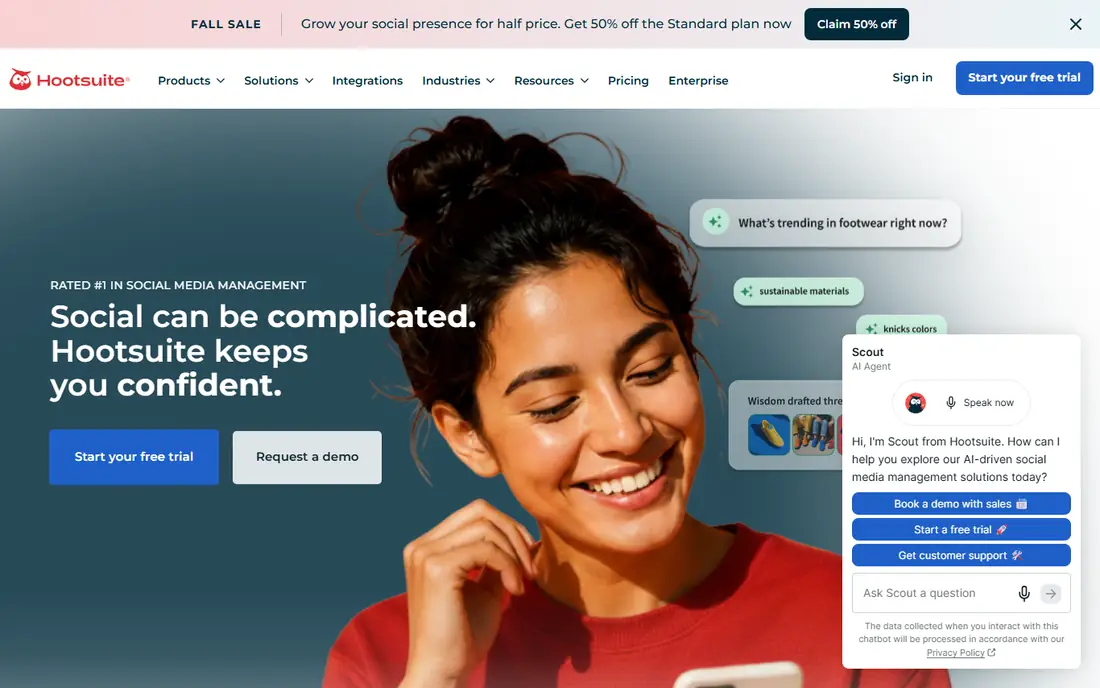
Hootsuite is the all-in-one option for larger teams. It covers scheduling, a unified inbox, social listening, analytics and team approvals, with support for many networks and account types. A marketing team that must monitor mentions, respond across channels and report to leadership will find more depth here than in a simple scheduler. That depth costs money. Hootsuite prices per user, so adding team members multiplies the bill, and the entry plan still sits far above budget schedulers. Small teams often pay for listening and reporting they rarely use. Hootsuite fits best for mid-size and large teams, agencies with approval needs, and brands where social listening matters. Start with a clear list of networks and users, and confirm the current plan limits on the vendor page before you budget.
- Broad network support
- Social listening
- Team workflows and reporting
- Per-user pricing
- Steep cost for small teams
- Setup takes time
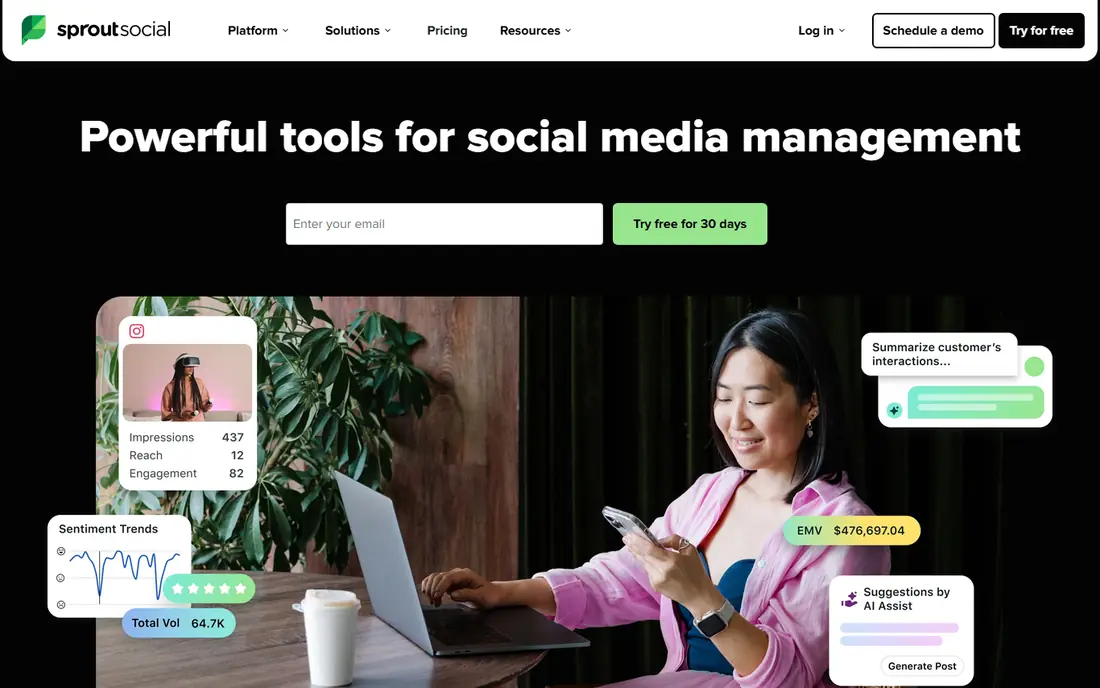
Sprout Social is the analytics-led choice. Its reports, listening tools and unified inbox suit teams that must prove social results to stakeholders, manage customer conversations at scale and link social activity to CRM data. The interface is polished, and the reporting templates save time for teams that present results regularly. The entry price is the highest on this list, and per-seat pricing means a growing team pays more with every hire. For simple scheduling, Sprout Social is far more tool than needed. It fits best for engagement-heavy teams, customer care on social, and organisations where reporting quality justifies the cost. Use the trial to build one real stakeholder report, and check whether your team actually uses listening before paying for it long term.
- Strong analytics and reporting
- Unified inbox
- Listening and CRM links
- Highest entry price here
- Per-seat pricing
- Overkill for simple scheduling
Sendible is built for agencies and multi-brand teams. Client workspaces, approval workflows, white-label reports and bulk scheduling help an agency manage many accounts without mixing up content. The pricing model, which is kinder to adding users than per-seat rivals, is part of the appeal for growing agencies. Sendible takes setup time, especially for agencies moving many clients at once, and some advanced features sit on higher tiers. It fits best for agencies, freelancers with several clients and marketing teams managing multiple brands. Trial it with two real clients, test approvals and reporting as a client would see them, and confirm user limits on your chosen plan before migrating a full client list.
- Client dashboards
- White-label reports
- Unlimited users on some plans
- Learning curve for agencies new to the tool
- Some features need higher tiers
Agorapulse leads with engagement. Its unified inbox gathers comments, messages and mentions across networks, lets a team assign conversations, and tracks response times. For a brand where social is also a customer service channel, that inbox matters more than a prettier calendar. Scheduling, publishing and reporting sit alongside it in one workspace. Agorapulse is not the cheapest pure scheduler, and its pricing tiers change, so check the current vendor page for your team size. It fits best for mid-size brands, community managers and teams where replying well matters as much as posting regularly. Trial the inbox with your real volume for a week, and check how it handles each network you use, since inbox depth varies by network.
- Unified social inbox
- Team assignment
- Reporting and listening options
- Pricing tiers need vendor confirmation
- Scheduling alone is not its cheapest use
Publer is the closest budget replica of Buffer for many creators. Its free tier covers a small number of accounts with scheduled posts and drafts, and paid plans add accounts, bulk scheduling and deeper features at a low entry cost. For a solo creator or a small business posting to Facebook and Instagram, Publer covers the core job well. The free tier excludes X on some plans due to API costs, so check network coverage for your exact channels before you rely on the free plan. Bulk scheduling also needs a paid tier. Publer fits best for budget creators, small businesses and anyone who wants a free scheduler to test before paying. Start on the free tier, confirm your networks publish correctly, and upgrade only when account or bulk limits bite.
- Real free tier
- Bulk scheduling
- Link in bio and analytics options
- Free tier excludes some networks
- Bulk features need a paid plan
Metricool suits creators and small teams who care about measurement. Its free tier includes scheduling, a period of analytics and competitor profiles, which is generous for a free plan. Paid plans extend analytics history, add brands and open deeper reporting. The platform also pulls in website and ad metrics, giving a wider view than a scheduler alone. Free limits still apply, including post counts and analytics history, and some networks need a paid plan for full coverage. Metricool fits best for analytics-focused creators, small agencies that report to clients, and teams that want competitor context without an enterprise price. Use the free tier to test reporting for your main account, and check whether the analytics window covers the period your reports need.
- Analytics and competitor profiles
- Scheduling
- Ad and website metrics in one view
- Free tier limits posts and analytics history
- Some networks limited on free plan
How we picked these
We selected tools that are live in October 2026, that schedule social posts across major networks, and that offer a trial or free route a reader can test. We included visual planners, enterprise suites, agency tools and budget schedulers, because Buffer users leave for different reasons. We weighted publishing reliability, network coverage, analytics depth, team and approval features, and total cost for a realistic set of channels and users. We did not compare headline prices directly, since per-channel, per-seat and flat pricing measure different things. Where a price was not clearly published, we wrote See website. Confirm the current pricing page, network list and free tier limits before you switch, since social API rules and vendor plans change often.
How to move from Buffer without breaking your queue
Export your scheduled posts, media and analytics notes from Buffer before you cancel, and list the networks, formats and posting times that matter most. Set up the new tool with one account first, publish a test post in each format you use, such as image, video, carousel and link posts, and check that links, captions and first comments behave as expected. Only then move the full calendar. Keep Buffer live until the new tool has published reliably for at least a week. That overlap prevents gaps if a network connection fails or a format needs fixing. After the move, compare publishing success, time spent scheduling and analytics access against your Buffer baseline. If a network fails often, check the tool's network status and your account permissions before assuming the tool is at fault.
Pricing traps to check
Count channels, not just accounts. A per-channel price multiplies fast for a brand on five networks. Count users too, since per-seat tools charge for every team member, including approvers who never post. Check post limits per profile, analytics history and whether AI features, listening or reporting sit on higher tiers. The cheapest headline price is rarely the cheapest total for a real team.
Frequently asked questions
What is the best free Buffer alternative?
Publer and Metricool offer the most useful free tiers for scheduling, while Agorapulse offers a free tier with inbox features. The best free choice depends on your networks: check that your main networks are included on the free plan, since some free tiers exclude X or limit analytics history. Start free, then upgrade when limits bite.
Is Later better than Buffer?
Later is better for visual planning, feed previews and creator workflows on Instagram and TikTok. Buffer is simpler for a straight queue across networks. Choose Later when visual planning matters most, and Buffer or Publer when simple scheduling and low cost matter more.
Why is Hootsuite so expensive?
Hootsuite prices per user and bundles scheduling with listening, inbox management, approvals and enterprise reporting. That bundle suits larger teams, but small teams pay for features they may not use. If you only need scheduling, a budget tool such as Publer, SocialBee or Metricool will cost far less.
Can I schedule to all social networks from one tool?
Most tools cover Facebook, Instagram, LinkedIn, TikTok, Pinterest and YouTube, but coverage and features vary by network and plan. X access, in particular, varies due to API costs. Check the vendor network list for your exact networks and post formats before you buy.
Do these tools post automatically?
Most tools publish directly to supported networks and formats, while some formats, such as certain Instagram stories or TikTok posts, may need a mobile reminder to finish publishing. Test your main formats during a trial, and check each tool's publishing rules for your networks.
Which alternative is best for an agency?
Sendible and Agorapulse suit agencies well, with client workspaces, approvals and white-label reporting. Hootsuite and Sprout Social suit larger agencies that need listening and deep reporting. Choose by client count, approval needs and whether per-seat or flat pricing fits your team size.
Sources we checked (8)

Online Jobs is an independent blog about careers, online work, learning new skills and the tools that help people earn. More about us.
Keep reading
All posts
Eventbrite Alternatives
Compare the best Eventbrite alternatives for ticketing fees, free events and event pages, with honest notes on cost, discovery and fit for organisers.

Chrome Alternatives
Chrome alternatives compared: Brave, Firefox, Vivaldi, Edge and more for privacy, speed and tab organisation, with free plans, pros and cons to compare.

Best Free PDF Split Software
Find the best free PDF split software in 2026. We compare 8 free tools for splitting PDFs by pages, ranges, bookmarks, and size offline or online in detail.
SocialBee
Who it suits: Evergreen content categories
SocialBee organises content into categories, such as tips, promotions and behind-the-scenes posts, then recycles evergreen posts on a schedule you set. That system suits small businesses with a library of useful content that deserves more than one post. Instead of writing a new post every day, you fill categories and let the schedule rotate them, with expiry rules for time-sensitive items. The interface is less intuitive than Buffer at first, and analytics are lighter than enterprise tools. SocialBee fits best for small businesses, coaches and creators with evergreen content who want consistent posting without daily writing. Set up categories that match your content types, add expiry dates to offers, and review recycled posts regularly so old content does not go out stale.