Best YouTube Downloader App in 2026: 8 Tools Compared


Official offline viewing · Starting price: $13.99 per month
How we put this together: we compare official feature and pricing pages, app store listings, privacy policies and public user reviews. Prices change, so check the provider's site before you pay.
Key takeaways
- YouTube Premium is the only fully official route to offline viewing, but files stay inside the YouTube app.
- 4K Video Downloader Plus and yt-dlp cover most legitimate desktop downloads, from single videos to full playlists.
- Only download videos you own, videos with permission, or material under a license that allows downloading.
- Free tiers usually limit playlist size, quality or daily downloads, so check limits before starting a large archive.
- Download tools from the official vendor site only, since unofficial installers are a common source of unwanted software.
Quick comparison
| Name | Who it suits | Starting price | Free option | |
|---|---|---|---|---|
| YouTube Premium | Official offline viewing | $13.99 per month | Free trial | Visit |
 4K Video Downloader Plus | Desktop playlists and channels | Free | Yes | Visit |
 yt-dlp | Power users and automation | Free | Yes | Visit |
 ClipGrab | Simple desktop downloads | Free | Yes | Visit |
 VideoProc Converter AI | Downloads plus conversion | See website | Free trial | Visit |
 ByClick Downloader | One-click downloads on Windows | See website | Free trial | Visit |
 YouTube Studio | Downloading your own uploads | Free | Yes | Visit |
 JDownloader | Batch downloads from many sites | Free | Yes | Visit |
The best YouTube downloader apps
Every tool below handles downloads differently, from an official subscription to a command-line program. Start with the use case, then pick the tool that matches it.
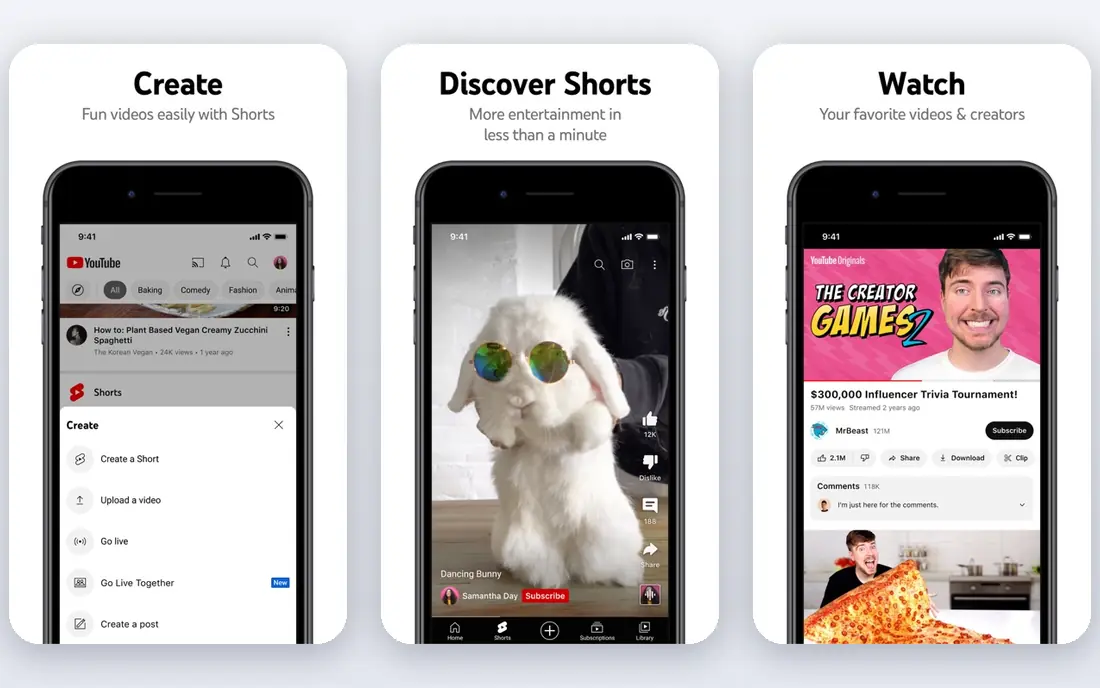
YouTube Premium is the safest answer to offline viewing, and the only one here that sits fully inside YouTube rules. It adds ad-free viewing, background play and downloads to your phone or tablet, which covers travel, commutes and places with poor signal. There is nothing to install beyond the YouTube app itself.
The limit matters for creators. Premium downloads are not video files you can edit or move to another device. They live inside the app and need periodic reconnection. If you need editable files of your own content, YouTube Studio or a desktop tool fits better.
- Fully official and within YouTube terms
- Ad-free viewing
- Background play on mobile
- Downloads stay inside the YouTube app
- No exportable video files
- Monthly cost adds up
4K Video Downloader Plus
Who it suits: Desktop playlists and channels
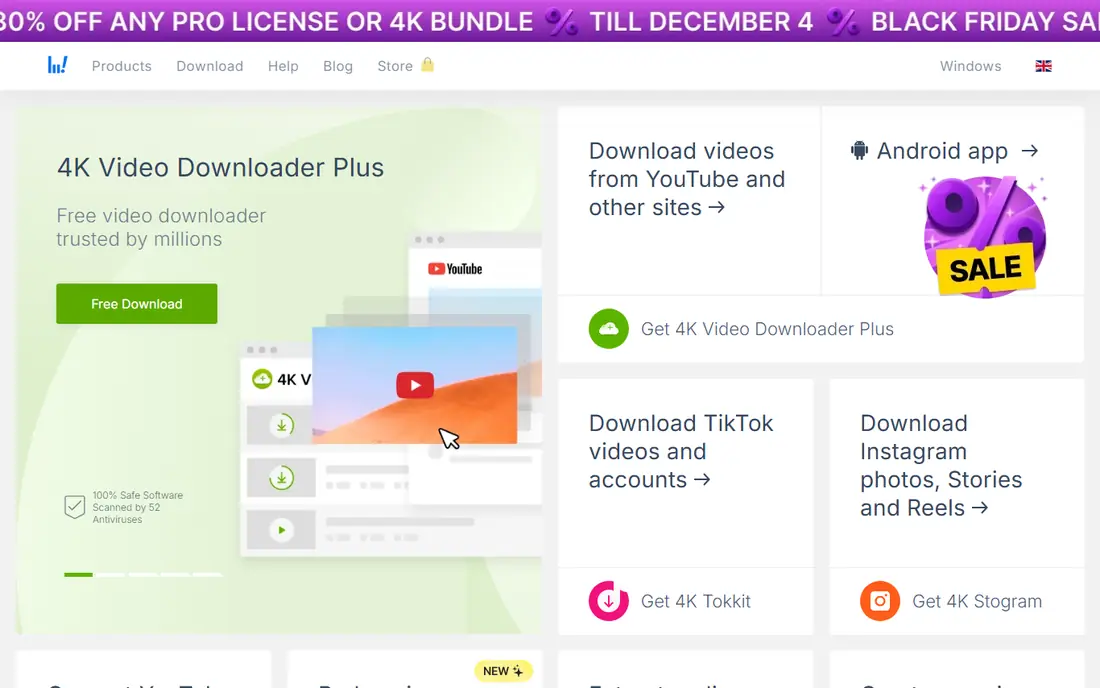
4K Video Downloader Plus is the most complete desktop option for legitimate archives. It downloads single videos, playlists and channels, pulls subtitles, and offers quality settings up to high resolutions where the source allows. A built-in browser helps with private content you have access to, such as your own unlisted videos.
The free Starter tier covers basic personal use but limits how much you can download at once. Paid tiers add more concurrent downloads and features. Note that older lifetime licenses did not carry over to the Plus version, so read the current license terms before paying for a lifetime plan.
- Playlist and channel downloads
- Subtitles and quality options
- Windows, Mac and Linux
- Free tier limits downloads
- Paid license terms have changed across versions
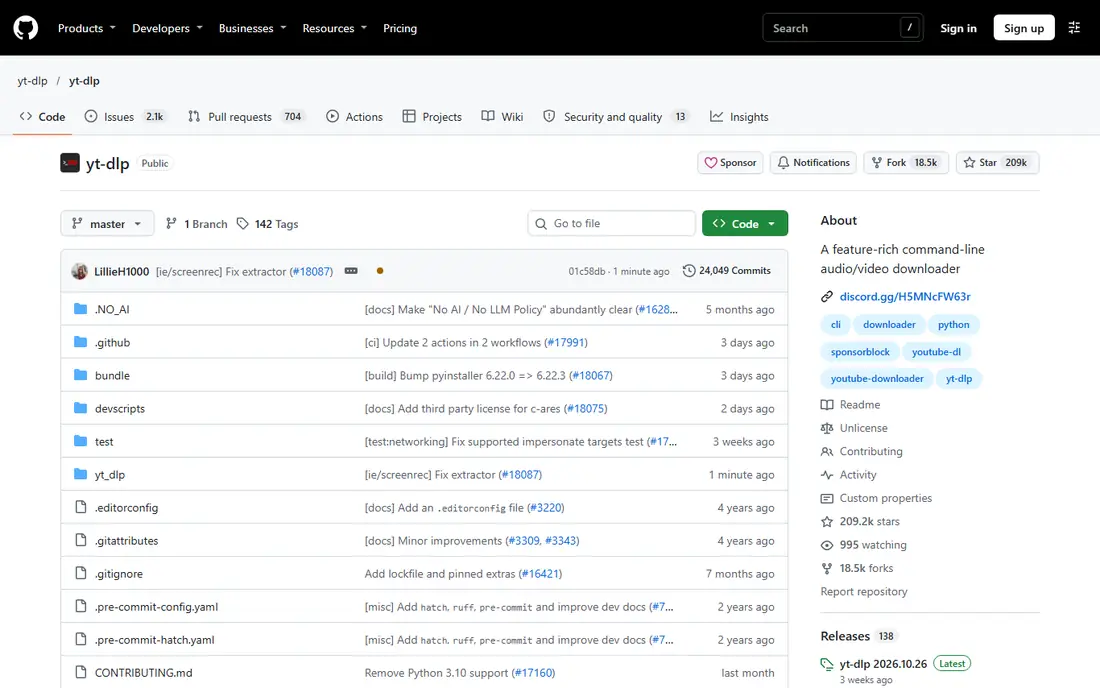
yt-dlp is the open-source command-line tool that many other downloaders build on. It supports a large number of sites, handles playlists, subtitles and format selection, and can be scripted to archive a channel on a schedule. For a creator backing up their own library, it is fast and free.
There is no graphical interface, so you need comfort with a terminal. You also need ffmpeg installed to merge separate video and audio streams into one file. If that sounds like work, a desktop app with buttons will suit you better.
- Free and open source
- Supports many sites
- Scriptable for playlists and archives
- Command line only
- Needs ffmpeg for merged formats
- No phone app
ClipGrab suits occasional downloads where you want the simplest path from a link to a file. Paste a link or use the built-in search, pick a format, and download. It runs on the three main desktop systems and costs nothing.
The trade-off is control. Format and quality choices are simpler than in 4K Video Downloader Plus or yt-dlp, and advanced users will miss playlist automation. For a handful of your own videos at a time, though, that simplicity is a strength.
- Free and simple to use
- Built-in search
- Runs on Windows, Mac and Linux
- Fewer format options than rivals
- Mac version has trailed as a beta
VideoProc Converter AI pairs downloading with conversion, so a creator can download their own video and turn it into a different format or size in the same program. It supports many output formats and uses hardware acceleration to keep conversion times down. That combination suits people who repurpose their own clips for other platforms.
It is heavier than a single-purpose downloader, and full use needs a paid license. If you only download and never convert, a free tool does the same job with less fuss.
- Downloading plus video conversion and editing
- Many output formats
- Hardware acceleration
- Paid software for full use
- Larger install than a simple downloader
ByClick Downloader keeps the process to a single click on Windows. Copy a link and the program picks it up, then downloads the video or just the audio as MP3. Playlist support helps creators who archive a series of their own uploads in one go.
Windows-only support is the main limit, and the free version is a trial rather than a full free tier. Mac and Linux users should look at ClipGrab or 4K Video Downloader Plus instead.
- Simple one-click downloading
- Playlist support
- MP3 and MP4 output
- Windows only
- Paid features behind a license
- Fewer advanced options
YouTube Studio is the option many creators overlook. If you uploaded a video and lost the original file, Studio lets you download your own upload back from YouTube at no cost. It is official, free, and needs no extra software beyond a browser.
It only works for your own channel content, and the downloaded quality depends on what YouTube stored. It will not help with anyone else's videos, licensed material or public domain clips. For recovering your own work, check here first before installing anything.
- Official and free
- Downloads your own videos
- No extra software
- Only your own content
- Quality options are limited
- No other creators videos
JDownloader is a general download manager that also handles video links. Paste a batch of links and it queues them, retries failed downloads, and organizes the results. Creators archiving a large set of their own videos across platforms may prefer it to a YouTube-only tool.
The interface is busier than the simpler apps here, and first-time setup takes longer. Download it only from its official site, and read each installer screen carefully. For small jobs, ClipGrab is quicker.
- Free and open source
- Batch link handling
- Supports many sites beyond YouTube
- Busy interface
- Setup takes longer
- Occasional prompts about optional offers
How we picked these
We compared official feature pages, pricing pages and documentation for tools that download YouTube videos and are available now. We kept only tools with a legitimate use case and a working current version, and we favored tools that can be fetched from an official site. Prices shown come from vendor listings where confirmed, and we wrote See website where pricing varies or could not be confirmed from the vendor page.
What to check before you download
Legality comes before features. Confirm you have the right to download the video, whether because you made it, the rights holder permits it, or the license allows it. Keep a note of the permission for client work, since archives get reused months later and memory fades.
Quality and format
Most tools let you pick resolution and format. MP4 is the safest choice for playback on phones, editors and TVs. Higher resolutions mean much larger files, so a full channel archive in top quality can fill a drive quickly. Pick the lowest quality that still looks good for the job.
Safety
Only download installers from the vendor official site. Unofficial mirrors sometimes bundle extra software, and a free downloader from a random site is a common way to pick up unwanted programs. Check the installer screens, keep your antivirus current, and avoid browser extensions that ask for broad permissions.
When to use Premium instead
If you only want to watch offline on a trip, Premium is simpler and stays within the rules. Desktop tools earn their place when you need editable files of content you have the right to use, or a backup of your own channel. Use each tool for the job it fits.
Frequently asked questions
What is the best YouTube downloader app?
For official offline viewing, YouTube Premium is the best choice. For editable files of your own content, 4K Video Downloader Plus is the easiest desktop option, while yt-dlp gives the most control for free. The right pick depends on whether you need files or just offline playback.
What is the best YouTube video downloader app for playlists?
4K Video Downloader Plus handles playlists and channels on desktop with subtitle options. yt-dlp also handles playlists well and can be scripted for repeat archives. ClipGrab suits single videos better than large playlists.
Is it legal to download YouTube videos?
It depends on the video and your rights. Downloading your own uploads, public domain material, or content the rights holder permits is generally fine. Downloading copyrighted videos you do not own, or sharing them further, can break copyright law and YouTube terms. When in doubt, do not download.
Can I download YouTube videos on my phone?
YouTube Premium offers official offline viewing inside the YouTube app on phones. Most desktop downloaders do not have a full phone version, and unofficial phone downloaders carry higher safety risks. For editable files, use a desktop tool and transfer the file to your phone.
Why do some downloaders stop working?
YouTube changes its player and site structure regularly, which can break third-party tools until they update. Actively maintained tools such as yt-dlp and 4K Video Downloader Plus usually fix breaks faster. Keep your tool updated and keep a backup of important files.
Sources we checked (7)

Online Jobs is an independent blog about careers, online work, learning new skills and the tools that help people earn. More about us.
Keep reading
All posts
Zoom Alternatives
Zoom alternatives compared for 2026: Google Meet, Microsoft Teams, Webex, Jitsi and more for free calls, large meetings and webinars for teams and classrooms.

Which Software Is Best for PDF Page Removal
Which software is best for PDF page removal? We compare free and paid tools for deleting pages quickly, safely, and without harming your file in this guide.

Which Software Is Best for Data Entry
Compare the best data entry software for forms, OCR scanning, and spreadsheets, with free plans, pricing, and honest limits for each tool before you commit.