Best writing software for novelists in 2026: 9 tools Compared

How we put this together: we compare official feature and pricing pages, app store listings, privacy policies and public user reviews. Prices change, so check the provider's site before you pay.
Key takeaways
- Scrivener remains the strongest tool for long, structured novels with research, chapters, and multiple drafts.
- Atticus suits writers who want drafting and book formatting in one cross-platform app.
- Reedsy Studio is the best free starting point for chapter-based writing with clean export options.
- Dabble and Novlr suit writers who want a simpler, cloud-based drafting experience without a steep learning curve.
- Plottr helps planners who need timelines, character tracking, and story structure before they draft.
Quick comparison
| Name | Who it suits | Starting price | Free option | |
|---|---|---|---|---|
 Scrivener | Long structured novels | See website | Free trial | Visit |
 Atticus | Writing plus formatting | See website | No | Visit |
 Reedsy Studio | Free chapter-based writing | Free | Yes | Visit |
 Dabble | Simple cloud drafting | See website | Free trial | Visit |
 Ulysses | Distraction-free Mac writing | See website | Free trial | Visit |
 Novlr | Minimalist online writing | See website | Free trial | Visit |
 Plottr | Plotting and timelines | See website | Free trial | Visit |
 FocusWriter | Free distraction-free writing | Free | Yes | Visit |
 Microsoft Word | Familiar editing and submission | See website | Free trial | Visit |
The best writing software for novelists
A novel is not one long document. It is chapters, scenes, character notes, research, and several drafts that need to stay organised. The best writing software for novelists keeps that structure visible, lets you move scenes without breaking the manuscript, and exports a clean file when the draft is ready. General word processors can work, but they often make long manuscripts harder to manage.
The tools below cover different writing styles. Planners may want outlining and timelines first. Discovery writers may want a clean editor that stays out of the way. Self-publishers may want formatting built in. Choose by how you write, not by how many features a tool lists.
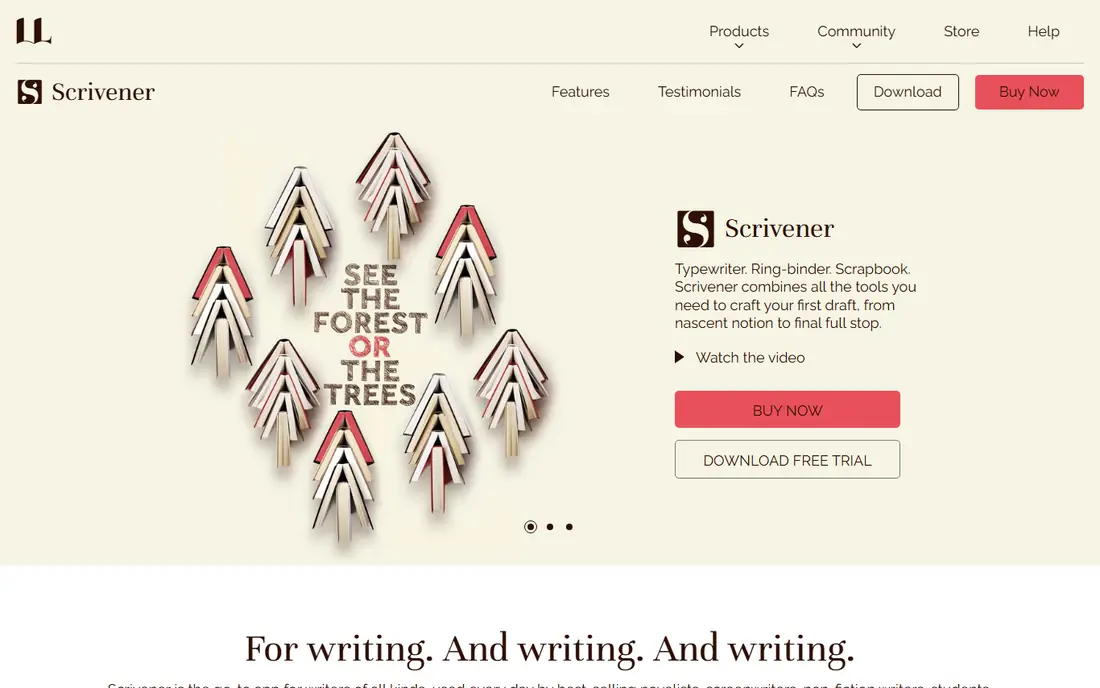
Scrivener is our pick for novelists working on long or complex books. You break a novel into scenes and chapters in the binder, rearrange them on the corkboard, and keep research, character notes, and earlier drafts in the same project. That structure saves hours when you need to move a scene, check a timeline, or rewrite a chapter without scrolling through a single giant document.
Scrivener is less strong as a final formatting tool, so many authors export to Atticus, Vellum, or Word for layout. That extra step is worth it for the drafting control you gain. If you write series, multi-viewpoint novels, or books with heavy research, Scrivener is still the benchmark other tools are measured against.
- Binder, corkboard, and outlining for complex manuscripts
- Research, notes, and drafts in one project
- One-time purchase rather than a subscription
- Learning curve is steeper than a simple editor
- Formatting for publication needs extra work
- Interface looks dated to some writers
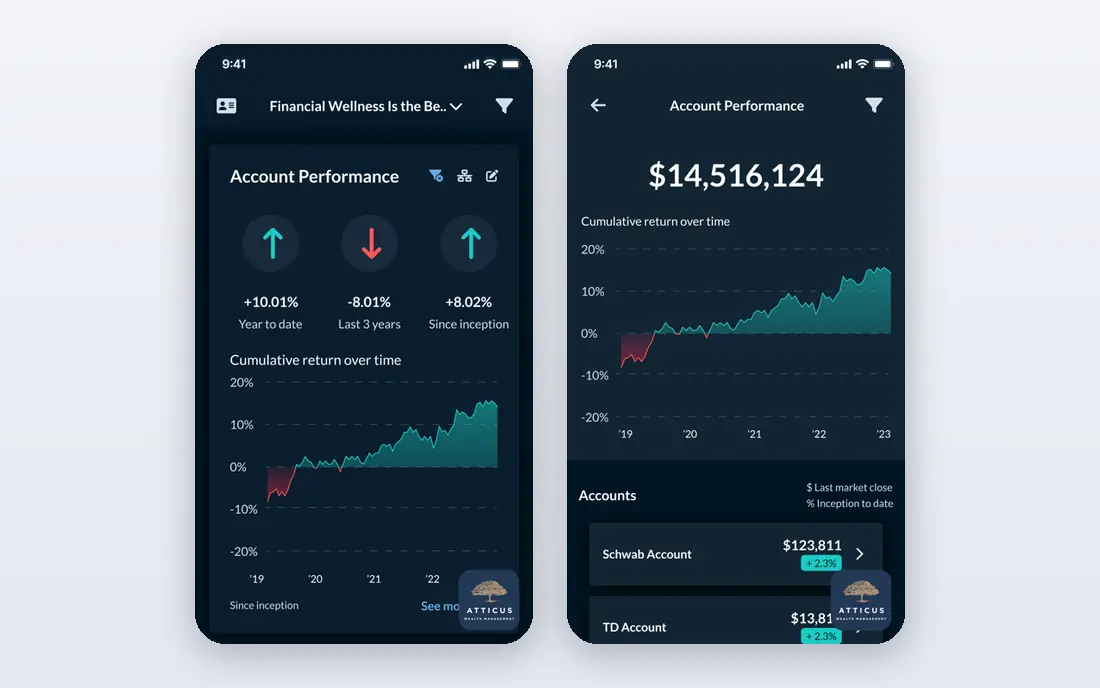
Atticus suits writers who want to draft a novel and format it for publication without learning two tools. You write in chapters, organise the manuscript, and then apply a theme for ebook or print export. That all-in-one flow is especially useful for self-published authors and for Windows writers who cannot use Mac-only formatting tools.
Atticus does not match Scrivener for deep outlining or research management, so heavy planners may still outline elsewhere. For many novelists, though, the balance is right. You get a clear writing environment, a manuscript that stays organised, and a publishable file at the end without a separate formatting project.
- Drafting and book formatting in one app
- Works on Windows and Mac
- Clean EPUB and print-ready PDF export
- One-time cost is higher than some rivals
- Outlining is simpler than Scrivener
- Collaboration features are limited
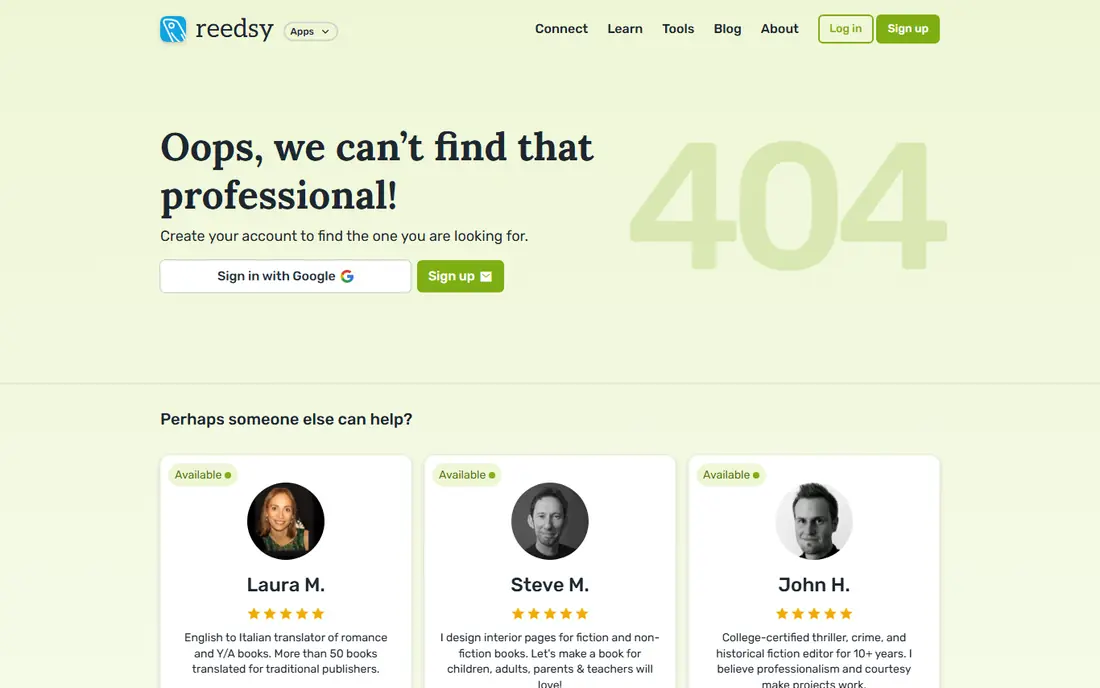
Reedsy Studio is the best free book writing software for many new novelists. It runs in a browser, organises your book by chapter, and exports ebook and print files without a paid upgrade for basic use. That low barrier makes it easy to start a novel properly, rather than wrestling with headings in a general word processor.
Reedsy Studio is not a replacement for Scrivener on a complex series, because its research and outlining tools are lighter. For a first novel, a straightforward story, or a writer who wants a free, structured editor, it is an excellent place to begin. You can also use it alongside a planner such as Plottr if you need more outlining depth.
- Free browser-based editor with chapter management
- Clean EPUB and print PDF export
- Simple interface for new novelists
- Needs an internet connection for full use
- Fewer advanced outlining tools than Scrivener
- Formatting themes are more limited than Atticus
Dabble is a good middle ground between a plain editor and Scrivener. It offers plot grids, story notes, and chapter organisation in a cloud app that feels lighter to learn. Writers who want structure without a long tutorial often settle into Dabble quickly, and cloud sync means you can move between devices without manual file transfers.
The subscription model is the main drawback for writers who prefer a one-time purchase. Dabble also focuses on drafting rather than final book layout, so self-publishers may still format elsewhere. If you value a clean, modern drafting experience and write on more than one device, Dabble is worth a trial.
- Cloud-based writing with plot grids and character notes
- Clean interface for chapters and scenes
- Works across devices
- Subscription cost adds up over time
- Formatting options are simpler than Atticus
- Offline use is more limited than desktop tools
Ulysses is the pick for writers inside the Apple ecosystem who want a calm writing space. The editor hides distractions, the library keeps manuscripts and notes organised, and export to common formats is straightforward. Many writers use it for daily drafting because it loads fast and stays out of the way.
Ulysses is not a novel planner. It lacks the corkboard depth and research tools that make Scrivener strong for complex books, and Windows writers cannot use it at all. For Mac and iOS writers who draft in a clean editor and manage structure with folders and sheets, Ulysses is a polished and dependable choice.
- Clean, distraction-free editor for Mac and iOS
- Strong export options
- Library view keeps projects organised
- Mac and iOS only
- Subscription pricing
- Novel-specific outlining is lighter than Scrivener
Novlr suits discovery writers who want a beautiful, minimal editor online. You write chapter by chapter, track daily goals, and review earlier versions when a rewrite goes wrong. That simplicity helps writers who get distracted by too many panels, timelines, and settings in larger tools.
Novlr will not replace a formatting tool or a deep planner, so pair it with another app if you need those jobs. For the drafting stage itself, especially for writers who like to write anywhere in a browser, Novlr offers a focused and pleasant workspace that keeps the manuscript organised without fuss.
- Minimalist browser editor with version history
- Chapter and scene organisation
- Writing goals and progress tracking
- Smaller feature set than Scrivener or Atticus
- Formatting for publication is basic
- Needs internet access for cloud use
Plottr is for writers who plan before they draft, or who lose track of a story halfway through. You can map timelines, plot lines, characters, and places on visual boards, then export that outline into a writing app. That overview helps when a novel has several viewpoints, a long timeline, or a series arc that spans books.
Plottr is not a replacement for Scrivener or Atticus, because it is a planning tool first. Many writers use it alongside a drafting app, planning in Plottr and writing in their main editor. If outlining is where your novels stall, Plottr can unblock the planning stage and make drafting faster.
- Visual timelines, plot lines, and character tracking
- Useful for series and multi-viewpoint stories
- Exports outlines to writing apps
- Plotting tool, not a full drafting app
- Subscription cost on top of a writing tool
- Learning the timeline view takes a short while
FocusWriter is the simplest tool in this list, and that is its strength. Open it, and you see only your words, with menus hidden until you move the mouse. Daily goals, timers, and basic stats help you build a writing habit without turning drafting into project management.
FocusWriter does not organise a novel for you. You will need folders, a planner, or another app for chapters, research, and structure. As a free drafting environment for writers who already know their story, or who draft in separate chapter files, FocusWriter is excellent and costs nothing to try.
- Completely free and distraction-free
- Hides interface until you need it
- Daily goals and simple document stats
- No chapter binder or plotting tools
- Formatting and export are basic
- Best as a drafting tool, not a full novel system
Microsoft Word remains relevant for novelists, even though it is not built only for fiction. Agents, editors, and beta readers often expect a Word file, and Track Changes makes editing rounds clear. If you already use Word daily, you may not need a new tool for a short or linear novel.
For a long, complex manuscript, Word needs discipline. Use heading styles, navigation, and separate chapter files or a master document approach to keep the book manageable. Many novelists draft in Scrivener or Atticus and use Word for editing and submission, which combines the strengths of both approaches.
- Universal format for editors and agents
- Track Changes for editing and collaboration
- Familiar tools for most writers
- Long manuscripts can feel unwieldy in one document
- Chapter organisation needs manual heading work
- Subscription cost for full Microsoft 365 use
How we picked these
We reviewed official product pages, pricing pages, and help documentation for each tool, along with public guides for novelists in 2026. We kept only tools that are live, support long-form book writing in a practical way, and are used by novelists rather than only by general note-takers. Where pricing was not clearly confirmed on the vendor site, we used See website.
We also judged tools by writing style, not only by feature count. A tool ranks higher when it fits a clear type of novelist, whether that is a planner, a discovery writer, a self-publisher, or a writer who needs a free starting point. The best tool is the one you will actually open every day.
Choosing the right tool for how you write
Start by naming your bottleneck. If you lose scenes and notes, you need structure. If you get distracted, you need a clean editor. If formatting delays publication, you need an export-focused tool. If plotting stalls you, you need a timeline and character view. Solving the bottleneck first gives you a shorter shortlist than comparing every feature.
Try a short project before a novel
Test a tool on a short story or a single chapter before you commit a whole novel to it. Check how it handles chapters, how easy it is to move a scene, how export looks, and whether sync works on your devices. A week of real use tells you more than a feature page, and it avoids migrating a full manuscript later.
Keep backups outside the app
Whatever tool you choose, export a backup regularly in a common format such as Word or plain text, and keep a copy outside the app cloud. Novel manuscripts are long-term projects, and a backup protects you from sync errors, account problems, or a tool changing its plans. A simple weekly export habit is worth more than any single feature.
Use a small stack, not one perfect app
Most working novelists use two or three tools, not one. A common stack is a planner or Scrivener for structure, a clean editor for drafting, and Atticus or Word for formatting and editing. That stack may look less tidy than a single app, but it lets each stage use the tool built for that job.
Frequently asked questions
What is the best writing software for novelists?
Scrivener is the best overall choice for long, structured novels, while Atticus is best for writers who want drafting and formatting together. Reedsy Studio is the best free starting point, and Dabble or Novlr suit writers who prefer a simpler cloud editor.
What is the best app for writing a novel?
For drafting a novel on a computer, Scrivener and Atticus are the strongest dedicated apps. For writing on the move, Dabble, Novlr, and Ulysses offer cloud or Apple-device workflows, while Reedsy Studio works well in a browser for free.
What is the best book writing software free?
Reedsy Studio is our pick for free book writing software, thanks to chapter management and clean export. FocusWriter is the best free distraction-free option if you do not need chapter tools, and Google Docs remains a useful free drafting tool for collaboration, though it lacks novel structure.
What are the best tools for writers beyond drafting?
Plottr helps with plotting and timelines, ProWritingAid and Grammarly help with editing, and Atticus or Word help with formatting and submission. Most novelists benefit from a small stack that covers drafting, editing, and formatting, rather than expecting one app to do all three perfectly.
Is Scrivener still worth it in 2026?
Yes, for novelists who need structure. Scrivener still handles long manuscripts, research, and multiple drafts better than most newer apps, and its one-time purchase model appeals to writers who dislike subscriptions. Its formatting tools are weaker, so many authors format the final book elsewhere.
Should I use Word or specialised writing software?
Word is fine for short manuscripts, collaboration, and submissions that require Track Changes. For novels over a certain length, specialised software such as Scrivener or Atticus saves time by handling chapters, scenes, and research natively, rather than forcing you to manage one very long document.
Sources we checked (9)
- https://www.literatureandlatte.com/scrivener/pricing
- https://www.atticus.io/pricing
- https://reedsy.com/write/
- https://www.dabblewriter.com/pricing
- https://ulysses.app/pricing/
- https://www.novlr.org/pricing
- https://plottr.com/pricing/
- https://gottcode.org/focuswriter/
- https://www.microsoft.com/microsoft-365/word/pricing

Online Jobs is an independent blog about careers, online work, learning new skills and the tools that help people earn. More about us.
Keep reading
All posts
Zoom Alternatives
Zoom alternatives compared for 2026: Google Meet, Microsoft Teams, Webex, Jitsi and more for free calls, large meetings and webinars for teams and classrooms.

What Is the Best Free Tool to Rotate a PDF
What is the best free tool to rotate a PDF? We compare eight free rotation tools on per-page control, limits, privacy and saved output quality in detail.

What Is the Best AI Dubbing Tool
We compared the best AI dubbing tools in 2026, from ElevenLabs and HeyGen to Rask AI, Dubverse and Veed, for videos and creators in many languages worldwide.