Best Writing Software in 2026: 9 Apps Compared

How we put this together: we compare official feature and pricing pages, app store listings, privacy policies and public user reviews. Prices change, so check the provider's site before you pay.
Key takeaways
- Scrivener is our pick for book-length projects, thanks to its binder, corkboard and one-time $59.99 price.
- Google Docs is the best free option, and it is still the easiest way to share a draft with an editor or co-author.
- Atticus combines drafting and formatting for $147 once, which beats buying a separate formatting tool for self-publishers.
- Subscription apps like Ulysses and Dabble charge monthly, so check the three-year cost before committing.
- The right tool depends on the job: drafting a novel, editing an article and formatting a book are three different problems.
Quick comparison
| Name | Who it suits | Starting price | Free option | |
|---|---|---|---|---|
 Scrivener Scrivener | Book-length projects | $59.99 one-time | Free trial | Visit |
 Google Docs Google Docs | Free drafting and collaboration | Free | Yes | Visit |
 Microsoft Word Microsoft Word | Industry-standard manuscripts | $99.99 per year | No | Visit |
 Atticus Atticus | Writing and formatting in one tool | $147 one-time | No | Visit |
 Ulysses Ulysses | Distraction-free writing on Apple devices | $5.99 per month | Free trial | Visit |
 Dabble Dabble | Plotting and drafting novels | $19 per month | Free trial | Visit |
 Plottr Plottr | Outlining and visual plotting | $60 per year | Free trial | Visit |
 Novlr Novlr | Simple cloud writing for novelists | $10 per month | Free trial | Visit |
 Reedsy Studio Reedsy Studio | Free book drafting and formatting | Free | Yes | Visit |
The best writing software
Every writer has a different workflow, and the best writing software is the one that matches how you actually work. Some writers need a binder full of research and a corkboard to rearrange scenes. Others want a blank page, nothing else. Some need to export a print-ready book, and some just need to share a draft with an editor. We compared nine tools on price, drafting features, organization and export, using their official pricing and feature pages. One note up front: a fancy tool will not write the book for you, and the best software is often the one you already know how to use.
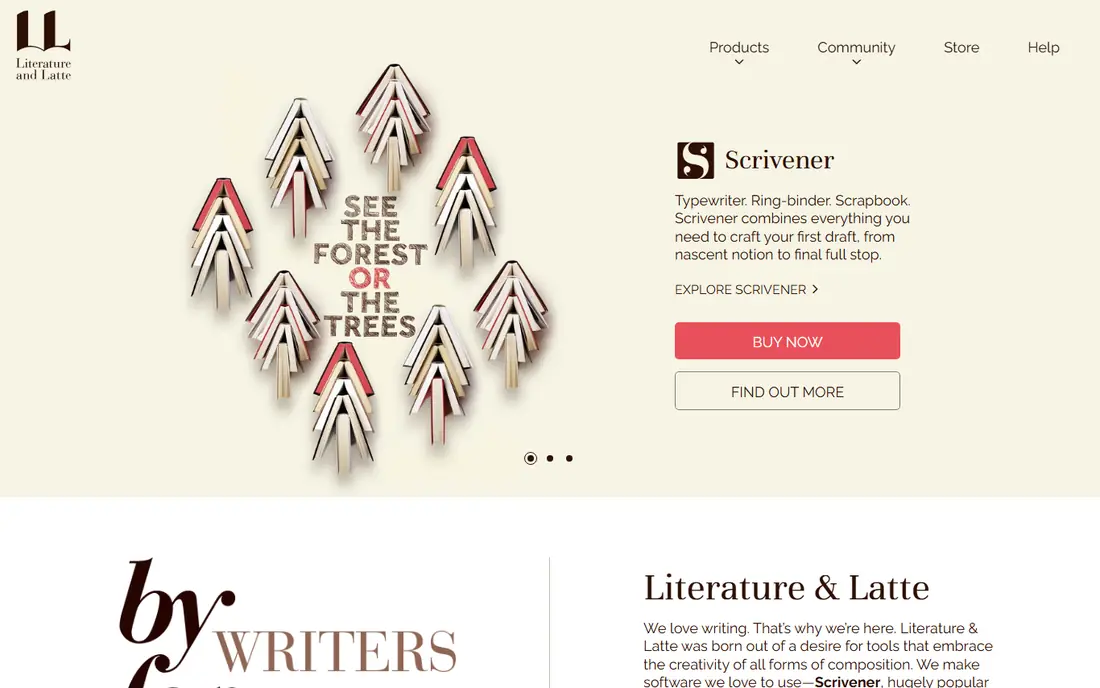
Scrivener is the standard tool for book-length writing, and it has earned that position over two decades. You break a manuscript into scenes and chapters in the binder, rearrange them on the corkboard, and keep research, notes and character sheets in the same project. Snapshots let you save a version of a scene before revising it, which is a lifesaver during edits.
The price is $59.99 per platform for Mac or Windows, with a bundle for both at $95.98 and a separate iOS app at $23.99. The 30-day trial counts only days you actually use the software, so it can stretch for months. Scrivener does not sync through its own cloud, so most users pair it with Dropbox. If you are writing a book, start here.
- Binder and corkboard organize long manuscripts
- One-time purchase, not a subscription
- 30 days of actual use in the trial
- Learning curve is real for new users
- Mac and Windows licenses are sold separately
- No built-in cloud sync
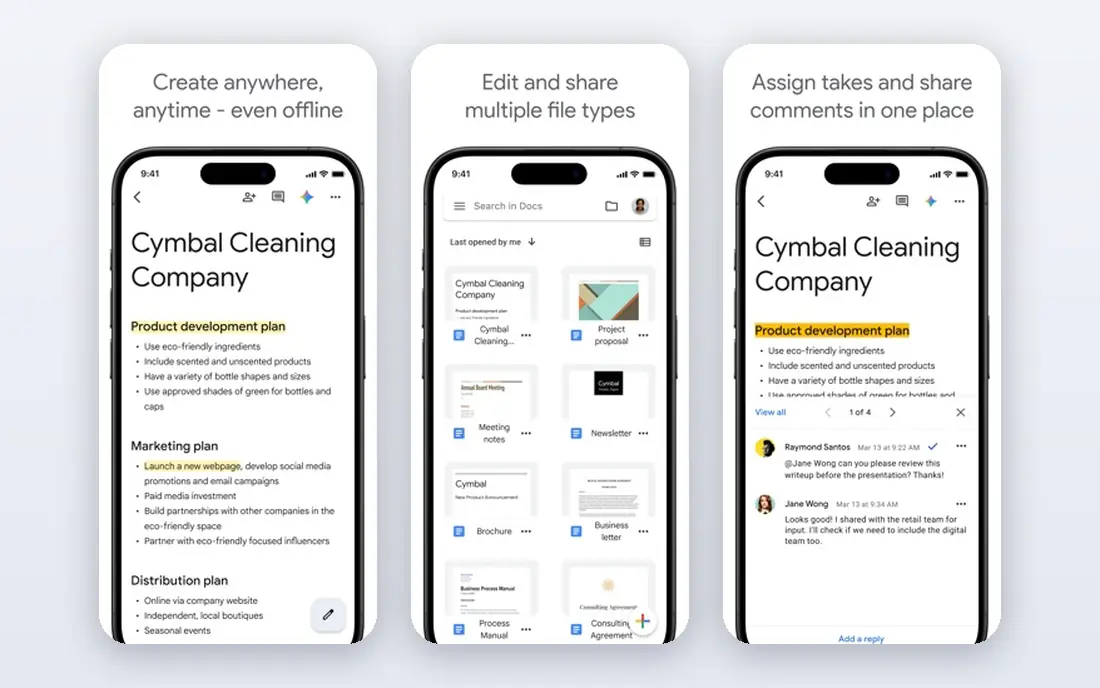
Google Docs is the tool most writers already use, and for short and medium-length work it is hard to beat. It is free, it autosaves, it keeps version history, and sharing a draft with an editor or beta reader takes one click. Comments and suggested edits make it the best collaboration tool on this list.
Its weakness is scale. A 100,000-word novel in a single document gets sluggish, and there is no built-in way to organize scenes or track a plot. For articles, essays, blog posts and early drafts, though, Docs is excellent, and it costs nothing. Many professional writers draft in Docs and move to Scrivener or Atticus only when a book gets complicated.
- Free with a Google account
- Real-time collaboration and comments
- Autosaves and version history
- Struggles with very long manuscripts
- No corkboard or scene organization
- Formatting for print publishing is limited
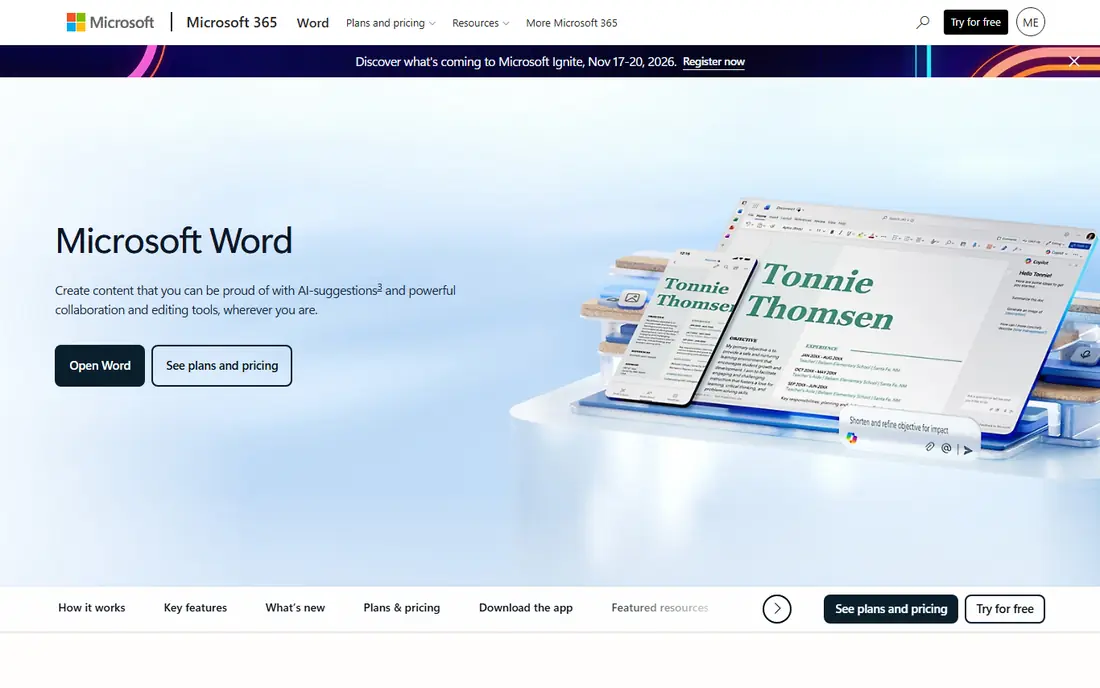
Microsoft Word remains the default format for professional publishing. Agents, editors and publishers expect .docx files, and Word's track changes and comments are the industry standard for editorial work. A Microsoft 365 Personal subscription costs $99.99 per year and includes Word, Excel, PowerPoint and 1 TB of cloud storage.
Word is not a book-planning tool. There is no corkboard, no plot grid and no scene management beyond headings and the navigation pane. But if you are submitting to agents or working with editors, you will need Word at some point, and its formatting and review tools are the most complete on this list. The free web version covers basic drafting if you do not want the subscription.
- The format agents and publishers expect
- Powerful styles and track changes
- Works offline on desktop
- Subscription pricing for Microsoft 365
- No scene or plot organization
- Heavy for very long manuscripts
Atticus is the best value in self-publishing software. For $147 once, with free updates, you get a writing environment with chapter management and goal tracking plus professional book formatting that exports EPUB and print-ready PDF files. Buying Scrivener and a separate formatting tool costs more than twice as much.
The trade is organization. Atticus has no corkboard or plot grid, so heavy planners often draft in Scrivener and format in Atticus, or draft in Atticus and accept its simpler structure. Collaboration also has a catch: people you invite to a project are asked to buy the app to join. For self-publishers who want to go from draft to a store-ready book in one tool, Atticus is the pick.
- Drafting and book formatting in one app
- One-time price with free updates
- Exports EPUB and print-ready PDF
- No plot grid or corkboard
- Collaboration requires collaborators to own the app
- Formatting controls are simpler than Vellum
Ulysses is the best writing app for people who write on Apple devices and want nothing in the way. Its plain-text editor is calm and focused, it syncs across Mac, iPad and iPhone through iCloud, and it publishes directly to WordPress, Medium and Ghost. The subscription costs $5.99 per month or $39.99 per year, with student pricing available.
The limits are platform and scope. There is no Windows or Android version, and there is no plotting or scene management beyond folders and keywords. Over three years, Ulysses costs about $120, versus $59.99 once for Scrivener, so the subscription is the real decision. If you write on Apple devices and value a clean page above all else, Ulysses is worth it.
- Clean, distraction-free writing environment
- Syncs across Mac, iPad and iPhone
- Publishes directly to WordPress and Medium
- Apple devices only
- Subscription pricing
- No corkboard or plotting tools
Dabble is built for novelists who think visually. Its Plot Grid shows scenes, chapters and storylines in a color-coded grid, so you can see where a subplot disappears for fifty pages. It works in the browser and on desktop, syncs across devices, and includes goal tracking and co-authoring. Plans start at $19 per month for the Writer tier, with Author at $29 and a $699 lifetime option.
The weakness is export. Dabble exports to Word and Markdown but not to EPUB or print-ready PDF, so most authors pair it with Atticus or Vellum for publishing. It also has no AI drafting, by stated policy. For a novelist who plans visually and wants a modern, cloud-based tool, Dabble is the strongest option in its category.
- Visual Plot Grid for tracking scenes and storylines
- Cloud sync across devices
- Goal tracking and NaNoWriMo tools
- Monthly pricing adds up
- No EPUB or print-ready export
- Formatting tools are basic
Plottr is a planning tool, not a drafting tool, and it is the best one for writers who outline before they write. Its visual timeline lets you map scenes, chapters and character arcs, and it includes templates for common story structures like the Hero's Journey and Save the Cat. Character and place profiles keep your worldbuilding in one place. Pricing starts at $60 per year, with a $150 lifetime option, and Pro at $99 per year adds more features.
Plottr exports to Word and Scrivener, so it fits into a workflow where you plan in Plottr and draft elsewhere. If you write by the seat of your pants, it will feel like overhead. If you outline, it is the clearest way to see a whole novel at a glance.
- Visual timeline and story structure templates
- Character and place profiles
- Exports to Word and Scrivener
- Not a full drafting tool
- Pro tier costs $99 per year
- Learning curve for the timeline view
Novlr is a straightforward, browser-based writing app for novelists who want Scrivener-style organization without Scrivener's learning curve. It organizes chapters and scenes, tracks word counts and goals, and works from any device with a browser. Pricing is $10 per month or $100 per year, with a free tier for trying it out.
It does not try to do everything. There is no plot grid, no worldbuilding database and no book formatting. For a writer who wants a simple cloud tool for drafting a novel, Novlr is a good middle ground between Google Docs and the heavier novel apps. For a writer who needs deep planning or publishing features, look at Plottr or Atticus instead.
- Clean, browser-based writing
- Chapter and scene organization
- Affordable compared with Dabble
- Smaller feature set than Scrivener or Dabble
- No plotting grid
- Limited export options
Reedsy Studio is the best free tool for writing a book from start to finish. It is free, it organizes chapters, it tracks goals, and it formats your manuscript into EPUB and print-ready PDF files at no charge. For a first-time author on a budget, that combination is hard to beat.
The free tier has limits, including one outlining board, and the feature set is smaller than Scrivener's. It also needs an internet connection, since it is a web app. Still, if you want to write and format a book without spending anything, Reedsy Studio is the place to start, and many authors never need more.
- Free to use
- Formats books to EPUB and PDF
- Simple chapter organization and goal tracking
- One board for outlining on the free tier
- Fewer features than Scrivener
- Requires an internet connection
How we picked these
We compared official pricing pages, feature lists and export options, and we chose tools that cover the full workflow: drafting, organizing, editing and formatting. We included free options, one-time purchases and subscriptions, and we noted the long-term cost of subscriptions where it changes the decision. We left out pure editing tools like ProWritingAid and pure formatting tools like Vellum, since this list is about writing software, though both pair well with the apps here.
Which tool fits your project
For a book, start with Scrivener if you want power, Atticus if you want drafting plus formatting, or Reedsy Studio if you want free. For articles and collaboration, Google Docs or Word is the practical choice. For planning, add Plottr. For a clean writing page on Apple devices, try Ulysses. And if you are not sure, use the free trials: Scrivener's 30 days of use, Dabble's 14 days and Ulysses's trial will tell you more than any review.
Frequently asked questions
What is the best software for writing a book?
Scrivener is the most popular choice for book-length projects, thanks to its binder and corkboard. Atticus is better if you also want to format the book yourself, and Reedsy Studio is the best free option for drafting and formatting a book.
What is the best free writing software?
Google Docs is the best free general writing tool, and Reedsy Studio is the best free tool built specifically for books. Both offer real drafting and export features at no cost.
Is Scrivener worth it in 2026?
Yes, for most book writers. At $59.99 once, it costs less over three years than subscription apps like Ulysses or Dabble, and its organization tools are the most complete for long manuscripts.
Can I write a book in Google Docs?
Yes, and many writers do. Docs works well for shorter books and early drafts, but very long manuscripts can become slow, and there is no scene or plot organization built in.
What writing software do professional authors use?
Scrivener is the most common, followed by Word for submissions and editing. Self-published authors often add Atticus or Vellum for formatting, and many use Google Docs for collaboration with editors.
Do I need separate software for formatting a book?
Not necessarily. Atticus and Reedsy Studio both format books for ebook and print. If you draft in Scrivener, Dabble or Google Docs, you will need a formatting step, either in one of those tools or through a service.
Sources we checked (9)

Online Jobs is an independent blog about careers, online work, learning new skills and the tools that help people earn. More about us.
Keep reading
All posts
Best Weather Apps
Searching for the best weather app? We compared eight top weather apps for accurate forecasts, radar, severe alerts, and daily planning near you today.

Best Video Editing Software
We compared the best video editing software for beginners and pros, checking official pricing, free plans and honest limits before ranking all nine editors.
Best Translation App
Searching for the best translation app? We compare 8 free and paid translation apps and tools for travel, work, and study, with prices and honest limits.