Best Workflow Automation Tools in 2026: 9 Tools Compared

How we put this together: we compare official feature and pricing pages, app store listings, privacy policies and public user reviews. Prices change, so check the provider's site before you pay.
Key takeaways
- Zapier suits most users with the largest app library and the easiest setup.
- Make suits visual builders who want complex, multi-step workflows at a lower price.
- n8n suits technical users who want self-hosting, code access, and no per-task pricing trap.
- Power Automate suits Microsoft shops, tying automation into Office, Teams, and Dynamics.
- The best tool follows workflow complexity: simple links need IFTTT, business processes need Zapier or Make, and enterprise flows need Workato or Tray.
Quick comparison
| Name | Who it suits | Starting price | Free option | |
|---|---|---|---|---|
 Zapier Zapier | Largest app library | $19.99 per month | Yes | Visit |
 Make Make | Visual complex workflows | $9 per month | Yes | Visit |
 n8n n8n | Self-hosted automation | Free | Yes | Visit |
 Microsoft Power Automate Microsoft Power Automate | Microsoft ecosystem | See website | Free trial | Visit |
 IFTTT IFTTT | Simple personal automation | See website | Yes | Visit |
 Workato Workato | Enterprise automation | See website | No | Visit |
 Integrately Integrately | Budget automation | See website | Yes | Visit |
 Pabbly Connect Pabbly Connect | One-time pricing option | See website | Free trial | Visit |
 Tray.io Tray.io | Enterprise integration | See website | No | Visit |
The best workflow automation tools
Workflow automation tools connect apps so work moves itself: a form submission creates a CRM lead, a sale posts to Slack, an invoice files itself. The options below range from simple personal tools to enterprise platforms. We compared official pricing pages, feature lists, and documentation to sort them by complexity and budget.
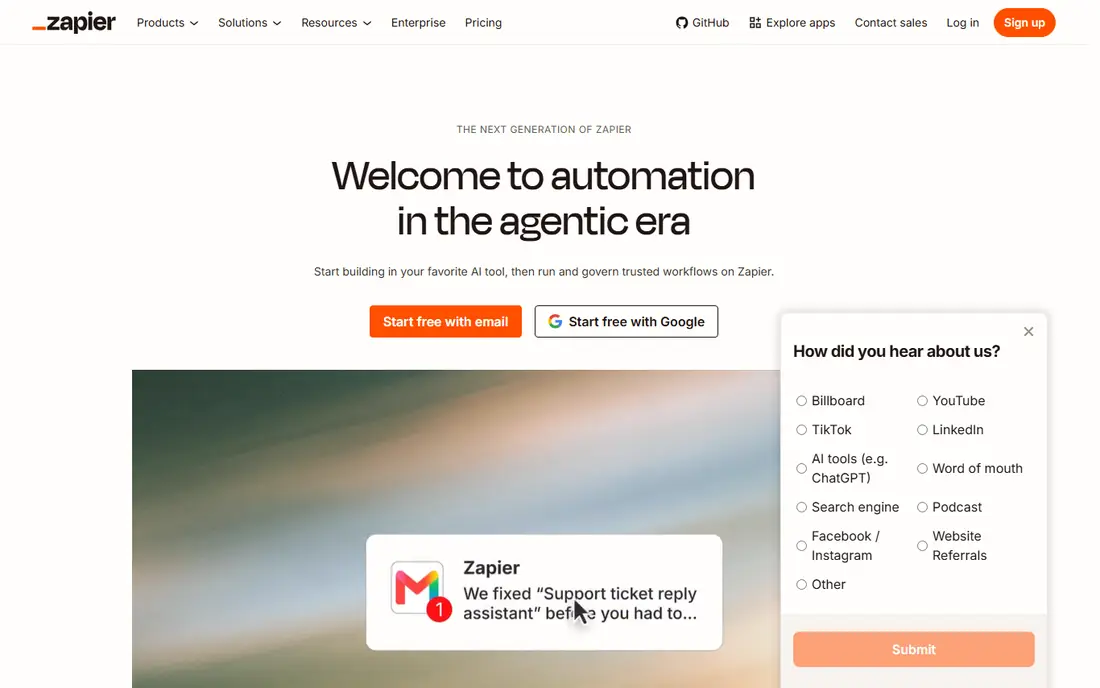
Zapier is the default workflow automation tool for most users. It connects thousands of apps through Zaps, with templates for common flows like form to CRM or sale to Slack, and AI features that help build workflows from descriptions. A free tier covers light use, with paid plans from 19.99 dollars per month.
Costs scale with task volume, so heavy workflows get expensive, and complex logic sits in higher tiers. For a team or solo user who wants the widest app coverage with the least setup, Zapier remains the safest choice.
- Largest app library
- Easiest setup
- Strong templates and AI features
- Costs scale with tasks
- Complex logic needs higher tiers
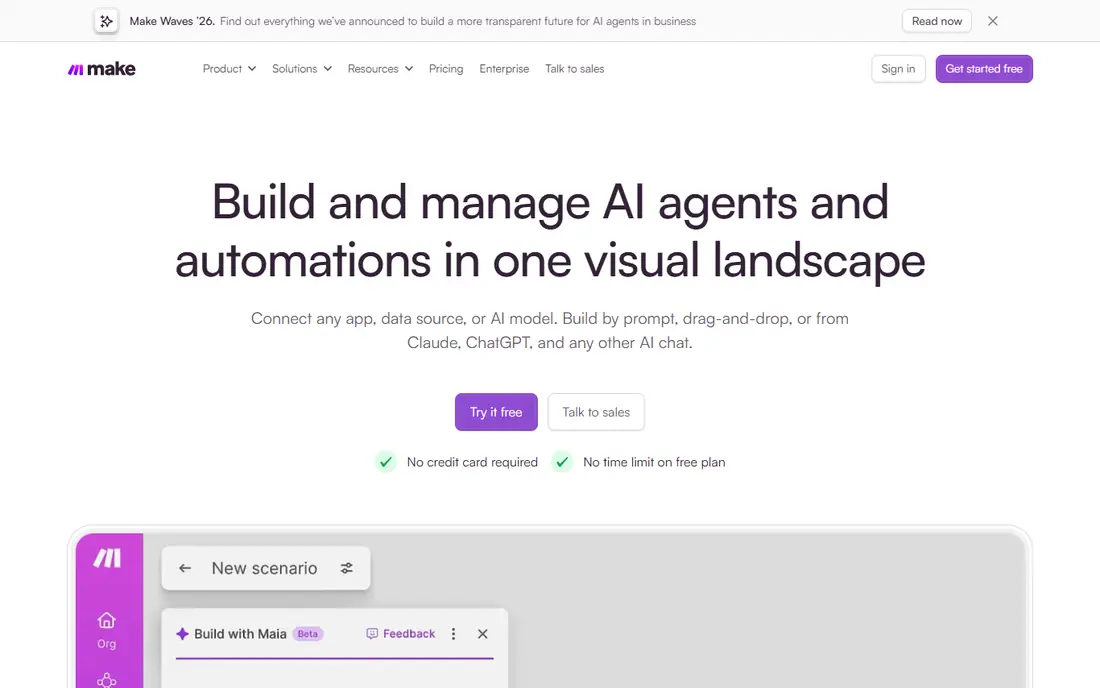
Make, formerly Integromat, offers a visual builder where workflows appear as branching diagrams, making complex multi-step flows easier to follow than Zapier's linear lists. Its Core plan costs 9 dollars per month, with a free tier for light use, and its operations-based pricing often works out cheaper than Zapier for heavy flows.
The learning curve is steeper, and the app library is smaller than Zapier's. For a user building complex workflows who wants visual clarity and lower costs, Make is the strongest alternative to Zapier.
- Visual builder for complex flows
- Generous operations
- Lower price than Zapier
- Learning curve steeper than Zapier
- Smaller app library
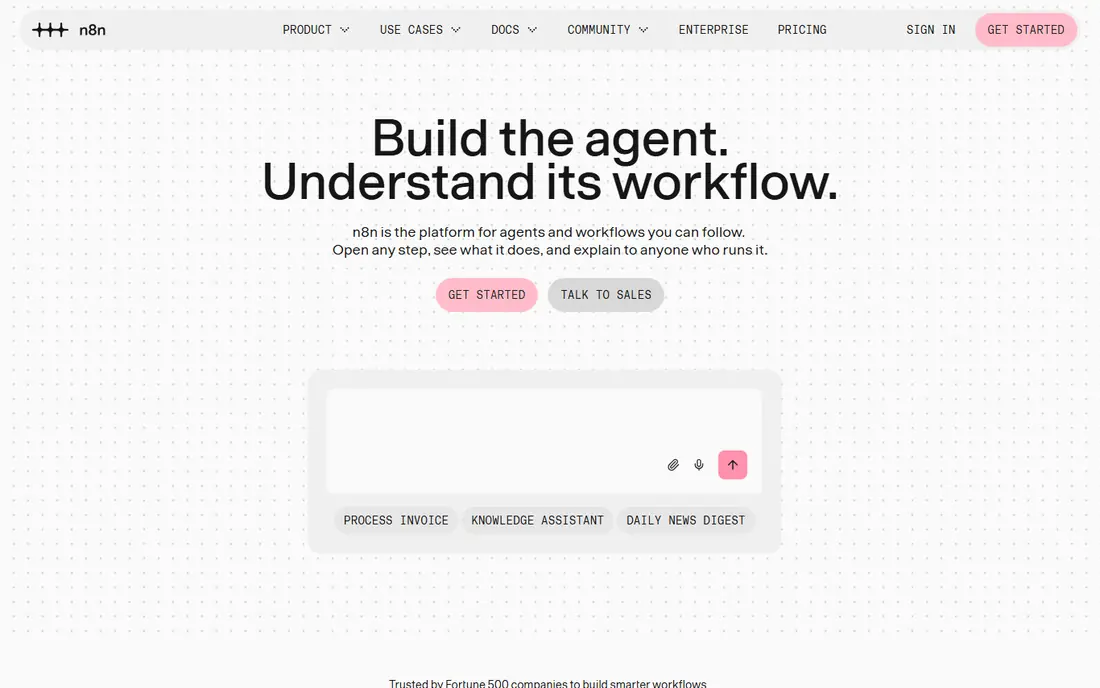
n8n is a fair-code workflow automation tool that technical users can self-host free, with code nodes for JavaScript and Python alongside visual building. Its community is active, its node library grows steadily, and self-hosting avoids per-task pricing traps. Cloud plans are listed on n8n's site for users who prefer hosted service.
Self-hosting needs technical skill for setup, updates, and security. For a developer or technical team that wants automation without vendor lock-in or task-metered bills, n8n is the best option.
- Free self-hosting
- Code nodes for developers
- Fair-code license
- Strong community
- Self-hosting needs technical skill
- Cloud plans cost extra
Microsoft Power Automate ties automation into Microsoft 365, Teams, SharePoint, and Dynamics, with desktop flows for legacy apps that lack APIs. Enterprise governance, approvals, and audit trails suit larger organizations, and a free trial covers evaluation, with pricing listed on Microsoft's site.
Value drops outside the Microsoft ecosystem, and the interface can feel complex for simple flows. For a Microsoft shop automating approvals, document flows, and Teams notifications, Power Automate is the natural choice.
- Deep Microsoft 365 and Dynamics integration
- Desktop automation
- Enterprise governance
- Best inside Microsoft
- Interface can feel complex
IFTTT, short for If This Then That, offers the simplest automation for personal use, connecting smart home devices, social apps, and personal services through applets. A free tier covers basic use, with paid plans listed on IFTTT's site for more applets and faster checks.
Business workflows outgrow it quickly, and free tier limits apply. For a person automating home devices, social posts, and personal reminders, IFTTT's simplicity beats every business tool here.
- Simplest automation for personal use
- Smart home strengths
- Easy applets
- Limited for business workflows
- Free tier limits apply
Workato serves enterprises with integration and automation recipes for business processes across CRM, ERP, HR, and finance systems. Its governance, security, and audit features suit large organizations, with a recipe library for common enterprise flows. Pricing is listed on Workato's site.
Enterprise pricing puts it beyond small teams. For a large company automating processes across core business systems, Workato's governance and depth justify its cost.
- Enterprise integration and automation
- Strong governance
- Recipes for business processes
- Enterprise pricing
- Overkill for small teams
Integrately offers budget-friendly automation with one-click automations for common app pairs, covering a solid app library at prices below Zapier. A free tier covers light use, with paid plans listed on Integrately's site. Its simplicity suits small businesses that want automation without Zapier's cost.
The community is smaller than Zapier's, and complex flows feel less polished than Make's. For a small business that wants affordable automation for standard app pairs, Integrately is the best-value option.
- Affordable plans
- One-click automations
- Good app coverage for the price
- Smaller community than Zapier
- Complex flows less polished
Pabbly Connect offers workflow automation with lifetime deal options, appealing to users who dislike monthly subscriptions. Its plans cover unlimited workflows on some tiers, and it suits agencies managing client automations. A free trial covers evaluation, with pricing listed on Pabbly's site.
The app library is smaller than Zapier's, and the interface feels less polished. For a user who wants automation without an endless subscription, Pabbly's lifetime options are unique on this list.
- Lifetime deal options
- Unlimited workflows on some plans
- Good for agencies
- Smaller app library than Zapier
- Interface less polished
Tray.io is an enterprise integration platform with a visual builder for connecting apps, data, and APIs at scale. It suits IT and operations teams building integrations across business systems, with governance and monitoring for production workflows. Pricing is listed on Tray's site.
Enterprise pricing and a learning curve put it beyond casual users. For an organization that needs a general integration platform rather than a simple automation tool, Tray's power and flexibility stand out.
- Powerful enterprise integration platform
- Visual builder
- Strong for IT and operations teams
- Enterprise pricing
- Learning curve for non-technical users
How we picked these
We compared official pricing pages, feature lists, and documentation for workflow automation tools that operate today. We favored tools with real app integrations and working automation, and we included personal, small-business, and enterprise options rather than only one size. Prices are the standard published rates from each vendor's own site, and where pricing is quote-based we say so rather than guessing.
What to check before you choose
Start with the apps you need to connect. Zapier covers the most, Make covers most at a lower price, and Power Automate covers Microsoft best. If your key app is missing from a tool's library, no other feature compensates.
Count tasks or operations honestly
Zapier charges per task and Make per operation, so estimate monthly volume before choosing. A workflow that runs hundreds of times a day costs far more than one that runs weekly. Free tiers suit testing, not production volume, so budget for the paid tier you will actually need.
Test error handling early
Workflows fail when apps change, APIs break, or data arrives malformed. Test each tool's error alerts, retry options, and run history with a deliberately broken input before committing. A tool that fails silently costs more than one that fails loudly.
Start with one painful workflow
Automate the single most repetitive task first, measure time saved, then expand. Teams that automate ten workflows at once often build fragile systems nobody maintains. One working workflow proves value and teaches the tool.
Frequently asked questions
What is the best workflow automation tool?
Zapier is our pick for most users, with the largest app library and easiest setup. Make suits complex visual workflows at a lower price, n8n suits technical self-hosting, and Power Automate suits Microsoft shops. The best tool follows app coverage, complexity, and budget.
What is the best free workflow automation tool?
Zapier, Make, IFTTT, and Integrately all offer free tiers, while n8n is free when self-hosted. Free tiers suit light personal use and testing, with limits on tasks, operations, or applets. For ongoing free automation, n8n self-hosted offers the most power without a subscription.
Is Zapier or Make better?
Zapier offers a larger app library and easier setup, while Make offers a visual builder, complex branching, and lower pricing for heavy flows. Choose Zapier for breadth and simplicity, and Make for complex workflows and cost efficiency at volume.
What is workflow automation?
Workflow automation connects apps so tasks happen without manual work, like a form submission creating a CRM lead or a sale posting to Slack. Tools use triggers and actions to move data between apps, saving time and reducing copy errors. The right tool depends on which apps you connect and how complex the flow is.
Can workflow automation replace manual data entry?
For structured, repetitive transfers between apps, yes, automation replaces most manual data entry and reduces errors. Unstructured or judgment-heavy tasks still need human review, so design workflows with checks and approvals where accuracy matters.
How much do workflow automation tools cost?
Zapier paid plans start at 19.99 dollars per month, Make Core costs 9 dollars per month, and n8n is free when self-hosted. IFTTT and Integrately offer free tiers with paid upgrades, while Workato and Tray are enterprise-priced. Costs scale with task or operation volume, so estimate usage first.
Sources we checked (9)

Online Jobs is an independent blog about careers, online work, learning new skills and the tools that help people earn. More about us.
Keep reading
All posts
Zoom Alternatives
Zoom alternatives compared for 2026: Google Meet, Microsoft Teams, Webex, Jitsi and more for free calls, large meetings and webinars for teams and classrooms.

What Is the Best Free Tool to Rotate a PDF
What is the best free tool to rotate a PDF? We compare eight free rotation tools on per-page control, limits, privacy and saved output quality in detail.

What Is the Best AI Dubbing Tool
We compared the best AI dubbing tools in 2026, from ElevenLabs and HeyGen to Rask AI, Dubverse and Veed, for videos and creators in many languages worldwide.