Best Work Schedule App in 2026: 8 Apps Compared

How we put this together: we compare official feature and pricing pages, app store listings, privacy policies and public user reviews. Prices change, so check the provider's site before you pay.
Key takeaways
- Homebase is our pick for small single location teams because its basic plan is free for up to 10 employees.
- Deputy suits growing and multi location teams that need compliance tools and forecasting.
- When I Work is the simplest paid option for managers who want scheduling live quickly.
- 7shifts is the restaurant specialist, while Sling and ZoomShift offer strong free plans for budget teams.
Quick comparison
| Name | Who it suits | Starting price | Free option | |
|---|---|---|---|---|
 Homebase | Small single location teams | Free | Yes | Visit |
 Deputy | Growing and multi location teams | $5 per user per month | Free trial | Visit |
 When I Work | Simple multi location scheduling | $2.50 per user per month | Free trial | Visit |
 7shifts | Restaurants and bars | See website | Yes | Visit |
 Connecteam | Deskless and field teams | See website | Yes | Visit |
 Sling | Budget teams with messaging | Free | Yes | Visit |
 ZoomShift | Small hourly teams | See website | Yes | Visit |
 Findmyshift | Flat rate team scheduling | See website | Yes | Visit |
The best work schedule apps
A work schedule app should do three things well: build a roster fast, let staff swap shifts without chaos, and turn hours into a clean timesheet. We compared official pricing and feature pages for the apps below, and we focused on free limits, time clock options, shift swaps, and payroll links. Prices are starting prices only, and per user pricing can rise fast as a team grows, so check the total monthly cost for your headcount, not just the headline rate.
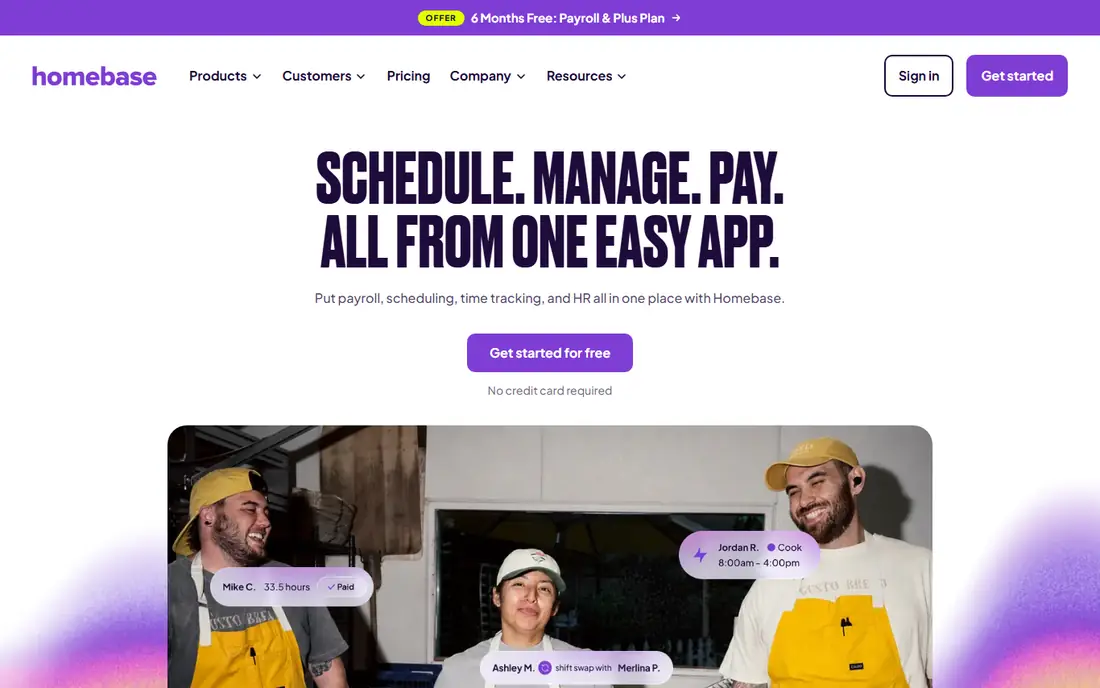
Homebase is the easiest starting point for a small shop, cafe, or clinic with hourly staff. The free basic plan covers scheduling, time tracking, and messaging for up to 10 employees at one location, which is enough for many single site teams. Paid plans add hiring, onboarding, and payroll, so a team can grow inside one system instead of adding a new tool each year.
The free limit is the main catch. Once you pass 10 employees or add a second location, you move to a paid per location plan. That model still suits teams with many staff at few sites, but it is less attractive for many small sites. For a single location team starting out, Homebase is our pick because you can run a real roster for free and upgrade only when you outgrow it.
- Free basic plan for up to 10 employees at one location
- Scheduling plus time clock
- Hiring and payroll add ons
- Free plan stops at 10 employees
- Paid plans are per location, so multi site costs add up
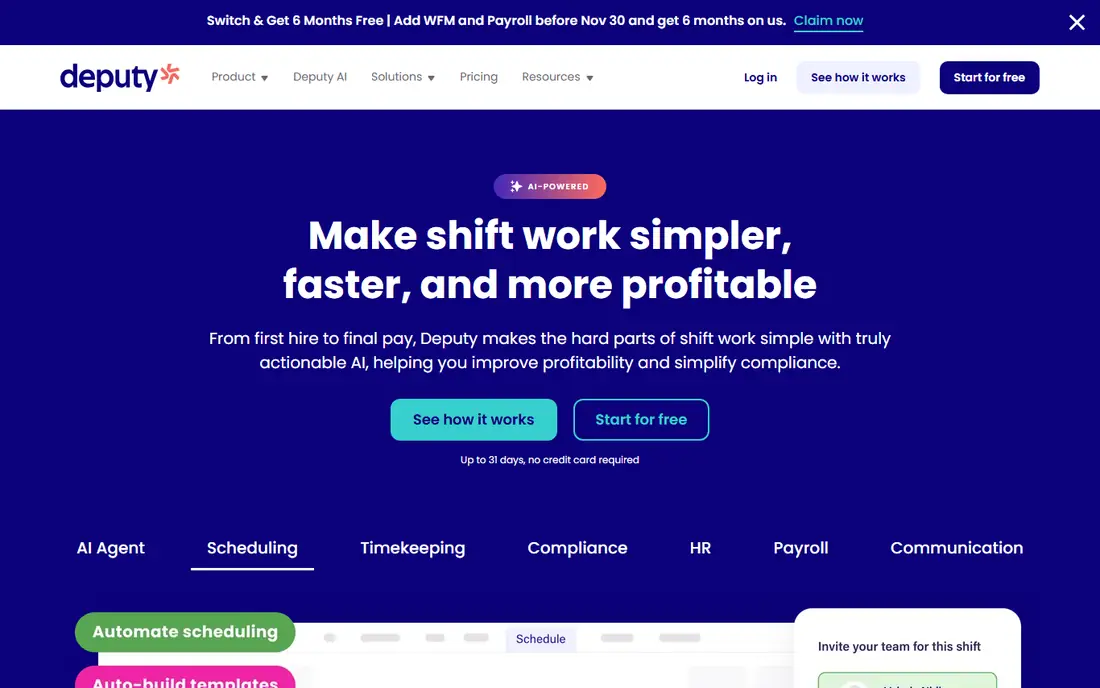
Deputy suits teams that have outgrown a simple roster and need rules built in. It handles scheduling, time clock, timesheets, shift swaps, and messaging, and it adds compliance checks and forecasting on higher plans. That helps managers avoid overtime surprises, missed breaks, and understaffed shifts during busy periods.
Deputy has no free plan, only a trial, and its Lite plan starts at 5 dollars per user per month with a monthly minimum spend. A very small team may therefore pay more than the per user headline suggests. For a growing or multi location team that needs compliance and forecasting, Deputy is worth the cost. For a tiny team, a free plan elsewhere is better.
- Scheduling with compliance tools
- Time clock and timesheets
- Demand forecasting on higher plans
- No free plan, trial only
- Monthly minimum spend applies
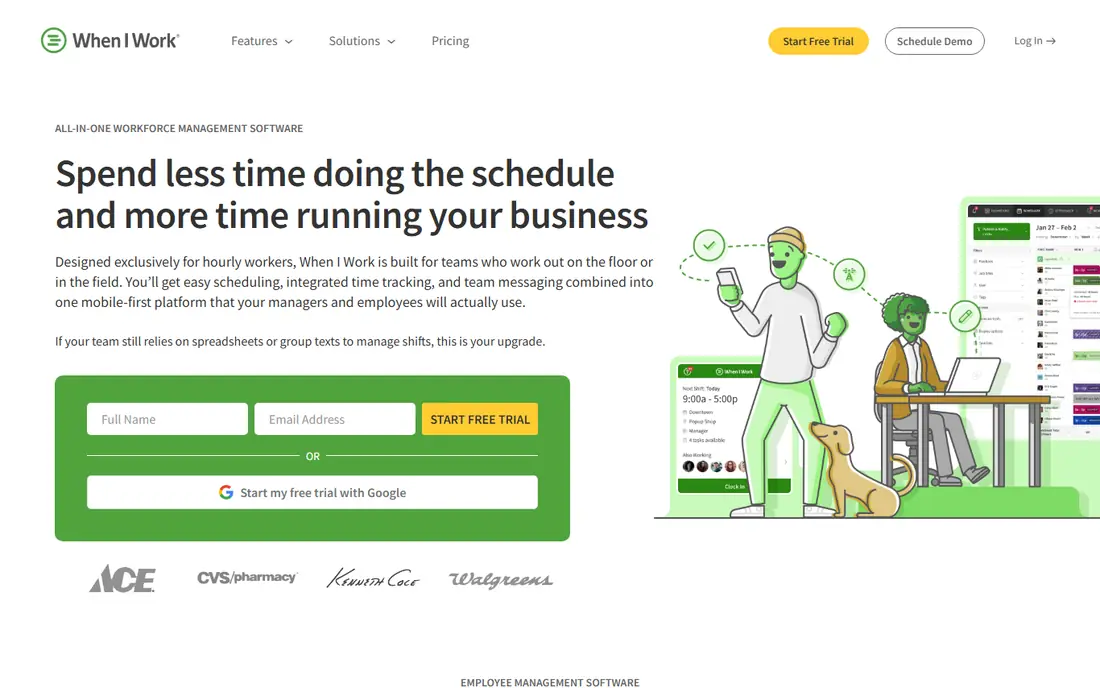
When I Work is built for managers who want a roster live this afternoon, not after a long setup. Scheduling is drag and drop, staff can request swaps in the app, and messaging keeps shift changes in one place. The starting price of 2.50 dollars per user per month is low, which helps small and mid sized hourly teams.
The trade off is depth. Forecasting, compliance, and reporting are lighter than Deputy, and time tracking is an add on in some plans. If your main need is a clear, simple schedule that staff will actually use, When I Work is a strong choice. If you need complex labor rules, look at Deputy or 7shifts first.
- Simple drag and drop scheduling
- Shift swaps and messaging
- Low per user starting price
- No free plan, trial only
- Forecasting and reporting are lighter than Deputy
7shifts is the restaurant specialist in this list, and that focus shows in its features. It covers scheduling, team communication, tip pooling, labor cost tracking, and compliance tools that matter in hospitality. It also offers its own payroll product, so a restaurant can move from roster to pay in one system.
The free plan covers basic scheduling and communication for one location, which is useful for a single restaurant trying the tool. Paid plans are per location, and employee caps apply on lower tiers, so check the tier that fits your headcount. For restaurants and bars, 7shifts is our pick. For a general hourly team, Homebase or Deputy will fit better.
- Built for restaurants
- Tip pooling and labor tools
- Scheduling, messaging, and payroll options
- Restaurant focus means less fit for other industries
- Employee caps apply on lower tiers
Connecteam suits deskless teams, such as field crews, cleaners, security staff, and retail teams, who need more than a roster. It combines scheduling, time clock with GPS, team chat, forms, and basic HR tools in one app, so staff do not need several apps to do their job. The free plan covers small teams, which makes it easy to test with a real crew.
Pricing depends on the hub and number of users, so check the Connecteam pricing page for your team size. Advanced integrations and automation sit on higher plans, which can raise the cost for larger teams. For a deskless team that wants scheduling plus communication in one place, Connecteam is a strong all in one choice.
- Scheduling plus communication and HR tools
- GPS time clock
- Free plan for small teams
- Pricing varies by hub and headcount
- Advanced integrations need higher plans
Sling is a budget friendly option for teams that mainly need a roster and a way to message staff. Its free plan covers scheduling essentials for a larger headcount than Homebase, which helps teams of 15 to 25 people stay free. Shift swaps and availability requests are built in, so managers spend less time on phone calls about cover.
The catch is the time clock, which is not included on the free plan, and reporting is lighter than Deputy or Homebase paid plans. If you already track hours elsewhere, or if you mainly need scheduling and messaging, Sling is excellent value. If you need clock in data to feed payroll, check the paid plan cost first.
- Free scheduling for up to 30 users in many cases
- Team messaging built in
- Simple shift swaps
- Time clock is paid only
- Reporting is lighter than paid rivals
ZoomShift is a simple scheduling tool for small hourly teams that want a clean roster without a long setup. The free plan covers a small team at one location, and the paid starter plan adds a time clock and more scheduling range. Staff can view shifts, request swaps, and get reminders in the app.
The free plan limits forward scheduling, so managers who plan a month ahead will need a paid plan. ZoomShift also lacks the HR and payroll depth of Homebase or Connecteam. For a small team that wants a simple, low cost roster, ZoomShift is a good fit. For a larger team, compare its paid cost with When I Work and Deputy.
- Free plan for small teams
- Time clock on paid starter plan
- Simple scheduling and swaps
- Free plan limits how far ahead you can schedule
- Features are simpler than larger tools
Findmyshift suits teams that want predictable pricing. Instead of charging per user, it charges a flat rate per team, which can save money as headcount grows. The free plan covers a small team and includes a time clock, which is unusual for a free scheduling tool.
The starter paid plan allows only one manager, so teams with several managers need a higher tier. The interface is functional rather than polished, and integrations are fewer than Deputy or Connecteam. If flat pricing and a free time clock matter more than polish, Findmyshift is worth a trial.
- Flat rate pricing per team, not per user
- Free plan for small teams
- Time clock included
- Starter plan allows only one manager
- Interface is simpler than larger rivals
How we picked these
We compared official pricing and feature pages for work schedule apps available in October 2026, and we checked that each official homepage matches the product named. We favored apps with a real free plan or trial, shift swap tools, a time clock option, and mobile apps for staff. We left out appointment booking tools and general calendars, since shift work needs roster, availability, and timesheet features that those tools do not provide.
What to check before you choose a schedule app
Count your staff at each location, not just total headcount, because per location pricing and per user pricing behave very differently as you grow. A per user tool can be cheap for 10 staff and costly for 50, while a per location tool can be cheap for a large single site and costly for many small sites. Model the monthly cost at your current size and at the size you expect in a year.
Check the free plan limits carefully. Some free plans cap headcount, some omit the time clock, and some limit how far ahead you can schedule. Also check shift swap rules, overtime alerts, and payroll exports, since those features save manager time every week. Finally, test the staff app with a few real employees before you roll it out, because a schedule tool only works if staff check it and trust it.
A short rollout checklist
Import staff, roles, and availability first, then build one real week of shifts and ask staff to swap and confirm in the app. Check that hours flow to a timesheet correctly, and that managers can approve overtime and time off without spreadsheets. If any step needs a workaround in week one, it will need the same workaround every week.
Frequently asked questions
What is the best app for work schedule?
Homebase is the best choice for small single location teams because its basic plan is free for up to 10 employees. Deputy suits larger teams, When I Work suits simple multi location teams, and 7shifts suits restaurants.
What are the best work schedule apps for shift work?
Homebase, Deputy, When I Work, 7shifts, Connecteam, Sling, ZoomShift, and Findmyshift all support shift work, with roster building, availability, and shift swaps. The best fit depends on industry, headcount, and whether you need a time clock or payroll link.
Is there a free work schedule app?
Yes. Homebase is free for up to 10 employees at one location, Sling offers free scheduling for larger small teams, and Connecteam, 7shifts, ZoomShift, and Findmyshift offer free plans with limits. Check headcount caps and time clock rules, since free plans differ.
What is the best shift work app for restaurants?
7shifts is the best shift work app for restaurants and bars, because it adds tip pooling, labor cost tools, and hospitality compliance features to scheduling. Homebase and Deputy also work for restaurants, but 7shifts is built for that industry.
Can staff swap shifts in these apps?
Yes, all the apps in this list support shift swaps or shift trades in some form, usually with manager approval. Check whether swaps need approval, whether availability rules apply, and whether swapped hours update the timesheet automatically.
Do work schedule apps include time tracking?
Many do, but not on every plan. Homebase, Deputy, Connecteam, and Findmyshift include a time clock on their free or entry plans in many cases, while Sling and When I Work may require a paid plan or add on. Confirm time clock inclusion before you choose a free plan for payroll use.
Sources we checked (8)

Online Jobs is an independent blog about careers, online work, learning new skills and the tools that help people earn. More about us.
Keep reading
All posts
Zoom Alternatives
Zoom alternatives compared for 2026: Google Meet, Microsoft Teams, Webex, Jitsi and more for free calls, large meetings and webinars for teams and classrooms.

Which Software Is Best for PDF Page Removal
Which software is best for PDF page removal? We compare free and paid tools for deleting pages quickly, safely, and without harming your file in this guide.

Which Software Is Best for Data Entry
Compare the best data entry software for forms, OCR scanning, and spreadsheets, with free plans, pricing, and honest limits for each tool before you commit.