8 Best Work Order Software in 2026: 8 Tools Compared

How we put this together: we compare official feature and pricing pages, app store listings, privacy policies and public user reviews. Prices change, so check the provider's site before you pay.
Key takeaways
- MaintainX and UpKeep suit maintenance teams that need mobile work orders and asset history.
- Jobber and Housecall Pro suit field service firms that also need scheduling, quotes, and invoicing.
- Fiix and Limble suit larger operations that want asset tracking and preventive maintenance planning.
- Most tools offer a free trial, but free plans are limited, so check user limits before you commit.
- The best work order system app depends on team size, field work, and whether you need billing in the same tool.
Quick comparison
| Name | Who it suits | Starting price | Free option | |
|---|---|---|---|---|
 MaintainX | Mobile maintenance work orders | See website | Free trial | Visit |
 UpKeep | Maintenance and asset tracking | See website | Free trial | Visit |
 Fiix | Asset and maintenance management | See website | Free trial | Visit |
 Limble | Preventive maintenance planning | See website | Free trial | Visit |
 Jobber | Field service scheduling and billing | See website | Free trial | Visit |
 Housecall Pro | Home service jobs and payments | See website | Free trial | Visit |
 ServiceTitan | Large field service operations | See website | No | Visit |
 eMaint | Enterprise maintenance management | See website | Free trial | Visit |
The best work order software
Work order software turns a request into a job that someone can actually do: it records the problem, assigns a technician, tracks parts and time, and closes the loop when the work is done. The tools below cover maintenance teams, field service firms, and larger operations, but they differ in how much they handle beyond the work order itself.
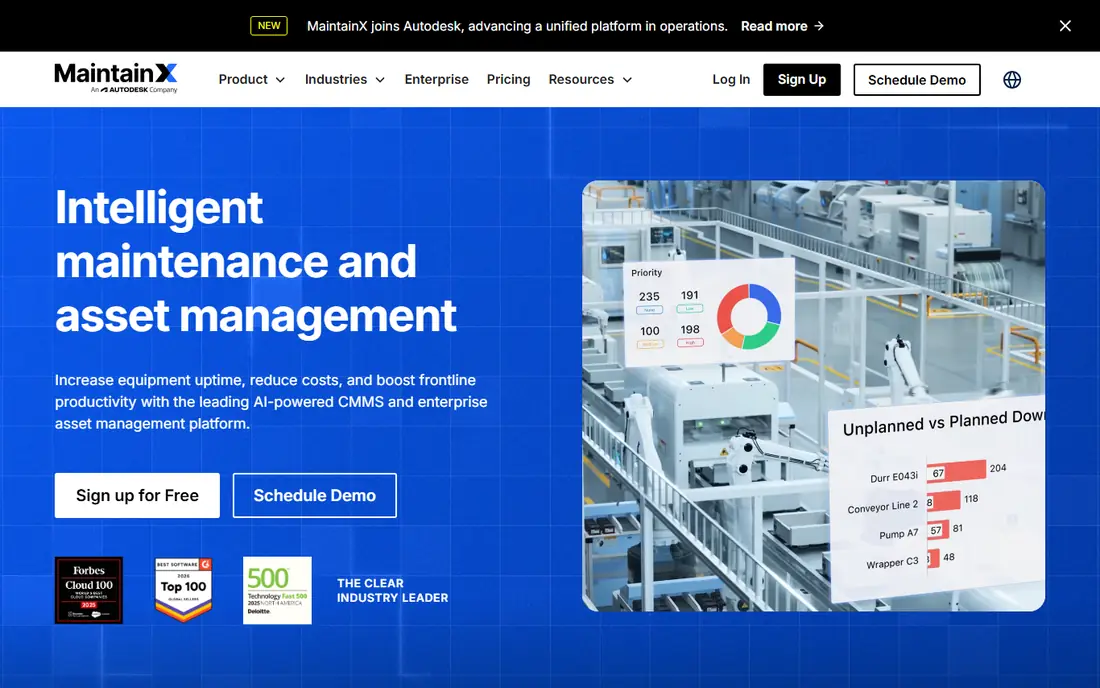
MaintainX suits maintenance teams that work from phones and tablets. Technicians can receive a work order, follow a checklist, add photos, and update status without returning to a desk. Managers can see open jobs, overdue work, and asset history in one place.
The free tier covers basic use, but teams that need deeper reporting or integrations will need a paid plan. For small to mid-size maintenance teams that want a simple mobile start, MaintainX is our pick for most teams.
- Mobile-first work orders
- Asset history and checklists
- Messaging inside work orders
- Advanced reporting sits on higher plans
- Setup takes time for large asset lists
UpKeep covers the full maintenance cycle, from a request to a completed job with parts used and time logged. Asset records link to past work orders, so a technician can see what was fixed before and what parts were used. Preventive schedules help teams move from reactive fixes to planned work.
UpKeep works best when a team commits to keeping asset data current. If asset lists are messy, early setup will take effort. Once set up, it gives managers a clear view of costs, downtime, and repeat problems.
- Work orders, assets, and parts in one system
- Mobile app for technicians
- Preventive maintenance scheduling
- Pricing varies by plan and users
- Some features need onboarding help
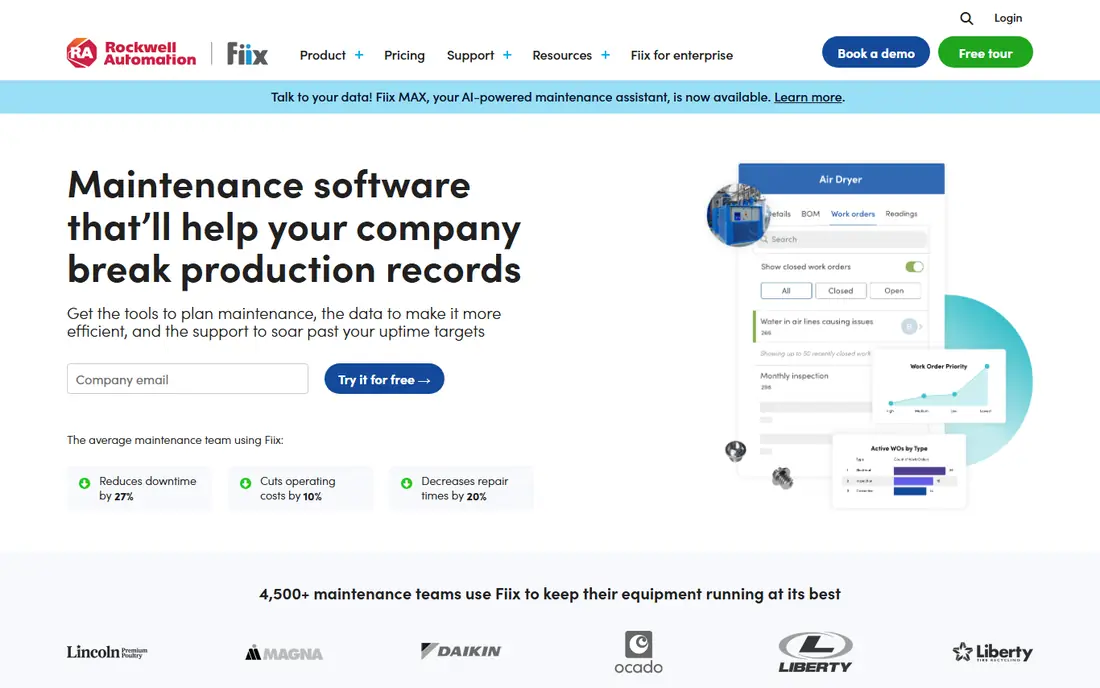
Fiix, from Rockwell Automation, suits teams that manage many assets across sites. Work orders link to assets, locations, and parts, and preventive maintenance schedules run from meter readings or dates. That structure helps larger teams keep records consistent.
Small teams may find Fiix more than they need, and the learning curve is steeper than a simple mobile app. For operations with compliance records, multiple sites, or large asset lists, that depth is the point.
- Strong asset and work order tracking
- Preventive maintenance tools
- Integrations with common business systems
- Interface can feel deep for small teams
- Pricing needs a quote for larger plans
Limble focuses on making preventive maintenance easy to run. Teams can set recurring jobs, assign work, track parts, and see upcoming tasks on a calendar. The interface is clearer than many older maintenance systems, which helps adoption among technicians.
Limble is a good middle ground between a simple work order app and a full enterprise system. Check the plan details if you need advanced reporting or integrations, since those may sit above the starter tier.
- Clear work order and preventive maintenance tools
- Asset tracking
- Mobile access for technicians
- Some advanced features sit on higher tiers
- Reporting depth varies by plan
Jobber suits field service firms that need more than a work order: scheduling, quotes, client communication, invoicing, and payments. A job can move from quote to scheduled visit to invoice without switching tools, which saves admin time for small firms.
Jobber is less focused on long-term asset history than MaintainX or Fiix. If your main work is jobs for clients rather than maintaining your own plant, that trade-off makes sense. For lawn care, cleaning, plumbing, and similar trades, Jobber is a strong all-round pick.
- Scheduling, quoting, invoicing, and payments in one tool
- Client reminders
- Mobile app for crews
- Maintenance asset tracking is lighter than dedicated systems
- Pricing rises with users
Housecall Pro is built for home service businesses such as plumbing, electrical, HVAC, and cleaning. It handles online booking, dispatch, estimates, invoicing, and card payments, plus reminders that cut no-shows. Technicians get job details and customer history on mobile.
Industrial maintenance teams will find asset tracking lighter here than in a dedicated system. For home service firms that want one tool from booking to payment, Housecall Pro covers the daily workflow well.
- Booking, dispatch, estimates, and payments
- Customer notifications
- Mobile tools for technicians
- Best suited to home services rather than industrial maintenance
- Add-ons can raise cost
ServiceTitan suits larger field service firms with multiple crews, dispatchers, and office staff. It combines scheduling, dispatch, estimates, invoicing, payments, and reporting, plus tools for marketing and customer follow-up. Managers get detailed views of job profit, technician performance, and call booking.
The cost and setup reflect that depth. Small firms with one or two crews may find Jobber or Housecall Pro simpler and cheaper. For firms scaling past that stage, ServiceTitan offers room to grow without switching systems.
- Deep scheduling, dispatch, and reporting
- Marketing and sales tools
- Strong for multi-crew firms
- Higher cost and longer setup
- More than small firms need
eMaint suits larger maintenance operations that need a configurable system across sites. Work orders, assets, parts, and preventive schedules can be shaped to match existing processes, and reporting covers cost and compliance needs. Multi-site teams can keep records in one place.
That flexibility comes with a longer setup. Teams should plan time for configuration and training, and check whether they need vendor help. For enterprises with complex maintenance needs, eMaint is a solid, long-term choice.
- Configurable work orders and assets
- Preventive maintenance and reporting
- Multi-site support
- Setup and configuration take time
- Interface feels enterprise rather than consumer simple
How we picked these
We compared official feature pages, pricing pages, and public reviews for software that creates, assigns, and tracks work orders, and we favoured tools still active and available in the United States. We checked mobile access, asset tracking, scheduling, preventive maintenance, and billing features, since different buyers need different mixes. We did not claim hands-on testing, and we used vendor pages as the source for current plans, noting See website where pricing requires a quote.
What to look for in a work order app
Start with who does the work. If technicians work in the field, a strong mobile app matters more than desktop reporting. Check whether they can update status, add photos, and work offline or with weak signal. If office staff manage the jobs, scheduling, dispatch, and client communication matter just as much.
Next, check asset and parts tracking. Maintenance teams need asset history and parts usage, while client-facing firms need customer history and job pricing. A tool that excels at one may be light on the other, so match the strength to your daily work.
Finally, test the trial with a real job. Create a work order, assign it, complete it on mobile, and invoice or close it. Note where clicks pile up, where pricing is unclear, and whether support answers quickly. A trial with real jobs reveals more than a feature list.
Frequently asked questions
What is the best work order software?
The best work order software depends on your team. MaintainX and UpKeep suit maintenance teams, Jobber and Housecall Pro suit field service firms that need billing, and Fiix, Limble, and eMaint suit larger asset operations. ServiceTitan suits larger firms ready for a deep system.
What is the best work order app for small businesses?
Jobber and Housecall Pro are strong for small field service firms because they combine scheduling, quotes, and payments with work orders. MaintainX suits small maintenance teams that mainly need mobile work orders. Start with a trial and check user pricing before you commit.
Are there best work order apps with a free plan?
Most tools on this list offer a free trial rather than a lasting free plan, and trial length and limits vary. MaintainX offers a basic free tier, but paid plans add reporting and integrations. Check each vendor pricing page for current trial terms and user limits.
What is the best work order system app for preventive maintenance?
Limble, UpKeep, Fiix, and eMaint all support preventive maintenance schedules, recurring jobs, and asset history. Limble is the clearest starter for preventive work, while Fiix and eMaint suit larger, multi-site operations. Pick the one whose reporting matches your compliance needs.
How much does work order software cost?
Pricing varies by users, features, and whether you need billing or asset modules, and several vendors require a quote. That is why this article lists See website for most tools. Use trials to compare total cost for your team size, including add-ons, before you sign a contract.
Sources we checked (8)

Online Jobs is an independent blog about careers, online work, learning new skills and the tools that help people earn. More about us.
Keep reading
All posts
n8n Alternatives
n8n alternatives compared for 2026, with Zapier, Make, Activepieces, and more, covering visual builders, code steps, self-hosting, and pricing models.

ZoomInfo Alternatives
The best ZoomInfo alternatives in 2026, compared on price, free plans, data coverage, and which tool fits small teams or large sales teams best in detail.

Zoom Alternatives for Webinars
Compare Zoom alternatives for webinars in 2026, from browser-based rooms to enterprise events, with prices, attendee limits, features and honest trade-offs.