Best Work Management Software in 2026: 10 Products Compared


Structured timelines and cross-team work · Starting price: $10.99 per user per month
How we put this together: we compare official feature and pricing pages, app store listings, privacy policies and public user reviews. Prices change, so check the provider's site before you pay.
Key takeaways
- Asana is the safest default for cross-team work, with clear ownership, timelines and portfolios on higher tiers.
- monday.com wins on visual boards for non-technical teams, while ClickUp gives the most features per dollar.
- Trello suits small groups that want simple kanban, and Notion suits teams that want tasks plus docs in one place.
- Smartsheet, Wrike and Airtable suit operations, marketing and database-driven work respectively, not every team.
- All ten tools offer a free plan or trial, so test with a real project before paying, and check seat minimums.
Quick comparison
| Name | Who it suits | Starting price | Free option | |
|---|---|---|---|---|
| Asana | Structured timelines and cross-team work | $10.99 per user per month | Yes | Visit |
 monday.com | Visual boards for non-technical teams | $9 per user per month | Yes | Visit |
 ClickUp | Most features per dollar | $7 per user per month | Yes | Visit |
 Trello | Simple kanban for small groups | $5 per user per month | Yes | Visit |
 Notion | Tasks plus docs and wikis | $10 per user per month | Yes | Visit |
 Smartsheet | Spreadsheet-style planning | $9 per user per month | Yes | Visit |
 Wrike | Approval workflows and marketing teams | $10 per user per month | Yes | Visit |
 Zoho Projects | Budget-friendly project tracking | $4 per user per month | Yes | Visit |
 Airtable | Database-driven custom workflows | $20 per user per month | Yes | Visit |
 Basecamp | Flat pricing for large teams | See website | Free trial | Visit |
The best work management software
Work management software exists to cut down on status meetings, lost tasks and unclear ownership. The tools below do that job in different ways, from simple boards to database workflows and spreadsheet planning. The right pick depends on team size, technical comfort, and whether you need docs, approvals, client work or portfolio views.
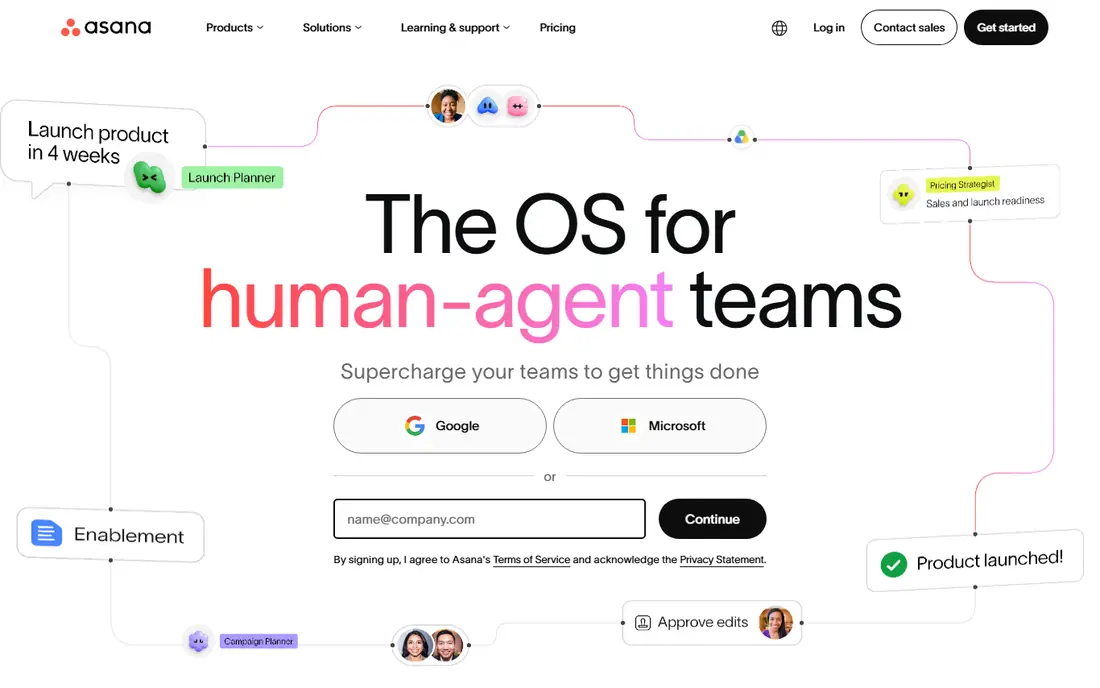
Asana is the safest default when a team wants project work without a steep learning curve. Tasks have an owner and a due date, projects show timelines and calendars, and higher tiers add portfolios and goals so leaders can see status across many projects. Most teams understand the layout in an afternoon, which helps adoption. The catch is price at scale. The free plan suits small teams, but timelines and dashboards arrive on Starter, and portfolios sit higher still. Budget per head, not per project, and check seat rules on the vendor site. For cross-functional teams that need alignment, Asana remains a strong, low-risk pick.
- Clean tasks, timelines and calendars
- Portfolios and goals on higher tiers
- Strong automation rules
- Per-user cost adds up at scale
- Portfolios need higher tiers
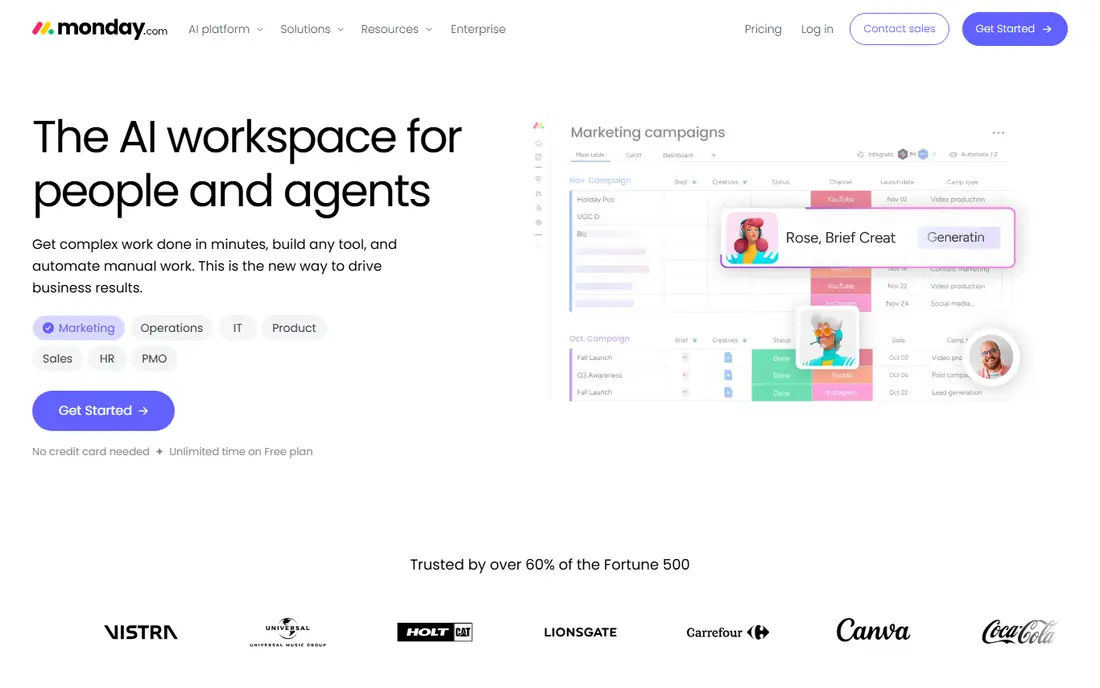
monday.com wins on approachability. Boards are visual, colour-coded and readable by people who have never used project software, which is why marketing, HR and operations teams adopt it fast. Templates for campaign tracking, hiring pipelines and content calendars mean most teams start from something close to what they need. Check seat minimums before budgeting, since some plans require three seats. Advanced automations and reporting also sit on higher tiers. If your team values a board everyone can read at a glance, monday.com is the easiest tool here to roll out.
- Colour-coded visual boards
- Templates for campaigns and hiring
- No-code automations
- Seat minimums on many plans
- Cost rises with advanced features
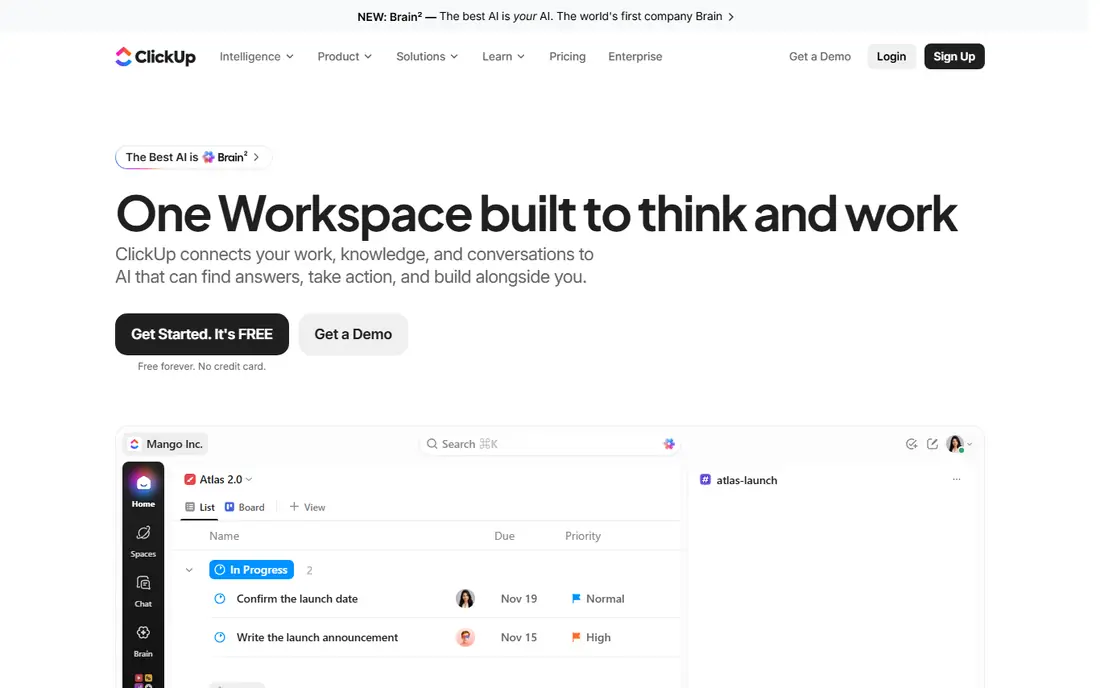
ClickUp packs tasks, docs, whiteboards, goals and chat into one workspace, which lets a team replace several tools with one login. The free plan is generous, and Unlimited at a lower price than many rivals gives timelines, dashboards and automation. For a team that wants one hub, that value is hard to match. Breadth is also the risk. New users can feel lost among views, statuses and settings, so plan a simple setup first and add complexity only when needed. If you have time to tune it, ClickUp gives the most capability per dollar in this list. If you want a tool that works with no setup, Trello or Asana may suit you better.
- Tasks, docs, whiteboards and chat in one place
- Generous free plan
- Many views
- Feature breadth can feel busy
- Setup takes time to tune well
Trello is the simplest tool here, and that is its strength. A board, lists and cards cover most small-team work, from content pipelines to hiring stages, without training. Power-Ups add calendars, automation and integrations when you need them, but the core stays easy to read. Larger teams will hit limits on reporting, timelines and portfolio views, which are stronger in Asana or monday.com. Trello suits small groups, freelancers and teams that want a shared board, not a full work system. Start free, and move up only if you need the paid views and automation.
- Simple kanban boards
- Fast to learn
- Good for small teams and personal work
- Limited reporting and portfolios
- Advanced features need paid plans and add-ons
Notion suits teams that live in documents as much as tasks. You can keep a wiki, a meeting note, a task board and a database in one workspace, with links between them. That mix helps product, content and operations teams that need context next to tasks, not just a task list. For pure project reporting, timelines and workload views, Notion is lighter than Asana or Wrike. It also needs house rules, or pages multiply and search becomes messy. If your team wants docs and tasks together, and you will set templates and owners, Notion is a flexible, strong pick.
- Tasks, docs, wikis and databases in one place
- Flexible pages
- Good for knowledge work
- Project reporting is lighter than Asana
- Setup can become messy without rules
Smartsheet is built for people who think in rows and columns. Grids hold tasks, owners, dates and budgets, and you can switch to Gantt, calendar and card views without leaving the sheet. That structure suits operations, finance and programme teams that plan in spreadsheets already. It feels less visual and less playful than monday.com, and some free or trial limits apply, so check the vendor site. If your team plans in Excel today, Smartsheet is the least disruptive move to a shared work tool, with reporting that spreadsheets alone cannot give.
- Grid planning familiar to spreadsheet users
- Gantt and reports
- Portfolio tools on higher tiers
- Less visual than monday.com
- Free plan is limited in some editions
Wrike suits marketing and creative operations teams that need approvals, proofing and resource planning in one pipeline. Workflows can be tuned to campaign stages, reviewers can approve assets in the tool, and managers can see workload across a team. That control helps high-volume teams that juggle many requests. Setup takes more time than a simple board tool, and the free plan has caps. Small teams may find Wrike heavier than they need. For a marketing team with review cycles, briefs and asset approvals, that structure is exactly the point, and Wrike handles it better than a simple kanban board.
- Configurable workflows
- Proofing and approvals
- Resource views for busy teams
- Setup is heavier than Trello
- Advanced features need higher tiers
Zoho Projects is the budget pick that still covers real project work. Tasks, milestones, Gantt charts, time tracking and issue tracking come at a starting price below most rivals, which helps small firms and Zoho users who already use Zoho CRM or Books. The free plan covers basic tracking for small teams. The interface is functional rather than polished, and the best integrations sit inside the Zoho suite. If you already use Zoho, that is a strength. If you use Google or Microsoft tools mainly, check integrations before you commit. For cost-sensitive teams, Zoho Projects gives solid value.
- Low starting price
- Solid tasks, Gantt and time tracking
- Fits Zoho users well
- Interface is plainer than rivals
- Integrations are strongest inside Zoho
Airtable is not a task app with a database added. It is a database that can act as a work tool, with tables, linked records, views and automations that fit content operations, product catalogues, hiring pipelines and custom workflows. Teams that need structured data, not just tasks, get a tool that bends to their process. That flexibility costs design time and a higher starting price. A team that wants a ready-made board will do better with Trello or monday.com. A team that needs a custom workflow, with fields, filters and automations, will find Airtable more powerful than a fixed task tool, once the base is built well.
- Flexible databases with views
- Automations
- Good for custom pipelines and content ops
- Higher starting price
- Not a simple task app
- Needs design time
Basecamp takes a different pricing path: a flat rate for a team, rather than a price per user. That model suits larger teams, agencies and client projects where per-seat costs would balloon. The tool itself stays simple, with to-dos, messages, schedules and files in one project space, which clients can use without training. The trade is feature depth. Basecamp has fewer views, automations and reporting options than Asana or ClickUp. If you need advanced timelines and portfolios, look elsewhere. If you need a simple, flat-priced home for team and client work, Basecamp is a clear, calm choice.
- Flat pricing, not per user
- Simple to-do, message and file tools
- Good for client work
- No free plan beyond trial
- Fewer views and automations than rivals
How we picked these
We started with work management tools that appear in current 2026 comparisons and vendor listings, then kept only tools that are live, work on current browsers, and cover team tasks with ownership and dates. We checked each vendor site for starting price, free or trial terms, and main views such as boards, timelines and reports. We favoured tools with a free route and clear pricing, and we dropped tools that were only personal to-do apps or only developer issue trackers. Where a price was not stated clearly, we wrote See website. We did not claim hands-on testing.
How to choose work management software
Start with one real project, not a feature list
Pick a real project your team runs every month, and run it in the trial tool for two weeks. That test shows whether tasks, owners, dates and approvals actually work for your team, which a feature list cannot show. A tool that fits one real project will usually fit the next ten.
Check seat rules, not just the headline price
Headline prices hide seat minimums, guest rules and tier limits. A tool that looks cheap per user can cost more if it requires three seats, or if timelines and reporting sit on a higher tier. Ask for a quote for your exact team size, including guests and clients, before you sign.
Keep the setup simple at first
Start with one board, one set of statuses and one owner per task. Add automations, custom fields and portfolios only after the team uses the basic board daily. A complex setup that no one updates is worse than a simple board that everyone checks. Review the setup after a month and remove fields no one uses.
Frequently asked questions
What is the best work management software for small teams?
Trello suits very small teams that want simple kanban, while Asana and monday.com suit small teams that need timelines and shared work. ClickUp gives the most features for the price, if you have time to set it up. Test with a real project before paying.
Is there a free work management tool that is actually useful?
Yes. Asana, monday.com, ClickUp, Trello, Notion, Smartsheet, Wrike, Zoho Projects and Airtable all offer free plans, with limits. Free plans work well for small teams and personal work, but timelines, portfolios and advanced reporting often need a paid plan.
What is the difference between work management and project management software?
Work management covers daily tasks, workflows and team coordination across many projects. Project management often focuses on a single project with a start, end and budget. Many tools in this list cover both, so pick by whether you need portfolio views or just a shared task board.
Which tool is best for agencies?
Teamwork-style client work is covered here by Basecamp for flat pricing and simple client access, and by Asana or monday.com for timelines and client boards. If you need time tracking and client budgets in depth, compare those needs specifically, since this list focuses on general work management.
Should we pick the tool our clients already use?
Often yes, if clients will join boards and approve work. A tool clients already know cuts training and speeds approvals. If clients only receive updates, pick the tool your own team uses best, and share status by email or a shared view.
How much does work management software cost per user?
Starting paid prices in this list run from $4 to $20 per user per month when billed annually, plus flat-priced Basecamp. Check seat minimums and tier limits on the vendor site, since the price for your team can differ from the headline figure.
Sources we checked (10)

Online Jobs is an independent blog about careers, online work, learning new skills and the tools that help people earn. More about us.
Keep reading
All posts
Best Transcription Software
We compared the best transcription software on price, meeting support, file handling and editing tools to help you choose the right option for audio and video.
9 Best Free PDF Signing Tools for Quick, Simple Signatures
Find the best free PDF signing tool for your needs, from Adobe and Smallpdf to DocuSign, Dropbox Sign and PDFescape, with free limits compared in detail.

eBay Alternatives
Looking for ebay alternatives? We compared 9 marketplaces for sellers on fees, buyer reach, categories and ease of listing, to help you sell with confidence.