Best Transcription Software in 2026: 8 Tools Compared

How we put this together: we compare official feature and pricing pages, app store listings, privacy policies and public user reviews. Prices change, so check the provider's site before you pay.
Key takeaways
- Otter.ai and Fireflies.ai are the strongest starting points for live meetings, while Sonix and Trint suit work that starts from uploaded files.
- Rev is the clearest choice when a human-checked transcript matters more than speed or low cost.
- Descript is the best pick when the transcript is also the editing tool for audio or video.
- Free plans vary a lot, so check the per-meeting cap and the file import limit before you rely on one.
- Accuracy drops on noisy audio, overlapping speech and strong accents, so budget time to review any AI transcript.
Quick comparison
| Name | Who it suits | Starting price | Free option | |
|---|---|---|---|---|
 Otter.ai Otter.ai | Live meeting transcription and summaries | Free | Yes | Visit |
 Rev Rev | Human transcription and captions | See website | Yes | Visit |
 Descript Descript | Editing audio and video from a transcript | Free | Yes | Visit |
 Trint Trint | Journalists and researchers editing transcripts | $79 per month | Free trial | Visit |
 Sonix Sonix | Fast transcription of uploaded audio and video | $25 per month | Free trial | Visit |
 HappyScribe HappyScribe | Subtitles, translation and human proofreading | Free | Yes | Visit |
 Notta Notta | Multilingual meeting transcription on a budget | Free | Yes | Visit |
 Fireflies.ai Fireflies.ai | Team meeting search and CRM notes | Free | Yes | Visit |
The best transcription software
We compared official feature pages, pricing pages, app store listings and public reviews for the best transcription software, the best audio transcription software and the best video transcription software. The list below covers live meetings, uploaded files and human services, so you can match the tool to how your audio actually arrives.
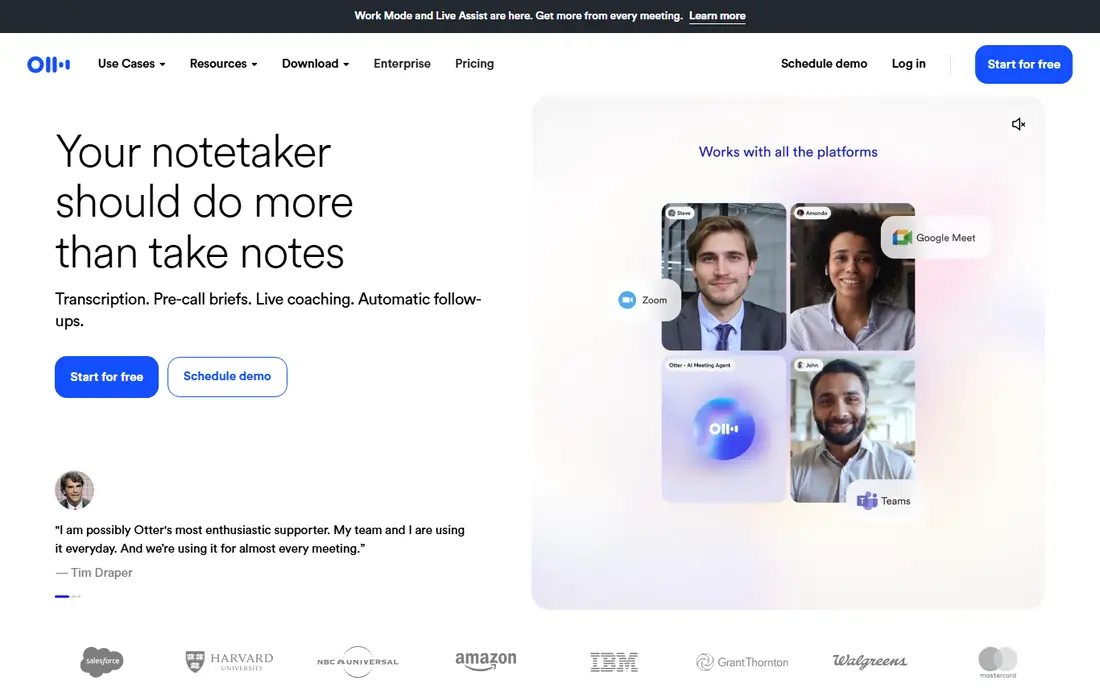
Otter.ai fits people who spend most of their week in online meetings and want notes without taking them by hand. It joins scheduled calls, produces a live transcript, and then adds a summary with action items that the team can search later. That combination makes it a strong choice for managers, recruiters and anyone who needs a record of what was agreed.
The catch is the free plan, which is useful for short calls but not for long workshops. Paid plans raise the per-meeting cap and the monthly minute allowance, and Business adds more team controls and import minutes. If your work is mostly uploaded recordings rather than live calls, check the import limit first, because that is where Otter.ai can feel tight.
- Live transcription for Zoom, Google Meet and Microsoft Teams
- Automatic summaries and action items
- Speaker identification and searchable history
- Free plan caps meetings at 30 minutes
- Only three lifetime file imports on the free plan
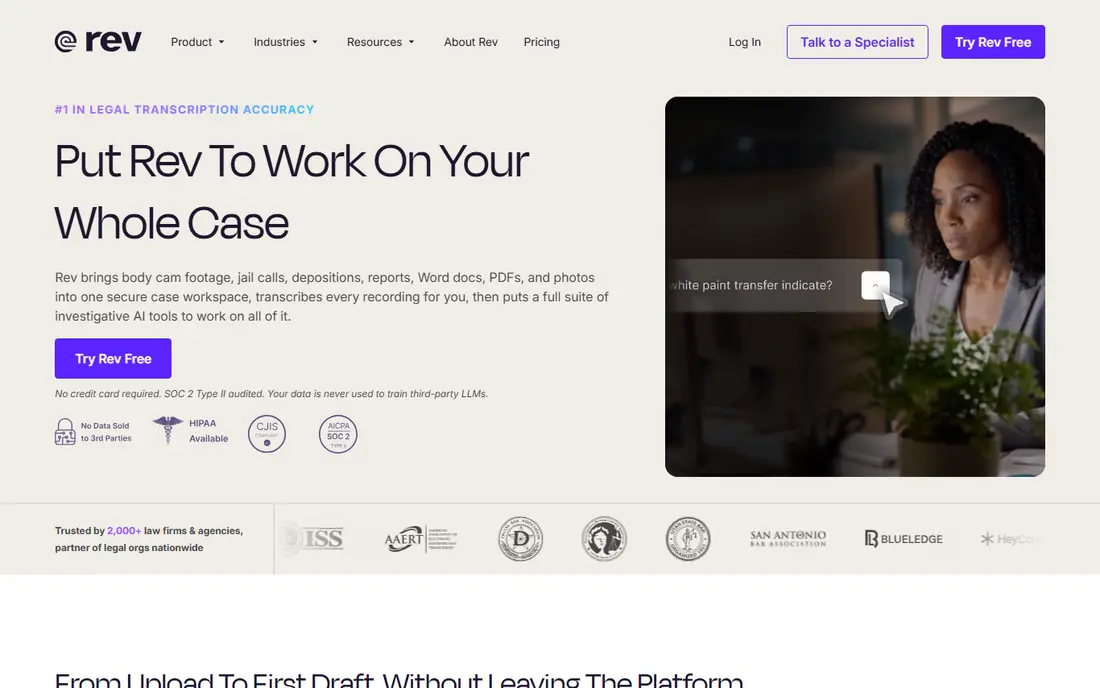
Rev fits work where accuracy matters more than getting a rough draft in minutes. Its human service is the option to choose for legal material, published interviews and video captions that will be seen by a wide audience. Its AI service gives a faster, cheaper draft for everyday files, and the same editor lets you clean up either version.
The honest trade is cost and choice. You need to decide between AI speed and human review for each file, and human minutes are a different budget from a flat monthly plan. For occasional high-stakes files, that trade is worth it. For a large archive of casual recordings, an unlimited-style AI plan will usually cost less.
- Human transcription, AI transcription and captions in one place
- An editor for reviewing and correcting text
- Caption and subtitle exports
- Human work is priced per minute, so long files add up fast
- Subscription plans and pay-as-you-go rates can be confusing at first
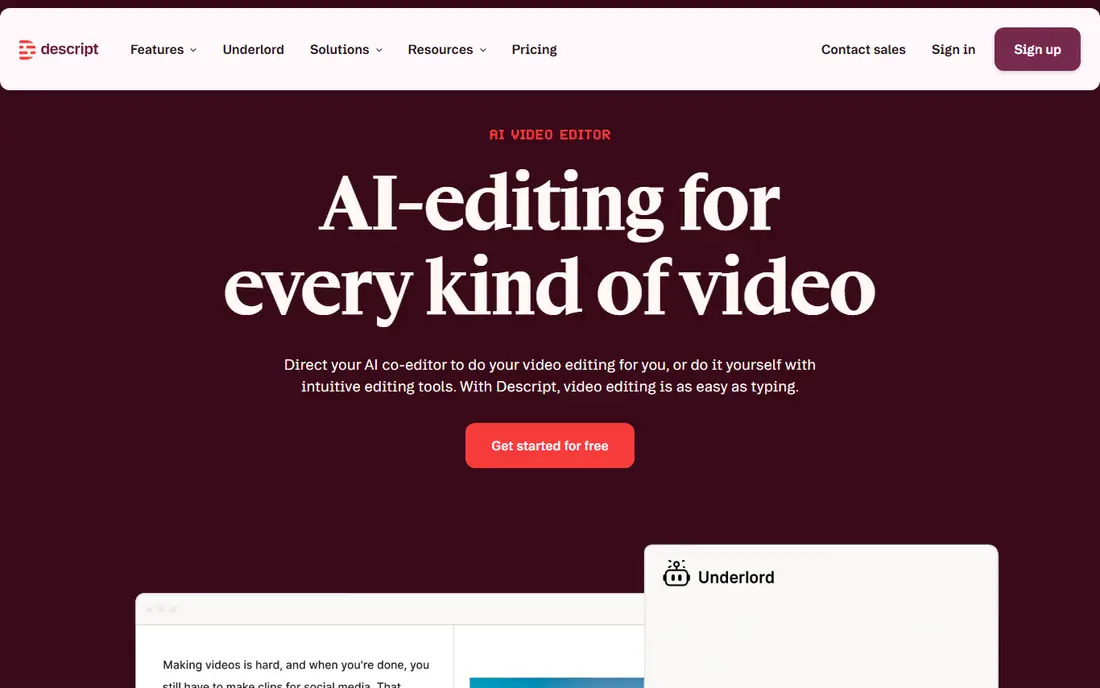
Descript fits podcasters, video creators and teams who turn recordings into finished media. Transcription is not an add-on here, it is the way you edit. Delete a sentence in the text and the matching audio or video goes with it, which makes cutting interviews and talks much faster than scrubbing through a timeline.
The catch is that Descript is a full editor, not a simple transcription app, so you pay for editing capacity as well as transcription. Media hours count uploads and recordings, and AI features draw on a separate credit pool. If you only need text from audio, a file-first tool may be cheaper. If you also edit, Descript can replace two tools at once.
- Edit media by editing the transcript text
- Filler word removal and audio cleanup tools
- Publishing and caption options for creators
- Pricing is metered by media hours and AI credits, which takes care to track
- The editor takes time to learn if you are used to a timeline
Trint fits newsrooms, researchers and media teams who live inside transcripts. Its editor is built for searching, annotating and turning a long interview into a story, with shared drives and real-time editing for teams. Translation and caption work sit in the same workspace, which helps when one recording has to become several outputs.
The catch is price. Trint is a professional tool with professional pricing, and it makes little sense for occasional use. It also limits live transcription on standard plans, so check that allowance if live work is central to your job. For heavy daily transcript editing, the workflow can justify the cost. For light use, it will not.
- A strong transcript editor with collaboration tools
- Translation and caption editing
- Live transcription options on paid plans
- No lasting free plan, only a trial
- Pricing is high compared with most AI transcription apps
Sonix fits freelancers, podcasters and teams with a steady flow of files to transcribe. You upload audio or video, get a timestamped transcript with speaker labels, and then edit in the browser or export subtitles. Translation sits on the same hours, which is handy for multilingual projects and interviews.
The pricing model is the main reason to pick Sonix. Pay-as-you-go suits seasonal work, while subscriptions lower the hourly rate for regular volume. The catch is that Sonix is file-first, so it does not replace a live meeting bot in the same way Otter.ai or Fireflies.ai do. If your recordings already exist, that distinction hardly matters.
- Pay-as-you-go pricing by the audio hour
- Transcription and translation in many languages
- Browser editor with speaker labels and timestamps
- No lasting free plan beyond a short trial
- Meeting capture depends on recordings you upload or connect
HappyScribe fits teams that publish video and work across languages. It handles transcription, subtitles and translation without moving files between three tools, and it offers human proofreading when an AI draft is not good enough. That range makes it a good fit for marketing teams, educators and media producers.
The catch is the free tier. It is generous for meeting recordings, but file transcription on the free plan is a trial, not a lasting allowance. Paid plans start at a low monthly price, so the step up is small, but you should still match the minute allowance to your monthly volume before you commit to a year.
- AI transcription, subtitling and translation in one tool
- Human transcription and proofreading options
- Meeting recording for major platforms
- The free plan gives only a short trial of file transcription
- Paid minute allowances need checking for long projects
Notta fits students, researchers and small teams who need a low-cost way into AI transcription. Its Pro plan gives a large monthly minute allowance for a modest price, and bilingual transcription helps when meetings switch between two languages. Summaries and templates make it easier to turn a transcript into notes you can actually use.
The catch is the free plan, which is best treated as a short demo. A three-minute cap per recording rules out most real meetings, and the lack of downloads on the free plan limits what you can do with the text. Paid Notta is a different story, and it is one of the better value options in this list for regular use.
- Transcription in many languages, including bilingual options
- AI summaries and templates
- A low-priced Pro plan with a large minute allowance
- Free plan caps each recording at three minutes
- Transcript downloads need a paid plan
Fireflies.ai fits sales, support and product teams who need to search what was said across many meetings. It joins calls, transcribes them, and pushes summaries and action items into tools teams already use. Conversation search and analytics help managers review calls without listening to every recording again.
The catch is credits and storage. AI summaries and assistant features draw on a credit pool, so heavy use may need extra credits. Free storage is also limited, which matters for teams that record a lot. If your team records daily and reviews by search, Fireflies.ai is still a strong pick, but plan the tier around storage, not just the headline price.
- Automatic meeting capture for major platforms
- Searchable transcripts with AI summaries
- CRM and workflow integrations
- AI features use a credit system that can run out
- Storage limits matter on the free plan
How we picked these
We compared official feature pages, pricing pages, app store listings, privacy policies and public reviews for each tool. We looked for the best transcription tools across live meetings, uploaded audio, uploaded video and human services, and we checked free tiers, per-meeting caps, file limits and export options rather than headline claims alone. Where a price or limit differed between sources, we used the figure that matched the vendor pricing page most closely and marked the rest as needing a check at sign-up.
What to check before you pay
Choosing the best audio to text transcription software starts with how your audio arrives, not with a feature list. Live meetings need a bot or a recorder that joins the call, while interviews and podcasts need strong file upload, speaker labels and export options. Human services suit legal, medical and published work, while AI transcription suits drafts, notes and searchable archives.
Minutes, caps and credits
Check three numbers before you buy: monthly minutes, the per-meeting or per-file cap, and any AI credit pool. A plan can look cheap and still fail on a two-hour workshop or a long interview. Also check whether unused minutes roll over, because most do not.
Accuracy and review time
AI transcription works best on clear audio with one speaker at a time. Noisy rooms, overlapping talk and technical terms all raise review time, so test a real recording from your own work during a trial. Look for a synced editor that lets you click a sentence and hear the matching audio, because that feature saves more time than any small accuracy gain.
Privacy and consent
Tell people when a meeting is recorded, and check where recordings are stored and whether they are used to train models. If you handle sensitive interviews or client calls, prefer tools with clear privacy policies, access controls and deletion options, and get consent in line with local law and your company policy.
Frequently asked questions
What is the best transcription app for meetings?
For live meetings, Otter.ai and Fireflies.ai are the strongest options in this list, because both join calls and produce searchable notes with summaries. Choose Otter.ai for a simpler individual workflow, and Fireflies.ai when a team needs to search across many calls and push notes into a CRM.
What is the best audio transcription software for uploaded files?
Sonix and HappyScribe are good starting points for uploaded audio, because both handle files, timestamps, speaker labels and exports well. Sonix suits volume work with pay-as-you-go pricing, while HappyScribe suits video teams that also need subtitles and translation.
What is the best video transcription software for creators?
Descript is the best fit when the transcript will also be used to edit the video, because you cut media by editing text. If you only need captions or a text file from a video, Sonix and HappyScribe are simpler and often cheaper for that single job.
Are AI transcription services accurate enough for professional work?
AI transcripts are good drafts for clear audio, but they still need review for names, numbers, technical terms and overlapping speech. For published, legal or medical use, add human review or use a human service, and always check quotes against the original audio before you publish them.
Is there a good free transcription app?
Otter.ai has the most usable free plan for short meetings, with 300 minutes a month and a 30-minute cap per meeting. Notta and Fireflies.ai also have free plans, but Notta caps free recordings at three minutes and Fireflies.ai limits free storage, so test each one with a real meeting before you rely on it.
How much does transcription software cost?
Prices range from free plans with tight limits to about $79 per month for Trint Pro, with Sonix at $25 per month and Descript and Otter.ai starting free. Human transcription is priced per minute and costs far more than AI, so match the service to how much accuracy the final transcript actually needs.
Sources we checked (8)

Online Jobs is an independent blog about careers, online work, learning new skills and the tools that help people earn. More about us.
Keep reading
All posts
9 Best Free PDF Signing Tools for Quick, Simple Signatures
Find the best free PDF signing tool for your needs, from Adobe and Smallpdf to DocuSign, Dropbox Sign and PDFescape, with free limits compared in detail.

Zoom Alternatives
Zoom alternatives compared for 2026: Google Meet, Microsoft Teams, Webex, Jitsi and more for free calls, large meetings and webinars for teams and classrooms.

Top Rated Poster Maker Software
Top rated poster maker software compared for 2026: Canva, Adobe Express, VistaCreate, PosterMyWall and more for events, sales and classrooms for US users.