9 Best Free PDF Signing Tools for Quick, Simple Signatures

How we put this together: we compare official feature and pricing pages, app store listings, privacy policies and public user reviews. Prices change, so check the provider's site before you pay.
Key takeaways
- The best free PDF signing tools differ on whether you sign your own file or send it to others for signature.
- Adobe Acrobat online, Smallpdf and PDFescape suit quick self-signing, while Zoho Sign and BoldSign offer free sending limits.
- DocuSign and Dropbox Sign are strong for recipients, but their free options are limited or trial-based.
- Always check whether a free signature is legally binding for your document type before you rely on it.
Quick comparison
| Name | Who it suits | Starting price | Free option | |
|---|---|---|---|---|
 Adobe Acrobat Adobe Acrobat | Signing PDFs you already edit | Free | Yes | Visit |
 Smallpdf Smallpdf | Quick online signing in a browser | Free | Yes | Visit |
 PDFescape PDFescape | Free browser signing without an account | Free | Yes | Visit |
 DocuSign DocuSign | Sending documents for others to sign | See website | No | Visit |
 Dropbox Sign Dropbox Sign | Simple sending from Dropbox users | See website | Yes | Visit |
 SignNow SignNow | Small businesses sending often | See website | No | Visit |
 Zoho Sign Zoho Sign | Free sending allowance for light use | Free | Yes | Visit |
 BoldSign BoldSign | Largest free sending allowance | Free | Yes | Visit |
 Sejda Sejda | Occasional PDF signing and editing | Free | Yes | Visit |
The best free pdf signing tool
We compared official feature pages, pricing pages, app store listings and public reviews to find the best free PDF signing tool for different jobs. The best free PDF signing tools, the top PDF signing software and the best apps for signing PDFs are not all the same: some are best for signing your own file, while others are best for collecting signatures from other people.
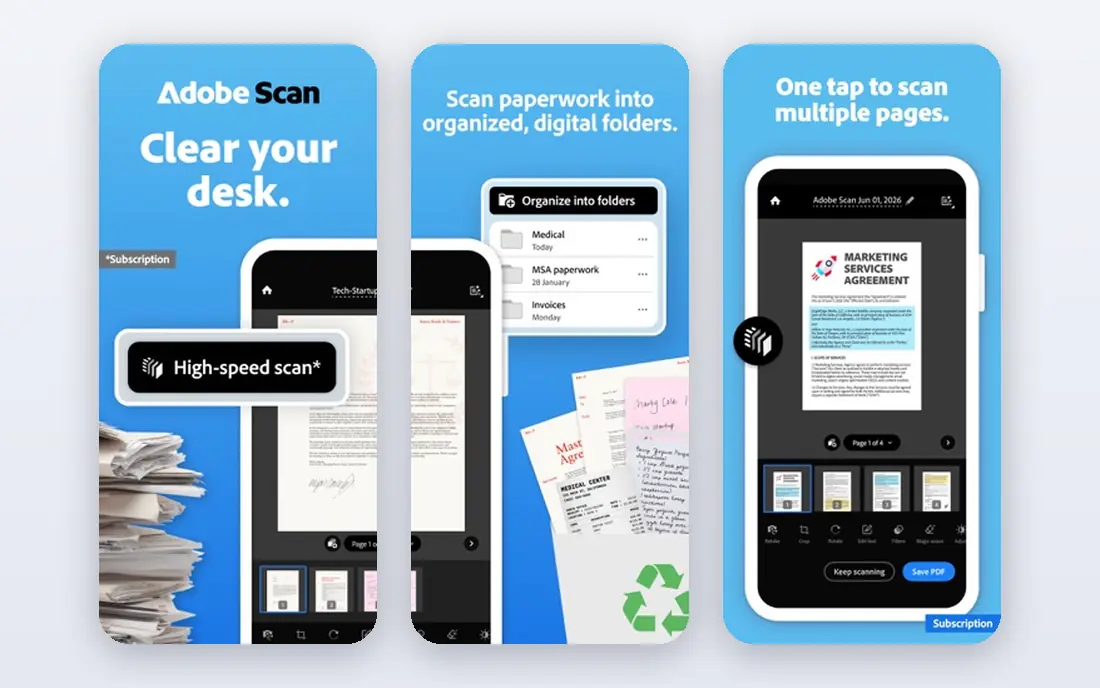
Adobe Acrobat fits people who already work with PDFs every day and want signing inside the same tool. The free Reader app and online tools let you open a PDF, add a signature and save it, without learning a new system. For a personal form, contract draft or school document, that simplicity is enough. What stands out is familiarity: recipients know the Adobe name, and the file handling is mature. The honest catch is that sending documents for others to sign, tracking them and using advanced compliance features usually need a paid Acrobat Sign plan. If you only sign your own files, the free tools may be all you need.
- Familiar PDF tools and Reader app
- Online signing for basic use
- Strong document handling and security options
- Full Acrobat Sign features need a paid plan
- Free online use has limits
- The full Acrobat suite is more than some users need
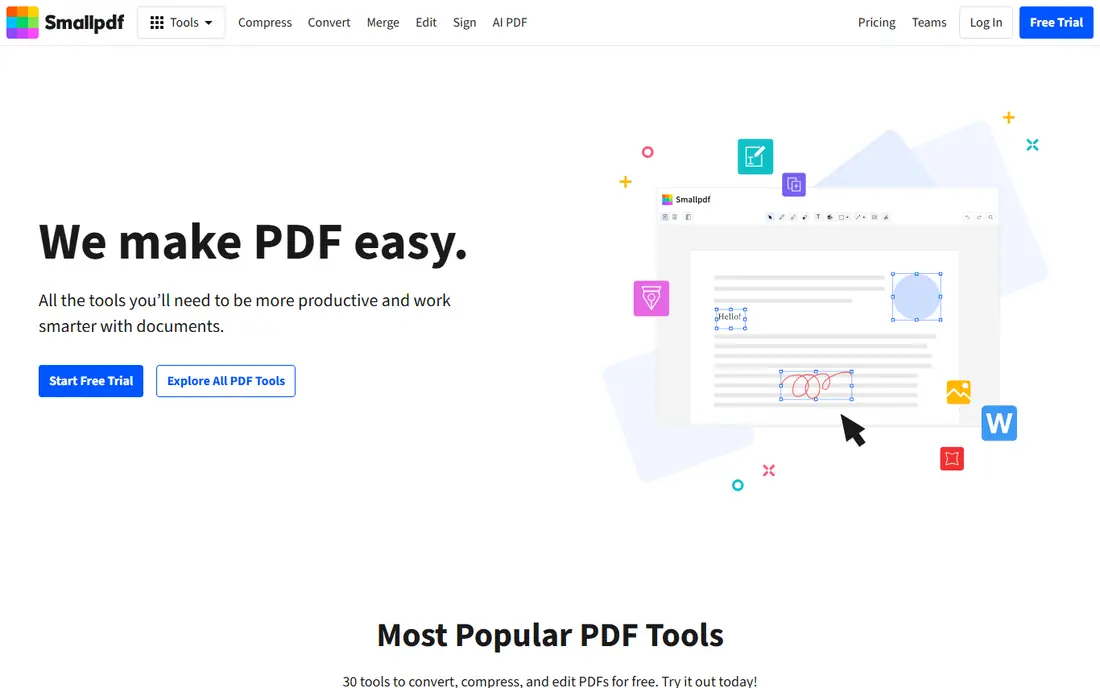
Smallpdf fits users who want to sign a PDF quickly in a browser, without installing software. You upload the file, place your signature, add text or dates if needed, and download the signed copy. The same site also compresses, merges and converts PDFs, which helps when a file needs a fix before signing. What stands out is speed for a one-off signature. The honest catch is the free limit: regular users will hit daily caps and need a paid plan for frequent signing or for sending signature requests. For occasional use, though, it remains one of the easiest free options.
- Simple drag-and-drop signing flow
- Other PDF tools in the same site
- No install needed for basic use
- Free use has daily task limits
- Advanced e-signing features need a paid plan
- Files are processed online
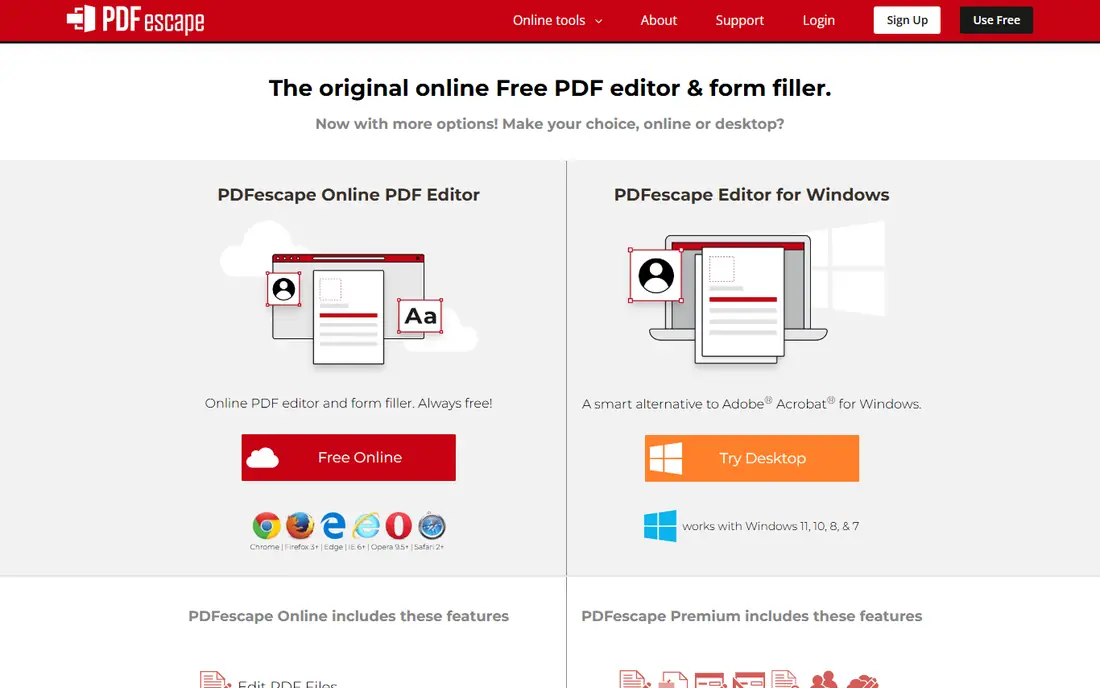
PDFescape fits users who want a free, browser-based way to sign and lightly edit a PDF. The online version lets you add text, draw or type a signature, and save the result, which covers many personal and small business forms. You do not need to install anything to start. What stands out is the genuinely free online tier for basic tasks. The honest catch is limits on file size and pages, plus a dated interface that lacks the polish of Adobe or Smallpdf. If your PDFs are short and simple, those limits rarely matter, but large files may need another tool.
- Free online version for basic signing and editing
- No install needed
- Simple tools for text, images and signatures
- Free version has file size and page limits
- Desktop app is paid
- Interface feels dated next to newer tools
DocuSign fits businesses that send contracts, offers and agreements to clients who expect a familiar signing link. Recipients can sign without an account in most cases, and senders get templates, reminders and a clear audit trail. That recognition can reduce friction when a client is asked to sign an important document. What stands out is trust and reach: many recipients have signed a DocuSign link before. The honest catch is cost, since there is no free sending plan, and lower plans cap envelopes per month. If you only sign your own PDFs, a free tool is cheaper; DocuSign earns its fee when you send often to others.
- Widely recognised by recipients
- Strong audit trails and templates
- Many integrations with business tools
- No permanent free plan for sending
- Paid plans charge per user and envelope limits apply
- Pricing has grown complex
Dropbox Sign, formerly HelloSign, fits small teams whose files already live in Dropbox and who want a simple way to request signatures. The flow is clear for both sender and signer, with templates and reminders on paid plans. For a handful of contracts each month, the free tier can be enough. What stands out is simplicity, which suits non-technical senders and signers alike. The honest catch is the monthly cap on free requests, which means a busy month will push you to a paid plan. Check the current free limit before you rely on it for regular client work.
- Clean signing flow
- Free tier for a small number of requests
- Works well with Dropbox files
- Free tier caps monthly requests
- Higher plans need a minimum seat count in some cases
- Fewer advanced features than DocuSign
SignNow fits small businesses that send documents regularly and want predictable costs rather than per-envelope caps. Some paid plans offer unlimited sending, which helps teams with uneven months. Templates, bulk sending on higher plans and mobile signing also support a busy workflow. What stands out is value for frequent senders, since unlimited plans remove the need to count envelopes. The honest catch is the lack of a free sending plan, so occasional users will pay for capacity they rarely use. Try the trial with real documents before committing to a yearly plan.
- Unlimited sending on some paid plans
- Templates and team tools
- Mobile apps for signing on the go
- No permanent free plan
- Interface can feel busy
- Lower plans limit some advanced features
Zoho Sign fits light users who need to send a few documents for signature each month without paying. The free plan covers a small monthly allowance, with tracking and reminders to follow up. For a freelancer or small business with occasional contracts, that allowance can cover real work. What stands out is a usable free sending tier, which many rivals do not offer. The honest catch is the cap: once you pass the monthly allowance, you need a paid plan, and some recipients may be less familiar with Zoho Sign than with DocuSign. Still, for light sending, it is one of the best free PDF signing tools available.
- Free plan allows a small number of documents each month
- Clean sending and tracking
- Part of the wider Zoho suite
- Free plan caps documents and users
- Advanced features need paid plans
- Less recognised than DocuSign by some recipients
BoldSign fits solo users and freelancers who send documents often but do not need a team plan yet. Its free tier allows a larger monthly envelope count than most rivals, which makes it practical for regular sending, not just a trial. Templates and audit trails give it a professional feel for client work. What stands out is the size of the free allowance for a single user. The honest catch is that the free plan does not cover teams, so adding colleagues means paying. If you work alone and send often, it is a strong pick; if you need shared templates and roles, compare its paid plans first.
- Free plan allows many envelopes each month for one user
- Templates and audit trails
- Simple setup
- Free plan is limited to one user
- Team features need paid plans
- Newer brand than DocuSign or Adobe
Sejda fits occasional users who need to sign a PDF and sometimes edit, merge or split files as well. The online editor lets you add a signature, text and dates without installing software, and the free tier covers a few tasks per day. That mix suits personal paperwork and school forms. What stands out is the range of free PDF tools beyond signing alone. The honest catch is task limits and a sending flow that is less polished than dedicated e-signature tools. Use Sejda for your own signatures and light edits, and pick Zoho Sign or BoldSign if you need to collect signatures from others often.
- Free online PDF editor with signing
- No account needed for basic use
- Other PDF tools in one place
- Free use has hourly and daily task limits
- Files are processed online
- Sending for signature is less developed
How we picked these
We compared official feature pages, pricing pages, app store listings and public reviews, and we separated self-signing from sending for signature, since free limits differ sharply between the two. We checked free plan caps, paid starting prices, audit trails, templates and mobile support. We did not claim hands-on testing, and we treated free limits as a snapshot to verify, since vendors change them.
How to choose a free PDF signing tool
The right tool depends on whether you sign, send, or do both, and on how often you need it.
Decide if you sign or send
If you only sign your own PDFs, Adobe Acrobat online, Smallpdf, PDFescape and Sejda will usually cover you for free. If you send documents to others, look at free sending allowances from BoldSign, Zoho Sign and Dropbox Sign first. Paying for DocuSign or SignNow makes sense only when volume, templates or integrations justify it.
Check legal validity for your document
Electronic signatures are legally recognised in many countries under laws such as ESIGN in the United States and eIDAS in Europe, but some documents, such as certain wills or property deeds, may need a specific form. Check the rules for your document type and location before you rely on a simple drawn signature. When in doubt, ask the recipient or a legal adviser what form they accept.
Protect sensitive documents
Avoid uploading highly sensitive files to a free online tool unless you trust its security and privacy policy. Look for encryption in transit and at rest, clear data retention terms, and an audit trail for sent documents. For confidential contracts, a paid tool with stronger controls may be worth the cost.
Frequently asked questions
What is the best free PDF signing tool?
For signing your own PDFs, Adobe Acrobat online and Smallpdf are strong free starting points, while PDFescape suits browser-only use. For sending documents to others for free, BoldSign and Zoho Sign offer monthly allowances that cover light use. The best app for signing PDFs depends on whether you sign or send, and how often.
What are the best free PDF signing tools for sending to others?
BoldSign offers a larger free monthly allowance for one user, while Zoho Sign and Dropbox Sign offer smaller free allowances with tracking. DocuSign and SignNow are stronger for frequent sending, but they do not offer a permanent free sending plan. Check current caps before you choose, since they change.
Is there a best app for signing PDFs on mobile?
Adobe Acrobat Reader, Smallpdf and SignNow all offer mobile apps for signing on the go, and most web tools work in a mobile browser too. A dedicated app helps if you sign outside the office, while a browser tool is enough for occasional desktop use. Test the signature placement on your phone before you rely on it for client work.
Are free PDF signatures legally binding?
In many cases yes, under ESIGN in the United States and eIDAS in Europe, provided the signer consents and the process records who signed and when. Simple drawn signatures on a free tool may still be valid for many everyday agreements, but they carry less evidence than a full e-signature platform with an audit trail. Check the rules for your specific document type.
What is the best PDF signing software for a small business?
For a small business that sends often, SignNow and DocuSign offer templates, reminders and integrations that save time, while BoldSign and Zoho Sign cover lighter sending for free or at low cost. Choose based on monthly volume, team size and whether recipients expect a familiar brand. A trial with real client documents will show the workflow clearly.
Can I sign a PDF for free without creating an account?
Yes, PDFescape and Sejda allow basic online signing without an account for some tasks, and Smallpdf offers limited free use with an account. Signing without an account suits a one-off personal form, but sending, tracking and audit trails usually need an account. For business documents, an account also helps you keep a record of what was signed.
Sources we checked (9)

Online Jobs is an independent blog about careers, online work, learning new skills and the tools that help people earn. More about us.
Keep reading
All posts
Best Transcription Software
We compared the best transcription software on price, meeting support, file handling and editing tools to help you choose the right option for audio and video.

Zoom Alternatives
Zoom alternatives compared for 2026: Google Meet, Microsoft Teams, Webex, Jitsi and more for free calls, large meetings and webinars for teams and classrooms.

Top Rated Poster Maker Software
Top rated poster maker software compared for 2026: Canva, Adobe Express, VistaCreate, PosterMyWall and more for events, sales and classrooms for US users.