Best Wireframing Tools in 2026: 9 Tools Compared

How we put this together: we compare official feature and pricing pages, app store listings, privacy policies and public user reviews. Prices change, so check the provider's site before you pay.
Key takeaways
- Figma is the best all-round pick, since a wireframe in Figma can grow into a full design and a clickable prototype in the same file.
- Balsamiq is the best pick for rough, low-fidelity sketches that keep feedback on structure rather than colors and fonts.
- Whimsical is the fastest pick for quick wireframes plus flowcharts, while Miro suits wireframing inside a wider workshop.
- Axure RP suits complex prototypes with logic and variables, and Uizard suits non-designers who want AI help to start.
- Start low fidelity, test structure early, and only add polish once the layout and flow are agreed.
Quick comparison
| Name | Who it suits | Starting price | Free option | |
|---|---|---|---|---|
 Figma | All-round design and wireframes | Free | Yes | Visit |
 Balsamiq | Low-fidelity sketches | $16 per editor per month | Free trial | Visit |
 Whimsical | Fast wireframes and flows | $10 per editor per month | Yes | Visit |
 Miro | Wireframes in workshops | $8 per user per month | Yes | Visit |
 Axure RP | Logic-heavy prototypes | $29 per user per month | Free trial | Visit |
 Uizard | AI-assisted wireframes | $19 per editor per month | Yes | Visit |
 Moqups | Wireframes, diagrams, and flows | See website | Yes | Visit |
 MockFlow | Wireframes and UI planning | See website | Yes | Visit |
 Penpot | Free open-source design | Free | Yes | Visit |
The best wireframing tools
Wireframing tools differ in fidelity, speed, and how far a sketch can travel toward a finished product. Some are pure sketch tools, others are full design platforms, and a few now use AI to generate a first draft. The tools below cover each approach.
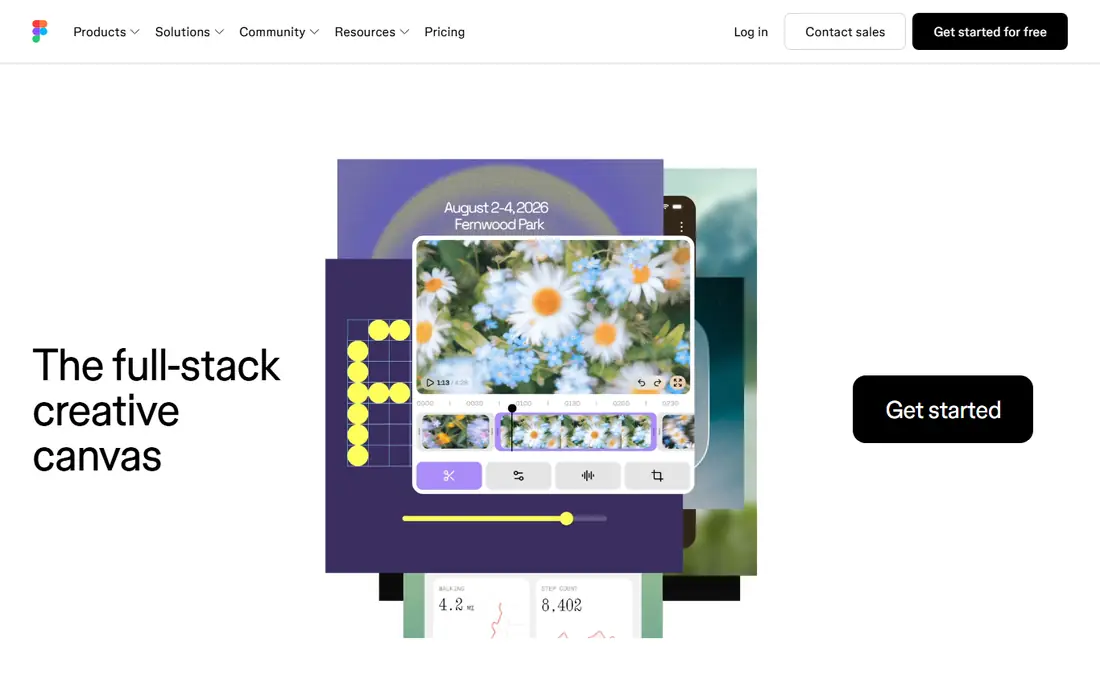
Figma is the industry default for a reason: wireframing is simply its lowest-fidelity mode. Start with boxes and placeholder text, then refine the same file into high-fidelity screens and a clickable prototype, without exporting to another tool. Real-time collaboration lets a team comment, edit, and review together, and the community library offers wireframe kits and components for free.
The catch is scope. Figma is a full design platform, so a beginner who only needs a quick sketch may find it heavier than Whimsical or Balsamiq. The free plan also limits the number of project files, and the paid Professional plan costs $16 per editor per month on annual billing. For teams that will design as well as wireframe, Figma is still the best single pick.
- Free plan for individuals
- Wireframe can grow into design and prototype in one file
- Huge community library
- More tool than pure wireframing needs
- Paid plan from $16 per editor per month
- Free plan limits project files
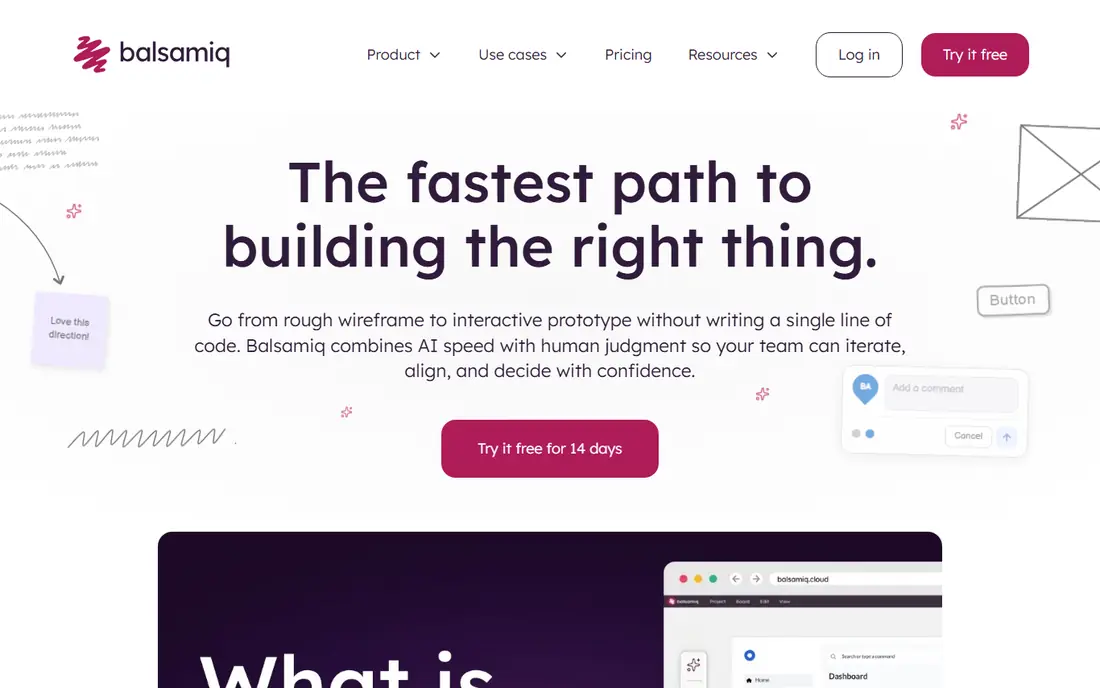
Balsamiq renders everything in a deliberately rough sketch style, and that constraint is the product. Stakeholders critique layout and flow instead of arguing about colors, fonts, and images that are not decided yet. Non-designers can drag controls onto a canvas and produce a readable screen in minutes, which makes Balsamiq ideal for early product discussions.
The limit is the ceiling. A Balsamiq wireframe will not become a polished design, and prototyping is basic compared with Figma or Axure. Pricing starts at $16 per editor per month on annual billing for up to ten projects, with a trial but no permanent free plan. Use Balsamiq to agree structure fast, then move to Figma when the design phase starts.
- Sketch style keeps feedback on structure
- Extremely fast for non-designers
- Unlimited reviewers on paid plans
- Cannot progress to high fidelity
- Limited prototyping
- No permanent free plan
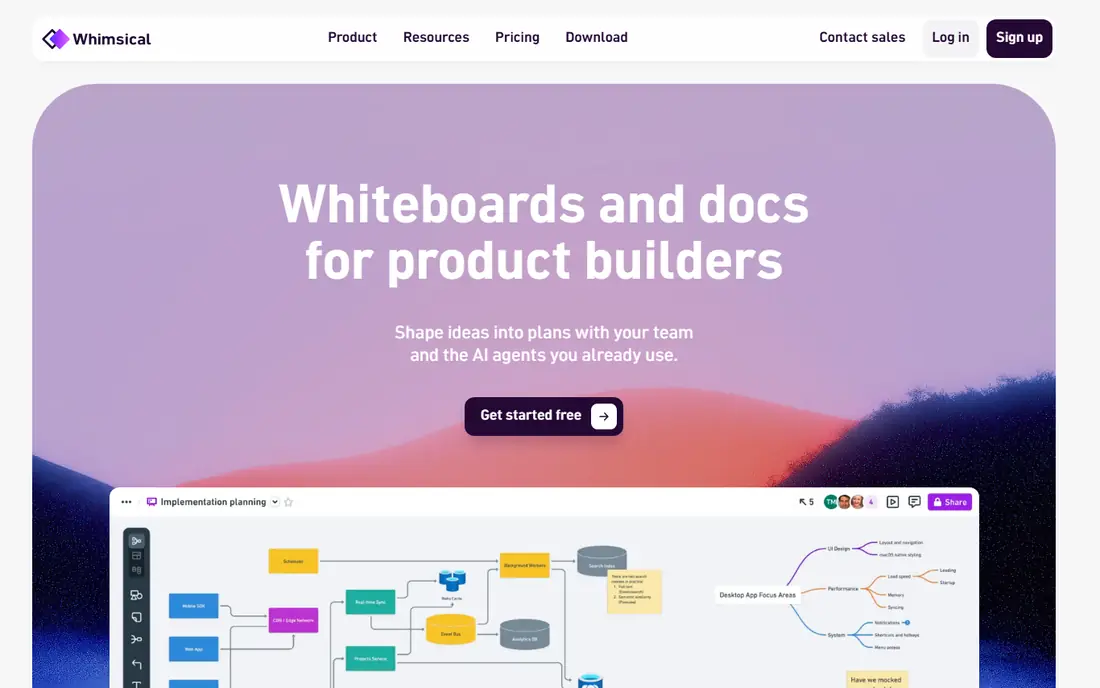
Whimsical is the speed pick. Its wireframe tool is simple, its flowchart tool is strong, and the two live together, so a user flow and its screens can sit in one document. That combination suits product managers and founders who need to show a journey, not just a single screen. The free plan covers a few team boards, and the Pro plan costs $10 per editor per month on annual billing.
The trade-off is depth. Whimsical will not replace Figma for high-fidelity design or developer handoff, and larger teams may hit board limits on the free plan. If your goal is a fast, clear wireframe plus a flow that explains it, Whimsical is hard to beat for the time it takes.
- Very fast for wireframes, flowcharts, and mind maps
- Clean interface
- Free plan for small teams
- Less design depth than Figma
- Free plan limits team boards
- Not a full product design tool
Miro is an infinite whiteboard with wireframe components, which suits the messy stage where user flows, research notes, and rough screens live side by side. Workshops, design sprints, and stakeholder sessions benefit from that shared canvas, since everyone can add notes and sketches in real time. The free plan includes a few editable boards, and the Starter plan costs $8 per user per month on annual billing.
The limit is precision. Miro is not a dedicated design tool, so detailed UI work and developer handoff belong in Figma or a similar platform. Large boards can also slow down as they grow. Use Miro to explore and align, then move the agreed screens into a design tool for refinement.
- Infinite whiteboard for flows, notes, and screens together
- Strong workshop tools
- Free plan with editable boards
- Not a dedicated design tool
- Large boards can slow down
- Paid plan from $8 per user per month
Axure RP is the pick when a wireframe must behave like a real app, not just look like one. Conditional logic, variables, and dynamic content let you prototype complex flows, such as forms that change based on answers, or dashboards that filter data. Enterprise teams building complex internal tools value that depth, and paid plans include unlimited prototypes and reviewers.
The catch is weight. Axure costs $29 per user per month on annual billing for the Pro plan, and learning its logic features takes time. For a simple marketing site, Figma or Whimsical will be faster and cheaper. Choose Axure when the interaction logic itself is what needs testing.
- Conditional logic, variables, and data-driven prototypes
- Unlimited prototypes on paid plans
- Strong for enterprise apps
- Higher price at $29 per user per month
- Steeper learning curve
- Heavier than needed for simple wireframes
Uizard leads the AI-assisted options for non-designers. Describe a screen in words, upload a screenshot, or sketch by hand, and Uizard turns it into an editable wireframe you can adjust. That starting point helps founders, marketers, and product managers who can describe what they want but cannot draw a clean layout from scratch.
The honest limit is that AI output is a draft, not a decision. Layouts need checking for hierarchy, spacing, and real content, and the tool offers less fine control than Figma. The free plan covers a few projects, and Pro costs $19 per editor per month. Use Uizard to start fast, then refine the result with human judgment before sharing it as a final wireframe.
- AI turns prompts and screenshots into editable screens
- Free plan with a few projects
- Friendly for non-designers
- AI output needs review and editing
- Paid plan from $19 per editor per month
- Less control than manual design tools
Moqups is a solid all-in-one browser tool for teams that want wireframes, diagrams, and flowcharts without juggling three apps. Its drag-and-drop editor is easy for beginners, and a single project can hold screens, flows, and notes together. The free plan covers small projects, which is enough to test whether the editor suits your team.
The trade-off is ecosystem. Moqups has less community content and fewer integrations than Figma, and it will not carry a project all the way to polished product design. Check the current pricing page, since plan prices have varied across roundups. For a small team that wants one simple workspace for early planning, Moqups fits well.
- Wireframes, diagrams, flowcharts, and prototypes in one browser tab
- Simple drag-and-drop editor
- Free plan for small projects
- Less community content than Figma
- Pricing varies by plan, so check the site
- Not a full design platform
MockFlow focuses on wireframing and UI planning, with reusable components that help a team keep screens consistent across a project. Product teams that plan many screens for a dashboard or an app will like the component library and the planning views. The free plan covers basic use, so a small project can start without a subscription.
The limit is polish and community. MockFlow feels less modern than Figma or Whimsical, and its community resources are smaller. Pricing also varies by plan, so visit the pricing page before budgeting. If consistent components and UI planning matter more than the latest interface, MockFlow is a practical pick.
- Reusable components for consistent screens
- UI planning tools for teams
- Free plan for basic use
- Interface feels less modern than rivals
- Pricing varies, so check the site
- Smaller community than Figma
Penpot is the best free and open-source pick, and it deserves attention from budget-conscious teams. It runs in the browser, offers Figma-style vector editing, and can be self-hosted without seat limits, which removes the per-editor cost that grows with a team. For a startup or a nonprofit, that price difference matters.
The catch is ecosystem size. Penpot has a smaller community, fewer plugins, and fewer AI features than Figma, and self-hosting needs someone comfortable with servers. If your team values open source, data control, and zero seat costs over the largest library, Penpot is a strong choice. If you need the biggest community and the smoothest handoff, Figma still leads.
- Fully free and open source
- No seat limits on self-hosting
- Works in the browser with Figma-style editing
- Smaller community and plugin library than Figma
- Self-hosting needs technical setup
- Fewer AI features
How we picked these
We compared official pricing pages, free plans, and each tool's main strength, and we checked recent 2026 wireframing roundups that read prices from those same vendor pages. We favored tools that are current and actively maintained, and we left out InVision, which shut down its core product, and Adobe XD, which Adobe no longer sells as a standalone tool. Where pricing varied across sources, we used the most recent vendor-aligned figure or listed See website.
How to choose a wireframing tool
Start with fidelity, not features. If you need to test structure with stakeholders, a low-fidelity tool such as Balsamiq will get better feedback than a polished mockup. If you need to test interactions, Axure or Figma prototypes will tell you more. If you need to move fast from idea to screen, Whimsical or Uizard will get you there first.
Match the tool to the team
Solo founders and product managers often do best with Whimsical, Uizard, or Moqups, since those tools prioritize speed over depth. Design teams should standardize on Figma, since it carries a project from wireframe to handoff. Enterprise teams with complex logic should test Axure before committing to a simpler tool that cannot model their flows.
Test collaboration and handoff early
Check how comments, sharing, and developer handoff work on a real project, not just in a demo. Figma leads on handoff, Miro leads on workshops, and Penpot suits teams that want self-hosting. A tool that looks good alone but frustrates reviewers will slow the whole project.
Keep wireframes rough until structure is agreed
Resist polishing too early. Rough wireframes invite honest feedback on layout and flow, while polished screens invite debate about colors and copy. Add real content and higher fidelity only after the structure, navigation, and key actions are agreed by the people who will use and build the product.
Frequently asked questions
What is the best wireframing tool?
Figma is the best all-round wireframing tool for most teams, since it carries a project from wireframe to design and prototype. Balsamiq is best for rough sketches, Whimsical is best for speed, and Axure is best for complex logic. The best tool depends on your team, your fidelity needs, and your budget.
What is the best free wireframing tool?
Figma offers the best free plan for individuals and small teams, and Penpot is fully free and open source with no seat limits on self-hosting. Miro, Whimsical, Uizard, Moqups, and MockFlow also offer free plans with limits on boards or projects. Start free and pay only when you hit a limit that matters.
Is Balsamiq or Figma better for wireframing?
Balsamiq is better for fast, low-fidelity sketches that keep feedback on structure, while Figma is better when a wireframe must grow into a full design and prototype. Many teams use both: Balsamiq for early structure discussions, then Figma for refinement and handoff. Choose based on the stage of the project.
What is the best AI wireframing tool?
Uizard is the best AI wireframing pick for non-designers, since it turns prompts, screenshots, and sketches into editable screens. Figma also offers AI first-draft features for teams already using it. AI output always needs human review for hierarchy, content, and usability before it becomes a final wireframe.
Can I wireframe in Miro?
Yes, Miro offers wireframe components on an infinite whiteboard, which suits workshops where flows, notes, and screens live together. It is best for early exploration and alignment, not for detailed UI design or developer handoff. Move agreed screens into Figma or a similar tool for refinement.
Do I still need wireframing if I use AI design tools?
Yes. AI tools speed up a first draft, but wireframing is where you decide structure, navigation, and what a user does on each screen. Skipping that step leads to polished screens that confuse users. Use AI to start faster, and keep human judgment for the decisions that shape the product.
Sources we checked (9)

Online Jobs is an independent blog about careers, online work, learning new skills and the tools that help people earn. More about us.
Keep reading
All posts
n8n Alternatives
n8n alternatives compared for 2026, with Zapier, Make, Activepieces, and more, covering visual builders, code steps, self-hosting, and pricing models.

ZoomInfo Alternatives
The best ZoomInfo alternatives in 2026, compared on price, free plans, data coverage, and which tool fits small teams or large sales teams best in detail.

Zoom Alternatives for Webinars
Compare Zoom alternatives for webinars in 2026, from browser-based rooms to enterprise events, with prices, attendee limits, features and honest trade-offs.