Best Wiki App Paid in 2026: 8 Tools Compared

How we put this together: we compare official feature and pricing pages, app store listings, privacy policies and public user reviews. Prices change, so check the provider's site before you pay.
Key takeaways
- Confluence suits large teams already using Atlassian tools, while Notion suits smaller teams that want docs, tasks, and databases in one place.
- Slab, Nuclino, and Tettra suit teams that want a fast, simple wiki without a steep setup, while GitBook suits technical docs.
- Paid plans mainly add permissions, version history, advanced search, and admin controls, not just more pages.
- Search quality and organisation matter more than page count, because a wiki that is hard to search will not be used.
- Start with a small pilot team, import a few real docs, and test search and permissions before paying for a whole company plan.
Quick comparison
| Name | Who it suits | Starting price | Free option | |
|---|---|---|---|---|
 Confluence | Large Atlassian teams | See website | Free trial | Visit |
 Notion | Docs, tasks, and databases | See website | Yes | Visit |
 Slab | Simple team wiki | See website | Free trial | Visit |
 Nuclino | Fast lightweight wiki | See website | Yes | Visit |
 GitBook | Technical documentation | See website | Free trial | Visit |
 Document360 | Customer knowledge base | See website | Free trial | Visit |
 Guru | Verified internal knowledge | See website | Free trial | Visit |
 Tettra | Small team internal wiki | See website | Free trial | Visit |
The best wiki app paid
A paid wiki should do more than store pages. It should make knowledge easy to find, easy to update, and easy to trust. The apps below differ in structure, search, permissions, and target team size, so we compared them on those factors, not just price.
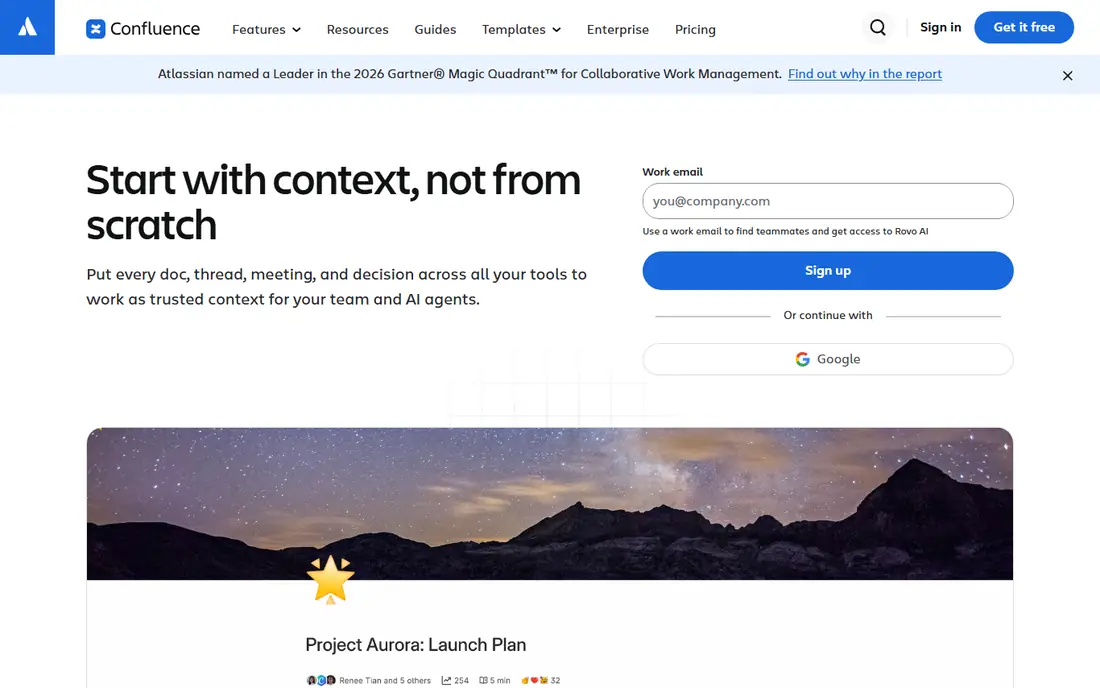
Confluence fits large teams that already use Jira or other Atlassian tools. Pages can link to Jira issues, project plans, and team spaces, which keeps documentation close to work. Templates for meeting notes, project plans, and product requirements help teams start with a consistent structure, rather than a blank page.
Permissions and admin controls are a strength on paid plans. Admins can control who can view, edit, and publish in each space, track page history, and manage users across a company. That control matters for larger teams, where sensitive internal docs must stay restricted to the right groups.
The drawback is weight. Confluence can feel slow and complex for a small team that only needs a simple wiki. Organisation also takes effort, because a large Confluence instance without clear spaces and ownership can become hard to search. Small teams may prefer Slab or Nuclino for a faster start.
- Deep Atlassian integration
- Strong permissions and admin controls
- Templates and macros
- Can feel heavy for small teams
- Setup and organisation take time
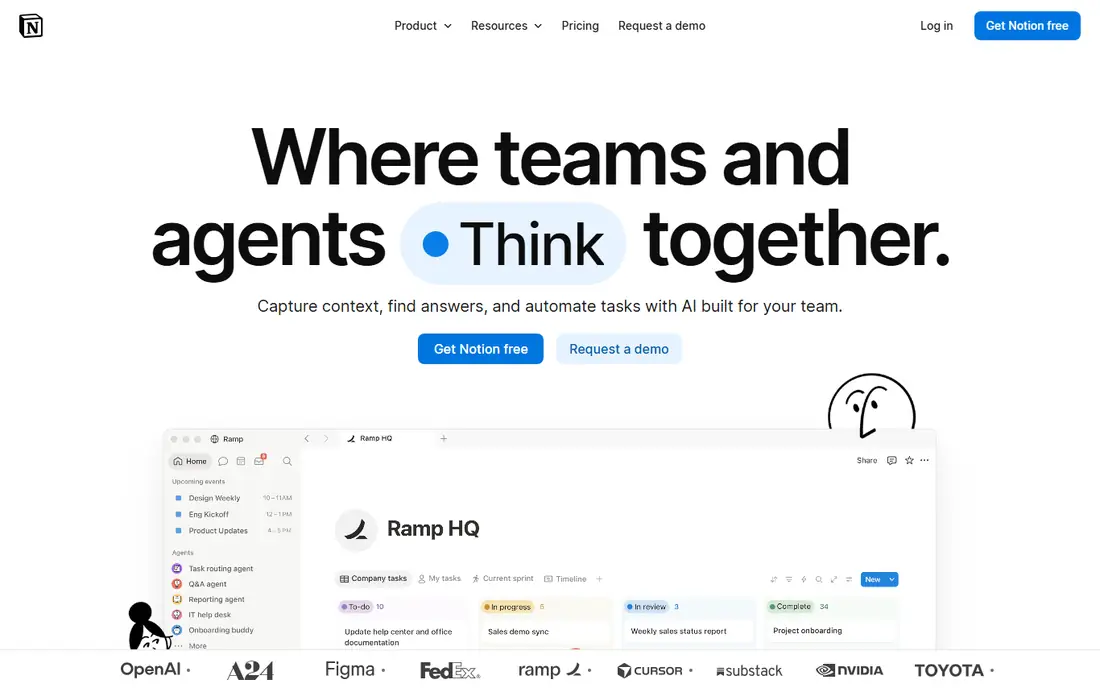
Notion works as a wiki when a team wants docs plus tasks, databases, and project tracking in one tool. You can build a wiki home page, link to team pages, embed tables, calendars, and task boards, and use templates for onboarding, meeting notes, and product docs. That flexibility is why many startups choose Notion first.
The free plan covers personal use and small teams with limits, while paid plans add unlimited file uploads, version history, advanced permissions, and admin controls. Search is fast, and the interface is clean, which helps adoption. Team members who already use Notion for personal notes will learn the wiki quickly.
Wiki discipline is the risk. Because Notion is so flexible, a wiki can grow into a messy set of pages without clear ownership or structure. Teams need a simple rule for where docs live, who owns each page, and when to archive old content. Permissions are also simpler than Confluence, so very large teams with complex access needs may need a different tool.
- Flexible pages and databases
- Good templates
- Strong for small and mid size teams
- Wiki structure needs discipline
- Permissions are simpler than Confluence
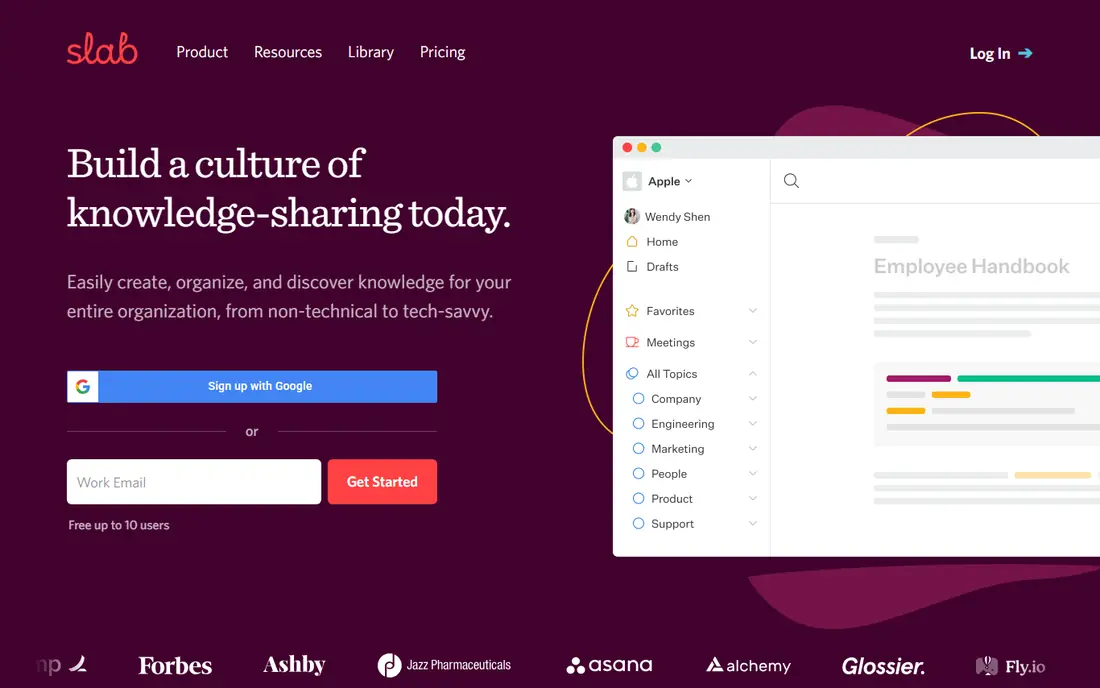
Slab suits teams that want a wiki, not a general workspace. The editor is clean, pages are organised into topics, and search is fast and clear. That focus helps teams find answers quickly, which is the main job of an internal wiki. Slab also offers integrations with common tools such as Slack and Google Drive.
Paid plans add advanced permissions, version history, and admin controls, plus analytics that show which pages are used and which are outdated. Those analytics help wiki owners spot stale docs and assign updates, which is a common problem in growing teams. Slab interface stays simple even as the wiki grows, which helps new hires.
The limit is flexibility. Slab does not offer Notion style databases or complex project tracking, so teams that want docs plus tasks in one tool will need a second app. If your main need is a clear, searchable internal wiki, that focus is a strength, not a weakness.
- Clean editor and organisation
- Good search
- Topics and collections
- Fewer database features than Notion
- Smaller integration list
Nuclino is the fastest wiki on this list to learn. Pages load quickly, editing is simple, and the visual graph shows how pages link together. That graph helps teams see structure at a glance, and it is useful for onboarding, because new hires can explore related docs visually rather than guessing search terms.
Real time collaboration works well, with multiple editors on one page and clear version history on paid plans. Nuclino also offers a free plan for small teams, which makes it easy to pilot before paying. The interface stays clean, even for users who are not technical, which helps adoption across a whole company.
Advanced admin features are thinner than Confluence, and very large documentation libraries may need stronger permissions and analytics. Nuclino suits small to mid size teams that value speed and simplicity over enterprise controls. Larger teams should test permissions and search at scale during a trial.
- Very fast and simple
- Visual graph view
- Real time collaboration
- Fewer advanced admin features
- Less suited to very large docs libraries
GitBook fits teams that write technical documentation, API docs, or product guides. It offers a clean reading experience, version control through Git sync, and options for public docs, internal docs, or both. Developers can write in Markdown, sync with a Git repository, and publish updates as part of a normal code workflow.
Search and navigation are strong for technical readers, with a table of contents, search, and version switching. GitBook also supports custom domains and branding on paid plans, which matters for public docs that represent a product. For developer teams, GitBook feels more natural than a general wiki, because it matches how code docs are already managed.
For general company wikis covering HR, operations, and sales, GitBook is less flexible than Notion or Confluence. It is built for structured docs, not for free form team pages and databases. Choose GitBook for technical docs, and choose a general wiki for the rest of the company.
- Strong for developer docs
- Git sync
- Public and private docs options
- Less suited to general HR or operations wikis
- Pricing varies by use
Document360 suits companies that need a customer facing knowledge base plus an internal wiki. It organises articles into categories, offers search, analytics, and article feedback, and supports public portals, private portals, or both. That structure helps support teams reduce tickets, because customers can find answers without contacting support.
Analytics show which articles are read, which are rated helpful, and which searches return no results. That data helps docs teams fill gaps and update stale articles. Version history, roles, and workflows on paid plans support review and approval, which matters for regulated or customer facing content.
Document360 is more complex than Slab or Nuclino, and setup takes longer, especially for a public knowledge base with branding and categories. Cost also rises with advanced features, so small teams that only need an internal wiki may find it more than they need. For support driven companies, the analytics and portal features justify the extra setup.
- Knowledge base with categories
- Analytics and feedback
- Public and private portals
- More complex than a simple internal wiki
- Cost rises with features
Guru focuses on trusted knowledge. Cards, which are short knowledge items, can be verified by an expert, with a review date. When a card expires, the owner is asked to confirm or update it. That verification workflow addresses a common wiki problem: docs that look official but are out of date, and no one knows who owns them.
Guru also works where people already work, through a browser extension, Slack, and other integrations. Employees can search Guru without opening a separate wiki, which increases use. AI assisted search helps surface relevant cards, and analytics show which knowledge is used and which is missing.
The system only works if ownership is clear. Teams must assign experts to verify cards, or verification reminders will be ignored. Pricing is also higher than simple wikis for small teams, so Guru suits mid size and larger teams where outdated knowledge carries real cost, such as support, sales, or operations teams.
- Verification workflow for trusted docs
- Browser extension and Slack integration
- AI search
- Setup needs clear ownership
- Pricing is higher for small teams
Tettra suits small teams that want a simple internal wiki tied to Slack. Team members can ask questions in Slack, and answers can be saved as Tettra pages, which builds the wiki from real questions. That workflow helps small teams, because docs grow from actual needs, not from a top down documentation project.
Pages are organised by category, search is straightforward, and permissions on paid plans control who can view and edit. Tettra also offers suggestions for outdated pages and assigns owners, which helps keep a small wiki fresh without a dedicated docs team. The interface is simple, which helps adoption in non technical teams.
The feature set is smaller than Confluence or Notion, and Tettra is less suited to large enterprises with complex permissions or huge doc libraries. For a team of ten to fifty people that needs a clear internal wiki and uses Slack daily, Tettra is a practical, low friction choice.
- Simple internal wiki
- Slack integration
- Question and answer workflow
- Smaller feature set than Confluence
- Less suited to large enterprises
How we picked these
We checked official product pages, pricing pages, and help documentation for each app, and we kept only paid wiki tools that still operate in October 2026 and offer team plans with permissions and search. We compared structure, search, permissions, integrations, and target team size, and we left out personal note apps without team wiki features, and enterprise tools that required custom pricing with no public plan details. Where pricing varies by seats or features, we listed See website rather than a single price that would mislead.
Setting up a paid wiki that people use
Start with a pilot, not a company wide launch. Choose one team, import ten to twenty real docs, and test search, permissions, and editing for two weeks. Ask pilot users what they could not find, and fix structure before you expand. A wiki that works for one team is easier to scale than a wiki launched to everyone at once with no real content.
Assign owners and review dates. Every important page should have an owner and a review date, even if the tool does not enforce it. Without ownership, docs go stale, and staff stop trusting the wiki. A monthly check of the most viewed pages, plus a quarterly archive of outdated pages, keeps the wiki useful.
Keep structure simple. Use a small number of top level categories, clear page titles, and a home page that links to the most used docs. Avoid deep folder trees, because deep trees hide content. Search should find answers in one or two tries, and if it does not, fix titles, tags, or structure before adding more pages.
Frequently asked questions
What is the best paid wiki app for a small team?
Slab, Nuclino, or Tettra are strong for small teams, because they are fast to set up and easy to search. Notion also works if the team wants docs plus tasks in one tool. Start with a free plan or trial, test with real docs, and choose the tool your team actually opens every day.
Is Confluence worth the cost for a small team?
Confluence is powerful, but it may be more than a small team needs, and setup takes time. It is worth the cost for larger teams, or teams already using Jira, where integration and admin controls matter. Small teams should trial Slab or Nuclino first, and move to Confluence only if permissions or scale require it.
Can a wiki replace Google Drive or SharePoint?
A wiki does not replace file storage, because Drive and SharePoint store files, while a wiki stores structured, searchable knowledge. Many teams use both: files in Drive or SharePoint, and guides, processes, and answers in a wiki that links to those files. Choose a wiki with good Drive or SharePoint integration if your files live there.
How much does a paid wiki cost per user?
Pricing varies by app, seats, and features, and most vendors list prices on their own pricing pages. Small team plans often start at a few dollars per user per month, while enterprise plans cost more and add admin controls. Check the official pricing page for current rates, and factor in the number of users who will actually edit, not just read.
Should a wiki be public or private?
Most company wikis should be private, with access limited to staff. Public docs suit product guides, API docs, and customer help centres, where customers need access without an account. Tools such as GitBook and Document360 support both public and private portals, while internal wikis such as Slab and Tettra focus on private team use.
How do you keep a wiki up to date?
Assign an owner to each important page, set a review date, and check the most viewed pages monthly. Use verification features in Guru, or analytics in Slab and Document360, to spot stale pages. Archive outdated pages rather than deleting them at once, so old links do not break, and celebrate teams that keep docs fresh.
Sources we checked (8)

Online Jobs is an independent blog about careers, online work, learning new skills and the tools that help people earn. More about us.
Keep reading
All posts
ZoomInfo Alternatives
The best ZoomInfo alternatives in 2026, compared on price, free plans, data coverage, and which tool fits small teams or large sales teams best in detail.

Workday Alternatives
We compared the best workday alternatives for HR, payroll, and global hiring, from BambooHR and Gusto to Rippling, Deel, and HiBob for growing teams in 2026.

Which SaaS Tools Have the Best Customer Support
Which SaaS tools have the best customer support? Compare eight popular tools on help centres, live help, response options and overall support quality.