Best Website Platform for SEO in 2026: 8 Tools Compared

How we put this together: we compare official feature and pricing pages, app store listings, privacy policies and public user reviews. Prices change, so check the provider's site before you pay.
Key takeaways
- WordPress offers the most SEO control for large content sites, thanks to its plugin ecosystem and full access to code and structure.
- Webflow is the strongest design-led choice, with clean code, fast hosting, and detailed per-page SEO controls.
- Wix and Squarespace suit small businesses that want built-in SEO basics without managing plugins or hosting.
- Shopify is the best SEO platform for stores, since product, category, and content SEO sit in one commerce system.
Quick comparison
| Name | Who it suits | Starting price | Free option | |
|---|---|---|---|---|
 WordPress | Large content sites | Free | Yes | Visit |
 Wix | Small business sites | Free | Yes | Visit |
 Squarespace | Design-led small sites | $16 per month | Free trial | Visit |
 Shopify | Online stores | $29 per month | Free trial | Visit |
 Webflow | Design-led marketing sites | Free | Yes | Visit |
 Framer | Fast landing pages | Free | Yes | Visit |
 Ghost | Publishing and newsletters | See website | Free trial | Visit |
 Duda | Agencies building client sites | See website | Free trial | Visit |
The best website platform for SEO
A website platform affects SEO through speed, code quality, URL control, structured data, redirects, sitemaps, and how easily editors can set titles and descriptions. No platform ranks a site on its own, since content quality, links, and technical care still matter. The platforms below differ in how much control they give you, and how much work they do for you.
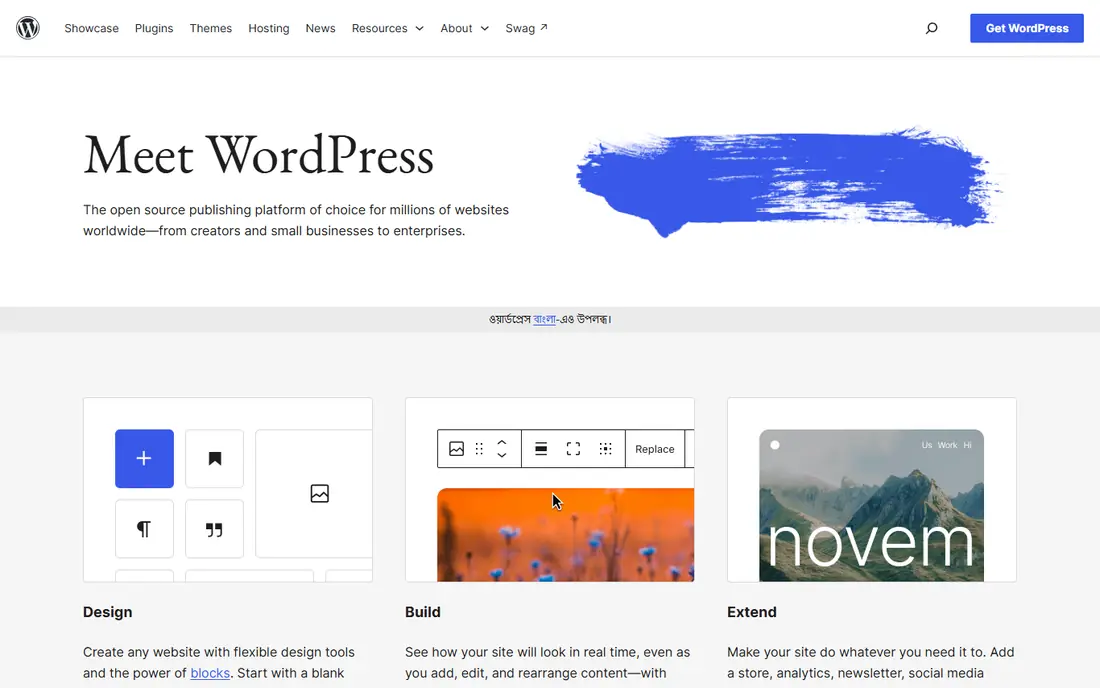
WordPress remains our pick when SEO is a primary growth channel and the site will grow. Self-hosted WordPress gives you full access to URLs, redirects, sitemaps, structured data, and page speed settings, and plugins like Yoast SEO and Rank Math add checks for titles, descriptions, and internal links. That control matters for large blogs, news sites, and stores with thousands of pages.
The trade is maintenance. You choose hosting, keep themes and plugins updated, and fix conflicts when they appear. A fast theme, a caching setup, and a small set of trusted plugins usually beat a long plugin list. If you want managed hosting without server work, WordPress.com offers hosted plans, but lower tiers limit plugins, so check the plan before you commit.
- Full control over URLs, structure, and code
- Huge SEO plugin ecosystem
- Works for blogs, stores, and large sites
- Needs hosting, updates, and plugin care
- A poor theme or plugin mix can slow a site
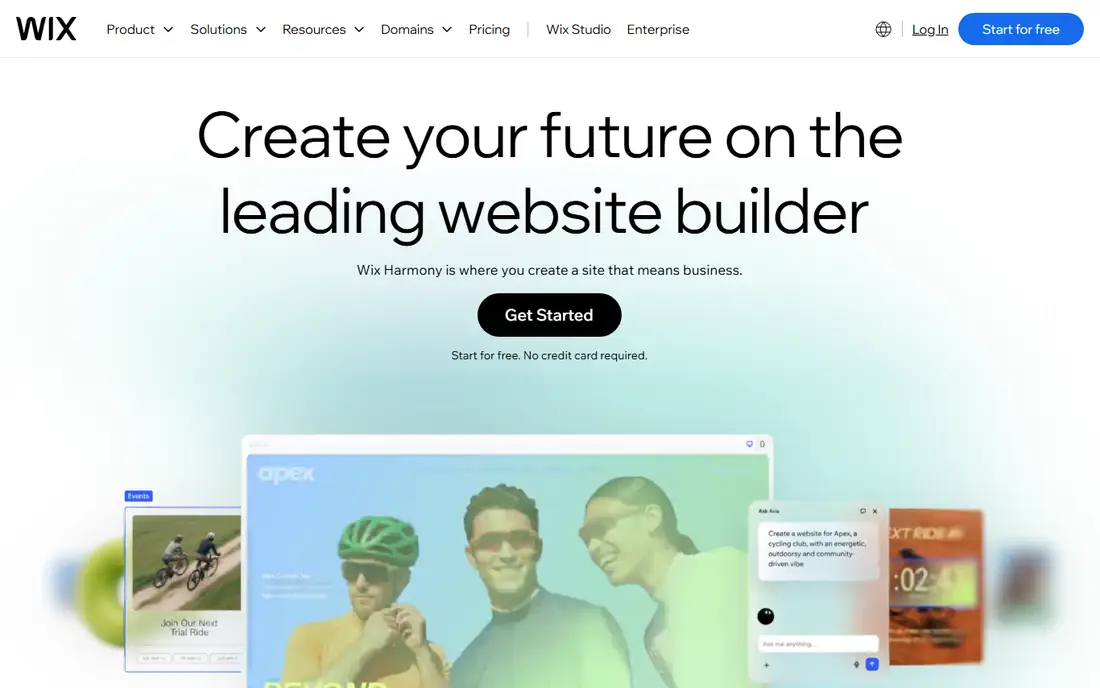
Wix suits owners who want a site live quickly with SEO basics covered. The editor includes an SEO setup checklist, per-page titles and descriptions, automatic sitemaps, redirects, and integrations with search tools. For a local business, portfolio, or small store, those basics cover most of what search needs, as long as content answers real customer questions.
Larger or more technical sites may feel the limits. Template choices affect speed and layout flexibility, and advanced structured data or custom code work needs more care than on WordPress or Webflow. Wix has improved markedly in recent years, so do not dismiss it on old reputation alone. Test page speed and mobile layout on a real page before you judge it.
- Built-in SEO checklist and tools
- Easy editor
- Automatic sitemap and structured data basics
- Less granular control than WordPress or Webflow
- Code output is less clean on complex sites

Squarespace appeals to creatives and service businesses that want a good-looking site without managing hosting or plugins. Templates are polished, editing is simple, and built-in SEO covers titles, descriptions, sitemaps, and social sharing. Commerce is included on paid plans, which helps small stores that do not need a full Shopify setup.
Control is the limit. You cannot add the same range of SEO plugins as on WordPress, and some settings are handled automatically rather than edited per page. For a portfolio, studio, or local service site, that simplicity is a strength. For a large content site with complex structured data needs, WordPress or Webflow will give you more room.
- Polished templates
- Built-in SEO basics
- All-in-one pricing with hosting included
- Less plugin choice than WordPress
- Some SEO settings are automatic rather than editable
Shopify is the best SEO platform for stores because commerce and content live in one system. Product pages, collections, and blog posts each get titles, descriptions, and URL handling, and the hosted platform keeps speed and security consistent. Apps add redirects, structured data, and image optimization where the built-in tools stop.
URL structure is the main limit. Shopify uses fixed patterns for products and collections, which can frustrate SEOs used to full WordPress control. In practice, most stores rank well despite that limit, since product content, internal links, and site speed matter more. If your store also needs a large editorial site, consider pairing Shopify with a blog platform or a headless setup, and weigh the added complexity.
- Strong product and category SEO
- Fast hosted checkout
- Large app ecosystem for SEO tools
- URL structure has fixed limits
- Blog features are simpler than WordPress
Webflow is the strongest choice for design-led teams that also care about SEO. The visual designer gives close control over layout, while per-page settings cover titles, descriptions, Open Graph tags, redirects, and structured data. Hosting on a content delivery network keeps pages fast, and clean code output helps search engines read the site clearly.
The learning curve is steeper than Wix or Squarespace, and CMS plans add cost as collections grow. Teams without design experience may need help at first, but the payoff is a site that looks custom and performs well in search. For agencies and SaaS marketing sites, Webflow often hits the best balance of design freedom and SEO control.
- Clean code and fast hosting
- Detailed per-page SEO controls
- Visual design with developer-level precision
- Steeper learning curve than Wix
- CMS and hosting costs rise with site size
Framer suits startups and teams that need a sharp landing page or small marketing site quickly. You can design in Framer and publish without a separate build step, and pages include SEO settings for titles, descriptions, and social previews. Speed is a real strength, since Framer sites load quickly and look polished on mobile.
Large sites need care. The CMS and content features are less mature than Webflow or WordPress, so a site with hundreds of articles or complex taxonomies may outgrow Framer. Use Framer where speed and design matter most, and choose a larger platform when content volume or structured data depth becomes the priority.
- Very fast to publish
- Modern animations and layouts
- Built-in SEO settings for pages
- CMS and large-site features are less mature than Webflow
- Fewer integrations
Ghost is built for publishing, and it shows in SEO. Articles get clean URLs, structured data, sitemaps, and fast loading by default, and built-in newsletters and memberships help publishers build an audience without extra plugins. For a blog, magazine, or paid newsletter, Ghost removes much of the maintenance that WordPress requires.
General business sites and stores are a weaker fit, since Ghost lacks the page builder breadth of Wix or the commerce depth of Shopify. Self-hosting Ghost is free as open source, while Ghost Pro adds managed hosting. Choose Ghost when publishing is the core job, and pair it with a separate store or site if you need both.
- Fast, focused publishing
- Built-in newsletters and memberships
- Clean structured data for articles
- Less suited to general business sites or stores
- Themes and integrations are narrower
Duda targets agencies that build many client sites. It includes client management, team roles, white-label options, and SEO tools for titles, redirects, and local business details. Widgets and sections speed up builds, and hosting is included, so agencies can launch and maintain client sites from one dashboard.
The ecosystem is smaller than WordPress, so very custom builds may need workarounds. End clients may also be less familiar with Duda than with WordPress or Wix, which can affect handover. For agencies that value speed, client management, and consistent SEO basics across many sites, Duda is a practical platform that often gets overlooked.
- Built for agencies with client management
- Solid SEO tools and widgets
- Fast hosting
- Smaller template and app ecosystem than WordPress
- Less known to end clients
How we picked these
We reviewed official platform pages, pricing pages, and SEO documentation for each platform, and we kept only platforms that are live and used for public websites in October 2026. We weighted URL and metadata control, speed and hosting, structured data and redirect support, CMS strength, and ease of use for editors. We did not rank platforms on market share alone, since a popular platform is not always the best fit for a given site type.
Prices and plan limits change, so check the vendor pricing page before you commit, especially for CMS limits, plugin access, and hosting tiers. The Sources list gives the official home page for each platform, which is the best starting point for current pricing.
How to choose a platform for SEO
Start with site type. A large blog or news site points to WordPress or Ghost, a store points to Shopify, a design-led marketing site points to Webflow or Framer, and a small local business points to Wix or Squarespace. An agency building many client sites should test Duda alongside its current stack.
Next, test the SEO basics that matter for your site. Can editors set titles, descriptions, and canonical URLs per page? Can you add redirects, control the sitemap, and add structured data? How fast do real pages load on mobile, and how easy is it to fix a slow page? Finally, think about who will maintain the site. A platform with more control helps only if someone will use that control well. A simpler platform with good defaults often beats a powerful platform that no one maintains.
SEO checks to run before launch
Run a crawl to find broken links, missing titles, and duplicate pages. Check mobile layout, page speed, and structured data with search engine testing tools. Set up analytics and Search Console, submit the sitemap, and confirm that key pages are indexed. Re-check after major template or plugin changes, since a small setting can affect many pages at once.
Frequently asked questions
Which website platform is best for SEO overall?
WordPress is the best overall choice for SEO control, especially for large content sites, thanks to plugins, URL control, and code access. Webflow is close for design-led marketing sites, while Wix and Squarespace cover SEO basics well for smaller sites. The best choice depends on site type, team skill, and how much maintenance you will do.
Is Wix good for SEO in 2026?
Yes, for small and local sites. Wix now includes an SEO checklist, per-page settings, sitemaps, redirects, and search tool integrations. It offers less granular control than WordPress or Webflow, but for a small business site with good content, that gap rarely decides rankings. Test speed and mobile layout on your real pages.
Is Shopify good for SEO?
Yes, for stores. Shopify handles product, collection, and blog SEO in one hosted system, with fast checkout and apps for redirects and structured data. Its URL patterns have fixed limits, but most stores rank well when product content, internal links, and speed are handled well. Large editorial sites may need a separate blog setup.
Do I need plugins for SEO on WordPress?
Plugins help, but they are not the whole story. Yoast SEO or Rank Math add checks and structured data, yet content quality, site speed, internal links, and technical care matter more. Keep the plugin list short, use a fast theme, and fix crawl errors regularly. A long plugin list can slow a site and create conflicts.
Can I move my site to another platform later?
Yes, but migration effort varies. WordPress and Webflow offer more export options, while Wix and Squarespace sites are harder to move in full. Plan redirects, keep URL patterns where possible, and check that content, images, and metadata transfer cleanly. A migration checklist and a post-launch crawl reduce ranking risk.
How much does SEO depend on the platform?
Less than many guides suggest. The platform sets the ceiling for control, speed, and technical options, but content relevance, links, and user experience decide most rankings. Choose a platform that your team will maintain well, publish useful content consistently, and fix technical issues promptly.
Sources we checked (8)

Online Jobs is an independent blog about careers, online work, learning new skills and the tools that help people earn. More about us.
Keep reading
All posts
ZoomInfo Alternatives
The best ZoomInfo alternatives in 2026, compared on price, free plans, data coverage, and which tool fits small teams or large sales teams best in detail.

Workday Alternatives
We compared the best workday alternatives for HR, payroll, and global hiring, from BambooHR and Gusto to Rippling, Deel, and HiBob for growing teams in 2026.

Which SaaS Tools Have the Best Customer Support
Which SaaS tools have the best customer support? Compare eight popular tools on help centres, live help, response options and overall support quality.