Best Website Design Software in 2026: 8 Platforms Compared

How we put this together: we compare official feature and pricing pages, app store listings, privacy policies and public user reviews. Prices change, so check the provider's site before you pay.
Key takeaways
- Wix suits most small businesses that want an all-round builder, while Squarespace suits design-led portfolios and service sites.
- Webflow suits designers and marketing teams that want precise layout control, and Framer suits fast, modern marketing sites.
- WordPress.com suits blogs and content sites that need flexibility, while Shopify is the clear pick for online stores.
- Hostinger suits tight budgets, and Duda suits agencies building sites for multiple clients.
Quick comparison
| Name | Who it suits | Starting price | Free option | |
|---|---|---|---|---|
 Wix | All-round small business sites | $17 per month | Yes | Visit |
 Squarespace | Design-led portfolios and services | $19 per month | Free trial | Visit |
 Webflow | Precise design control | $15 per month | Yes | Visit |
 WordPress.com | Blogs and content sites | $4 per month | Yes | Visit |
 Framer | Fast modern marketing sites | $10 per month | Yes | Visit |
 Shopify | Online stores | $29 per month | Free trial | Visit |
 Hostinger | Tight budgets with hosting | $2.99 per month | No | Visit |
 Duda | Agencies building client sites | $19 per month | Free trial | Visit |
The best website design software
The best website design software depends on what you are building: a business site, a portfolio, a blog, or a store. We compared official pricing pages, templates, editors, ecommerce tools, and SEO features, and we kept only platforms that exist and work today. Prices below are entry paid plans, often on annual billing, so check renewal prices as well as first-year prices.
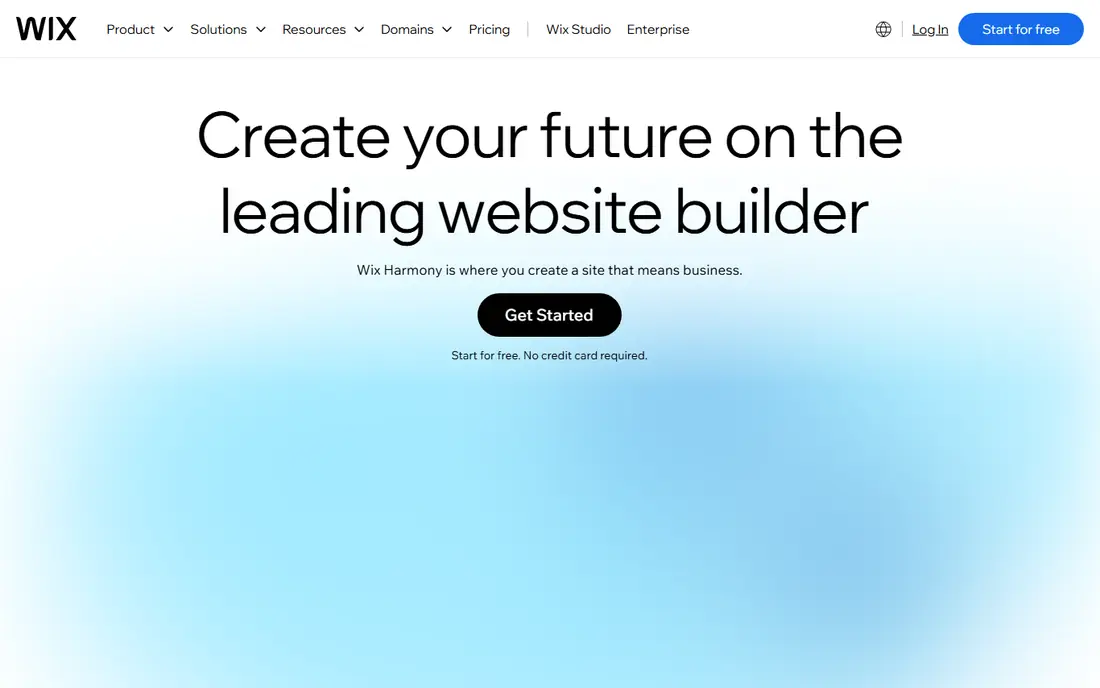
Wix is the most versatile builder in this list. It offers hundreds of templates, an AI builder that drafts a site from a few answers, and an app marketplace for bookings, stores, forms, and more. Small businesses that need many features from one platform will find Wix hard to beat.
The trade-off is portability. A Wix site cannot easily move to another platform, so you are committing to Wix hosting and tools. Design freedom can also backfire if you move elements without a clear layout plan. For a business that wants one tool for most jobs, Wix remains a strong default.
- Huge template choice
- AI builder
- Large app marketplace
- Limited site portability
- Design freedom can lead to messy layouts
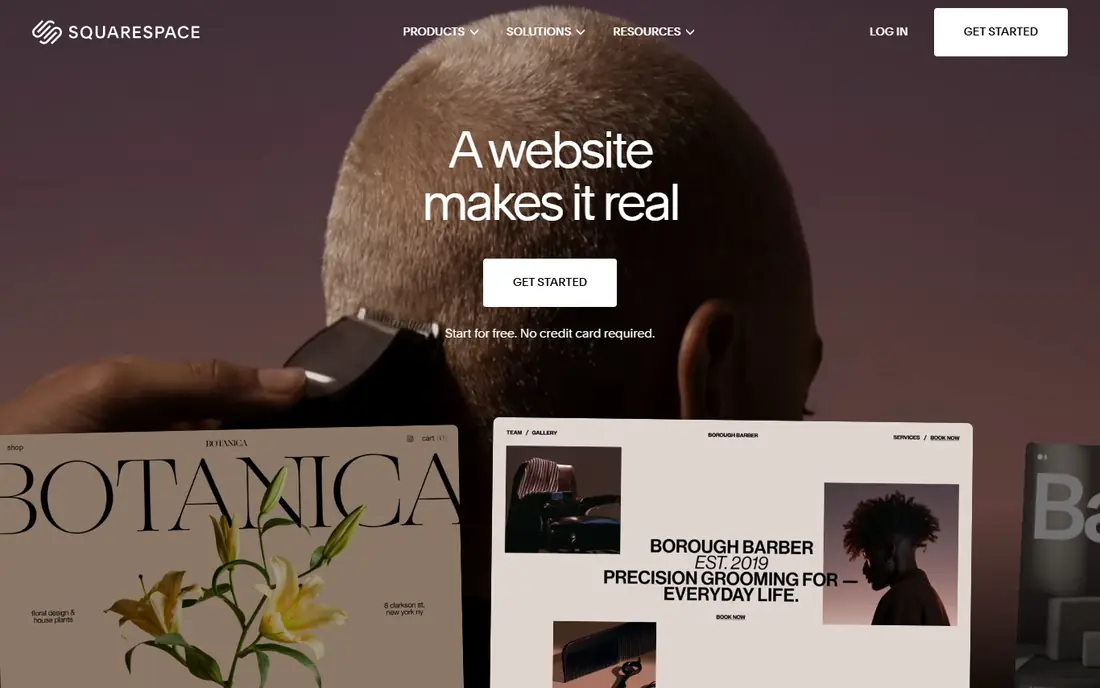
Squarespace suits people who care most about how a site looks. Its templates are curated and design-forward, which helps portfolios, photographers, restaurants, and service businesses look professional with less effort. Built-in scheduling suits appointment-based businesses, and selling is available from the entry plan.
Technical control is more limited than Webflow, and there is no free plan, only a trial. If you want deep layout control or a large product catalog, another platform may fit better. If you want a beautiful site fast, with good defaults, Squarespace is an excellent choice.
- Polished templates
- Built-in scheduling
- Clean editor
- Less technical design control
- No permanent free plan
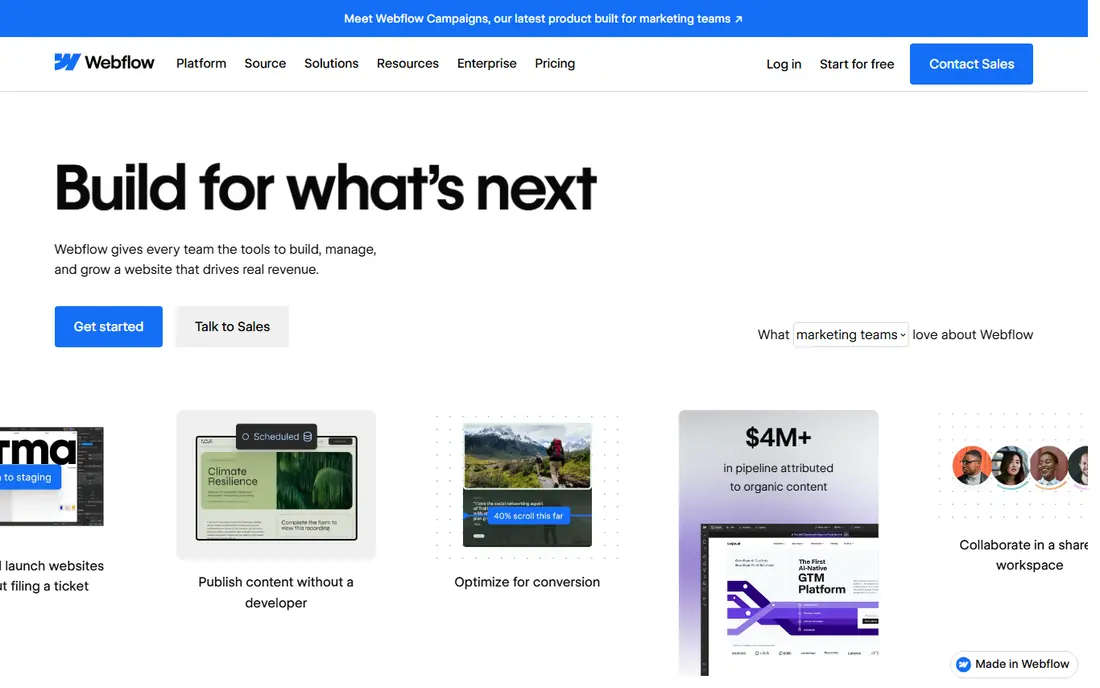
Webflow gives designers and marketing teams control close to hand-coding, without writing code for most layouts. You can build responsive designs, manage content through a CMS, and publish to fast hosting. That makes it popular with agencies and startups that want a custom look rather than a template look.
It takes longer to learn than Wix or Squarespace, and CMS features need a higher plan than the basic site plan. Beginners may feel overwhelmed at first. For teams with design skills, or a willingness to learn, Webflow produces sites that template builders cannot easily match.
- Visual CSS-level control
- CMS for content sites
- Staging and custom code
- Steeper learning curve
- CMS and ecommerce need higher plans
WordPress.com suits blogs, publishers, and content-heavy sites. The free plan lets you start on a subdomain, and paid plans add a custom domain and more features. On higher plans, plugins and themes open up a huge ecosystem for SEO, forms, membership, and stores.
The entry plans are more limited than a self-hosted WordPress site, and plugin installs need a higher tier. Theme quality also varies, so choose carefully. If content is your main product, WordPress.com offers flexibility and ownership that closed builders do not.
- Flexible content tools
- Huge theme and plugin ecosystem on higher plans
- Free plan to start
- Plugin installs need higher plans
- Design quality varies by theme
Framer is built for modern marketing sites and landing pages that need to look sharp and load fast. Its AI tools can draft a site from a prompt, and its editor suits designers who want animation and precise layout without a heavy setup. Managed hosting and a free plan make starting easy.
Ecommerce is the weak spot, since Framer relies on third-party tools for stores. Template choice is also narrower than Wix. For a startup, agency, or SaaS marketing site, Framer is a strong pick. For a store, Shopify will serve you better.
- Fast, polished marketing sites
- AI design tools
- Managed hosting
- Limited native ecommerce
- Fewer templates than Wix
Shopify is the clear choice if selling products is the main job of the site. Product management, checkout, payments, shipping, and discounts are built in, and the app store adds almost any extra feature a store might need. Its checkout is also well tested at scale, which matters when traffic spikes.
For a simple business site without a store, Shopify is more tool and cost than you need, and paid apps and themes can add up. If you sell online, though, starting with a general builder and adding a store later usually costs more in workarounds than starting with Shopify.
- Best ecommerce tools
- Checkout and payments built in
- Large app store
- Less suited to non-store sites
- Apps and themes add cost
Hostinger offers the lowest entry price in this list, bundled with hosting and an AI builder. For a first business site on a tight budget, that combination is attractive, and setup is fast. The builder covers pages, forms, and basic stores for small catalogs.
Read the terms carefully. The lowest price usually needs a long prepayment term, and renewal prices are higher, so model year two before you buy. Design tools are also simpler than Wix or Webflow. If budget comes first and your site is simple, Hostinger is good value. If design control matters most, pay more elsewhere.
- Lowest entry price
- Hosting and AI builder included
- Fast setup
- Intro price needs long prepayment
- Renewal price is higher
- Fewer design tools
Duda is built for agencies and freelancers who build sites for clients. It offers responsive templates, client feedback tools, and management features that make handling many sites easier than a consumer builder. Small businesses can use it too, but its strengths show most in an agency workflow.
The basic plan covers one site, so costs add up across many clients, and Duda is less familiar to solo owners than Wix or Squarespace. If you build sites for others, Duda can save time and present a professional client process. If you need one site for your own business, a consumer builder may be simpler.
- Built for agencies
- Client management tools
- Fast, responsive templates
- One site per basic plan
- Less known for solo business sites
How we picked these
We compared official pricing pages, editors, templates, ecommerce features, and SEO tools for website design platforms that exist and work today. We favored platforms with a clear audience, so the list covers general builders, design-led tools, content platforms, and stores, rather than eight similar template builders. Prices are entry paid plans and often assume annual billing, so check the vendor pricing page for renewal rates before you buy.
How to choose the right builder for your site
Start with the main job of the site. A store needs Shopify. A portfolio needs Squarespace or Framer. A content site needs WordPress.com or Webflow with a CMS. A general business site needs Wix or Hostinger. Choosing by job first avoids paying for store tools you will never use, or missing them when you need them.
Next, test the editor with a real page, not just a template preview. Build your homepage, add your own text and images, and check it on a phone. A template can look great until your content replaces the demo content, and an editor that feels slow in a trial will feel slower after a year of use.
Finally, price two years, not one month. Check the renewal rate, domain cost after year one, and whether ecommerce, scheduling, or extra seats need higher plans. Also check how you would leave: can you export content, and what happens to your domain? A cheap first year is not a bargain if leaving later costs you the whole site.
Frequently asked questions
What is the best website design tool for beginners?
Wix is the easiest all-round builder for beginners, with templates, an AI builder, and a free plan. Squarespace is also beginner-friendly if design matters most. Webflow is better once you have design experience, since its control comes with a steeper learning curve.
What is the best tool for website design for a small business?
Wix suits most small businesses, because it covers pages, bookings, forms, and stores in one place. Hostinger is a cheaper alternative for simple sites. If you sell products as your main business, Shopify is a better starting point than either.
What is the best professional web design software?
Webflow is the strongest professional choice for custom marketing and content sites, thanks to its layout control and CMS. Framer is a strong alternative for fast, polished marketing sites. For client work at scale, Duda adds agency tools that consumer builders lack.
Is WordPress the best website design platform?
WordPress.com is the best choice for content-heavy sites, blogs, and publishers that need flexibility. For a simple business site, Wix or Squarespace is faster to launch. For a store, Shopify is stronger. The best platform depends on whether content, design, or selling is your main job.
Do I need to know code to design a website?
No. All the platforms in this list let you build a site without code, using templates and visual editors. Code helps for custom features in Webflow and WordPress, but it is not required to launch a professional-looking site on any of these tools.
Sources we checked (8)

Online Jobs is an independent blog about careers, online work, learning new skills and the tools that help people earn. More about us.
Keep reading
All posts
n8n Alternatives
n8n alternatives compared for 2026, with Zapier, Make, Activepieces, and more, covering visual builders, code steps, self-hosting, and pricing models.

ZoomInfo Alternatives
The best ZoomInfo alternatives in 2026, compared on price, free plans, data coverage, and which tool fits small teams or large sales teams best in detail.

Workday Alternatives
We compared the best workday alternatives for HR, payroll, and global hiring, from BambooHR and Gusto to Rippling, Deel, and HiBob for growing teams in 2026.