Best Website Building Platform in 2026: 8 Platforms Compared

How we put this together: we compare official feature and pricing pages, app store listings, privacy policies and public user reviews. Prices change, so check the provider's site before you pay.
Key takeaways
- Wix suits most small businesses that want flexibility, while Squarespace suits design-led sites and Shopify suits stores.
- WordPress.com gives the most control over content and growth, but it asks more of you in setup and upkeep.
- A free plan is useful for testing, but most serious sites need a paid plan for a custom domain and removal of platform branding.
- Price comparisons only work on the same billing term, since annual prices look far lower than monthly prices.
- Pick the platform that fits the site you will run in a year, not just the homepage you can build this weekend.
Quick comparison
| Name | Who it suits | Starting price | Free option | |
|---|---|---|---|---|
 Wix | All-round small business sites | $17 per month | Yes | Visit |
 Squarespace | Design-led brand sites | $19 per month | Free trial | Visit |
 WordPress.com | Blogging and content growth | $4 per month | Yes | Visit |
 Shopify | Online stores | $29 per month | Free trial | Visit |
 Webflow | Designer-built marketing sites | See website | Yes | Visit |
 Hostinger Website Builder | Lowest-cost launch | $2.99 per month | Free trial | Visit |
 Framer | Fast design-led startup sites | $10 per month | Yes | Visit |
 GoDaddy | Quick setup with domain and email | $9.99 per month | Yes | Visit |
The best website building platform
A website builder should do three jobs at once: help you design pages without code, host the site reliably, and give you the tools to sell, book, or publish. The eight platforms below all clear that bar, but they aim at different users, from a solo maker to a growing store.
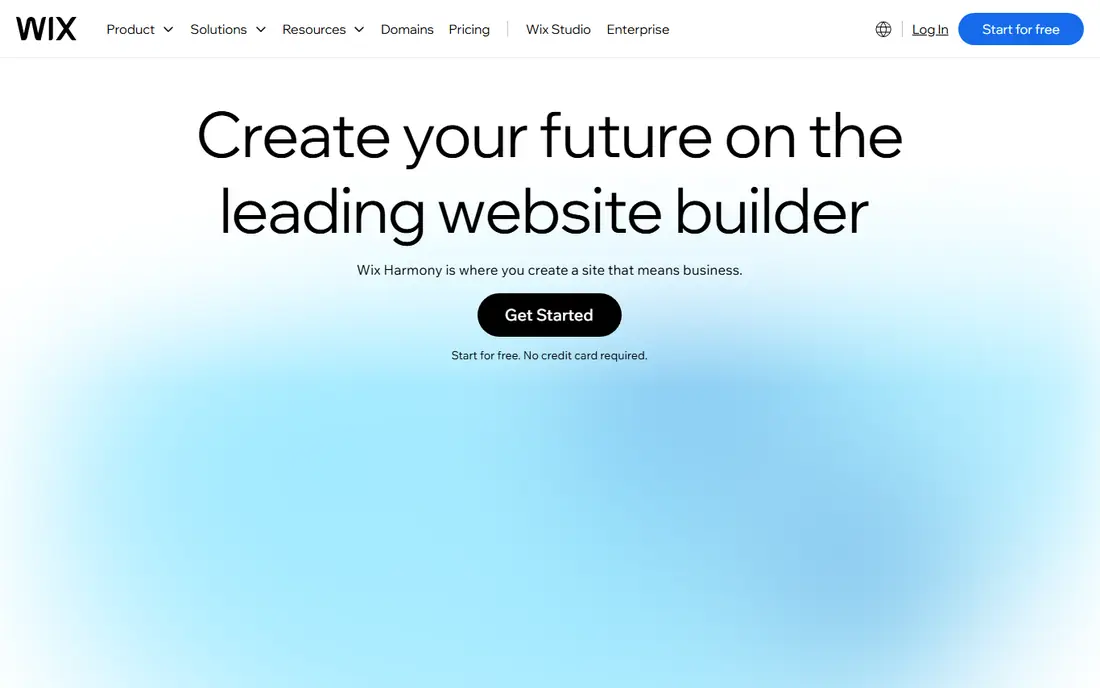
Wix remains the easiest general recommendation because it covers so much ground in one account. You can start from a template or an AI-generated draft, then move elements freely on the page. Stores, bookings, blogs, memberships, and email marketing all live in the same dashboard, so a small business rarely needs a second tool for the basics.
The price of that breadth is a busier editor and a site that can grow complex if you add too many apps. Wix also limits how far you can take a design when you switch templates, since a new template usually means rebuilding pages. For a small business that wants one account, a decent design, and room to add selling or booking later, Wix is still hard to beat.
- Huge template library
- Drag-and-drop editor
- Built-in bookings, stores, and marketing tools
- Switching templates later is limited
- Costs rise as you add apps and higher plans
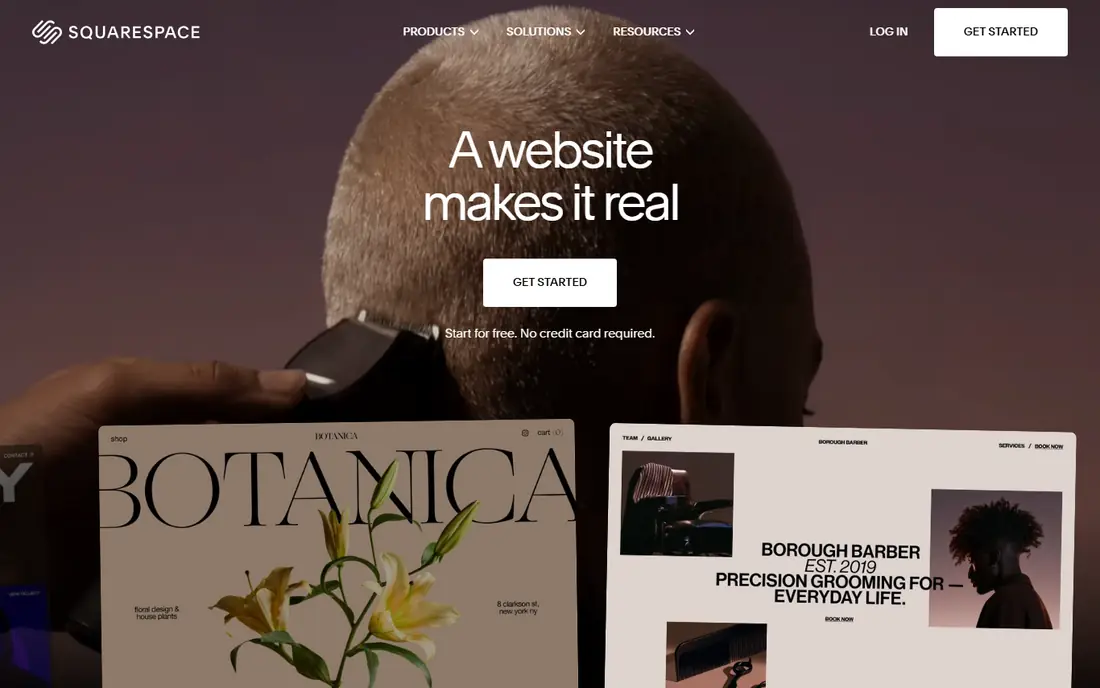
Squarespace wins on taste. Its templates look considered out of the box, with typography and spacing that need little fixing, which suits photographers, designers, restaurants, and consultants whose site is part of their pitch. Blogging, portfolios, scheduling through Acuity, and store tools are all built in, and the editor keeps choices narrow enough that a site stays tidy.
That restraint cuts both ways. If you want a highly custom layout or a complex app integration, Squarespace gives you fewer levers than Wix or Webflow. The 14-day trial is generous for testing, but there is no free plan to linger on. For a brand-led site where design quality matters more than endless options, Squarespace is our pick.
- Polished templates
- Strong blogging and portfolio tools
- Domain, hosting, and email in one bill
- Less flexible than Wix for unusual layouts
- No permanent free plan
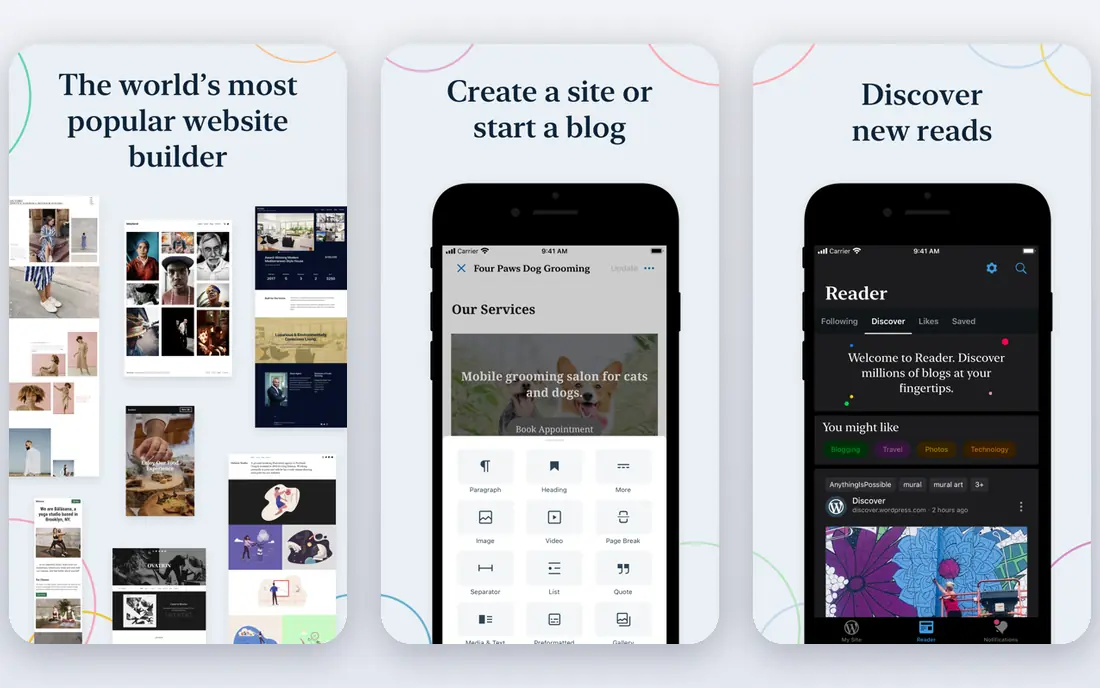
WordPress.com is the hosted cousin of the open-source WordPress that powers a large share of the web. Its strength is content: posts, pages, categories, and search tools that scale from a personal blog to a publication. The free plan lets you test the editor and publish on a subdomain, while paid plans add a custom domain, more storage, and, on higher tiers, plugins and themes.
Beginners should note the split between WordPress.com and self-hosted WordPress.org. The hosted version is simpler and handles security and updates for you, but plugin choice is limited until you pay for a business-level plan. If writing and search traffic are the core of your site, WordPress.com is a sound long-term home.
- Strong blogging and SEO foundations
- Huge theme and plugin range on higher plans
- Free plan for testing
- Full plugin freedom needs a higher plan
- Self-hosted WordPress.org is a different product
Shopify is the clear pick when selling is the point of the site. Product pages, inventory, discounts, shipping, and checkout are built for commerce first, not added as an afterthought. Its app store covers subscriptions, bundles, reviews, and fulfilment, and Shopify Payments keeps checkout in one place for many sellers.
A brochure site does not need this machinery, and paying store prices for a few pages would be wasteful. Theme costs and app subscriptions also lift the real monthly bill above the headline plan price, so budget for those before launch. For a brand that plans to sell seriously, though, Shopify gives you the fewest compromises as order volume grows.
- Best-in-class store tools
- Large app store
- Strong checkout and payment options
- Costs add up with apps and themes
- Less suited to a simple brochure site
Webflow sits between a builder and a design tool. You design with visual controls that map closely to real web layout, which gives designers far more control than template editors allow. Its CMS handles blog posts, case studies, and landing pages well, and published sites tend to load fast and look sharp.
That power asks for patience. A first-time site owner may find Webflow slower to learn than Wix or Squarespace, and building a store needs a separate ecommerce plan. Marketing teams that want a distinctive site and have design help will get the most from it. Teams that want the fastest possible launch should look elsewhere.
- Precise visual design control
- Clean code output
- Strong CMS for marketing content
- Steeper learning curve
- Ecommerce is an add-on rather than the core
Hostinger Website Builder is the budget route to a presentable site. Its AI builder can draft pages from a short description, and the editor covers the basics: text, images, forms, and a small store. For a local business, a side project, or a first site where cost matters most, it does the job at a fraction of rival prices.
Read the term before you judge the price. The lowest rate usually needs a multi-year prepayment, and renewal prices are higher. Advanced marketing, membership, and app options are also thinner than on Wix or Shopify. If you accept those limits and want the cheapest credible launch, Hostinger is a sensible start.
- Very low intro price
- AI builder for a fast start
- Hosting included
- Intro price needs a long term
- Fewer advanced features than bigger rivals
Framer began as a design tool, and its builder still feels like one. Templates are modern, animation is easy, and publishing is quick, which suits startups and portfolios that need a sharp marketing site fast. The free plan is useful for drafting and testing before you pay for a custom domain.
Framer is not a general business platform in the Wix sense. Its app range is smaller, and selling beyond simple products needs workarounds. If your site is mainly a pitch, a portfolio, or a launch page, Framer gives you a polished result with little fuss. If you need bookings, memberships, and a full store in one place, pick a broader platform.
- Modern templates with strong animation
- Fast publishing
- Free plan for drafts
- Smaller template and app range
- Store features are limited
GoDaddy suits the owner who wants to be online today with as little juggling as possible. Domain registration, hosting, email, and the builder sit in one account, and its AI tools can draft a starter site from a few answers. That single bill and single support line matter to busy owners who do not want to manage several vendors.
Designers will find the editor more limited than Wix, Squarespace, or Webflow, and advanced SEO and marketing tools sit on higher plans. For a simple local business site with contact details, services, and a booking or contact form, GoDaddy is fast and practical. For a site where design or selling is the main event, a specialist platform will serve you better.
- Domain, hosting, and email in one account
- Fast AI-assisted setup
- Phone support
- Design flexibility is modest
- Marketing tools are basic on lower plans
How we picked these
We searched vendor pricing pages, feature pages, and app store listings, then tested each platform against the same questions: can a non-technical user build and publish a real site, does it include hosting and a custom domain path, and does it cover the common jobs of selling, booking, blogging, or lead capture? We compared starting prices on the same billing basis where the vendor published them, and we marked prices as See website where the vendor page did not give a clear entry figure. We also read public reviews for support and reliability, since a builder you cannot get help with is a poor deal at any price. We did not claim hands-on testing of every plan.
How to choose the best website building platform
Start with the job, not the template gallery. A store needs checkout and inventory. A service business needs booking and contact forms. A publisher needs categories, search, and fast pages. Shortlist two platforms that cover your main job well, then build the same three pages on each during a trial: home, services or products, and contact. The editor you enjoy using on day three is usually the right one.
Watch the total first-year cost
Add the plan, the domain, any paid apps, and a theme if one is needed. Intro prices, free first-year domains, and multi-year terms all change the first-year total, and renewal prices often jump. A platform that looks cheapest on its pricing page can cost more once those extras are counted.
Check ownership and moving costs
Ask how you export content, whether you can point your domain elsewhere, and what happens to your store data if you leave. Builders trade ease for lock-in, and that trade is fine as long as you make it with open eyes. Keep your domain registered in your own name, and keep copies of key pages and product data outside the builder.
Frequently asked questions
What is the best website building platform for a small business?
Wix is the safest general pick for a small business, since it covers design, selling, booking, and marketing in one account. Squarespace fits design-led brands, and Shopify fits stores. Pick based on your main job: selling, booking, or presenting work.
What is the best platform for building websites without code?
Wix, Squarespace, and Framer all let you build without code, with drag-and-drop or visual editors. Wix gives the most options, Squarespace gives the most polished defaults, and Framer gives the most modern animation. None of them needs coding for a standard business site.
Which website builder is cheapest?
Hostinger Website Builder has the lowest intro price in this list, and WordPress.com and Wix both offer free plans for testing. Check the billing term and renewal price, since a low intro rate on a long term is not the same as a low monthly cost.
Can I switch website builders later?
Yes, but moving a site is rarely a one-click job. Text and images usually move, while design, apps, and store settings often need rebuilding. Keep your domain in your own name and export content regularly, so a move stays possible even if it takes work.
Is WordPress.com the same as WordPress.org?
No. WordPress.com is a hosted service that handles updates and security for you, with plugin limits on lower plans. WordPress.org is free open-source software you install on your own hosting, with full plugin freedom and full upkeep responsibility. Beginners usually find WordPress.com simpler to start with.
Do I need a separate hosting plan with a website builder?
No, hosting is included with Wix, Squarespace, Shopify, Webflow, Framer, GoDaddy, and Hostinger Website Builder. You pay the builder, and it hosts the site. Separate hosting only comes into play if you choose self-hosted WordPress.org or build a site by hand.
Sources we checked (8)

Online Jobs is an independent blog about careers, online work, learning new skills and the tools that help people earn. More about us.
Keep reading
All posts
n8n Alternatives
n8n alternatives compared for 2026, with Zapier, Make, Activepieces, and more, covering visual builders, code steps, self-hosting, and pricing models.

ZoomInfo Alternatives
The best ZoomInfo alternatives in 2026, compared on price, free plans, data coverage, and which tool fits small teams or large sales teams best in detail.

Workday Alternatives
We compared the best workday alternatives for HR, payroll, and global hiring, from BambooHR and Gusto to Rippling, Deel, and HiBob for growing teams in 2026.