Best Website Builder Software in 2026: 8 Platforms Compared

How we put this together: we compare official feature and pricing pages, app store listings, privacy policies and public user reviews. Prices change, so check the provider's site before you pay.
Key takeaways
- Wix suits most beginners, with a large template library, AI setup help, and a free plan for testing.
- Squarespace suits design-led sites, with polished templates and strong tools for portfolios and service businesses.
- WordPress.com suits owners who want flexibility and low cost, while Shopify suits stores that plan to scale.
- Check renewal prices and export options before you build, since moving a builder site later can be hard.
Quick comparison
| Name | Who it suits | Starting price | Free option | |
|---|---|---|---|---|
 Wix Wix | All-round beginner sites | $17 per month | Yes | Visit |
 Squarespace Squarespace | Design-led sites | $19 per month | Free trial | Visit |
 WordPress.com WordPress.com | Flexible low-cost sites | $4 per month | Yes | Visit |
 Shopify Shopify | Online stores | $29 per month | Free trial | Visit |
 Webflow Webflow | Designer-led custom sites | $14 per month | Yes | Visit |
 Hostinger Hostinger | Lowest-cost builder sites | $2.99 per month | No | Visit |
 GoDaddy GoDaddy | Fastest simple setup | $9.99 per month | Yes | Visit |
 Framer Framer | Fast modern sites | $5 per month | Yes | Visit |
The best website builder software
A website builder should let you publish a good-looking site without learning code, and without paying a developer for every change. The platforms below differ in ease of use, design quality, selling tools, and how easy it is to leave later. Our pick for most people is Wix for all-round ease, with Squarespace as the better choice for a design-led portfolio or service site.
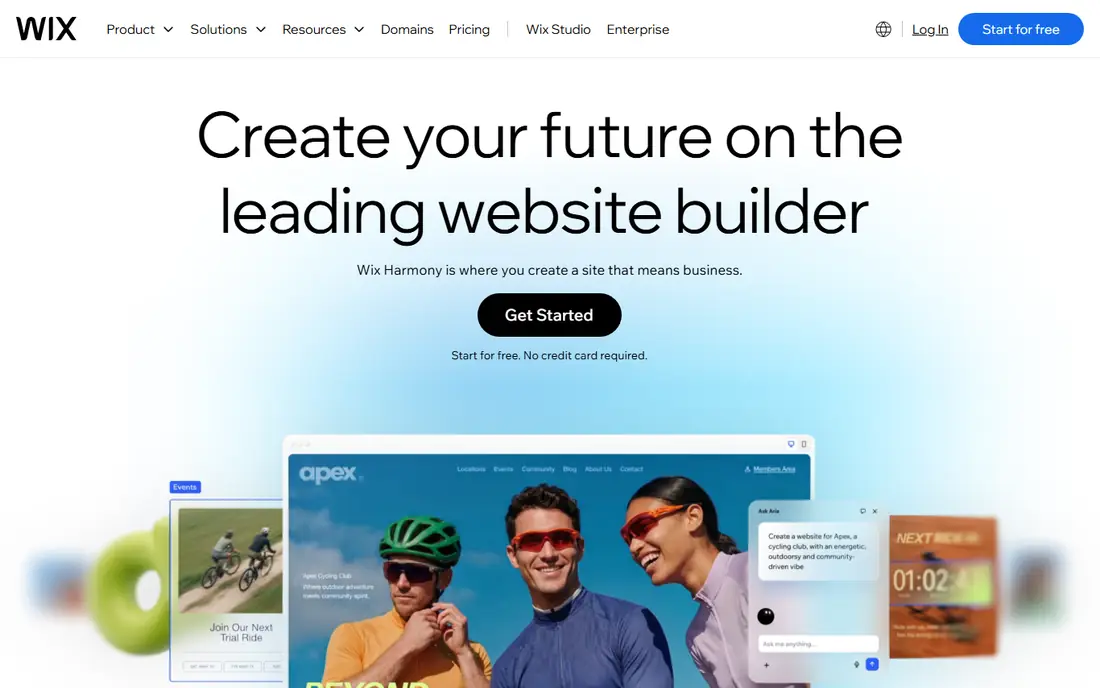
Wix is the easiest all-round builder for beginners. You can start from a template, answer a few questions for an AI-generated draft, or build from scratch with a drag-and-drop editor. That range suits owners who want a quick start but also want control over layout later. Built-in tools cover bookings, forms, email marketing, and online stores, so many small businesses never need extra plugins.
The main catch is portability. A Wix site lives on Wix, and moving it to another platform means rebuilding, not exporting a complete site. Paid plans start at $17 per month on annual billing, with higher tiers for business and stores. If you value ease over portability, Wix is a strong default, and its free plan lets you test the editor before paying.
- Large template library
- AI-assisted setup
- Built-in marketing, booking, and store tools
- A site built on Wix cannot easily move elsewhere
- Higher tiers rise in price for stores
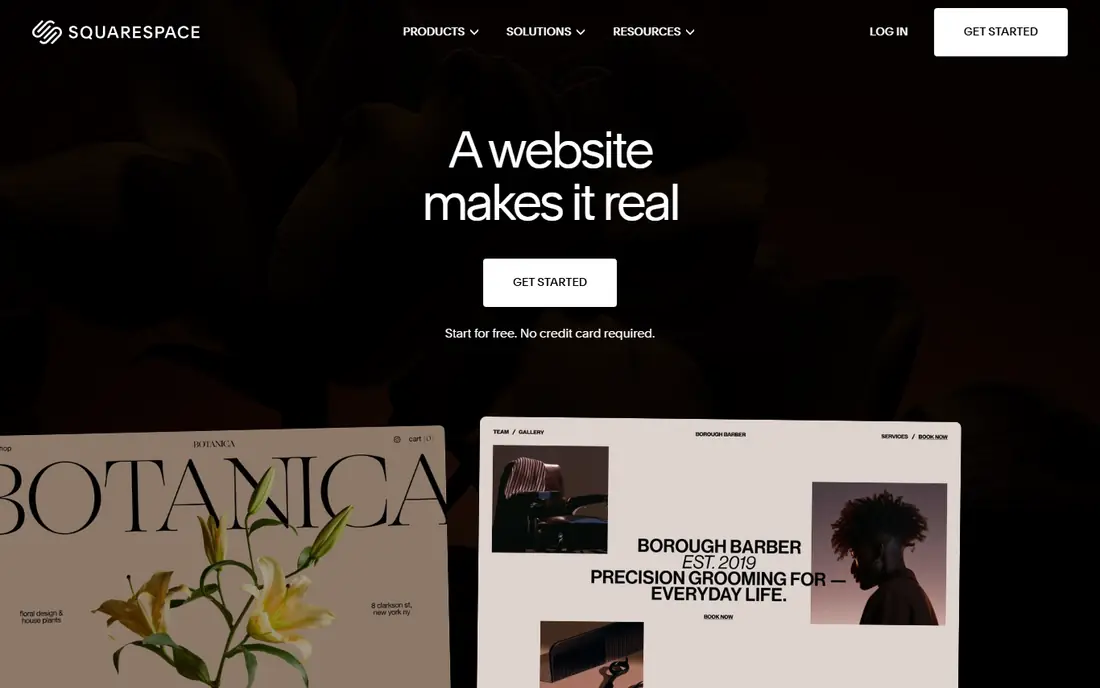
Squarespace suits owners who care about design first. Its templates are fewer than Wix, but they are more curated, with strong typography, photography layouts, and spacing that make a portfolio or service site look professional with less effort. Built-in scheduling, through Acuity, suits consultants, salons, and other appointment businesses.
There is no free plan, only a 14-day trial, and paid plans start at $19 per month on annual billing. Selling tools are solid for small stores, but a large catalog with complex shipping and discounts will suit Shopify better. For a photographer, designer, restaurant, or consultant who wants a polished site fast, Squarespace is our top design pick.
- Polished, curated templates
- Strong portfolio and scheduling tools
- Clean editor
- No free plan, only a trial
- Fewer templates than Wix
- Large stores suit Shopify better
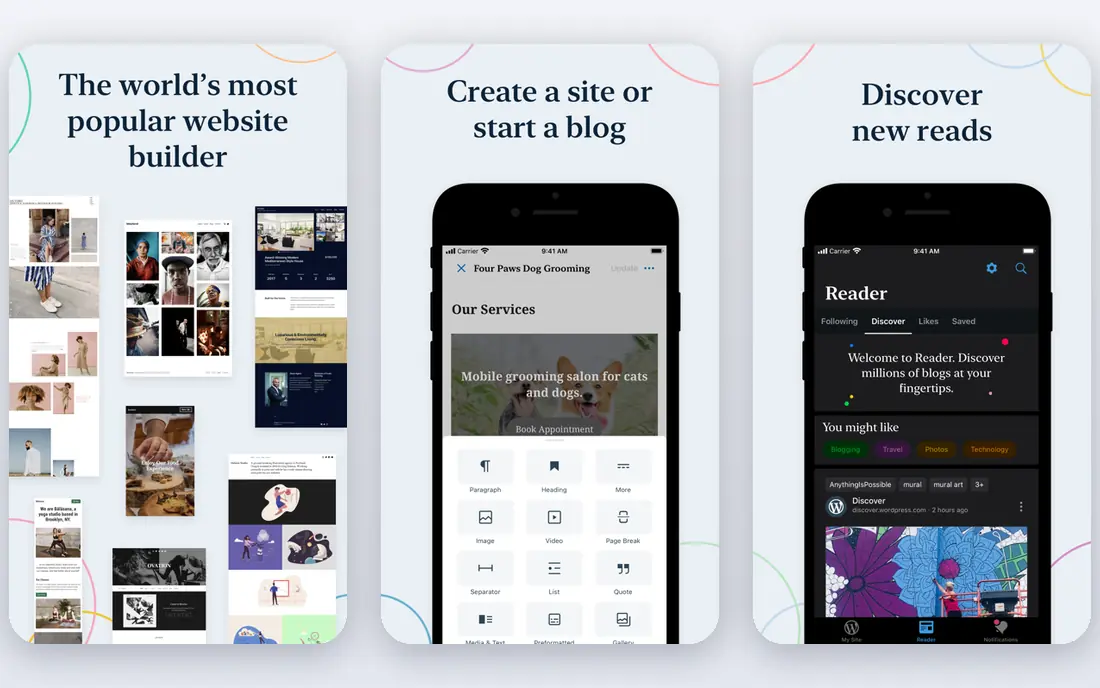
WordPress.com is the hosted version of WordPress, and it suits owners who want flexibility at a low price. The free plan lets you test the platform, and paid plans start at $4 per month for the first year, renewing higher, so budget on the renewal price, not the intro rate. Paid plans now include plugin support, which narrows the gap with self-hosted WordPress for many users.
The editor is less hand-holding than Wix, and beginners may need more time to get a polished result. That trade is worth it if you want a blog, a content site, or a site you may later move to self-hosted WordPress, where you control hosting and plugins fully. For a low-cost, flexible site, WordPress.com is hard to beat.
- Free plan for testing
- Low entry price
- Plugins on paid plans
- Huge theme and content flexibility
- First-year prices renew higher
- The editor is less guided than Wix for beginners
Shopify is the best builder on this list for selling at scale. Product management, payment processing, discounts, shipping, and abandoned cart tools are built for commerce, and the app store adds features for marketing, inventory, and fulfillment. That depth matters once a store grows beyond a handful of products.
The trade is price and focus. Plans start at $29 per month, with a trial but no free plan, and transaction fees apply unless you use Shopify Payments. Content and blog tools are serviceable but less flexible than WordPress. If your site is mainly a store, Shopify is the right choice, and you should not force a general builder to do a store job.
- Strong store tools for products, payments, and shipping
- Large app store
- Scales to large catalogs
- Monthly cost is higher than a general builder
- Content pages are less flexible than WordPress
Webflow suits designers and agencies who want precise control without writing all code by hand. You can design layouts visually, manage content with a built-in CMS, and publish a site that looks custom rather than template-based. That control is why many professional portfolios and marketing sites use Webflow.
The learning curve is steeper than Wix or Squarespace, and beginners may feel lost in the panel options at first. Site plans start around $14 per month, with higher tiers for CMS and business features. For a designer-led site where layout matters, Webflow is worth the extra learning time.
- Precise design control
- Built-in CMS for blogs and portfolios
- Clean code output for developers
- Steeper learning curve than Wix
- Business and store plans cost more
Hostinger Website Builder suits owners who want the lowest possible cost for a simple site. Plans start at $2.99 per month, hosting is included, and an AI builder can generate a draft site from a few prompts. That combination works well for a small business, a landing page, or a personal site on a tight budget.
Templates and marketing tools are simpler than Wix or Squarespace, and intro prices renew higher, so check the renewal rate before you commit. If you need advanced store or booking features, a higher tier or a different builder may suit you better. For a simple, cheap, fast site, Hostinger is a strong value pick.
- Very low entry price
- Fast hosting included
- AI builder for quick setup
- Templates and features are simpler than Wix
- Renewal prices are higher than intro rates
GoDaddy Website Builder suits owners who want to get online today, with minimal decisions. Its AI setup asks a few questions and builds a draft site, and because domain, hosting, and builder sit in one account, there is less to manage. Phone support is a plus for owners who prefer to talk to a person.
Design flexibility is more limited than Wix or Webflow, and marketing tools are basic, though functional for a small business. Paid plans start at $9.99 per month on annual billing, with higher tiers for marketing and stores. For a local business that needs a simple, professional site quickly, GoDaddy is a practical choice.
- Very fast AI setup
- Domain, hosting, and builder in one account
- Phone support
- Design flexibility is limited
- Marketing tools are basic compared with Wix
Framer suits startups, portfolios, and landing pages that need a modern, fast site. Its templates look current, its AI tools can generate a draft quickly, and its animations and layouts feel polished without heavy design work. The free plan lets you test the editor, and paid plans start around $5 per month.
Store and business features are more limited than Wix or Shopify, so Framer is not the best choice for a complex store or booking business. For a marketing site, a portfolio, or a product landing page, Framer offers speed and style at a low price, and it is a good alternative to Webflow for simpler projects.
- Fast, modern templates
- AI site generation
- Smooth animations and clean layouts
- Store features are limited
- Less suited to complex business sites than Wix
How we picked these
We compared official pricing pages, feature descriptions, and recent builder comparisons, and we favored platforms that are still actively developed, that publish clear pricing, and that cover different needs, from cheap simple sites to large stores and designer-led builds. We left out builders with unclear pricing or very narrow use cases, and we checked renewal prices where vendors publish them, since intro rates can mislead.
How to choose a website builder without regret
Start with the job of the site. A store needs Shopify or a strong Wix store plan, a portfolio needs Squarespace or Framer, and a blog or content site needs WordPress.com. Do not pick a builder for a single feature you may never use. Next, test the editor with your real content, not a demo template. Add your photos, your prices, and your contact details, and see whether the result still looks good.
Then check the total cost for year two, including domain renewal, email, and any apps you need. Finally, think about leaving. Builders lock you in to different degrees, so if you may need a custom site later, WordPress gives you more portability than a closed builder. A builder that is easy to start but hard to leave is fine if you plan to stay, but it is a poor choice if you expect to outgrow it quickly.
Frequently asked questions
What is the best website builder software for beginners?
Wix, thanks to its large template library, AI setup, and free plan for testing. GoDaddy is a good alternative if you want the fastest possible setup with phone support.
What is the best platform to make a website for a small business?
Wix or Squarespace for most small businesses, depending on whether you value ease or design polish. Hostinger suits a tight budget, while WordPress.com suits owners who want flexibility.
What is the best website builder for an online store?
Shopify, thanks to its store tools, payment options, and ability to scale to a large catalog. Wix and Squarespace also sell well for small stores, but Shopify leads for growth.
What is the best free website builder?
Wix and WordPress.com both offer free plans, with ads or a subdomain. Framer and Webflow also offer free starter plans, though paid plans are needed for a custom domain and full features.
Can I move my website to another builder later?
Only partly. Content such as text and images can usually be copied, but design, layout, and builder-specific features do not transfer cleanly. WordPress offers more portability than closed builders, so consider that before you build a large site.
How much does a website builder cost per month?
Entry paid plans range from around $2.99 per month for Hostinger to $29 per month for Shopify, with most general builders between $14 and $19 per month on annual billing. Check renewal prices, since intro rates often rise.
Sources we checked (8)

Online Jobs is an independent blog about careers, online work, learning new skills and the tools that help people earn. More about us.
Keep reading
All posts
Workday Alternatives
We compared the best workday alternatives for HR, payroll, and global hiring, from BambooHR and Gusto to Rippling, Deel, and HiBob for growing teams in 2026.

Which SaaS Tools Have the Best Customer Support
Which SaaS tools have the best customer support? Compare eight popular tools on help centres, live help, response options and overall support quality.

Top AI Helpdesk Software
Searching for top AI helpdesk software in 2026? We compared 8 AI helpdesks on automation, pricing, channels and ease of setup for small and growing teams.