Best Website Build Apps in 2026: 9 Platforms Compared

How we put this together: we compare official feature and pricing pages, app store listings, privacy policies and public user reviews. Prices change, so check the provider's site before you pay.
Key takeaways
- Wix and Squarespace remain the easiest all-round choices for most small businesses, while WordPress.com gives more room to grow.
- Shopify is the clear pick when selling is the main job, not just one page among many.
- Webflow and Framer suit design-led sites, but their pricing needs closer reading because site and workspace costs can stack up.
- Hostinger and GoDaddy keep entry costs low, but renewal prices and feature limits matter more than the first-year headline.
- A free plan is useful for testing, yet a custom domain and removal of builder branding almost always require a paid plan.
Quick comparison
| Name | Who it suits | Starting price | Free option | |
|---|---|---|---|---|
 Wix Wix | All-round small business sites | $17 per month | Yes | Visit |
 Squarespace Squarespace | Polished design-led sites | $19 per month | Free trial | Visit |
 WordPress.com WordPress.com | Blogs and growing content sites | Free | Yes | Visit |
 Shopify Shopify | Online stores | $29 per month | Free trial | Visit |
 Webflow Webflow | Custom design and marketing sites | Free | Yes | Visit |
 GoDaddy GoDaddy | Fast launch for local businesses | $9.99 per month | Yes | Visit |
 Hostinger Hostinger | Budget hosting plus builder | $2.99 per month | Free trial | Visit |
 Framer Framer | Modern portfolios and landing pages | Free | Yes | Visit |
 Duda Duda | Agencies building client sites | $19 per month | Free trial | Visit |
The best website build apps
The best platform to build a website depends less on the longest feature list and more on what the site must do every week. A service business needs calls, bookings, and trust. A store needs checkout, shipping, and product pages that load fast. A portfolio needs images that look sharp and a layout that stays out of the way. We compared official feature pages and pricing pages, app store listings, and public reviews, and we kept only platforms that are active and widely available in 2026.
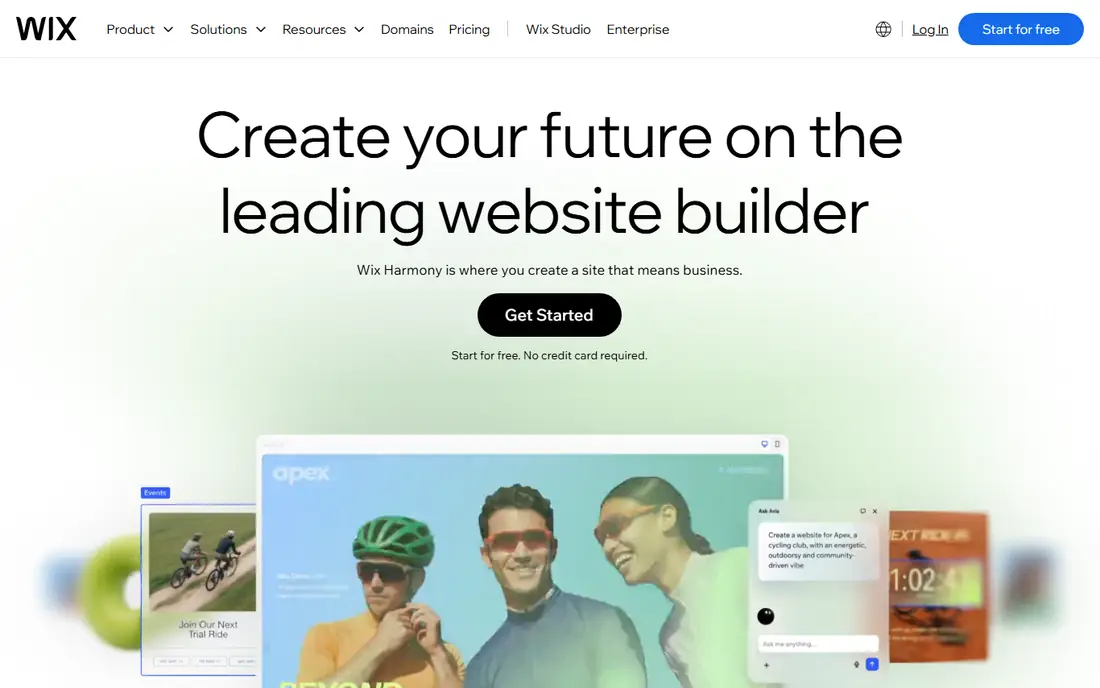
Wix works best for owners who want one account for the site, the domain, bookings, and a basic store. The editor gives a lot of freedom over where text, images, and buttons sit, and the template range covers trades, salons, restaurants, consultants, and many other service businesses. Paid plans start at $17 per month on annual billing for the Light plan, with Core at $29 per month adding basic ecommerce and more storage.
The catch is that freedom can slow a first build, because there are many choices to make. The free plan is fine for learning the editor, but it keeps Wix branding and a Wix subdomain, so it is not a finished business presence. For most service businesses, Core is the sensible starting point, since it adds selling and payment tools without jumping to the higher business tiers.
- Large template library
- Built-in booking, payments, and marketing tools
- AI-assisted site setup
- Lower plans limit storage
- Switching templates can mean rebuilding layout work
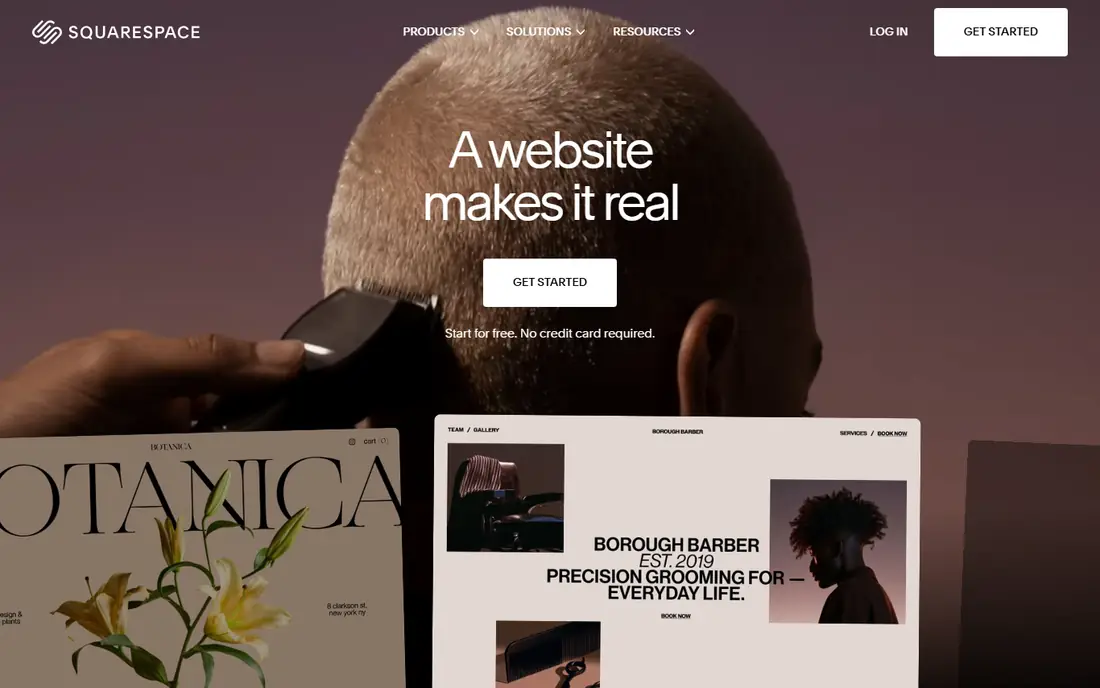
Squarespace suits people who care a lot about how the site looks and want that look to hold together without constant tweaking. Templates feel calm and consistent, and the editor guides layout choices instead of leaving every pixel open. Plans start at $19 per month on annual billing for Basic, with Core at $29 per month removing the store transaction fee and adding more commerce tools.
The trade-off is flexibility. Custom code and deeper changes are possible on higher plans, but Squarespace is not built for heavily custom web apps. A 14-day trial gives time to test a real design, yet there is no free tier to fall back on. For photographers, designers, writers, and service firms, that design quality is often worth the price.
- Strong, consistent templates
- Hosting, SSL, and analytics included
- Good blogging and portfolio tools
- No permanent free plan
- Basic plan charges a 2 percent fee on store sales
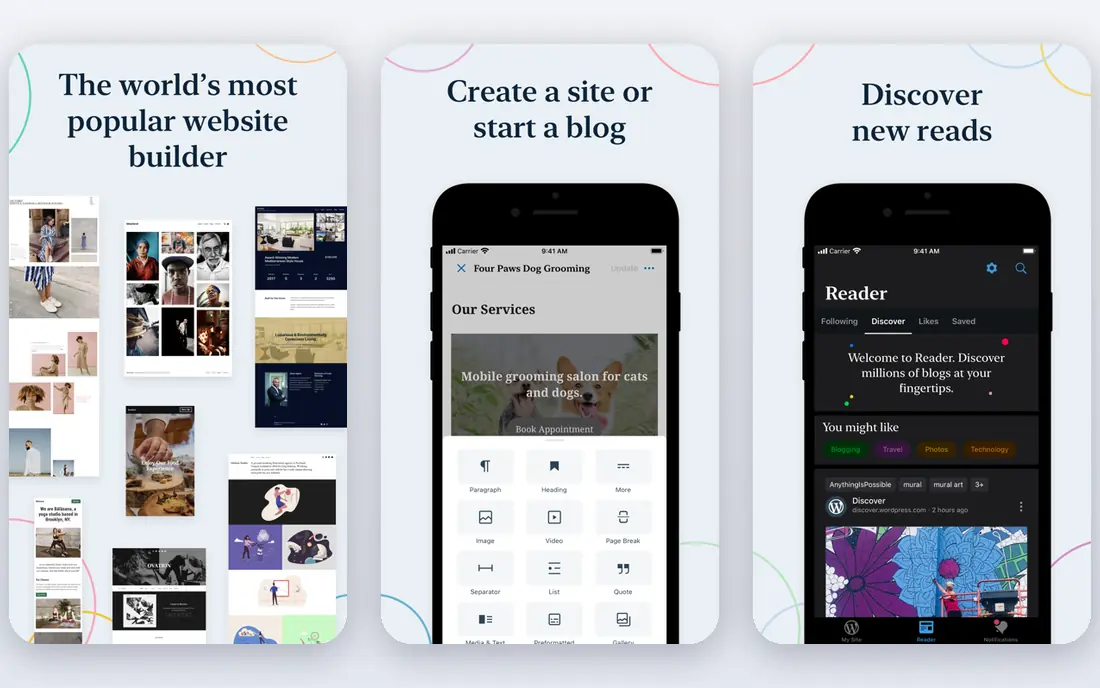
WordPress.com is the hosted version of WordPress, so hosting and updates are handled for you. The free plan gives a subdomain and limited storage, which is enough to start a blog or test an idea. Paid plans start at $4 per month on annual billing for Personal, $8 per month for Premium, $25 per month for Business, and $45 per month for Commerce, with monthly billing costing more.
The main decision is how much control you need. Personal and Premium suit simple sites, while Business opens up the wider plugin and theme world that makes WordPress so flexible. That flexibility comes with more decisions, and a self-hosted WordPress.org site remains a different purchase, with separate hosting to arrange. For content-led businesses, though, WordPress.com is hard to beat for long-term growth.
- Huge theme and plugin ecosystem on higher plans
- Strong blogging tools
- Free plan for starting out
- Plugin access is limited on lower plans
- Renewal prices can be higher than first-year prices
Shopify is built around selling, and that focus shows in checkout, discount codes, gift cards, abandoned checkout recovery, and shipping tools. Basic starts at $29 per month on annual billing, or $39 per month billed monthly, with Grow and Advanced adding lower card rates and more staff accounts. New stores get a short free trial, followed by a low introductory monthly price for a few months on selected plans.
The honest cost includes card processing, which on Basic is 2.9 percent plus 30 cents for online card payments through Shopify Payments, plus any third-party gateway fees if you use another provider. Apps can also add up quickly. Still, if the site exists mainly to sell, Shopify saves time that a general builder would spend bolting commerce on afterward.
- Strong checkout and store tools
- Large app store
- Unlimited products on main plans
- Monthly cost plus card fees
- Trial is short at three days before a low-cost introductory period
Webflow gives designers and marketing teams control close to hand-coding, without writing code for every element. The visual editor handles layout, interactions, and animations, and the CMS supports blogs, case studies, and directories. Site plans start free on the Starter plan, with Basic at $15 per month and Premium at $25 per month on annual billing, while workspace plans for teams start separately.
That two-part pricing is the part to budget carefully. A solo site on Basic may cost only the site plan, but a team site often needs a workspace plan too, and extra seats add cost. The learning curve is also real, and simple brochure sites may not need this much power. For design-led marketing sites that will be updated often, the control is worth it.
- Precise visual design control
- Built-in CMS for content sites
- Fast hosting included
- Site plans and workspace plans are separate costs
- Learning curve is steeper than drag-and-drop builders
GoDaddy is for owners who want a decent site live quickly and do not want to compare hosting, domains, and builders separately. Answer a few questions about the business and the builder drafts a starting site, which you then edit. Paid plans are listed from $9.99 per month for Basic, $14.99 per month for Premium, and $20.99 per month for Commerce on introductory annual pricing.
Read the renewal line before paying, because those first-year rates rise in later years. Design options are also more limited, and moving away later usually means rebuilding rather than exporting the site cleanly. For a local service business that mainly needs contact details, services, reviews, and a booking link, that simplicity is a fair trade.
- Domain, hosting, and builder in one account
- Quick AI-assisted setup
- Phone support available
- Introductory prices rise on renewal
- Design freedom is narrower than Wix or Webflow
Hostinger bundles hosting with a drag-and-drop builder and AI site generation, which makes it one of the cheapest ways to get a small business site online. Premium hosting with the builder is listed from $2.99 per month on a 48-month term, renewing at $10.99 per month, while the Unlimited plan is listed from $3.99 per month and renews at $16.99 per month. Longer plans also include a free domain for the first year.
The catch is commitment. That monthly figure is the total term price divided by its months, paid upfront, so a 48-month plan is a single large payment, not a small monthly bill. It also suits brochure sites better than search-critical content sites, where a dedicated content platform may perform better. If the budget is tight and the site is simple, Hostinger is strong value, provided the renewal price is acceptable.
- Very low introductory price
- AI builder and WordPress options in one account
- Free domain for a year on longer plans
- Low price requires a long upfront term
- Renewal price is much higher
Framer feels closest to a design tool, which suits portfolios, startups, and landing pages that need to look current. The free plan lets you build and publish on a Framer subdomain, while Mini starts at $5 per month on annual billing with a custom domain and no Framer branding. Basic at $15 per month and Pro at $25 per month add more pages, CMS items, and features.
Selling is the weak point, since there is no built-in store. You would connect Stripe links, a Shopify embed, or another commerce tool, which adds cost and setup. Pricing is also per site, so an agency running many client sites pays per site rather than once. For a single polished site, though, Framer is fast and good-looking.
- Fast, modern templates
- Strong animation and interaction tools
- Low-cost Mini plan
- No native ecommerce
- Pricing is per site, so multiple sites add up
Duda is the odd one out here because it is aimed first at agencies, freelancers, and businesses that build sites for others. Basic starts at $19 per month on annual billing, Team at $29 per month, and Agency at $52 per month, with extra published sites charged per site. Unlimited projects can be drafted, and you pay when they go live.
For a single business owner, that agency focus may be more than needed, and the section-based editor feels less free than Webflow. For anyone building several client sites, the client workspaces, reusable sections, and team seats make repeat work much faster. A 14-day trial covers the full platform, which is enough to test the workflow before committing.
- Built for multi-site and client work
- Reusable sections and templates
- Client accounts and billing tools
- Less free-form design control than Webflow
- Ecommerce and bookings can cost extra
How we picked these
We compared official pricing and feature pages, app store listings, and public reviews for platforms that are active in 2026 and fit a general website building job, from a simple service site to a store. We favored platforms with a clear free or trial route, a custom domain option, and hosting included, and we noted where a headline price depends on annual billing, a long term, or a separate workspace plan. We did not claim hands-on testing we did not do. Prices change often, so check the vendor pricing page before you pay.
What to check before you choose a builder
Start with the job, not the template gallery. Write down the three actions visitors must take, such as call, book, buy, or sign up, and check that those actions work well on a phone. A beautiful homepage that hides the booking button is a poor business tool, no matter how good it looks on a desktop screen.
Next, add up the full first-year cost and the renewal cost. Include the plan, the domain after any free year, email if it is separate, card fees for stores, and any paid apps or extra seats. A cheap first year that triples on renewal can cost more over three years than a steadier mid-priced plan. Also check who owns the content and how hard it is to leave, since some builders export cleanly and others require a rebuild.
For service businesses
A service business should favor booking, contact forms, reviews, maps, and clear service pages over a large template library. Wix, Squarespace, and GoDaddy all cover this ground, with Wix offering the widest built-in business tools. Make sure the booking flow, phone number, and service area are easy to find, and test the contact form yourself before launch.
For stores and content sites
Stores should start with checkout, shipping, tax, and product limits, not design alone. Shopify leads here, with Wix and Squarespace as solid options for smaller catalogs. Content sites should favor blogging, search tools, and a CMS that will still feel manageable after 100 posts, which is where WordPress.com and Webflow earn their place.
Frequently asked questions
What is the best platform to build a website for a service business?
Wix or Squarespace suit most service businesses, with Wix offering wider booking and marketing tools and Squarespace offering more consistent design. GoDaddy is a good fallback when speed and a single account matter more than design freedom. Choose based on booking needs and budget, not on template count alone.
What is the best tool to build a website for free?
WordPress.com, Wix, Webflow, and Framer all offer free plans, but each keeps builder branding or a subdomain until you pay. That is fine for testing or a personal project. For a business site, budget for at least the lowest paid plan so you can use a custom domain and remove branding.
What is the best software to build a website that can also sell products?
Shopify is the strongest choice when selling is the main job, thanks to its checkout, shipping, and app ecosystem. Wix Core and Squarespace Core also handle smaller stores well and keep the site and store in one editor. Compare card fees and product limits, not just the monthly plan price.
Can I build a website without knowing how to code?
Yes, all the platforms here are built for people without coding skills, using drag-and-drop editing, templates, and AI-assisted setup. Webflow has the steepest learning curve of the group, while GoDaddy and Wix are among the easiest to start. Code is optional, and it mainly helps with custom tweaks on higher plans.
How much does a website builder cost per month?
Entry paid plans in this guide range from about $2.99 per month on a long Hostinger term to $29 per month for Shopify Basic on annual billing, with most general builders between $15 and $25 per month. Always check whether the quoted price needs annual billing, how much it renews at, and what card fees, email, or apps add on top.
Is WordPress.com the same as WordPress.org?
No, WordPress.com is a hosted service run by Automattic, with hosting and updates included and feature limits by plan. WordPress.org is free open-source software that you install on hosting you buy separately, which gives full control but also full responsibility for updates, security, and backups.
Sources we checked (9)

Online Jobs is an independent blog about careers, online work, learning new skills and the tools that help people earn. More about us.
Keep reading
All posts
ZoomInfo Alternatives
The best ZoomInfo alternatives in 2026, compared on price, free plans, data coverage, and which tool fits small teams or large sales teams best in detail.

Workday Alternatives
We compared the best workday alternatives for HR, payroll, and global hiring, from BambooHR and Gusto to Rippling, Deel, and HiBob for growing teams in 2026.

Which SaaS Tools Have the Best Customer Support
Which SaaS tools have the best customer support? Compare eight popular tools on help centres, live help, response options and overall support quality.