Best website audit tools in 2026: 8 Apps Compared

Deep technical crawls · Starting price: $279 per year
How we put this together: we compare official feature and pricing pages, app store listings, privacy policies and public user reviews. Prices change, so check the provider's site before you pay.
Key takeaways
- Screaming Frog remains our pick for deep technical crawls, while Semrush and Ahrefs suit teams that want audits inside a wider SEO suite.
- Free options are genuinely useful for small sites, with Google Search Console covering indexing and Screaming Frog covering up to 500 URLs at no cost.
- Crawl limits matter more than feature lists, so check pages per month, pages per audit, and JavaScript rendering before you pay.
- Sitebulb and Seobility stand out for readers who need clear priorities and client friendly reports without an enterprise budget.
Quick comparison
| Name | Who it suits | Starting price | Free option | |
|---|---|---|---|---|
| Screaming Frog SEO Spider | Deep technical crawls | $279 per year | Yes | Visit |
 Semrush Semrush | All in one SEO suites | $139 per month | Yes | Visit |
 Ahrefs Ahrefs | Audits plus backlink research | $129 per month | Yes | Visit |
 Sitebulb Sitebulb | Prioritised, visual audit reports | $18 per month | Free trial | Visit |
 Moz Pro Moz Pro | Beginner friendly SEO suites | $49 per month | Free trial | Visit |
 Seobility Seobility | Affordable all in one audits | $69.90 per month | Yes | Visit |
 Google Search Console Google Search Console | Free indexing and performance checks | Free | Yes | Visit |
 SE Ranking SE Ranking | Agency audits and white label reports | $129 per month | Free trial | Visit |
The best website audit tools
We compared desktop crawlers, cloud suites, and free Google data to find tools that catch real problems, explain them clearly, and fit different budgets and team sizes.
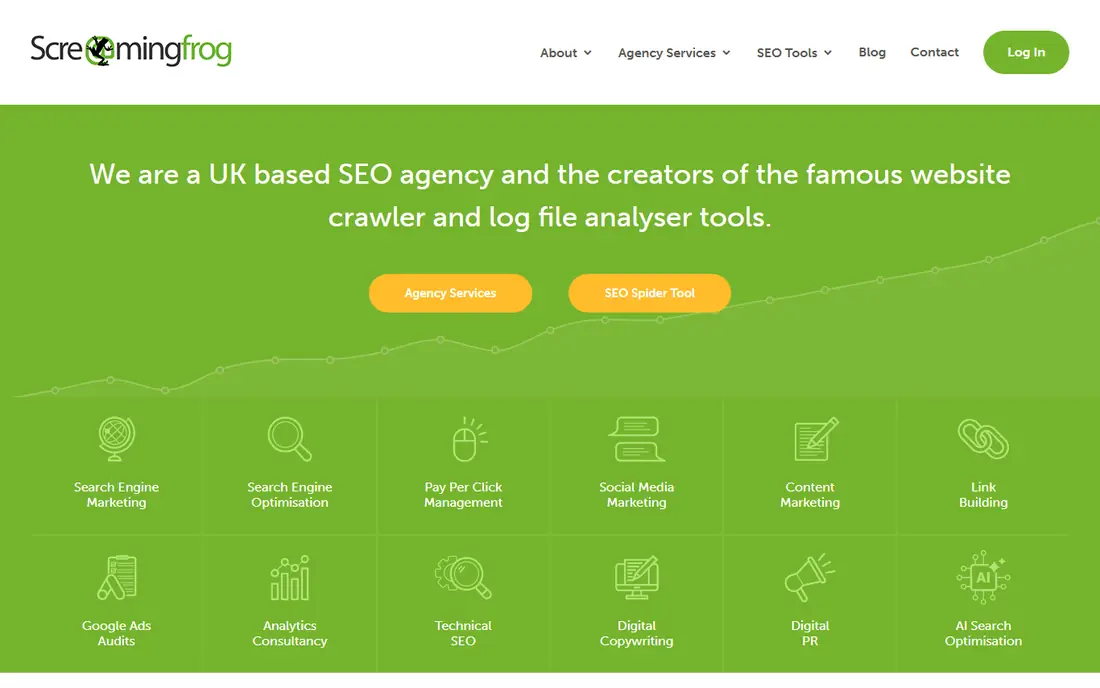
Screaming Frog is the tool many technical SEOs open first when something looks wrong. It crawls a site on your own computer, collects status codes, redirects, canonical tags, titles, headings, internal links, images, and schema, and lets you filter and export the results for closer work. That raw detail is its strength, because you can check a migration, a redirect chain, or a template fault across thousands of URLs without waiting on a cloud queue. The trade off is presentation. Screaming Frog shows you what it found, not always what to fix first, and turning a crawl into a polished client report takes time in a spreadsheet or a separate reporting tool. The free version covers up to 500 URLs, which is enough for many small sites, while the paid licence removes that cap and adds scheduling, integrations, and extra configuration. If you do technical work yourself, this is our pick for depth and control.
- Very deep crawl data
- JavaScript rendering
- Custom extraction and exports
- Reports need manual shaping for clients
- Desktop only, so sharing takes extra work
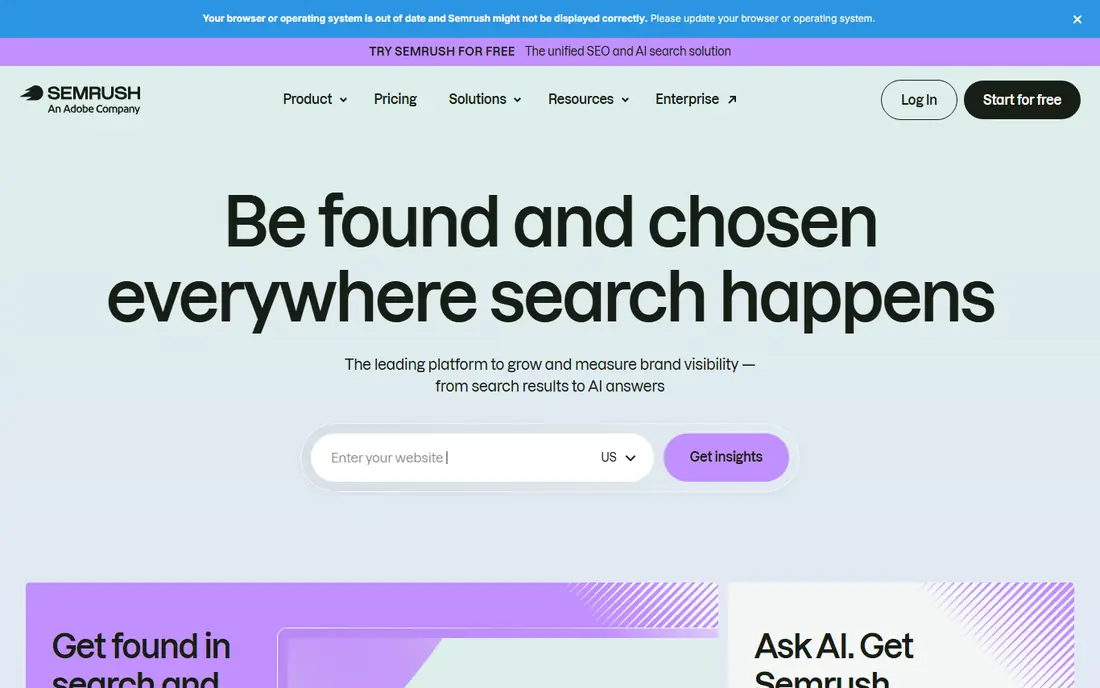
Semrush suits teams that want an audit as one part of a broader SEO workflow. Its Site Audit runs scheduled crawls, groups issues by theme, and connects the findings to keyword research, position tracking, and backlink data, so a technical fix can be tied to the pages and queries it affects. The interface explains issues in plain language, which helps when a non technical stakeholder needs to approve a fix. The catch is scale and cost. Crawl allowances are tied to plan, and larger sites or agencies may need a higher tier to get the page volume and JavaScript rendering they need. A free account gives a limited taste, including a small audit allowance, but serious use is a paid commitment. Choose Semrush if you already need the wider suite, not if you only need an occasional crawl.
- Site Audit with many checks
- Scheduled crawls
- Keyword, backlink, and content tools in one account
- Price rises fast for larger crawl limits
- Some features sit behind higher tiers
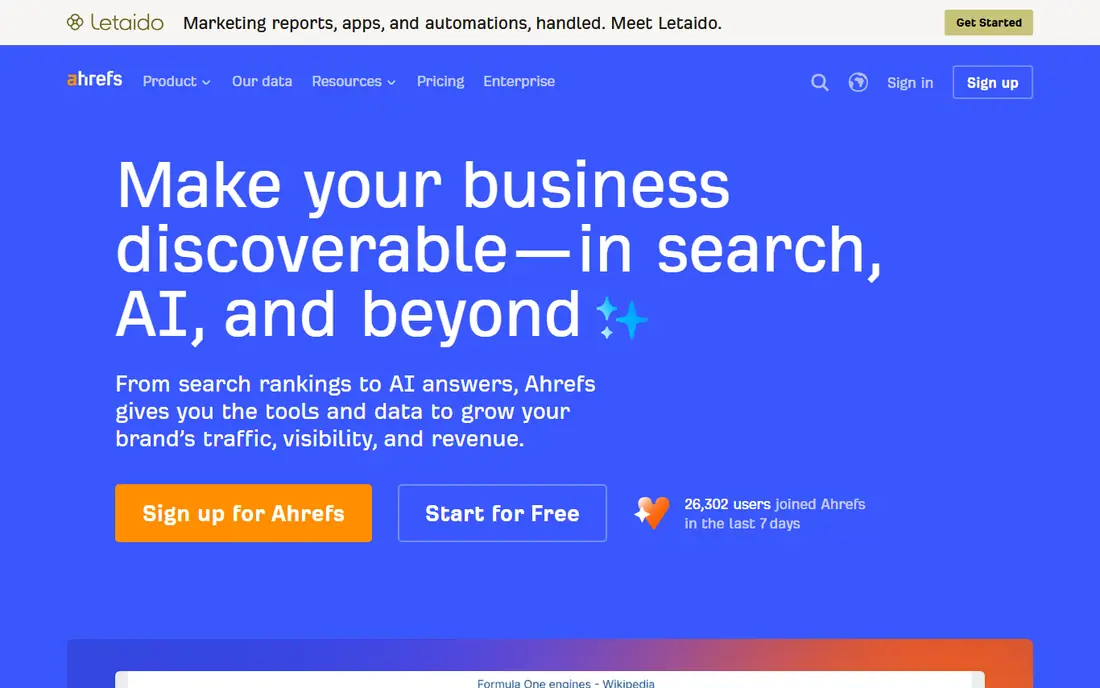
Ahrefs Site Audit gives a clear health score, a list of issues grouped by severity, and a crawl history that makes it easy to see whether fixes worked. Because it sits inside Ahrefs, you can move from a broken link or a redirect problem to the backlink profile and keyword data for the same page without switching tools. That joined up view is helpful for prioritising pages that actually earn traffic and links. For site owners, Ahrefs Webmaster Tools is a strong free starting point, since it includes Site Audit for verified sites. Paid plans add much larger crawl allowances and the full suite, but they are priced for agencies and serious in house teams. If backlinks and content research matter as much as technical health, Ahrefs is a strong all round choice.
- Clean health score and issue lists
- Strong backlink and keyword data alongside audits
- Free Webmaster Tools for verified sites
- Paid plans are priced for professionals
- Crawl credits require careful planning on large sites
Sitebulb is built around a simple question: what should you fix first. Its hints system ranks issues, explains why each one matters, and shows crawl visualisations that make site structure easier to grasp than a long spreadsheet. For freelancers and agencies, that focus on prioritisation and reporting saves time, because the output is much closer to something you can hand to a client. The product comes in desktop and cloud forms, so check which version matches your workflow before you subscribe, including crawl limits per audit. The entry plan is affordable for smaller sites, while larger sites will need a higher tier. If your main problem is turning audit data into decisions and reports, Sitebulb deserves a close look.
- Hints ranked by priority
- Clear visualisations
- Good client reports
- Desktop version differs from cloud version
- Larger sites need higher tiers
Moz Pro is a good fit for small businesses and beginners who want an audit without learning a specialist crawler first. Its Site Crawl checks a site on a schedule, flags common issues, and presents them alongside rank tracking and keyword research, so the audit feels like part of normal SEO work rather than a separate technical project. The learning material around Moz also helps newer users understand what each issue means. Depth is the limit here. On a large or complex site, crawl caps and a less detailed crawler may leave you wanting Screaming Frog or Sitebulb for the hardest problems. For a smaller site, a blog, or a local business site, Moz Pro offers a friendly balance of audit, tracking, and guidance at a mid range price.
- Approachable interface
- Site Crawl plus rank tracking and keyword tools
- Useful learning resources
- Crawl limits can frustrate on larger sites
- Less depth than a dedicated crawler
Seobility is worth considering when budget is tight but you still want a proper audit tool, not just a single page checker. It crawls a site, reports technical and on page issues, and pairs that with rank tracking and backlink checks, which covers the daily needs of many small businesses, bloggers, and freelancers. The free Basic plan, with one project and limited pages, lets you test the workflow before paying. Paid plans raise the page and keyword limits, but Seobility is not designed as an enterprise crawler for multi million page sites. Its strength is value and simplicity for small to mid sized sites. If you want one affordable account that handles audits, basic optimisation checks, and tracking, Seobility is a practical pick.
- Permanent free Basic plan
- On page checks plus rank tracking
- Sensible price for small teams
- Free plan covers few pages
- Less suited to very large enterprise crawls
Google Search Console
Who it suits: Free indexing and performance checks
Every site owner should use Google Search Console, whether or not they pay for another audit tool. It shows how Google sees your site, including index coverage, crawl errors, mobile usability, and Core Web Vitals, plus the queries and pages that bring search traffic. Because the data comes from Google itself, it is the best check for indexing problems and for confirming whether a fix has been picked up. Search Console is not a replacement for a crawler. It will not crawl every URL on demand in the same way, map internal links in full, or produce a client report. Use it as the baseline truth for indexing and performance, then pair it with Screaming Frog or a suite for a complete audit. Since it is free, there is no reason to skip it.
- Direct data from Google
- Index coverage and Core Web Vitals
- No cost for verified owners
- Not a full site crawler
- No competitor data or white label reports
SE Ranking appeals to agencies and freelancers who need audits, rank tracking, and client reporting in one place. Its Website Audit runs scheduled crawls, checks technical and on page issues, and can be presented in white label reports, which suits teams that report to clients each month. The wider suite adds keyword research and competitor checks, so audit findings can be set against ranking movement. For a single small site, the entry price may feel high compared with Seobility or a free tool, and crawl limits need checking against your site size. For an agency managing several clients, the combined reporting and tracking can justify the cost. Pick SE Ranking if client reporting and multi project management are central to your work.
- Website Audit with scheduling
- White label reports
- Rank tracking and competitor tools included
- Entry price is high for a single small site
- Crawl allowances vary by plan
How we picked these
We started from official feature pages, pricing pages, and help documentation, then checked app store listings and public reviews for signs of limits that pricing pages sometimes bury, such as pages per audit, JavaScript rendering, and scheduling. We favoured tools that publish clear crawl limits, offer a free plan or trial, and cover the core audit checks: status codes, redirects, canonical tags, titles, headings, internal links, images, and mobile and speed signals. We also looked at privacy and data handling where a tool connects to Google Search Console or Analytics, since an audit tool should not need more access than its job requires. No tool here was chosen on marketing claims alone, and prices were taken from vendor pages where available, with See website used where a price could not be confirmed at the time of writing.
What to check before you pay for an audit tool
Match the crawl limit to your real site size
Count indexed pages, plus staging, pagination, faceted URLs, and large image and file sets, then compare that total with pages per audit and pages per month. A tool that caps at 100,000 pages a month sounds large until an e commerce site with filters and variants uses it up in one crawl. Desktop crawlers avoid monthly caps but depend on your computer memory and storage.
Decide who reads the report
A technical SEO can work from raw exports. A client, a manager, or a developer queue needs prioritised issues, plain explanations, and a way to track fixes over time. If reporting is part of your job, weight Sitebulb, Semrush, Ahrefs, and SE Ranking more heavily, and test a sample report before you commit.
Test JavaScript and scheduling on your own site
Many modern sites rely on JavaScript for navigation, content, and internal links. Run a trial crawl on a real section of your site, not just the homepage, and check whether rendered content, canonical tags, and links match what a browser shows. Also check scheduling, crawl history, and change alerts, since an audit you run once and forget will miss regressions after a redesign or migration.
Frequently asked questions
What is the best free SEO audit tool?
Google Search Console is the best free starting point for indexing and performance data from Google, and Screaming Frog free version covers crawls up to 500 URLs. Seobility also offers a free Basic plan for one small project. For a full audit on a larger site, you will usually need a paid plan or a desktop licence.
What is the best website audit software for agencies?
Sitebulb, Semrush, Ahrefs, and SE Ranking all suit agencies, but for different reasons. Sitebulb leads on prioritised client reports, Semrush and Ahrefs lead when audits sit inside a wider research suite, and SE Ranking leads on white label reporting across several clients. Pick based on reporting needs and crawl volume, not on feature count alone.
How often should I run a website audit?
Run a full audit at least monthly for an active site, and again after any migration, redesign, template change, or major content move. Scheduled crawls help here, because they catch broken links, redirect errors, and indexing drops between manual checks. Small static sites can audit less often, but still check Search Console regularly.
Do I need a paid audit tool if I have Google Search Console?
Search Console is essential, but it does not replace a crawler for full internal link mapping, redirect chains, duplicate content checks, and on page audits across every URL. Many teams use Search Console for Google truth and a paid or desktop crawler for depth, which gives both coverage and detail without paying for two suites.
What is the difference between a site audit and a single page audit?
A single page audit checks one URL for speed, metadata, and on page issues. A full site audit crawls many URLs, checks site structure, internal linking, canonical handling, and indexation patterns, and finds template problems that repeat across hundreds of pages. Use single page tools for spot checks and full crawls for site health.
Sources we checked (8)

Online Jobs is an independent blog about careers, online work, learning new skills and the tools that help people earn. More about us.
Keep reading
All posts
Best SEO Audit Tools
Looking for the best SEO audit tools in 2026? We compare 8 tools for technical crawls, site health, links, monitoring and client-ready reports for agencies.
Best Moz Alternatives
Compare the best Moz alternatives for keyword research, backlinks, rank tracking and site audits, with free options, pricing notes and honest trade-offs.

Zoom Alternatives
Zoom alternatives compared for 2026: Google Meet, Microsoft Teams, Webex, Jitsi and more for free calls, large meetings and webinars for teams and classrooms.