Best SEO Tools for Small Businesses in 2026: 8 Tools Compared


All-in-one SEO, content, and paid search research · Starting price: $139.95 per month
How we put this together: we compare official feature and pricing pages, app store listings, privacy policies and public user reviews. Prices change, so check the provider's site before you pay.
Key takeaways
- Start with Google Search Console, because it shows real queries, clicks, and indexing problems for your own site at no cost.
- Semrush fits a business that also runs content and paid search, while Ahrefs fits a business that puts backlink research first.
- A lower priced suite can cover keyword research, audits, and rank tracking well when you track only a small number of sites.
- Screaming Frog fills a clear gap, since it crawls a site and surfaces technical faults that dashboard tools sometimes summarise too briefly.
- Check limits before you pay, because project counts, keyword counts, and crawl limits decide the real cost more than the headline price.
Quick comparison
| Name | Who it suits | Starting price | Free option | |
|---|---|---|---|---|
| Semrush | All-in-one SEO, content, and paid search research | $139.95 per month | Yes | Visit |
 Ahrefs | Backlink and competitor research | See website | Yes | Visit |
 Moz Pro | Simple tracking for a small site portfolio | See website | Yes | Visit |
 SE Ranking | Small teams that need clear reports | See website | No | Visit |
 Mangools | Straightforward keyword research | See website | Yes | Visit |
 Ubersuggest | Beginners on a tight budget | See website | Yes | Visit |
 Screaming Frog SEO Spider | Technical site crawls | See website | Yes | Visit |
 Google Search Console | Real search performance data | $0 per month | Yes | Visit |
The best SEO tools for small businesses
Small businesses need SEO tools that answer three questions quickly: what people search for, what is wrong on the site, and whether rankings move after a fix. The tools below cover those jobs in different ways, and the right pick depends on how many sites you run and how much research you do each week.
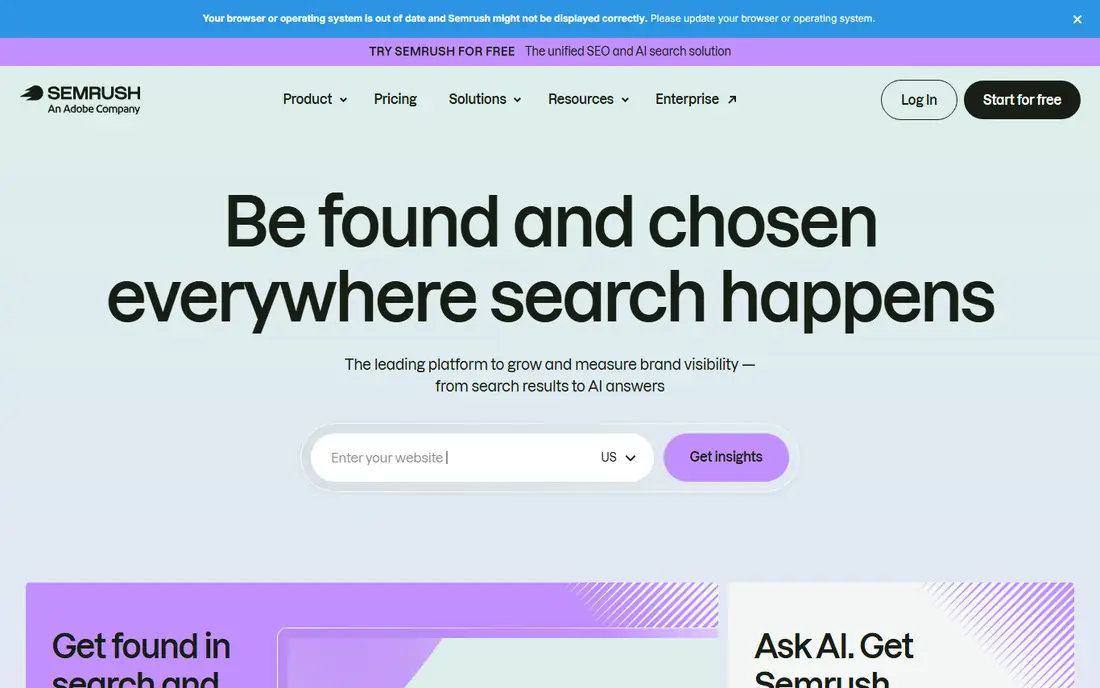
Semrush works best when one subscription needs to replace several separate tools. Keyword research, site audits, rank tracking, backlink checks, and competitor advertising data sit in the same account, so a small team can move from research to a content brief without exporting data between systems. That breadth matters when the same person writes content, fixes pages, and reports results. The trade-off is cost and complexity. A business with one website and a short keyword list may use only part of the platform, and the entry plan still carries a monthly price that needs to be justified by regular use. Before subscribing, list the jobs you will do weekly, then check whether the project and keyword limits on the entry plan cover them.
- Wide keyword, audit, rank tracking, and competitor features in one account
- Price is high for a single small site, and plan limits can push you to a higher tier
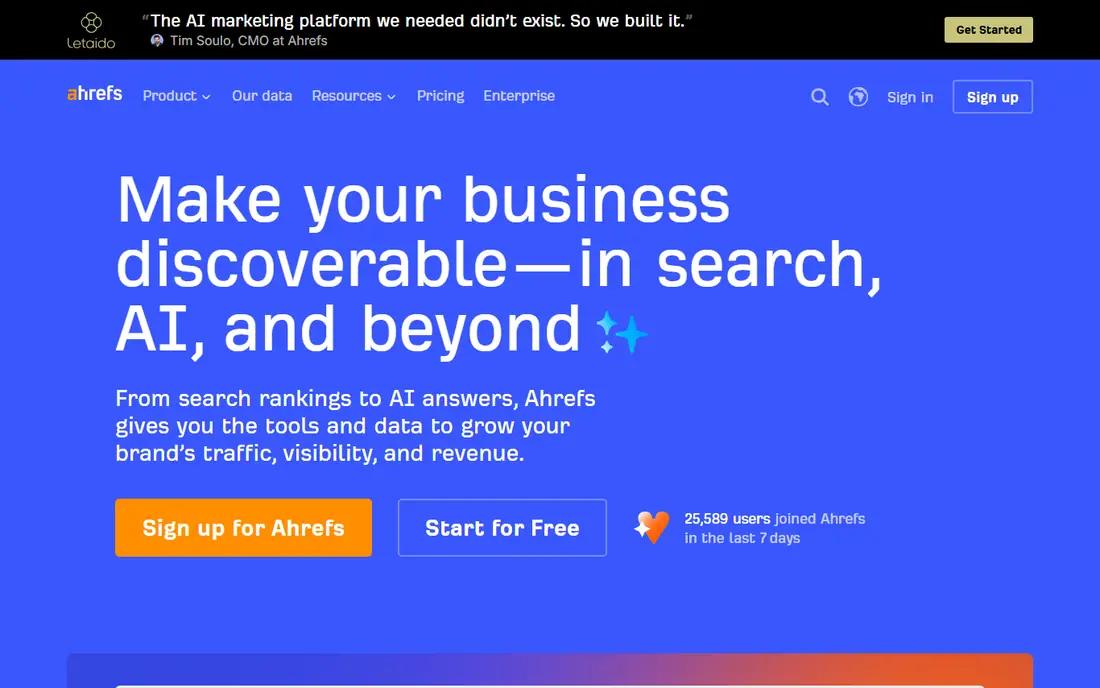
Ahrefs earns its place through link data. It shows which sites link to you, which sites link to competitors, and which pages attract links, and that detail helps a small business plan outreach and content with evidence rather than guesses. Site Explorer and Site Audit also give a useful view of pages, traffic estimates, and technical faults. The free Webmaster Tools option covers verified sites, which makes Ahrefs a sensible first step for auditing your own site before paying. Paid use becomes harder to justify if you only check rankings once a month. It fits best when link building or competitor research is a regular part of the marketing routine.
- Large backlink data set and clear competitor reports
- Paid plans can be costly, and some features need a higher tier for full use
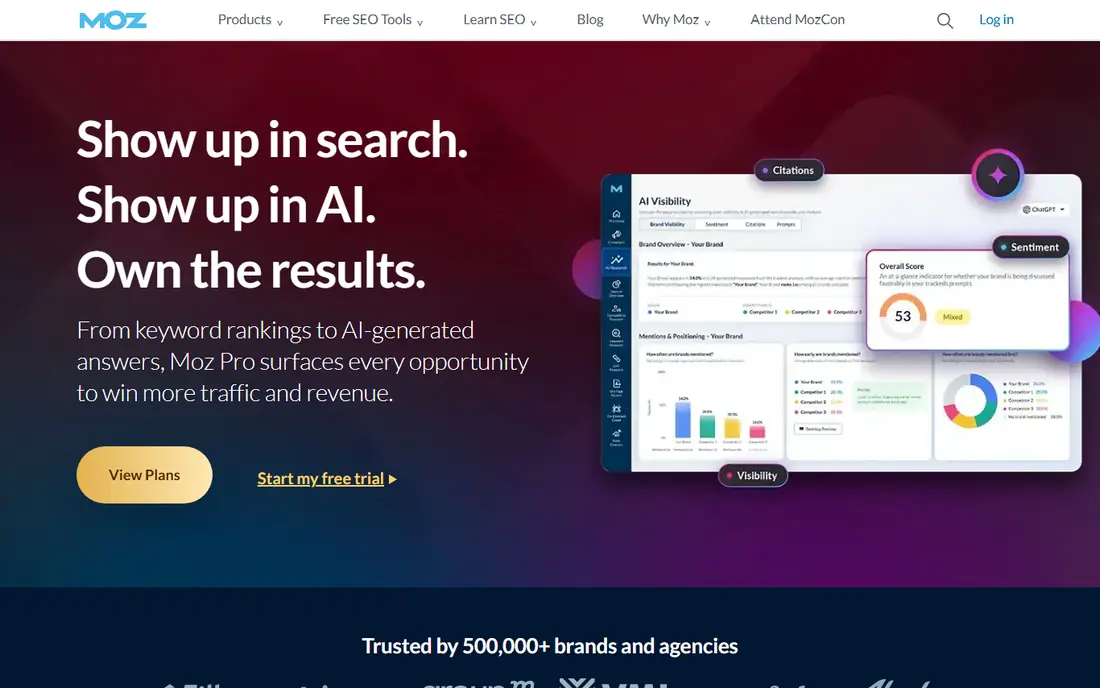
Moz Pro suits owners who want a calm, readable dashboard rather than a wall of metrics. Keyword Explorer, rank tracking, site crawls, and link data cover the core jobs, and the layout makes it easier to explain progress to a partner or a client. Its Domain Authority metric is widely referenced, though it is a third-party score and not a Google ranking factor. The main limit is scope. Teams that need deep competitor advertising data or very large keyword lists may find the larger suites more complete. For a business tracking a few sites and a focused keyword set, Moz Pro keeps the work manageable and the reporting easy to follow.
- Clear interface and long-running keyword and link metrics
- Some data sets are smaller than the largest suites, and pricing changes over time
SE Ranking appeals to small teams because the dashboard groups the daily jobs in one place. Rank tracking shows movement by keyword and location, the site audit flags technical faults, and the backlink checker gives a view of link growth. Reporting tools help agencies and freelancers share progress without building slides from scratch. Pricing needs care, because different sources list different monthly figures and billing terms change. Check the current pricing page for the plan that matches your keyword and project counts, and use the trial period to test rank tracking accuracy for your own terms before committing to a longer term.
- Rank tracking, audits, and white-label style reporting in one dashboard
- No permanent free plan, and backlink depth varies by plan
Mangools, best known for KWFinder, keeps keyword research simple. You type a seed term, see related keywords, search volumes, and a difficulty score, and you can judge whether a term is realistic for a small site. That simplicity helps owners who do not want to learn a large suite just to pick topics for the next few blog posts. The suite also includes rank tracking, a site profiler, and a link tool, but it is not the strongest choice for deep technical work. Use it when keyword choice is the bottleneck. Pair it with Google Search Console for real performance data and a crawler for technical faults, and the combination covers most small business needs.
- Easy keyword tool with difficulty scores and related terms
- Less depth for large-scale technical audits and enterprise reporting
Ubersuggest is a practical starting point for an owner who does the marketing alone. The interface explains keyword ideas, content ideas, and basic site issues in plain language, and the free tier lets you test whether the data helps before paying. It works well for local topics, service pages, and blog ideas where the keyword list is short. Limits appear when the work grows. Competitor data, backlink detail, and historical tracking are less deep than in the larger tools on this list. Treat Ubersuggest as a first step, and move to a larger suite when you need regular competitor analysis or a bigger keyword portfolio.
- Low learning curve and limited free searches for new users
- Data depth is thinner than larger suites, and free use is limited
Screaming Frog takes a different angle from the dashboard suites. It crawls your site like a search engine and lists page titles, meta descriptions, headings, status codes, redirects, and broken links in a table you can filter and export. That view is useful after a redesign, a migration, or a period of content growth when small faults accumulate unnoticed. The free version covers crawls up to 500 URLs, which suits many small sites. The paid licence removes that limit and adds features such as scheduled crawls and integrations. It does not track rankings or research keywords, so it works best beside a keyword tool and Search Console, not as a replacement for them.
- Detailed crawl data for redirects, titles, headings, and broken links
- Desktop software with a learning curve, and no hosted rank tracking
Google Search Console should be set up before any paid tool is judged, because it is the only free tool here that shows how Google actually sees your site. The performance report lists the queries that brought clicks, the pages that rank, and the countries and devices behind the traffic. Coverage reports show pages that are indexed, excluded, or blocked by errors. Its limits are clear. It shows nothing about competitors, and it does not suggest keywords beyond the queries your site already attracts. Used well, it tells you which existing pages deserve a rewrite, which queries are close to page one, and whether a technical fix restored indexing. That evidence makes every paid tool on this list more useful.
- Free, direct data on queries, clicks, impressions, and indexing
- No competitor data, and keyword data is limited to your own site
How we picked these
We compared official feature pages, pricing pages, app listings, and public reviews for tools that serve small businesses rather than large agencies. We looked for a clear core job, such as keyword research, auditing, rank tracking, or backlink analysis, and for pricing or a free option that a small team could test without a sales call. We also favoured tools with a track record in the small business market, rather than new tools with thin documentation. We did not run hands-on tests for this guide, and we did not claim results for any tool. Prices and free tiers change, so we marked prices as See website where sources disagreed or where the vendor page needed a direct check at purchase time. The order reflects a mix of breadth, price, and fit for a small team, not a claim that one tool ranks above the others for every business.
What to check before you pay
A headline price rarely tells the full story. Start by counting your sites, your tracked keywords, and the pages you need to audit, then match those counts to the limits on the plan you are considering. A cheap plan that caps you at one project can cost more in upgrades than a mid-tier plan that covers your real workload from the start. Next, decide how you will use the data each week. If you only need a monthly rank check and a quarterly audit, a free tool plus a crawler may be enough. If you publish weekly, research competitors, and build links, a paid suite saves time and keeps the research in one place. Finally, set a review date three months after subscribing, and keep the tool only if it changed a decision, such as a topic choice, a page fix, or a link target.
Frequently asked questions
What is the best seo tool for small business?
There is no single answer, because the best tool depends on the job you do most. Semrush fits all-in-one work, Ahrefs fits link research, and Google Search Console fits real performance data at no cost. Start with Search Console, add one paid tool for your main job, and keep the stack small until the workload grows.
What is the best small business seo tool for keyword research?
Mangools and Ubersuggest suit simple keyword research, because they present related terms and difficulty scores in a clear layout. Semrush and SE Ranking add larger data sets and content tools for teams that research weekly. Check whether the difficulty score matches your own results, since scores are estimates and not guarantees of ranking.
How do I list the best seo tools for small business by price?
List tools by the plan you would actually buy, not the cheapest headline figure. Note the monthly price, the billing term, the project limit, the keyword limit, and whether a free plan or trial exists. That comparison shows why a higher priced plan can be cheaper in practice when it avoids an early upgrade.
Is a free SEO tool enough for a small business?
A free tool can be enough at the start, especially Google Search Console plus the free version of Screaming Frog. Those two cover real search data and technical faults for a small site. Paid tools become useful when you need competitor data, larger keyword lists, regular rank tracking, or client-ready reports.
What should a small business track first with an SEO tool?
Track the queries that already bring clicks, the pages that rank just below page one, and the technical errors that block indexing. Those three areas give the fastest useful work, because they point to pages worth improving rather than new pages that may take months to rank. Add competitor tracking only after the basics are stable.
Sources we checked (8)

Online Jobs is an independent blog about careers, online work, learning new skills and the tools that help people earn. More about us.
Keep reading
All posts
Best website audit tools
Looking for the best website audit tools? We compare 8 leading crawlers and suites on crawl depth, reporting, crawl limits, and price to help you pick well.
Best marketing platforms for small business SEO
Compare the best marketing platforms for small business SEO in 2026, with pricing, free plans, and the right pick for budgets, local search, and content.
Best SEO Audit Tools
Looking for the best SEO audit tools in 2026? We compare 8 tools for technical crawls, site health, links, monitoring and client-ready reports for agencies.