Best marketing platforms for small business SEO in 2026: 9 Tools Compared


All in one marketing and SEO work · Starting price: $139.95 per month
How we put this together: we compare official feature and pricing pages, app store listings, privacy policies and public user reviews. Prices change, so check the provider's site before you pay.
Key takeaways
- Semrush and Ahrefs remain the two most complete suites, but most small businesses need only one of them, not both.
- Ahrefs now offers a low priced Starter plan, which makes serious backlink data reachable for a small site.
- SE Ranking, Mangools, and Ubersuggest cover keyword research, rank tracking, and audits at a lower monthly cost.
- BrightLocal is the strongest add on when local map rankings and listings matter more than national keywords.
- Free tools from Google should stay in the mix even after you pay for a suite, because they show what Google itself reports.
Quick comparison
| Name | Who it suits | Starting price | Free option | |
|---|---|---|---|---|
| Semrush | All in one marketing and SEO work | $139.95 per month | Free trial | Visit |
 Ahrefs | Backlink research and competitor analysis | $29 per month | Yes | Visit |
 Moz Pro | Beginner friendly SEO data and reporting | See website | Free trial | Visit |
 SE Ranking | Affordable all in one SEO for small teams | See website | Free trial | Visit |
 Ubersuggest | Low cost keyword and site audit basics | $29 per month | Yes | Visit |
 Mangools | Simple keyword research and rank tracking | $49 per month | Yes | Visit |
 Surfer SEO | On page content optimisation | See website | Free trial | Visit |
 SpyFu | Competitor keyword and ad research | See website | Yes | Visit |
 BrightLocal | Local rankings, listings, and reviews | See website | Free trial | Visit |
The best marketing platforms for small business SEO
Small businesses rarely need every SEO feature on the market. They need reliable keyword data, a clear view of rankings, a site audit that finds real problems, and a way to see what competitors are doing. The tools below cover those jobs at very different prices, so the right choice depends on how much work you will do yourself and how much you are willing to pay each month.
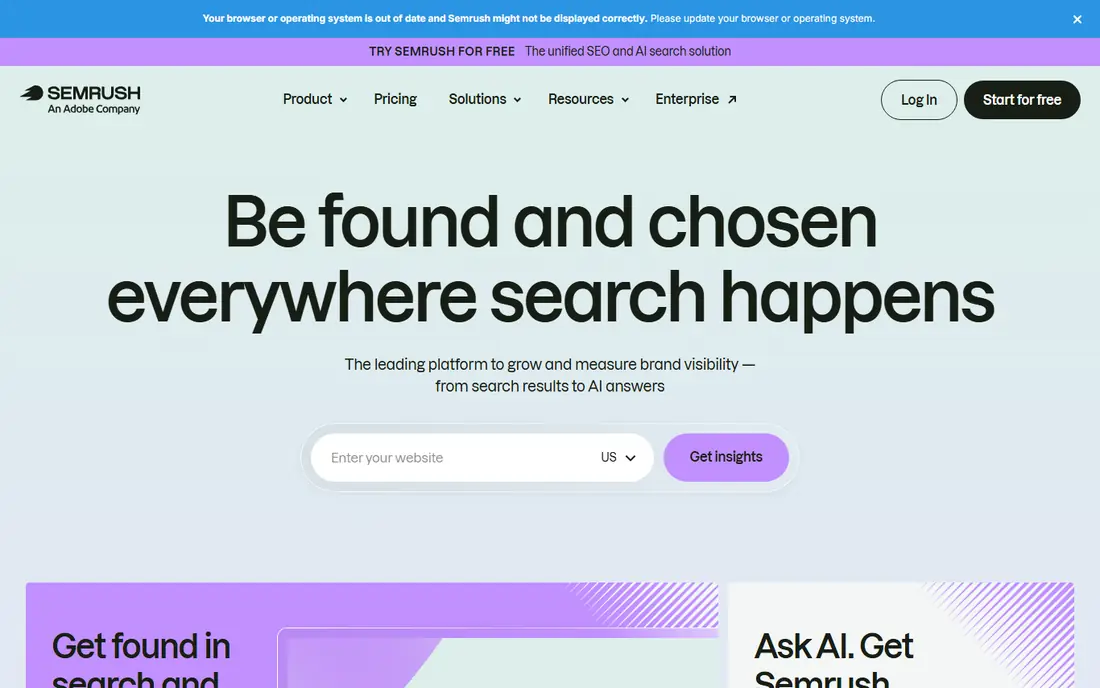
Semrush is the default recommendation when a small business wants one platform for most of its marketing research. Keyword research, rank tracking, site audits, backlink analysis, and competitor research sit together, and the same account can also look at paid search and social activity. That breadth saves time when one person handles several jobs, because there is no need to stitch together five separate tools.
The catch is cost and complexity. The entry plan is priced for a business that will use it weekly, not for someone who checks rankings once a month. New users often need a few sessions to learn where each report lives. If you will use only keyword research and rank tracking, a cheaper specialist tool may give you almost the same value for far less money.
- Very broad toolset in one login
- Strong keyword and competitor data
- Useful content and advertising tools alongside SEO
- High starting price for a very small business
- Interface can feel crowded at first
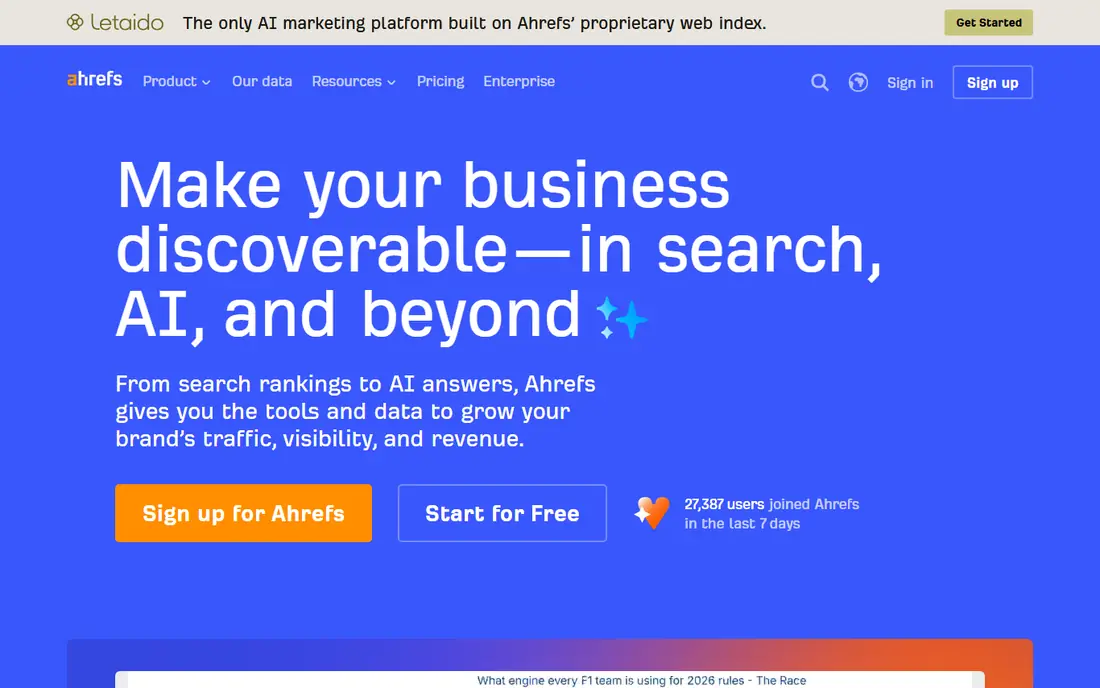
Ahrefs built its reputation on backlink data, and that strength still shows. You can see which sites link to a competitor, which pages attract those links, and where a small business might realistically earn similar coverage. Site Explorer and Keywords Explorer are both straightforward to read, even if you are not an SEO specialist.
The Starter plan makes Ahrefs easier to justify than it used to be, though limits on tracked keywords and reports still apply. Ahrefs also offers free Webmaster Tools, which let site owners check their own site health and backlinks without paying. That free option alone makes it worth setting up before you commit to a paid plan.
- Large backlink index
- Clear competitor reports
- Free Webmaster Tools for site owners
- Higher tiers get expensive quickly
- Some features need a paid upgrade to use fully
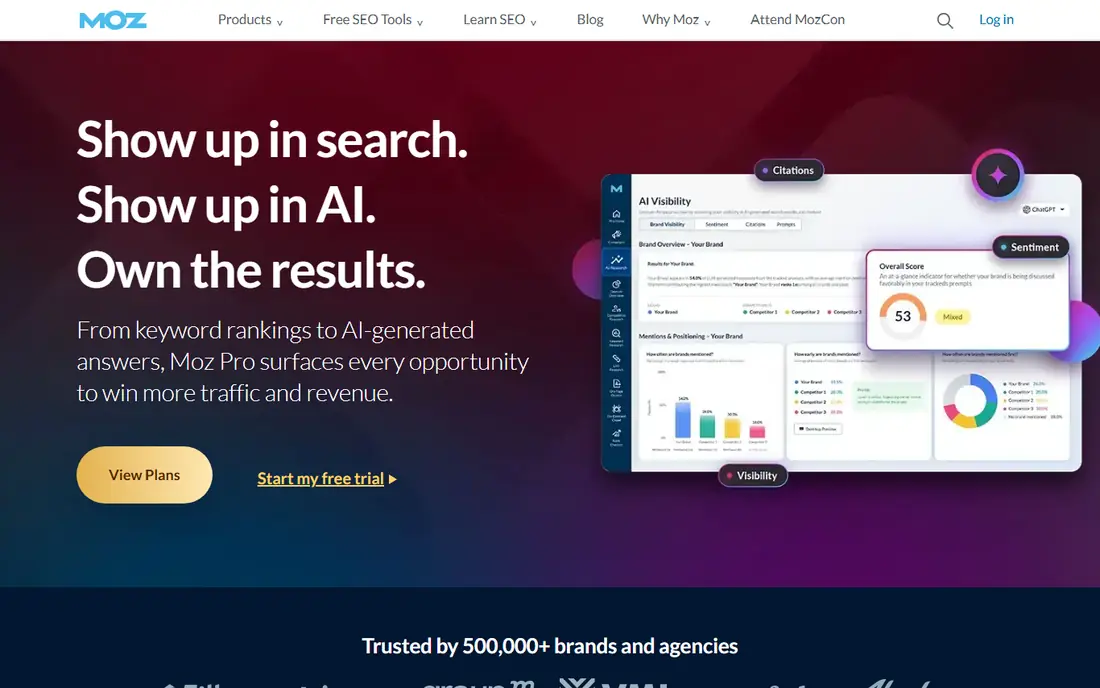
Moz Pro suits a small team that wants professional SEO data without a steep learning curve. Reports are written in plain language, and the platform explains what each metric means rather than leaving you to guess. For agencies and freelancers, Moz metrics are familiar to many clients, which can make monthly reports easier to explain.
The trade off is depth. In competitive niches, Ahrefs or Semrush usually surface more backlink and keyword detail. Moz still covers the core jobs well, including keyword research, rank tracking, site crawls, and on page checks. If ease of use matters more than having the largest database, Moz is a sensible middle ground.
- Clear interface for newcomers
- Domain Authority is widely recognised in client reports
- Helpful learning resources
- Backlink data is smaller than Ahrefs in many niches
- Pricing has changed often, so check the current page
SE Ranking appeals to small teams and freelancers who want most of a full suite without paying a premium price. Rank tracking is accurate and easy to set up, site audits flag technical problems in priority order, and competitor research covers the basics well. It also handles reporting for client work, which matters if SEO is part of what you sell.
Where it falls short is mainly in data depth. For a local plumber or a niche retailer, that gap rarely matters. For a business competing nationally in a crowded market, the leaders may uncover more keywords and links. Used as a daily working tool, SE Ranking gives strong value and avoids paying for features you will never open.
- Good range of tools for the price
- Flexible rank tracking
- White label reports for client work
- Keyword database is not as deep as the market leaders in some regions
- Interface feels functional rather than polished
Ubersuggest is built for owners who do their own SEO and want clear next steps. Type in a keyword and you get search volume, difficulty estimates, related ideas, and a look at the pages already ranking. The site audit points out common problems such as missing titles, slow pages, and broken links, without drowning you in technical jargon.
It is not the tool for deep link building or large scale competitor analysis. It is the tool for a blogger, a trades business, or a small shop that needs a weekly checklist and a sense of which keywords are realistic. The free version is limited, but it is enough to test whether the workflow suits you before paying.
- Low entry price
- Simple keyword ideas and content suggestions
- Lifetime plan option has been offered
- Backlink data is thinner than specialist tools
- Some advanced features feel basic
Mangools takes a different approach from the big suites. Instead of one huge dashboard, it offers a set of focused tools, with KWFinder for keywords, SERPChecker for results pages, SERPWatcher for rankings, and LinkMiner for links. Each tool does one job well, and the design stays calm and readable.
That simplicity is both the appeal and the limit. A small site owner can learn Mangools in an afternoon, which is more than can be said for some larger platforms. A growing agency may outgrow it when it needs deeper audits, content tools, or large backlink exports. For keyword led work on a small site, it remains one of the easiest tools to live with.
- Very easy to use
- KWFinder is strong for long tail keywords
- Clean rank tracking
- No full backlink suite to match Ahrefs
- Higher tiers are needed for larger projects
Surfer SEO answers a specific question: what should this page cover to have a fair chance of ranking? It compares top ranking pages for a keyword, then suggests topics, headings, word count ranges, and related terms. Writers get a brief they can follow, and editors get a score that shows how completely a draft covers the topic.
It works best alongside a research tool, not instead of one. Surfer does not replace keyword research, technical audits, or link building. Used well, it stops a common problem, which is publishing a page that looks good but misses the points searchers actually want. Used badly, it can push writers toward stuffing in terms rather than writing clearly, so treat its score as a guide.
- Clear content scores based on top ranking pages
- Useful briefs for writers
- Integrates with common editors
- Not a full SEO suite on its own
- Scores should guide writing, not replace editorial judgement
SpyFu is most useful when you want to understand competitors rather than your own site. Enter a rival domain and you can see its top organic keywords, its paid search history, and the ads it has run over time. That history is valuable for a small business planning its first campaigns, because it shows what competitors have tested and kept running.
As a primary SEO suite, SpyFu is thinner than Semrush or SE Ranking. Rank tracking and audits exist, but they are not the reason most people subscribe. Pair it with a cheaper research tool, or use its free tier for occasional competitor checks, and it earns its place without needing to do everything.
- Long history of competitor keyword and ad data
- Easy to see what rivals rank for
- Useful for paid search planning
- Less strong as a standalone rank tracker or site audit tool
- Interface looks dated in places
BrightLocal matters because local search works differently from national search. A business can rank well for a broad keyword and still miss the map pack, which is where many local customers click first. BrightLocal tracks those local and map rankings, checks listings across directories, and helps manage reviews from one place.
For a business serving one town or a handful of cities, BrightLocal may matter more than a large national suite. It will not replace keyword research for blog content, but it closes a gap that general tools often leave open. If most of your customers come from nearby, start here and add a general tool only if you need it.
- Strong local rank tracking including map results
- Citation and listing checks
- Review management tools
- Not built for national keyword research
- Best used alongside a general SEO tool
How we picked these
We compared official feature pages, pricing pages, and app store listings, plus public reviews from users who run small business sites. We favoured tools that are still actively sold and supported in October 2026, that cover at least one core SEO job well, and that publish enough pricing detail for a buyer to judge value. We left out tools that only offer a single free report, tools aimed only at large enterprises, and tools whose pricing could not be checked on a vendor page. Prices change often, so check the vendor pricing page before you buy, and use a trial to test the workflow on your own site.
What to check before you pay
A trial tells you more than a feature list. Set up one real project during the trial, track ten keywords you actually care about, run one site audit, and look at two competitors. If the tool feels clear after that test, it will probably stay useful. If you are still hunting for basic reports after a week, a simpler tool may serve you better.
Budget also needs a reality check. A suite at more than 100 dollars a month only pays for itself if it changes what you publish, fix, or pitch each month. Count the hours you will actually spend in the tool. Many small businesses do better with a cheaper tool used weekly than with a premium suite opened once a quarter. Also keep Google Search Console and Google Business Profile in your routine, since both are free and show real search and local performance data.
Match the tool to the job
Keyword research and content planning point toward Mangools, Ubersuggest, or Semrush. Link building and competitor teardown point toward Ahrefs. Local visibility points toward BrightLocal. Content optimisation points toward Surfer. Buying the biggest suite for a single job wastes money, while buying a narrow tool for every job wastes time. Pick the job you will do most, buy for that job, and add a second tool only when a clear gap appears.
Watch the limits that matter
Starting prices hide limits on tracked keywords, projects, users, and reports. Check those limits before subscribing, especially if you manage more than one site or work with clients. Also check whether annual billing is required for the advertised price, since monthly billing is often higher. A tool that looks cheap on its homepage can become expensive once you add a second user or a second project.
Frequently asked questions
What is the best marketing platform for small business SEO for a beginner?
Mangools and Ubersuggest are the easiest starting points, because their reports are short and their interfaces stay simple. Moz Pro is also friendly for beginners who want more structured reporting. Start with a free plan or trial, track a small set of keywords, and upgrade only when you hit a limit that actually blocks your work.
Do I need both Semrush and Ahrefs?
Most small businesses do not. Both cover keyword research, audits, and competitor analysis, so paying for both usually duplicates cost. Choose Semrush if you want the broadest marketing toolkit, and choose Ahrefs if backlinks and competitor link research matter most. Use free tools to fill any small gaps rather than buying a second suite.
Is there a good free option for small business SEO?
Yes, for the basics. Google Search Console shows which queries bring clicks, Google Business Profile covers local visibility, and Ahrefs Webmaster Tools covers site health and backlinks for your own site. Free tiers from Ubersuggest and Mangools also help with early keyword ideas. Paid tools add depth and tracking, but free tools already cover a lot of the groundwork.
How much should a small business spend on SEO tools each month?
Many small businesses manage well on a free stack plus one paid tool in the 29 to 60 dollar range. Businesses that publish often, compete nationally, or serve clients may justify a suite above 100 dollars a month. Judge the spend by output: if the tool does not lead to new pages, fixes, or pitches each month, it is too expensive for how you use it.
Should local businesses buy a different SEO tool?
Local businesses should at least add local tracking, even if they also use a general suite. BrightLocal tracks map rankings and listings in a way general tools often handle only lightly. If your customers come from a small area, local rank data, accurate listings, and reviews will affect enquiries more than national keyword volume.
Can Surfer SEO replace a full SEO platform?
No, Surfer is a content optimisation tool, not a full platform. It helps a page cover a topic well, but it does not replace keyword research, technical audits, rank tracking, or link building. Use it alongside a research tool when content is a regular part of your marketing, and skip it if you rarely publish new pages.
Sources we checked (9)

Online Jobs is an independent blog about careers, online work, learning new skills and the tools that help people earn. More about us.
Keep reading
All posts
Best website audit tools
Looking for the best website audit tools? We compare 8 leading crawlers and suites on crawl depth, reporting, crawl limits, and price to help you pick well.
Best SEO Audit Tools
Looking for the best SEO audit tools in 2026? We compare 8 tools for technical crawls, site health, links, monitoring and client-ready reports for agencies.
Best Moz Alternatives
Compare the best Moz alternatives for keyword research, backlinks, rank tracking and site audits, with free options, pricing notes and honest trade-offs.