Best cheap seo tools in 2026: 8 tools compared


Free site performance data · Starting price: Free
How we put this together: we compare official feature and pricing pages, app store listings, privacy policies and public user reviews. Prices change, so check the provider's site before you pay.
Key takeaways
- Google Search Console is free and should be the first tool for any site, because its data comes direct from Google for your own pages.
- Ubersuggest, Mangools, and KeySearch give the lowest-cost route to keyword ideas, difficulty scores, and competitor checks.
- SE Ranking, Serpstat, and SpyFu add rank tracking and competitor research at a lower price than the largest suites, but check limits on each plan.
- Cheap does not mean complete: pair a low-cost tool with Search Console, and upgrade only when a limit actually blocks your work.
Quick comparison
| Name | Who it suits | Starting price | Free option | |
|---|---|---|---|---|
| Google Search Console | Free site performance data | Free | Yes | Visit |
 Ubersuggest | Low-cost keyword ideas | See website | Yes | Visit |
 Mangools | Simple keyword research | See website | Free trial | Visit |
 KeySearch | Affordable keyword difficulty | See website | Free trial | Visit |
 SE Ranking | All-round low-cost suite | See website | Free trial | Visit |
 Serpstat | Research, tracking, and audits | See website | Free trial | Visit |
 SpyFu | Competitor keyword history | See website | Yes | Visit |
 Keywords Everywhere | Browser keyword metrics | See website | No | Visit |
The best cheap SEO tools
Cheap SEO software should give you keyword data you can act on, a way to track rankings, and a basic site check, without a large monthly bill. These eight cover free essentials, low-cost keyword tools, and smaller all-round suites.
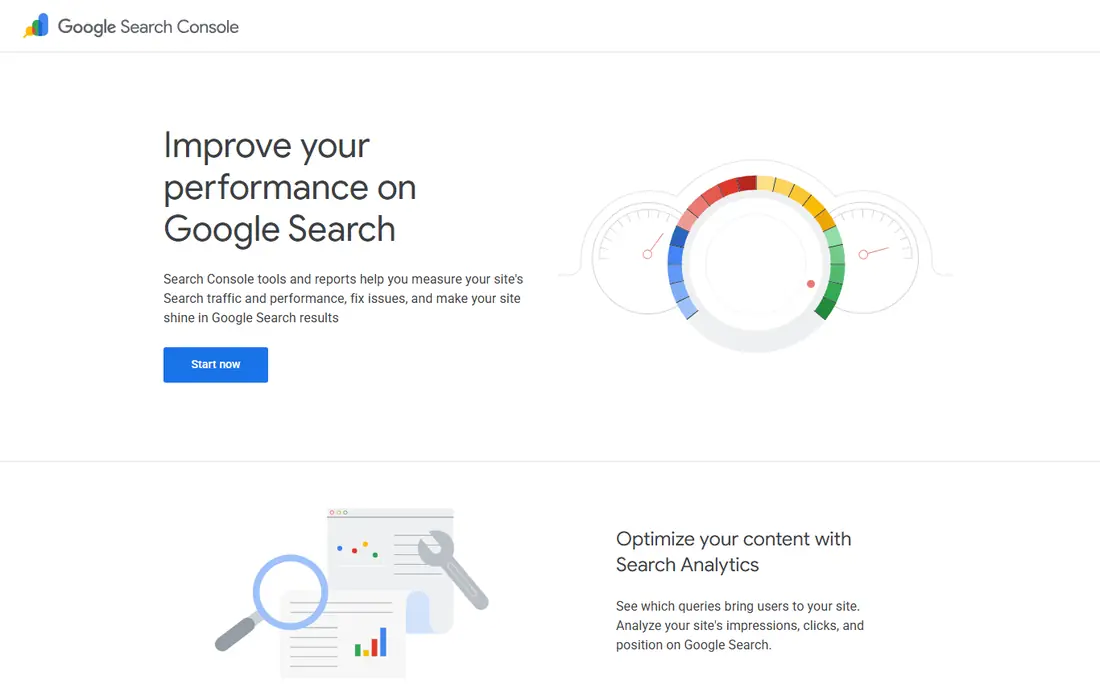
Google Search Console should be set up before you pay for any other tool, because it reports how Google sees your own site. It shows which search queries bring clicks, which pages rank, and where indexing or mobile problems need attention, all at no cost. That data is also the best check on whether a paid tool's estimates match reality for your site. The limit is scope. Search Console does not show competitor keywords, full backlink data, or keyword difficulty for terms you do not rank for yet. Use it as your ground truth for your own pages, then add one low-cost tool from this list for competitor and keyword discovery work.
- Free
- Shows clicks, impressions, and queries for your own site
- Flags indexing and mobile issues
- Only covers sites you own
- No competitor keyword data or full backlink research
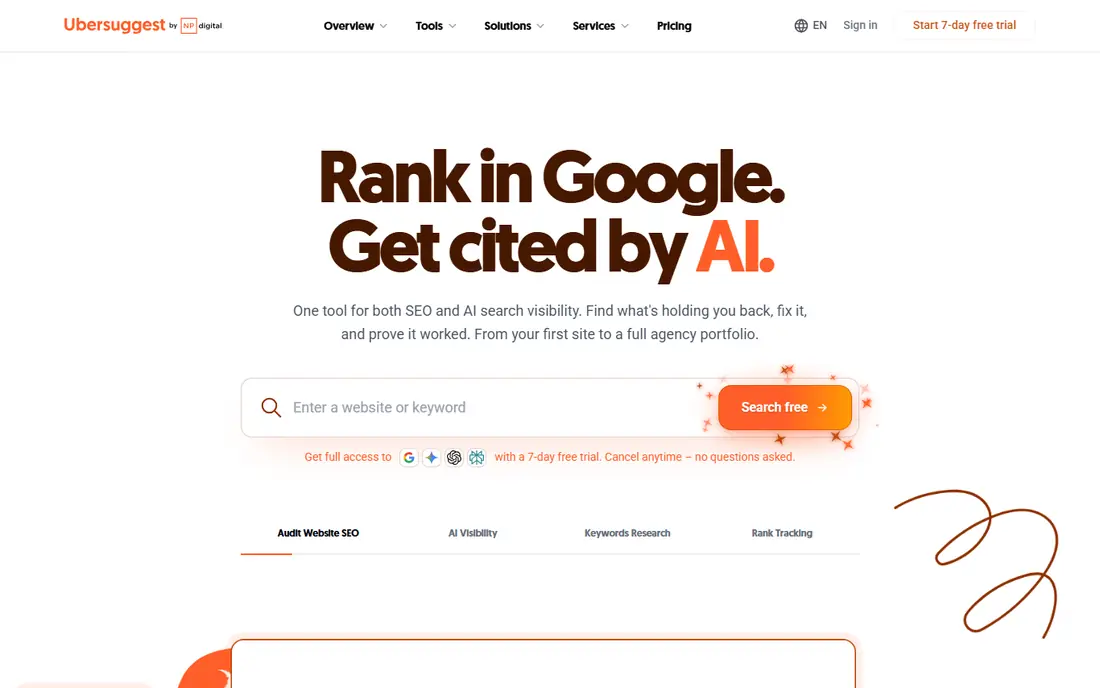
Ubersuggest is a practical first paid tool for bloggers and small sites, because it covers keyword ideas, content suggestions, site audits, and backlink overviews in one simple interface. The free tier lets you test searches before paying, and the paid plans are aimed at individuals and small teams rather than agencies. For a site that needs regular keyword research without a large suite, that scope is often enough. Larger tools offer deeper backlink and competitor data, and Ubersuggest's free daily searches run out quickly if you research many terms at once. Check the current plan limits on the official pricing page, and use Search Console alongside it to confirm which terms actually bring traffic to your site.
- Easy keyword suggestions and traffic estimates
- Site audit and backlink overview
- Free searches to test the tool
- Data depth is less than larger suites
- Free searches are limited each day
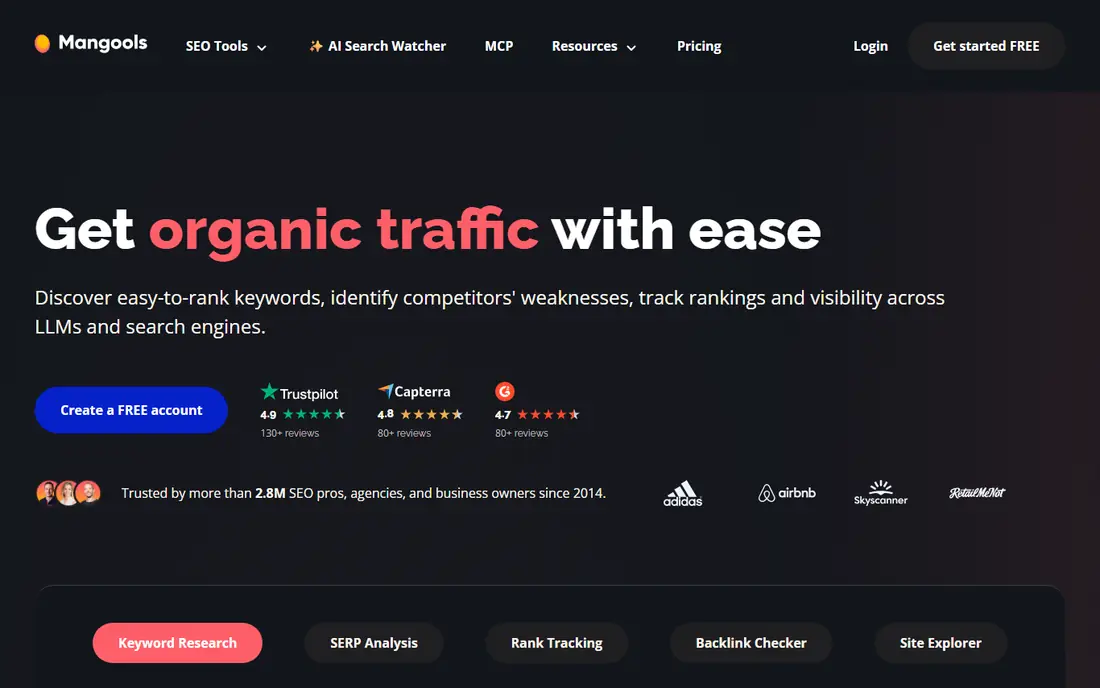
Mangools stands out for clarity. KWFinder gives keyword suggestions with difficulty scores that are easy to read, SERPChecker shows who ranks for a term, and SERPWatcher tracks your positions over time, all in a design that does not overwhelm a beginner. That focus makes it a good pick for freelancers and small site owners who mainly need keyword research and rank checks. The trade-off is depth and limits. Higher-volume research, frequent rank updates, and large backlink analysis are stronger in larger suites, and Mangools plan limits matter if you track many keywords. Use the trial to test the tools on your own niche, and check whether the daily search and tracking limits fit how often you actually research.
- Clean, beginner-friendly tools
- KWFinder for keyword difficulty
- SERPWatcher for rank tracking
- Rank tracking updates and limits vary by plan
- Less depth than full enterprise suites
KeySearch is one of the lowest-cost tools that still gives a full keyword workflow: suggestions, difficulty scores, competitor analysis, and rank tracking. That makes it useful for new sites that need to find lower-competition terms and track a small set of target keywords without paying for agency features. The tool also covers YouTube and other research angles that some cheap tools skip. Data depth is the limit. Keyword and backlink coverage will not match the largest suites, so treat difficulty scores as a guide and check the actual search results for each term. If you research a small niche and track a modest keyword list, KeySearch gives good value for the price.
- Low-cost keyword research
- Difficulty scores and competitor checks
- Rank tracking included
- Data coverage is smaller than the largest tools
- Interface is functional rather than polished
SE Ranking is the closest thing on this list to a full SEO suite at a lower price than the largest vendors. It combines keyword research, rank tracking, site audits, competitor checks, and backlink monitoring, with reporting tools that suit freelancers and small agencies. If you want one subscription to cover most weekly SEO tasks, SE Ranking is a strong candidate. It is not the cheapest tool here, and plan limits on keywords, audits, and tracked pages need checking before you buy. Larger sites or agencies may outgrow the entry tier quickly. Try the trial on a real project, track the limits you hit first, and choose the tier that covers those tasks rather than the cheapest tier on paper.
- Rank tracking, site audit, keyword research, and backlink checks in one tool
- White-label reports on higher plans
- Entry plan limits matter for larger sites
- Pricing has risen from earlier budget tiers
Serpstat gives small teams a broad toolkit without enterprise pricing. You can research keywords, check competitors, track rankings, audit a site, and review backlinks from one dashboard, which reduces the need to juggle several cheap tools. That breadth suits site owners who do a bit of everything each month. Higher plans add more credits, API access, and advanced features, so the entry tier may feel limited if you research at volume. Data depth can also vary by country and niche, so test it on your own market during the trial. For a generalist small team, Serpstat offers a good balance of breadth and price.
- Keyword research, rank tracking, site audit, and backlink tools in one platform
- Useful for small teams
- Some advanced features sit on higher plans
- Data depth varies by region and niche
SpyFu earns its place for one job done well: showing what competitors rank for and what they have advertised on over time. That history helps you spot keyword gaps, see which terms rivals have targeted for years, and find ad copy ideas, all without a large suite subscription. The free searches let you test whether the data covers your niche before paying. SpyFu is not the best all-round suite, since rank tracking and technical audits are less central here. It works best as a competitor research tool paired with Search Console and a keyword tool like Ubersuggest or KeySearch. If competitor insight is your main gap, SpyFu is a cost-effective pick.
- Long competitor keyword and ad history
- Useful for finding gaps
- Free searches to test the data
- Rank tracking and audit tools are less central than in all-round suites
- Data is mainly US-focused
Keywords Everywhere is a browser extension that adds keyword metrics to Google search results, YouTube, and other pages, so you can check volume and related terms without opening a full tool. Its credit-based pricing keeps the cost low for occasional research, which suits bloggers who check a few terms a week rather than running large projects. The data is surface-level compared with a full suite, with no deep competitor, backlink, or audit workflow. It also requires credits for ongoing use, so heavy researchers will need another tool. As a quick-check companion to Search Console and a low-cost keyword tool, it saves time and keeps research inside your normal browsing.
- Shows search volume and related terms inside Google search
- Very low annual cost model
- Fast for quick checks
- Surface-level data only
- Needs a paid credit pack for regular use
How we picked these
We reviewed official pricing pages, feature pages, and app listings for each tool, focusing on keyword research, rank tracking, site audits, backlink checks, and plan limits. We also read public reviews and comparison guides to spot recurring limits, such as daily search caps and tracking allowances. We did not claim hands-on testing, and we used See website where pricing was promotional, tiered, or unclear at the time of checking.
What to check before you buy a cheap SEO tool
Start from the job you do most: keyword research, rank tracking, or competitor checks. Check the plan limits that affect that job, including daily searches, tracked keywords, audit pages, and rank update frequency, because a cheap plan with a low limit can cost more in frustration than a slightly higher tier. Test the tool on your own niche during a trial, since data quality varies by country and topic. Finally, keep Search Console free and active, and do not pay for features you can already get there, such as your own site's clicks and queries.
Frequently asked questions
What is the best cheap SEO software for beginners?
Ubersuggest and Mangools are good beginner picks, because their interfaces are clear and their keyword tools are easy to learn. Pair either with Google Search Console, which is free, to check your own site's real search performance. Start with a trial and one small project before paying for a year.
Is there a free SEO tool that is actually useful?
Yes. Google Search Console is free and gives clicks, impressions, queries, and indexing data for sites you own. Ubersuggest and SpyFu also offer free searches, though daily limits apply. Free tools cover your own site well, but competitor research usually needs a paid plan.
How much should a small site pay for SEO tools?
Many small sites manage with Search Console plus one low-cost tool, rather than a large suite. Check the current pricing page, since cheap tiers change often, and choose a plan whose limits match your keyword list and audit needs. Upgrade only when a limit blocks work you actually do.
Can cheap SEO tools replace Semrush or Ahrefs?
For basic keyword research, rank tracking, and audits, yes, for many small sites. For deep backlink research, large competitor projects, and agency reporting, the larger suites still offer more depth. Match the tool to the job, and use trials to compare data on your own niche.
What is the best cheap SEO tool for rank tracking?
Mangools with SERPWatcher, SE Ranking, and Serpstat all offer rank tracking at a lower price than enterprise suites. Check how often ranks update on the plan you choose, and how many keywords you can track, since those limits differ. Search Console can confirm clicks for terms you rank for.
Do cheap SEO tools work for local SEO?
They can help with keyword research and rank tracking, but local results also depend on your Google Business Profile, reviews, and local pages. Use a cheap tool for keyword and ranking checks, and manage local listings and reviews separately, since most low-cost suites do not replace local profile work.
Sources we checked (8)

Online Jobs is an independent blog about careers, online work, learning new skills and the tools that help people earn. More about us.
Keep reading
All posts
Best website audit tools
Looking for the best website audit tools? We compare 8 leading crawlers and suites on crawl depth, reporting, crawl limits, and price to help you pick well.
Best marketing platforms for small business SEO
Compare the best marketing platforms for small business SEO in 2026, with pricing, free plans, and the right pick for budgets, local search, and content.
Best SEO Tools for Small Businesses
Compare the best SEO tools for small businesses in 2026, with pricing, free plans, keyword research, audits, and rank tracking explained in plain terms.