Best Web Hosting Services for Small Business in 2026: 9 Hosts Compared


Budget conscious small businesses · Starting price: $2.99 per month
How we put this together: we compare official feature and pricing pages, app store listings, privacy policies and public user reviews. Prices change, so check the provider's site before you pay.
Key takeaways
- Hostinger is our pick for a low cost start, while SiteGround is our pick if support and performance matter more than price.
- Bluehost suits WordPress beginners, and DreamHost suits owners who want a long refund window.
- Intro prices are not renewal prices, so always compare the second year cost before you choose a term.
- Managed WordPress hosts such as WP Engine and Kinsta suit established sites, not most new small businesses.
- Check backups, email and site limits on the exact plan you buy, since those details vary by tier.
Quick comparison
| Name | Who it suits | Starting price | Free option | |
|---|---|---|---|---|
| Hostinger | Budget conscious small businesses | $2.99 per month | Yes | Visit |
 Bluehost | WordPress beginners | See website | Yes | Visit |
 SiteGround | Support and performance | See website | Yes | Visit |
 DreamHost | WordPress sites and refund flexibility | See website | Yes | Visit |
 IONOS | Low first year cost and room to grow | See website | Yes | Visit |
 InMotion Hosting | Support heavy small businesses | See website | Yes | Visit |
 HostGator | Plan variety and simple shared hosting | See website | Yes | Visit |
 WP Engine | Serious WordPress businesses | See website | No | Visit |
 Kinsta | High traffic WordPress sites | See website | No | Visit |
The best web hosting services for small business
Choosing a host is really choosing how much work you want to do yourself. Shared hosting keeps costs low and handles the basics, while managed WordPress hosting costs more and takes server work off your plate. The hosts below cover both ends, and each one was checked against its official site for current plans and availability.
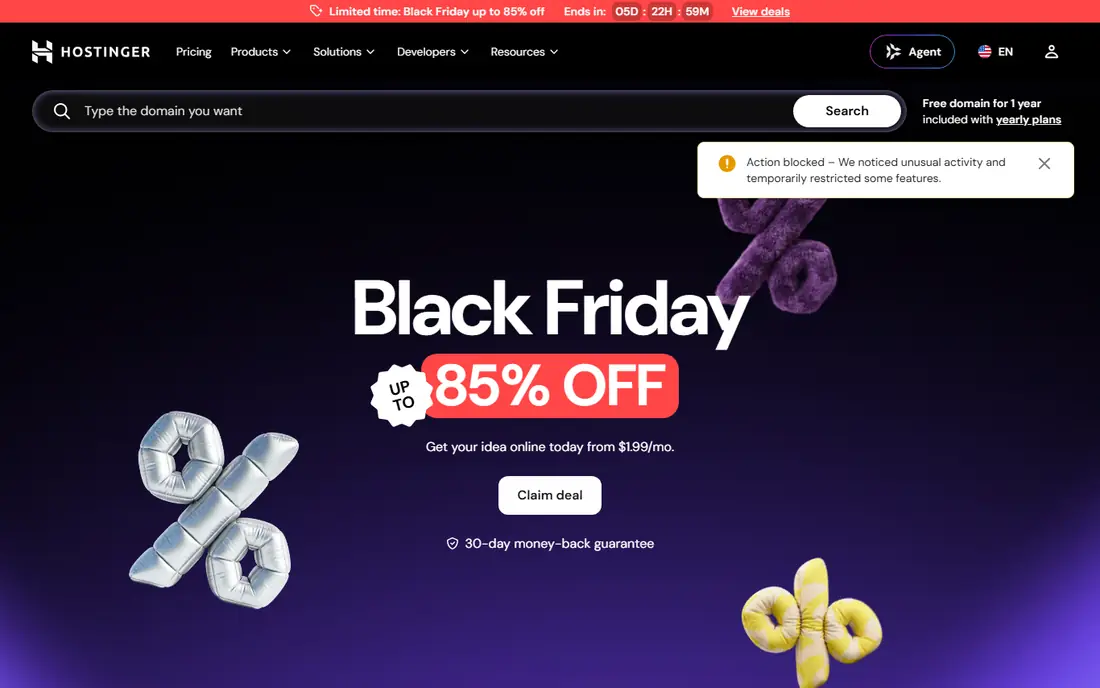
Hostinger is our pick for a small business that wants a low cost start without a complicated setup. Its control panel is clear, its AI builder can produce a usable site quickly, and its plans include the basics most small sites need, such as SSL and email on higher plans. For a brochure site, a blog or a small shop, it covers the job at a price that leaves room for marketing.
The main catch is renewal. The intro price rises at renewal, and there is no phone support, so help comes through chat and guides. Check the renewal price for the term you choose, and make sure the plan includes daily backups if your site changes often.
- Low starting price
- AI website builder and easy control panel
- Free domain on many plans
- No phone support
- Renewal price is higher than the intro price
Bluehost remains a natural choice for a small business that wants WordPress without learning server settings. Setup is guided, WordPress comes ready to use, and support includes phone help on higher plans. That combination suits owners who want to focus on customers rather than hosting settings.
Renewal pricing is the usual warning. Intro rates look low, then rise, so read the renewal line before you choose a term. Email and backup details also vary by plan, so check the plan page for the exact tier you intend to buy.
- Guided WordPress setup
- Free domain on many plans
- Phone support on higher plans
- Renewal prices rise after the intro term
- Some features sit on higher plans

SiteGround is the pick for a business that would rather pay a little more for faster help and a calmer hosting experience. It runs on Google Cloud, includes daily backups, a content delivery network and security tools, and its support team is often praised in public reviews. For a shop or a service site where downtime costs sales, that support matters.
The drawback is renewal cost, which is higher than budget hosts, and the entry plan is limited to one site. If you run one main business site and you value support, SiteGround is worth the premium. If you run many small sites, a cheaper host may be better.
- Strong support reputation
- Google Cloud hosting
- Daily backups and security tools
- Renewal price is steep
- Entry plan limits sites and storage
DreamHost suits owners who want WordPress hosting with a generous refund window and a straightforward dashboard. Its plans cover shared hosting, managed WordPress and virtual servers, so a site can grow without moving provider. The long money back period also lowers the risk of trying it.
Support is not phone first, so owners who want to call for help should check current support options. Promotional prices also change, so confirm the price for your chosen term at checkout. For WordPress sites that value flexibility, DreamHost is a dependable choice.
- Long money back period
- WordPress focused plans
- No forced long term for the best price on some plans
- Support is mainly chat and ticket based
- Prices vary by plan and term
IONOS is a good fit for a new business that wants a cheap first year and a provider that can scale later. Its range runs from shared hosting to virtual servers and dedicated options, and many plans include daily backups. That breadth means you are less likely to outgrow the provider in the first year or two.
The warning is the renewal jump. A very low first year price can double or more later, so compare the second year cost, not just the first. Check site limits too, since some WordPress plans cover one site only.
- Very low first year price on some plans
- Range of hosting types
- Daily backups on many plans
- First year price rises sharply
- One site limit on some WordPress plans
InMotion Hosting appeals to businesses that want a support team they can reach and a host with a long track record. Its shared plans cover small sites, while VPS plans suit growing shops and agencies. Free migration on many plans also makes switching less painful if you already have a site elsewhere.
Its dashboard feels less polished than Hostinger or SiteGround, and the best prices need a longer term. If support and a steady provider matter more than a slick panel, InMotion is a solid, if less flashy, choice.
- US based support
- Range of shared and VPS plans
- Free migration on many plans
- Intro prices require longer terms
- Interface feels less modern than rivals
HostGator is a straightforward shared host for a business that wants choice without technical detail. Its plans cover one site or many, with unmetered bandwidth on many tiers, and setup is simple for a first site. For a small brochure site or a blog, it does the job without fuss.
Check the extras carefully. Daily backups and some security tools may sit on higher plans or cost extra, and renewal prices rise after the intro term. If you need those extras, compare the total price against SiteGround or DreamHost before you buy.
- Wide range of shared plans
- Unmetered bandwidth on many plans
- Simple setup for beginners
- Daily backups and malware removal may cost extra
- Renewal prices rise
WP Engine is for a WordPress business that has outgrown shared hosting and wants the platform managed for it. It handles updates, caching, staging and security in a way that saves a busy owner or agency time, and its support team specialises in WordPress. Sites with steady traffic or sales will notice the difference in speed and stability.
The price is the barrier. It costs far more than shared hosting, and email hosting is not included, so you will need a separate email provider. If your site is still small, start with a shared host. If WordPress sales already matter, WP Engine is a strong upgrade.
- Fully managed WordPress platform
- Staging and expert support
- Strong performance tools
- Much higher price than shared hosting
- No email hosting included
Kinsta is a premium managed WordPress host built on Google Cloud, aimed at businesses where speed and uptime directly affect revenue. Its dashboard is clear, staging is simple, and support comes from people who know WordPress well. Agencies and growing shops often choose it when shared hosting starts to feel slow.
Like WP Engine, it is expensive compared with shared hosting, and it does not include email. Storage on lower plans also needs checking if your site has many images. For a high traffic WordPress site, Kinsta is a strong premium choice, but it is more than a new business usually needs.
- Google Cloud platform
- Managed WordPress with staging
- Expert WordPress support
- Premium price
- Storage limits on lower plans
- No email hosting
How we picked these
We compared official feature pages, pricing pages, app store listings, privacy information and public reviews, and we kept only products that exist today and fit the topic closely. We gave weight to clear pricing, a usable free option where one exists, and honest limits, and we treated vendor claims as claims rather than verified facts. We did not claim hands-on testing that did not happen, and where a price could not be confirmed on the vendor site, we wrote See website rather than guessing.
How to choose web hosting for a small business
Compare renewal price, not just intro price
Almost every host on this list offers a low intro rate that rises at renewal. Work out the cost over two or three years for the term you will actually buy, and include any paid extras for backups, email or security. A host that looks cheapest in month one can be mid priced by year two.
Match the plan to the site you have now
A brochure site, a blog and a shop have different needs. A shop needs daily backups, SSL and good speed under traffic, while a brochure site can run well on a basic shared plan. Do not buy a VPS or a managed plan until traffic or sales show you need it, and do not buy the cheapest plan if it limits backups.
Test support before you need it in a crisis
Open a support chat with a real question before you migrate a live site, and note how long a useful answer takes. Good support matters most when a site is down or a payment page fails. If help is slow or hard to reach during a trial, that will not improve when your business depends on it.
Frequently asked questions
What is the best web hosting service for small business?
Hostinger is our pick for a low cost start, while SiteGround is our pick for support and performance. Bluehost suits WordPress beginners, and DreamHost suits owners who want refund flexibility. The best host follows your budget, your platform and how much support you need.
What is the best hosting company for small business on WordPress?
Bluehost and DreamHost are strong for WordPress beginners, while WP Engine and Kinsta suit established WordPress businesses with traffic or sales. SiteGround also handles WordPress well with strong support. Start shared, and move to managed hosting when traffic grows.
What is the best small business web hosting service for beginners?
Hostinger and Bluehost are both easy for beginners, with guided setup and clear dashboards. Hostinger is cheaper to start, while Bluehost offers more guided WordPress help. Try a short term plan first, and check renewal prices before you commit.
How much does web hosting for a small business cost?
Shared hosting often starts at a few dollars per month on an intro term, then rises at renewal. Managed WordPress hosting costs much more, often from about twenty dollars per month or higher. Always compare the renewal price and any paid extras for backups or email.
What is the best website hosting company for small business with support?
SiteGround is our pick for support, with a strong reputation in public reviews and daily backups included. InMotion Hosting also suits support heavy businesses. Test support with a real question before you migrate a live site.
Should a small business choose shared or managed hosting?
Choose shared hosting for a new or small site, since it is cheaper and covers the basics. Choose managed WordPress hosting when traffic, sales or plugin complexity make server work a burden. Most small businesses start shared and upgrade only when growth requires it.
Sources we checked (9)

Online Jobs is an independent blog about careers, online work, learning new skills and the tools that help people earn. More about us.
Keep reading
All posts
ZoomInfo Alternatives
The best ZoomInfo alternatives in 2026, compared on price, free plans, data coverage, and which tool fits small teams or large sales teams best in detail.

Workday Alternatives
We compared the best workday alternatives for HR, payroll, and global hiring, from BambooHR and Gusto to Rippling, Deel, and HiBob for growing teams in 2026.

Which SaaS Tools Have the Best Customer Support
Which SaaS tools have the best customer support? Compare eight popular tools on help centres, live help, response options and overall support quality.