Best Web Design Software in 2026: 9 Tools Compared

How we put this together: we compare official feature and pricing pages, app store listings, privacy policies and public user reviews. Prices change, so check the provider's site before you pay.
Key takeaways
- WordPress powers a huge share of the web and suits anyone who wants full control, though it needs hosting and upkeep.
- Wix and Squarespace are the easiest routes to a polished site, with templates and hosting included.
- Webflow gives designers the most visual control without code, while Framer turns designs into live sites fastest.
- Shopify is the right choice when the site is mainly a store, since its ecommerce tools beat general builders.
- The best tool follows the site's purpose: a blog, a business site, a portfolio, and a store each point to a different winner.
Quick comparison
| Name | Who it suits | Starting price | Free option | |
|---|---|---|---|---|
 WordPress WordPress | Full control and blogs | Free | Yes | Visit |
 Wix Wix | Easiest all-in-one builder | See website | Yes | Visit |
 Squarespace Squarespace | Polished templates | See website | Free trial | Visit |
 Webflow Webflow | Visual design control | See website | Yes | Visit |
 Framer Framer | Design to live site | See website | Yes | Visit |
 Shopify Shopify | Online stores | See website | Free trial | Visit |
 Adobe Dreamweaver Adobe Dreamweaver | Code-based design | See website | Free trial | Visit |
 Webnode Webnode | Simple small sites | See website | Yes | Visit |
 Duda Duda | Agency client sites | See website | Free trial | Visit |
The best web design software
Web design software ranges from drag-and-drop builders to code editors and full content systems. The options below cover beginners, designers, and store owners. We compared official pricing pages, feature lists, and documentation to sort them by skill level and site purpose.
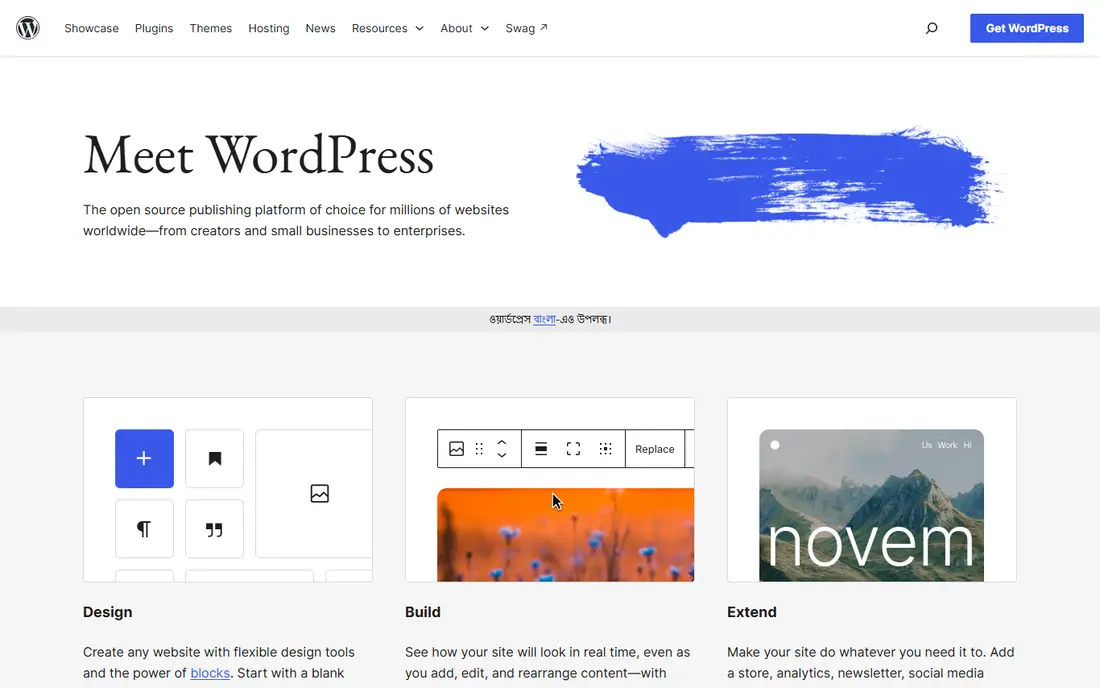
WordPress.org software is free and open source, and it powers a large share of all websites. You install it on hosting of your choice, pick from thousands of themes and plugins, and build anything from a blog to a membership site. Its editor handles posts and pages well, and its ecosystem covers SEO, forms, stores, and bookings.
The freedom comes with upkeep. You arrange hosting, updates, backups, and security, and plugin quality varies, so a bad plugin can slow or break a site. For a blogger, business, or publisher who wants full control and room to grow, WordPress remains the most flexible option.
- Free open-source software
- Huge theme and plugin library
- Powers a large share of the web
- Needs hosting and maintenance
- Plugin quality varies
- Security upkeep is your job
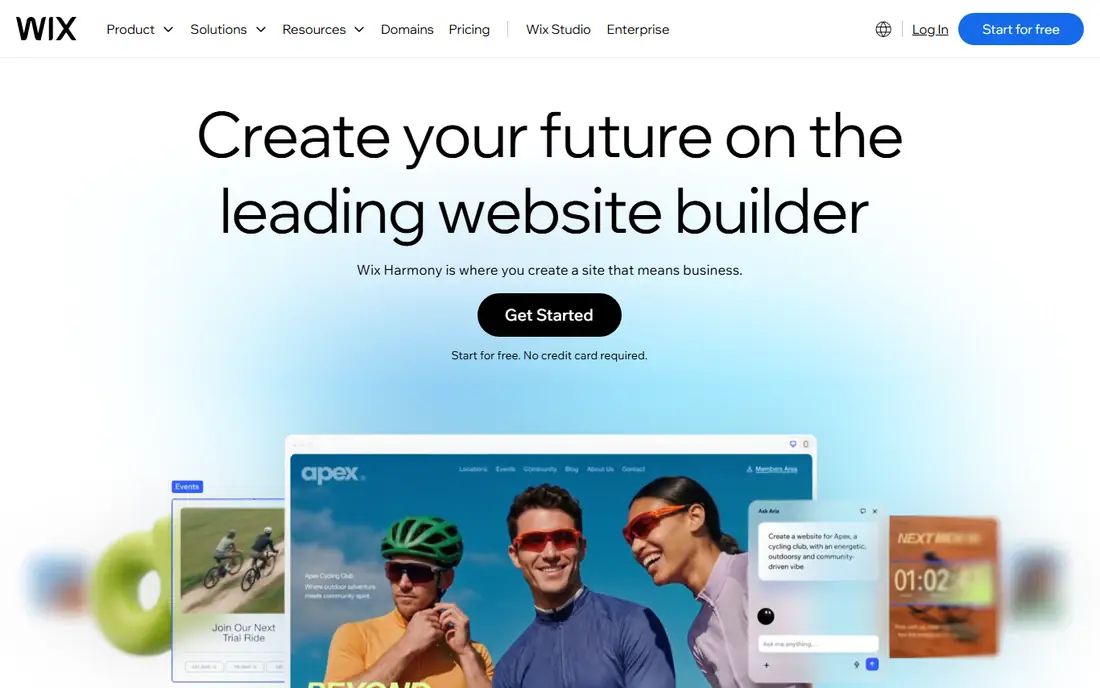
Wix is the easiest route to a finished website. Its drag-and-drop builder and AI setup generate a site from a few questions, hosting is included, and templates cover restaurants, portfolios, stores, and services. A free tier lets you build and publish on a Wix subdomain, with paid plans adding a custom domain and more features.
The trade-off is flexibility and portability. Wix sites cannot move to another platform easily, and deep customization hits limits sooner than WordPress or Webflow. For a small business that needs a good site this week without technical work, Wix is the simplest choice.
- Drag-and-drop builder with AI setup
- Hosting included
- Huge template library
- Less flexible than WordPress
- Switching away later is hard
- Premium plans needed for a custom domain
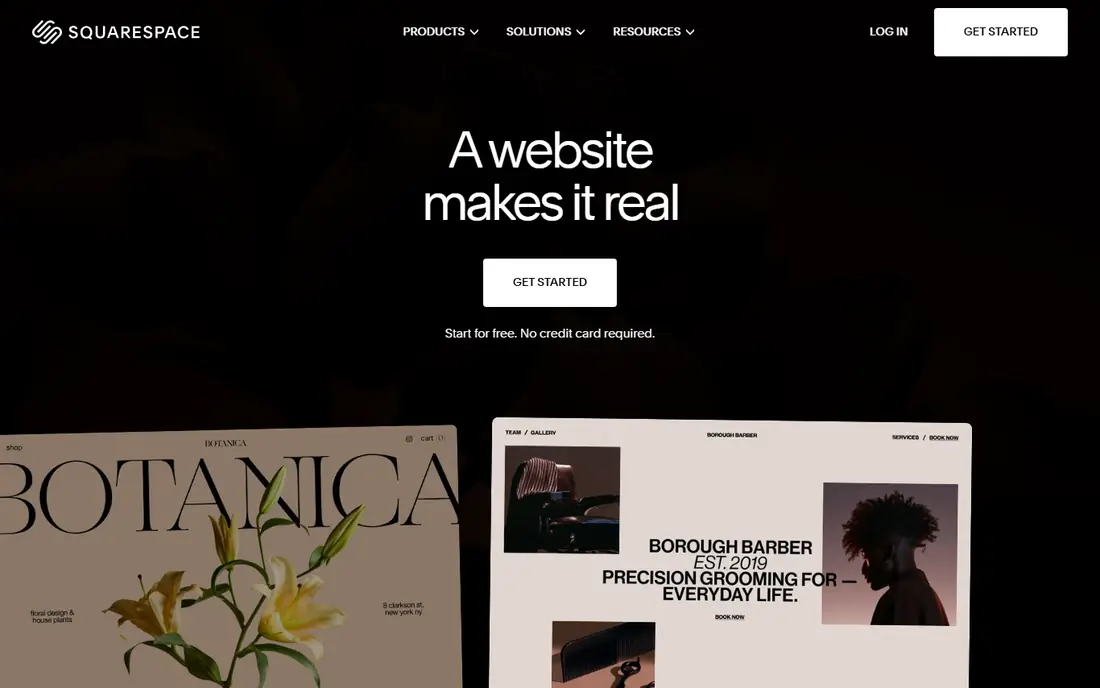
Squarespace is known for polished templates that look good with minimal effort. Its editor covers pages, blogs, stores, and scheduling, with hosting, domains, and marketing tools included. A free trial lets you build before paying, and its templates suit portfolios, photographers, restaurants, and small stores especially well.
Template variety is narrower than Wix, and developers hit customization limits sooner than on WordPress or Webflow. For a site where visual polish matters more than deep customization, Squarespace's templates save hours of design work.
- Beautiful, consistent templates
- Hosting and domain tools included
- Good for portfolios and stores
- Less template variety than Wix
- Customization limits for developers
Webflow gives designers visual control close to hand-written CSS without writing code. You design layouts, interactions, and animations visually, manage content in a built-in CMS, and publish to Webflow hosting or export code. A free tier covers learning and small projects, with paid site plans for custom domains and more capacity.
The learning curve is steeper than Wix or Squarespace, since Webflow expects some understanding of layout concepts like flexbox and grid. For a designer who wants a custom site without a developer, Webflow is the most powerful visual tool here.
- Visual CSS-level control without code
- CMS and ecommerce built in
- Clean code output
- Steeper learning curve than Wix
- Pricing scales with sites and features
Framer turns designs into live websites faster than any other tool here. You design pages, add interactions, and publish to a real domain, with a free tier for small sites and paid tiers for custom domains and more pages. Its animation tools and templates suit landing pages, portfolios, and startup sites.
The CMS is weaker than Webflow's, so large content sites fit less well. For a landing page or a small marketing site that needs to look designed rather than templated, Framer is the fastest path from idea to live site.
- Designs publish as live sites
- Strong animation
- Free tier for small sites
- Weaker CMS than Webflow
- Better for landing pages than large sites
Shopify is the right choice when the site is mainly a store. It covers products, payments, shipping, discounts, and inventory in one system, with themes and an app store for extensions. A free trial lets you build before paying, and its checkout is trusted by millions of shoppers.
Monthly plans plus transaction fees on some setups make it pricier than a simple builder, and non-store content like blogs is secondary. For selling online, Shopify's ecommerce depth beats every general builder on this list.
- Best ecommerce tools
- Payments, shipping, and inventory included
- Huge app store
- Monthly cost plus transaction fees on some plans
- Less flexible for non-store content
Dreamweaver remains Adobe's code-based web editor, combining a visual view with direct HTML, CSS, and JavaScript editing. It suits designers who code and want live preview, syntax help, and Adobe asset integration in one app. A free trial covers evaluation, with subscription pricing through Adobe's plans.
It is overkill for a simple business site, and its community is smaller than in its heyday. For a designer-developer who builds custom sites by hand and wants Adobe's tooling, Dreamweaver still earns its place.
- Visual and code editing together
- Supports HTML, CSS, and JavaScript
- Adobe integration
- Subscription pricing
- Overkill for simple sites
- Smaller community than before
Webnode is one of the simplest builders available, with a free tier and a straightforward editor for small business and personal sites. It supports multilingual sites well, which suits businesses serving more than one language community, and setup takes minutes.
Templates and features are thinner than Wix or Squarespace, and ecommerce is limited. For a simple site that just needs to exist and look decent, Webnode's simplicity is a genuine advantage.
- Very simple builder
- Free tier available
- Multilingual sites supported
- Fewer templates and features than Wix
- Limited ecommerce
Duda is built for agencies and freelancers who manage many client websites. It offers white labeling, client collaboration and approval tools, and bulk site management, with templates and widgets that speed up client work. A free trial covers evaluation, with plans priced for agency use.
For a single site owner, Duda's agency pricing and features are more than needed. For an agency delivering dozens of small business sites, its workflow tools save real time over general builders.
- Built for agencies managing many client sites
- Client collaboration tools
- White labeling
- Priced for agencies, not single sites
- Smaller template library
How we picked these
We compared official pricing pages, feature lists, and documentation for web design tools that work today. We favored tools with a working free tier or trial, and we included builders, content systems, and code editors rather than only one style. Prices are the standard published rates from each vendor's own site, and where pricing varies by plan we say so rather than guessing.
What to check before you choose
Start with the site's purpose. A blog needs WordPress, a small business site needs Wix or Squarespace, a custom design needs Webflow, a landing page needs Framer, and a store needs Shopify. Purpose decides the shortlist faster than any feature table.
Check the total cost, not just the plan price
Builders bundle hosting, while WordPress needs separate hosting, and Shopify adds transaction fees on some plans. Add domain, hosting, plugins, and transaction costs for a year before comparing. The cheapest plan price rarely means the cheapest year.
Test the editor with your real content
Every builder demos beautifully with stock photos. Build one real page with your own text, images, and logo before committing, and check mobile layout too, since most visitors arrive on phones. A builder that fights your content will slow every future update.
Plan for growth and moving
A site that may grow into a store, a membership area, or a large blog needs room to expand. WordPress and Webflow scale furthest, while simple builders can box you in. If you might move platforms later, favor tools that export content cleanly.
Frequently asked questions
What is the best web design software?
WordPress is our pick for flexibility and control, Wix for ease, Squarespace for polished templates, and Webflow for visual design control. Framer suits landing pages, while Shopify suits stores. The best tool follows the site's purpose and your skill level.
What is the best software for web design for beginners?
Wix is the easiest builder for beginners, with drag-and-drop editing and AI setup. Squarespace is a close second for polished templates, while WordPress suits beginners willing to learn hosting basics. Start with a free tier or trial before paying.
What is the best software for website design for professionals?
Webflow leads for visual professionals who want code-level control without coding, while WordPress suits developers who want full control. Dreamweaver suits code-first designers, and Duda suits agencies managing many client sites.
Which software is best for web design on a budget?
WordPress software is free, though hosting costs apply, and Wix, Webflow, Framer, and Webnode all offer free tiers. For a no-cost start, WordPress on cheap hosting or a free builder tier both work. Compare a full year of costs before deciding.
Is WordPress or Wix better?
WordPress offers more control, plugins, and room to grow, while Wix offers easier setup and included hosting. Choose WordPress if you want flexibility and ownership, and Wix if you want a good site fast with minimal technical work.
What is the best web design tool for ecommerce?
Shopify is the best tool when selling is the main job, with payments, shipping, and inventory built in. Squarespace and Wix also sell online for smaller stores, while WordPress with WooCommerce suits owners who want full control over their store.
Sources we checked (9)

Online Jobs is an independent blog about careers, online work, learning new skills and the tools that help people earn. More about us.
Keep reading
All posts
Zoom Alternatives
Zoom alternatives compared for 2026: Google Meet, Microsoft Teams, Webex, Jitsi and more for free calls, large meetings and webinars for teams and classrooms.

What Is the Best Free Tool to Rotate a PDF
What is the best free tool to rotate a PDF? We compare eight free rotation tools on per-page control, limits, privacy and saved output quality in detail.

What Is the Best AI Dubbing Tool
We compared the best AI dubbing tools in 2026, from ElevenLabs and HeyGen to Rask AI, Dubverse and Veed, for videos and creators in many languages worldwide.