Best Web Conference Tools in 2026: 8 Tools Compared


meeting-first teams and webinars · Starting price: $13.32 per user per month
How we put this together: we compare official feature and pricing pages, app store listings, privacy policies and public user reviews. Prices change, so check the provider's site before you pay.
Key takeaways
- The best meeting tool is often the one inside the office suite you already pay for, not the one with the longest feature list.
- Zoom leads for meeting-first teams and webinars, while Teams and Meet win on value inside their own ecosystems.
- Free plans help for short small meetings, but 40 to 60 minute limits and participant caps push regular teams to paid plans.
- Webinar, training, and large-event needs change the choice, so price your largest event, not just a typical meeting.
Quick comparison
| Name | Who it suits | Starting price | Free option | |
|---|---|---|---|---|
| Zoom Workplace | meeting-first teams and webinars | $13.32 per user per month | Yes | Visit |
 Microsoft Teams | Microsoft 365 users | $4 per user per month | Yes | Visit |
 Google Meet | Google Workspace teams | $7 per user per month | Yes | Visit |
 Cisco Webex | enterprise meetings and security | $14.50 per user per month | Yes | Visit |
 GoTo Meeting | simple reliable business meetings | $12 per organizer per month | Free trial | Visit |
 Zoho Meeting | small businesses on a budget | $3 per user per month | Yes | Visit |
 Livestorm | client-facing webinars and training | See website | Yes | Visit |
 Whereby | simple embedded video rooms | $8.99 per month | Yes | Visit |
The best web conference tools
Web conference tools now cover everyday meetings, client calls, training, and large webinars, but no single tool is best for all four jobs. The list below compares the major meeting suites and two specialist options on joining ease, meeting size, recording, and price. We focus on what regular use actually costs, including the limits that push teams from a free plan to a paid one.
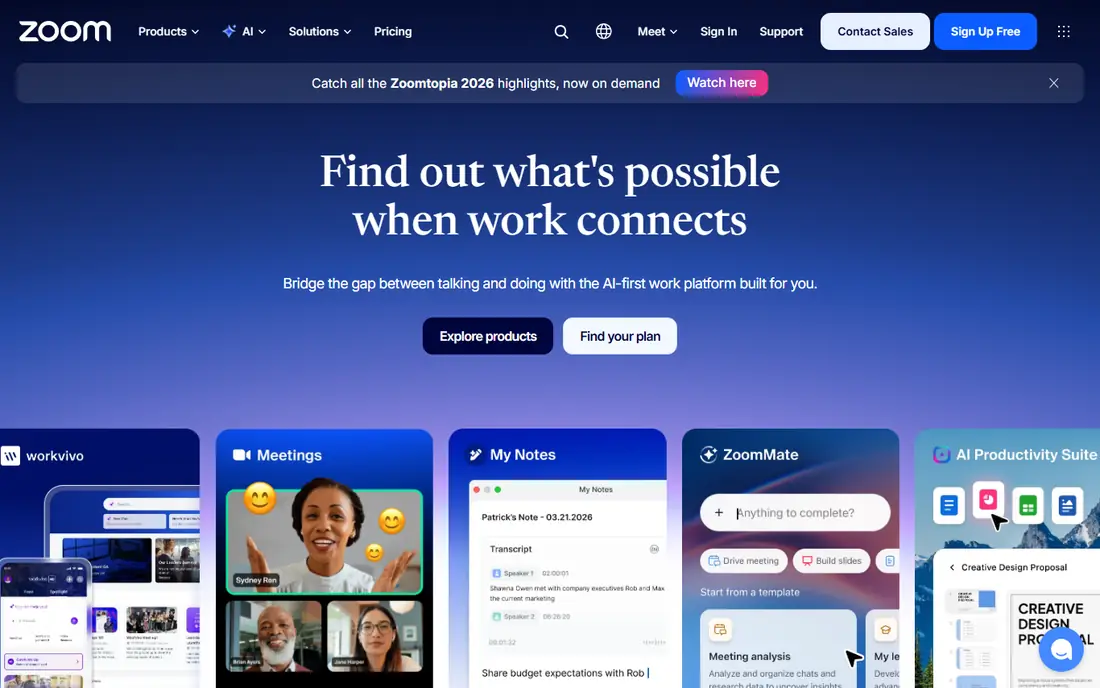
Zoom remains the default choice for many teams because guests know how to join and meetings tend to just work. It covers everyday meetings, webinars, phone, and room systems in one account, with breakout rooms, polls, and recording as standard paid features. We would pair it with a clear weekly routine rather than relying on the tool alone to carry progress.
The catch is add-on pricing: webinars, large meetings, and phone features can lift the bill well above the base plan, so price the full setup you need. Pricing also deserves a careful check before you commit, because the headline price and the price for the features you actually need can differ. We suggest starting on the free option or the shortest paid term where one exists, testing it with real work for two weeks, and only then deciding whether a longer plan makes sense.
- Reliable large meetings
- Breakout rooms and webinars
- Broad room and app integrations
- Free plan limits group meetings to 40 minutes
- Add-ons raise the total
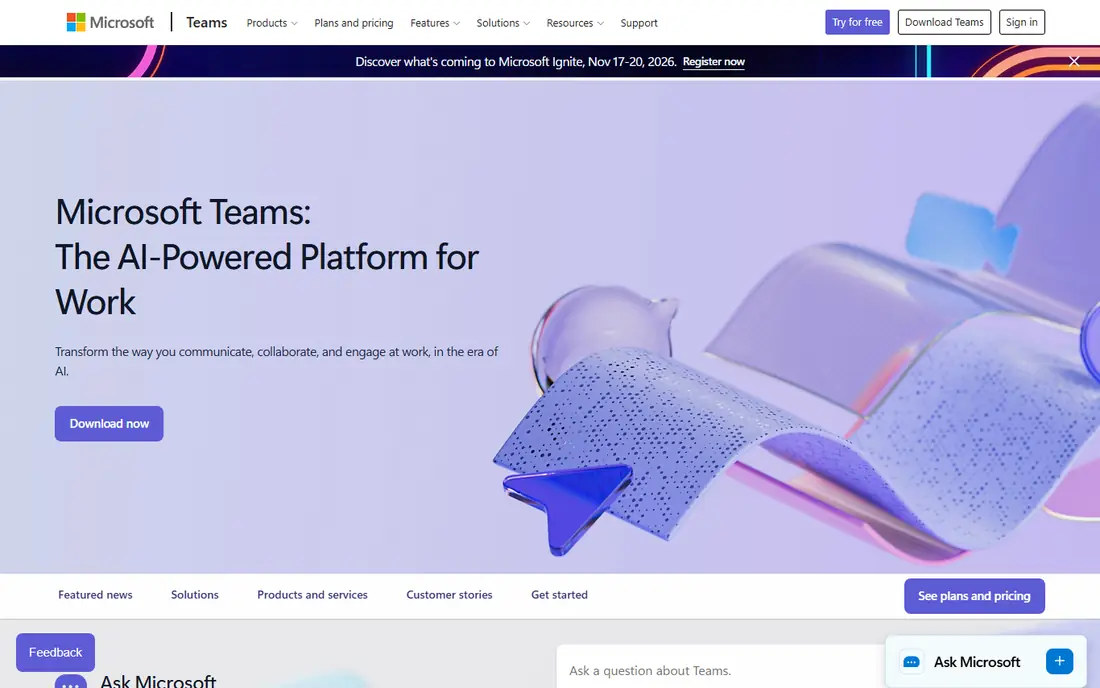
If your main goal is microsoft 365 users, Microsoft Teams deserves a close look. Teams makes most sense for organizations already paying for Microsoft 365, where meetings, chat, and files live in the same workspace. Calendar, OneDrive, and Office apps connect directly to meetings, which reduces switching and keeps notes and files with the conversation. We would pair it with a clear weekly routine rather than relying on the tool alone to carry progress.
The catch is weight: on smaller machines or for guests outside Microsoft 365, the experience can feel slower than a lighter meeting app. Pricing also deserves a careful check before you commit, because the headline price and the price for the features you actually need can differ. We suggest starting on the free option or the shortest paid term where one exists, testing it with real work for two weeks, and only then deciding whether a longer plan makes sense.
- Deep Microsoft 365 integration
- Chat, files, and meetings in one place
- Town halls for large events
- Can feel heavy on older devices
- Best value inside Microsoft 365
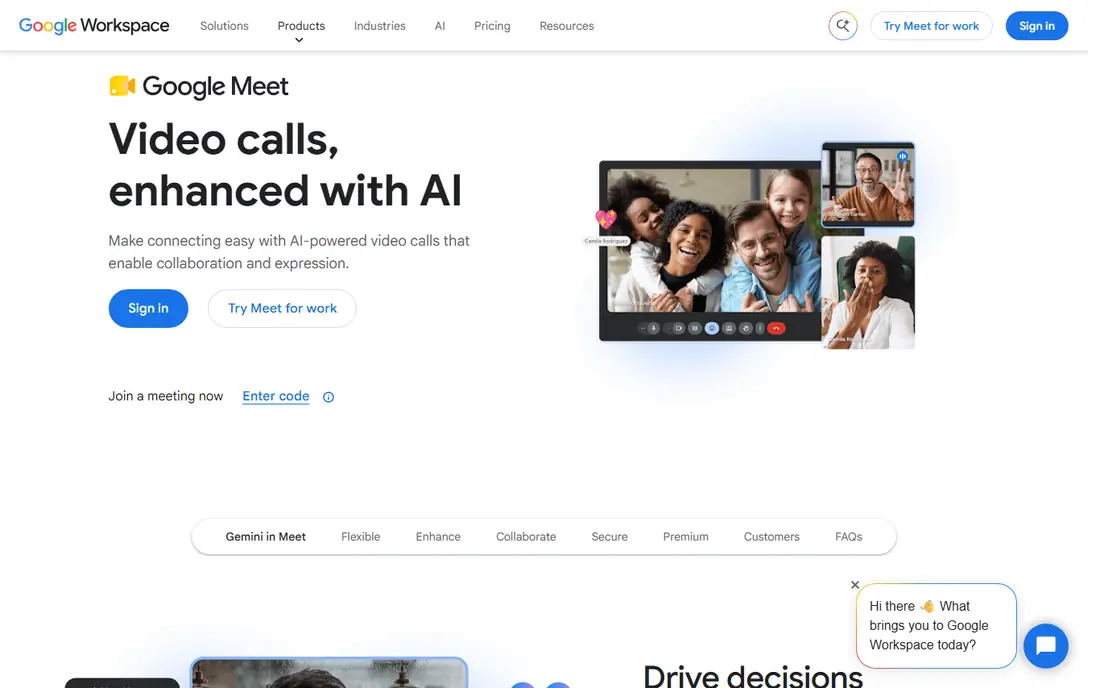
Google Meet stands out for learners and teams who want google workspace teams. Google Meet suits teams on Google Workspace because meetings start from Calendar and Gmail with a single link. Joining from a browser keeps guest access simple, and live captions and noise handling help in varied home and office settings. We would pair it with a clear weekly routine rather than relying on the tool alone to carry progress.
The catch is plan depth: larger meetings, recording, and breakout rooms depend on the Workspace tier, so check the tier, not just the Meet name. Pricing also deserves a careful check before you commit, because the headline price and the price for the features you actually need can differ. We suggest starting on the free option or the shortest paid term where one exists, testing it with real work for two weeks, and only then deciding whether a longer plan makes sense.
- Browser-first joining with no install
- Strong Workspace integration
- Live captions
- Advanced controls sit on higher Workspace plans
- Fewer webinar features than specialists
For many people, Cisco Webex is the practical choice for enterprise meetings and security. Webex is built for large organizations that need security controls, large events, and room hardware under one vendor. Its meeting, messaging, and calling options scale from small teams to events with very large audiences, with admin controls to match. We would pair it with a clear weekly routine rather than relying on the tool alone to carry progress.
The catch is complexity: the breadth of bundles and add-ons makes it easy to buy more than a small team needs, so get a clear quote first. Pricing also deserves a careful check before you commit, because the headline price and the price for the features you actually need can differ. We suggest starting on the free option or the shortest paid term where one exists, testing it with real work for two weeks, and only then deciding whether a longer plan makes sense.
- Strong security and compliance options
- Webinars and events at scale
- Hardware for meeting rooms
- Interface can feel complex
- Pricing varies by bundle
Start with what GoTo Meeting does well. GoTo Meeting focuses on dependable meetings without a long learning curve, which suits teams that meet often and want little setup. Hosts can schedule, record, and share meetings quickly, and guests join from browser or mobile with minimal steps. We would pair it with a clear weekly routine rather than relying on the tool alone to carry progress.
The catch is scope: there is no free plan, and webinar or training features require a separate GoTo product, so check the full family price. Pricing also deserves a careful check before you commit, because the headline price and the price for the features you actually need can differ. We suggest starting on the free option or the shortest paid term where one exists, testing it with real work for two weeks, and only then deciding whether a longer plan makes sense.
- Straightforward hosting and joining
- Recording and transcription
- Mobile-friendly meetings
- No free plan
- Webinar features need GoTo Webinar
Zoho Meeting offers a low-cost route to reliable video meetings, especially for teams already using Zoho apps. It covers screen sharing, recording, and polls at a price well below the major suites, which makes it easy to equip a whole small team. We would pair it with a clear weekly routine rather than relying on the tool alone to carry progress.
The catch is ecosystem: integrations outside Zoho are thinner, so teams tied to Microsoft or Google tools should test those links first. Pricing also deserves a careful check before you commit, because the headline price and the price for the features you actually need can differ. We suggest starting on the free option or the shortest paid term where one exists, testing it with real work for two weeks, and only then deciding whether a longer plan makes sense.
- Low entry price
- Webinars on higher plans
- Zoho CRM and app integrations
- Smaller integration range than major suites
- Advanced features need higher tiers
There is a clear reason Livestorm keeps appearing on shortlists for client-facing webinars and training. Livestorm is built for webinars, demos, and training where registration, reminders, and follow-up matter as much as video quality. Attendees join from a browser with nothing to install, and hosts get polls, Q and A, and analytics to judge whether a session worked. We would pair it with a clear weekly routine rather than relying on the tool alone to carry progress.
The catch is plan math: attendee limits and credit models need careful reading, so model your largest event before choosing a tier. Pricing also deserves a careful check before you commit, because the headline price and the price for the features you actually need can differ. We suggest starting on the free option or the shortest paid term where one exists, testing it with real work for two weeks, and only then deciding whether a longer plan makes sense.
- Browser joining for attendees
- Registration and email automation
- Engagement tools for webinars
- Attendee caps vary by plan
- Pricing is credit-based on some plans
Consider Whereby first if simple embedded video rooms matters most to you. Whereby suits teams that want a branded video room they can link or embed, without asking guests to install software. Rooms can carry a custom name and look, which helps for client calls, support sessions, and small classes. We would pair it with a clear weekly routine rather than relying on the tool alone to carry progress.
The catch is depth: it is not a full office suite, so teams that need chat, files, and large webinars will need other tools alongside it. Pricing also deserves a careful check before you commit, because the headline price and the price for the features you actually need can differ. We suggest starting on the free option or the shortest paid term where one exists, testing it with real work for two weeks, and only then deciding whether a longer plan makes sense.
- Custom branded rooms
- Browser joining
- Easy embedding in a website or product
- Meeting features are lighter than full suites
- Recording on higher plans
How we picked these
We compared official feature pages, pricing pages, and app listings for each product, and we checked public reviews where they clarified limits such as meeting length, participant caps, and recording access. We gave weight to joining ease, reliability, meeting controls, and honest pricing, and we used See website where a vendor prices by bundle or quote. Prices change often, so the figures here are starting prices at the time of writing, not a quote for every add-on.
How to pick a web conference tool for your team
Start with the suite you already use. If your team lives in Microsoft 365, Teams usually costs less in total than adding a separate meeting tool, and the same logic applies to Google Workspace and Meet. Next, define your largest meeting: how many people, whether guests need to join without an account, and whether you need breakout rooms, recording, polls, or webinars. Test joining from a phone and a browser, check how captions and background noise handling work in a noisy room, and confirm who can record and where recordings live. Finally, price the plan that covers your largest event, including webinar or large-meeting add-ons, and check security options such as waiting rooms, passcodes, and admin controls before you roll it out.
Frequently asked questions
What is the best web conference software for small teams?
Zoho Meeting and Google Meet suit small teams that want low cost and simple joining, while Zoom suits teams that meet clients who expect Zoom links. Small teams should start with the suite they already pay for. Free plans work for short meetings, but paid plans remove time limits.
What are the best video conferencing tools for webinars?
Zoom Webinars, Webex Events, and Livestorm suit webinars because they add registration, polls, Q and A, and analytics. Everyday meeting tools can host a webinar in a pinch, but registration and follow-up are weaker. Price by attendee count, not just host count.
Is there a free web conference tool that works well?
Zoom, Teams, Meet, Webex, Zoho Meeting, and Whereby all offer free tiers, usually with time or participant limits. Free plans suit occasional small meetings, but regular team use usually needs a paid plan. Test the free limit with your real meeting size before relying on it.
Which tool is best for Microsoft 365 users?
Microsoft Teams is the natural choice for Microsoft 365 users, since chat, files, calendar, and meetings share one workspace. Adding a second meeting tool duplicates cost and splits records. Teams Essentials also offers a lower-cost entry point for smaller teams.
How do I choose between Zoom and Google Meet?
Choose Zoom if webinars, room systems, and guest familiarity matter most, and choose Meet if your team already uses Google Workspace and wants browser-first joining. Both handle everyday meetings well, so the deciding factor is usually ecosystem, meeting size, and webinar needs.
Sources we checked (8)

Online Jobs is an independent blog about careers, online work, learning new skills and the tools that help people earn. More about us.
Keep reading
All posts
Zoom Alternatives
Zoom alternatives compared for 2026: Google Meet, Microsoft Teams, Webex, Jitsi and more for free calls, large meetings and webinars for teams and classrooms.

Which Software Is Best for Data Entry
Compare the best data entry software for forms, OCR scanning, and spreadsheets, with free plans, pricing, and honest limits for each tool before you commit.

What's the Best App to Read PDFs
Find what's the best app to read PDFs in 2026, from Adobe Acrobat Reader and Foxit to PDF Expert and Xodo, with free options and honest limits for every device.