Best Web Analytics Tools in 2026: 8 Tools Compared


Free, full-featured traffic analytics · Starting price: Free
How we put this together: we compare official feature and pricing pages, app store listings, privacy policies and public user reviews. Prices change, so check the provider's site before you pay.
Key takeaways
- Google Analytics 4 remains the default free option, and it pairs well with a simpler tool for day-to-day traffic questions.
- Plausible, Fathom, and Umami suit site owners who want clean, privacy-friendly stats without cookie banners and heavy setup.
- Mixpanel and PostHog answer product questions about funnels and retention that traffic tools cannot, so many teams run both types.
- Matomo is the strongest choice for organizations that need full data ownership or must meet strict privacy rules.
Quick comparison
| Name | Who it suits | Starting price | Free option | |
|---|---|---|---|---|
| Google Analytics 4 | Free, full-featured traffic analytics | Free | Yes | Visit |
 Matomo | Data ownership and privacy compliance | $29 per month | Yes | Visit |
 Plausible | Simple privacy-friendly stats | $9 per month | Free trial | Visit |
 Fathom Analytics | Simple stats across many sites | $15 per month | Free trial | Visit |
 Mixpanel | Funnels and retention for products | Free | Yes | Visit |
 PostHog | Product analytics plus extras | Free | Yes | Visit |
 Umami | Self-hosted clean stats | Free | Yes | Visit |
 Microsoft Clarity | Free heatmaps and session replays | Free | Yes | Visit |
The best web analytics tools
Web analytics splits into two jobs: counting visits and understanding behavior. Traffic tools tell you where visitors come from and which pages they read, while product tools show what users do inside an app or site. The best setup for most sites pairs one of each.
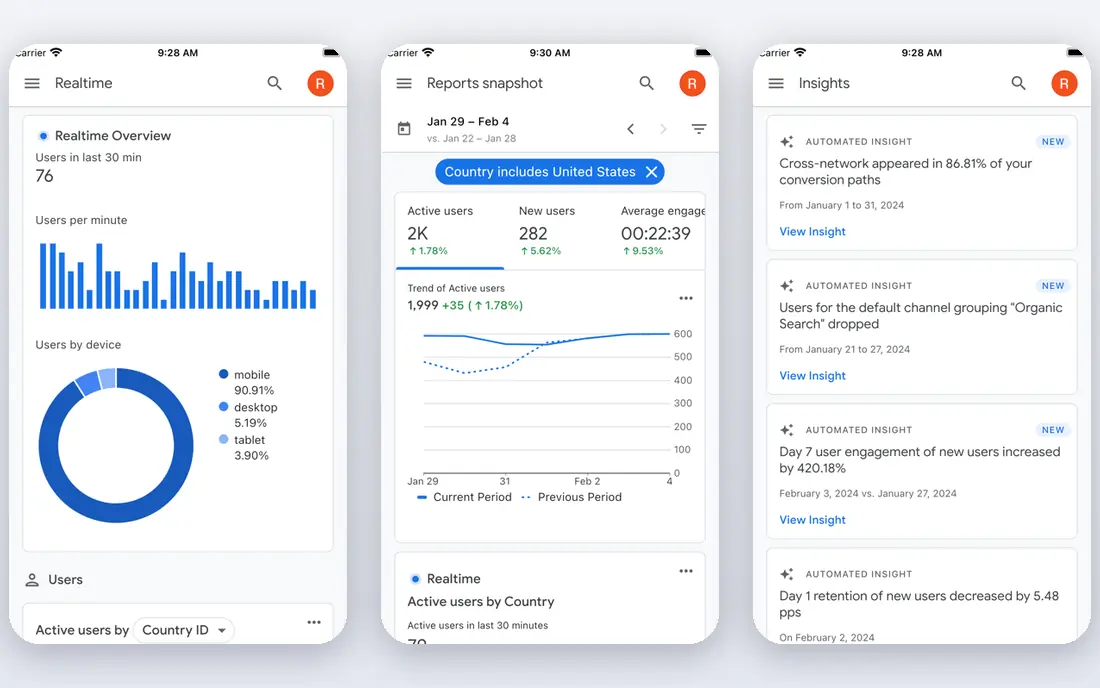
Google Analytics 4, known as GA4, is still the default analytics tool for most websites, and the standard version costs nothing. It tracks events, conversions, audiences, and traffic sources in depth, and it connects directly to Google Ads for campaign reporting. For a business with any budget, GA4 is the baseline everything else is compared against.
The drawback is usability. Simple questions such as which blog post brought buyers can take several clicks and some setup to answer well. Privacy rules also require attention, since GA4 uses cookies and data processing settings vary by region. Many site owners keep GA4 for depth and add a simpler tool for daily checks.
- Free at any traffic level for the standard product
- Deep integration with Google Ads
- Huge help resources
- Interface is complex for simple questions
- Privacy setup needs care in regulated regions
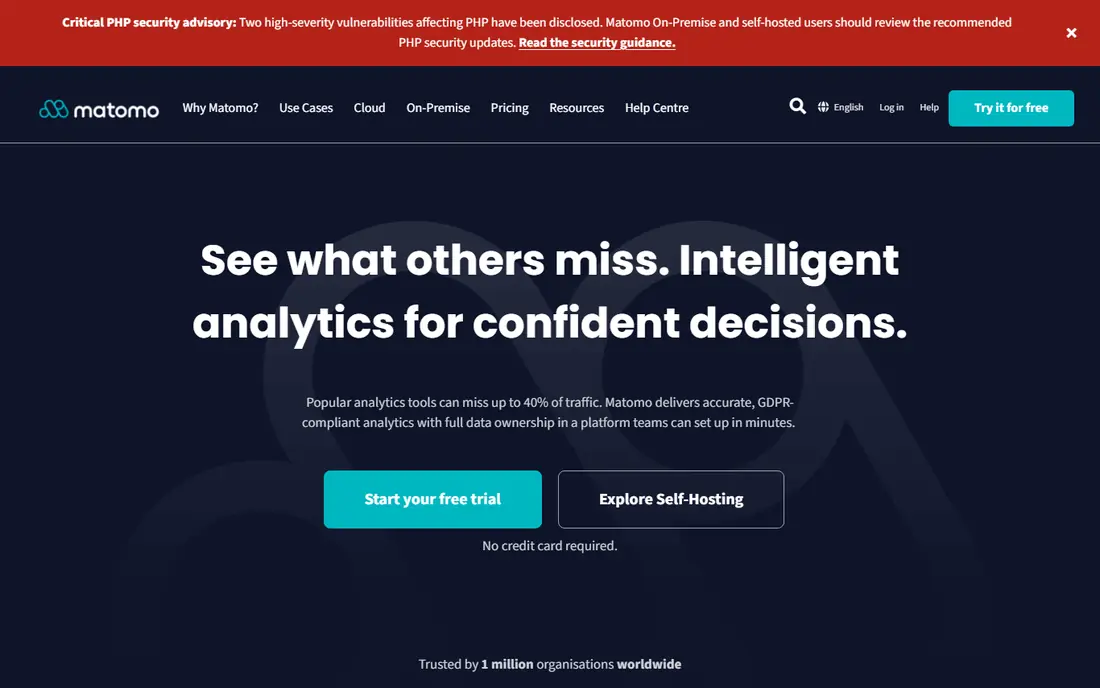
Matomo is the closest full replacement for Google Analytics that still lets you own your data. The self-hosted community version is free, while the cloud version starts around $29 per month. Reports cover visitors, goals, funnels, and heatmaps, so teams switching from GA4 do not lose much depth.
Self-hosting is the trade-off. Someone has to install updates, manage the server, and keep backups running, which is a real cost even when the software is free. Organizations in regulated industries often accept that cost because Matomo gives them control that hosted tools cannot match.
- Self-hosted version is free
- Full GA-style reports
- Data stays under your control
- Self-hosting needs maintenance
- Cloud pricing rises with traffic
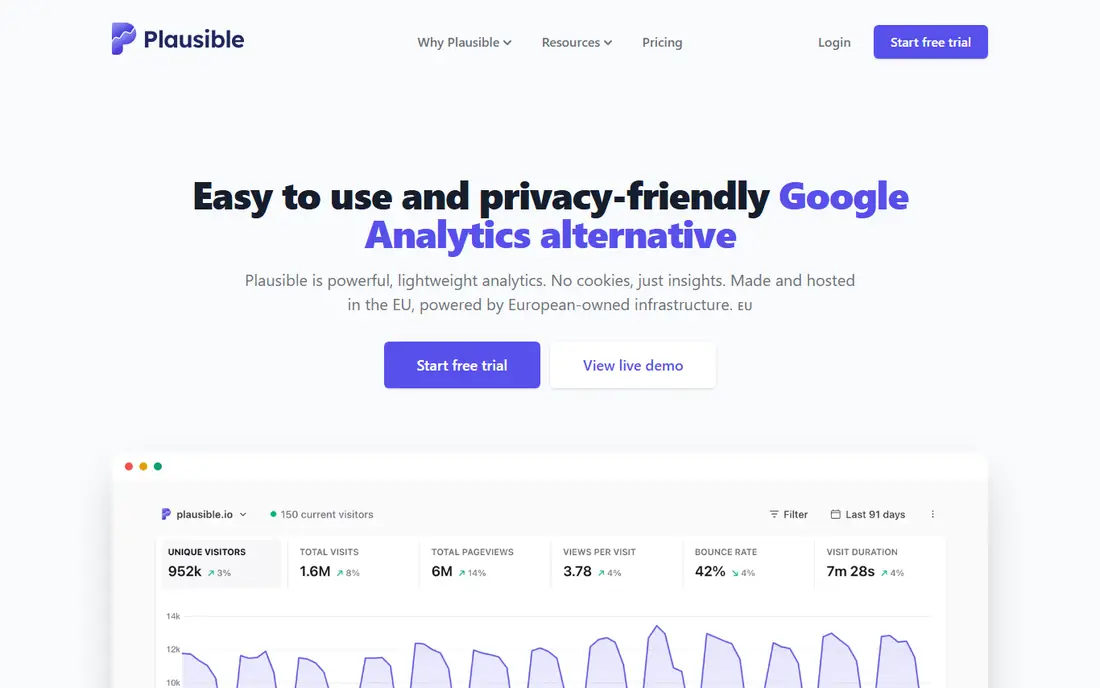
Plausible is built for site owners who want answers, not a second job. The script is tiny, it sets no cookies by default, and the dashboard shows top pages, sources, and goals on one screen. Plans start at $9 per month for 10,000 pageviews, with a 30-day trial.
The simplicity has limits. Plausible does not offer heatmaps, session replays, or deep funnel analysis, so product teams will still need another tool. For blogs, marketing sites, and small businesses, though, Plausible covers the questions that actually get asked.
- Lightweight script
- No cookies by default
- Clear, fast dashboard
- No session replays or heatmaps
- Pricing scales with pageviews
Fathom takes the same privacy-first approach as Plausible but is friendlier to agencies and owners of many sites. The entry plan at $15 per month covers up to 100,000 pageviews and 50 sites, which makes it cheap per site for portfolios. Reports are clean, fast, and free of cookie consent complications in most setups.
There is no free tier, only a 7-day trial that requires a card in some cases. Like Plausible, Fathom is a traffic tool, not a product analytics platform, so teams needing funnels and retention should pair it with Mixpanel or PostHog.
- Covers up to 50 sites on the entry plan
- No cookies
- Fast, simple reports
- No free plan, only a 7-day trial
- Limited depth for product analysis
Mixpanel is the product analytics pick for teams that need to know what users do after they arrive. Funnels show where signups drop off, retention reports show who comes back, and cohorts let teams compare user groups over time. The free plan covers 1 million events per month, which is generous for early-stage products.
The cost curve deserves attention. Once a product passes the free tier, usage-based pricing grows with event volume, so teams should plan which events matter and avoid tracking everything by default. With disciplined instrumentation, Mixpanel is one of the most useful tools a product team can run.
- Free for up to 1 million events per month
- Strong funnel and retention reports
- Good self-serve setup
- Usage-based pricing can climb fast
- Manual event setup takes planning
PostHog bundles product analytics with session replays, feature flags, experiments, and surveys, which replaces several separate tools for a startup. The free tier covers 1 million events per month plus replays and other products, and self-hosting is possible for teams that want control.
The breadth is both the appeal and the risk. Teams that only need analytics may find the extra products distracting, and usage across several products can add up. For product-led teams that want one platform, PostHog is the most complete free starting point available.
- Analytics, replays, feature flags, and surveys in one tool
- Generous free tier
- Open-source option
- Broad scope can feel sprawling
- Usage pricing needs monitoring at scale
Umami is a lightweight, open-source analytics tool that appeals to developers and indie makers. The self-hosted version is free, the dashboard is simple, and the script is small. A hosted cloud version offers a free hobby tier for smaller sites, with paid plans for higher volume.
Compared with Matomo, Umami offers fewer reports and less enterprise depth, but it is easier to run and faster to understand. It suits personal sites, side projects, and small teams that value ownership and simplicity over exhaustive reporting.
- Free self-hosted version
- Clean and fast dashboard
- Full data ownership
- Cloud pricing varies
- Fewer built-in reports than Matomo
Microsoft Clarity answers a different question from the rest of this list: why do visitors behave the way they do. Heatmaps show where people click and scroll, and session recordings replay real visits so teams can spot confusing layouts. It is free with no traffic cap in practice, which makes it an easy add-on to any site.
Clarity is not a replacement for GA4 or Plausible, since its traffic reporting is basic. Its real value shows when paired with a traffic tool, using Clarity to explain the numbers that the other tool reports.
- Completely free
- Heatmaps and session recordings included
- Simple setup
- Not a full traffic analytics replacement
- Limited funnel depth
How we picked these
We compared vendor pricing pages, free tiers, privacy models, and report depth for tools that are actively maintained and widely used in 2026. We included both traffic tools and product analytics tools because the best web analytics setup often uses one of each. Prices were taken from vendor pages or recent pricing checks, and every tool here lists a clear starting point or a free tier.
How to choose the right analytics setup
Decide whether you need traffic stats or behavior data
If your main questions are about sources, pages, and conversions, a traffic tool such as GA4, Plausible, or Fathom is enough. If you need to understand funnels, retention, and feature use inside a product, add Mixpanel or PostHog. Buying a product tool for a simple blog wastes money, and using only a traffic tool for a SaaS product leaves key questions unanswered.
Weigh privacy against depth
Privacy-friendly tools skip cookies and simplify compliance, but they give up some depth, such as cross-device tracking and detailed user profiles. Regulated businesses and EU-focused sites often accept that trade, while ad-driven businesses may still need GA4 depth. Check your own legal requirements before choosing based on price alone.
Watch the pricing metric
Some tools charge by pageview, others by event, and others by site. A tool that looks cheap at low traffic can get expensive fast if your metric grows quickly. Model the price at three times your current traffic before committing to an annual plan.
Frequently asked questions
What is the best free website analytics tool?
Google Analytics 4 is the best free website analytics tool for depth, since the standard product is free at any traffic level. Plausible and Fathom are better for simplicity and privacy, but both are paid, while Microsoft Clarity adds free heatmaps and replays to any setup.
What is the best web analytics platform for privacy?
Matomo, Plausible, and Fathom are the strongest privacy-focused options, since they avoid cookies by default or let you host the data yourself. Matomo offers the most control through self-hosting, while Plausible and Fathom are easier to run as hosted services.
What is the best analytics software for SaaS products?
Mixpanel and PostHog are the best analytics software for SaaS products because both focus on funnels, retention, and user behavior rather than page counts. PostHog adds replays and feature flags, while Mixpanel offers the most polished self-serve funnel builder.
Should I use Google Analytics and another tool together?
Yes, many teams run GA4 for depth and ad reporting alongside a simpler tool such as Plausible or Fathom for daily traffic checks. The two tools answer different questions, and the simpler dashboard often gets used more often by non-technical team members.
What is the best website tracking tool for small businesses?
Plausible at $9 per month is the best website tracking tool for most small businesses that want simple, privacy-friendly stats. Businesses with zero budget should start with GA4 plus Microsoft Clarity, which together cover traffic and behavior at no cost.
Sources we checked (8)

Online Jobs is an independent blog about careers, online work, learning new skills and the tools that help people earn. More about us.
Keep reading
All posts
ZoomInfo Alternatives
The best ZoomInfo alternatives in 2026, compared on price, free plans, data coverage, and which tool fits small teams or large sales teams best in detail.

Workday Alternatives
We compared the best workday alternatives for HR, payroll, and global hiring, from BambooHR and Gusto to Rippling, Deel, and HiBob for growing teams in 2026.

Which SaaS Tools Have the Best Customer Support
Which SaaS tools have the best customer support? Compare eight popular tools on help centres, live help, response options and overall support quality.