Best Weather Radar App in 2026: 8 Apps Compared

How we put this together: we compare official feature and pricing pages, app store listings, privacy policies and public user reviews. Prices change, so check the provider's site before you pay.
Key takeaways
- MyRadar is the best free radar-first app for most people, with a clean map and fast radar loops.
- RadarScope suits storm watchers who want raw radar data, velocity, and detailed storm analysis.
- WeatherBug, AccuWeather, and The Weather Channel suit everyday users who want radar plus forecasts and alerts in one app.
- Windy helps travelers and outdoor workers who need wind, rain, and forecast models beyond local radar.
- Radar is a planning tool, not a safety guarantee, so always follow official warnings from the National Weather Service during severe weather.
Quick comparison
| Name | Who it suits | Starting price | Free option | |
|---|---|---|---|---|
 MyRadar MyRadar | Free radar-first maps | Free | Yes | Visit |
 RadarScope RadarScope | Raw radar data | $9.99 | No | Visit |
 WeatherBug WeatherBug | Everyday radar and alerts | Free | Yes | Visit |
 AccuWeather AccuWeather | Minute-by-minute rain | Free | Yes | Visit |
 The Weather Channel The Weather Channel | Radar plus forecasts | Free | Yes | Visit |
 Windy Windy | Wind and forecast models | Free | Yes | Visit |
 RadarOmega RadarOmega | Advanced storm tracking | See website | Free trial | Visit |
 CARROT Weather CARROT Weather | Radar with personality | See website | Yes | Visit |
The best weather radar apps
We compared official app pages and app store listings for radar apps available in the United States, focusing on radar quality, loop controls, alerts, lightning data, and hurricane tracking. Most apps are free to download, with paid tiers removing ads or adding advanced radar layers, so the free experience and the paid upgrade path both matter.
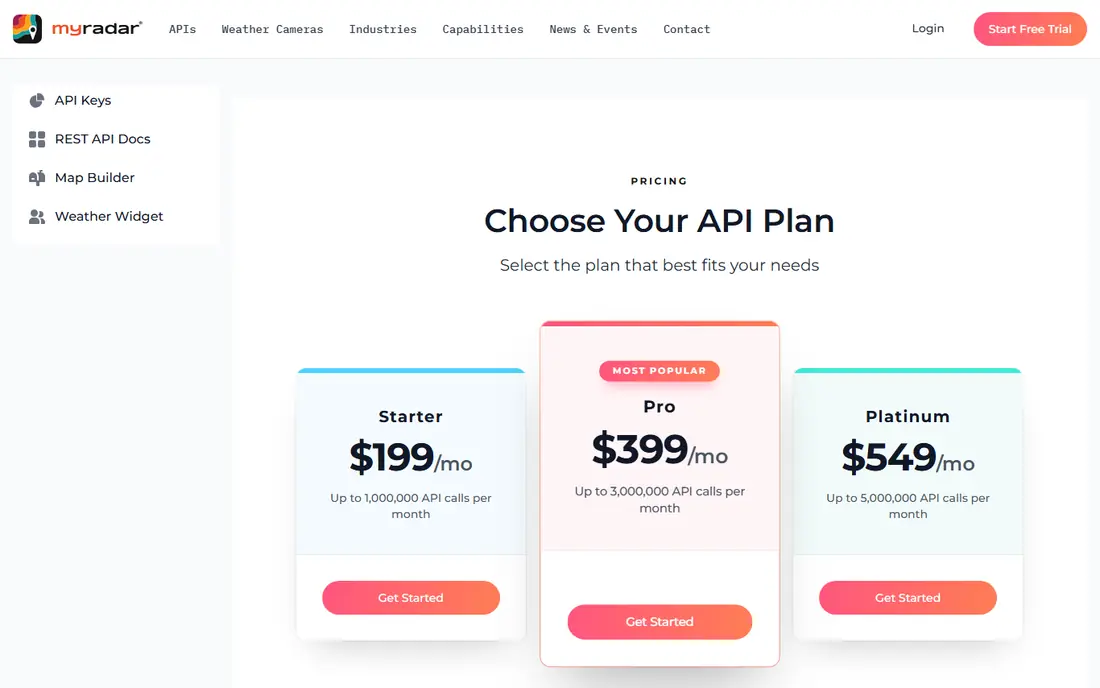
MyRadar puts radar first, which is exactly what most people want when rain is approaching. The map loads quickly, the radar loop is smooth, and layers for warnings, fronts, and storm tracks stay easy to toggle. For checking whether rain will reach you in the next hour, that simplicity beats a cluttered full weather app.
Full forecasts, hourly details, and lifestyle features are thinner here than in AccuWeather or The Weather Channel, so many users pair MyRadar with a forecast app. MyRadar suits everyday radar checks, commuters, outdoor workers, and anyone who wants a fast, free radar map without an account or a subscription.
- Clean radar map with smooth loops
- Free with no account needed for basic use
- Fast loading and simple layers
- Forecasts are thinner than full weather apps
- Advanced features need a paid upgrade
- US radar focus suits US users best
RadarScope is the professional-grade choice. It shows raw radar data, including reflectivity and velocity, with tools for storm analysis that consumer apps do not offer. Storm chasers, spotters, pilots, and weather enthusiasts use it to read rotation, hail signatures, and storm structure directly from radar, rather than from a smoothed consumer map.
That power comes with a learning curve and a price. Beginners may find the data overwhelming, and some advanced features need an additional subscription tier. RadarScope suits serious weather watchers, spotters, and professionals who already understand radar terms, while casual users will get more from MyRadar or WeatherBug.
- Raw Level 2 and Level 3 radar data
- Velocity and storm analysis tools
- Trusted by storm chasers and meteorologists
- Paid app with no free tier
- Interface assumes radar knowledge
- Data subscription needed for some advanced tiers
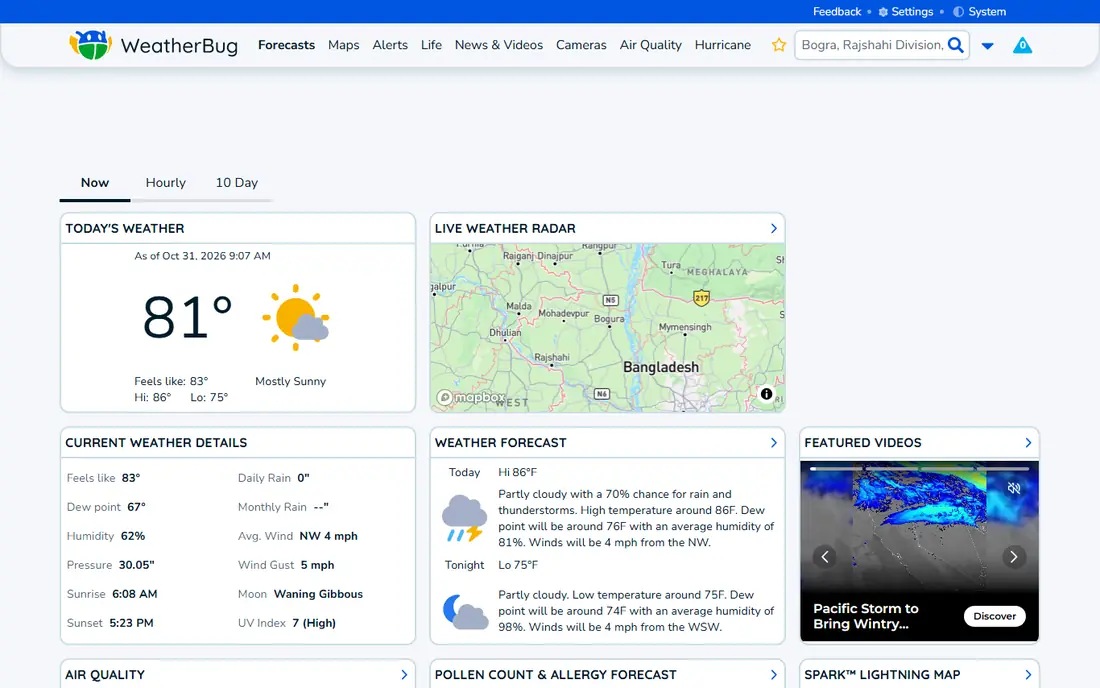
WeatherBug balances radar with everyday weather needs. The radar map includes lightning, storm tracks, and warning polygons, while the rest of the app covers hourly and daily forecasts, air quality, pollen, and outdoor activity data. Alerts for severe weather, lightning nearby, and rain starting soon make it practical for daily planning.
Ads in the free tier are the main annoyance, and the most advanced radar layers sit behind premium. WeatherBug suits families, commuters, and outdoor users who want one app for radar, alerts, and forecasts, rather than a radar-only tool plus a separate forecast app.
- Interactive radar with lightning detection
- Severe weather alerts
- Forecasts, air quality, and lifestyle data in one app
- Ads in the free tier
- Some advanced radar features need premium
- Interface has many sections to navigate
AccuWeather is best when the question is not just where rain is, but when it will start and stop at your exact location. MinuteCast gives minute-by-minute precipitation timing, and the app pairs that with hourly, daily, and extended forecasts, plus winter weather tools such as snow and ice charts. That forecast depth helps with planning a commute, a game, or outdoor work.
Radar itself is less detailed than MyRadar or RadarScope, and the interface packs many features into a small screen. AccuWeather suits planners who want rain timing and long-range forecasts alongside radar, and who value a single app for both short-term rain and week-ahead planning.
- MinuteCast minute-by-minute rain forecasts
- 15-day outlooks
- Radar plus detailed forecast data
- Radar resolution is lower than radar-first apps
- Interface can feel crowded
- Some safety features need premium
The Weather Channel app pairs radar with broad weather coverage, including future radar that shows where precipitation may move in the hours ahead. Hurricane tracking, severe weather video, and detailed forecasts make it useful during major storms, when context matters as much as the radar loop itself. Alerts cover severe weather, rain, and other local hazards.
The app feels more like a weather media product than a pure radar tool, with articles and video alongside the map. It suits users who want radar plus storm news in one place, travelers tracking hurricanes, and families who check forecasts and radar together each morning.
- Future radar for hours ahead
- Broad forecast and video coverage
- Alerts and hurricane tracking
- Ads in the free tier
- Interface favors content over a clean radar map
- Some features need premium
Windy is the choice when wind matters as much as rain. It shows wind, gusts, rain, clouds, waves, and temperature across several forecast models, so users can compare models rather than trusting a single forecast. Sailors, pilots, hikers, surfers, and outdoor workers use it to judge conditions over hours and days, not just the next radar frame.
Beginners may find the layer controls overwhelming, and severe weather alerts are less central than in WeatherBug or The Weather Channel. Windy suits outdoor enthusiasts, travelers, and professionals who need model comparison and wind data, paired with a local alert app for severe weather warnings.
- Multiple forecast models to compare
- Detailed wind, rain, and wave layers
- Excellent for travel and outdoor planning
- Interface is dense for beginners
- Radar is one layer among many
- Local alerts are weaker than US-focused apps
RadarOmega sits between consumer radar apps and RadarScope, offering high-resolution radar, storm tracking, and severe weather tools in a more guided interface than raw data apps. It works across phones and desktops, which helps spotters and enthusiasts who monitor storms from multiple screens. Warning polygons, storm cells, and radar loops are central, not buried.
A subscription is needed for full access, so casual users may prefer a free radar app for occasional checks. RadarOmega suits storm enthusiasts, spotters, and weather hobbyists who want advanced tracking without learning raw radar analysis from scratch, and who check storms often enough to justify payment.
- High-resolution radar and storm tracks
- Severe weather tools
- Cross-platform apps for phone and desktop
- Subscription needed for full features
- Interface suits enthusiasts more than casual users
- Pricing varies by tier
CARROT Weather combines radar, forecasts, and widgets with a customizable, humorous interface that many users enjoy daily. Radar maps, precipitation notifications, and home screen widgets keep weather visible without opening a full app, and users can choose data sources and display styles to suit their taste.
The paid plan adds the best widgets, data sources, and customization, so the free tier feels limited for power users. CARROT suits iPhone and Android users who check weather often, like widgets and notifications, and want radar plus forecasts with a lighter tone. Serious storm tracking still belongs in RadarScope or RadarOmega.
- Customizable radar maps and widgets
- Multiple data sources
- Fun, customizable interface and notifications
- Best features need a subscription
- Personality and humor are not for everyone
- Radar depth is below RadarScope
How we picked these
We compared official app pages and app store listings, checking radar source, loop controls, alert options, lightning and hurricane features, and free versus paid tiers. We favored apps still actively maintained in the United States, with clear radar maps and reliable alerts, and we included both radar-first tools and full weather apps to cover casual and serious users. We excluded apps with no real radar layer, apps that had stopped updating, and clones with unclear data sources.
What to check before you choose a radar app
Match the app to the question you ask most
If you ask whether it will rain in the next hour, MyRadar or AccuWeather answer fastest. If you ask how a storm is structured, RadarScope or RadarOmega answer best. If you ask about wind for sailing or hiking, Windy answers best. Choosing by your most common question avoids paying for advanced tools you rarely open.
Test alerts before severe weather arrives
Set up location alerts, lightning alerts, and severe weather warnings in advance, and check that notifications arrive on your phone. An app with excellent radar but silent alerts is a poor safety tool. During severe weather, follow official National Weather Service warnings and local emergency guidance, not just an app map.
Compare radar with a second source during storms
Radar data can lag, smooth over small storms, or show different results by source and model. During a serious storm, compare two apps or check the National Weather Service radar alongside your chosen app. That cross-check helps when one map looks clear but another shows a developing cell.
Check offline limits and battery use
Radar apps need a data connection for live maps, and continuous radar loops use battery and data. Download offline maps where offered, keep a charged phone during storm season, and avoid relying solely on a radar app when traveling in areas with poor signal. A weather radio remains a useful backup for severe weather.
Frequently asked questions
What is the best weather radar app?
MyRadar is the best free radar-first app for most people, while RadarScope is best for serious storm analysis and WeatherBug is best for everyday radar plus alerts. The best choice depends on whether you want a clean radar map, raw storm data, or a full weather app with forecasts in one place.
What is the best free weather radar app?
MyRadar offers the strongest free radar experience, with smooth loops and warning layers at no cost. WeatherBug, AccuWeather, and The Weather Channel also offer free radar with ads, plus forecasts and alerts. For a free radar-only tool, start with MyRadar and add a forecast app only if you need deeper outlooks.
Which radar app is best for storm tracking?
RadarScope is best for raw radar analysis, with velocity and storm structure tools used by spotters and meteorologists. RadarOmega offers advanced storm tracking in a more guided interface, while WeatherBug and The Weather Channel cover storm tracks and warnings for general users. During severe weather, always follow official warnings as well.
Is a weather radar app accurate?
Radar shows where precipitation was detected, usually with a short delay, and accuracy depends on radar coverage, terrain, and storm type. Small or fast-developing storms can appear late, and radar does not always show ground-level rain perfectly. Use radar for timing and movement, and use official forecasts and warnings for safety decisions.
Do weather radar apps work without internet?
Live radar needs a data connection, so most apps cannot update maps offline. Some apps cache recent maps or forecasts, but new radar frames require signal. For travel in low-signal areas, check radar before leaving, download offline content where offered, and keep a weather radio as a backup during storm season.
Sources we checked (8)

Online Jobs is an independent blog about careers, online work, learning new skills and the tools that help people earn. More about us.
Keep reading
All posts
Zoom Alternatives
Zoom alternatives compared for 2026: Google Meet, Microsoft Teams, Webex, Jitsi and more for free calls, large meetings and webinars for teams and classrooms.

Workday Alternatives
We compared the best workday alternatives for HR, payroll, and global hiring, from BambooHR and Gusto to Rippling, Deel, and HiBob for growing teams in 2026.

WordPress Alternatives
WordPress alternatives guide: we compare 8 platforms for builders, designers, stores, and publishers to leave WordPress without losing your full site content.