Best VoIP Service for Small Business in 2026: 8 Products Compared

How we put this together: we compare official feature and pricing pages, app store listings, privacy policies and public user reviews. Prices change, so check the provider's site before you pay.
Key takeaways
- RingCentral is our pick for teams that want voice, video, messaging, and many integrations in one app.
- Nextiva suits customer-facing teams that want strong support and a unified view of calls and messages.
- Dialpad is the strongest AI-focused pick, with transcription and coaching tools built into calling.
- Ooma Office and Grasshopper suit smaller teams that want simpler pricing and faster setup.
- Zoom Phone, Vonage, and 8x8 cover teams already on Zoom, teams that need custom setups, and teams with global calling needs.
Quick comparison
| Name | Who it suits | Starting price | Free option | |
|---|---|---|---|---|
 RingCentral RingCentral | All-in-one communications | $20 per month | Free trial | Visit |
 Nextiva Nextiva | Customer-facing teams | $15 per month | Free trial | Visit |
 Dialpad Dialpad | AI calling tools | $15 per month | Free trial | Visit |
 Ooma Office Ooma Office | Simple small business phones | $19.95 per month | Free trial | Visit |
 Grasshopper Grasshopper | Solo and tiny teams | $14 per month | Free trial | Visit |
 Zoom Phone Zoom Phone | Teams already on Zoom | $10 per month | Free trial | Visit |
 Vonage Business Vonage Business | Custom phone setups | See website | Free trial | Visit |
 8x8 8x8 | Global calling | See website | Free trial | Visit |
The best voip service for small business
We compared official feature pages, pricing pages, app listings, privacy policies, and public reviews for each provider. Prices below are starting prices from published plans at the time of writing, usually per user per month on annual billing, before taxes and fees. Check the vendor pricing page before you buy, since plans and terms change often.
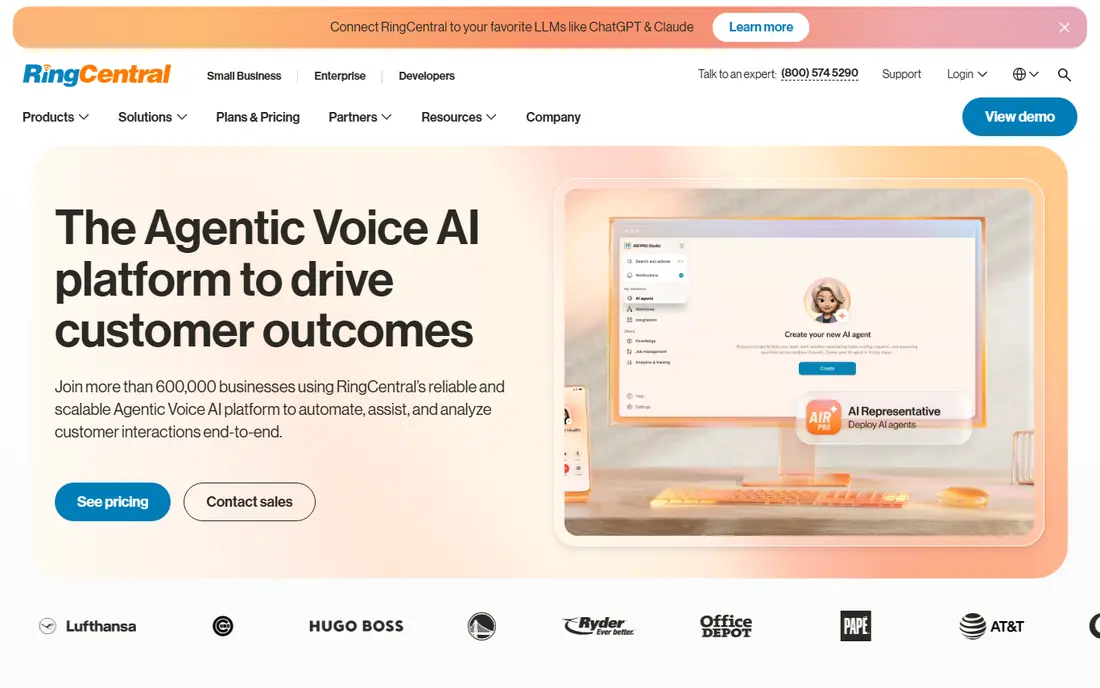
RingCentral is the safest all-round pick for a growing small business. It combines phone calls, video meetings, team messaging, and business SMS in one app, so staff do not need to switch tools for each task. The integration library covers many CRM, helpdesk, and productivity tools, which helps when calls need to connect to customer records.
The cost is the main trade-off. Starting prices are higher than Grasshopper or Zoom Phone, and the most useful AI and analytics features often sit on higher tiers. If your team is small and only needs basic calling, a simpler provider may save money. If you expect to grow and want one system for calls, meetings, and messages, RingCentral is worth the higher starting price.
- Voice, video, messaging, and fax in one app
- Large integration library
- AI call summaries on many plans
- Higher starting price than budget rivals
- Advanced features sit on higher tiers
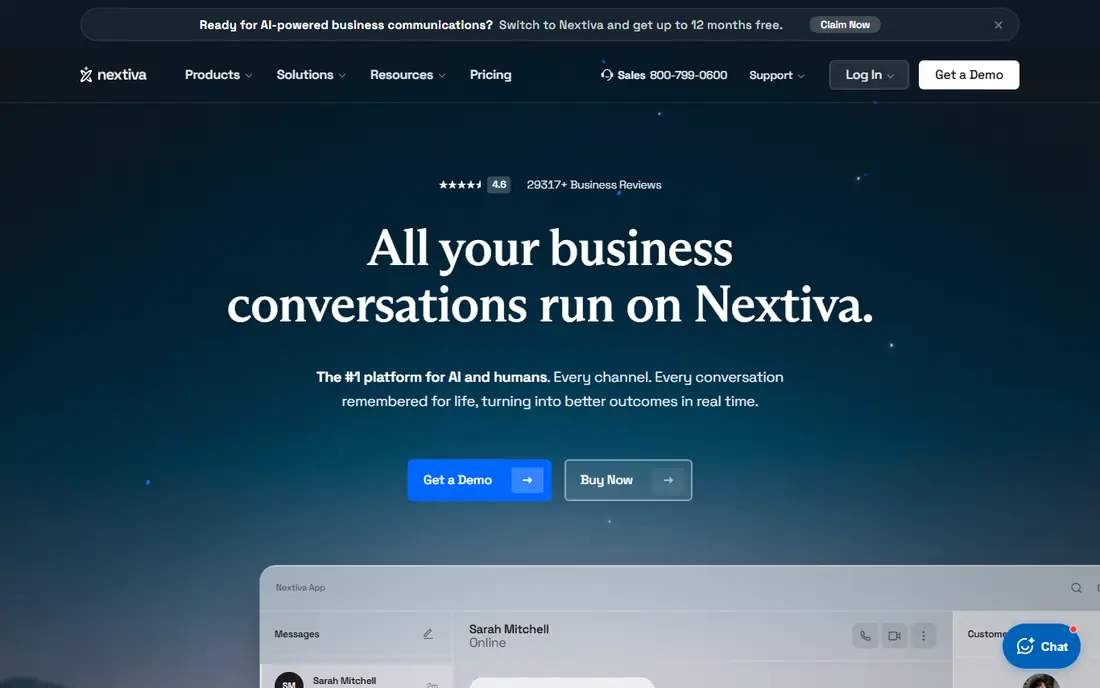
Nextiva suits teams that spend most of the day talking to customers. It brings calls, texts, and video into one view, with tools for tracking customer conversations and team performance. That unified view helps support and sales teams follow up without digging through separate inboxes, and it reduces missed messages when a customer switches channels.
The interface can feel busy at first, especially for very small teams that only need basic calling. Pricing also needs care, since the cheapest plan may not include every feature shown in marketing. If customer service is central to your business, Nextiva is a strong pick. If you only need a phone number and voicemail, a simpler provider will be cheaper and easier.
- Unified voice, SMS, and video
- Customer journey and analytics tools
- Strong support reputation
- Interface can feel busy
- No free trial on some plans, with demos instead
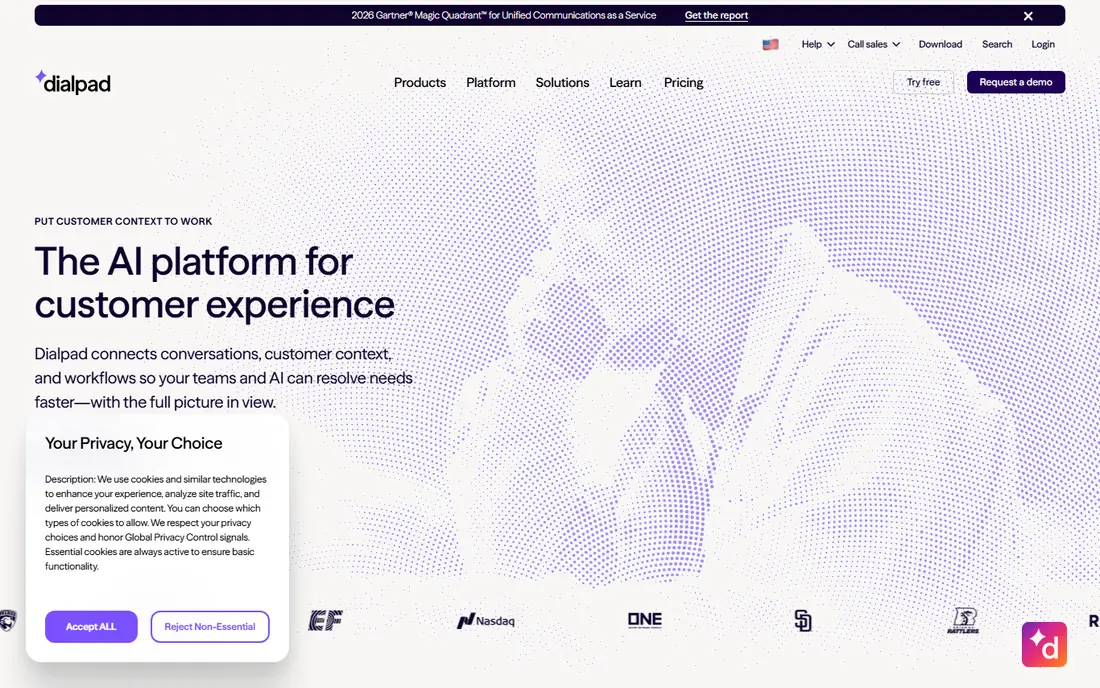
Dialpad stands out for AI features that are built into calling, not added as a separate tool. Calls can be transcribed, summarised, and searched, which helps managers coach staff and helps teams follow up accurately. The app itself is clean and modern, and it works well on desktop and mobile for staff who move between office and field work.
The catch is tier gating. Deeper CRM integrations and advanced analytics sit on higher plans, so check the plan table for the integration you need. Monthly billing also costs more than annual billing, so budget for the annual rate if you can commit. If AI notes and coaching matter to your team, Dialpad is the most focused pick in this list.
- Built-in AI transcription and summaries
- Live coaching tools for sales and support
- Clean modern app
- Some CRM integrations need higher tiers
- Monthly billing costs much more than annual billing
Ooma Office is a practical pick for small teams moving off landlines. It offers a virtual receptionist, call routing, voicemail, and mobile and desktop apps, with flat pricing that is easy to understand. Setup is straightforward, and the lack of an annual contract on some plans helps businesses that do not want a long commitment.
The limit is depth. Advanced call recording, CRM integrations, and contact centre features sit on higher tiers, and the platform is less suited to large, complex call centres. If you run a small office, clinic, or trade business and want reliable phones without a complex setup, Ooma is a good fit. If you need deep analytics, compare RingCentral or Nextiva first.
- Flat per-user pricing with no annual contract on some plans
- Virtual receptionist
- Easy setup for small teams
- Call recording and some integrations need higher tiers
- Fewer advanced contact centre tools than larger rivals
Grasshopper is built for solo workers and tiny teams who want a business number without buying desk phones. You get a virtual business number that rings your existing mobile or landline, with call forwarding, voicemail transcription, and extensions. Flat per-account pricing makes it cheaper than per-user systems when only one or two people answer calls.
The trade-off is that Grasshopper is not a full unified communications platform. It lacks the deep team messaging, video, and contact centre tools of RingCentral or Dialpad, and it relies on your own phone for call quality. If you are a freelancer, consultant, or two-person business, Grasshopper is a low-cost, low-friction start. If you have a growing team, a per-user platform will scale better.
- Flat per-account pricing, not per user
- Virtual numbers on existing phones
- No hardware needed
- Fewer advanced features than full VoIP platforms
- Call quality depends on your existing phone and network
Zoom Phone makes sense if your team already lives in Zoom for video meetings. It adds business calling to the same app, so staff do not need to learn a second tool, and admins can manage users in one place. The starting price is low on metered plans, which helps small teams that make few calls.
The limit is phone depth. Call routing, queue tools, and supervisor features are less advanced than on dedicated VoIP platforms, so larger support teams may outgrow it. Check whether you need a Zoom Workplace plan plus a calling plan, since total cost depends on both. If Zoom is already your main meeting tool, Zoom Phone is the simplest phone add-on.
- Native calling inside Zoom Workplace
- Familiar app for Zoom users
- Low metered starting tier in many markets
- Routing and supervisor tools are less deep than dedicated phone platforms
- Needs a Zoom plan in many cases
Vonage Business suits teams that want to shape their phone system around a specific workflow. It offers unified communications plans plus API tools for developers who want to build calling, messaging, or verification into their own apps. That flexibility helps businesses with custom CRM setups or unusual routing needs.
The downside is pricing clarity. Plans and add-ons can make the total cost harder to compare at a glance than a flat per-user price, so request a quote and list the features you need before you decide. Setup may also take more admin time than Ooma or Grasshopper. If you need a standard phone system, a simpler provider may be faster. If you need custom integrations, Vonage is worth a closer look.
- Flexible, modular plans
- API options for custom integrations
- Useful for teams with specific workflows
- Pricing can be less clear than flat-rate rivals
- Setup may need more admin time
8x8 is the pick for small businesses with heavy international calling. Some plans include unlimited calling to many countries, which can save money if your team regularly calls clients or suppliers abroad. The platform also offers a path to a full contact centre, with admin controls and analytics for larger teams.
The main barrier is pricing transparency. Many plans are quote-based, so you need to talk to sales to get a firm figure for your team size and countries. That process takes longer than signing up for a flat-rate plan online. If international calling is a core cost for your business, 8x8 can be good value. If you mainly call locally, a clearer flat-rate provider will be easier to budget.
- Unlimited calling to many countries on some plans
- Contact centre path for growing teams
- Strong admin controls
- Public pricing is limited and often quote-based
- Starting cost can be higher than budget rivals
How we picked these
We compared official feature pages, pricing pages, app listings, privacy policies, and public reviews for each provider. We looked for services that are still active in 2026, that publish clear starting prices or quote processes, and that cover different team sizes, from solo workers to growing customer teams. We did not claim hands-on testing, and we did not rank by a single review score, since scores change and can reflect older plans.
We favoured a mix of all-in-one platforms, AI-focused tools, budget options, and global calling providers, because small businesses have different needs. A solo consultant does not need the same system as a 20-person support team. Where a price could not be confirmed on the vendor site, we wrote See website rather than guessing a monthly figure, and we noted where monthly billing costs more than annual billing.
What to check before you choose a VoIP service
Start with call volume, team size, and existing tools, not with the cheapest headline price. Count how many people need a phone, how many calls you make each month, and whether you need video, SMS, or CRM integration. Then check internet quality at each location, since VoIP depends on a stable connection, and test a trial with real calls before you port your main number.
Pricing, contracts, and taxes
Read the plan table for per-user pricing, annual versus monthly billing, taxes, and regulatory fees, since those can add a large amount to the headline price. Check contract length, cancellation terms, and whether number porting is free. A low annual price is only good value if you will still need the same seats in a year, so start with the seats you need now and add more later.
Features, integrations, and support
List the features you must have, such as call recording, voicemail transcription, auto attendant, call queues, and CRM integration, and check which tier includes each one. Test the mobile app, since many small teams work away from a desk, and check support hours and response routes. A phone system that fails during a busy period needs fast, human support, not just a help centre article.
Number porting and setup
Ask how long number porting takes, what happens to your old number during the switch, and whether you can keep your number if you leave later. Plan the switch for a quiet period, set up call routing and voicemail before you port, and train staff on the new app. A careful switch avoids missed calls, which can cost more than any monthly saving.
Frequently asked questions
What is the best VoIP service for small business?
RingCentral is the safest all-round pick for most small businesses, because it covers voice, video, messaging, and integrations in one app. Nextiva suits customer-facing teams, Dialpad suits AI-focused teams, and Ooma or Grasshopper suit smaller teams that want simpler pricing. Pick by team size and must-have features, not by headline price alone.
What is the best business VoIP service for a solo worker?
Grasshopper is a strong solo pick, because it offers a business number on your existing phone with flat per-account pricing. Google Voice is another low-cost option if you already use Google Workspace, though it is not in this list of eight. If you need team messaging or video as well, a per-user platform such as Zoom Phone or RingCentral may suit you better as you grow.
How much does VoIP cost per user per month?
Published starting prices in 2026 often run from around $10 to $20 per user per month on annual billing, before taxes and fees, with higher tiers costing more. Grasshopper uses flat per-account pricing, which can be cheaper for one or two users. Always check the vendor pricing page for your team size, billing term, and included features before you budget.
Do I need special phones for VoIP?
No, most VoIP services work on a desktop app, mobile app, or web browser, and many also support desk phones if you prefer them. A good headset and a stable internet connection matter more than expensive hardware for most small teams. If you buy desk phones, check that they are compatible with your chosen provider before you order.
Can I keep my business number when I switch to VoIP?
Yes, number porting is standard with most providers in this list, and it is often free. Allow a few days to a couple of weeks for the transfer, and do not cancel your old service until the port is complete. Ask your new provider for the porting steps and timeline, and test call routing before you announce the switch to customers.
Is VoIP better than a traditional phone line?
For most small businesses, VoIP offers lower cost, no hardware contracts, mobile and desktop apps, voicemail transcription, and easier scaling. Traditional lines still suit locations with poor internet or specific alarm and fax needs. If your internet is stable and your team works from different locations, VoIP is usually the better choice.
Sources we checked (8)

Online Jobs is an independent blog about careers, online work, learning new skills and the tools that help people earn. More about us.
Keep reading
All posts
Workday Alternatives
We compared the best workday alternatives for HR, payroll, and global hiring, from BambooHR and Gusto to Rippling, Deel, and HiBob for growing teams in 2026.

Which SaaS Tools Have the Best Customer Support
Which SaaS tools have the best customer support? Compare eight popular tools on help centres, live help, response options and overall support quality.

Top AI Helpdesk Software
Searching for top AI helpdesk software in 2026? We compared 8 AI helpdesks on automation, pricing, channels and ease of setup for small and growing teams.