8 Best Voice to Text Apps for Meetings, Dictation, and Transcripts

How we put this together: we compare official feature and pricing pages, app store listings, privacy policies and public user reviews. Prices change, so check the provider's site before you pay.
Key takeaways
- Otter.ai is the best all-around meeting app, with a free plan offering 300 transcription minutes per month and summaries, action items, and speaker identification.
- Notta is the best choice for multilingual transcription, with far broader language support than Otter.ai, though its free plan is much more limited.
- Fireflies.ai is the best set-and-forget meeting recorder for sales and support teams, since it joins calls automatically and pushes notes to other tools.
- Dragon Professional is the best choice for long-form Windows dictation, while Apple Dictation is the best free option for quick voice input on Apple devices.
- Free plans differ sharply in per-session limits and export options, so check minutes per recording and export formats before you rely on a free tier.
Quick comparison
| Name | Who it suits | Starting price | Free option | |
|---|---|---|---|---|
 Otter.ai Otter.ai | Team meetings with summaries | See website | Yes | Visit |
 Notta Notta | Multilingual transcription | See website | Yes | Visit |
 Fireflies.ai Fireflies.ai | Automatic meeting capture | See website | Yes | Visit |
 Rev Rev | Accurate transcripts of recordings | See website | Yes | Visit |
 Descript Descript | Editing audio through a transcript | See website | Yes | Visit |
 Dragon Professional Dragon Professional | Long-form Windows dictation | See website | No | Visit |
 Apple Dictation Apple Dictation | Free voice input on Apple devices | Free | Yes | Visit |
 Wispr Flow Wispr Flow | Dictation in any text field | See website | Yes | Visit |
The best voice to text apps
We compared transcription accuracy, free tier minutes, per-session limits, language support, meeting integrations, export formats, and how well each app suits meetings versus dictation.
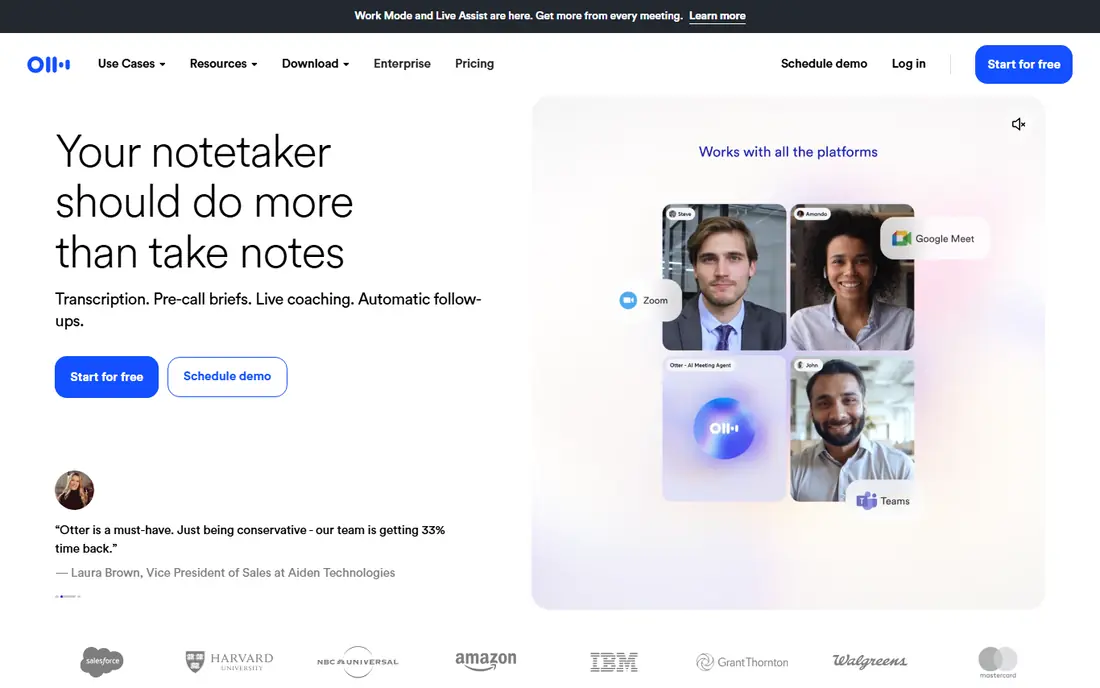
Otter.ai is the most complete meeting app in this list. It records live calls on Zoom, Google Meet, and Microsoft Teams, identifies speakers, and turns each meeting into a searchable transcript with a summary and action items. The free plan offers 300 transcription minutes per month, which covers several short meetings, and the desktop and mobile apps let you record in-person conversations as well.
The limits are in the fine print. Free conversations cap at 30 minutes each, file imports are limited over the life of a free account in some versions of the plan, and richer export formats sit behind a paid tier. For regular meeting users, the paid plan is worth it for longer meetings and more imports. For occasional users, the free plan is a genuine working tool, not just a demo.
- Free plan with 300 minutes per month
- Live transcription for Zoom, Meet, and Teams
- Summaries, action items, and speaker identification
- Free conversations cap at 30 minutes
- File imports are limited on the free plan
- Some export formats require a paid plan
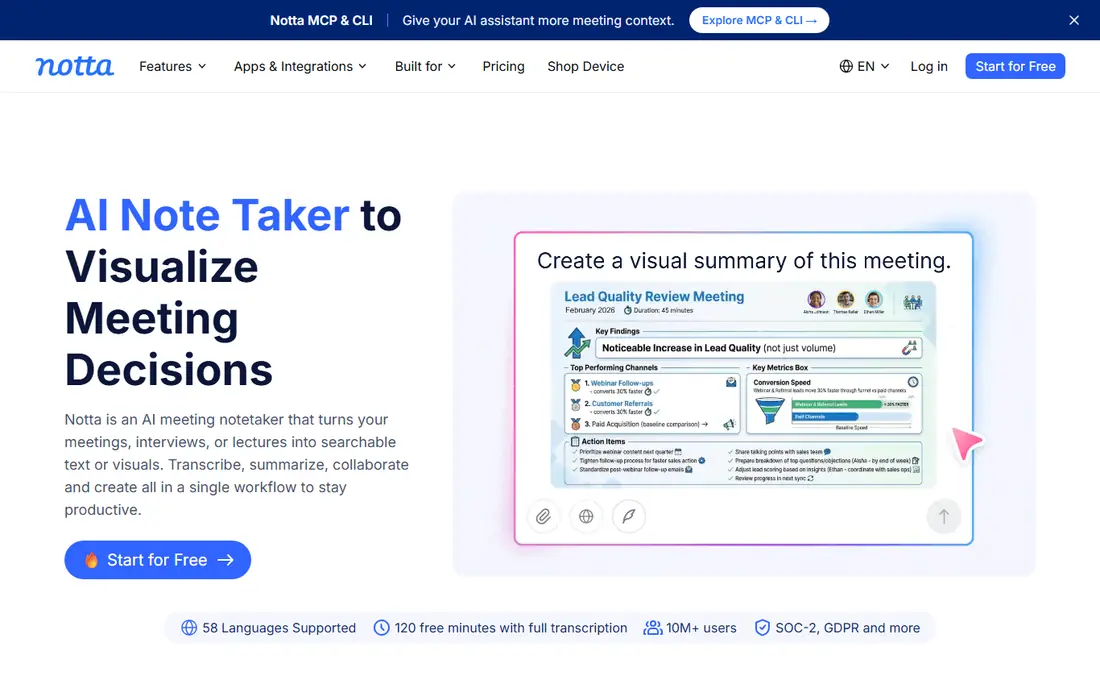
Notta is the best pick when language range matters. It supports far more languages than Otter.ai, records meetings from Zoom, Google Meet, and Teams, and offers AI summaries, translation, and live captions. Its mobile apps make it easy to record lectures, interviews, and field conversations, and its paid plans offer more minutes per recording and unlimited file imports.
The free plan is the catch. It offers 120 minutes per month, but recordings cap at a few minutes each, and transcripts cannot be exported without paying, so the free tier works as a demo rather than a daily tool. Notta suits multilingual teams and students who need language breadth and are willing to pay for a usable plan.
- Broad language support across dozens of languages
- Real-time transcription and summaries
- Mobile apps for recording on the go
- Free plan caps recordings at a few minutes each
- Transcripts cannot be exported on the free plan
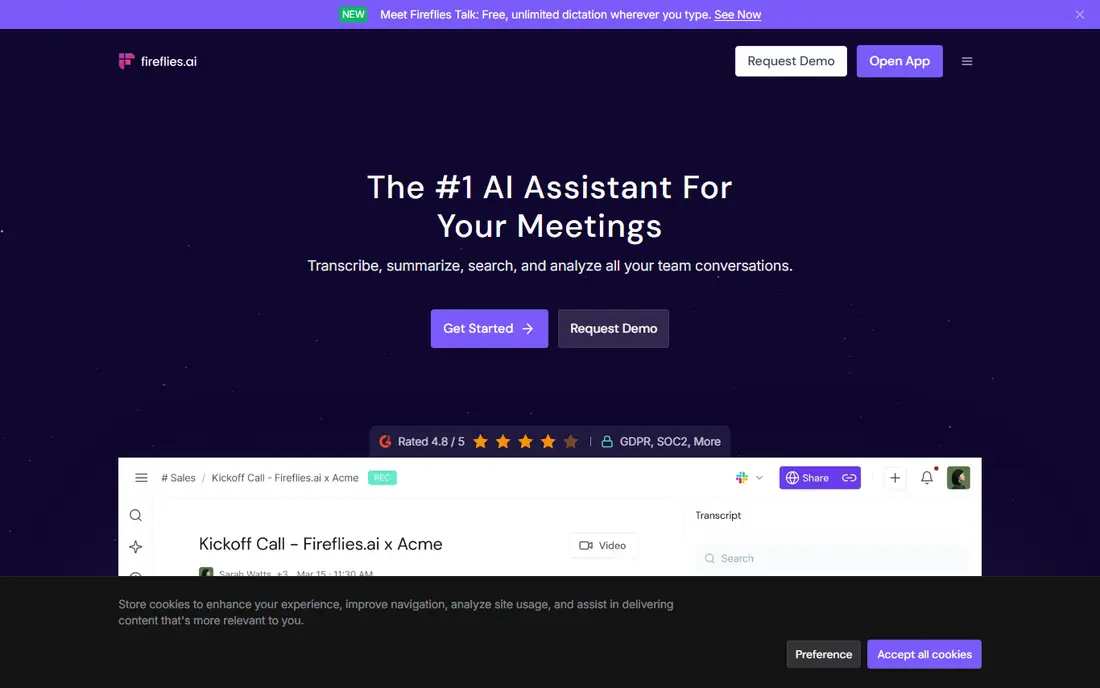
Fireflies.ai is built for teams that want meeting notes without thinking about recording. It joins Zoom, Google Meet, and Teams calls automatically, transcribes the conversation, and produces summaries with action items that can be pushed to a CRM or a task tool. The free tier offers a generous amount of storage, which makes it easy to test the workflow for a few weeks before paying.
The trade-off is the bot. Some participants dislike a recording bot joining their call, and some AI features require a paid plan. Fireflies.ai suits sales, support, and operations teams where automatic capture and CRM follow-up matter more than the feel of the recording method. Tell participants you are recording, since consent rules vary by state and country.
- Joins meetings automatically
- Summaries and action items
- Integrations with CRMs and other tools
- Generous free storage
- Free tier limits some AI features
- Bot joining calls can feel intrusive to some participants
Rev is the accuracy pick for recorded audio and video. Its AI transcription is fast and affordable for drafts, and its human transcription service delivers the highest accuracy in this list for legal, media, and research work where every word matters. The editor makes it easy to correct AI errors, add timestamps, and export captions in standard formats.
The catch is price for human work. Human transcription is charged per minute and costs far more than AI, so it suits short, high-stakes recordings rather than every meeting. Rev is best for journalists, researchers, and media teams who need a publishable transcript, with AI for drafts and human review for final copy.
- AI transcription plus human transcription for maximum accuracy
- Captions and timestamps
- Strong editor for correcting transcripts
- Human transcription costs far more than AI
- Free AI minutes are limited
Descript is different from the meeting apps above because the transcript is a starting point, not the deliverable. You edit audio and video by deleting or moving words in the transcript, which is far faster than cutting waveforms for podcast and video creators. It transcribes in many languages, runs on Mac and Windows, and includes studio sound tools that clean up recordings.
The limits are platform and free tier. Descript offers 60 media minutes per month on the free plan, video exports carry a watermark until you pay, and there is no phone app for mobile recording. Descript suits creators who edit spoken content, not teams who only need meeting notes.
- Edit audio and video by editing text
- Good for podcasts and video creators
- Transcription in many languages
- Free plan covers only 60 media minutes per month
- No phone app
- Watermarked video export on the free plan
Dragon Professional remains the best tool for people who dictate long documents rather than transcribe meetings. It is built for continuous dictation on Windows, learns your voice and vocabulary over time, and supports custom word lists for legal, medical, and technical terms. Writers, lawyers, and clinicians who dictate reports for hours each day will find it more accurate and more controllable than a general meeting app.
The drawbacks are cost and platform. Dragon has no free plan, it is Windows-focused, and setup takes time, including voice training and vocabulary tuning. For short voice input, a free built-in tool is enough. For hours of daily dictation, Dragon earns its price in saved typing time.
- Highly accurate long-form dictation on Windows
- Custom vocabulary for legal, medical, and professional terms
- Works in many applications
- No free plan
- Windows-focused
- Setup and voice training take time
Apple Dictation is the best free voice to text option for Apple users who simply want to speak instead of type. It is built into iOS, iPadOS, and macOS, works in any text field from messages to documents, and supports many languages. There is no subscription, no minute limit for dictation, and no extra app to learn.
The limit is scope. Apple Dictation does not transcribe meetings, identify speakers, or produce summaries, so it cannot replace Otter.ai or Fireflies.ai for team work. It is best for quick emails, notes, and messages, and for accessibility, where speaking is easier than typing on a small keyboard.
- Free and built into iPhone, iPad, and Mac
- No app to install
- Works in any text field
- Supports many languages
- No meeting transcription, summaries, or speaker identification
- Accuracy drops in noisy rooms
Wispr Flow closes the list as the modern dictation pick for people who write in many apps. Unlike a meeting recorder, it lets you dictate directly into any text field, from email to documents to chat, with broad language support and fast processing. That cross-app design suits writers, students, and professionals who want to replace typing across their whole workflow rather than inside one app.
The trade-off is scope and price. Wispr Flow does not transcribe meetings or identify speakers, and full use requires a paid plan after the free tier. If your main need is dictation across apps, Wispr Flow is more flexible than a built-in tool. If your main need is meeting notes, Otter.ai or Fireflies.ai will serve you better.
- Dictates into any app or text field
- Broad language support
- Fast and accurate for everyday writing
- Paid plan needed for full use
- No meeting transcription or speaker features
How we picked these
We compared official feature pages, pricing pages, app store listings, and public reviews, and we checked that each app is still available and maintained. We favored apps with a clear free tier or trial, stated minute limits, and a distinct strength such as meeting capture, multilingual support, accuracy, or dictation. We did not run a formal accuracy test with identical audio, and accuracy varies with microphone quality, accents, and background noise, so treat vendor accuracy claims with care.
Meeting app or dictation app: which do you need
Meeting apps such as Otter.ai, Notta, and Fireflies.ai capture live calls, identify speakers, and produce summaries. Dictation apps such as Dragon, Apple Dictation, and Wispr Flow turn your own speech into text in a document or text field. Descript and Rev sit between the two, turning recordings into editable transcripts. Pick the category first, then compare apps inside it, since a great meeting app is a poor dictation tool and vice versa.
Check minutes, session limits, and exports
Free plans look similar until you read the limits. Otter.ai offers more monthly minutes than Notta, but caps free conversations at 30 minutes. Notta caps free recordings at a few minutes each and blocks export on the free plan. Descript counts imports and recordings together toward its free minutes. Before you commit, check monthly minutes, minutes per session, file import limits, and whether export formats you need require payment.
Get consent before you record
Recording laws vary by state and country, and some places require all participants to consent. Tell participants at the start of a call that you are recording, and check your company policy for client and interview recordings. A transcript is a useful record, but it does not replace a written agreement or a formal minute for legal matters.
Frequently asked questions
What is the best speech to text app for meetings?
Otter.ai is the best speech to text app for most meetings, thanks to its free plan, live transcription, summaries, and action items. Fireflies.ai is better for teams that want automatic recording and CRM follow-up, while Notta is better for multilingual meetings. Test the free tier on your real calls before you pay.
What is the best free speech to text app?
Otter.ai offers the most usable free plan for meetings, with 300 minutes per month. Apple Dictation is the best fully free option for dictation on Apple devices, with no minute limit for voice input. Notta and Descript also offer free tiers, but their session limits and export limits make them less useful for daily free work.
What is the best app for speech to text on a phone?
Otter.ai and Notta both offer strong mobile apps for recording meetings and lectures on a phone. Apple Dictation is best for quick voice input on iPhone, while Android users can use built-in voice typing for short dictation. For a full meeting transcript with speakers and summaries, use Otter.ai or Notta rather than a built-in keyboard tool.
Is Otter.ai better than Notta?
Otter.ai is better for English-language meetings, thanks to its larger free plan, longer per-session limit, and stronger meeting summaries. Notta is better for multilingual work, thanks to its broader language support and translation features. Choose Otter.ai for team meetings in English, and Notta when language range matters more than free minutes.
Can voice to text apps handle accents and noisy rooms?
Accuracy varies with microphone quality, accent, background noise, and overlapping speech. A good headset microphone and a quiet room improve results more than switching apps. For high-stakes transcripts, use Rev human transcription or correct the AI draft by hand, since no AI app is perfect on noisy or multi-speaker audio.
Do voice to text apps store my recordings?
Most meeting apps store recordings and transcripts in your account so you can search and share them, and their privacy policies describe retention and AI training rules. Check whether your plan allows you to delete recordings, whether data is used for training, and whether your company requires a business plan with stronger controls. For sensitive meetings, prefer a vendor with clear deletion and enterprise controls.
Sources we checked (9)

Online Jobs is an independent blog about careers, online work, learning new skills and the tools that help people earn. More about us.
Keep reading
All posts
Zoom Alternatives
Zoom alternatives compared for 2026: Google Meet, Microsoft Teams, Webex, Jitsi and more for free calls, large meetings and webinars for teams and classrooms.

What Is the Best Free Tool to Rotate a PDF
What is the best free tool to rotate a PDF? We compare eight free rotation tools on per-page control, limits, privacy and saved output quality in detail.

What Is the Best AI Dubbing Tool
We compared the best AI dubbing tools in 2026, from ElevenLabs and HeyGen to Rask AI, Dubverse and Veed, for videos and creators in many languages worldwide.