Best VM Software in 2026: 8 Tools Compared

How we put this together: we compare official feature and pricing pages, app store listings, privacy policies and public user reviews. Prices change, so check the provider's site before you pay.
Key takeaways
- VirtualBox is the best free starting point for cross-platform testing, while VMware Workstation Pro is now free for personal and commercial use in recent listings.
- Parallels Desktop is the best pick for running Windows on a Mac, especially on Apple Silicon, with strong integration and performance.
- Hyper-V suits Windows Pro users who want a built-in hypervisor without installing extra software.
- QEMU, Proxmox VE, and UTM suit Linux servers, homelabs, and Mac users who want open-source or flexible virtualisation.
- Check guest operating system licensing separately, because a free hypervisor does not include a free Windows licence for the guest.
Quick comparison
| Name | Who it suits | Starting price | Free option | |
|---|---|---|---|---|
 VirtualBox | Free cross-platform testing | Free | Yes | Visit |
 VMware Workstation Pro | Advanced desktop virtualisation | Free | Yes | Visit |
 Parallels Desktop | Windows on Mac | $79.99 per year | Free trial | Visit |
 VMware Fusion Pro | Windows and Linux on Mac | Free | Yes | Visit |
 Hyper-V | Built-in Windows virtualisation | Free | Yes | Visit |
 QEMU | Flexible emulation and virtualisation | Free | Yes | Visit |
 Proxmox VE | Server and homelab virtualisation | Free | Yes | Visit |
 UTM | Virtual machines on Apple devices | See website | Yes | Visit |
The best VM software
Virtual machine software lets you run another operating system inside your current one, for testing, development, or running an app that needs a different system. These eight tools cover desktop use, Mac use, and server use, with free options at every level.
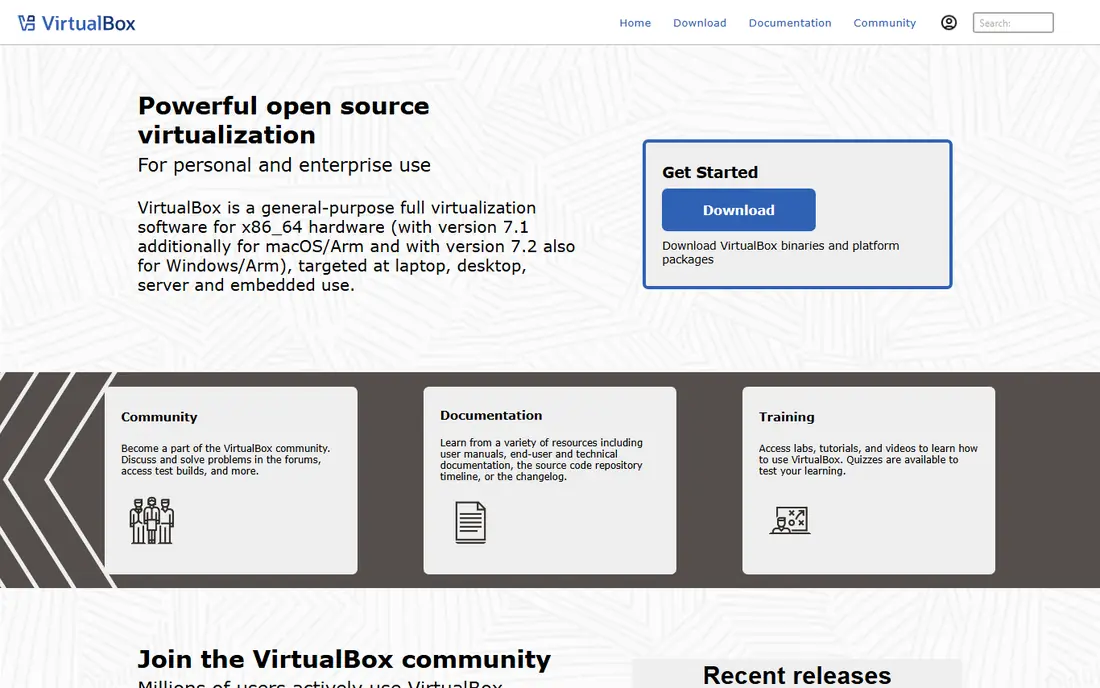
VirtualBox, from Oracle, is the free default for testing an operating system or an app on another platform. It runs on Windows, Mac, and Linux, supports snapshots, shared folders, and USB devices, and it has a large community and documentation base. For a student, tester, or developer who needs a quick Linux or Windows guest, it is hard to beat on price.
Performance is the trade-off. Heavy workloads, such as large builds or graphics work, run slower than on VMware or Parallels, and 3D support is limited. The Extension Pack, which adds USB 2 and 3 support and remote display, is free for personal and educational use but needs a paid licence for commercial use, so check your use case.
- Free and open source for personal use
- Runs on Windows, Mac, and Linux
- Snapshots and shared folders
- Performance is lower than VMware or Parallels for heavy work
- Extension Pack needs a paid licence for commercial use
- 3D graphics support is limited
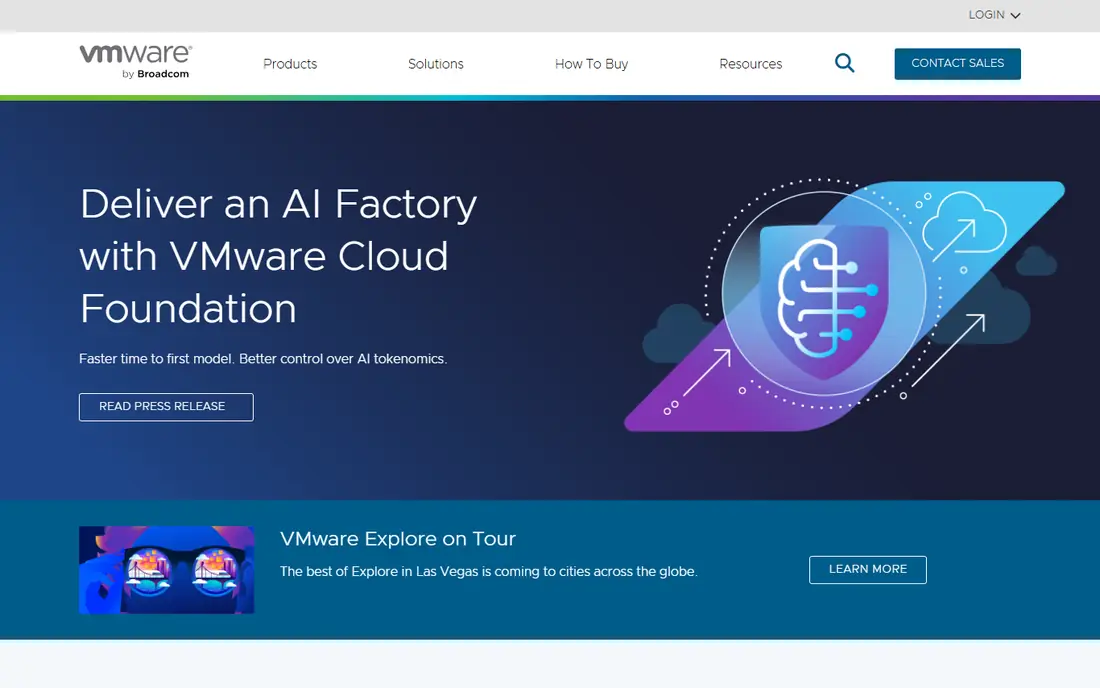
VMware Workstation Pro is the advanced desktop hypervisor for Windows and Linux. It offers strong performance, DirectX and OpenGL support in guests, snapshots, clones, and virtual networking that testers and developers rely on. Recent listings describe Workstation Pro as free for all users, which removes the old price barrier that pushed many people to VirtualBox.
It does not run on Mac, where Fusion Pro is the equivalent, and the interface assumes more experience than VirtualBox. For a Windows or Linux user who runs virtual machines daily, for development, testing, or training, Workstation Pro is the professional pick, now at a free entry price.
- Strong performance and 3D support
- Snapshots, clones, and virtual networks
- Connects to vSphere for enterprise use
- Windows and Linux only, not Mac
- Interface can feel enterprise heavy
- Support options vary for free users
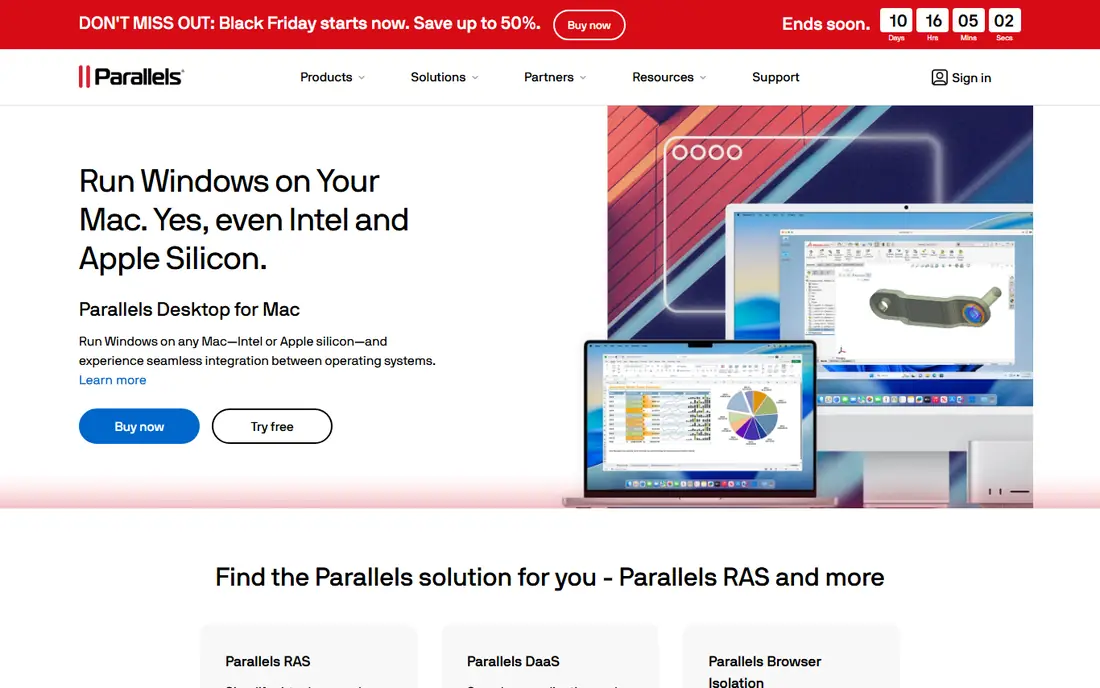
Parallels Desktop is the best way to run Windows on a Mac, especially on Apple Silicon. Windows apps can run side by side with Mac apps in Coherence mode, files and clipboard move between systems, and performance for everyday Windows apps is strong. Setup is guided, with a Get Windows option that simplifies installation.
The cost is yearly. Recent listings put the Standard Edition at $79.99 per year, with Pro at $99.99 and Business at $119.99, though prices vary by region and offer. If you only need Windows occasionally, a free tool like UTM may do. If you run Windows daily for work on a Mac, Parallels is worth the subscription.
- Best Windows on Mac integration
- Strong Apple Silicon performance
- Coherence mode blends Windows apps with Mac
- Yearly subscription for standard edition
- Pro and Business editions cost more
- Mac only
VMware Fusion Pro is the Mac equivalent of Workstation Pro, and recent listings describe it as free for all users. It runs Windows and Linux guests on Mac, including Windows 11 on Apple Silicon, with 3D graphics support and virtual networking. For a Mac user who wants VMware quality without a Parallels subscription, it is the obvious trial.
Integration is less polished than Parallels. Coherence-style blending and Mac-specific touches are thinner, and the interface feels more like a traditional hypervisor than a Mac app. If you prioritise performance and price over polish, Fusion Pro wins. If you prioritise a Mac-like experience, Parallels still leads.
- Free for personal and commercial use in recent listings
- Strong performance
- Windows 11 on Apple Silicon support
- Mac only
- Integration feels less polished than Parallels
- Support for free users is limited
Hyper-V is built into Windows Pro and Enterprise, so many Windows users already have a hypervisor waiting to be switched on. As a Type 1 hypervisor, it runs close to the hardware, which gives good performance for development and testing. Management through Hyper-V Manager and PowerShell suits IT users and developers.
It is not available on Windows Home, where the cheapest path is a Windows upgrade or a free tool like VirtualBox. The interface also assumes more knowledge than VirtualBox or Parallels, and Linux guest integration varies by distribution. For a Windows Pro user who wants virtualisation without extra installs, Hyper-V is the natural first try.
- Included with Windows Pro and Enterprise
- Good performance as a Type 1 hypervisor
- PowerShell and management tools included
- Not available on Windows Home
- Interface is less beginner friendly
- Linux guest integration varies
QEMU is the flexible, open-source engine behind many virtualisation setups. On Linux with KVM, it runs guests at near-native speed, and it can also emulate different processor architectures, which other desktop tools cannot do. Developers, testers, and homelab users rely on it for unusual hardware and automated testing.
On its own, QEMU is command-line focused, with no polished desktop manager. Most desktop users will use it through a front end such as virt-manager or GNOME Boxes, rather than directly. If you want a simple desktop app, pick VirtualBox or VMware. If you want flexibility and automation, QEMU is the engine to learn.
- Free and open source
- Emulates many architectures
- Works with KVM for near-native speed on Linux
- Command-line focus
- No polished desktop interface on its own
- Setup takes technical knowledge
Proxmox VE is an open-source server virtualisation platform for homelabs and small servers. It runs virtual machines and containers, with a web interface for managing many guests, storage, networking, and backups. That makes it ideal for a home server, a test lab, or a small business server that hosts several services.
It is not a desktop tool. You install it on a dedicated machine or server, then manage guests from a browser on another device. Enterprise support and a stable repository need a paid subscription, though the core platform is free. For a server or homelab, Proxmox is the standard free pick.
- Free and open source server platform
- Web interface for many machines
- Containers plus virtual machines
- Server focused, not a desktop app
- Needs a dedicated machine or server
- Enterprise support is paid
UTM is a QEMU-based virtual machine app for Apple devices, with a Mac app that runs Windows, Linux, and macOS guests, including on Apple Silicon. It is free and open source at its core, which makes it a good low-cost alternative to Parallels for occasional Windows use on a Mac.
Performance and polish vary. It will not match Parallels for daily Windows work, and the iOS version faces App Store limits that the Mac version does not. For a Mac user who needs a virtual machine sometimes, or who wants to test an operating system without a subscription, UTM is a worthy free trial.
- Runs on Mac, iPhone, and iPad in various forms
- QEMU based, so flexible
- Free and open source core
- Performance varies by device and guest
- IOS version has App Store limits
- Less polished than Parallels on Mac
How we picked these
We compared official product pages, pricing pages, and documentation for virtualisation tools that are still maintained in 2026 and that cover desktop, Mac, and server use. We favoured tools with a free tier or free licence, clear platform support, and a distinct fit, from simple testing to server labs. We did not claim hands-on testing, and we noted where a guest operating system licence is still needed separately.
How to choose VM software
Start with your host system. Windows Pro users should try Hyper-V first, Mac users should trial Parallels and Fusion Pro side by side, and Linux users should look at VirtualBox, QEMU, or Proxmox depending on desktop or server use. That host-first filter removes half the list at once.
Next, check the guest you need. Windows 11 on Apple Silicon, a Linux server, and an old Windows app each favour different tools, and guest licensing is separate from hypervisor pricing. Check RAM and storage too, because a virtual machine borrows both from your host, and a laptop that already struggles will struggle more with a guest running. Finally, test snapshots and shared folders early, because those two features decide whether daily use feels smooth or painful.
Frequently asked questions
What is the best free VM software?
VirtualBox is the best free cross-platform pick, VMware Workstation Pro and Fusion Pro are free in recent listings, and Hyper-V is free on Windows Pro. UTM is the best free Mac alternative to Parallels for occasional use.
Is Parallels or VMware better on Mac?
Parallels offers better Mac integration and a more polished experience, while VMware Fusion Pro offers strong performance at a free entry price in recent listings. Trial both with the Windows apps you actually use, and pick based on polish versus price.
Do I need a Windows licence for a virtual machine?
Yes, in most cases. A free hypervisor does not include a Windows guest licence, so you still need a valid licence for a Windows guest. Linux guests are free, which is why many test setups use Linux.
What is the difference between Type 1 and Type 2 hypervisors?
Type 1 hypervisors, such as Hyper-V and Proxmox VE, run directly on hardware, while Type 2 hypervisors, such as VirtualBox, VMware Workstation, and Parallels, run inside a host operating system. Type 1 suits servers, Type 2 suits desktop testing.
Can I run Windows on Apple Silicon?
Yes, with Parallels Desktop, VMware Fusion Pro, or UTM, using the Arm version of Windows 11. Some older x86 Windows apps run through emulation, so test the specific apps you need before you rely on a guest for daily work.
How much RAM should I give a virtual machine?
Give the guest enough for its operating system and apps, while leaving enough for the host to run smoothly. A light Linux guest may need 2 to 4 GB, while a Windows guest for daily work often needs 8 GB or more, depending on the apps you run inside it.
Sources we checked (7)

Online Jobs is an independent blog about careers, online work, learning new skills and the tools that help people earn. More about us.
Keep reading
All posts
Zoom Alternatives
Zoom alternatives compared for 2026: Google Meet, Microsoft Teams, Webex, Jitsi and more for free calls, large meetings and webinars for teams and classrooms.

Which Software Is Best for PDF Page Removal
Which software is best for PDF page removal? We compare free and paid tools for deleting pages quickly, safely, and without harming your file in this guide.

Which Software Is Best for Data Entry
Compare the best data entry software for forms, OCR scanning, and spreadsheets, with free plans, pricing, and honest limits for each tool before you commit.