Best Visibility Analysis Software in 2026: 8 Tools Compared


All-round visibility and competitor research · Starting price: $139 per month
How we put this together: we compare official feature and pricing pages, app store listings, privacy policies and public user reviews. Prices change, so check the provider's site before you pay.
Key takeaways
- Visibility analysis shows where a site ranks, which pages get seen, and how that picture changes over time.
- Semrush and Ahrefs give the broadest competitor and keyword views for most teams.
- Google Search Console is free and gives first-party data no third-party tool can replace.
- SISTRIX and Similarweb suit teams that need a long trend history or market-level traffic estimates.
- Pick one main tool, then use Search Console beside it, rather than paying for several overlapping suites.
Quick comparison
| Name | Who it suits | Starting price | Free option | |
|---|---|---|---|---|
| Semrush | All-round visibility and competitor research | $139 per month | Yes | Visit |
 Ahrefs | Backlinks and keyword visibility | $29 per month | Yes | Visit |
 Moz Pro | Beginner-friendly rank and visibility tracking | $49 per month | No | Visit |
 SE Ranking | Agency reporting on a budget | See website | No | Visit |
 Similarweb | Market and traffic estimates | See website | No | Visit |
 SISTRIX | Long-term visibility index trends | See website | No | Visit |
 Google Search Console | Free first-party search data | Free | Yes | Visit |
 BrightEdge | Enterprise visibility and content reporting | See website | No | Visit |
The best visibility analysis software
Search visibility is not one number. It covers rankings for target keywords, traffic from search, how often a site appears for related terms, and whether competitors are gaining ground. The tools below measure those pieces in different ways, so the right choice depends on whether you run one site, an agency portfolio, or a large enterprise programme.
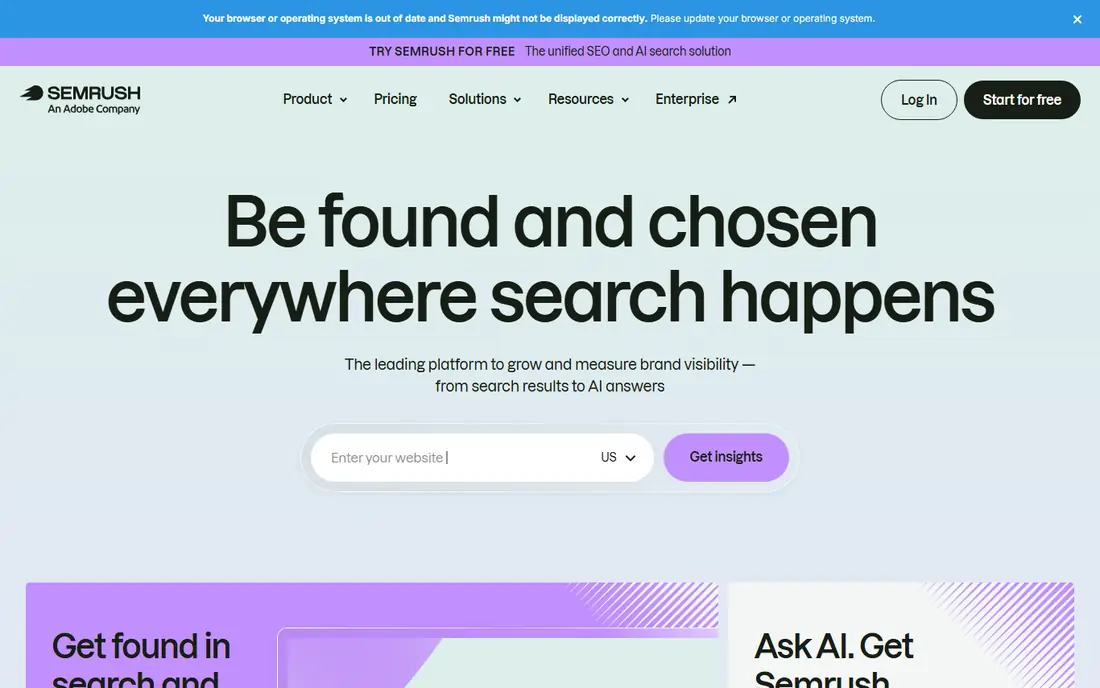
Semrush is the default all-round pick because it ties visibility to keywords, competitors, traffic estimates, and technical issues in one place. You can track a domain over time, see which keywords drive its presence, and compare that picture with rivals in the same market. Position tracking shows daily movement, while domain analytics give a broader sense of estimated traffic. The breadth is also the drawback. Small teams may pay for modules they rarely open, and limits on projects, keywords, and reports matter more than the headline price. Start with a clear list of domains and keywords, test the free tier limits, and upgrade only when reporting or tracking volume forces the move.
- Broad keyword, traffic, and competitor data
- Visibility trend reports
- Site audit and position tracking in one suite
- Price rises fast on higher plans
- Data limits can bind small teams
- Some features need add-ons
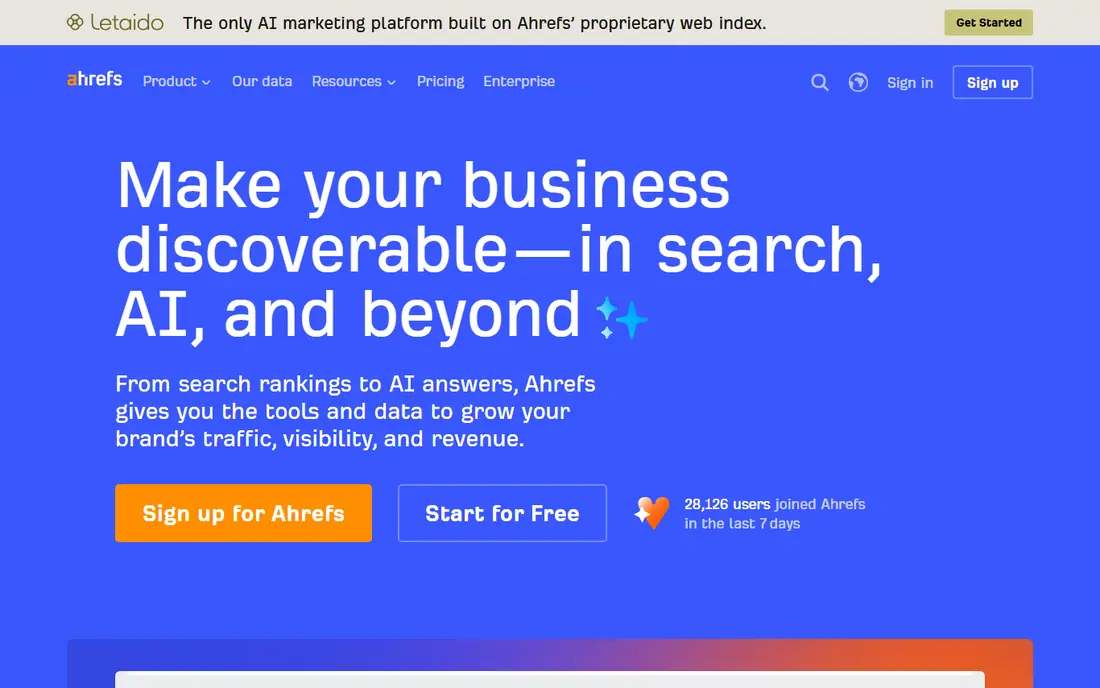
Ahrefs is strongest where visibility depends on links and content gaps. Its backlink index helps you see who links to a site, which pages attract links, and where competitors have an edge you do not. Keyword Explorer and Site Explorer turn that data into a practical view of what a site ranks for and what it could rank for next. The entry plan is cheaper than Semrush, but it does not include rank tracking, so check what is included before you compare prices. For link-led work, content planning, and competitor research, Ahrefs is hard to beat. Pair it with Google Search Console for verified click and impression data from Google itself.
- Large backlink index
- Clear keyword and rank views
- Useful free webmaster tools for verified sites
- Starter plan has no rank tracking
- Costs climb with usage
- Learning curve for new users
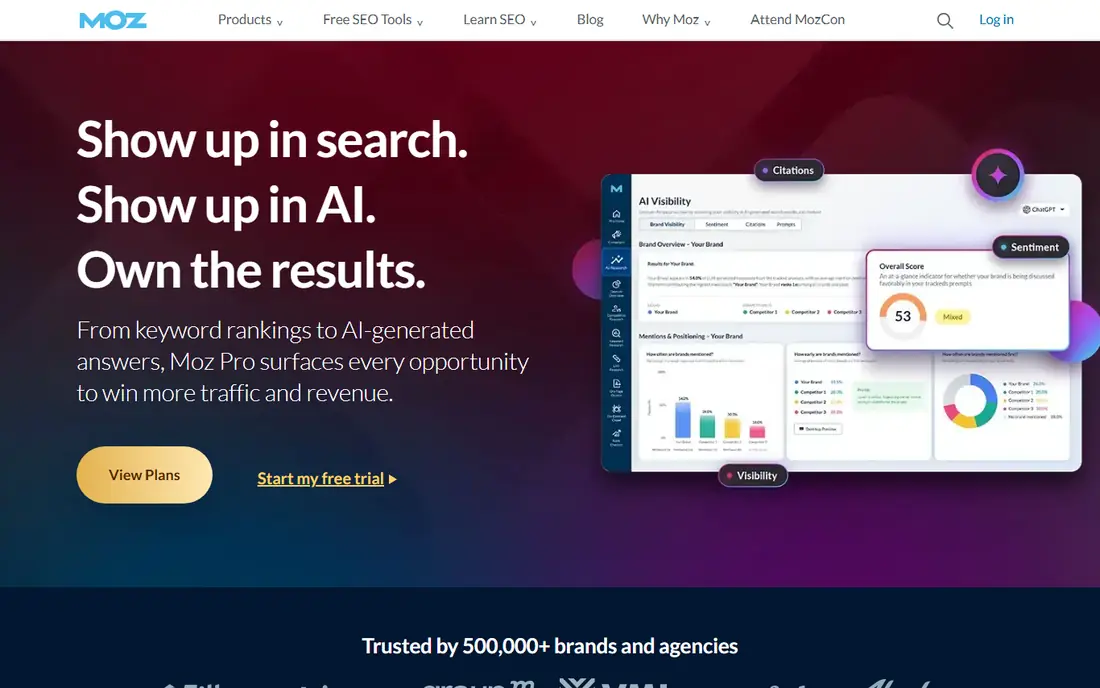
Moz Pro suits people who want visibility tracking without a steep learning curve. Campaigns, rank tracking, and site crawls are laid out in plain terms, and the reports are easy to explain to a client or a manager who does not live in SEO tools. Keyword research and link data cover the core jobs well enough for many small sites. It is not the deepest tool for large-scale competitor analysis, and Domain Authority should be treated as a comparative guide, not a Google ranking factor. For a small business or a freelancer who needs reliable tracking and clear reports, Moz Pro remains a sensible, readable choice.
- Clear interface for newer users
- Rank tracking and site crawl
- Domain Authority as a comparative shorthand
- No free plan
- Smaller index than the largest rivals
- Some metrics are estimates, not Google data
SE Ranking appeals to agencies and freelancers because it packs rank tracking, site audit, keyword research, and competitor checks into plans that often cost less than the biggest suites. White-label reports help when you need to send a clean, branded update to a client without extra design work. The interface keeps daily tracking front and centre. Check the current pricing page, since limits are set by keyword and project counts rather than a single flat rate. For a team that tracks many small sites and needs regular client reports, SE Ranking gives good coverage for the money. Larger enterprises may still want Semrush or BrightEdge for deeper data.
- Rank tracking, audit, and backlink checks in one plan
- White-label reporting for clients
- Flexible limits
- No free plan
- Traffic estimates are modelled, not exact
- Higher tiers needed for larger portfolios
Similarweb answers a different question from rank trackers, which is how big a site or a market is in context. It estimates total visits, traffic channels, audience geography, and competitor share, which helps when you need to size a market or explain why a rival is growing. That market view is useful for strategy, partnerships, and investment cases. The catch is that the numbers are estimates built from panels and models, so they will not match a site's own analytics exactly. Full access is priced for larger teams, so smaller sites should use the limited free views first. Use Similarweb for context, and use Search Console and your own analytics for exact performance.
- Market-level traffic and audience estimates
- Competitor benchmarking
- Category and channel breakdowns
- Enterprise pricing for full access
- Estimates, not exact analytics
- Less useful for small, low-traffic sites
SISTRIX is known for its Visibility Index, a single trend line that shows how visible a domain is in search over time. That long history makes it easy to spot the effect of a site change, a Google update, or a competitor move, without digging through dozens of keyword tables. The index is a useful shorthand in reports, as long as you explain that it is a modelled score. The toolset is more focused than Semrush or Ahrefs, so teams that need deep backlink or content tools may need a second product. It is a strong pick for European markets and for anyone who values trend history above breadth. Check which country index and plan fit your sites before you buy.
- Long-running visibility index
- Clear trend history after updates
- Strong data for German and European markets
- No free plan
- Pricing in euros, with plans by market
- Narrower toolset than all-round suites
Google Search Console should be set up for every site, whatever paid tool you choose. It shows the queries people actually used, the pages Google served, and the clicks and impressions those pages earned, straight from Google. Indexing reports, Core Web Vitals data, and manual action notices help you fix problems that paid estimates cannot see. It does not show competitor rankings or estimated traffic for other domains, so it cannot replace a visibility suite on its own. Used together, the two sources complement each other well. Search Console gives the verified facts for your site, and a paid tool gives the market context around it.
- Free
- Real clicks, impressions, and positions from Google
- Indexing and technical issue reports
- Only shows data for sites you verify
- No competitor data
- Limited history on some reports
BrightEdge is built for large organisations that need visibility reporting across many sites, regions, and teams. Dashboards bring rankings, content performance, and search demand together, which helps when different teams own different parts of a large site. Reporting and data integrations suit companies that already run a formal SEO programme. Pricing is quoted rather than published as a simple entry plan, and setup takes more effort than a small-team tool. That makes it a poor fit for a single small site, but a logical choice for an enterprise that needs consistent reporting at scale. Ask for a demo tied to your own domains before committing.
- Enterprise dashboards and reporting
- Content and search visibility in one platform
- Strong for large site portfolios
- No public entry price
- Implementation takes time
- More than most small teams need
How we picked these
We compared official feature pages, pricing pages, and documentation, along with public reviews, to check what each tool measures and what it leaves out. We looked for rank tracking, visibility trends, competitor views, traffic estimates, and technical reporting, and we noted where a number is modelled rather than measured. We favoured tools that are still actively sold and supported in 2026. We did not claim hands-on testing for every plan, and prices and limits change, so check the vendor site before you buy. The list mixes free first-party data, mid-priced suites, and enterprise platforms, because visibility work looks different for a single site and for a large portfolio.
Choosing the right visibility tool
Start by writing down the decision the tool must support. A content team needs keyword gaps and content performance, an agency needs client reporting, and an enterprise team needs consistent dashboards. That decision narrows the field faster than a feature list, since most suites cover the basics.
Separate measured data from estimates
Search Console and your own analytics show what actually happened on your site. Third-party tools estimate competitor traffic and rankings from their own indexes, so their numbers will differ between vendors. Treat estimates as a guide for direction and share, not as exact traffic counts. When two tools disagree, trust your verified data for your own site.
Test with your own domains and keywords
Free tiers and trials are useful, but only if you load your real domains, keywords, and competitors. Check whether the tool covers your country and language well, whether rank data updates often enough, and whether reports are clear to the people who will read them. A tool that looks strong in a demo can still miss a niche market.
Watch limits, not just the monthly price
Keyword counts, tracked domains, report exports, and user seats often decide the real cost. A cheap plan that caps your keyword list will cost more in upgrades than a slightly higher plan that fits. Map your portfolio first, then compare the plan that covers it without constant limit warnings.
Frequently asked questions
What is visibility analysis software?
Visibility analysis software measures how often a site appears in search results, which keywords it ranks for, and how that presence changes over time. It can also estimate competitor traffic and show which pages drive visibility. The goal is to see whether search work is gaining ground or losing it, rather than guessing from a single ranking.
Is Google Search Console enough on its own?
For a single site, Search Console gives the most reliable data about your own clicks, impressions, and indexing. It does not show competitor data, market size, or estimated traffic for other sites. Most teams pair it with one paid tool for competitor and market context, while using Search Console as the source of truth for their own site.
Why do different tools show different traffic numbers?
Each vendor builds estimates from its own data sources, panels, and models, so traffic figures are modelled, not measured from the site's analytics. Rankings can also differ by location, device, and update timing. Compare trends and relative share between tools, rather than treating any single estimate as exact.
What is the SISTRIX Visibility Index?
The SISTRIX Visibility Index is a modelled score that summarises how visible a domain is in search, based on its rankings across a large keyword set. A rising index usually means broader or stronger rankings, while a sharp fall can signal a technical issue or an algorithm update. It is a trend guide, not a Google metric, so pair it with Search Console data.
How much should a small business pay for visibility software?
Many small sites can start free with Google Search Console, then add a low-cost plan when they need rank tracking or competitor views. Mid-priced suites suit growing sites and agencies, while enterprise platforms suit large portfolios. Set a budget based on the number of domains and keywords you track, and review limits before you commit.
Sources we checked (8)

Online Jobs is an independent blog about careers, online work, learning new skills and the tools that help people earn. More about us.
Keep reading
All posts
n8n Alternatives
n8n alternatives compared for 2026, with Zapier, Make, Activepieces, and more, covering visual builders, code steps, self-hosting, and pricing models.

ZoomInfo Alternatives
The best ZoomInfo alternatives in 2026, compared on price, free plans, data coverage, and which tool fits small teams or large sales teams best in detail.

Workday Alternatives
We compared the best workday alternatives for HR, payroll, and global hiring, from BambooHR and Gusto to Rippling, Deel, and HiBob for growing teams in 2026.