Best Virtual Staging Software in 2026: 8 Tools Compared


Human-edited staging for high-value listings · Starting price: $30 per image
How we put this together: we compare official feature and pricing pages, app store listings, privacy policies and public user reviews. Prices change, so check the provider's site before you pay.
Key takeaways
- Human designer services cost more per photo but usually give the most realistic furniture, scale, and shadows for high-value listings.
- AI staging tools render in seconds or minutes and cost far less per photo, which suits agents with many listings or tight deadlines.
- Per-photo pricing punishes volume, while monthly AI plans become cheaper once you stage several rooms each month.
- Always disclose virtually staged photos on a listing and keep an unstaged photo of each room, following local MLS rules.
- Turnaround matters as much as price: designer services take 24 to 48 hours, while AI tools can deliver the same day.
Quick comparison
| Name | Who it suits | Starting price | Free option | |
|---|---|---|---|---|
| BoxBrownie | Human-edited staging for high-value listings | $30 per image | No | Visit |
 Virtual Staging AI | Fast AI staging for volume listings | $16 per month | Free trial | Visit |
 Styldod | Affordable designer staging with revisions | $23 per image | No | Visit |
 PadStyler | AI plans plus designer staging | $16 per month | Free trial | Visit |
 Stuccco | Designer staging with fast delivery | $35 per image | No | Visit |
 Apply Design | Hands-on DIY AI staging | $7 per image | Free trial | Visit |
 VisualStager | DIY staging with pay-as-you-go credits | $15 per photo | Free trial | Visit |
 VirtualStaging.com | Fast designer staging with bulk discounts | $24 per image | No | Visit |
The best virtual staging software
Virtual staging turns an empty room photo into a furnished, lived-in space without moving a single sofa. The tools below split into two camps: human designers who place furniture by hand, and AI tools that generate a furnished room in seconds. Both can work well, but they suit different listings, budgets, and deadlines.
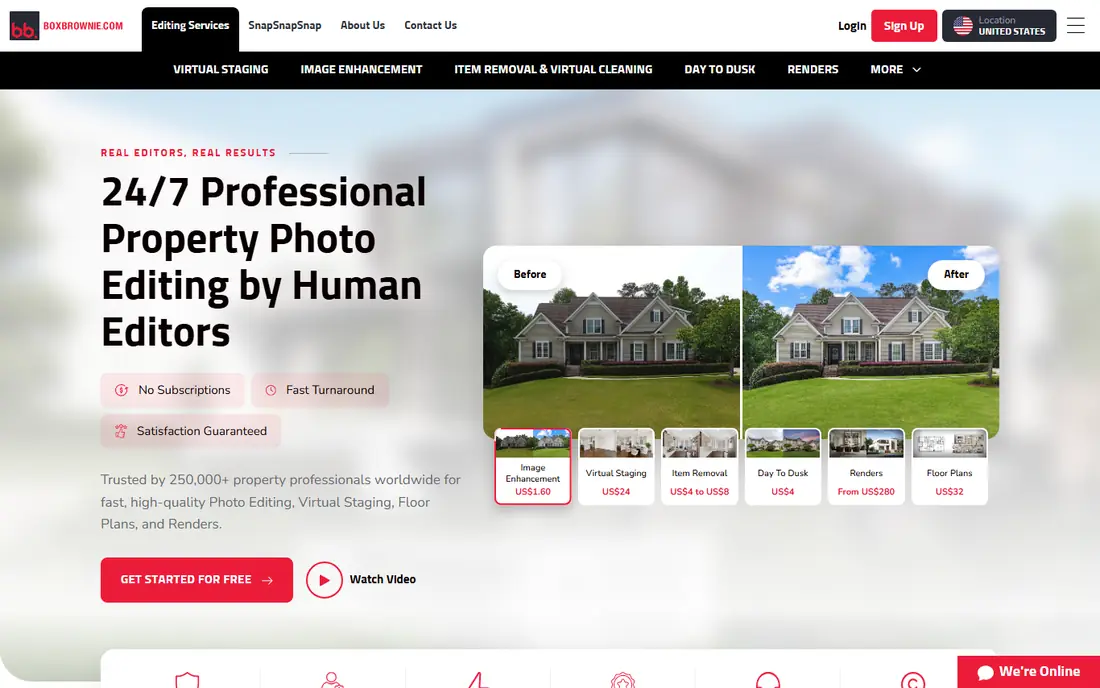
BoxBrownie is the benchmark many agents compare other services against. Human editors place furniture, adjust scale and lighting, and refine shadows, which is why staged rooms tend to look believable rather than pasted on. The service also covers related listing edits, such as day-to-dusk and item removal, so an agent can order a full media package in one place.
The price reflects that human work, at around $30 per image, and delivery takes up to 48 hours. For a high-value listing where photos drive viewings, that cost is easy to justify. For a low-cost listing or a portfolio of vacant rentals, AI tools will stretch the same budget much further.
- Human editors for realistic results
- Unlimited revisions within a set window
- Wide style range
- Higher per-photo cost than AI tools
- 24 to 48 hour turnaround
- No free staged photo
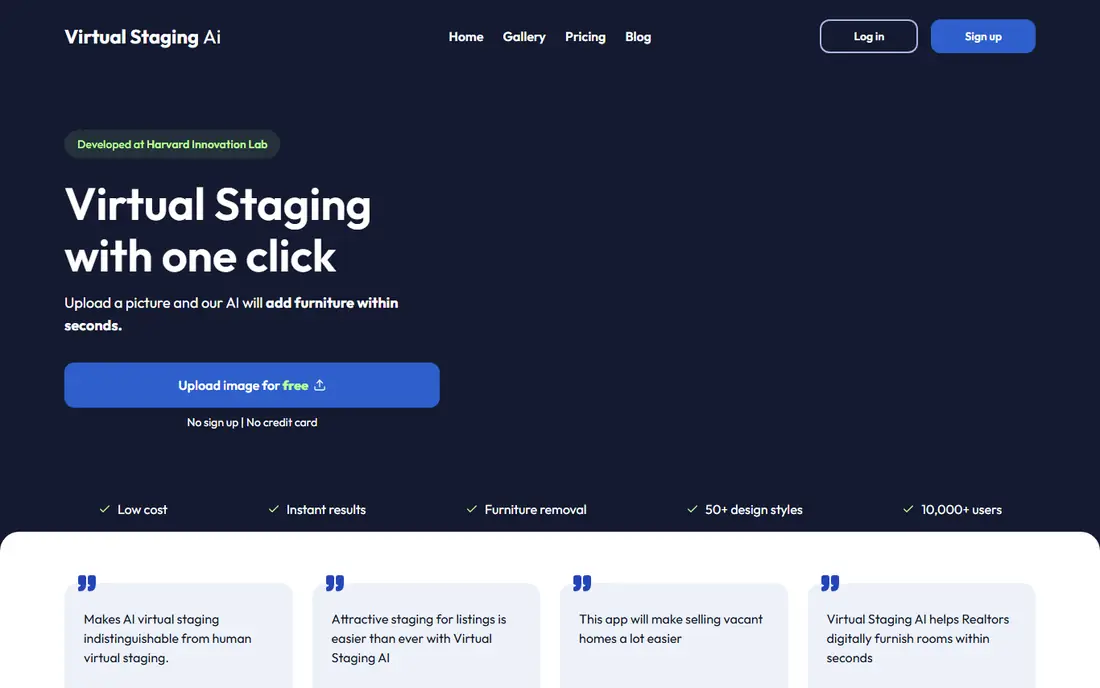
Virtual Staging AI is built for speed and volume. Upload an empty room, pick a style, and get a furnished version in seconds, with unlimited regenerations on paid plans so you can try several looks. Monthly pricing from $16 on annual billing makes it one of the cheapest ways to stage many rooms, with a per-photo cost far below designer services.
Quality depends on the source photo. Bright, straight, wide-angle shots stage well, while dark or oddly angled photos can produce furniture that looks off in scale or perspective. For volume listings, rental portfolios, and quick marketing, it is hard to beat. For a flagship listing, pair it with a designer check or a BoxBrownie order for the hero rooms.
- Very fast renders
- Low cost per photo on monthly plans
- Unlimited regenerations on paid plans
- AI furniture can look less natural in tricky rooms
- Results vary by photo quality
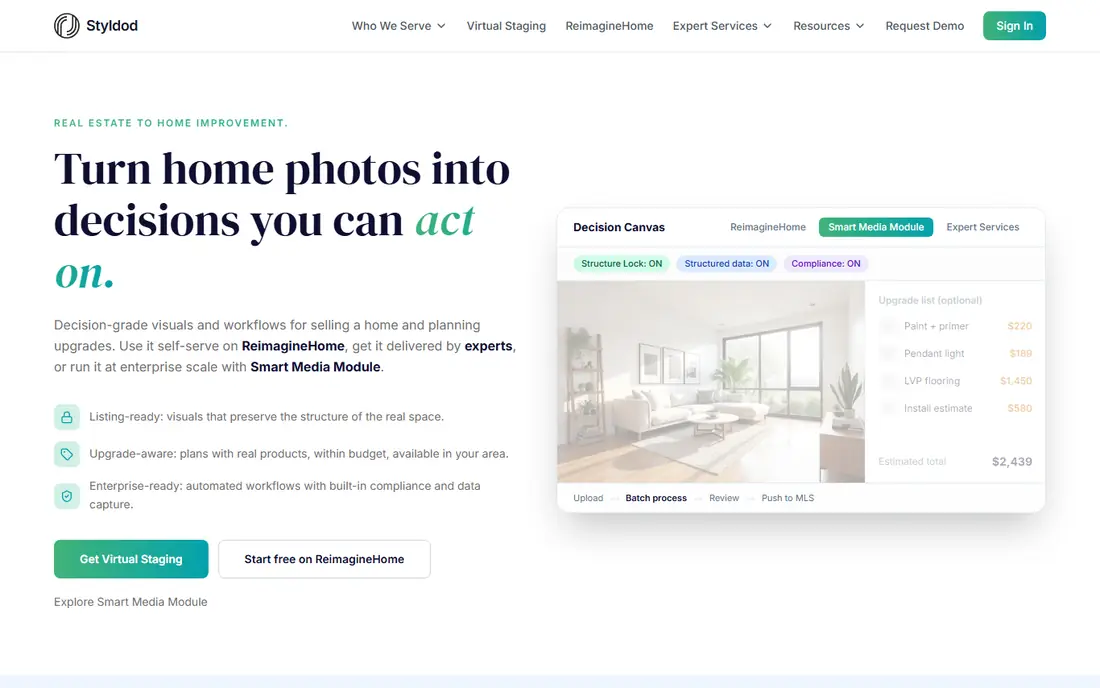
Styldod sits in a useful middle ground: human designers at a price closer to AI tools, with unlimited free revisions and a bulk rate of $16 per image for eight or more photos. Turnaround is 24 to 48 hours, with faster delivery available for an extra fee per image. That combination suits agents who want designer quality without paying the top designer rate.
The main trade-off is time. Even with rush delivery, Styldod cannot match an AI render in seconds, so plan staging into your listing schedule rather than leaving it to launch day. If you stage regularly, the bulk rate makes Styldod a strong default for standard rooms, with AI tools kept for urgent or low-budget jobs.
- Lower designer price than many rivals
- Unlimited free revisions
- Bulk pricing from 8 images
- Still slower than AI tools
- Rush delivery costs extra
PadStyler tries to cover both camps in one account. AI plans stage rooms quickly on a monthly basis, while a bespoke designer service handles listings where realism matters most. That split lets an agent use AI for most rooms and order designer work only for the living room and primary bedroom that carry the listing.
New users should be clear about which workflow they are buying, because AI and designer orders have different prices and turnarounds. Once that is clear, PadStyler is a flexible choice for teams that stage a mix of standard and premium listings and want one vendor for both.
- AI plans for volume plus a bespoke designer option
- Fast AI turnaround
- Style variety
- Two different workflows can confuse first-time users
- Designer pricing is higher than AI plans
Stuccco is a designer service aimed at agents who need human quality on a tight schedule. Delivery in around 24 hours is faster than many designer rivals, and free revisions requested within 30 days give room to fix a style mismatch or a furniture choice that does not suit the home. Pay-as-you-go pricing suits agents who stage occasionally rather than every week.
At $35 per image for pay-as-you-go orders, Stuccco costs more than Styldod or VirtualStaging.com, though prepaid bundles bring the price down. It makes most sense for listings where a day matters and the photos must look right first time, rather than for bulk rental staging where AI tools win on cost.
- Designer quality with 24-hour delivery
- Free revisions within 30 days
- Pay-as-you-go option
- Higher per-photo price
- Bulk discounts are smaller than some rivals
Apply Design suits agents and photographers who want to control every furniture piece rather than accept a one-click result. The DIY editor lets you place, move, and swap items, while a one-click auto option stages a room in minutes for users who want speed. DIY pricing from $7 per image keeps costs low for careful users.
That control is also the catch. A DIY stage done badly looks worse than a simple AI render, because misplaced furniture and wrong scale are easy to spot. Apply Design works best for users who enjoy editing and have an eye for interiors, or for teams that stage the same room types often and can reuse a workflow.
- DIY editor for full control
- Low per-image DIY price
- Fast auto staging option
- DIY results depend on user skill
- Auto staging can need several tries for a good room
VisualStager is a DIY staging tool with a simple deal: buy credits, stage rooms when you need them, and skip any monthly subscription. That model suits photographers and agents who stage irregularly and do not want a plan ticking over in quiet months. The editor gives control over furniture placement, which helps for rooms with awkward layouts.
DIY staging takes longer than one-click AI tools, and the results rest on the user. If you stage often, a monthly AI plan will usually cost less per room. If you stage a handful of rooms a year and like doing the work yourself, VisualStager keeps costs tied to real jobs.
- Pay-as-you-go credits with no subscription
- DIY control over furniture
- No monthly commitment
- Smaller feature set than AI leaders
- DIY staging takes time per room
VirtualStaging.com pairs human designers with a fast turnaround, often around 24 hours, and bulk pricing that brings the per-image cost down for larger orders. Unlimited revisions give agents room to adjust a room that misses the mark, which matters when a listing launch date is fixed and there is no time to reorder elsewhere.
The service is a solid middle choice between budget AI tools and premium designer houses. It will not match AI speed or AI price for volume work, but for standard listings where realism matters, the combination of designer work, fast delivery, and bulk discounts is hard to fault.
- Designer quality with 24-hour delivery on many orders
- Bulk pricing
- Unlimited revisions
- No free staged photo
- Rush delivery only on qualifying weekday orders
How we picked these
We compared official pricing pages, turnaround claims, revision policies, and product descriptions for designer and AI staging services that serve US real estate listings. We favoured services with published per-photo or monthly pricing, a clear turnaround promise, and a revision policy a buyer can verify. We did not claim hands-on testing; our comparison rests on vendor pages, pricing, and public reviews. Prices change, so confirm the current rate and turnaround before ordering for a live listing.
How to get staged photos that actually sell
Start with a good source photo, because staging cannot fix a dark, tilted, or cluttered shot. Shoot empty rooms in daylight, straight on, with a wide angle, and clear the space of personal items and clutter first. A clean source photo gives both human designers and AI tools a better base, and it reduces revisions.
Next, match the staging style to the home and the buyer. A modern downtown condo and a suburban family home should not get the same furniture, colours, and art. Keep the style consistent across rooms, avoid furniture that blocks windows or walkways, and check scale: oversized sofas and tiny rugs are the fastest way to make a staged photo look fake.
Disclosure and listing rules
Disclose virtually staged photos clearly on the listing, following your MLS and state rules, and keep at least one unstaged photo of each staged room. Buyers should be able to tell what is real and what is staged, and a disclosure protects you if a buyer visits and finds an empty room. Some MLS systems require a specific label or watermark, so check your local rules before publishing.
Frequently asked questions
What is the best virtual staging software?
The best virtual staging software depends on your budget and deadline. BoxBrownie and Styldod lead for human designer quality, while Virtual Staging AI and PadStyler lead for fast, low-cost AI staging. For a flagship listing, choose a designer service; for volume listings, choose a monthly AI plan.
What is the best free virtual staging app?
There is no fully free designer staging service, but several AI tools offer a free trial or a small number of free renders. Virtual Staging AI, PadStyler, and Apply Design all offer trials that let you stage a room before paying. Check the trial terms, because free renders may carry limits on downloads or commercial use.
What is the best DIY virtual staging software?
Apply Design and VisualStager are the strongest DIY picks here, because both let you place and adjust furniture yourself rather than accepting a single AI result. Apply Design is faster for auto staging, while VisualStager suits pay-as-you-go users who stage irregularly.
How much does virtual staging cost per photo?
Designer staging typically costs $16 to $35 per photo, depending on the service and bulk discounts, while AI staging on a monthly plan can cost well under $3 per photo when fully used. DIY AI staging sits between the two, from around $7 per image. Always compare turnaround and revision terms alongside price.
Do I need to disclose virtually staged photos?
Yes, in most US markets you should disclose virtually staged photos and follow MLS rules for labelling them. Keep an unstaged photo of each room on the listing so buyers can see the real space. Disclosure builds trust and avoids complaints when a buyer visits an empty home.
Sources we checked (8)

Online Jobs is an independent blog about careers, online work, learning new skills and the tools that help people earn. More about us.
Keep reading
All posts
n8n Alternatives
n8n alternatives compared for 2026, with Zapier, Make, Activepieces, and more, covering visual builders, code steps, self-hosting, and pricing models.

ZoomInfo Alternatives
The best ZoomInfo alternatives in 2026, compared on price, free plans, data coverage, and which tool fits small teams or large sales teams best in detail.

Workday Alternatives
We compared the best workday alternatives for HR, payroll, and global hiring, from BambooHR and Gusto to Rippling, Deel, and HiBob for growing teams in 2026.