Best Virtual Meeting Platforms in 2026: 10 Products Compared

How we put this together: we compare official feature and pricing pages, app store listings, privacy policies and public user reviews. Prices change, so check the provider's site before you pay.
Key takeaways
- Zoom, Google Meet and Microsoft Teams cover most team meetings, and the best pick is often the one bundled with your email suite.
- Google Meet and Microsoft Teams have the most generous free group limits, while Zoom free groups are capped at 40 minutes.
- Webex and GoTo Meeting suit larger firms and security-focused teams that need dial-in, compliance and enterprise support.
- Zoho Meeting and Jitsi Meet suit small budgets and guest-friendly calls, with low prices or free open-source use.
- Slack Huddles, Whereby and RingCentral Video suit quick chats, embedded video, and unified calling respectively, not every meeting type.
Quick comparison
| Name | Who it suits | Starting price | Free option | |
|---|---|---|---|---|
 Zoom | Standalone meetings for any team | See website | Yes | Visit |
 Microsoft Teams | Companies on Microsoft 365 | $4 per user per month | Yes | Visit |
 Google Meet | Teams on Google Workspace | $7 per user per month | Yes | Visit |
 Webex | Enterprise meetings and compliance | See website | Yes | Visit |
 GoTo Meeting | Security-focused business meetings | $12 per organizer per month | Free trial | Visit |
 Zoho Meeting | Small budgets and Zoho teams | See website | Yes | Visit |
 Slack Huddles | Quick calls inside Slack | $7.25 per user per month | Yes | Visit |
 Jitsi Meet | Guest calls with no account needed | Free | Yes | Visit |
 Whereby | Embedding video in a product | See website | Yes | Visit |
 RingCentral Video | Meetings plus business calling | See website | Yes | Visit |
The best virtual meeting platforms
A virtual meeting platform should let guests join without a support call, keep audio clear, and fit the tools your team already uses. The platforms below cover internal meetings, client calls, classes and quick chats, from free browser calls to enterprise suites. Pick by suite fit first, then by meeting size, free limits and security needs.
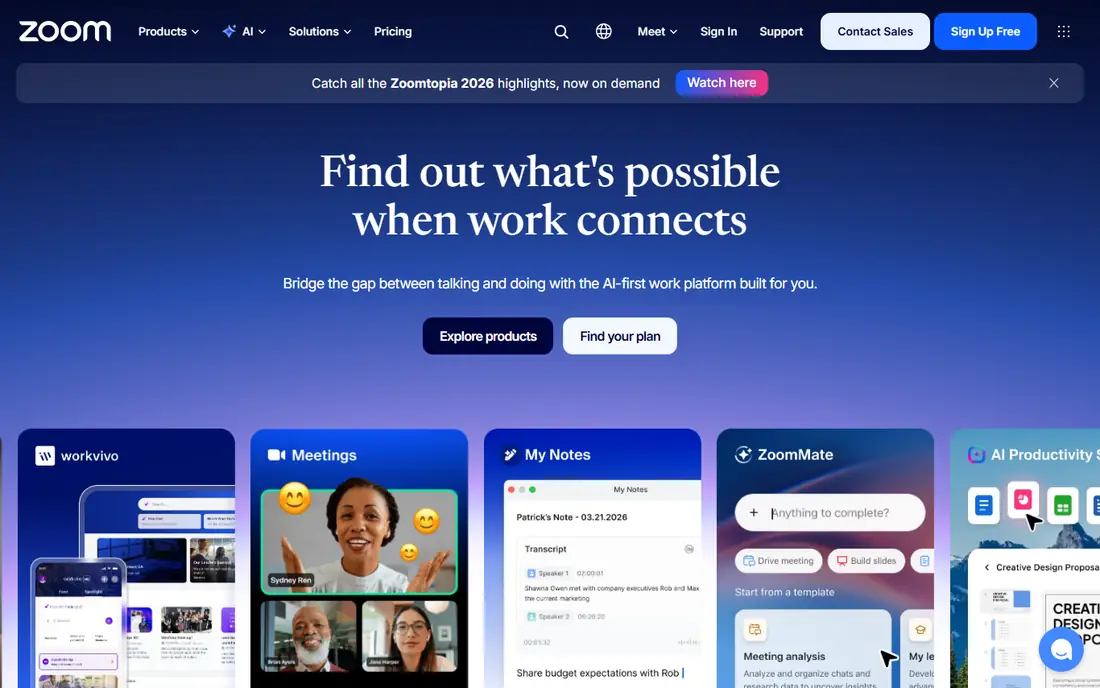
Zoom is the standalone meeting app most guests already know. Join links work across devices, breakout rooms and whiteboards support workshops, and paid plans add AI summaries, captions and larger meetings. That familiarity cuts join problems for clients, students and external partners. The free plan caps group meetings at 40 minutes, so regular team meetings need a paid plan. Check the current Pro price on the vendor site, since annual billing changes the monthly figure. If meetings are your main job and you do not want a full office suite, Zoom remains the most reliable standalone choice.
- Familiar to most guests
- Reliable video
- Breakout rooms, whiteboards and AI summaries on paid plans
- Free group meetings cap at 40 minutes
- Paid price rises per user
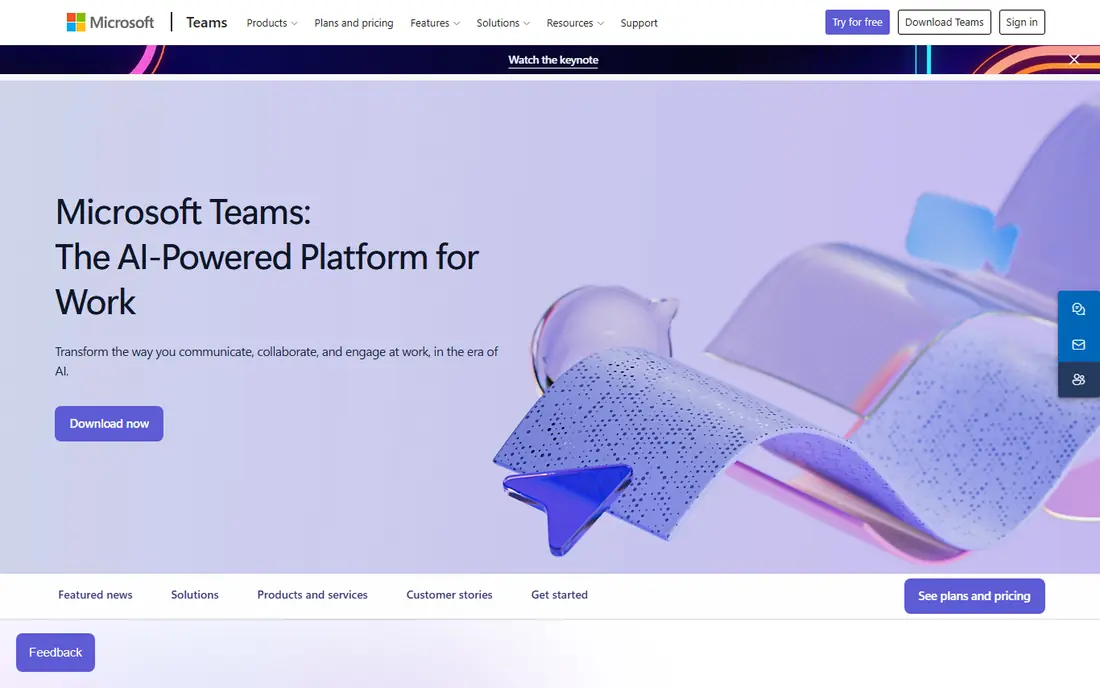
Microsoft Teams suits companies already on Microsoft 365, because meetings, chat, files and Office apps live in one place. A meeting can start from a chat, share a Word file, and save notes to the same team space, without switching apps. Free group meetings run up to 60 minutes for up to 100 people, which beats Zoom free for longer calls. The interface can feel heavy for small teams that only need video, and the lowest-cost entry is Teams Essentials, with fuller value inside Microsoft 365 Business plans. Check the current price on the vendor site. For a Microsoft shop, Teams is the lowest-friction, lowest extra-cost meeting tool.
- Deep Microsoft 365 integration
- Chat, files and meetings in one app
- Free group meetings up to 60 minutes
- Interface can feel heavy
- Best value needs a Microsoft 365 plan
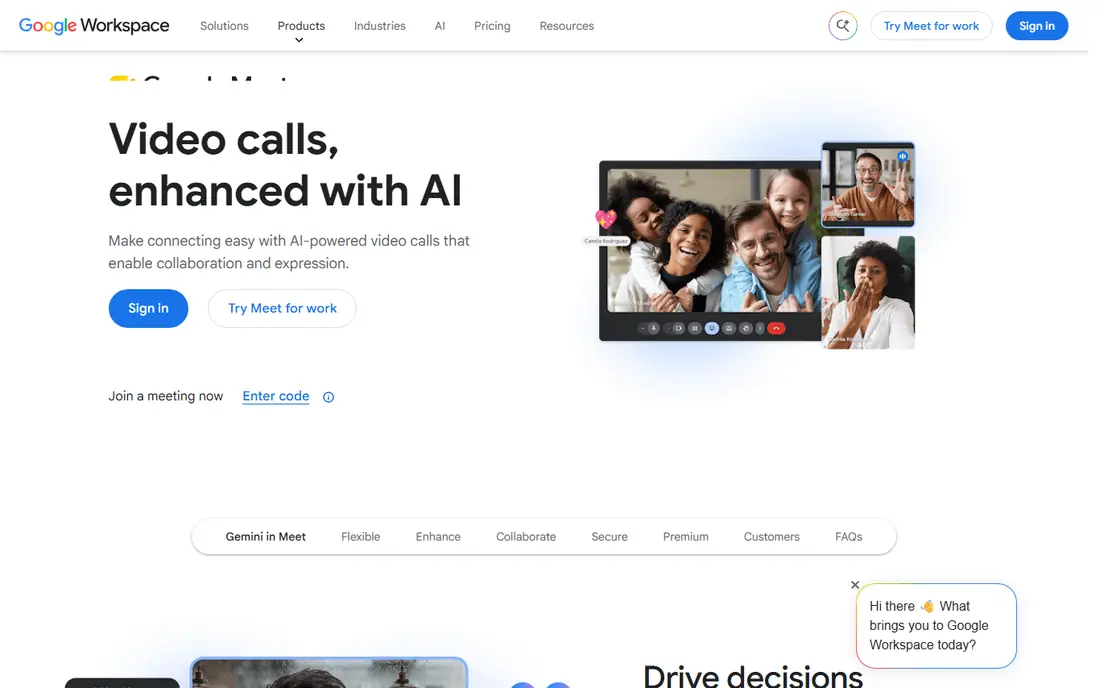
Google Meet is the simplest meeting tool here for Google Workspace teams. Guests join from a browser with no install, meetings start from Gmail or Calendar, and the interface stays clean. Free groups run up to 60 minutes for up to 100 people, which suits most small-team calls. Advanced features such as large meetings, recording and noise cancellation vary by Workspace tier, so check the plan that matches your meeting size. For a Google team that wants quick, no-fuss meetings, Meet is the natural pick, and its low learning curve helps external guests most.
- Browser-based and simple
- Gmail and Calendar integration
- Free groups up to 60 minutes
- Fewer advanced meeting features than Zoom
- Larger meetings need higher Workspace tiers
Webex, from Cisco, suits large firms that need enterprise security, compliance and room systems. It offers encryption, admin controls and certifications that regulated teams check first, plus support for Cisco hardware in meeting rooms. Free meetings cover basic calls, while paid plans add larger meetings and enterprise tools. Paid pricing is less transparent than Zoom or Meet, so expect a sales conversation for larger plans. Setup is heavier than a browser-first tool. If compliance, scale and room systems matter, Webex earns a shortlist place. If you need a quick small-team tool, Meet or Teams will be faster.
- Strong security and compliance options
- Good for large firms
- Hardware and room support
- Paid pricing is less transparent
- Heavier setup than Meet or Teams
GoTo Meeting suits businesses that need reliable meetings with dial-in access, especially for clients who join by phone. Per-organizer pricing helps when few people host but many attend, since you pay for hosts, not every attendee. The meeting experience is straightforward and business-focused. There is no lasting free plan, only a trial, so budget from the start. Collaboration extras such as whiteboards and AI summaries are lighter than in Zoom or Teams. If dial-in, reliability and per-host pricing matter, GoTo Meeting is a practical business pick.
- Per-organizer pricing
- Dial-in options
- Reliable business meetings
- No lasting free plan
- Fewer collaboration extras than Teams or Zoom
Zoho Meeting is the budget pick for small teams and Zoho users. The free plan covers 60-minute meetings for up to 100 people, and paid plans start low, with meeting and webinar options for Zoho teams. That price makes it easy to test without committing to a suite change. Feature range is smaller than Zoom, especially for large workshops and advanced AI tools, and meeting size grows with paid tiers. Check the current Standard price on the vendor site. For a small team on a tight budget, or a Zoho team that wants meetings inside its suite, Zoho Meeting gives strong value.
- Low starting price
- Free plan with 60-minute meetings
- Fits Zoho apps
- Smaller feature range than Zoom
- Meeting size grows with paid tiers
Slack Huddles suit teams that already live in Slack and want a quick call without a meeting link. Start a huddle from a channel or direct message, talk, share a screen, and return to chat, all in the same app. That speed helps for quick questions, pair work and informal check-ins. Free huddles are limited to one-to-one calls, and larger huddles need a paid Slack plan. Huddles are not a replacement for a full meeting platform with registration, breakout rooms and large audiences. For quick internal calls inside Slack, Huddles are the fastest option here.
- Instant audio and video from a Slack channel
- Screen sharing
- No new link needed
- Free huddles are one-to-one only
- Not a full meeting platform for large calls
Jitsi Meet is the guest-friendly, free option. Create a room, share a link, and guests join from a browser with no account and no install. That simplicity helps for public calls, community groups, and quick external chats where asking guests to create an account would lose them. There is no vendor support contract by default, and performance depends on the hosted service or your own server. For a free, private, no-account call, Jitsi is excellent. For a business that needs support, compliance and large meetings, a paid suite such as Zoom, Teams or Webex will be safer.
- Free and open source
- Guests join from a browser with no account
- No install needed
- No vendor support contract by default
- Performance depends on hosting
Whereby suits teams that want video inside their own product or website, not just a meeting link. You can embed a room, brand it, and let users join from a browser, which fits telehealth, tutoring, coaching and customer support workflows. The room itself stays simple and guest-friendly. For general team meetings, Whereby has a smaller feature set than Zoom or Teams, and larger meetings need higher tiers. Check the current price on the vendor site. If you sell or deliver a service through video, Whereby is a strong embedding pick. If you only need internal meetings, a suite tool will do more.
- Simple browser rooms
- Embedding for websites and apps
- Custom branding on paid plans
- Smaller meeting feature set than Zoom
- Larger meetings need higher tiers
RingCentral Video suits firms that want meetings, messaging and business calling from one vendor. Video meetings sit alongside phone, SMS and team messaging, with AI insights and large meeting options for bigger firms. That unified approach helps companies that are replacing a phone system and a meeting tool at once. The full suite costs more than a meeting-only tool, and setup is heavier for a small team that only needs video. Check the current price on the vendor site. If you need calling plus meetings in one contract, RingCentral is a strong contender. If you only need video, Zoom, Meet or Teams will cost less.
- Meetings, messaging and business phone in one suite
- AI meeting insights
- Large meeting options
- Full suite price is higher than a meeting-only tool
- Setup is heavier for small teams
How we picked these
We started with virtual meeting platforms that appear in current 2026 comparisons and vendor listings, then kept only platforms that are live, work on current browsers or apps, and support group video meetings. We checked each vendor site for free or trial terms, meeting limits, and main features such as chat, screen sharing and integrations. We favoured platforms with a free or trial route and clear pricing, and we dropped tools that were only webinar platforms or only phone systems. Where a price was not stated clearly, we wrote See website. We did not claim hands-on testing.
How to choose a virtual meeting platform
Start with the suite you already pay for
If your team uses Microsoft 365, Teams adds little extra cost. If you use Google Workspace, Meet is already included in most plans. Only buy a standalone tool such as Zoom if it gives you a feature your suite lacks, such as larger meetings, webinar add-ons, or a guest experience your clients prefer. That suite-first rule saves most small teams money.
Test guest joining with a real external guest
Invite a client or friend outside your company to join a test meeting, and watch for install prompts, login walls and audio problems. A platform that works well inside your team can still fail for guests. Pick the tool with the fewest join steps for your most common guest type, whether that is a client, a student or a patient.
Check meeting limits, recording and security together
Check group time limits, participant caps, recording rules, and security controls such as waiting rooms and encryption in one review. A free plan that caps groups at 40 minutes may fail for a weekly team meeting, while a paid plan that lacks recording may fail for training. Review those four points before you commit to a paid plan.
Frequently asked questions
What is the best virtual meeting platform?
Zoom is the best standalone pick, Microsoft Teams is best for Microsoft 365 firms, and Google Meet is best for Google Workspace teams. The best platform is usually the one bundled with your email suite, plus Zoom if you need standalone reliability or webinar add-ons.
What is the best free virtual meeting platform?
Google Meet and Microsoft Teams offer the most generous free group meetings, at 60 minutes for up to 100 people. Zoom free groups cap at 40 minutes. Jitsi Meet is free with no account needed for guests. Pick Meet or Teams for regular team calls, and Jitsi for quick guest calls.
Which virtual meeting platform is best for large meetings?
Zoom, Webex and Microsoft Teams handle large meetings best, with higher participant caps on paid plans. Check the exact cap for your plan, since free plans cap at 100 people and larger meetings need a paid tier or add-on. For very large broadcasts, a webinar platform may fit better than a meeting tool.
Is Zoom better than Google Meet?
Zoom wins on meeting features, breakout rooms and webinar options. Google Meet wins on simplicity, browser joining and price inside Google Workspace. If you already use Google Workspace, Meet is usually enough. If meetings are your main job, Zoom gives more control.
Do guests need an account to join a meeting?
It depends on the platform. Jitsi Meet and Google Meet allow browser guests with no account in many cases, while Zoom and Teams guests can often join by link without an account, though hosts may set waiting rooms. Test guest joining with a real external guest before a client meeting.
What is the best virtual meeting tool for small business?
Google Meet or Microsoft Teams suit most small businesses, since they come with an email suite and generous free plans. Zoho Meeting suits small budgets, and Zoom suits small firms that need a standalone meeting tool clients already know. Start free, and pay only for larger meetings or recording.
Sources we checked (10)

Online Jobs is an independent blog about careers, online work, learning new skills and the tools that help people earn. More about us.
Keep reading
All posts
9 Best Online Meeting Platform Picks for Teams
Compare the best online meeting platform for teams, with Zoom, Google Meet, Microsoft Teams, and Webex on price, free limits, and meeting features today.

eBay Alternatives
Looking for ebay alternatives? We compared 9 marketplaces for sellers on fees, buyer reach, categories and ease of listing, to help you sell with confidence.

ZoomInfo Alternatives
The best ZoomInfo alternatives in 2026, compared on price, free plans, data coverage, and which tool fits small teams or large sales teams best in detail.