9 Best Online Meeting Platform Picks for Teams

How we put this together: we compare official feature and pricing pages, app store listings, privacy policies and public user reviews. Prices change, so check the provider's site before you pay.
Key takeaways
- Zoom is our first pick for most teams because guests know it, it joins from a browser or app, and its free plan covers short meetings well.
- Google Meet suits teams on Google Workspace, while Microsoft Teams suits teams on Microsoft 365, since both include meetings with tools teams already use.
- Webex and GoTo Meeting suit larger or more formal organisations that need strong admin controls and reliable large meetings.
- Free plans cap group meeting length and participant numbers, so check those limits before you rely on a free plan for regular team calls.
Quick comparison
| Name | Who it suits | Starting price | Free option | |
|---|---|---|---|---|
 Zoom Zoom | most teams and guests | Free | Yes | Visit |
 Google Meet Google Meet | Google Workspace teams | Free | Yes | Visit |
 Microsoft Teams Microsoft Teams | Microsoft 365 teams | Free | Yes | Visit |
 Webex Webex | enterprise meetings | Free | Yes | Visit |
 GoTo Meeting GoTo Meeting | simple reliable meetings | See website | Free trial | Visit |
 Zoho Meeting Zoho Meeting | low cost team meetings | See website | Yes | Visit |
 RingCentral Video RingCentral Video | phone plus video teams | See website | Free trial | Visit |
 Whereby Whereby | simple browser meetings | See website | Yes | Visit |
 Jitsi Meet Jitsi Meet | free open source meetings | Free | Yes | Visit |
The best online meeting platform
We compared meeting platforms on ease of joining, free limits, recording, captions, breakout rooms, and price. The best platform for online meetings is often the one your guests and your team already know, since a smooth join matters more than a long feature list.
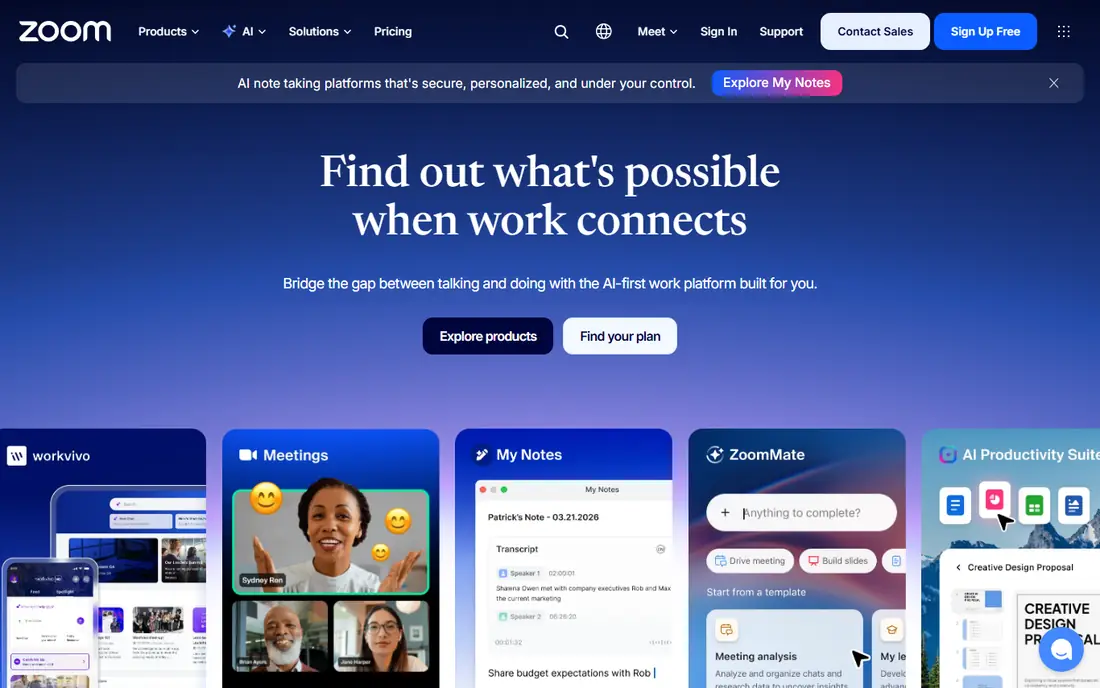
Zoom is the meeting platform most guests already know, and that familiarity is a real benefit. People join from a browser or app, hosts can use breakout rooms, whiteboards, polls, and recording, and paid plans raise participant limits and remove the free time cap. For sales calls, classes, and team meetings, Zoom is a safe default.
The free plan caps group meetings in length, so regular team meetings will need a paid host licence. Add-on costs for webinars and large meetings can also add up. If you run short calls or you already pay for a host plan, Zoom remains the easiest choice for mixed guests.
- Guests know it well
- Browser and app joining
- Breakout rooms, recording, and captions
- Free group meetings are time-limited
- Paid plans add cost per host
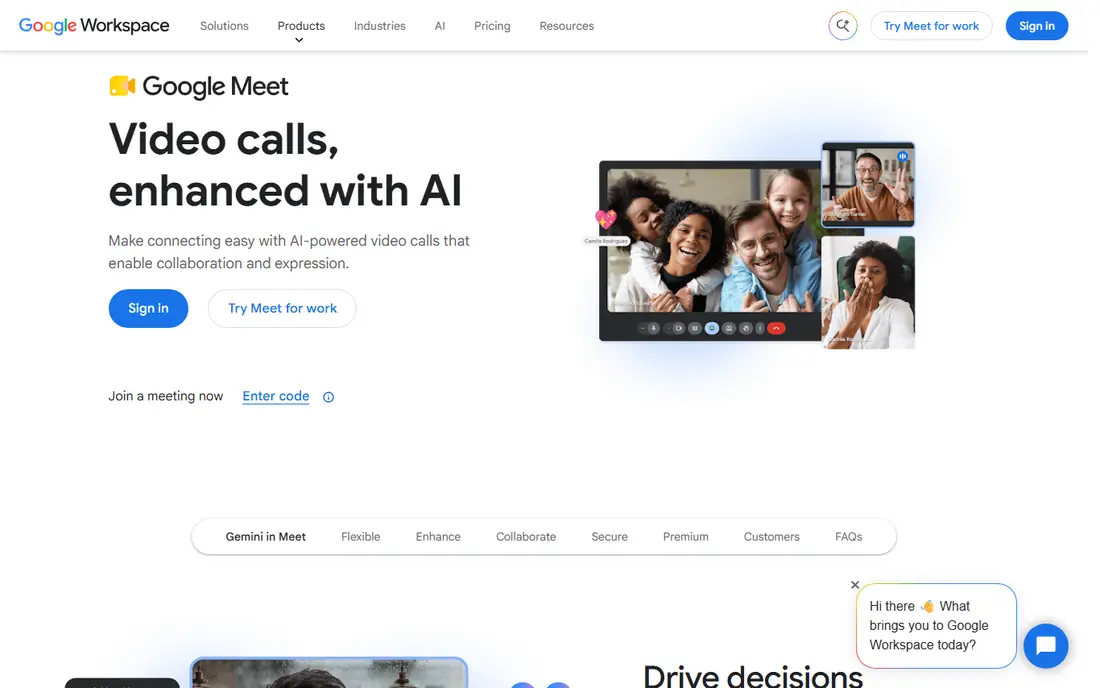
Google Meet is the best online meeting tool for teams that live in Google Workspace. Meetings start from Calendar and Gmail, guests join from a browser without an install, and captions help in noisy rooms and for accessibility. Paid Workspace plans raise participant limits and add recording and admin controls.
Meet is less suited to large public webinars than Zoom or Webex, and its advanced event features are thinner. For internal team calls, interviews, and client check-ins, though, its simplicity is a strength, and the free plan covers many small-team needs.
- No app needed for guests in a browser
- Simple joining from Calendar
- Live captions included
- Fewer advanced webinar features than rivals
- Free group calls are time-limited
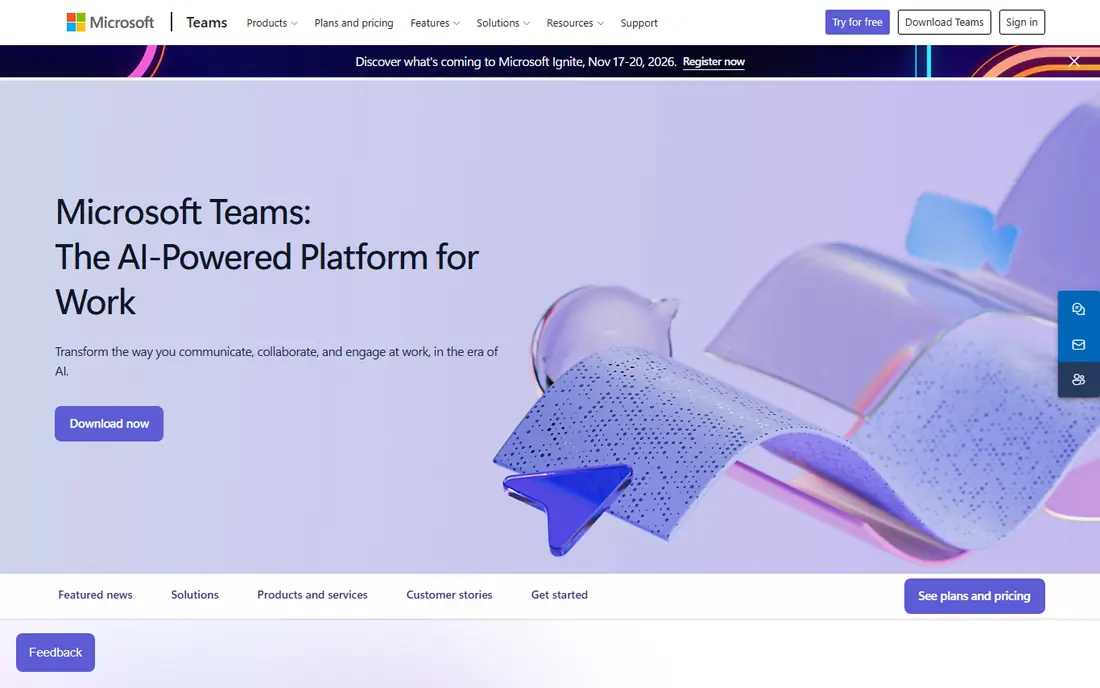
Microsoft Teams suits organisations that already use Microsoft 365. Chat, files, tasks, and meetings live in one app, so a meeting can grow from a chat thread without switching tools. Admin controls, compliance tools, and large meeting support make it a strong business video conferencing software choice for larger firms.
For a simple external call, Teams can feel heavier than Meet or Zoom, and guests may need to navigate a Microsoft account prompt. If your team already pays for Microsoft 365, though, Teams meetings are included value, and that often decides the pick.
- Chat, files, and meetings in one place
- Strong admin controls
- Works with Microsoft 365 apps
- Can feel heavy for simple calls
- Best value needs a Microsoft 365 plan
Webex is built for large and regulated organisations that need control, security, and reliable large meetings. It offers a free plan for small calls, plus paid plans with larger capacity, recording, and admin features. Cisco hardware support also helps firms with meeting rooms.
Smaller teams may find Webex more formal than Zoom or Meet, and paid pricing sits at the higher end. If your IT team needs strict controls, or you run large company meetings, Webex is a dependable and well-supported choice.
- Strong security and admin tools
- Reliable large meetings
- Good hardware support
- Interface can feel formal
- Paid plans cost more than some rivals
GoTo Meeting is a straightforward meeting tool for teams that want reliable calls without a long feature list. Setup is simple, guests join easily, and screen sharing, recording, and drawing tools cover most business needs. It suits consultants, sales teams, and small firms that meet clients often.
There is no permanent free plan, so budget for a paid organiser licence. If you need chat, file collaboration, and deep app integrations, Teams or Zoom may fit better. If you need dependable meetings with little setup, GoTo Meeting does the job well.
- Simple setup and joining
- Reliable audio and video
- Useful for client-facing calls
- No free plan
- Fewer collaboration extras than Teams or Zoom
Zoho Meeting is a low-cost option for teams that already use Zoho tools or want a simple paid plan. The free plan covers small meetings, and paid host plans cost less than many rivals. Screen sharing, recording, and moderator controls cover standard team calls.
Guests may be less familiar with Zoho Meeting than with Zoom or Meet, so send clear join links and test with a new guest first. For internal teams and cost-conscious firms, it is a practical and affordable meeting platform.
- Low cost paid plans
- Free plan for small meetings
- Works with other Zoho apps
- Smaller guest familiarity
- Fewer advanced event features
RingCentral Video suits firms that want video, phone, and messaging from one vendor. If you are already replacing a business phone system, adding video to the same account can simplify billing and support. Team messaging and file sharing sit alongside meetings, which helps hybrid teams.
If you only need video meetings, a meeting-only tool may cost less. Price the full RingCentral bundle, not just the video line, and check which video limits apply on the tier you choose.
- Video plus phone and messaging in one system
- Good for firms replacing a phone system
- Team messaging included
- Pricing depends on the full bundle
- Video alone may cost more than a meeting-only tool
Whereby is a simple browser meeting tool with rooms you can name and share as a link. Guests join without an install, which helps for support calls, interviews, and quick check-ins. It also suits firms that want to embed video in a product or support page.
It does not match Zoom or Teams for webinars, breakout depth, or app integrations. For small meetings and embedded video, though, its simplicity is the point, and the free plan is enough to test it with real guests.
- Browser-based rooms with custom links
- Simple for guests
- Good for embedded video
- Smaller feature set than Zoom
- Larger meetings need higher plans
Jitsi Meet is the best free online meeting platform for privacy-minded teams and open source fans. Guests can join without an account, and teams with technical skills can host it themselves. For community groups, classrooms, and small teams, it covers video, chat, and screen sharing at no cost.
Support and admin tools are thinner than paid platforms, and call quality depends on the server and network. If you need service guarantees, recording, and enterprise controls, a paid platform is a better fit. If you need free and simple meetings, Jitsi Meet is a strong choice.
- Free to use
- No account needed for guests
- Open source and self-host option
- Fewer admin and support options
- Performance depends on the server used
How we picked these
We checked official feature pages, pricing pages, and app listings for each platform, and we read public reviews about joining ease, call quality, and admin tools. We favoured platforms with a free plan or trial, clear participant limits, and broad device support. We did not claim hands-on testing, and where a price could not be confirmed on the vendor site, we wrote See website rather than guess.
How to choose an online meeting platform
Start with your guests, not with your team. If guests are external and varied, pick a platform they already know, such as Zoom or Google Meet. If meetings are internal, pick the platform tied to your email and file tools, such as Teams for Microsoft 365 or Meet for Google Workspace. That choice alone will cut join problems.
Free limits, recording, and large meetings
Check group meeting time limits, participant caps, and recording rules on free plans. A free plan that caps group calls at 40 or 60 minutes will frustrate a team with weekly hour-long meetings. Also check captions, breakout rooms, and webinar needs, since those features often sit on paid tiers. Trial the platform with a real meeting, including screen sharing and recording, before you move a whole team.
Security and admin needs
For larger firms, check waiting rooms, passcodes, admin controls, and data handling. Webex and Teams offer stronger admin tools for regulated work, while simple tools such as Whereby and Jitsi Meet suit smaller teams with lighter needs. Match the control level to your work, and do not pay for enterprise controls you will never use.
Frequently asked questions
What is the best online meeting platform for small teams?
Zoom and Google Meet are strong small-team picks. Zoom suits teams with varied external guests, while Google Meet suits teams on Google Workspace. Both offer free plans for short meetings, and both are easy for guests to join. Trial both with your team and pick the one with fewer join problems.
What is the best platform for online meetings with clients?
Zoom is often the safest client choice because most clients already know it. Google Meet is a close second for browser-based joining without an install. Send a test link before an important client call, and check that screen sharing, recording, and captions work as you need them.
What is the best business video conferencing software?
For large firms, Microsoft Teams and Webex lead on admin controls, security, and large meeting support. Teams suits Microsoft 365 firms, while Webex suits firms that need Cisco hardware and strict controls. Smaller firms often do better with Zoom or Google Meet for simplicity and cost.
Is there a good free online meeting platform?
Yes. Zoom, Google Meet, Microsoft Teams, Webex, Zoho Meeting, Whereby, and Jitsi Meet all offer free use with limits. Jitsi Meet is free without a time cap on the public service in many cases, while other free plans cap group meeting length. Check participant limits and recording rules before you rely on a free plan.
How many people can join a free meeting?
Free plans commonly allow around 100 participants, but group meeting length is often capped. Paid plans raise both limits and add recording, breakout rooms, and admin tools. Check the vendor pricing page for the current limits, since they change over time.
Which meeting tool is easiest for guests?
Google Meet and Whereby are among the easiest for guests because they join from a browser without an install. Zoom is also easy because most guests already have it or know the join flow. For the easiest guest experience, send a direct link, test it in advance, and include a phone dial-in option if the platform offers one.
Sources we checked (9)

Online Jobs is an independent blog about careers, online work, learning new skills and the tools that help people earn. More about us.
Keep reading
All posts
Zoom Alternatives
Zoom alternatives compared for 2026: Google Meet, Microsoft Teams, Webex, Jitsi and more for free calls, large meetings and webinars for teams and classrooms.

Workday Alternatives
We compared the best workday alternatives for HR, payroll, and global hiring, from BambooHR and Gusto to Rippling, Deel, and HiBob for growing teams in 2026.

WordPress Alternatives
WordPress alternatives guide: we compare 8 platforms for builders, designers, stores, and publishers to leave WordPress without losing your full site content.