Best Virtual Call Center Companies in 2026: 9 Tools Compared


Large omnichannel teams · Starting price: $75 per user per month
How we put this together: we compare official feature and pricing pages, app store listings, privacy policies and public user reviews. Prices change, so check the provider's site before you pay.
Key takeaways
- The best virtual call center companies differ by team size, channel mix, and whether you need deep workforce tools or a simple phone system.
- Genesys Cloud CX and NICE CXone suit large, regulated, omnichannel teams, while Aircall and CloudTalk suit smaller teams that need a fast start.
- Five9 is strongest for high volume outbound and blended work, but its seat minimums rule it out for very small teams.
- Published starting prices hide call costs, AI add ons, and minimums, so ask for a total monthly estimate before you sign.
- A free trial is useful, but test real routing, reporting, and CRM logging with your own call flows, not only the demo script.
Quick comparison
| Name | Who it suits | Starting price | Free option | |
|---|---|---|---|---|
| Genesys Cloud CX | Large omnichannel teams | $75 per user per month | Free trial | Visit |
 NICE CXone | Enterprise workforce management | See website | Free trial | Visit |
 Five9 | High volume outbound | $119 per month | Free trial | Visit |
 Talkdesk | Industry specific contact centres | $85 per user per month | Free trial | Visit |
 RingCentral RingCX | Teams already on RingCentral | $65 per user per month | Free trial | Visit |
 Dialpad Support | AI coaching for support teams | $80 per user per month | Free trial | Visit |
 CloudTalk | International sales and support | $25 per user per month | Free trial | Visit |
 Aircall | Small teams with CRM needs | $30 per user per month | Free trial | Visit |
 JustCall | Small sales teams that call and text | $29 per user per month | Free trial | Visit |
The best virtual call center companies
A virtual call centre is not just a phone app. It is routing, queues, reporting, recording, and integrations, all running for agents who may work from home, from an office, or from both. The right pick depends on how many agents you have, which channels customers use, and how much control managers need over quality and schedules.
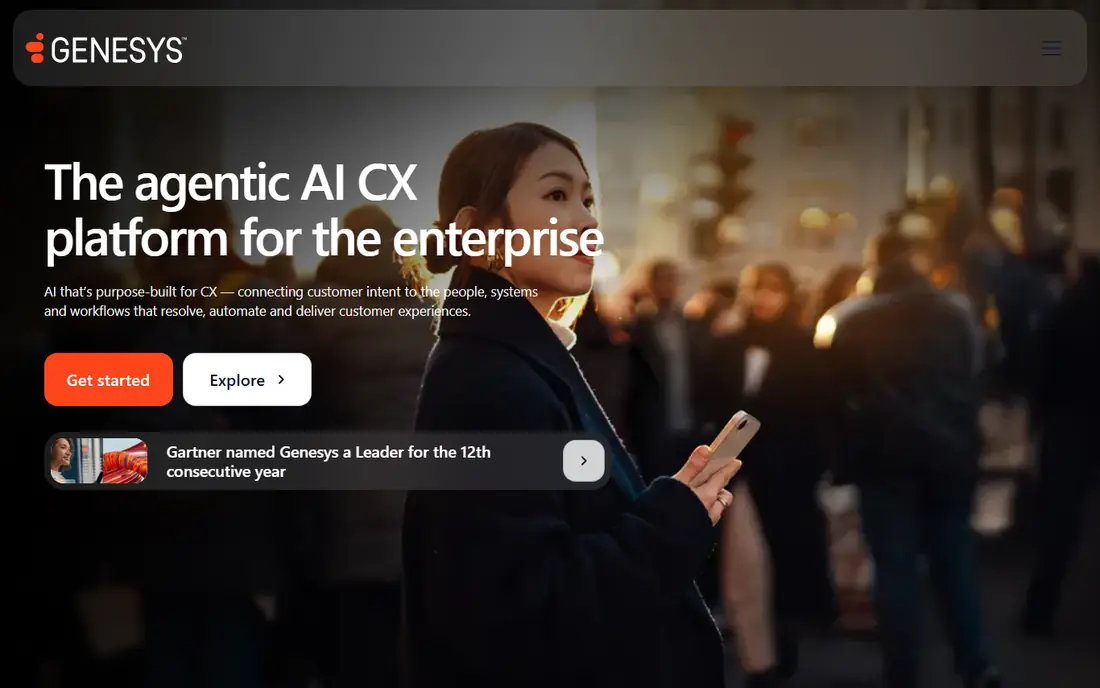
Genesys Cloud CX is the enterprise pick for teams that handle voice, messaging, email, and social in one queue. Its routing and journey tools help large teams send each contact to the right agent, and its workforce features help managers plan shifts and quality reviews. For global or regulated operations, that depth is hard to match. Smaller teams may find it heavy. Pricing rises with tiers, AI features can add usage costs, and implementation takes planning. Choose Genesys when you have the volume and the internal resource to run it well, and get a written estimate that includes seats, AI use, and telephony.
- Deep omnichannel routing
- Workforce tools on higher tiers
- Broad integration range
- Entry tier is voice focused
- Setup and pricing need careful planning
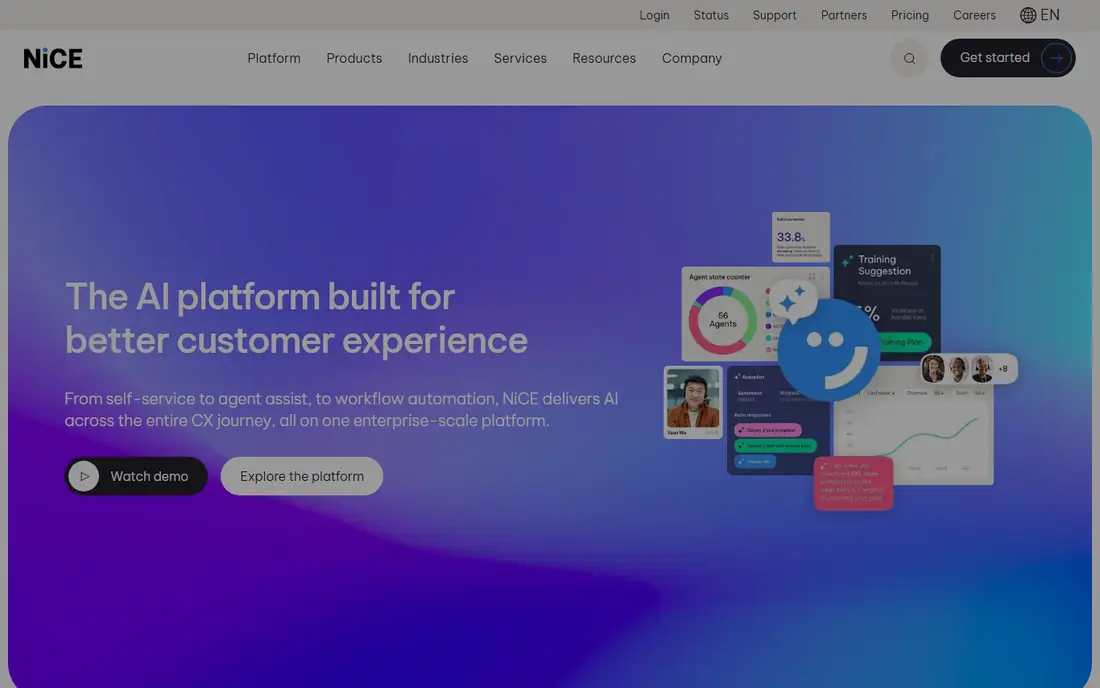
NICE CXone suits large teams that need quality management, workforce planning, and analytics in the same platform. Managers can review interactions, coach agents, and forecast demand without stitching several tools together. That consolidation matters when compliance and reporting are part of daily work. The trade off is cost and complexity. Lower bundles cover core contact centre work, while the full AI and workforce suite sits higher up. Before you commit, map your must have features to a specific bundle, and confirm what is included versus what is billed by use.
- Strong quality and workforce suite
- Broad channel coverage
- AI agent options on higher tiers
- Higher tiers carry the full AI feature set
- Pricing varies by bundle
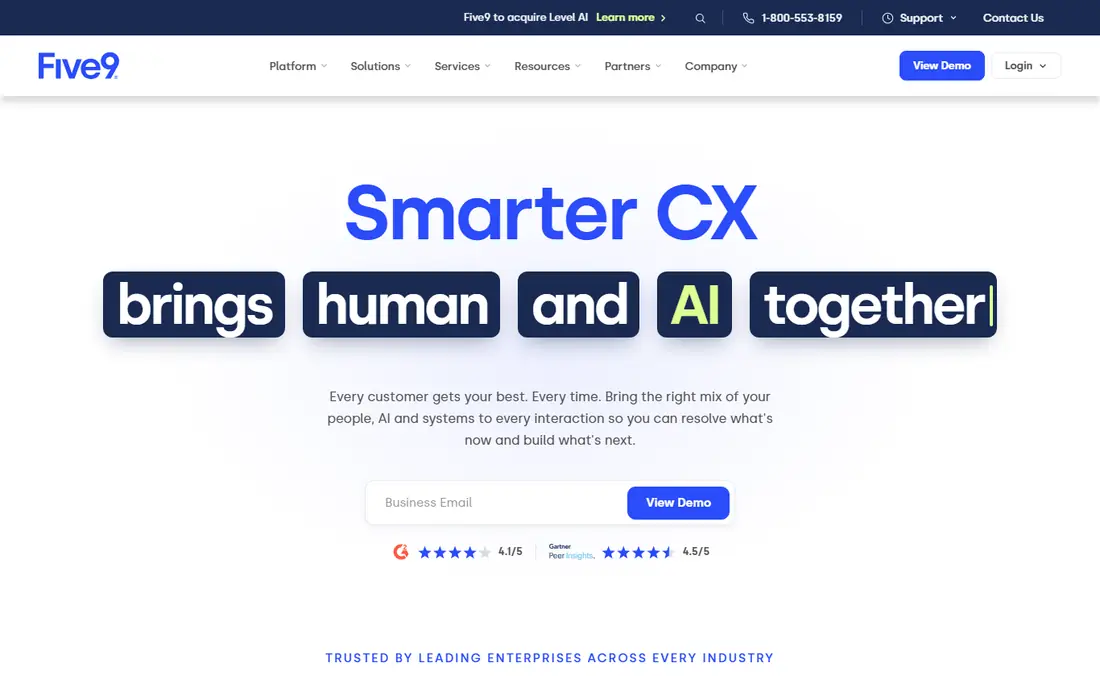
Five9 is built for teams that live on the phone. Its dialers, blended inbound and outbound queues, and agent assist tools suit sales floors and large support operations where talk time and connection rates drive results. Concurrent licensing also helps shift based teams, because seats can be shared across shifts rather than bought per named agent. Small teams should look elsewhere. The minimums and the starting price make Five9 a poor fit for a team of two or three, and the quote only upper tiers make budgeting harder. It earns its place here for scale, not for simplicity.
- Strong predictive and power dialers
- Concurrent seat licensing for shift teams
- CRM integrations
- Minimum seat counts exclude small teams
- Higher bundles are quote only
Talkdesk stands out for teams in regulated or specialised sectors. Its industry editions package workflows, compliance controls, and integrations that a generic platform would need custom work to match. For a health, finance, or retail team, that head start can shorten implementation and reduce risk. For a general small business, those editions may be more than you need. Start with the core voice or digital tier, test the agent workspace with your real scripts, and only add industry packs when a specific workflow or compliance need justifies the cost.
- Industry editions for health, finance, and retail
- Strong AI assist
- Clean agent workspace
- Advanced features raise the price quickly
- Smaller teams may not need industry packs
RingCentral RingCX makes most sense if your team already uses RingCentral for phone or meetings. Agents stay in a familiar system, managers get contact centre routing and reporting, and you avoid a second vendor for basic communications. That consolidation can simplify billing and support. If you do not use RingCentral today, compare it on routing and reporting alone, not on the bundle. Check whether your CRM, help desk, and quality tools integrate cleanly, and test call quality across home networks, because remote agents rarely share one office connection.
- Lower published omnichannel starting price
- Phone, video, and messaging in one vendor
- AI features included on higher tiers
- Deepest customisation needs higher tiers
- Best value when you already use RingCentral
Dialpad Support suits support teams that want coaching built into the call, not added as a separate review step. Real time prompts, summaries, and sentiment cues can help newer agents stay on script and close calls cleanly, while managers get a clearer view of recurring issues. That is valuable when you are hiring quickly. AI output still needs checking. Summaries can miss nuance, and coaching prompts can distract an experienced agent. Use Dialpad when coaching and consistency are priorities, and keep human quality review for sensitive or high value calls.
- Real time AI coaching and summaries
- Clean interface
- Voice, messaging, and meetings in one place
- Support tier pricing is higher than basic phone plans
- AI accuracy needs human review
CloudTalk is the practical pick for sales and support teams that call across borders. Local numbers in many countries, smart dialers, and CRM logging cover the daily workflow without enterprise pricing. Small and mid sized teams can start with a handful of seats and grow as volume grows. The entry price is only part of the cost. Check call rates for your target countries, add on pricing for AI features, and the limits on analytics. Run a trial with your actual call list and CRM, and confirm that numbers, recording rules, and consent requirements fit each country you serve.
- Low starting price
- Numbers in many countries
- Dialers and CRM logging
- Advanced AI and analytics sit on higher tiers
- Support quality varies by plan
Aircall is the easiest enterprise style phone system for a small team to run. Setup takes hours rather than weeks, the interface is clear for new agents, and integrations with common CRMs and help desks keep call notes where the rest of the customer record lives. That simplicity is why many startups choose it first. It is not a full enterprise contact centre out of the box. Complex routing, workforce planning, and deep analytics may need higher tiers or another tool. Choose Aircall when speed, CRM fit, and ease of use matter more than advanced workforce features.
- Fast setup
- Broad integration marketplace
- Simple agent interface
- Minimum seat count applies
- Advanced contact centre features need higher tiers
JustCall fits small sales teams that need voice and SMS without a large platform. Agents can call, text, and log activity from one place, and managers get basic dialer automation and reporting. For a team of two to ten, that focus keeps costs and training down. Larger support teams with email, chat, and social queues will outgrow it. Use JustCall when outbound and SMS are the core work, and plan a move to CloudTalk, Aircall, or an enterprise suite when channel mix and reporting needs become more complex.
- Calling and texting in one app
- Low minimums
- Sales focused dialer and automation
- Omnichannel depth is lighter than enterprise suites
- Reporting is simpler
How we picked these
We compared official feature pages, pricing pages, app store listings, privacy policies, and public reviews, and we kept only platforms that offer cloud based, remote agent working in October 2026. We looked for published starting prices where available, a trial or demo route, and clear support for routing, queues, and CRM integration. Where a vendor only publishes some tiers, we say so rather than inventing a figure. We also weighed total cost, not just seat price. Call minutes, SMS, AI usage, and minimums can change the monthly bill materially, so our buying guide below focuses on questions to ask during a trial, before you sign a contract.
How to buy without overpaying
Map channels and volume first
List the channels customers actually use, the peak concurrent agents you need, and the call and message volume by country. That list decides whether you need an enterprise suite or a lighter phone system. Buying for channels you do not use is the most common waste in this category.
Test with real flows, not demo scripts
During a trial, build one inbound queue, one outbound campaign, and one escalation path exactly as your team runs them. Check CRM logging, recording consent, reporting, and call quality on home networks. A platform that looks clean in a demo can still fail on your edge cases.
Get the total monthly estimate in writing
Ask for seats, telephony, SMS, AI usage, implementation, and any minimums in one estimate. Confirm contract length, price rises at renewal, and exit terms for numbers and recordings. A lower seat price with high usage fees can cost more than a higher seat price with bundled minutes.
Frequently asked questions
What is the best virtual call center software for a small team?
Aircall, CloudTalk, and JustCall are the usual starts, because they offer low minimums, fast setup, and clear per user pricing. Aircall suits CRM heavy teams, CloudTalk suits international calling, and JustCall suits small sales teams that also text customers.
Is there free call center software?
There is no strong free plan for a full virtual call centre. Some platforms offer free trials, and Amazon Connect uses pay per use pricing without a seat fee, but most serious options charge per agent. Budget for seats plus call and message costs, not seats alone.
Do agents need special hardware to work from home?
Most agents need a reliable internet connection, a good headset, and a quiet workspace. Cloud platforms run in a browser or app, so a standard laptop is usually enough. Test call quality on each agent's home connection during the trial, and provide headsets rather than relying on laptop microphones.
How long does it take to set up a virtual call center?
A small team on Aircall or CloudTalk can be live in days, while an enterprise rollout on Genesys or NICE can take weeks or months. The difference is routing complexity, integrations, compliance checks, and training. Keep the first launch narrow, then add channels and automation in stages.
What is the difference between a virtual call center and a phone system?
A phone system handles calls. A virtual call centre adds queues, routing, reporting, recording, quality tools, and omnichannel handling, all for remote agents. If you only need calls and voicemail, a phone system is cheaper. If you need queues and performance data, choose a contact centre platform.
Can I keep my existing phone numbers?
In most cases yes, through number porting, but timing and rules vary by country and carrier. Start the port early, keep the old service live until the port completes, and confirm that SMS and toll free numbers port under the same terms as voice numbers.
Sources we checked (9)

Online Jobs is an independent blog about careers, online work, learning new skills and the tools that help people earn. More about us.
Keep reading
All posts
ZoomInfo Alternatives
The best ZoomInfo alternatives in 2026, compared on price, free plans, data coverage, and which tool fits small teams or large sales teams best in detail.

Workday Alternatives
We compared the best workday alternatives for HR, payroll, and global hiring, from BambooHR and Gusto to Rippling, Deel, and HiBob for growing teams in 2026.

Which SaaS Tools Have the Best Customer Support
Which SaaS tools have the best customer support? Compare eight popular tools on help centres, live help, response options and overall support quality.