Best Video Maker App in 2026: 9 Products Compared

How we put this together: we compare official feature and pricing pages, app store listings, privacy policies and public user reviews. Prices change, so check the provider's site before you pay.
Key takeaways
- CapCut and InShot are the easiest starting points for short social videos, with templates, captions, and quick exports.
- VN Video Editor and PowerDirector suit longer or more detailed projects, with multi-track timelines and finer control.
- Filmora and Adobe Express suit creators who want guided tools on both phone and desktop, with effects and brand assets.
- Canva is best when a video is part of a wider design job, such as a presentation, social post, or simple advert.
- Check export limits before you invest time: watermark rules, resolution, and paid features differ a lot between free plans.
Quick comparison
| Name | Who it suits | Starting price | Free option | |
|---|---|---|---|---|
 CapCut | Short social videos | See website | Yes | Visit |
 InShot | Quick phone edits | See website | Yes | Visit |
 VN Video Editor | Detailed phone editing | See website | Yes | Visit |
 KineMaster | Layered mobile projects | See website | Yes | Visit |
 PowerDirector | Full-featured mobile editing | See website | Yes | Visit |
 Filmora | Guided desktop and mobile edits | See website | Free trial | Visit |
 Adobe Express | Branded social videos | See website | Yes | Visit |
 Canva | Design-led video posts | See website | Yes | Visit |
 Splice | Simple polished clips | See website | Yes | Visit |
The best video maker app
We compared apps that make and edit video on a phone or in a browser, with a focus on short videos, social posts, and simple photo-to-video projects. Desktop-only editors are left out, since this list is about maker apps you can use quickly.
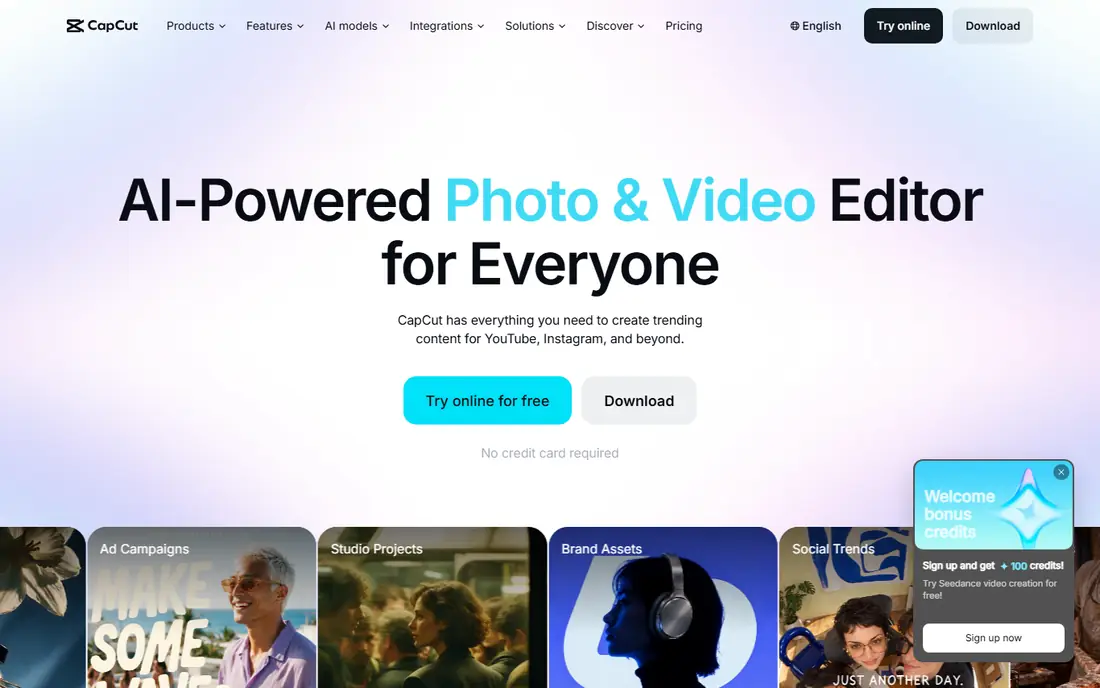
CapCut is the default pick for many short-form creators, and the reason is speed. Templates, trending effects, auto captions, and music tools let you turn clips and photos into a finished short video in minutes. The editor also covers trimming, text, transitions, and aspect ratios for common social platforms.
The free version covers a lot, but some effects, filters, and higher-quality exports sit behind a paid plan, so check what your project needs before you start. If you make shorts and reels every week, CapCut's template flow will save time. If you need precise multi-track control, pair it with a more detailed editor for longer work.
- Large template library
- Auto captions
- Strong short-form tools
- Some advanced features need a paid plan
- Export options vary by feature
InShot keeps editing simple. You can trim clips, join photos and video, add music and text, adjust speed, and set canvas sizes for different platforms without learning a complex timeline. That simplicity makes it a good first app for people who want a clean result without many settings.
The main limit is depth. InShot handles everyday edits well, but it does not match PowerDirector or VN for layered projects, keyframes, or detailed colour work. It is best as a fast everyday maker, not as a replacement for a full editor when a project grows.
- Simple timeline
- Photo and video tools in one app
- Fast sharing
- Free exports can include branding
- Advanced effects are limited
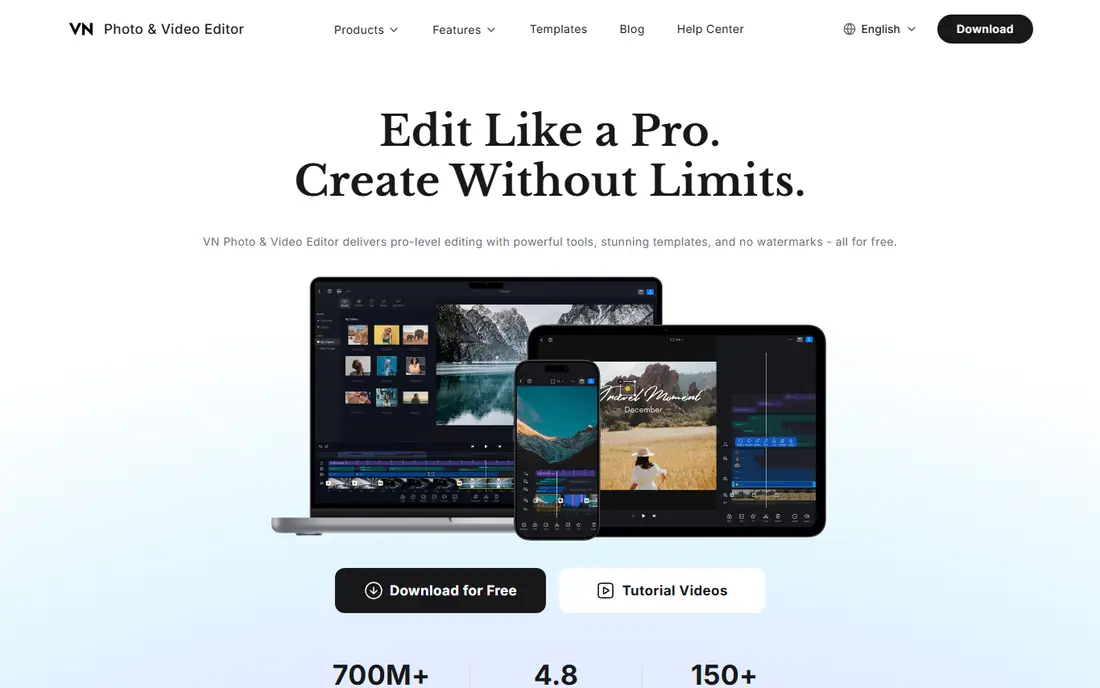
VN, also listed as VN Video Editor, is popular with creators who want pro-style control on a phone. It offers a multi-track timeline, keyframes for movement and opacity, curves for speed, and a tidy interface that stays usable on a small screen. Those tools make it a strong pick for travel videos, vlogs, and short films.
VN has fewer ready-made templates than CapCut, so you will build more from scratch. That is a strength if you want a distinct look, and a drawback if you want a finished video in a few taps. Try a short project first to learn the timeline before you start a longer edit.
- Multi-track timeline
- Keyframes
- Clean exports on many plans
- Fewer templates than CapCut
- Learning curve for new editors
KineMaster has been a mobile editing staple for years, and its strength is layering. You can stack video clips, images, text, handwriting, and stickers, then adjust blending, animation, and timing for each layer. It also offers chroma key for green screen work and a large asset store for effects and music.
On a small phone, that many layers can feel crowded, and free exports may include a watermark depending on the current plan. On a larger phone or tablet, KineMaster is easier to use, and it suits creators who like to build a scene piece by piece rather than use a single template.
- Many layers for video, text, and stickers
- Asset store
- Chroma key tools
- Free version can add a watermark
- Interface feels busy on small phones
PowerDirector, from CyberLink, brings a desktop-style feature set to mobile. It covers multi-track editing, transitions, titles, effects, and stabilisation, and it supports high-resolution exports on capable devices. Users who later move to the desktop version will find a familiar workflow.
For a simple 15-second clip, PowerDirector can feel like more tool than you need, and the best effects and export options may need a paid plan. It earns its place for creators who edit often, want more control, and prefer one app family across phone and desktop.
- Wide effect and transition range
- Multi-track editing
- Desktop version available
- Some features need a subscription
- App can feel large for simple edits
Filmora, from Wondershare, is aimed at creators who want a polished result without learning a pro editor. It offers templates, titles, transitions, and AI-assisted tools for captions, background removal, and smart cuts. The mobile app covers quick social edits, while the desktop app handles longer projects.
Free exports often carry a watermark, so Filmora is best judged after checking the current trial terms. If you plan to publish often, a paid plan removes that limit and opens the full effect library. For occasional use, the guided workflow still helps you learn what a good edit needs.
- Guided effects and titles
- AI tools for captions and cuts
- Large template range
- Watermark on free exports in many cases
- Subscription for full features
Adobe Express is a design tool with solid video features, rather than a full video editor. It suits short branded clips, announcements, and social posts where text, logo, colours, and consistent style matter. Templates, stock assets, and one-click resizing for different platforms save time for small teams.
If your project needs multi-track editing, detailed audio mixing, or long timelines, a dedicated editor will serve you better. Use Adobe Express when the video is part of a brand job, and use a dedicated editor when the edit itself is the main work.
- Brand kits and templates
- Adobe stock and fonts
- Simple resize tools
- Less timeline depth than dedicated editors
- Some assets need a paid plan
Canva lets you make video posts inside the same tool you use for graphics, presentations, and social designs. You can drag clips and photos onto a timeline, add text, music, and animations, and export for social platforms. That all-in-one flow is useful for marketers, teachers, and small businesses.
Canva is not a replacement for a detailed video editor. Timeline control is simpler, and effects are more limited than in VN or PowerDirector. Choose Canva when speed, templates, and brand consistency matter most, and choose a dedicated editor for longer or more complex videos.
- Huge template library
- Photo and video in one design tool
- Team sharing
- Timeline control is basic
- Advanced video effects are limited
Splice, from Bending Spoons, focuses on clean, simple mobile editing. You can trim clips, add music, adjust speed, add text, and export a polished short video without wading through many menus. That focus makes it a good pick for beginners who want a tidy result on the first try.
The effect and template range is smaller than CapCut, so creators who want trending effects may find Splice plain. For travel clips, family videos, and simple social posts, that plainness is a benefit: fewer choices, faster edits, and a result that looks clean rather than busy.
- Clean mobile timeline
- Music library
- Easy speed and text tools
- Smaller effect range than CapCut
- Some features need a subscription
How we picked these
We checked official product pages and app store listings for video maker and editing apps that are currently offered in 2026. We kept apps that edit video on a phone or in a browser, support common social formats, and allow export to a finished video file. We compared template range, timeline control, captions, music, export limits, and free versus paid features, and we left out apps that only play video or only generate AI clips without an editor.
How to choose the right video maker
The best app depends on how often you edit, how long your videos are, and where they will be seen. A template app is best for daily shorts. A timeline app is best for vlogs and longer projects. A design tool is best when video sits inside a wider brand job.
Start with your format
Decide the length and shape first: vertical shorts, square feed posts, or horizontal videos. Check that the app supports that aspect ratio, captions, and export resolution without forcing a paid upgrade for the basics you need. Test one real video end to end before you commit to a subscription.
Check captions and sound
Many people watch social video without sound, so captions matter. Look for auto captions, easy caption editing, and a music library you can use for published work. If you use your own music, check that the app handles audio levels and fades cleanly.
Watch export limits
Free plans differ on watermarks, resolution, and export length. A free app that adds a watermark may still be fine for drafts, but not for client work or a business page. Read the current export terms, and test a short export before you spend hours on a project.
Keep your source files
Save original clips and photos outside the app when you can. That habit lets you re-edit a project in another app if you change tools, and it protects you if a subscription lapses or a project file becomes hard to open.
Frequently asked questions
What is the best video maker app?
CapCut suits most short social videos, VN suits detailed phone edits, and PowerDirector suits creators who want a full feature set on mobile. InShot and Splice suit quick simple edits, while Canva and Adobe Express suit branded posts. Match the app to your format and editing frequency.
What is the best free video maker app?
CapCut, InShot, VN, and Canva all offer useful free tiers. Free plans may limit effects, resolution, or exports, and some add a watermark. Test a finished export before you rely on a free plan for published work, and check the current terms on the vendor site.
What is the best app to make short videos?
CapCut is the strongest pick for short videos, thanks to templates, captions, and social formats. InShot is also fast for simple shorts. If you want more control over a short film or vlog clip, VN gives you a multi-track timeline without leaving your phone.
What is the best photo and video editing app?
Canva and Adobe Express handle both photos and video inside one design tool, which suits social posts and simple adverts. For detailed photo-to-video projects, start in a photo editor, then assemble clips in VN, PowerDirector, or Filmora for better timeline control.
Can I edit video on my phone without a computer?
Yes. All apps in this list are designed for phone or browser use, and most support high-resolution exports on capable devices. For very long projects, large files, or detailed colour work, a desktop editor may still be easier, but phone apps now cover most social video needs.
How do I avoid a watermark?
Use a paid plan, or choose a free tier that states watermark-free exports for your project type. Always test an export before publishing, since watermark rules can depend on the effect, template, or export setting you use.
Sources we checked (9)

Online Jobs is an independent blog about careers, online work, learning new skills and the tools that help people earn. More about us.
Keep reading
All posts
Best Reel Maker App
Looking for the best reel maker app? We compared 9 reel editing apps on free features, captions, templates, export quality and watermarks to help you choose.
Best AI Video Editing Platforms for Quick Edits
Compare the best AI video editing platforms for quick edits in 2026, from Descript and CapCut to Opus Clip, with pricing for creators for creators and teams.

n8n Alternatives
n8n alternatives compared for 2026, with Zapier, Make, Activepieces, and more, covering visual builders, code steps, self-hosting, and pricing models.