Best Video Hosting Platforms in 2026: 9 Platforms Compared

How we put this together: we compare official feature and pricing pages, app store listings, privacy policies and public user reviews. Prices change, so check the provider's site before you pay.
Key takeaways
- YouTube suits public reach and discovery, while Vimeo suits branded, ad-free embedding.
- Wistia suits marketing teams that want viewer analytics and lead capture.
- Vidyard suits sales teams sending personalized video and tracking viewer engagement.
- SproutVideo suits training videos that need strict privacy and access control.
- Brightcove and Kaltura suit large enterprises with complex delivery and security needs.
Quick comparison
| Name | Who it suits | Starting price | Free option | |
|---|---|---|---|---|
 YouTube | Public reach and discovery | Free | Yes | Visit |
 Vimeo | Branded ad-free embedding | $12 per month | Yes | Visit |
 Wistia | Marketing analytics and leads | $79 per month | Yes | Visit |
 Vidyard | Sales video and viewer tracking | $19 per month | Yes | Visit |
 SproutVideo | Private training hosting | $10 per month | Free trial | Visit |
 Brightcove | Enterprise streaming at scale | See website | No | Visit |
 Dacast | Live plus on-demand hosting | $39 per month | Free trial | Visit |
 JW Player | Publisher and OTT delivery | $10 per month | Free trial | Visit |
 Kaltura | Enterprise and education video | See website | Free trial | Visit |
The best video hosting platforms
Video hosting platforms store video, deliver it through a player, and control who can watch it. The best choice depends on audience: public viewers, website visitors, sales prospects, employees or paying subscribers. Privacy, analytics and monetization differ sharply across platforms, so choose by job, not by brand alone.
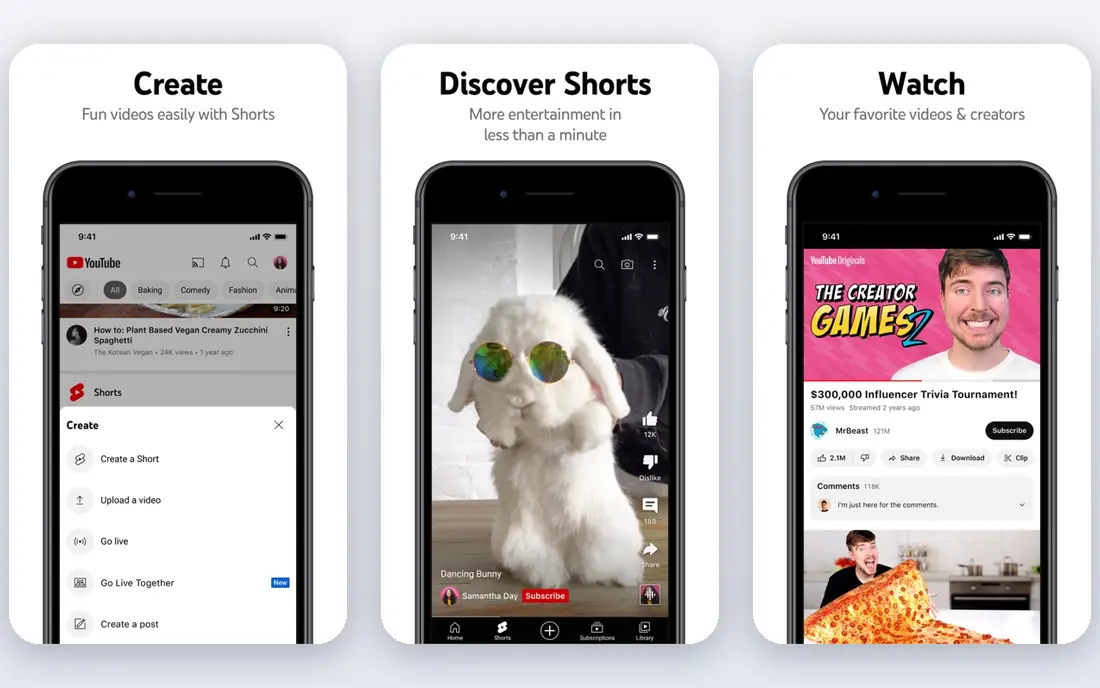
YouTube is the default for public video because it is where viewers already search and watch. Hosting is free, uploads are unlimited in practice for most creators, and live streaming, chapters, captions and analytics are built in. For a creator, course preview or public demo, YouTube discovery can bring viewers that a private host never will.
The trade-off is control. Ads may appear, suggested videos can pull viewers away, and branding and privacy options are limited compared with business hosts. A company that wants video to feel like part of its own site, without distractions, should use YouTube for reach and a business host for embedded website video.
- Largest audience and search reach
- Free hosting
- Live streaming built in
- Ads and suggested videos distract
- Limited privacy and branding control
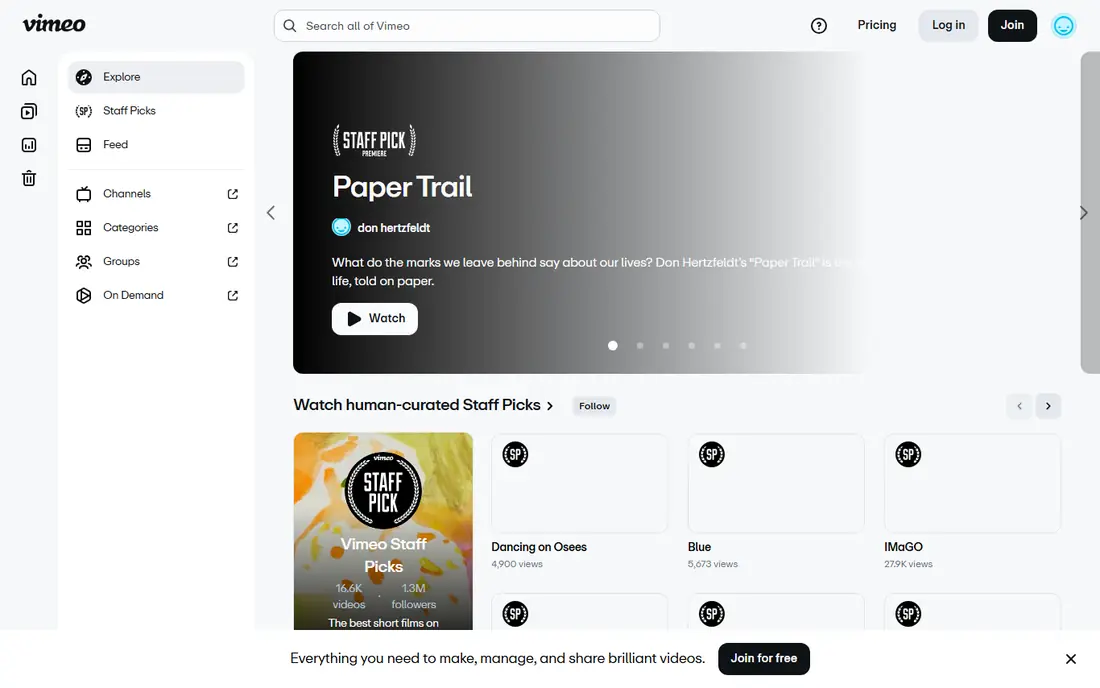
Vimeo suits small businesses that want professional video on their own site. The Starter plan at $12 per user per month in recent listings includes an ad-free customizable player, privacy settings, custom URLs and automatic captioning, with higher tiers adding team collaboration and AI-assisted editing. Videos look like part of the brand, not a social feed.
Marketing depth is the limit. Lead capture and viewer analytics are thinner than Wistia, and enterprises needing complex delivery rules may outgrow Vimeo. For most small businesses hosting demos, client cuts and website video, Vimeo is the easiest business recommendation.
- Ad-free customizable player
- Privacy controls
- Screen recording and basic editing
- Marketing analytics are thinner than Wistia
- Per-user pricing adds up
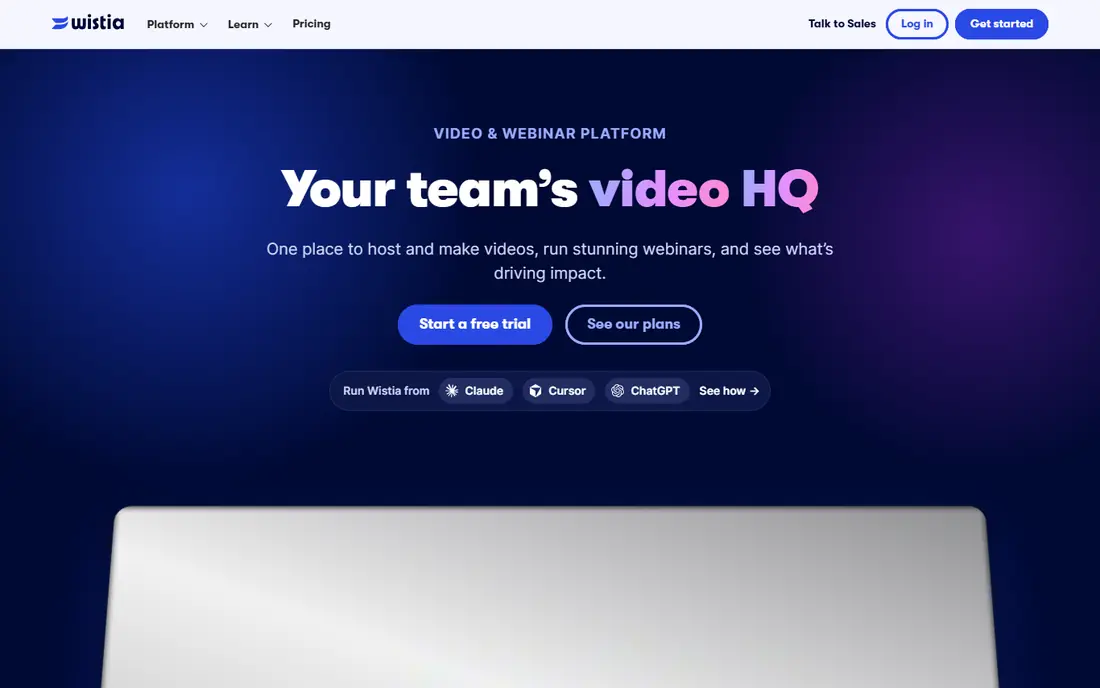
Wistia is built for marketing teams that want to know who watched, for how long, and what they did next. Viewer heatmaps, per-viewer data, CRM integrations and in-player lead capture turn video into a measurable marketing asset. A free plan with limited storage exists, with Business pricing from $79 per month in recent listings.
The price is higher than Vimeo, and storage limits need checking for large libraries. For a marketing team that measures video by leads and pipeline, not just views, Wistia justifies the cost. For simple hosting, Vimeo is cheaper and simpler.
- Viewer heatmaps and CRM data
- Lead capture in player
- Brand control
- Higher entry price than Vimeo
- Storage and video limits vary by plan
Vidyard suits sales teams that send short, personalized videos to prospects and want to know when a prospect watches. Recording tools, hosting, viewer tracking and CRM alerts work together, so a salesperson can follow up at the right moment. Recent listings show Pro pricing from $19 per month, with higher tiers for team features, and a free plan for basic use.
Vidyard is less suited to hosting a large public video library or a course catalog, where Vimeo, Wistia or Kaltura fit better. For one-to-one sales video, its workflow is purpose-built and easy for non-technical teams to adopt.
- Personalized sales video
- Viewer tracking and CRM alerts
- Simple recording tools
- Paid pricing varies by source
- Less suited to large public libraries
SproutVideo suits training videos that need real access control. It offers domain restriction, password protection, login gating and IP controls, with per-viewer tracking for compliance and training records. Recent listings show Seed pricing from $10 per month, with a 30-day trial.
Marketing features are thinner than Wistia, and the player is simpler by design. For a company hosting internal training, client onboarding or paid course video that must stay private, SproutVideo offers strong control at a low entry price. For public marketing video, Wistia or Vimeo will feel richer.
- Strong privacy and access controls
- Per-viewer tracking
- Simple player
- Marketing tools are thinner than Wistia
- Higher tiers needed for large libraries
Brightcove serves large media companies, enterprises and publishers streaming at serious scale, with enterprise delivery, DRM, monetization and analytics. It handles live events, large on-demand libraries and complex delivery rules that smaller hosts cannot. For a global media operation, Brightcove is a proven, scalable choice.
Pricing is custom, and setup needs technical resources, so small teams will find it heavy and expensive. A small business should start with Vimeo or Wistia and move to Brightcove only when scale, security or monetization demands it. For enterprise streaming, Brightcove belongs on the shortlist.
- Enterprise delivery and security
- Live and on-demand at scale
- Monetization options
- Custom pricing
- Overkill for small teams
Dacast combines live streaming and on-demand hosting in one platform, with paywall, subscription and ad monetization options. Recent listings show Starter pricing from $39 per month, with DRM, geo-blocking and password protection for secure delivery. That mix suits sports, education, events and OTT projects that need both live and recorded video.
The interface feels more technical than Vimeo, and large-scale use requires higher tiers. For a team that runs live events and wants to sell or gate recordings in the same place, Dacast is a practical, mid-priced choice.
- Live streaming and on-demand together
- Paywall and monetization
- DRM and geo-blocking
- Interface can feel technical
- Higher tiers needed for scale
JW Player, now part of JWP, offers a flexible video player and hosting platform for publishers, media companies and OTT services. It supports ad, subscription and pay-per-view monetization, with DRM, geo-blocking and analytics for delivery at scale. Recent listings show Starter pricing from $10 per month, with custom plans for larger use.
Full use needs technical setup, so non-technical teams may prefer Vimeo or Wistia for simple embedding. For a publisher or OTT service that needs player control, monetization and delivery flexibility, JW Player is a strong, developer-friendly option.
- Flexible player and delivery
- Ad and subscription monetization
- Analytics
- Needs technical setup for full use
- Pricing varies by plan and usage
Kaltura is a flexible video platform used by enterprises, universities and OTT services for hosting, live streaming, interactive video and internal knowledge bases. It supports DRM, geo-blocking, paywalls and integrations with learning systems, which suits organizations with complex video needs across departments.
Pricing is custom, and implementation can be complex, so small teams should look elsewhere first. For a university, large enterprise or media company that needs one platform for many video jobs, Kaltura offers depth and flexibility that simpler hosts cannot match.
- Flexible enterprise platform
- Education and OTT use
- Interactive video and captions
- Custom pricing
- Implementation can be complex
How we picked these
We compared vendor pricing pages and recent video hosting comparisons from October 2026, and kept only platforms that are live and truly host video for embedding, sales, training or public viewing. We covered public, marketing, sales, private and enterprise use, because one platform cannot serve all those jobs well. Where pricing is custom, we wrote See website.
How to choose a video hosting platform
Start with audience and privacy. Public video belongs on YouTube, website video belongs on a branded host, sales video belongs on Vidyard, and private training belongs on SproutVideo or Kaltura. Next, check analytics: views alone rarely justify a business host, while per-viewer data, lead capture and CRM sync can.
Test embedding, mobile playback and captions with real viewers, and check storage, bandwidth and seat costs at your actual library size. Finally, confirm monetization and security needs, including paywalls, DRM and domain restriction, before committing to a yearly plan. A host that fits today but cannot grow with your library will cost more in migration later.
Frequently asked questions
What is the best video hosting platform?
For public reach, YouTube is best. For branded website video, Vimeo is a strong default. For marketing analytics and leads, Wistia leads, and for sales video, Vidyard leads. For private training, SproutVideo is a strong low-cost choice. The best platform follows audience and privacy needs.
What is the best video sharing platform for business?
Vimeo and Wistia are the most common business choices. Vimeo suits ad-free branded embedding at a lower price, while Wistia suits marketing teams that need viewer analytics and lead capture. Brightcove and Kaltura suit larger enterprises with complex delivery needs.
Is YouTube the best video hosting platform?
YouTube is best for free public hosting and discovery, but it is not best for branded business embedding, private training or lead capture. Many teams use both: YouTube for public reach, and Vimeo or Wistia for website and marketing video where control matters.
How much does video hosting cost?
Entry pricing ranges from free on YouTube and free tiers on Vimeo, Wistia and Vidyard, to $10 per month on SproutVideo and JW Player, $12 per month on Vimeo, and $79 per month on Wistia Business in recent listings. Enterprise platforms like Brightcove and Kaltura use custom pricing. Check storage, bandwidth and seat limits before budgeting.
What is the best video hosting software for training?
SproutVideo suits private training with strong access controls and per-viewer tracking at a low entry price. Kaltura suits larger education and enterprise programs with learning system integrations. Vimeo also works for simple training libraries, but its access controls are less strict than SproutVideo.
Sources we checked (9)

Online Jobs is an independent blog about careers, online work, learning new skills and the tools that help people earn. More about us.
Keep reading
All posts
n8n Alternatives
n8n alternatives compared for 2026, with Zapier, Make, Activepieces, and more, covering visual builders, code steps, self-hosting, and pricing models.

ZoomInfo Alternatives
The best ZoomInfo alternatives in 2026, compared on price, free plans, data coverage, and which tool fits small teams or large sales teams best in detail.

Zoom Alternatives for Webinars
Compare Zoom alternatives for webinars in 2026, from browser-based rooms to enterprise events, with prices, attendee limits, features and honest trade-offs.