Best Video Generator Tool in 2026: 9 Tools Compared

How we put this together: we compare official feature and pricing pages, app store listings, privacy policies and public user reviews. Prices change, so check the provider's site before you pay.
Key takeaways
- Avatar tools such as Synthesia and HeyGen suit training and explainers, while Runway, Kling, and Luma suit original cinematic clips from a prompt.
- Script to video tools such as Pictory, InVideo AI, and Fliki suit marketers turning articles and scripts into finished social and web videos.
- Free plans are useful for testing, but most limit video length, exports, or watermarking, so check those limits before starting a real project.
- Cost per usable clip matters more than the monthly price, because generated video often needs retries before a clip is good enough to publish.
Quick comparison
| Name | Who it suits | Starting price | Free option | |
|---|---|---|---|---|
 Synthesia Synthesia | Avatar training videos | See website | Free trial | Visit |
 HeyGen HeyGen | Multilingual avatar explainers | See website | Free trial | Visit |
 Runway Runway | Cinematic and creative clips | See website | Free trial | Visit |
 Pictory Pictory | Scripts and articles into video | See website | Free trial | Visit |
 InVideo AI InVideo AI | Prompt to finished marketing video | See website | Yes | Visit |
 Kling Kling | Realistic motion clips | See website | Free trial | Visit |
 Pika Pika | Fast social effects clips | See website | Free trial | Visit |
 Luma Dream Machine Luma Dream Machine | Image to video and natural motion | See website | Free trial | Visit |
 Fliki Fliki | Fast narrated text to video | See website | Free trial | Visit |
The best video generator tools
Video generators are not one kind of tool. Some put a presenter on screen without a camera, some turn a script into a narrated video with stock footage, and some generate original moving images from a text prompt. Picking the wrong kind wastes more time than learning any one tool, so this list is grouped by the job each tool does best.
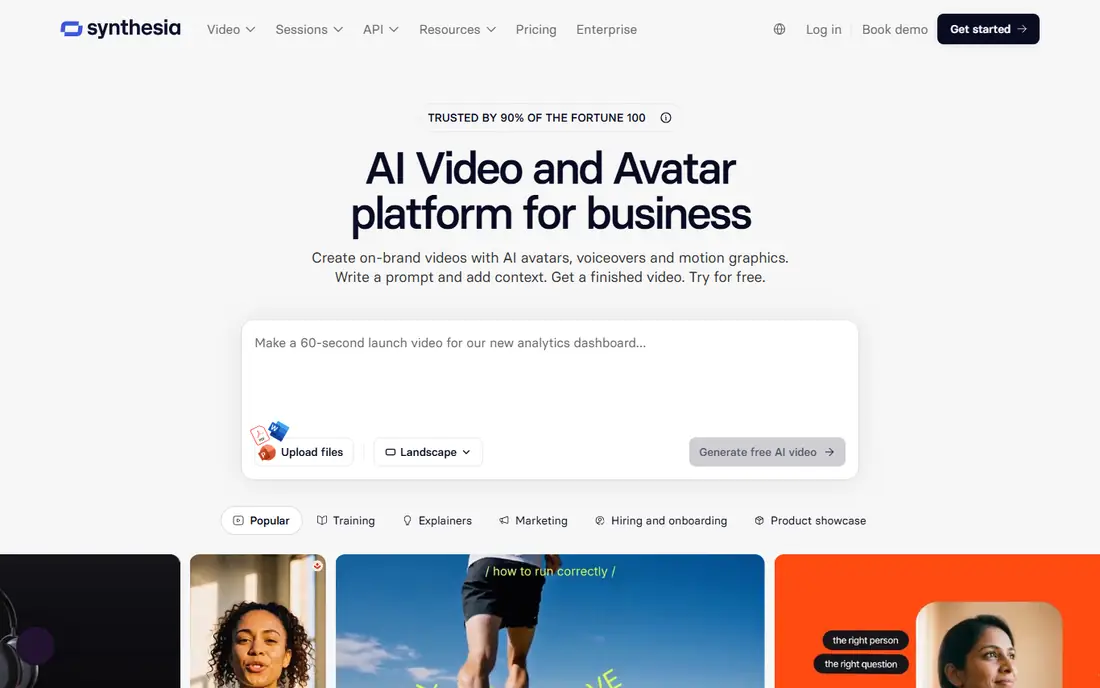
Synthesia is the business pick when a presenter needs to deliver a script without filming. You type or paste a script, choose an avatar, and produce a training, onboarding, or compliance video that can be updated by editing text rather than reshooting. That update workflow is the real saving for teams with many courses or policy videos.
The limit is tone. Avatar presenters suit formal and instructional content well, but they can feel stiff for casual social video or storytelling. Pricing is also built for business use rather than casual creators. If your job is repeatable training in many languages, Synthesia is a strong and practical choice.
- Large avatar and language range
- Templates for training
- Easy script editing and updates
- Avatar delivery can feel formal for casual social content
- Best features are paid

HeyGen suits marketing teams that need a presenter in several languages without hiring presenters in each market. The avatar and voice options cover explainers, product updates, and short ads, and translation features help a single script reach more audiences. Setup is fast, and the templates keep short videos looking consistent.
The free plan only allows a small number of short videos, so real testing needs a paid plan. Avatar delivery also depends on script quality, since long or awkward sentences show up quickly in lip sync and pacing. For multilingual explainers at scale, HeyGen is a flexible and popular option.
- Talking avatars with voice options
- Translation and localisation
- Marketing templates
- Free plan is very limited
- Avatar realism varies by voice and script
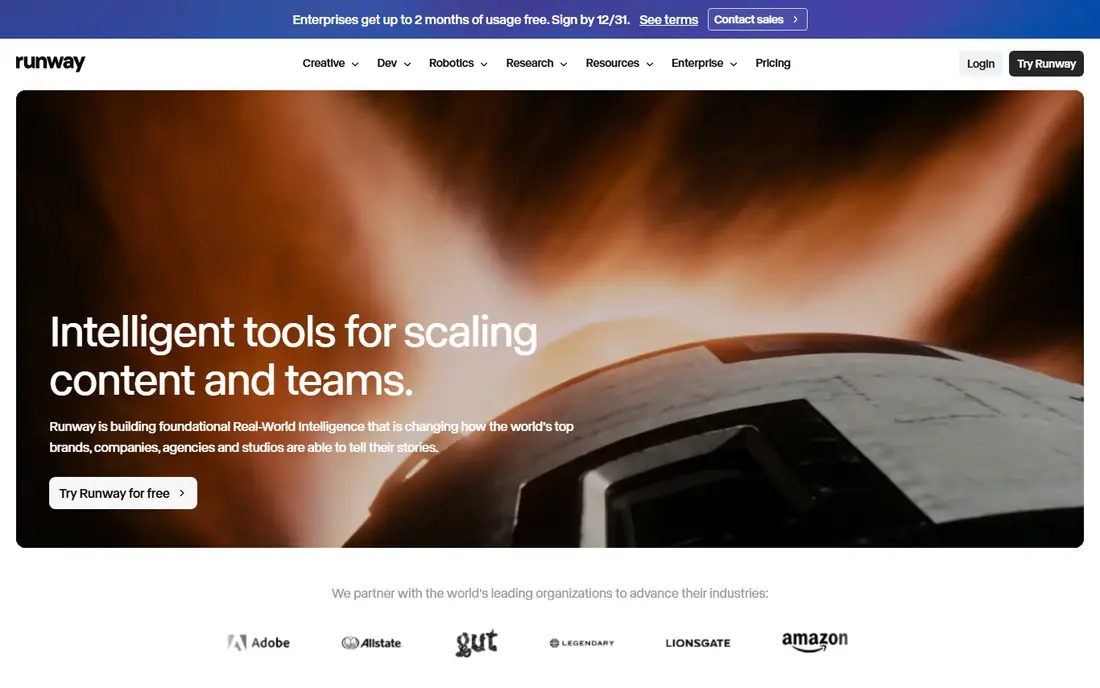
Runway is the creative workspace pick. It generates original clips from text or images, and it adds editing tools for refining, extending, and combining footage. Filmmakers, agencies, and creators who need original visuals rather than stock footage will find the most control here, including camera direction and style choices.
The cost model needs care. Generations use credits, and retries for a usable clip can add up, so heavy users should budget for more than the base plan. Runway also rewards users who learn prompting and controls, while beginners may get uneven results at first. For original and cinematic work, it remains a leading choice.
- Strong creative controls
- Text and image to video
- Editing tools beyond generation
- Credit system can get costly with retries
- Learning curve for best results
Pictory suits marketers who already have words and need video fast. Paste a script or a blog post, and Pictory matches sentences to stock footage, adds captions and narration, and produces a finished video for web or social use. It also cuts long recordings into short clips, which helps teams repurpose webinars and interviews.
The visuals are stock based, so a niche topic may get generic footage that does not quite match the script. There is also no generous free plan for ongoing use, so budget for a subscription if video is a weekly job. For repurposing written content into video, Pictory is efficient and easy to learn.
- Turns scripts, blog posts, and long videos into short clips
- Stock footage matching
- Captions
- No persistent free plan for regular use
- Visuals depend on stock library fit
InVideo AI is the all in one pick for a creator who wants a finished video from a prompt without juggling several tools. It writes a script outline, selects visuals, adds voiceover and captions, and lets you edit the result in a browser editor. That workflow suits social posts, ads, and short explainers where speed matters more than cinematic originality.
Free exports carry a watermark and have limits on minutes, so published work usually needs a paid plan. Generated clips can also feel generic until you edit pacing and visuals. For fast marketing video with a simple editor in the same place, InVideo AI is a practical starting point.
- Prompt to video workflow
- Templates for social and ads
- Free plan for testing
- Free exports are watermarked and limited
- Generated footage may need editing
Kling has gained attention for realistic motion in generated clips, including complex movement and scene detail that cheaper models handle less well. It suits creators who need short cinematic shots, product visuals, or social clips with a polished look, and image to video helps when you already have a strong still image to animate.
As with Runway, credit pricing means retries cost money, and a vague prompt can waste credits on unusable clips. The interface also packs in many models and options, which takes time to learn. For realistic generated motion at a competitive price, Kling is worth testing against Runway on the same prompts.
- Strong motion and realism for generated clips
- Image to video
- Competitive pricing tiers
- Credit based pricing
- Results vary with prompt detail
- Interface can feel busy
Pika suits fast social content, effects, and transformations rather than long films. You can animate an image, apply an effect, or generate a short clip for a feed post in minutes, which fits creators who publish often and need novelty. The tool is also easy to try, with a free tier for testing ideas.
The limit is length and depth. Pika is not built for a structured training video or a long narrative, and effect quality varies, so some generations will miss. Use it for short, punchy social clips, and use Synthesia, Pictory, or Runway when the video needs structure, narration, or cinematic control.
- Fast generation for social clips
- Effects and transformations
- Easy to try
- Short clip focus
- Less suited to long narrative video
- Quality varies by effect
Luma Dream Machine is known for turning still images into moving clips with natural motion, which suits creators who have strong photos or artwork and want to bring them to life. It also generates clips from text, and the results suit B roll, social backgrounds, and creative experiments where a real camera shot would be costly.
Clip lengths are short, and plans are credit based, so a project needing many long clips will need a higher tier. Luma also offers fewer business templates than Synthesia or Pictory, so training and marketing teams may need another tool for structured videos. For image led creative clips, it is a strong and accessible option.
- Natural motion from images
- Easy prompt workflow
- Good for creative B roll
- Clip length limits
- Credit based plans
- Less business template support
Fliki suits creators who need narrated video from text quickly, such as faceless channels, tutorials, and short explainers. You paste text, choose a voice, and Fliki builds scenes with stock visuals and captions, which is much faster than recording and editing narration yourself. The voice range helps when a project needs more than one tone.
The visuals depend on stock matching, so a specialised topic may get generic scenes, and the free plan limits minutes and exports. Fliki also gives less creative control over motion than a generative model. For fast narrated content at volume, it is efficient, and it pairs well with a generative tool when a custom shot is needed.
- Fast text to narrated video
- Many voices
- Stock visuals per scene
- Visuals are stock based
- Free plan is limited
- Less creative control than Runway
How we picked these
We compared official feature pages, pricing pages, and current 2026 guides for tools that generate video from text, images, or scripts and are available to ordinary users and small businesses. We mixed avatar platforms, script to video tools, and cinematic generators, rather than ranking them as if they did the same job. We used See website where a stable public starting price could not be confirmed from the vendor site at the time of writing, since many of these tools use credit systems and prices change often.
How to choose for your video job
Start by naming the output. If the video needs a presenter, shortlist Synthesia and HeyGen. If it needs narration over stock visuals, shortlist Pictory, InVideo AI, and Fliki. If it needs original moving images, shortlist Runway, Kling, Luma, and Pika. That one decision removes most of the list and prevents the common mistake of judging an avatar tool on cinematic quality, or a cinematic tool on training templates.
Next, test cost per usable clip, not only the monthly price. Generate the same five prompts in two tools, count how many attempts each needed for a publishable clip, and divide total credits or spend by usable clips. A cheaper plan that needs three retries can cost more than a dearer plan that lands on the first try. Also check export limits, watermarks, and commercial use terms before publishing client work.
Finally, check disclosure and consent for avatar and voice work. If you clone a voice or likeness, get clear permission and follow the vendor rules for labelled AI content. For marketing and training use, that care protects both your audience and your business, and it keeps AI video useful rather than misleading.
Frequently asked questions
What is the best video generator tool?
For avatar training videos, Synthesia is a leading pick, while HeyGen suits multilingual marketing explainers. For cinematic clips, Runway and Kling lead, and for script to video marketing, Pictory and InVideo AI are strong. The best tool depends on whether you need a presenter, narration, or original footage.
What is the best free video generator tool?
InVideo AI, Runway, Pika, and Luma offer free plans or trials for testing, but free exports are usually watermarked, short, or credit limited. A free plan is good for learning a tool and testing prompts, while regular publishing usually needs a paid plan for clean exports and enough minutes or credits.
Can AI video replace a camera crew?
For training, explainers, and short marketing videos, AI video can replace much of the filming and editing work. For high end brand films, documentaries, and work that needs real people, locations, and nuance, a camera crew still produces results AI cannot match. Many teams now mix both, using AI for volume and filming for hero content.
How long can AI generated clips be?
Most cinematic generators produce short clips, often a few seconds to under a minute per generation, which are then edited together. Avatar and script tools produce longer finished videos by combining scenes, narration, and slides. Check clip length, not only total video length, when comparing plans.
Do I own the videos I generate?
Ownership and commercial use terms vary by vendor and plan, so read the terms on the vendor site before using generated video for client or advertising work. Keep copies of the plan terms at purchase time, and check rules for voice cloning, likeness use, and AI content labelling in your market.
Sources we checked (9)

Online Jobs is an independent blog about careers, online work, learning new skills and the tools that help people earn. More about us.
Keep reading
All posts
Workday Alternatives
We compared the best workday alternatives for HR, payroll, and global hiring, from BambooHR and Gusto to Rippling, Deel, and HiBob for growing teams in 2026.

Which SaaS Tools Have the Best Customer Support
Which SaaS tools have the best customer support? Compare eight popular tools on help centres, live help, response options and overall support quality.

Top AI Helpdesk Software
Searching for top AI helpdesk software in 2026? We compared 8 AI helpdesks on automation, pricing, channels and ease of setup for small and growing teams.