Best Video Editing Software for PC in 2026: 9 Editors Compared


Free professional editing and color · Starting price: Free
How we put this together: we compare official feature and pricing pages, app store listings, privacy policies and public user reviews. Prices change, so check the provider's site before you pay.
Key takeaways
- DaVinci Resolve is the best free PC editor for serious work, with professional editing, color, and audio at no cost.
- Premiere Pro suits editors already in the Adobe system, but the subscription adds up over years.
- Filmora, PowerDirector, and Clipchamp suit beginners and social creators who want fast results without a steep learning curve.
- Check your PC specs before buying, since pro editors need a capable processor, graphics card, and fast storage.
- A one-time purchase such as DaVinci Resolve Studio or VEGAS Pro can save money over a subscription if you edit long term.
Quick comparison
| Name | Who it suits | Starting price | Free option | |
|---|---|---|---|---|
| DaVinci Resolve | Free professional editing and color | Free | Yes | Visit |
 Adobe Premiere Pro | Professional editors in Adobe teams | $22.99 per month | Free trial | Visit |
 Wondershare Filmora | Beginners and social creators | $49.99 per year | Free trial | Visit |
 CyberLink PowerDirector | Fast feature-rich editing | $59.99 per year | Yes | Visit |
 CapCut for PC | Short-form and social video | Free | Yes | Visit |
 VEGAS Pro | Windows editors wanting a perpetual license | $219.95 one-time | Free trial | Visit |
 Microsoft Clipchamp | Quick edits on Windows | Free | Yes | Visit |
 Shotcut | Free open-source editing | Free | Yes | Visit |
 Movavi Video Editor | Simple edits for new creators | See website | Free trial | Visit |
The best video editing software for PC
PC editing ranges from free open-source tools to full professional suites, and the right pick depends on your projects, your hardware, and how much time you want to spend learning. We compared official pricing and feature pages for editors that run well on Windows PCs in 2026, covering free, subscription, and one-time options.
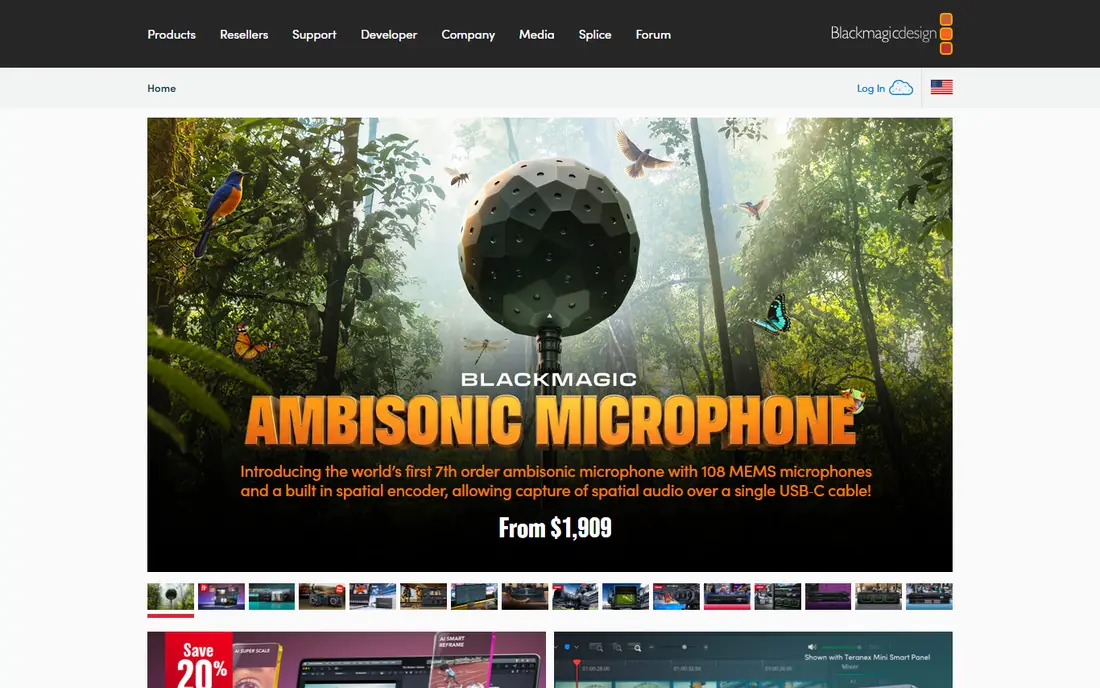
DaVinci Resolve is the strongest free editor on PC by a clear margin. The free version covers timeline editing, color grading, audio mixing, and visual effects, and it exports in high quality without a watermark. Many professionals use the free version for real client work, which tells you how complete it is.
The learning curve is real, and the interface packs in far more than a beginner needs on day one. A modest PC will handle simple projects, but 4K work with effects needs a stronger processor and graphics card. If you plan to edit seriously, start free, learn the basics, and buy Studio later only if you need its advanced tools.
- Professional editing, color, audio, and effects in one app
- Free version exports without a watermark
- Studio is a one-time purchase
- Steep learning curve
- Needs a capable PC for heavy projects
- Studio costs $295 one-time for advanced features
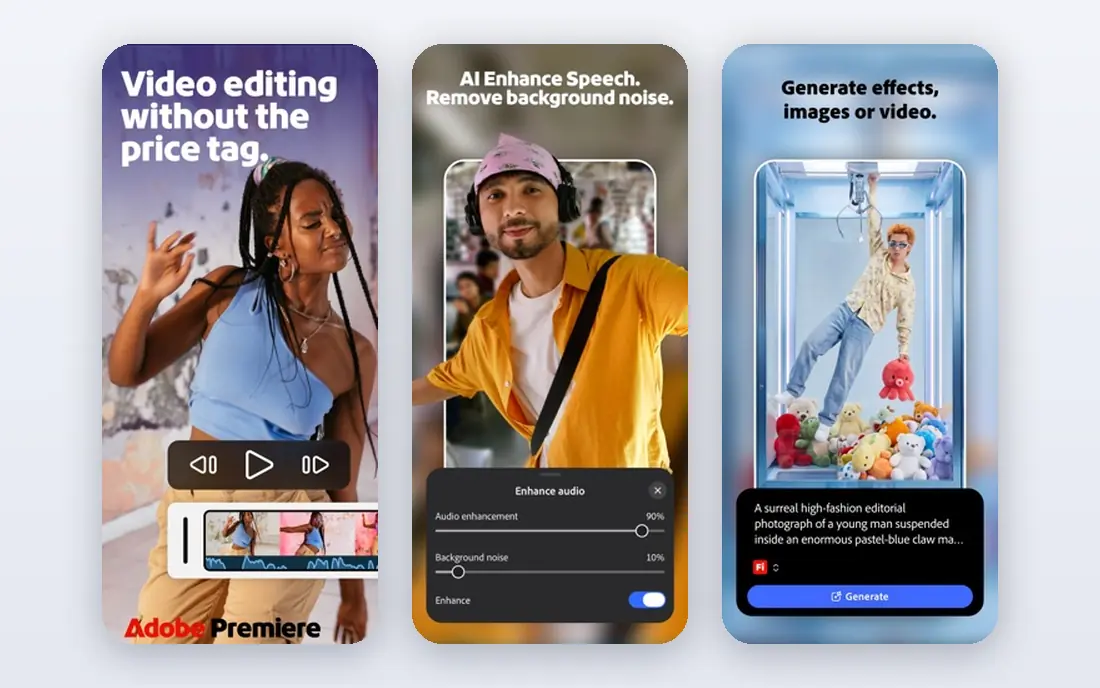
Premiere Pro remains the professional standard for many studios and agencies, especially teams that already use After Effects, Photoshop, and Audition. Shared projects, cloud libraries, and a huge plugin ecosystem make it a safe choice for collaborative work. If a client or employer expects Premiere files, there is no substitute.
The subscription is the long-term cost to weigh. At the single-app monthly price, several years of editing cost far more than a one-time editor, and you lose access if you stop paying. Premiere also rewards a strong PC. Choose it for professional team work or Adobe workflows, and choose Resolve if you edit alone and want to avoid a subscription.
- Industry-standard timeline
- Deep Adobe integration with After Effects and Photoshop
- Strong team and cloud workflows
- Subscription cost adds up
- Needs a strong PC
- Some features require other Adobe apps
Filmora is built for creators who want a polished video fast. Templates, titles, transitions, and AI helpers such as auto captions do much of the routine work, and the timeline stays simple enough for a first-time editor. For YouTube, social, and marketing videos, Filmora gets you from footage to publish with less friction than a pro suite.
Serious editors will notice limits in color grading, audio mixing, and complex effects. The free trial exports with a watermark, so budget for a paid plan if you publish. Filmora is the right pick when speed and simplicity matter more than professional depth, and when you would rather edit than study an editor.
- Easy timeline and templates
- AI helpers for captions and editing
- Good effects and stock library
- Free exports carry a watermark
- Advanced color and audio tools are thinner than pro editors
- AI features may need credits
PowerDirector sits between beginner editors and pro suites. It renders fast, offers a large library of effects, titles, and templates, and gives more manual control than Filmora without demanding pro skills. Enthusiasts who edit family videos, travel films, and small business content often find it the sweet spot.
The 365 subscription version is the main way to get the full library, while a perpetual version costs more up front. The interface packs in many panels, which can feel busy at first. If you want speed, effects, and a bit more control than a beginner tool, PowerDirector is a strong PC choice.
- Fast rendering
- Large effects and template library
- Good balance of ease and control
- Subscription model for the 365 version
- Interface can feel busy
- Pro color tools lag Resolve
CapCut for PC brings the fast social editing style of the mobile app to a desktop timeline. Templates, auto captions, trending effects, and one-click vertical formats make short-form video quick, which is why many TikTok, Reels, and Shorts creators use it daily. The free version covers a lot of everyday social editing.
Long-form work is where CapCut feels thin. Complex timelines, advanced color, and detailed audio work are better in Resolve or Premiere. Some premium assets and cloud features also need the Pro plan. Use CapCut when short social videos are the job, and keep a fuller editor for longer projects.
- Free to start
- Fast templates and auto captions
- Built for vertical and short-form video
- Pro features need a paid plan
- Best for short videos, not long-form projects
- Cloud features vary by plan
VEGAS Pro has a loyal Windows following for a reason: the timeline is fast and flexible, audio tools are strong, and you can buy a perpetual license instead of renting software forever. Editors who cut long projects on Windows often praise how quickly they can arrange, trim, and mix without fighting the interface.
The ecosystem is smaller than Adobe, so some plugins and tutorials are harder to find, and the look feels older than newer editors. VEGAS is Windows only, so Mac users must choose another tool. If you edit on Windows and want to own your editor, VEGAS Pro is a credible long-term alternative to a subscription.
- Perpetual license option
- Fast customizable timeline
- Strong audio tools
- Windows only
- Smaller plugin and tutorial ecosystem than Premiere
- Interface feels dated to some users
Clipchamp is the quickest way to edit on a Windows PC without installing a heavy suite. It is built into Windows, offers templates, stock media, and a simple timeline, and handles trims, titles, and basic social edits well. For school, work, and casual creators, it removes the setup barrier entirely.
Advanced editors will hit limits fast. Color control, effects depth, and long-form timeline tools are thinner than Resolve or Premiere, and premium stock and features need a paid plan. Clipchamp is best as an everyday quick editor, not a replacement for a pro suite. Keep it for short jobs and use a fuller editor for serious projects.
- Free and built into Windows
- Simple timeline
- Templates and stock media for quick projects
- Limited advanced editing
- Premium features need a paid plan
- Browser-based workflow can feel slower on large files
Shotcut is a free, open-source editor that covers real editing work without a watermark, a subscription, or a trial limit. It supports a wide range of formats, offers filters, transitions, and multi-track timelines, and runs on PCs that would struggle with a pro suite. For a zero-budget editor who wants honest software, Shotcut is hard to fault.
Polish is the trade. The interface is functional rather than friendly, templates and AI helpers are thin, and new editors need patience to learn the workflow. If you want free and capable and you do not mind a plainer interface, Shotcut delivers. If you want guided templates, Filmora or Clipchamp will feel easier.
- Completely free with no watermark
- Supports many formats
- Runs on modest PCs
- Interface is less polished
- Fewer templates and AI helpers
- Learning curve for new editors
Movavi Video Editor is one of the simplest editors here, built for people who want a finished video without learning editing theory. Montage tools, slideshows, titles, and simple effects cover family videos, school projects, and hobby content well. The timeline stays clear, and most users can finish a first video in an evening.
Professional controls are limited, so editors who grow into color grading or advanced audio will outgrow Movavi. Pricing varies by plan, so check the vendor page for your region before buying. Movavi fits new creators who value simplicity above depth, and it is a kind first step before moving to Filmora or Resolve.
- Very easy for beginners
- Quick montage and slideshow tools
- Good for family and hobby videos
- Limited pro controls
- Pricing varies by plan and region
- Effects library is smaller than PowerDirector
How we picked these
We compared official pricing and feature pages for PC editors that run on Windows, export in common formats, and suit a clear user type, from free open-source tools to pro suites. We kept editors that work in 2026 without a Mac-only limit, and we wrote See website where pricing varies by plan or region. We left out Mac-only editors, since this list is for PC users.
Matching the editor to your PC
Before you buy, check the editor's system requirements against your PC, especially graphics card, memory, and storage speed. Pro editors handle 4K better with a dedicated graphics card and fast SSD storage, while lighter editors run well on modest laptops. Try the free version or trial on your own footage first, since a smooth edit on a short clip can still stutter on a long 4K project.
Subscription or one-time purchase
Add up the cost over three years. A subscription that looks cheap monthly can exceed a one-time purchase, while a one-time purchase may lack new features until you upgrade. If you edit every week for years, Resolve Studio or VEGAS Pro often cost less. If you edit for a short project or need Adobe team tools, a subscription makes more sense.
Frequently asked questions
What is the best editing software for PC for beginners?
Filmora is the easiest strong pick for beginners who want templates and AI help, while Clipchamp is the simplest free start on Windows. Movavi is also very easy for family and hobby videos. Try the free version of each on your own footage before paying.
What is the best video editing software for PC free?
DaVinci Resolve is the best free PC editor for serious work, with professional tools and watermark-free exports. Shotcut is the best free open-source option for modest PCs, and Clipchamp and CapCut cover quick and social edits for free. Resolve wins if you want room to grow.
What is the best PC video editing software for YouTube?
Filmora and CapCut suit fast YouTube and social videos, while DaVinci Resolve suits creators who want professional color and audio as their channel grows. Premiere Pro suits creators working with Adobe teams or agencies. Pick by video length and how much control you want over the final look.
What is the top 5 video editing software for PC?
A solid top five for PC is DaVinci Resolve, Premiere Pro, Filmora, PowerDirector, and CapCut, since together they cover free pro work, team work, beginner speed, enthusiast features, and short-form social video. Add VEGAS Pro if you want a perpetual Windows license.
Does video editing software need a powerful PC?
Pro editors benefit from a strong processor, dedicated graphics, plenty of memory, and fast storage, especially for 4K. Lighter editors such as Clipchamp, Shotcut, and Filmora run on more modest PCs, but long 4K projects will still test any machine. Check requirements and trial the editor on your own footage.
Is Premiere Pro or DaVinci Resolve better for PC?
Resolve is better for solo editors who want professional tools without a subscription, while Premiere Pro is better for Adobe teams, shared projects, and clients who expect Premiere files. Both are professional tools, so the deciding factor is usually team workflow and long-term cost.
Sources we checked (9)

Online Jobs is an independent blog about careers, online work, learning new skills and the tools that help people earn. More about us.
Keep reading
All posts
Zoom Alternatives
Zoom alternatives compared for 2026: Google Meet, Microsoft Teams, Webex, Jitsi and more for free calls, large meetings and webinars for teams and classrooms.

Which Software Is Best for PDF Page Removal
Which software is best for PDF page removal? We compare free and paid tools for deleting pages quickly, safely, and without harming your file in this guide.

Which Software Is Best for Data Entry
Compare the best data entry software for forms, OCR scanning, and spreadsheets, with free plans, pricing, and honest limits for each tool before you commit.