Best Vibe Coding Tools in 2026: 8 Tools Compared

How we put this together: we compare official feature and pricing pages, app store listings, privacy policies and public user reviews. Prices change, so check the provider's site before you pay.
Key takeaways
- Vibe coding splits into two jobs: full app builders such as Lovable, Bolt.new and Replit, and AI editors such as Cursor and Windsurf for existing code.
- Most paid plans are metered by credits or tokens, so the headline price is a starting point, not the whole monthly cost.
- GitHub Copilot Pro at $10 per month is the cheapest paid editor option here, while Cursor Pro and Windsurf Pro both start at $20 per month.
- If you want a live product with hosting and a database, start with a builder, not an editor, and check what a custom domain requires.
- Review every AI change before it ships, because generated code can look finished while missing edge cases, security checks or tests.
Quick comparison
| Name | Who it suits | Starting price | Free option | |
|---|---|---|---|---|
 Lovable Lovable | Founders building a full web app | $25 per month | Yes | Visit |
 Bolt.new Bolt.new | Fast browser-based prototypes | $25 per month | Yes | Visit |
 Replit Replit | All-in-one building and hosting | $20 per month | Yes | Visit |
 Cursor Cursor | Daily coding in an AI editor | $20 per month | Yes | Visit |
 Windsurf Windsurf | Agentic coding with quotas | $20 per month | Yes | Visit |
 v0 v0 | React and Next.js interfaces | $30 per month | Yes | Visit |
 GitHub Copilot GitHub Copilot | Everyday help inside your editor | $10 per month | Yes | Visit |
 Claude Code Claude Code | Terminal and IDE agentic coding | $20 per month | No | Visit |
The best vibe coding tools
Vibe coding means describing what you want in plain words and letting an AI tool draft, revise and run the code. These eight tools cover that idea from different angles, so pick by the job, not by the hype.
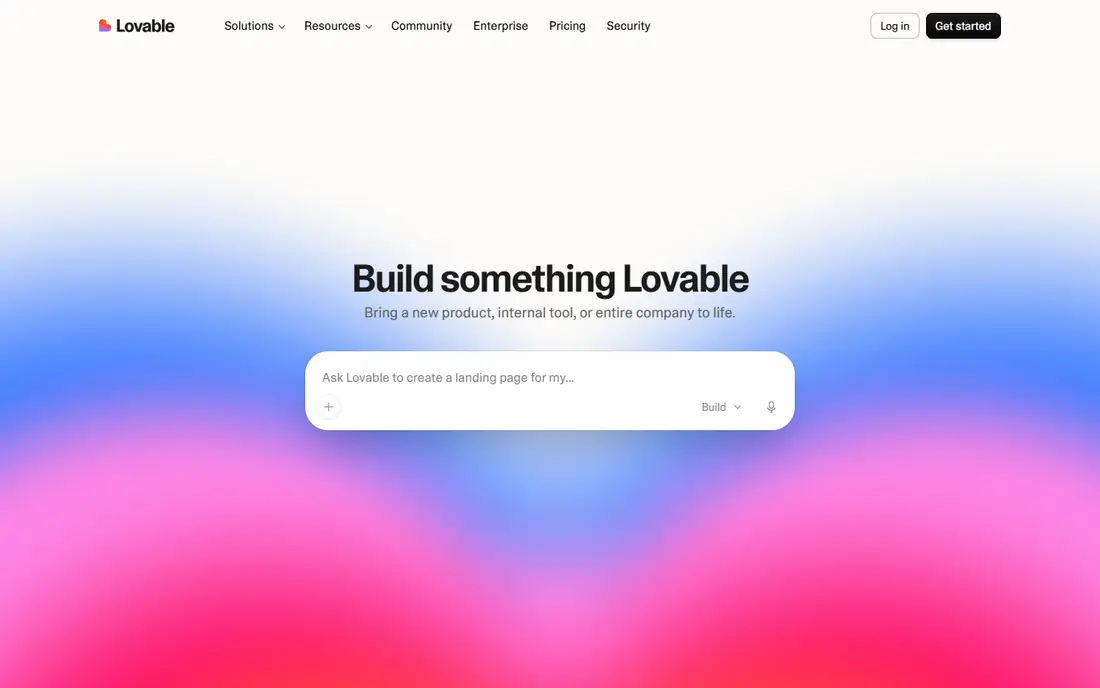
Lovable turns a written brief into a working web app with a front end, backend services and hosting in one place. That breadth is why it suits a founder who wants a testable product without hiring a developer first, and its GitHub sync gives a useful exit route when the project outgrows the builder. The free plan gives daily build credits, capped each month, which is enough to test the workflow on a small idea.
The catch is the meter. Pro starts at $25 per month for 100 monthly credits, plus daily build credits, and the same balance also covers hosting and running the app on Lovable Cloud. That makes a quiet prototype cheap and a busy live app harder to predict, so set a budget, watch credit use during debugging, and only scale the credit tier when real users justify it.
- Full-stack builds with hosting and database included
- GitHub sync for moving code out
- Shared workspace credits for teams
- Credits also pay for running a live app, so costs grow with use
- Custom domains need a paid plan
- Debugging can burn credits fast
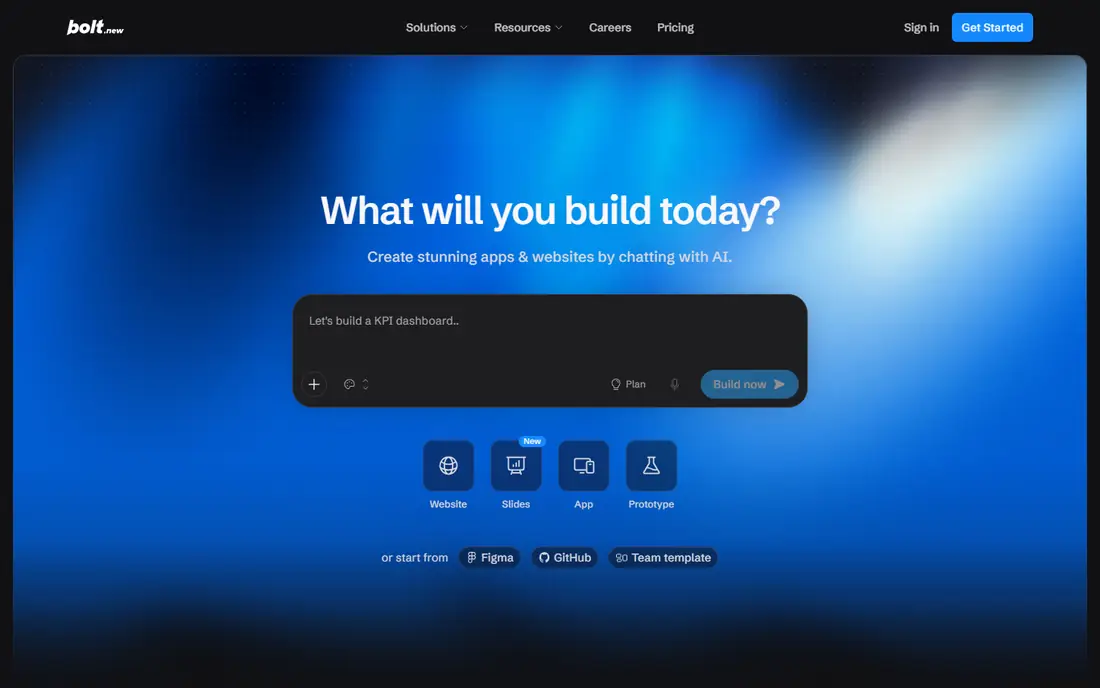
Bolt.new is the quickest way we found to go from a prompt to a running app in a browser tab, with no install step and no separate hosting account to configure. That makes it a strong choice for a landing page, a demo or a first version you want to show someone the same day. The free plan includes 1 million tokens a month with a 300,000 token daily limit, which covers small experiments.
The honest limit is token math. Pro starts at $25 per month for 10 million tokens a month with no daily cap, and each prompt resends project context, so larger projects cost more per edit than small ones. If you build in short, clear steps and review each change, the allowance stretches further, but a long debugging loop can eat a month of tokens in an afternoon.
- Builds and runs in the browser with no local setup
- Hosting and databases included
- Paid tokens roll over for one extra month
- Token use grows as projects get larger
- Free sites carry Bolt branding
- Custom domains need Pro
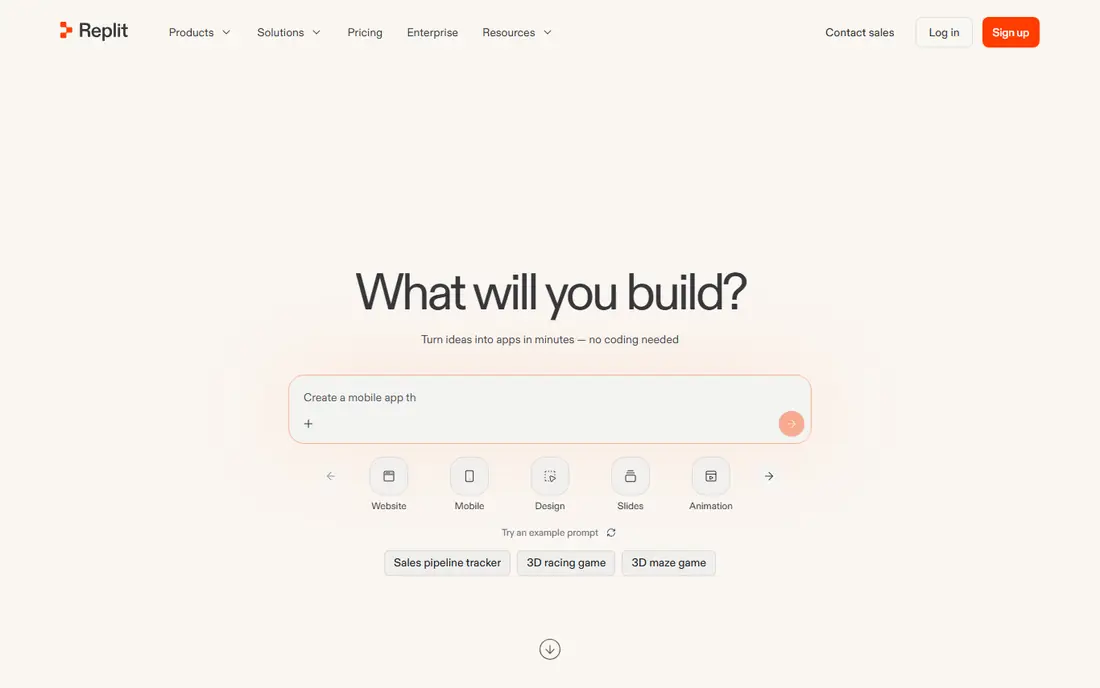
Replit suits builders who want one workspace for the whole job, from the first prompt to a published link, without stitching together separate tools. Its agent can plan and write code, its built-in database removes a common setup step, and the design canvas helps when a visual change is easier than another prompt. The free Starter plan is useful for learning the flow and testing an idea.
Pricing needs a careful read. Core costs $20 per month and includes $20 in monthly credits, while Pro costs $100 per month with $100 in credits, and extra usage is billed on top. That structure rewards small, focused builds and punishes open-ended agent sessions, so use plan mode for big changes, publish only when a version is stable, and set spending controls before you share a link widely.
- Agent, database, hosting and publishing in one workspace
- Design canvas for visual work
- Collaboration built in
- Credits cover building, compute and publishing, so totals vary
- Free published apps expire after 30 days
- Heavy agent work can cost more than the plan price
Cursor is an AI-first code editor, not a prompt-to-app builder, and that distinction matters. It fits developers who already work in code and want an agent to handle multi-file edits, refactoring and review, while they stay in control of the result. Tab completions help with routine lines, and agent mode can take on larger tasks across a codebase.
Pro costs $20 per month, with Pro+ at $60 and Ultra at $200, and included usage depends on the plan and the model chosen. Cursor itself notes that daily agent users often land around $60 to $100 per month in total usage, so treat Pro as a starting point for light agent work, not a fixed price for heavy use. Review diffs carefully, keep tests running, and pick cheaper models for routine edits.
- Agent mode across multiple files
- Choice of leading models
- Cloud agents and code review features
- Heavy agent use can push total cost well above Pro
- Model choice affects how fast included usage is spent
- Best for people who already code
Windsurf pairs an editor with Cascade, an agent that reads a codebase, plans a change, edits files and runs terminal commands. That makes it a natural alternative to Cursor for developers who want agent help without watching a monthly credit pool. The free plan includes a light quota plus unlimited tab completions, which is enough to judge the editor on real work.
Pro costs $20 per month and Max costs $200 per month, with daily and weekly quotas that refresh rather than a monthly credit balance. Quotas make spending more predictable, but they can also stop a heavy session mid-task, so the trade is steadiness against peak capacity. If your work comes in bursts, Cursor-style pooling may suit you better, while steady daily coding fits Windsurf well.
- Cascade agent plans and runs multi-step tasks
- Unlimited tab completions on every plan
- Plugins for other editors
- Daily and weekly quotas can cap a heavy day
- Pricing has changed more than once, so check the current page
- Team pricing is more complex
v0 is the pick when the interface is the product, or at least the part you need to get right first. It turns prompts or designs into React components and Next.js apps, lets you adjust results visually in Design Mode, and syncs code to GitHub so a team can take over. Designers and frontend developers will feel at home here faster than in a general full-stack builder.
The price to watch is Plus at $30 per user per month, which includes $30 in monthly credits plus daily login credits, while Business costs $100 per user per month. Credits are spent at per-model token rates, so a complex generation on a top model costs far more than a small edit on a light model. The free plan allows 7 messages a day, which suits a trial, not a full build, and Vercel hosting sits outside the v0 plan itself.
- High quality React and Next.js output
- Visual Design Mode for tweaks
- Deploys straight to Vercel with GitHub sync
- Frontend first, with thinner backend support
- Credit use depends on the model chosen
- Vercel hosting is billed separately
GitHub Copilot is the least disruptive option on this list, because it lives inside editors developers already use instead of asking them to move to a new one. Completions and next-edit suggestions stay unlimited on paid plans, which keeps everyday coding help predictable, and chat, agent mode and the CLI draw from a monthly AI credit allowance. That split is the key to budgeting it well.
Pro costs $10 per month with 1,500 AI credits, Pro+ costs $39 per month with 7,000 credits, and Max costs $100 per month with 20,000 credits, with one credit worth $0.01. The free plan includes 2,000 completions a month plus limited chat and agent use. For a developer who mainly wants inline help with occasional agent work, Pro is strong value, while agent-heavy days point toward Pro+.
- Works in VS Code, Visual Studio, JetBrains and more
- Unlimited completions on paid plans
- Cheapest paid editor here
- Chat and agent work draw from a credit pool
- Free plan is limited and uses automatic model selection
- Heavy agent use needs Pro+ or Max
Claude Code takes a different route from the builders above, because it works where developers already run commands and review code. It can read a codebase, edit files, run tests and connect to development tools, which makes it useful for refactoring, fixing bugs and building features in an existing project. It is included in paid Claude plans rather than sold as a standalone tool.
Pro costs $20 per month, or $17 per month billed annually, and Max starts at $100 per month for five times Pro usage, with a 20 times tier at $200. Usage limits run on rolling five-hour windows plus weekly limits, and the allowance is shared with Claude chat, so a long chat session can eat into coding time. Start on Pro, add usage credits only when limits regularly interrupt work, and step up to Max when that becomes routine.
- Agentic coding in the terminal, IDE, desktop and web
- Reads codebases and runs commands
- Included in paid Claude plans
- No free Claude Code access on the free plan
- Usage limits reset on five-hour windows and weekly caps apply
- Usage is shared with Claude chat
How we picked these
We compared official feature pages, pricing pages, app store listings, privacy policies and public reviews for tools that were live and usable in October 2026. We kept only tools that fit vibe coding in a real sense, meaning a plain-language prompt can drive code creation or editing, and we dropped tools that were only chat assistants or only no-code page builders. Prices in this article are the monthly rates shown on vendor pricing pages or in vendor documentation at the time of checking, and where a plan is metered we say so plainly instead of treating the headline price as a flat fee.
What to check before you pay
Start with the job, not the tool
If you need a live product to show users, a builder such as Lovable, Bolt.new or Replit will get you further, faster, than an editor. If you already have a codebase and need help changing it, Cursor, Windsurf, GitHub Copilot or Claude Code fit better. v0 sits between those groups, and it is strongest when a polished React interface is the main deliverable.
Read the meter before the marketing
Credits, tokens and quotas sound similar but behave differently. A monthly credit pool lets you burst one week and rest the next, a daily quota resets on a schedule, and token billing grows with project size. Check what the meter covers, because some plans charge the same balance for building and for running a live app. Set a spending cap where the tool offers one, and track the first month closely before committing to an annual plan.
Plan for review and ownership
Generated code still needs a human review, tests and a plan for fixing bugs after launch. Check that you can export or sync code to your own repository, that you can add a custom domain without a surprise upgrade, and that you know who owns the output. A tool that traps code inside its own platform is a weaker long-term choice than one with a clear export path.
Frequently asked questions
What is vibe coding?
Vibe coding means describing software in plain language and letting an AI tool write, revise and run the code, with the user guiding direction and reviewing results. It works best for prototypes, internal tools and small products, and it still needs human checks for security, data handling and edge cases before real users rely on it.
Which vibe coding tool is best for beginners?
Lovable and Bolt.new are the easiest starting points, because they handle hosting and databases and need no local setup. Replit is also beginner friendly, though its credit system takes a little longer to understand. Beginners should start on a free plan, build one small project end to end, and only pay when the free limits start blocking useful work.
Is vibe coding free?
Several tools offer free plans, but they are limited by credits, tokens, messages or quotas. Lovable, Bolt.new, Replit, Cursor, Windsurf, v0 and GitHub Copilot all have free tiers, while Claude Code needs a paid Claude plan. Free plans suit trials and small prototypes, and a paid plan becomes sensible when you need a custom domain, more capacity or a live app that stays online.
Can vibe coding tools build a full app?
Yes, for many web apps, especially when the builder includes hosting, a database and authentication. Lovable, Bolt.new and Replit are built for that job. Editors such as Cursor and Claude Code can also build full apps, but they assume more coding knowledge and separate hosting. Complex products with strict security, payments or compliance needs still benefit from experienced developers reviewing the result.
How much does vibe coding cost per month?
It depends on the tool and how much you build. Entry paid plans here run from $10 per month for GitHub Copilot Pro to $30 per month for v0 Plus, with Lovable, Bolt.new, Cursor, Windsurf and Claude Code starting at $20 to $25. Metered use can push totals higher, so budget for the plan plus a margin for extra credits or tokens in a busy month.
Do I still need to know how to code?
You can start without coding, but a little knowledge goes a long way. It helps you describe features clearly, spot when output looks wrong, fix small errors without burning credits on repeated prompts, and decide when a change is safe to ship. Treat coding knowledge as a way to stay in control, not as a barrier to trying the tools.
Sources we checked (8)

Online Jobs is an independent blog about careers, online work, learning new skills and the tools that help people earn. More about us.
Keep reading
All posts
Zoom Alternatives
Zoom alternatives compared for 2026: Google Meet, Microsoft Teams, Webex, Jitsi and more for free calls, large meetings and webinars for teams and classrooms.

PowerPoint Alternatives
Compare the best PowerPoint alternatives, from free Google Slides and Canva to Prezi and Gamma, with prices, collaboration and export options covered.

Gmail Alternatives
Gmail alternatives compared for 2026: Proton Mail, Outlook, Tuta, Fastmail, Zoho Mail and more for privacy, business and cross-platform use for US readers.