Best Value Inventory Management Software in 2026: 9 Tools Compared


Low-cost multichannel selling · Starting price: $29 per month
How we put this together: we compare official feature and pricing pages, app store listings, privacy policies and public user reviews. Prices change, so check the provider's site before you pay.
Key takeaways
- Zoho Inventory is the value leader for small multichannel sellers, with a free plan for low order volumes and paid plans from $29 per month.
- Sortly suits visual, mobile-first stock tracking, while inFlow suits wholesale and business-to-business sellers that need barcode workflows and clean order handling.
- Katana and Fishbowl cost more, but they earn their place for makers and QuickBooks users who need production or warehouse depth that cheap tools lack.
- Value is not the lowest monthly price alone: count order limits, user seats, channel connections, and the time saved on stockouts and oversells.
- Start on a free plan or trial with your real product list, and upgrade only when order volume, locations, or features actually hit a limit.
Quick comparison
| Name | Who it suits | Starting price | Free option | |
|---|---|---|---|---|
| Zoho Inventory | Low-cost multichannel selling | $29 per month | Yes | Visit |
 Sortly | Visual, mobile stock tracking | $49 per month | Yes | Visit |
 inFlow Inventory | Wholesale and business-to-business orders | See website | Free trial (14 days) | Visit |
 Cin7 Core | High-volume multichannel selling | See website | Free trial (14 days) | Visit |
 Katana | Makers and light manufacturing | $299 per month | Yes | Visit |
 Fishbowl | QuickBooks users with warehouse needs | See website | No | Visit |
 Square | Small retail with built-in point of sale | Free | Yes | Visit |
 Ordoro | Ecommerce shipping and fulfilment | See website | No | Visit |
 Megaventory | Multi-warehouse stock control | See website | No | Visit |
The best value inventory management software
Value inventory software should do one thing well for a fair price: keep stock accurate across every place you sell, without charging for features you will never use. Cheap tools fail when they cannot sync channels or handle purchase orders, while expensive tools waste money when a small seller pays for warehouse features it does not need. The tools below are judged on that balance, not on price alone.
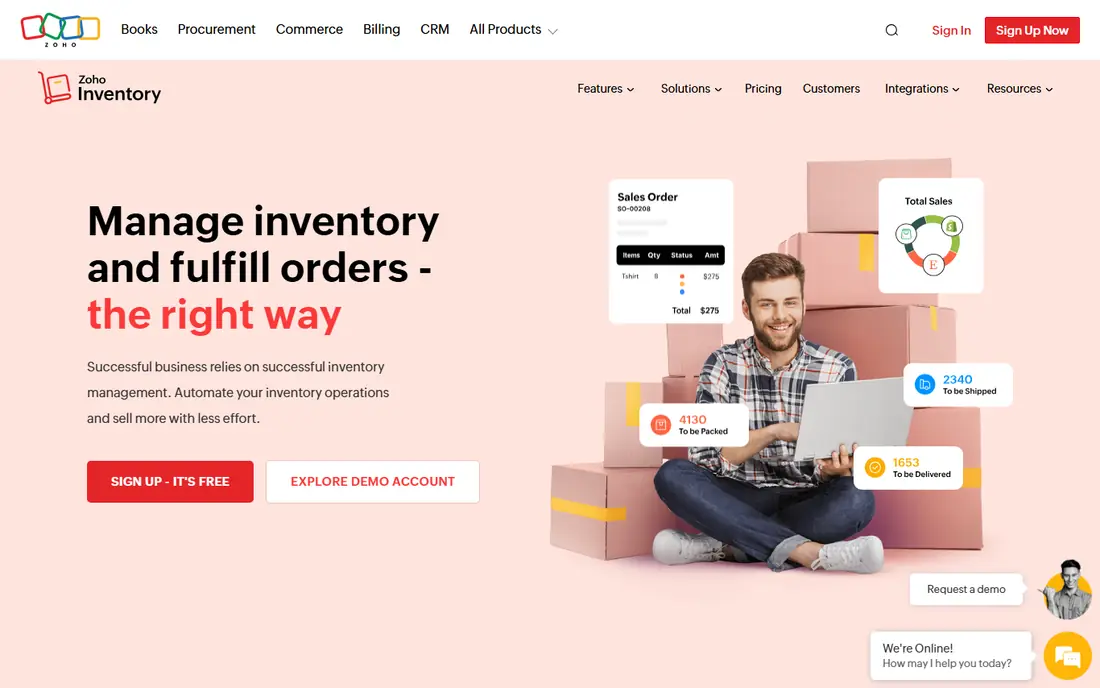
Zoho Inventory is the value pick most small sellers should check first. It tracks stock across channels, manages sales and purchase orders, and connects to major ecommerce platforms and accounting tools, all from a free plan that covers low order volumes. Paid plans start at $29 per month on annual billing, which undercuts most multichannel rivals while keeping the core workflow intact. The limits are honest. The free plan caps monthly orders, and advanced warehouse or manufacturing features are thinner than Katana or Cin7. Teams that already use Zoho apps get extra value from shared logins and data. For a small seller that needs accurate, synced stock without a large monthly bill, Zoho Inventory is the best balance of price and capability in this list.
- Free plan for low order volumes
- Integrates with Shopify, Amazon, and other channels
- Fits well with other Zoho apps
- Advanced warehouse features are limited
- Free plan has a monthly order cap
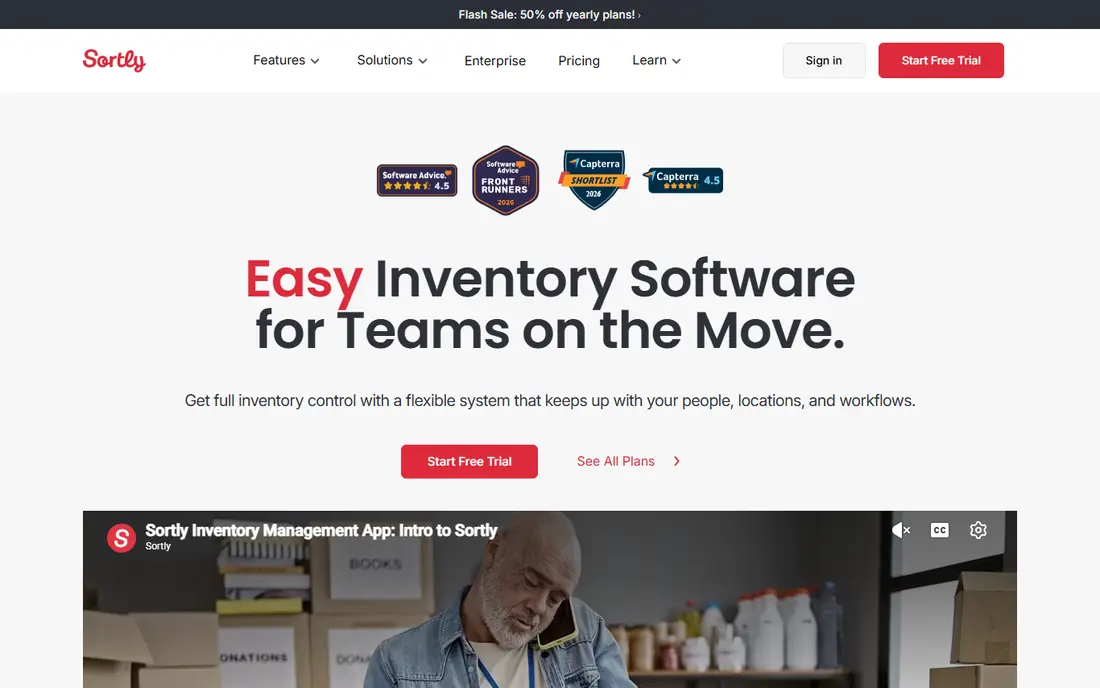
Sortly suits businesses that track physical stock visually, from equipment and supplies to small retail inventory. Items can carry photos, QR codes, and custom fields, and staff can count and update stock from a phone while walking the floor, which beats a spreadsheet for teams that work away from a desk. The free plan covers simple tracking, and paid plans start at $49 per month. Sortly is not a full multichannel order engine. It does not sync sales channels as deeply as Zoho or Cin7, and it lacks production features for makers. For a small team that needs to know what it has, where it is, and when to reorder, without a complex implementation, Sortly offers clear value, especially when mobile counting is the main daily job.
- Easy visual tracking with photos and QR codes
- Strong mobile app for counting on the floor
- Simple setup for small teams
- Weaker for complex multichannel order sync
- No deep manufacturing features
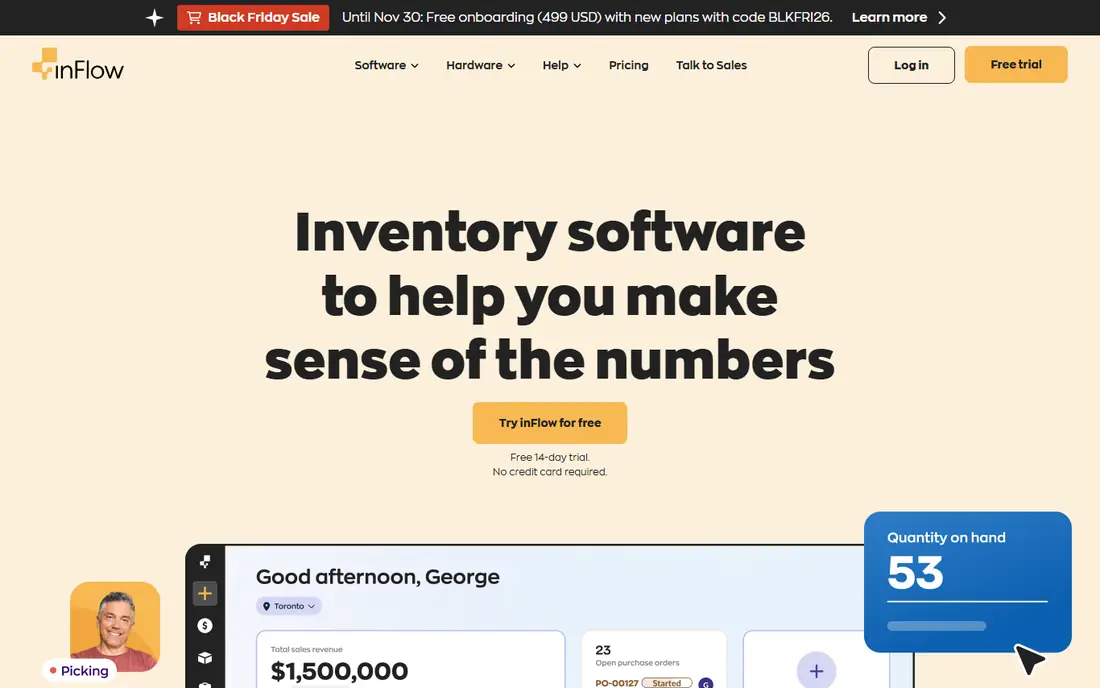
inFlow Inventory is built for product businesses that sell wholesale or business to business, where orders, pricing, and customer records matter as much as stock counts. Barcode scanning, purchase orders, sales orders, and multi-location tracking sit in a clean interface that small teams can learn quickly, without the warehouse complexity of larger systems. That focus makes it a good step up from spreadsheets for wholesalers and distributors. There is no lasting free plan, though a 14-day trial lets teams test the workflow with real products. Pricing is published on the vendor site and varies by plan, so confirm the total for your user count and locations. For wholesale sellers that want order handling and stock control in one tidy tool, inFlow is a strong value choice, even though it costs more than Zoho at the entry level.
- Clean barcode scanning and order workflows
- Good for wholesale pricing and customers
- Clear interface for small teams
- No lasting free plan
- Pricing varies by plan and needs a check on the vendor site
Cin7 Core is the step up when a seller outgrows a budget tool. It keeps stock synced across ecommerce platforms, marketplaces, and accounting software, handles orders and purchasing in one dashboard, and supports multiple locations and warehouses as volume grows. For multichannel sellers that lose sales to oversells or stockouts, that accuracy can pay for the software quickly, even at a higher monthly price. The trade-off is cost and setup. Cin7 Core is priced for growing businesses, with details and a trial on the vendor site, and implementing channel connections takes planning. A seller with one channel and fifty orders a month does not need it. A seller with several channels, hundreds of orders, and warehouse stock does, and for that seller Cin7 Core is value in the sense that matters: fewer errors, fewer manual updates, and stock you can trust.
- Syncs stock across many channels and locations
- Large integration library
- Forecasting and automation for growing sellers
- Higher price than budget tools
- Setup takes more time for multichannel sellers
Katana is made for businesses that make or assemble products, not just resell them. It tracks raw materials, subassemblies, and finished goods, plans production against orders, and links manufacturing to sales channels and accounting. That production view is missing from most budget inventory tools, which is why makers often outgrow them even when stock counts look fine. Pricing starts at $299 per month on published plans, with a free plan limited to a small number of SKUs for testing. That price is high for a pure reseller, but for a maker it replaces separate production spreadsheets and manual material calculations. If your business builds, assembles, or kits products, Katana is the value pick in its niche, because it covers a job that general tools handle poorly.
- Bills of materials and production planning
- Tracks raw materials and finished goods
- Syncs with Shopify and accounting tools
- Higher starting price than general inventory tools
- Free plan limited to a small number of SKUs
Fishbowl suits businesses that already run on QuickBooks and need warehouse or manufacturing depth. It connects purchasing, inventory, orders, and production to QuickBooks accounting, so stock movements and financial records stay aligned without manual re-entry. Multi-location tracking, barcode workflows, and manufacturing features make it a strong fit for distributors and makers with warehouse operations. The cost and setup are higher than Zoho or Sortly, and pricing is published on the vendor site rather than as a single low headline figure. Teams that do not use QuickBooks get less value from Fishbowl, and should compare Cin7 or Katana first. For QuickBooks users who need warehouse control, Fishbowl is often the most efficient choice, because it builds on the accounting system they already trust.
- Deep QuickBooks integration
- Warehouse, manufacturing, and order workflows
- Good for multi-location stock control
- Higher price and steeper setup than budget tools
- Interface feels more traditional
Square is the value pick for small shops that sell in person and want inventory without a separate system. Basic inventory comes free with Square point of sale, so a shop can track stock, take payments, and see sales reports from the same dashboard, with no extra subscription to start. That simplicity suits boutiques, cafes, market stalls, and pop-ups that need stock control tied to the till. Dedicated inventory tools offer deeper purchase orders, multi-warehouse control, and channel sync, which Square does not match. A shop that also sells heavily online, or that manages several warehouses, will outgrow Square inventory and need Zoho, Cin7, or inFlow. For a small retail business starting out, Square gives genuine inventory value at zero software cost, which is hard to beat.
- Free basic inventory with Square point of sale
- Easy setup for small shops
- Payments, sales, and stock in one system
- Inventory depth is basic compared with dedicated tools
- Multichannel sync is limited
Ordoro suits ecommerce brands where shipping and fulfilment are the bottleneck, not just stock counting. It manages orders across channels, automates shipping rules, supports dropshipping, and tracks inventory alongside fulfilment, which helps online sellers ship faster with fewer errors. For a brand doing steady online volume, that shipping focus can save more time than a cheaper stock-only tool. The catch is price structure. Shipping features are available at lower levels, while full inventory management sits on higher-priced plans, with details on the vendor site. Small sellers with low volume should start with Zoho or Square instead. For growing ecommerce brands that ship daily and need order, inventory, and shipping in one workflow, Ordoro is a credible value choice at scale, even though it is not a budget tool.
- Strong shipping, dropshipping, and order workflows
- Syncs with major ecommerce channels
- Good for high-volume online sellers
- Inventory features sit on higher-priced plans
- Price is high for small sellers
Megaventory suits small businesses with more than one warehouse or stock location that need traceable transfers and reliable stock levels. It covers sales orders, purchase orders, inventory tracking, and basic manufacturing, with a clear workflow for moving stock between locations and recording why. That traceability matters when stock goes missing between sites, or when teams argue about which warehouse holds an item. The interface is practical rather than polished, and the integration ecosystem is smaller than Zoho or Cin7. Pricing is published on the vendor site. For a multi-location small business that wants solid warehouse control without enterprise cost or complexity, Megaventory is a quiet value pick, especially when transfers and location accuracy are the main problem.
- Clear multi-warehouse transfers and stock control
- Sales, purchasing, and manufacturing basics
- Good for small multi-location teams
- Interface is functional rather than modern
- Ecosystem is smaller than larger rivals
How we picked these
We compared official feature pages, pricing pages, app store listings, privacy policies, and public user reviews, judging value as capability per dollar for a realistic small business, not as the lowest price on a pricing page. We included free and low-cost tools, wholesale and maker specialists, and higher-priced multichannel tools, because value changes with sales channels, order volume, and whether a business makes, resells, or ships products. We did not claim hands-on testing, and where pricing varies by plan we point readers to the vendor site. We also weighed limits honestly. A free plan with a low order cap is not the same as a free tool, and a $299 maker tool can be better value than a $29 general tool if it replaces production spreadsheets. That thinking shapes the list and the buying guide below, which starts with how you sell, not with a price sort.
What to check before you choose value inventory software
Start with how you sell. List your sales channels, warehouses, and order volume per month, then check each tool against that list. A single-channel shop needs different sync than a multichannel seller, and a maker needs production features that a reseller does not. Count order caps, user seats, and channel connections on the plan you would actually buy, not on the cheapest plan on the pricing page. Next, test with your real product list. Import your SKUs, set reorder levels, run a purchase order and a sale, and check that stock updates in every channel you use. Pay attention to barcode scanning, returns, and multi-location transfers if those affect your daily work. Finally, calculate total cost for a year, including any per-user or per-location charges, and compare it with the cost of stockouts, oversells, and manual counting time. The cheapest tool that still prevents those errors is the value winner for your business.
Frequently asked questions
What is the cheapest inventory management software for a small business?
Zoho Inventory and Square offer the cheapest starting points, with Zoho offering a free plan for low order volumes and paid plans from $29 per month, and Square offering free basic inventory with its point of sale. Sortly also offers a free tier for simple visual tracking. The cheapest choice depends on order volume and channels, because a free plan that caps orders can cost more in time once you outgrow it.
Is there really free inventory management software?
Yes, with limits. Zoho Inventory covers low monthly order volumes on its free plan, Sortly covers simple visual tracking, and Square covers basic retail inventory free with its point of sale. Free plans usually limit orders, items, users, or channel connections, so they suit starting businesses and small stockrooms. Upgrade when volume, locations, or features hit those limits, rather than stretching a free plan past its useful life.
Do I need inventory software if I already use QuickBooks?
QuickBooks includes basic inventory tracking on some plans, which can suit a simple single-location stockroom. You need dedicated inventory software when you sell on multiple channels, manage several warehouses, manufacture products, or need barcode-directed picking and detailed purchase order workflows. The test is simple: if stockouts, oversells, or manual counting cost more than the software, dedicated inventory software pays for itself.
What is the difference between inventory software and warehouse software?
Inventory software tracks what you have, where it is, and when to reorder, across channels and locations. Warehouse software runs the physical operation inside a warehouse, including receiving, putaway, picking routes, and packing. Small businesses usually start with inventory software and add warehouse features only when warehouse labour and accuracy become the bottleneck, often well past a hundred orders a day.
How long does it take to set up inventory software?
Simple tools such as Sortly or Square can be running in a day with a small product list, while multichannel tools such as Cin7 or Fishbowl can take weeks to connect channels, clean SKU data, and train staff. Clean your product data first, including SKUs, barcodes, and supplier details, and test with a subset of products before importing everything. A phased rollout, one channel at a time, reduces errors.
Which value inventory tool is best for makers?
Katana is the best value pick for makers and light manufacturers, because it tracks raw materials, bills of materials, and production alongside finished stock. Fishbowl also suits makers who use QuickBooks and need warehouse depth. General tools such as Zoho and Sortly track finished goods well, but they lack the production planning that makers need once assembly becomes a regular job.
Sources we checked (9)

Online Jobs is an independent blog about careers, online work, learning new skills and the tools that help people earn. More about us.
Keep reading
All posts
ZoomInfo Alternatives
The best ZoomInfo alternatives in 2026, compared on price, free plans, data coverage, and which tool fits small teams or large sales teams best in detail.

Workday Alternatives
We compared the best workday alternatives for HR, payroll, and global hiring, from BambooHR and Gusto to Rippling, Deel, and HiBob for growing teams in 2026.

Which SaaS Tools Have the Best Customer Support
Which SaaS tools have the best customer support? Compare eight popular tools on help centres, live help, response options and overall support quality.