Best Universal Remote App in 2026: 9 Apps Compared


Samsung TVs and smart home · Starting price: Free
How we put this together: we compare official feature and pricing pages, app store listings, privacy policies and public user reviews. Prices change, so check the provider's site before you pay.
Key takeaways
- Samsung SmartThings is the best free universal remote app for Samsung TVs, with full remote controls over Wi-Fi.
- Google TV and Roku apps suit their own platforms best, with fast pairing and voice search where supported.
- SURE and AnyMote suit older IR devices, but only if your phone has an IR blaster or you add a separate IR hub.
- BroadLink works well for homes with many IR appliances, because one hub can control TVs, air conditioners, and set-top boxes.
- Check Wi-Fi versus IR before you download, because that single detail decides whether an app will work with your device at all.
Quick comparison
| Name | Who it suits | Starting price | Free option | |
|---|---|---|---|---|
| Samsung SmartThings | Samsung TVs and smart home | Free | Yes | Visit |
 Google TV | Google TV and Android TV | Free | Yes | Visit |
 Roku | Roku players and TVs | Free | Yes | Visit |
 SURE Universal Remote | IR and Wi-Fi devices | Free | Yes | Visit |
 Mi Remote | Xiaomi phones with IR | Free | Yes | Visit |
 AnyMote Universal Remote | Broad IR device control | Free | Yes | Visit |
 BroadLink | IR hub control for the home | Free | Yes | Visit |
 LG ThinQ | LG TVs and appliances | Free | Yes | Visit |
 Universal TV Remote | Simple Wi-Fi TV control | Free | Yes | Visit |
The best universal remote apps
A universal remote app turns your phone into a remote, but the right app depends on how your TV and devices connect. Wi-Fi apps pair with smart TVs on the same network, while IR apps need an infrared blaster or a separate hub. The apps below cover both routes, so you can match the app to your TV brand, your phone, and the devices in your living room.
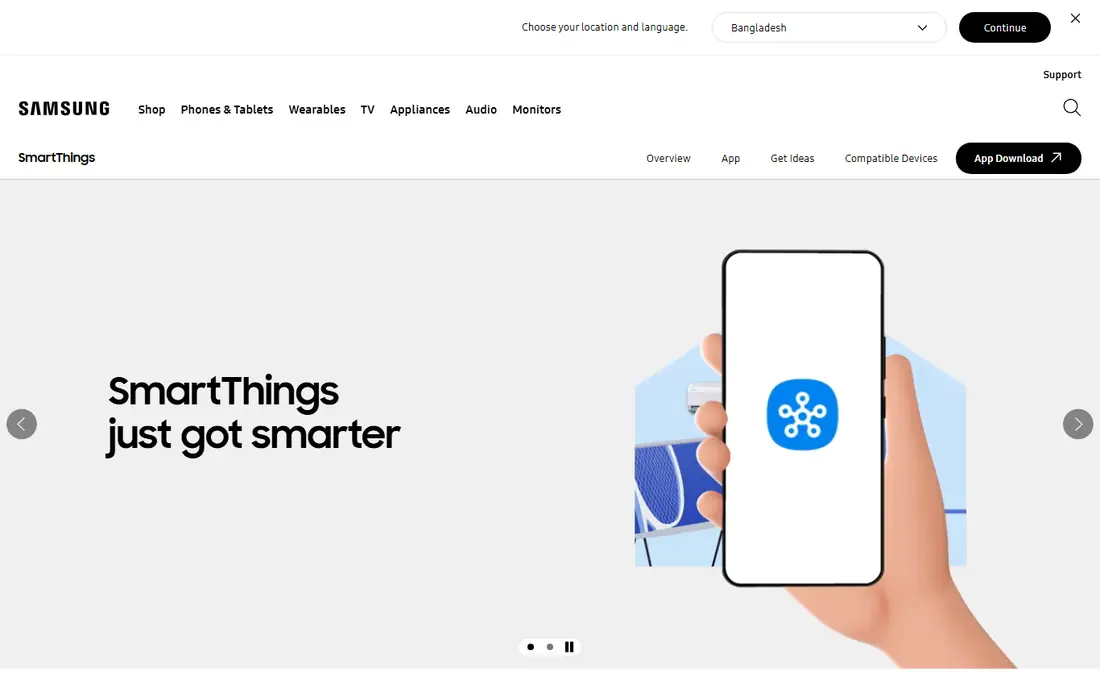
SmartThings is the obvious first pick for Samsung TV owners, because it gives you the full remote in the app, including power, volume, channels, navigation, and keyboard search. Setup takes a few minutes: sign in, add the TV, confirm on screen, and the remote appears in the app. It also controls other Samsung smart home devices, so one app can cover the TV, lights, and appliances that support SmartThings. The catch is brand fit. SmartThings works best inside the Samsung ecosystem, and non-Samsung devices have more limited support. You also need the phone and TV on the same Wi-Fi network for pairing, and a Samsung account to sign in. For Samsung households, though, no third-party app matches its polish and completeness, and it is free.
- Full Samsung TV remote over Wi-Fi
- Controls other Samsung smart home devices
- Free with a Samsung account
- Best experience needs Samsung devices
- Phone and TV must share the same Wi-Fi network
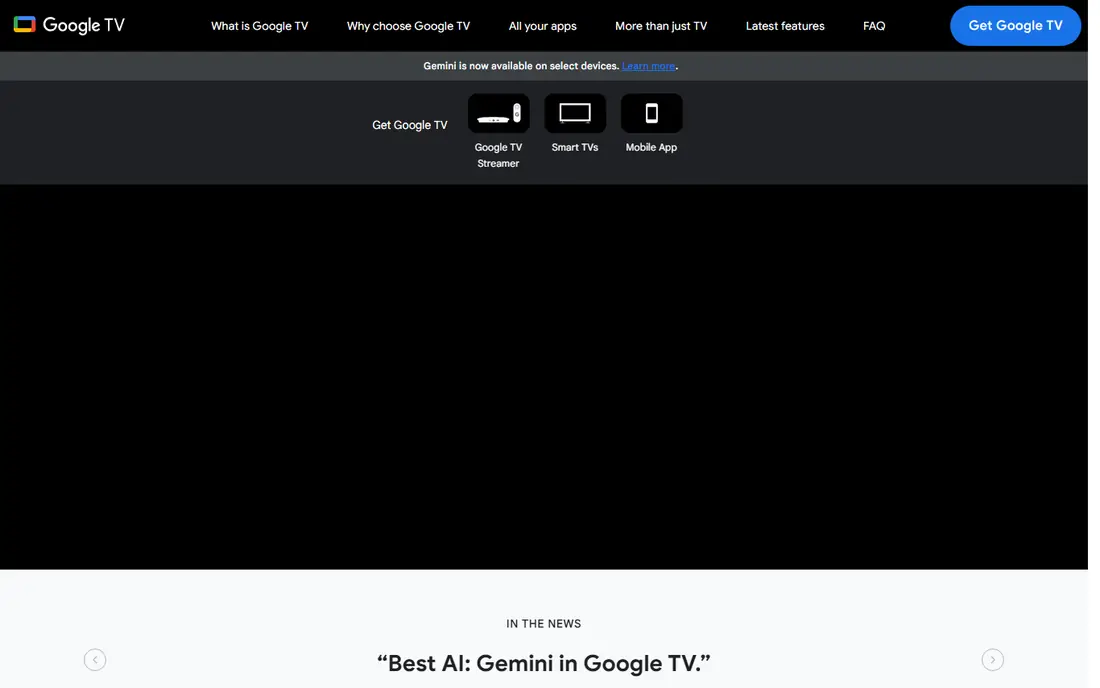
Google TV app, which includes a remote for Google TV and Android TV devices, is the simplest choice for that platform. Once your phone and TV share a network, you can pair quickly, then use touch navigation, volume, power, and voice search from the phone. Keyboard input is a real benefit, because typing a show title on a phone beats spelling it out with arrow keys on a TV remote. The limit is platform. Google TV remote does not control Samsung, LG, or Roku devices in the same way, so it suits Google TV households rather than mixed-brand homes. If your main TV runs Google TV, this free app should be your first download, and you can keep a second app for older IR devices if needed.
- Built-in remote for Google TV
- Voice search and keyboard input
- Fast pairing on the same network
- Limited to Google TV and Android TV devices
- Fewer smart home features than SmartThings
Roku app gives Roku owners a complete remote, with navigation, playback, volume, and voice search, plus private listening that plays TV audio through your phone headphones. That last feature alone makes it worth installing for late-night viewing. Channel browsing on a phone screen is also faster than scrolling through tiles on a TV. The catch is scope. Roku app controls Roku players and Roku TVs, not other brands, so mixed-brand homes need another app for the rest. Pairing needs the same network, and a lost physical remote is no problem once the app is set up. For Roku households, it is free, polished, and hard to beat.
- Full Roku remote with voice search
- Private listening through the phone
- Easy channel browsing
- Roku devices only
- Some features need the phone and Roku on the same network
SURE Universal Remote, often listed as SURE Universal Smart TV Remote, aims to be a true universal app across brands. It supports Wi-Fi smart TVs and, on phones with an infrared blaster, older IR devices such as TVs, set-top boxes, and air conditioners. That breadth suits homes with a mix of new and old gear, where brand apps alone would mean three or four different remotes. The honest limit is hardware. If your phone lacks an IR blaster, SURE cannot control IR-only devices without extra hardware, and many modern phones have dropped IR blasters. Wi-Fi control still works for supported smart TVs, but check the supported brand list before you rely on it. The free version is usable, with ads in many regions, and a paid upgrade removes some limits.
- Supports many brands over IR and Wi-Fi
- Works with TVs, air conditioners, and media players
- Simple device setup
- IR control needs a phone IR blaster
- Free version includes ads in many regions
Mi Remote is Xiaomi remote app, preinstalled on many Xiaomi phones with an IR blaster. It lets you add a TV, set-top box, air conditioner, fan, or projector by brand, then control it from a clean remote layout. The IR code library is broad, so pairing often takes less than a minute once you pick the right brand and model family. The catch is phone hardware and brand. Mi Remote works best on Xiaomi phones with IR, and while it can be installed elsewhere, IR control still needs a blaster. If your Xiaomi phone has IR, Mi Remote is a free, reliable universal remote for older devices. If it does not, a Wi-Fi app or a BroadLink hub will serve you better.
- Free and simple on Xiaomi phones
- Large IR code library
- Works with many TV and appliance brands
- IR control needs an IR blaster
- Experience varies on non-Xiaomi phones
AnyMote Universal Remote focuses on IR control for a wide range of devices, with custom layouts that let you arrange buttons for the way you actually use a device. It suits homes with older TVs, DVD players, projectors, and air conditioners that do not support Wi-Fi control. Setup follows the usual pattern: choose a device type, pick a brand, test power and volume, and save the working profile. The limit, again, is IR hardware. Without a phone IR blaster, AnyMote cannot send IR signals on its own, so check your phone specs first. Some advanced features and an ad-free experience sit behind paid options, but the core remote is free. For IR-heavy homes with a compatible phone, AnyMote is a strong, flexible pick.
- Wide IR device support
- Custom remote layouts
- Works with many older devices
- IR needs a blaster or compatible hardware
- Some advanced features are paid
BroadLink app works with BroadLink IR hubs, such as the RM series, which send IR signals to devices in the room. That hub model solves the missing IR blaster problem: your phone talks to the hub over Wi-Fi, and the hub talks to the TV, air conditioner, or set-top box over IR. One hub can cover several devices in one room, and you can control them from outside the home too. The trade-off is hardware cost and setup time. You need to buy a hub, place it where it can see your devices, and learn each remote in the app. That effort pays off in homes with many IR appliances, especially air conditioners that have no smart features. If you only need to control one smart TV, a brand app is simpler and cheaper.
- One hub controls many IR devices
- Works from anywhere with internet
- Good for air conditioners and set-top boxes
- Needs a BroadLink hub device
- Setup takes longer than a phone-only app
LG ThinQ is LG app for TVs and smart appliances, and it includes a full TV remote for supported LG models. You can change channels, adjust volume, navigate menus, and type searches from your phone, all over Wi-Fi. The same app can also control LG washing machines, fridges, and air conditioners that support ThinQ, which makes it a useful home hub for LG households. The catch is brand scope, as with SmartThings. ThinQ works best with LG devices, and other brands need a different app. Setup needs an LG account and a shared Wi-Fi network, and older LG models may have more limited support. For LG TV owners, ThinQ is free and should be installed before any third-party universal app.
- Full LG TV remote over Wi-Fi
- Controls LG appliances in one app
- Voice and keyboard input where supported
- Best for LG devices
- Account and network setup needed
Universal TV Remote is a generic Wi-Fi remote app that suits users who want a simple, no-fuss remote for a supported smart TV. It focuses on core controls: power, volume, channels, navigation, and playback, without smart home extras that can clutter the screen. That simplicity helps guests, older users, and anyone who just lost the physical remote and needs a quick replacement. The limit is model support. Generic Wi-Fi apps cannot cover every TV brand and model, so you should test power, volume, and navigation before you depend on it. Ads appear in the free version in many cases. If your TV is supported, it is a handy free backup, but brand apps such as SmartThings, ThinQ, Google TV, or Roku remain the more reliable first choice for their own platforms.
- Simple setup for supported Wi-Fi TVs
- Clean remote layout
- No IR blaster needed for Wi-Fi models
- Brand support varies by model
- Ads in the free version
How we picked these
We reviewed official app pages, app store listings, and support pages for each app, and we checked whether control works over Wi-Fi, IR, or both. We compared brand support, setup steps, core remote features, voice and keyboard input, and whether a free version exists. Public reviews helped us spot pairing problems and IR limits, but we did not treat review scores as proof, and we did not claim hands-on testing of every TV model. We kept apps that a real household could use in 2026, from brand apps to generic IR apps to hub-based control. Where an app needs extra hardware, such as an IR blaster or a BroadLink hub, we stated that plainly, because it decides whether the app will work at all. Check your phone specs and your TV model support list before you download.
How to choose the best free universal remote app
Start with your TV brand. If you own a Samsung, LG, Roku, or Google TV device, install the brand app first, because it will pair fastest and support the most features. Only add a generic app if you also need to control older devices, a second brand, or an air conditioner that the brand app cannot reach.
Check Wi-Fi or IR before anything else
Wi-Fi apps need the phone and TV on the same network, and they work best with smart TVs from the last several years. IR apps need a phone IR blaster or a hub, and they suit older TVs, set-top boxes, and air conditioners. If you are unsure, check your phone specifications for an IR blaster, and check your TV settings for Wi-Fi remote or mobile control support. That two-minute check saves a frustrating download.
Keep a backup remote plan
Phone remotes are convenient until the phone battery dies, the Wi-Fi drops, or a guest needs the TV. Keep the physical remote in a known place, or keep a second app installed as a backup. For IR devices, a BroadLink hub also gives you control when your phone is charging in another room, because the hub stays in place and keeps working.
Frequently asked questions
What is the best free universal remote app?
Samsung SmartThings is the best free universal remote app for Samsung TVs, while Google TV, Roku, and LG ThinQ are the best free picks for their own platforms. For mixed-brand homes, SURE and AnyMote offer broader IR and Wi-Fi support, subject to phone hardware. The best free app depends on your TV brand and whether you need Wi-Fi or IR control.
Can I use my phone as a universal remote without an IR blaster?
Yes, if your TV is a smart TV on the same Wi-Fi network, brand apps such as SmartThings, Google TV, Roku, and ThinQ can control it without IR. For older IR-only devices, you need a phone IR blaster or a hub such as BroadLink. Check your TV connection type before you choose an app.
Which universal remote app works with Samsung TVs?
Samsung SmartThings is the official and most complete app for Samsung TVs, with full remote controls over Wi-Fi. Generic apps such as SURE and Universal TV Remote may also work with some Samsung models, but SmartThings should be your first test. Setup needs a Samsung account and a shared Wi-Fi network.
Does a universal remote app work with air conditioners?
Yes, IR apps such as SURE, Mi Remote, AnyMote, and BroadLink can control many air conditioners, if the phone has an IR blaster or a hub is used. Choose the air conditioner brand in the app, test power and temperature controls, and save the working profile. Wi-Fi air conditioners may also have their own brand app.
Is there a universal remote app for iPhone?
Yes. SmartThings, Google TV, Roku, LG ThinQ, SURE, and BroadLink all offer iPhone apps, but IR control on iPhone needs a separate IR hub, because iPhones do not include an IR blaster. Wi-Fi control works well on iPhone for supported smart TVs, so brand apps are the best starting point for iPhone users.
Why will my universal remote app not connect?
Common causes are a different Wi-Fi network, a TV setting that blocks mobile control, or an IR device that needs a blaster or hub. Check that phone and TV share the same network, enable remote control in TV settings, and restart both devices. For IR, confirm your phone has a blaster or that your hub can see the device.
Sources we checked (9)

Online Jobs is an independent blog about careers, online work, learning new skills and the tools that help people earn. More about us.
Keep reading
All posts
Zoom Alternatives
Zoom alternatives compared for 2026: Google Meet, Microsoft Teams, Webex, Jitsi and more for free calls, large meetings and webinars for teams and classrooms.

Which Software Is Best for Data Entry
Compare the best data entry software for forms, OCR scanning, and spreadsheets, with free plans, pricing, and honest limits for each tool before you commit.

What Is the Best Free Tool to Rotate a PDF
What is the best free tool to rotate a PDF? We compare eight free rotation tools on per-page control, limits, privacy and saved output quality in detail.