Best Typing Software in 2026: 8 Apps Compared

How we put this together: we compare official feature and pricing pages, app store listings, privacy policies and public user reviews. Prices change, so check the provider's site before you pay.
Key takeaways
- TypingClub is the best starting point for beginners, with a structured course that teaches touch typing step by step.
- Typing.com suits schools and self-learners who want a broad free curriculum with games and tracking.
- Keybr fixes weak keys with adaptive drills, while Monkeytype is the best pure speed test for typists who already touch type.
- Accuracy matters more than speed at first, since speed grows naturally once errors fall.
- Fifteen to twenty minutes of daily practice beats a long session once a week, whichever tool you pick.
Quick comparison
| Name | Who it suits | Starting price | Free option | |
|---|---|---|---|---|
 TypingClub | Beginners learning touch typing | Free | Yes | Visit |
 Typing.com | Schools and broad free courses | Free | Yes | Visit |
 Keybr | Fixing weak keys | Free | Yes | Visit |
 Monkeytype | Speed tests and benchmarking | Free | Yes | Visit |
 Typesy | Structured paid courses for all ages | See website | Free trial | Visit |
 TypingMaster | Windows users wanting real-world tracking | See website | Free trial | Visit |
 10FastFingers | Quick speed tests and competitions | Free | Yes | Visit |
 Nitro Type | Kids and competitive racing games | Free | Yes | Visit |
The best typing software
Typing software falls into two camps: tutors that teach you, and tests that measure you. Beginners need a tutor with a clear path from the home row to full sentences. Experienced typists need a test with varied text, honest stats, and no distractions. The eight tools below cover both camps, plus games that keep younger learners practising.
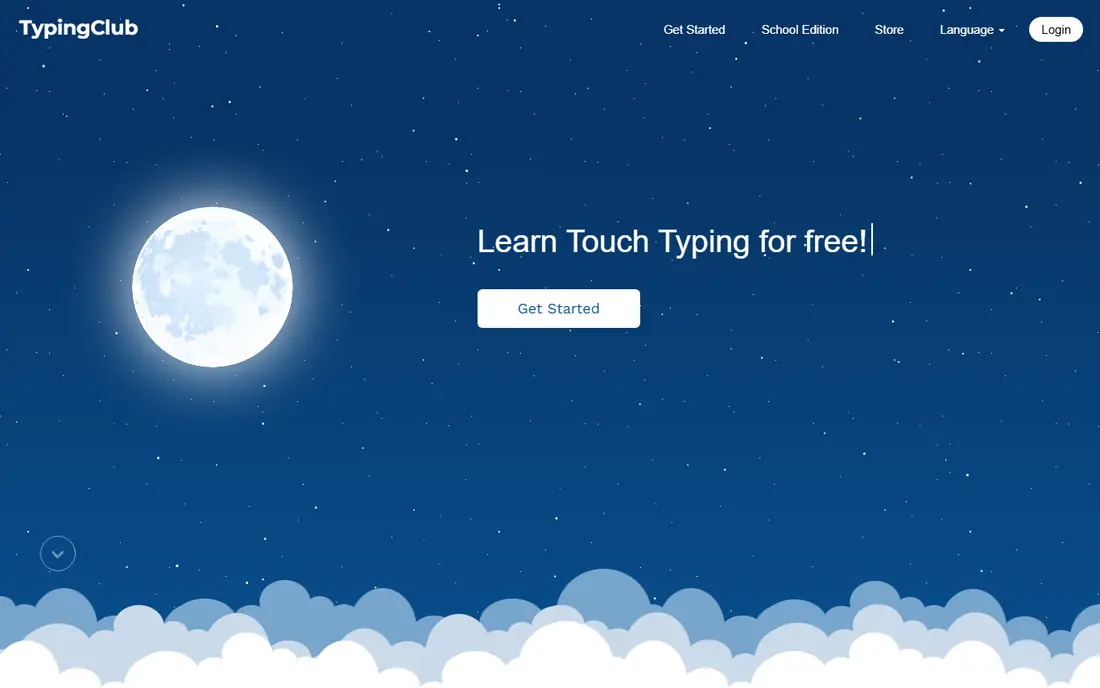
TypingClub is the first tool we recommend to anyone starting from scratch. Lessons build slowly from the home row outward, with short drills, instant feedback, and a clear sense of progress. The site works in a browser with no install, which makes it easy to use at school, at home, or on a shared computer.
The plain design will not excite every learner, and fast typists will finish the core course quickly. For a beginner, though, that plainness is a strength: there is nothing to distract from the keys. Schools also use TypingClub widely, so a student may already have an account through class.
- Structured step-by-step curriculum
- Used by many schools
- Progress tracking and badges
- Design is plain
- Advanced typists will outgrow the lessons
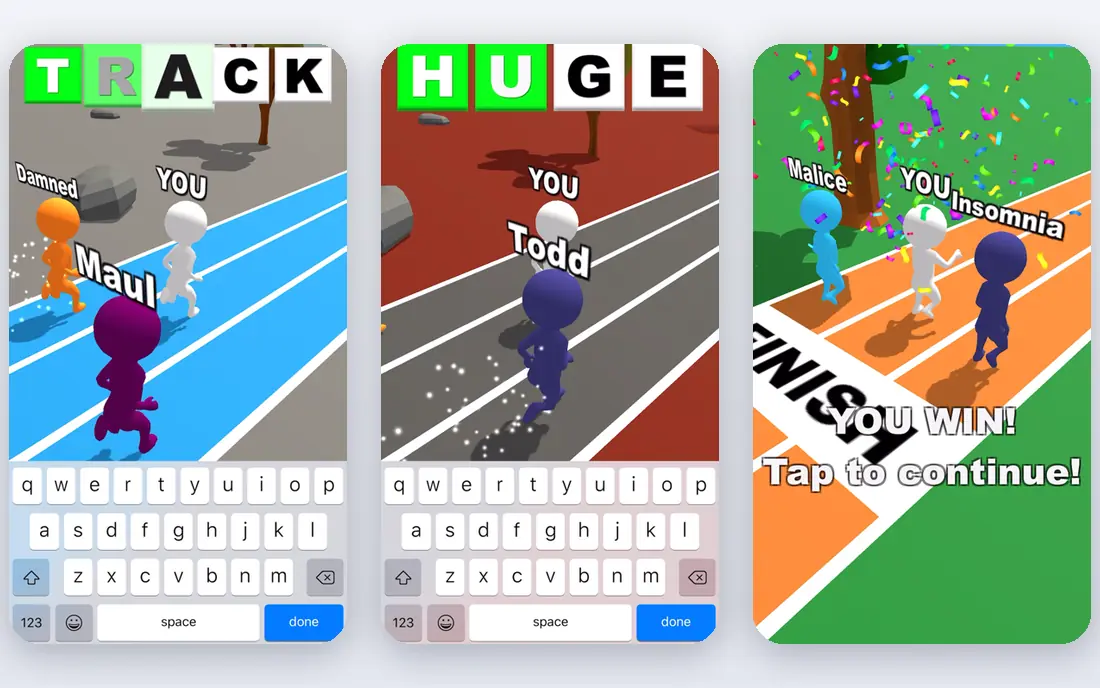
Typing.com offers the broadest free curriculum in this list. Beginner, intermediate, and advanced lessons sit alongside games, speed tests, and a digital literacy section, and teachers can set assignments and track a class. That breadth suits a household or classroom with learners at different levels.
Free access comes with ads and prompts to upgrade, which some learners find distracting. The games are fun, but they can also pull a beginner away from the lesson path. Used with a simple rule, lessons first and games second, Typing.com gives a learner a long runway without paying.
- Broad free curriculum from beginner to advanced
- Typing games
- Teacher tools and Google Classroom links
- Ads and upsells on the free tier
- Games can distract from structured lessons
Keybr takes a scientific approach to practice. Instead of random real words, it generates pronounceable text that focuses on the keys you get wrong, and it adjusts difficulty as your per-key accuracy improves. Detailed stats show exactly which keys slow you down, which is information most tutors hide.
The made-up words feel odd at first, and there are no races, badges, or games to keep a casual learner going. Keybr is a training tool, not a game, and it rewards learners who practise regularly. Pair it with a tutor such as TypingClub for lessons, and use Keybr when you want targeted work on weak keys.
- Adaptive algorithm targets weak keys
- Detailed per-key stats
- Supports QWERTY, Dvorak, and Colemak
- Practice text uses made-up words
- No gamification to keep casual learners engaged
Monkeytype is the favourite speed test of experienced typists, and its clean design is the reason. You pick a mode, a time or word count, and optional punctuation or numbers, then type. Results show words per minute, accuracy, and consistency, with history that tracks progress over weeks and months.
Monkeytype does not teach touch typing. A beginner who cannot yet find the keys will get a low score and no lesson path to fix it. Use Monkeytype once you can touch type at a basic level, and treat it as a benchmark: test weekly, practise weak areas elsewhere, and watch the trend rather than a single score.
- Minimal interface
- Hundreds of test modes and languages
- Custom word lists and quotes
- It measures rather than teaches
- Beginners get little guidance
Typesy is the paid, all-in-one option for families, schools, and adults who want a complete course in one place. Thousands of lessons, video tutorials, and adaptive exercises cover typing for kids, students, and professionals, with progress reports for parents and teachers. It runs on major desktop systems as well as in a browser.
Casual learners may find the full package more than they need when free tools cover the basics. The value shows for a household with several learners, or for a school that wants one system for every age group. Trial it first, and check whether your learners actually use the video lessons before paying for a year.
- Large lesson library with video tutorials
- Adaptive learning
- Works on Mac, Windows, and Linux
- Paid plans needed for full access
- More than a casual learner may need
TypingMaster is the Windows-native pick. Its courses cover touch typing from the basics, and its TypingMeter widget watches your typing in other Windows applications, then builds review exercises from the keys and words you actually struggle with. That link to real work is something browser tutors cannot match.
Windows-only support is the main limit, and the interface looks older than TypingClub or Monkeytype. For a Windows user who wants lessons plus feedback on everyday typing, TypingMaster still earns its place. Mac and Chromebook users should pick a browser tool instead.
- Structured Windows courses
- TypingMeter tracks typing in other Windows apps
- Personalised review exercises
- Windows only
- Design feels dated next to browser tools
10FastFingers is the quickest way to answer the question of how fast you type. One-minute tests with common words give an instant score, and competitions and leaderboards add a social edge. Support for many languages makes it useful for learners typing in more than one language.
Common-word tests do not train punctuation, numbers, or code, and there is no lesson path behind the tests. Treat 10FastFingers as a fun benchmark and a warm-up, not as a course. A learner who wants to improve should pair it with TypingClub for lessons or Keybr for weak-key work.
- Fast one-minute tests
- Many languages
- Competitions and leaderboards
- Tests use common words only
- Little teaching or long-term curriculum
Nitro Type turns typing practice into a car race. Players type passages to speed up their car, race against others, and earn new cars and achievements. That competition keeps children practising far longer than a plain drill, and teachers use it as a classroom motivator.
The game format can reward fast, sloppy typing if technique is not watched, so adults should check accuracy, not just race wins. For professionals, Monkeytype or Keybr will serve better. For kids who groan at drills, Nitro Type is the tool most likely to get them to practise without being asked twice.
- Racing game format motivates kids
- Cars to earn and daily races
- Classroom friendly
- Game rewards can distract from technique
- Less useful for adult professionals
How we picked these
We searched typing tutor guides, school recommendations, and app store listings, then filtered for tools that still work in October 2026 and offer real lessons or tests rather than a single demo. We compared curriculum structure, adaptive features, stats, language and layout support, and price, and we favoured tools with a free route for learners who cannot pay. We also weighed classroom use, since schools drive much of the typing software market. We did not claim hands-on testing of every paid plan.
How to learn touch typing faster
Start with the home row and do not look at your hands, even if it feels slow at first. Accuracy comes before speed: aim for high accuracy on short drills, then let speed rise as the finger movements become automatic. Practise in short daily sessions, use the same keyboard layout every time, and test weekly with the same tool so progress is comparable.
A simple weekly plan
Use a tutor such as TypingClub or Typing.com for four short lesson sessions a week. Add two Keybr sessions for weak keys, and one Monkeytype or 10FastFingers test to track speed and accuracy. Keep sessions to fifteen or twenty minutes, take breaks when your hands tire, and stop if you feel wrist pain rather than pushing through it.
Should you switch to Dvorak or Colemak?
Most learners should not. QWERTY works on every shared computer, phone, and workplace keyboard, and learning it well is more useful than learning an alternative layout that few other keyboards use. Only consider a switch if you have a strong ergonomic reason and you control the keyboards you use every day.
Frequently asked questions
What is the best typing software for beginners?
TypingClub is the best starting point for most beginners, thanks to its step-by-step home-row course and clear progress tracking. Typing.com is a strong alternative with a broader free curriculum and games. Start with one, finish its beginner course, and only then add a speed test tool.
What are the best typing apps for speed?
Monkeytype is the best speed test for experienced typists, with custom modes, languages, and detailed stats. Keybr is best for fixing weak keys, and 10FastFingers is best for quick one-minute tests. Use a test weekly to track progress, and practise weak areas between tests.
Is typing software free?
Much of it is. TypingClub, Typing.com, Keybr, Monkeytype, 10FastFingers, and Nitro Type all offer free access, with some ads or limits on free tiers. Typesy and TypingMaster need paid plans for full access, though both offer trials. A beginner rarely needs to pay at all.
How long does it take to learn touch typing?
Most learners see clear improvement after a few weeks of fifteen to twenty minutes of daily practice. Reaching a comfortable, accurate touch typing speed usually takes a few months of steady practice. Daily short sessions beat occasional long sessions for building muscle memory.
Can kids learn typing with games?
Yes, and games often work better than drills for younger learners. Nitro Type uses racing to motivate practice, and TypingClub and Typing.com include games alongside lessons. Check accuracy as well as speed, so a child learns correct finger placement rather than fast guessing.
Do I need a special keyboard to learn touch typing?
No. A standard keyboard works fine, and learning on the keyboard you use every day is actually better, since your muscle memory transfers directly. A comfortable keyboard with keys you can feel helps, but no special layout or expensive keyboard is required to start.
Sources we checked (8)

Online Jobs is an independent blog about careers, online work, learning new skills and the tools that help people earn. More about us.
Keep reading
All posts
Zoom Alternatives
Zoom alternatives compared for 2026: Google Meet, Microsoft Teams, Webex, Jitsi and more for free calls, large meetings and webinars for teams and classrooms.

Which Software Is Best for Data Entry
Compare the best data entry software for forms, OCR scanning, and spreadsheets, with free plans, pricing, and honest limits for each tool before you commit.

What Is the Best Free Tool to Rotate a PDF
What is the best free tool to rotate a PDF? We compare eight free rotation tools on per-page control, limits, privacy and saved output quality in detail.