Best Translation App for Live Conversation in 2026: 8 Products Compared


Everyday travel conversations · Starting price: Free
How we put this together: we compare official feature and pricing pages, app store listings, privacy policies and public user reviews. Prices change, so check the provider's site before you pay.
Key takeaways
- Google Translate is the best free starting point for everyday travel conversations.
- Microsoft Translator suits group conversations where each person follows along in their own language.
- DeepL Voice suits careful, prepared speech where natural phrasing matters most.
- Apple-free options matter on Android, so check offline packs before a trip with poor signal.
- For meetings, a browser-based caption tool can beat a phone app passed around a table.
Quick comparison
| Name | Who it suits | Starting price | Free option | |
|---|---|---|---|---|
| Google Translate | Everyday travel conversations | Free | Yes | Visit |
 Microsoft Translator | Group conversations | Free | Yes | Visit |
 DeepL Voice | Natural phrasing for prepared speech | Free | Yes | Visit |
 iTranslate | Polished travel companion | Free | Yes | Visit |
 SayHi Translate | Simple two-way voice chats | Free | Yes | Visit |
 Naver Papago | Korean, Japanese and Chinese | Free | Yes | Visit |
 Maestra | Meetings and live captions | See website | Free trial | Visit |
 JotMe | Live meeting translation | See website | Free trial | Visit |
The best translation app for live conversation
Live conversation translation is a harder job than translating a sentence on a page. The app must hear speech, handle pauses and interruptions, and show a translation fast enough that a conversation keeps flowing. The apps below differ in language coverage, offline support, group features and meeting tools. Pick by where you will use it: a street, a shop, a classroom, or a video call.
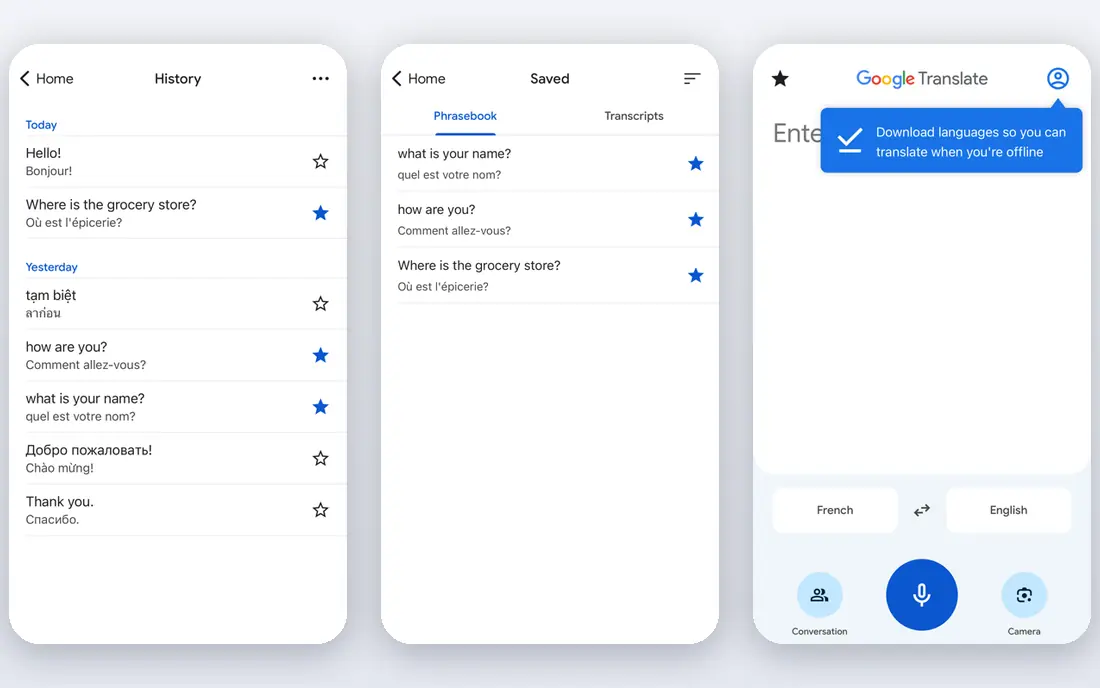
Google Translate is the default pick for most travellers because it covers the basics well and costs nothing. Open conversation mode, pick two languages, and speak in turn while the app shows and reads the translation. Camera mode helps with menus, signs and labels, and offline packs help when signal is weak, provided you download them before you travel. The limit is nuance. Short, clear sentences work well. Long, fast or idiom-heavy speech can lose detail, and background noise in a busy street or market can hurt recognition. Speak in short turns, confirm key details such as prices, times and addresses by showing the screen, and keep a second app ready for language pairs where Google Translate is weaker.
- Very broad language coverage
- Conversation mode for two-way speech
- Camera translation for signs and menus
- Downloadable packs for offline use
- Accuracy varies by language pair and accent
- Live meeting features are limited compared with dedicated meeting tools
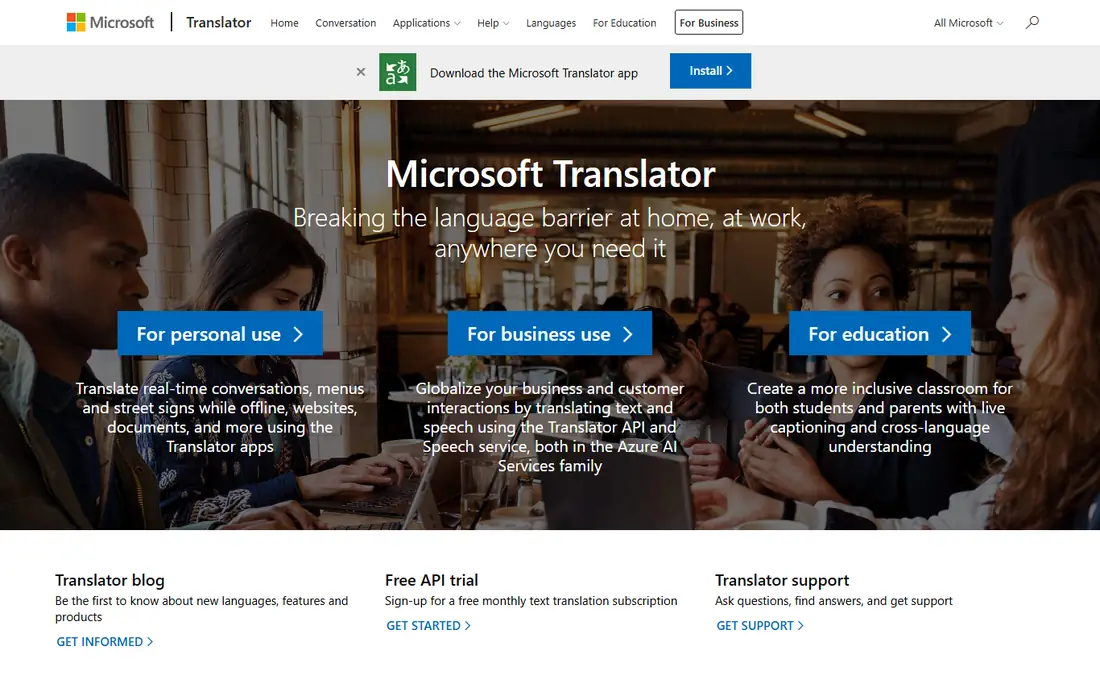
Microsoft Translator suits conversations with more than two people. Participants can join a conversation and follow translations in their own language, which helps in classrooms, tours and small group meetings where passing one phone around would slow everything down. The app also handles text and image translation for everyday use. Check the current conversation flow before an important meeting, since Microsoft has retired or changed some conversation features in the past. For a casual group chat, the free app is a strong choice. For a formal meeting with captions, transcripts and speaker handling, a dedicated meeting tool such as Maestra or JotMe may serve you better.
- Free text, speech and image translation
- Group conversation features for multiple participants
- Downloadable language packs for offline use
- Some multi-device conversation features have changed over time, so check current app behaviour
- Meeting caption depth is less than dedicated meeting platforms
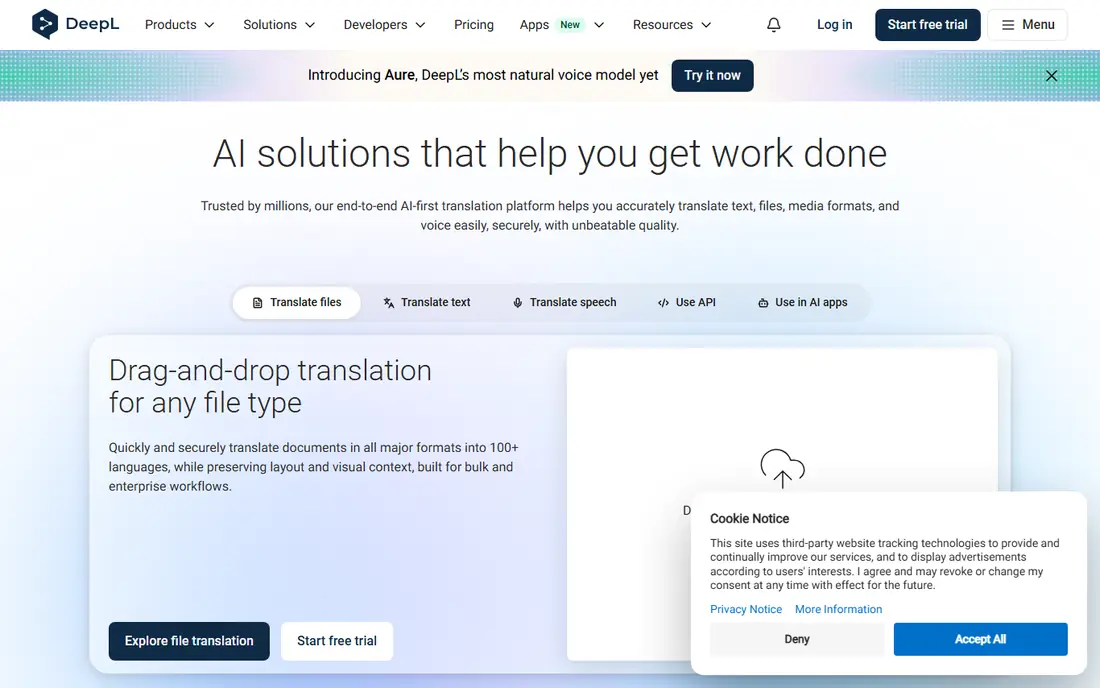
DeepL has a strong reputation for written translation, and DeepL Voice extends that focus to spoken language. It suits prepared speech, interviews and careful conversations where phrasing, tone and word choice matter more than speed alone. If you are giving a short talk or holding a structured discussion in a supported language, DeepL Voice is worth testing first. The trade-off is coverage. DeepL supports fewer languages than Google Translate, so it will not cover every travel pair. Check that your languages are supported for live voice before you rely on it, and keep Google Translate or Microsoft Translator as a backup for pairs outside DeepL coverage.
- Translations often read naturally for supported languages
- Strong for European language pairs
- Useful for prepared talks and careful dialogue
- Language coverage is narrower than Google Translate
- Live voice features depend on product and region, so check availability first
iTranslate is a polished travel app that combines translation with a phrasebook, dictionary entries and verb help for learners. The interface is easy to use on the move, and voice mode works well for short exchanges in shops, hotels and stations. For travellers who also want to learn phrases, iTranslate adds value beyond a single translation. The catch is the paywall. Offline packs and fuller voice features sit behind a Pro subscription, so the free tier is best for occasional use with a connection. If you travel often without reliable signal, price the Pro plan or pair iTranslate with a free offline option such as Google Translate.
- Clean voice and text translation interface
- Phrasebook and dictionary features for travellers
- Camera translation in paid tiers
- Offline mode and some voice features need a paid plan
- Free tier is more limited than Google Translate
SayHi Translate keeps the job simple: speak, get a translation, and let the other person reply. That simplicity helps in taxis, markets and reception desks, where you do not want menus, settings or extra steps. Language switching is quick, and the app handles common travel pairs well. The limit is connectivity and depth. SayHi needs a connection for most use, and it does not offer the camera, offline packs or meeting tools of larger apps. Treat it as a fast second app for face-to-face chats, not as your only tool on a trip with poor signal.
- Simple two-way voice translation
- Easy language switching
- Free to use for basic conversations
- No offline mode in the usual app flow
- Fewer extra features than larger translation apps
Naver Papago is the specialist pick for East Asia. It handles Korean, Japanese and Chinese with a level of idiom and formality that general apps sometimes miss, and it offers text, voice and image translation for travel use. Travellers in Seoul, Tokyo or Beijing often keep Papago beside Google Translate for that reason. Outside East Asian pairs, Papago is less compelling. Its language list is shorter, so it will not replace a general app for a multi-country trip. Use it as a specialist: Papago for Korean, Japanese and Chinese conversations, and a broader app for everything else.
- Strong for Korean, Japanese and Chinese pairs
- Image and voice translation
- Offline packs for some languages
- Language coverage is narrower than Google Translate
- Best results cluster around East Asian language pairs
Maestra is a meeting and event tool rather than a pocket travel app. It provides live transcription, captions and translated audio in a browser, which suits webinars, classes, conferences and team meetings where an audience follows along on screen. Presenters and organisers can share captions without asking every attendee to install and configure a phone app. That strength is also its limit. Maestra needs a meeting workflow and a connection, and it is not the tool you pull out for a quick shop exchange. Price it by checking the Maestra pricing page for live translation minutes and plans, and test it in a real call before using it for a paid event or an important meeting.
- Browser-based live captions and translated audio for meetings and events
- Supports many languages
- Works without installing a phone app for viewers
- Paid plans for sustained live translation
- Needs a stable connection and a meeting setup, so it is less suited to street conversations
JotMe is built for live meetings on platforms such as Zoom, Google Meet and Microsoft Teams. It translates speech in real time, provides transcription, and adds meeting notes, so participants can follow a discussion in their own language and review what was said afterwards. That combination suits multilingual teams, classes and interviews. As with Maestra, JotMe is a meeting tool first. It will not replace a travel app on the street, and it needs good audio to perform well. Test it with your actual meeting setup, check headset and microphone quality, and confirm pricing on the JotMe site before committing a team to it.
- Real-time translation for video meetings
- Live transcription and meeting notes in the same workflow
- Supports major meeting platforms
- Paid plans for full use
- Accuracy depends on audio quality, speaker clarity and meeting platform setup
How we picked these
We reviewed official product sites and public feature pages, and we compared each app on live conversation support, language coverage, offline options, group and meeting features, and price. We favoured apps with a clear official homepage and a real conversation or meeting mode, not just text translation. Where paid terms vary by plan or region, we show See website and direct you to the vendor pricing page.
What to check before you rely on an app
Test before the moment matters. Try your actual language pair with a native speaker or a recorded phrase, check how the app handles accents, names and numbers, and practise the turn-taking rhythm so neither speaker talks over the translation. Download offline packs before travel, and carry a charger, since voice translation and camera use drain batteries. For meetings, check audio first. A good microphone, a quiet room and one speaker at a time help every app more than any feature setting. Agree on how captions will be shared, who can see them, and how errors will be corrected, especially for names, dates and figures. For sensitive talks, check privacy terms: some apps process speech on remote servers, while others offer on-device options for some languages.
Frequently asked questions
What is the best translation app for live conversation?
For most travellers, Google Translate is the best free starting point because of its language coverage, conversation mode and offline packs. For group chats, Microsoft Translator is strong, and for meetings, Maestra or JotMe may suit you better than a phone app.
Can Google Translate handle live conversations?
Yes, for everyday two-way conversations. Use conversation mode, speak in short turns, and show the screen to confirm prices, times and addresses. Accuracy varies by language pair, accent and background noise, so keep sentences clear and short.
Which app is best for group translation?
Microsoft Translator is a strong free pick for group conversations, since participants can follow along in their own language. For larger meetings with captions and transcripts, a browser-based tool such as Maestra or JotMe offers more meeting structure.
Do any of these apps work offline?
Yes, in part. Google Translate and Microsoft Translator offer downloadable packs for some languages, and iTranslate offers offline use in paid tiers. Download packs before you travel, and test offline mode with your language pair, since offline quality can differ from online quality.
Is DeepL Voice better than Google Translate?
It depends on the language pair and the task. DeepL Voice often produces more natural phrasing for supported, mainly European, languages and careful speech. Google Translate covers far more languages and travel situations, so many users keep both installed.
What is the best live conversation translation app for Korean?
Naver Papago is a strong specialist pick for Korean, especially alongside Japanese and Chinese. It handles idiom and formality in those pairs well, though its overall language list is shorter than Google Translate.
Sources we checked (8)

Online Jobs is an independent blog about careers, online work, learning new skills and the tools that help people earn. More about us.
Keep reading
All posts
Best Language Translator App
Best language translator app compared: Google Translate, DeepL, Microsoft Translator and more. Find the best app for English to Spanish and travel use.

n8n Alternatives
n8n alternatives compared for 2026, with Zapier, Make, Activepieces, and more, covering visual builders, code steps, self-hosting, and pricing models.

iPhone Alternatives
Looking for iPhone alternatives in 2026? Compare 9 Android phones from Samsung, Google, OnePlus, and more, with cameras, battery life, and honest trade-offs.