Best Language Translator App in 2026: 9 Products Compared

How we put this together: we compare official feature and pricing pages, app store listings, privacy policies and public user reviews. Prices change, so check the provider's site before you pay.
Key takeaways
- Google Translate is the best free all-round pick, with broad language cover, camera translation and offline packs.
- DeepL is the best pick for natural-sounding written translations in supported, mainly European, languages.
- Microsoft Translator suits group conversations and Microsoft 365 users.
- Naver Papago is the specialist pick for Korean, Japanese and Chinese.
- For English to Spanish, Google Translate, DeepL and Microsoft Translator all work well, so pick by offline and voice needs.
Quick comparison
| Name | Who it suits | Starting price | Free option | |
|---|---|---|---|---|
 Google Translate | Best free all-rounder | Free | Yes | Visit |
 DeepL | Natural written translations | Free | Yes | Visit |
 Microsoft Translator | Group conversations | Free | Yes | Visit |
 iTranslate | Polished travel app | Free | Yes | Visit |
 Naver Papago | Korean, Japanese, Chinese | Free | Yes | Visit |
 SayHi Translate | Simple voice conversations | Free | Yes | Visit |
 Reverso | Context and examples | Free | Yes | Visit |
 Yandex Translate | Russian and regional languages | Free | Yes | Visit |
 TripLingo | Travel phrases and culture | Free | Yes | Visit |
The best language translator app
A good translator app does more than swap words. It should handle speech, text, photos and offline use, and it should keep meaning, tone and formality intact where that matters. The apps below differ in language count, voice quality, camera tools and price. For English to Spanish, most of them work well, so the choice often comes down to offline packs, voice mode and whether you translate speech, documents or signs most often.
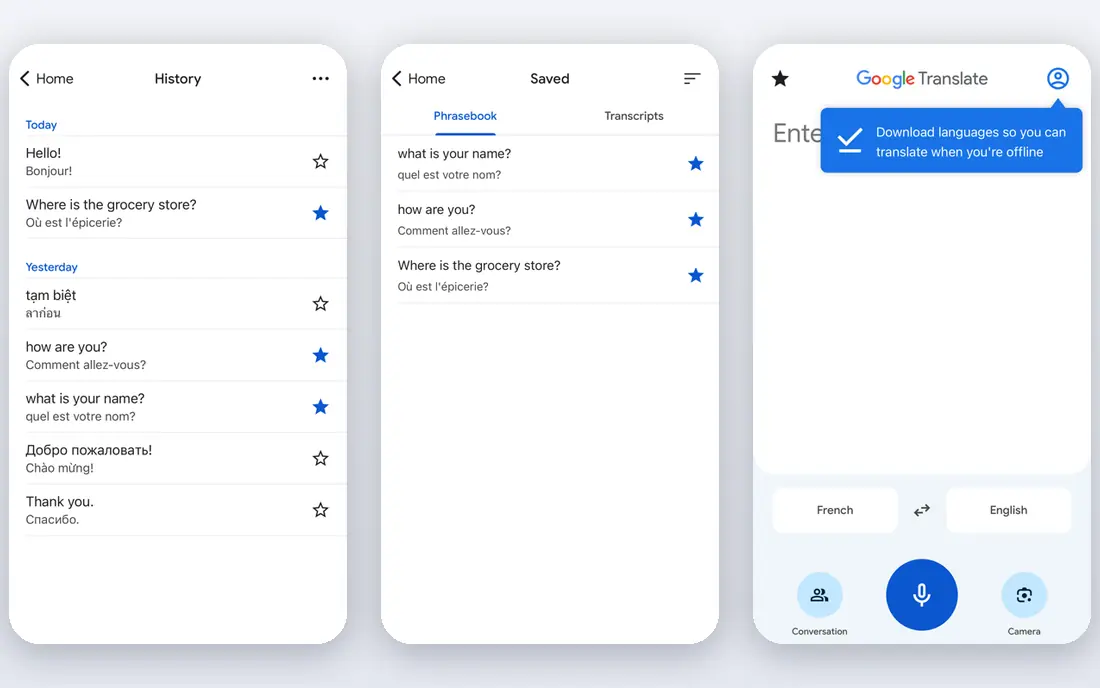
Google Translate is the default translator for most users because it covers the widest range of needs at no cost. You can type or speak a phrase, point the camera at a sign or menu, use conversation mode for a two-way chat, and download language packs for offline use. For English to Spanish, it handles everyday phrases, directions and shop conversations well. The limit is style. For a formal email or a longer document in a supported European language, DeepL often produces more natural phrasing. For travel, signs and spoken chats, Google Translate breadth wins. Keep it as your main app, and add DeepL for writing where natural style matters most.
- Very broad language coverage
- Text, voice, camera and conversation modes
- Downloadable offline packs
- Free on web, iOS and Android
- Written style can feel plain compared with DeepL for some European pairs
- Accuracy varies by language pair and accent
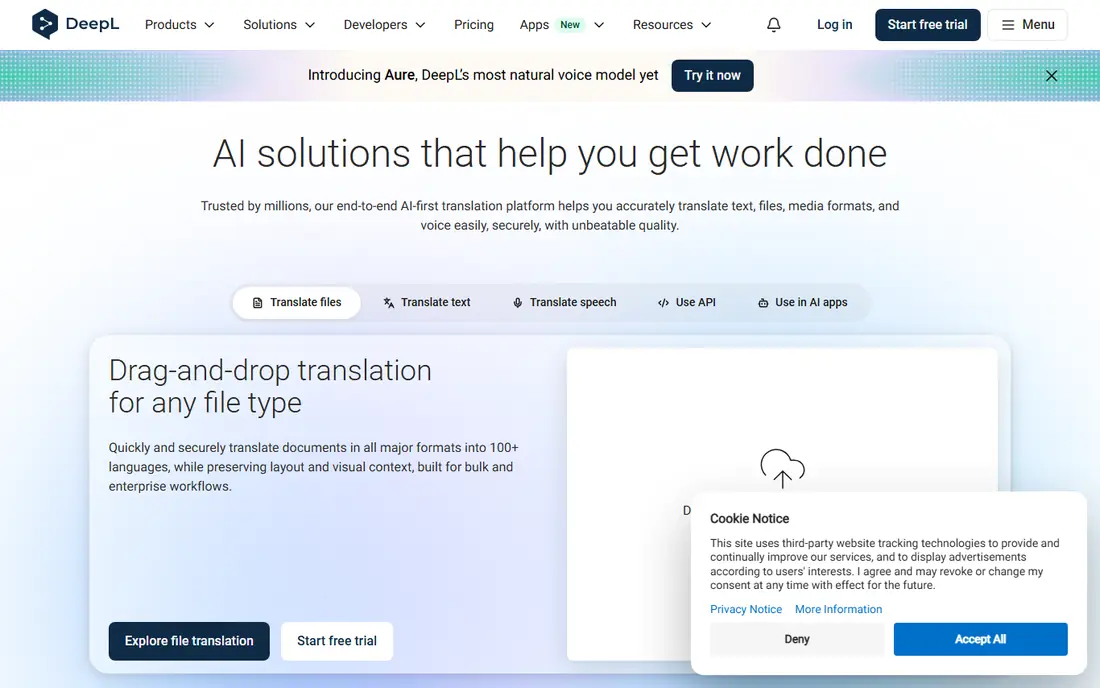
DeepL is the writing pick. Its translations for supported languages often read more fluently than a word-by-word result, with better handling of tone, word order and common phrases. For English to Spanish emails, essays, website copy and business messages, DeepL is a strong choice, and it is free for basic text translation. The trade-off is coverage and input types. DeepL supports fewer languages than Google Translate, and it is less of a travel app for camera and conversation use. Use DeepL for writing and documents, and Google Translate for signs, speech and languages outside DeepL coverage. That pair covers most everyday needs without a paid plan.
- Natural-sounding translations for supported languages
- Strong for European pairs including English to Spanish
- Document translation in paid plans
- Language list is shorter than Google Translate
- Voice and camera features are more limited than Google Translate
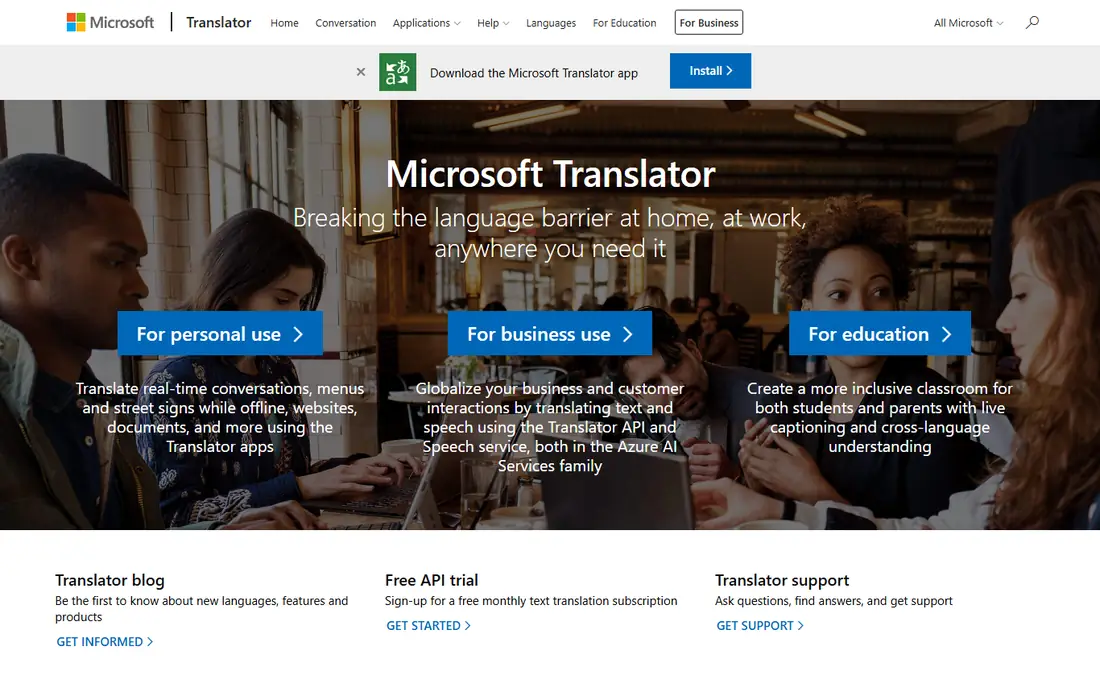
Microsoft Translator is a strong free general app with a group strength. It handles text, speech and image translation, and its conversation features let multiple people follow along in their own language. That suits classrooms, tours and small meetings where one phone passed around would slow the talk. For English to Spanish, Microsoft Translator works well for everyday speech and text, and it is a good backup to Google Translate. Check offline packs before travel, since offline quality and language availability differ by pack. For formal writing, DeepL remains the style pick, while Microsoft Translator wins for group chats.
- Free text, speech and image translation
- Group conversation features
- Offline packs for some languages
- Microsoft 365 and Teams links in wider products
- Some conversation features have changed over time, so check current app behaviour
- Written style can be plainer than DeepL for some pairs
iTranslate is a polished travel companion that pairs translation with learning tools. It offers voice and text translation, a phrasebook for common travel situations, dictionary entries and verb conjugations that help learners understand forms, not just single translations. For English to Spanish travel, the phrasebook and verb help are genuinely useful. The catch is the paywall. Offline packs and some voice and camera features sit behind a Pro plan, so the free tier suits occasional connected use. If you travel often without signal, price Pro or pair iTranslate with Google Translate offline packs for the same trip.
- Clean interface for voice and text
- Phrasebook, dictionary and verb help for learners
- Camera translation in paid tiers
- Offline mode and fuller voice features need a paid plan
- Free tier is more limited than Google Translate
Naver Papago is a specialist, and it earns its place for East Asian travel. It handles Korean, Japanese and Chinese with attention to formality and idiom that general apps sometimes miss, and it offers voice, text and image translation for everyday use. Travellers in Seoul, Tokyo or Beijing often keep Papago beside a general app. For English to Spanish, Papago is not the pick. Its strength is East Asian pairs, and its overall language list is shorter. Use Papago for Korean, Japanese and Chinese, and Google Translate, DeepL or Microsoft Translator for Spanish and other languages.
- Strong for Korean, Japanese and Chinese
- Text, voice and image translation
- Offline packs for some languages
- Language list is shorter than Google Translate
- Less useful as a general app for European or other regional pairs
SayHi Translate focuses on one job: speak, translate, reply. That simplicity helps in taxis, shops and hotels, where you want a fast spoken exchange without menus or settings. Language switching is quick, and English to Spanish voice chats work well for short, clear sentences. The limit is depth. SayHi does not match Google Translate for camera translation or offline packs, and it does not match DeepL for written style. Treat it as a fast voice app for face-to-face chats, and keep a broader app for signs, documents and offline trips.
- Simple two-way voice translation
- Quick language switching
- Free for basic conversations
- Needs a connection for most use
- Fewer features than larger apps for camera, offline and document work
Reverso suits learners and writers who want context, not just a single translation. Its Context tool shows translated words inside real example sentences, which helps you pick the right sense of a word, especially for English to Spanish where one English word can map to several Spanish words. Conjugation tables and grammar notes add further help for students. For quick travel speech or camera translation, Reverso is not the first pick. Use it when you are writing, studying or checking a tricky phrase, and use Google Translate or SayHi for spoken chats on the move. That division plays to the strength of each app.
- Context examples show how words are used in real sentences
- Dictionary, conjugation and grammar help
- Useful for learners and writers
- Language list is shorter than Google Translate
- Voice and camera features are more limited
- Some features need a paid plan
Yandex Translate is the regional specialist in this list. It handles Russian well, along with Turkish and several languages of the wider region, and it offers text, voice and image translation with offline packs for some languages. Travellers and readers working with Russian sources often keep it beside Google Translate. For English to Spanish, Yandex Translate works, but it does not beat Google Translate or DeepL for that pair. Its value is regional: if your work or travel involves Russian, Turkish or nearby languages, Yandex Translate is a useful second app. Check current availability in your region before relying on it for a trip.
- Strong for Russian and some regional languages
- Text, voice and image translation
- Offline packs for some languages
- Language coverage and polish vary outside its strong pairs
- Availability and terms can depend on region
TripLingo is built for travellers who want more than a literal translation. It offers phrasebooks organised by situation, with formal, casual and slang options, plus culture notes that explain when a phrase fits. For English to Spanish travel, that context helps you choose a polite form for a hotel desk and a casual form for a market stall. The limit is general use. TripLingo does not match Google Translate for broad language cover or camera translation, and some features need payment. Use it as a travel companion for phrases and culture, with Google Translate or DeepL as your main translation app for everything else.
- Travel phrasebooks with slang and formal options
- Culture notes and safety phrases
- Voice translation for travel situations
- General translation depth is less than Google Translate
- Some features need a paid plan
- Language list is travel-focused
How we picked these
We reviewed official product sites and public feature pages, and we compared each app on language coverage, text, voice and camera translation, offline support, learning tools and price. We favoured apps with a clear official homepage and a distinct strength, covering general use, writing, groups, East Asian pairs, regional pairs and travel phrases. Where paid terms vary, we show See website for paid plans and Free for the free tier.
What to check before you choose
Start with your main use. For speech on the street, prioritise voice mode and offline packs. For writing, prioritise DeepL style and document handling. For signs and menus, prioritise camera translation. For learning Spanish, prioritise phrasebooks, verb tables and context examples, which iTranslate, Reverso and TripLingo handle well. Next, test your key pair. Translate the phrases you actually use, such as directions, prices, allergies, times and addresses, and check them with a speaker if you can. Download offline packs before travel, test them with data off, and keep two apps installed: a general app and a specialist for writing or for your region. That pair covers most failures, from poor signal to a tricky idiom.
Frequently asked questions
What is the best app to translate English to Spanish?
Google Translate, DeepL and Microsoft Translator all handle English to Spanish well. Google Translate is best for free all-round use with camera and offline tools, DeepL is best for natural written Spanish, and Microsoft Translator is strong for group conversations.
What is the best free English to Spanish translation app?
Google Translate is the best free pick for most users, since it covers text, voice, camera and offline use at no cost. Microsoft Translator is also free and is a good backup, while DeepL free tier suits written translation in supported languages.
Is DeepL better than Google Translate?
For written translation in supported languages, DeepL often produces more natural phrasing. For language coverage, camera translation, conversation mode and offline travel use, Google Translate is broader. Many users keep both and use each for its strength.
Which translator app works offline?
Google Translate and Microsoft Translator offer offline packs for some languages, and iTranslate offers offline use in paid tiers. Download packs before you travel and test them with mobile data off, since offline quality can differ from online quality.
Can a translator app handle live conversation?
Yes, for everyday chats. Google Translate, Microsoft Translator and SayHi offer conversation or voice modes for two-way speech. Speak in short turns, confirm key details on screen, and use a quiet setting where you can, since noise and overlapping speech hurt accuracy.
What is the best translation app for language learning?
Reverso suits learners who want context examples and conjugation help, iTranslate suits travellers who want a phrasebook and verb tables, and TripLingo suits travellers who want situation phrases and culture notes. Pair a learning app with Google Translate for general translation.
Sources we checked (9)

Online Jobs is an independent blog about careers, online work, learning new skills and the tools that help people earn. More about us.
Keep reading
All posts
Best Translation App for Live Conversation
Best translation app for live conversation compared: Google Translate, Microsoft Translator, DeepL Voice and more. Find the app for travel and meetings.

n8n Alternatives
n8n alternatives compared for 2026, with Zapier, Make, Activepieces, and more, covering visual builders, code steps, self-hosting, and pricing models.

iPhone Alternatives
Looking for iPhone alternatives in 2026? Compare 9 Android phones from Samsung, Google, OnePlus, and more, with cameras, battery life, and honest trade-offs.