Best Transactional Email Service in 2026: 8 Services Compared

How we put this together: we compare official feature and pricing pages, app store listings, privacy policies and public user reviews. Prices change, so check the provider's site before you pay.
Key takeaways
- Resend suits developers who want a simple API and a usable free tier, while Postmark suits teams where delivery speed for critical mail matters most.
- SendGrid and Mailgun suit larger senders that need scale, dedicated IPs and mature tooling.
- Amazon SES is cheapest at high volume but needs more setup and AWS knowledge.
- Free tiers differ sharply, from 100 emails a month to thousands, so match the tier to your real monthly volume.
Quick comparison
| Name | Who it suits | Starting price | Free option | |
|---|---|---|---|---|
 Postmark | critical transactional mail | $15 per month | Yes | Visit |
 Resend | developer-friendly sending | $20 per month | Yes | Visit |
 SendGrid | high-volume senders | $19.95 per month | Free trial | Visit |
 Mailgun | developer infrastructure | $15 per month | Yes | Visit |
 Mailtrap | testing plus sending | $20 per month | Yes | Visit |
 Brevo | transactional plus marketing mail | See website | Yes | Visit |
 MailerSend | simple API sending | $35 per month | Yes | Visit |
 Amazon SES | lowest cost at scale | See website | No | Visit |
The best transactional email services
Transactional email covers the messages users expect: password resets, order confirmations, receipts, account alerts and notifications. When those messages land late or in spam, users lose trust fast. The services below differ in price, free tier, API ease and deliverability focus. We compared official pricing pages and documentation, and we note where a free tier is really only for testing.
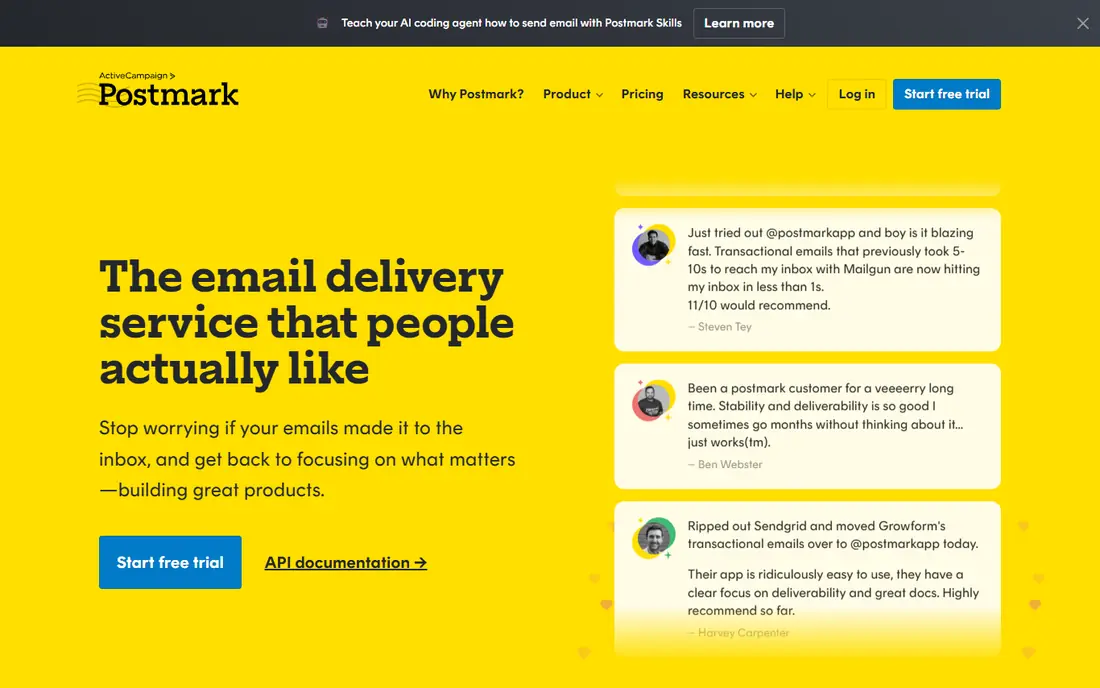
Postmark built its name on one promise: transactional mail should arrive fast and reliably. It separates transactional messages from bulk broadcast mail, which helps protect the reputation of password resets and receipts. Detailed delivery tracking and bounce handling make it easier to spot a failing template or a bad address list before users complain.
The free tier will not run a production app, since it covers only 100 emails a month. Paid plans start at $15 per month for 10,000 emails, with overage charges above that. If your app sends login codes, receipts or alerts that users must receive, Postmark is our pick for reliability, even though it costs more per email than the cheapest options.
- Strong focus on fast delivery
- Separate streams for transactional and broadcast mail
- Clear message tracking
- Free tier is only 100 emails a month
- Dedicated IPs need higher plans
- Marketing features are limited by design
Resend appeals to developers who want to start sending in an afternoon. The API is straightforward, the docs are clear, and template building with React Email fits teams already using React. The free tier covers 3,000 emails a month with a 100-per-day cap, which is enough for a small app or a side project to get going.
Paid plans start at $20 per month for 50,000 emails, which is competitive at that volume. The daily cap and the Scale-plan requirement for a dedicated IP are the main limits to note. For a new app, a startup or a team that values developer experience, Resend is a strong first choice.
- Clean modern API and docs
- 3,000 free emails a month
- React Email templates from the same team
- Daily cap on the free tier
- Dedicated IPs need a Scale plan
- Marketing mail is billed separately
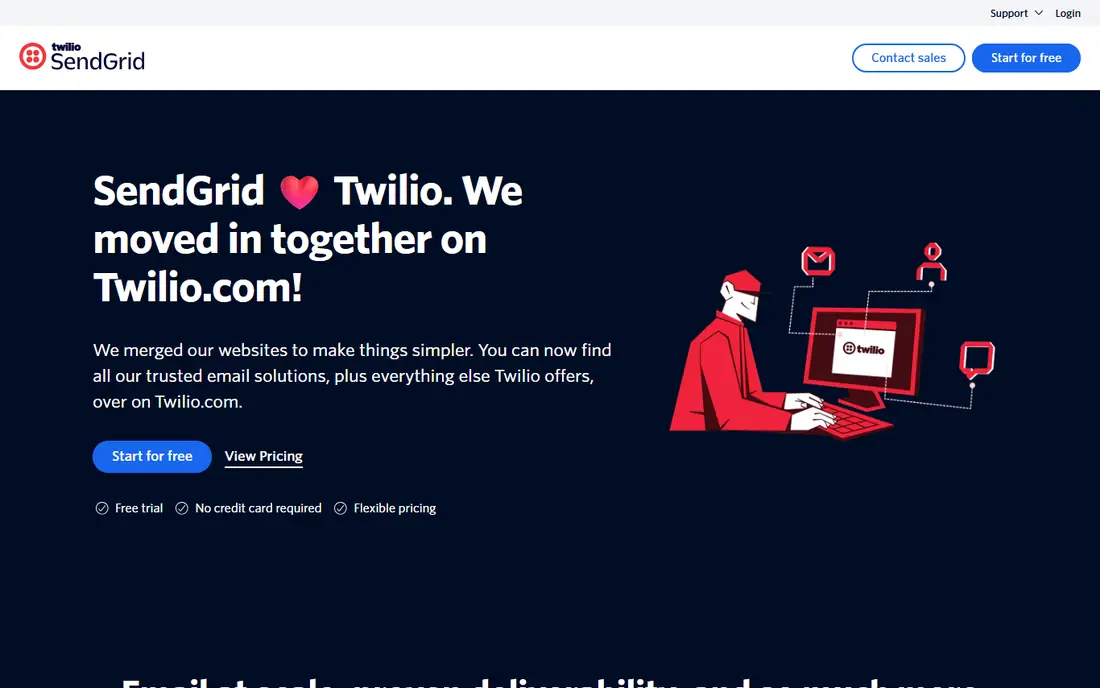
SendGrid, now part of Twilio, remains one of the largest email senders, and that scale suits companies with high volume and strict support needs. You can run transactional mail and marketing campaigns from one account, and teams already using Twilio for SMS or verification can keep billing and support in one place. Essentials plans start at $19.95 per month for 50,000 emails after the trial.
The loss of a permanent free plan is a real change for small projects. New users get a time-limited trial instead, so budget for a paid plan from the start. The dashboard also carries years of features, which can feel heavy for a simple send-only setup. For larger teams that need scale and support, SendGrid still earns its place.
- Huge scale and long track record
- API plus marketing campaigns in one account
- Twilio ecosystem fit
- No permanent free plan, only a 60-day trial
- Dashboard can feel complex
- Dedicated IPs need Pro plans
Mailgun suits teams that treat email as infrastructure. Beyond sending, it handles inbound routing, webhooks and detailed event tracking, which helps when an app needs to receive replies or process incoming mail. The free tier allows 100 emails a day, and paid plans start at $15 per month for 10,000 emails.
Email validation is a paid add-on rather than a core feature, so factor that in if you need list cleaning. Short log retention on lower tiers can also frustrate debugging. For developers building email into a product, with inbound needs as well as sending, Mailgun is a flexible and proven option.
- Flexible API and inbound routing
- 100 free emails a day
- Email validation as an add-on
- Validation costs extra
- Log retention is short on lower tiers
- Pricing tiers need care at scale
Mailtrap started as a testing tool that catches emails in a fake inbox before they reach real users. That history makes it a natural fit for teams that want testing and production sending in one account. Developers can inspect templates, check spam scores and confirm links work, then send production mail through the same platform.
Paid sending plans start around $20 per month, with a free tier of 4,000 emails a month. Dedicated IPs sit on higher plans, as with most rivals here. If your team struggles with broken templates or untested emails reaching users, Mailtrap solves a real pain that pure sending APIs do not address.
- Strong email testing inbox
- 4,000 free emails a month
- Clear sending analytics
- Best known for testing, so sending is newer
- Dedicated IPs need higher plans
- Overage rates vary by tier
Brevo suits small businesses that need both kinds of email from one vendor. A shop sending order confirmations and a weekly newsletter can manage contacts, templates and campaigns in a single account, without paying for two tools. The free tier allows 300 emails a day, which is generous for a small store or service business.
Pricing needs care, since volume is shared across uses in some plans, and dedicated IPs require higher tiers. Developer teams that only need a clean API may prefer Resend or Postmark. For a small business owner who wants one dashboard for receipts and newsletters, Brevo is a practical pick.
- 300 free emails a day
- Marketing and transactional mail in one tool
- Contact management included
- Volume pricing mixes marketing and transactional use
- Dedicated IPs need higher plans
- API docs trail developer-first rivals
MailerSend offers a tidy API, drag-and-drop templates and inbound routing, with analytics that are easy to read. Setup is quick, and the template tools suit teams without a dedicated email developer. That simplicity is the main draw, especially for small products that need reliable sending without a steep learning curve.
The free tier is small at 500 emails a month, and the paid entry point sits above Resend and Mailgun at the volumes many small apps need. For a team that values a clean interface and template tools over the lowest price, MailerSend still works. For a cost-first project, Resend or Mailgun will stretch further.
- Clean API and template builder
- Inbound routing included
- Clear analytics
- Free tier is only 500 emails a month
- Paid entry is higher than rivals
- Dedicated IP terms need a sales check
Amazon SES charges per thousand emails at a rate far below most rivals, which makes it the cheapest option at high volume. If you already run on AWS, it fits naturally into your infrastructure, with sending, receiving and configuration options that scale with your app. For a high-volume sender, the savings over a year can be large.
Setup is the trade-off. New accounts start in a sandbox with sending limits, and you must request production access, set up domain authentication and manage reputation yourself. There is no permanent free tier for new sign-ups, only AWS credits in some cases. Choose SES when volume justifies the setup effort, not for a first small project.
- Very low per-email cost
- Scales with AWS infrastructure
- Flexible sending options
- Setup needs AWS knowledge
- No permanent free tier for new accounts
- Support and deliverability tools need extra work
How we picked these
We compared official pricing pages, free tier terms and documentation for each service, and we favored services that still operate, support API and SMTP sending, and publish clear volume pricing. We noted where free tiers are testing-only and where dedicated IPs require higher plans. We did not claim hands-on testing, and we based our notes on vendor pages and public pricing comparisons checked against those pages. Prices change often, so confirm the current rate on the vendor site before you commit.
How to choose the right service
Start with monthly volume, then with how critical each message is. Password resets and payment receipts need fast, reliable delivery, while weekly digests can tolerate a cheaper tier. Check the free tier daily cap, not just the monthly total, since a 100-per-day cap can block a busy day even when the monthly total looks fine. Set up domain authentication (SPF, DKIM and DMARC) before you send, since that step affects delivery more than any vendor choice.
Test with real templates and real inboxes. Send to major providers, check spam placement, and review bounce handling. Also confirm log retention, since short logs make debugging harder. Start on the cheapest plan that covers your peak day, not your average day, and keep an eye on overage rates as you grow.
Frequently asked questions
What is the best transactional email service?
Postmark suits critical mail where speed matters, while Resend suits developers who want a simple API and a usable free tier. SendGrid and Mailgun suit larger senders, and Amazon SES suits high-volume teams with AWS skills. Match the service to volume and message importance.
What is the best email sending service for a small app?
Resend and Mailtrap offer the most useful free tiers for a small app, with 3,000 and 4,000 emails a month respectively, subject to daily caps. Postmark and MailerSend free tiers are much smaller and suit testing only. Check daily caps before you rely on a free tier.
Is there a free transactional email service?
Yes, with limits. Resend, Mailtrap, Mailgun, Brevo and Postmark all offer free tiers, but caps range from 100 emails a month to 300 a day. SendGrid offers a trial rather than a permanent free plan. Free tiers suit side projects and early apps, not high-volume production mail.
How much does transactional email cost?
Entry paid plans range from about $15 to $35 per month, depending on included volume. Resend includes 50,000 emails at $20 per month, while SendGrid includes 50,000 at $19.95 per month. Amazon SES charges per thousand emails and is cheapest at scale, but needs more setup.
What is the difference between transactional and marketing email?
Transactional email is triggered by a user action, such as a password reset or order confirmation, while marketing email is a bulk message you choose to send, such as a newsletter. Keeping them on separate streams or subdomains protects the delivery of critical messages when a marketing send performs poorly.
Sources we checked (8)

Online Jobs is an independent blog about careers, online work, learning new skills and the tools that help people earn. More about us.
Keep reading
All posts
n8n Alternatives
n8n alternatives compared for 2026, with Zapier, Make, Activepieces, and more, covering visual builders, code steps, self-hosting, and pricing models.

ZoomInfo Alternatives
The best ZoomInfo alternatives in 2026, compared on price, free plans, data coverage, and which tool fits small teams or large sales teams best in detail.

Workday Alternatives
We compared the best workday alternatives for HR, payroll, and global hiring, from BambooHR and Gusto to Rippling, Deel, and HiBob for growing teams in 2026.