Best tools for web development in 2026: 9 Tools Compared

How we put this together: we compare official feature and pricing pages, app store listings, privacy policies and public user reviews. Prices change, so check the provider's site before you pay.
Key takeaways
- Visual Studio Code, GitHub and Tailwind CSS give a strong free core for most web projects.
- Figma and Webflow suit design-led teams, while Vercel and WordPress suit teams that need to ship and host sites fast.
- Cursor and GitHub Copilot add AI help inside the editor, but they do not replace testing, review and clear requirements.
- Postman saves time when you build or test APIs, because it keeps requests, tests and docs in one place.
- Start free where you can, and pay only when a paid plan removes a real limit on your project.
Quick comparison
| Name | Who it suits | Starting price | Free option | |
|---|---|---|---|---|
 Visual Studio Code Visual Studio Code | Free code editor | Free | Yes | Visit |
 GitHub GitHub | Code hosting and collaboration | Free | Yes | Visit |
 Figma Figma | Collaborative web design | Free | Yes | Visit |
 Webflow Webflow | Visual site building and hosting | $14 per month | Yes | Visit |
 Vercel Vercel | Frontend hosting and deployment | Free | Yes | Visit |
 Tailwind CSS Tailwind CSS | Utility-first styling | Free | Yes | Visit |
 Cursor Cursor | AI-first code editing | $20 per month | Yes | Visit |
 Postman Postman | API testing and docs | Free | Yes | Visit |
 WordPress WordPress | Content sites and blogs | Free | Yes | Visit |
The best tools for web development
We compared official feature pages, pricing pages, documentation and public reviews for tools that are live in October 2026. The list covers editing, design, hosting, styling, AI help, APIs and content, so you can build a full stack from free and paid parts that fit together.
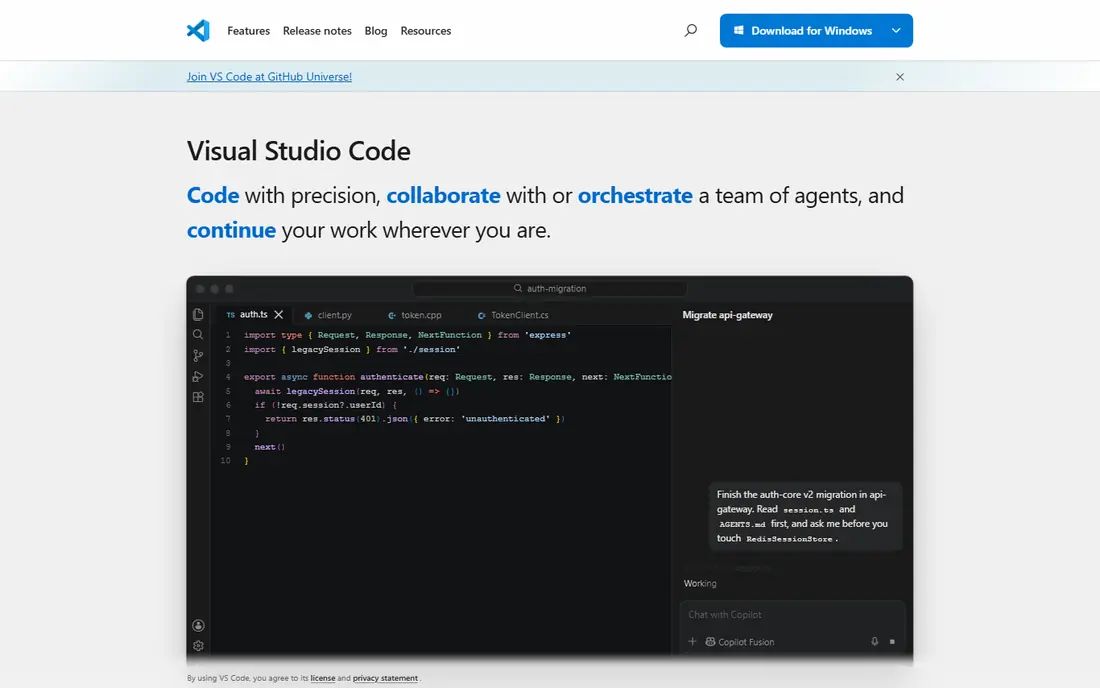
Visual Studio Code is the default editor for many web developers, and the free price is a large part of that appeal. It supports HTML, CSS, JavaScript, TypeScript and many other languages, with extensions for frameworks, linters, themes and AI assistants. Built-in Git, debugging and terminal support keep most daily work inside one window.
The trade-off is setup time. A fresh install is light, and you add what you need, which is good for control but can confuse new developers who expect everything built in. Our pick for most people starting web development is Visual Studio Code, paired with GitHub for version control.
- Free and widely supported
- Huge extension library
- Built-in Git and debugging
- Needs extensions for some workflows
- Settings can feel complex for beginners
GitHub hosts code, tracks changes and lets teams review work through pull requests. It also offers Actions for testing and deployment, Issues for tracking work, and Pages for simple static hosting. For solo developers, it acts as a backup and a portfolio, and for teams it acts as the shared source of truth.
Git itself has a learning curve, especially around branching and merging, but that skill pays off on every later project. GitHub is free for core use, with paid Team and Enterprise plans for larger organisations. No web stack on this list is complete without version control, and GitHub remains the most widely used option.
- Free public and private repos
- Pull requests and code review
- Actions for automation
- Paid plans needed for larger teams
- Learning Git takes time for beginners
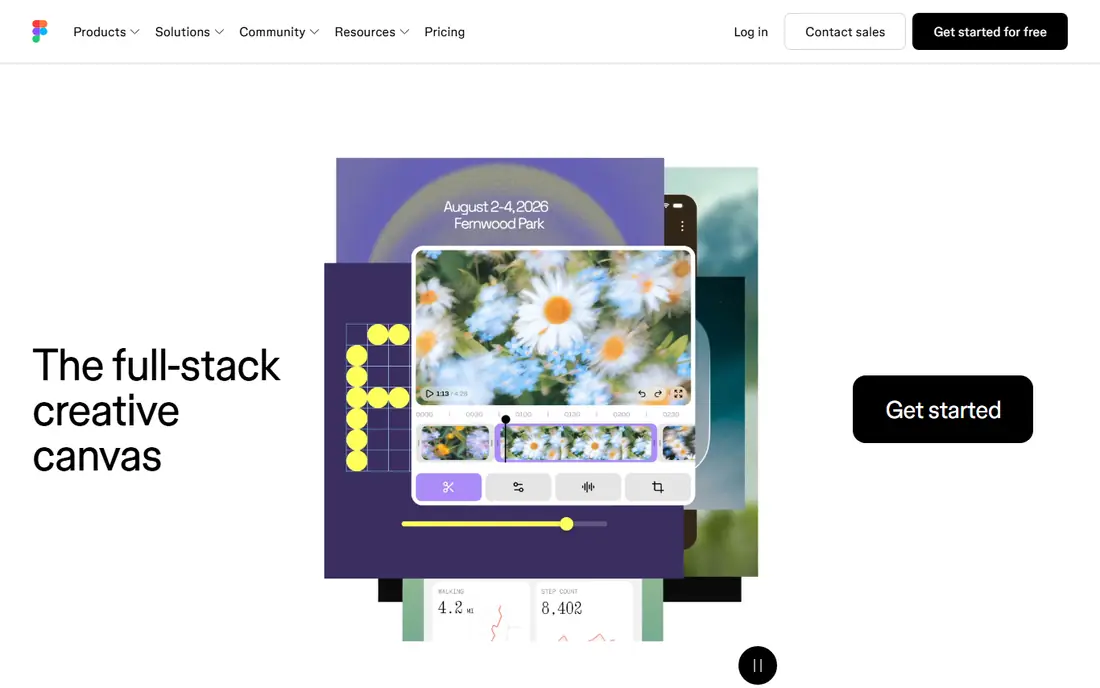
Figma lets designers and developers work on the same file in a browser, with components, auto-layout and prototyping for web and app screens. Developers can inspect designs, copy CSS values and use Dev Mode features on paid plans, which cuts down on guesswork during handoff. The free Starter plan suits small projects and learning.
Figma does not build your site for you, and a messy file will still produce messy handoff. It works best when a team agrees on components, naming and spacing early. For design-led web work, Figma remains the shared canvas that most teams already know.
- Real-time collaboration in the browser
- Strong components and prototyping
- Large plugin library
- Paid plans needed for unlimited files
- Design skills still needed to use it well
Webflow suits marketing sites and design-led projects where a team wants visual control without writing every line of CSS by hand. You build with HTML structure and CSS classes in a visual editor, add CMS content, and publish to Webflow hosting. The result can be a production site, not just a mockup.
The catch is that Webflow rewards people who understand layout, spacing and responsive breakpoints. It is not a drag-and-drop builder for users who want no design decisions at all. Paid site plans start at $14 per month for a basic site, with higher plans for CMS and business features, so check the current pricing page for your site type.
- Visual building with real HTML and CSS
- Built-in CMS and hosting
- Clean published code
- Learning curve for CSS concepts
- Site plans add cost per site
Vercel turns a Git push into a live preview or production deploy, which makes it easy to share work and review changes before launch. Preview links for each pull request help designers, writers and clients check a change without a staging server. It works well with Next.js, React and other frontend frameworks.
The free Hobby plan suits personal projects and small sites, while Pro plans suit teams and higher traffic. Vercel is a frontend platform first, so complex backend work may need a separate service. For shipping a frontend fast, with clear previews, Vercel is a strong choice.
- Fast deploys from Git
- Preview links for every pull request
- Strong Next.js support
- Costs rise with team and usage
- Less suited to heavy backend workloads alone
Tailwind CSS lets you style pages with small utility classes in your HTML, such as padding, colour and layout helpers, instead of writing long custom CSS files. That approach speeds up building consistent layouts, and it works well with component frameworks such as React, Vue and Svelte. The framework is free and open source.
The downside is readability. HTML files can fill with class names, and new developers may need time to learn the naming system. Used with components, where repeated patterns live in one place, Tailwind stays manageable. For teams that want speed and consistency, it is a practical styling choice.
- Free and open source
- Fast styling without custom CSS files
- Consistent spacing and colours
- HTML can look busy
- Learning the utility names takes time
Cursor is an AI-first editor built on a familiar code editor base, with chat, inline edits and agent-style tasks that can work across files. It can explain code, draft functions, refactor sections and help debug errors, which can speed up routine work. The free tier lets you try the core experience before paying for Pro at $20 per month.
AI help does not remove the need for tests, code review and clear requirements. Cursor can produce plausible code that is wrong in subtle ways, especially in larger codebases. Use it to move faster on well-understood tasks, and keep human review for security, payments and data handling.
- AI chat and editing inside the editor
- Codebase-aware suggestions
- Familiar VS Code base
- Paid Pro needed for full use
- AI output still needs review and testing
Postman lets you send API requests, save them in collections, write tests and share documentation with a team. That workflow saves time when you build a web app that talks to several APIs, because you can test endpoints before you wire them into the frontend. Collections also act as living docs for other developers.
For a single small API, a browser tool or a simple script may be enough, and Postman can feel large. As soon as you have multiple endpoints, environments and teammates, the shared collections and tests earn their place. The free plan covers core use for individuals and small teams.
- Easy API requests and collections
- Tests and automation
- Shared workspaces for teams
- Paid plans needed for larger teams
- Can feel heavy for a single simple API
WordPress powers a large share of content sites, blogs and small business sites, and the core software is free. Themes and plugins cover shops, bookings, memberships and SEO, which lets a small team launch a full site without building a CMS from scratch. The block editor suits writers who want to publish without code.
Self-hosted WordPress needs hosting, updates and backups, and a site with many plugins can become slow or fragile. Managed WordPress hosting can reduce that burden at a monthly cost. For content-led sites where publishing matters more than custom app logic, WordPress remains a practical, proven choice.
- Free open source software
- Huge theme and plugin range
- Strong for blogs and content sites
- Hosting and maintenance are your job
- Too many plugins can slow a site
How we picked these
We compared official feature pages, pricing pages, documentation and public reviews for tools that are live in October 2026. We kept tools that cover a distinct job in web development, from editing to hosting, and we dropped tools that had closed, that duplicated another entry, or that only served a narrow niche. Prices come from vendor pricing pages where a starting price was clear, and we wrote See website only where a vendor did not publish a simple plan.
We also weighed the free tier, because many readers start with no budget. A tool with a useful free plan ranks higher here than a tool that needs a paid plan to do basic work. We did not claim hands-on testing, and we did not rank by popularity alone, because a popular tool can still be a poor fit for a content site or a small team.
Building a practical web stack
Start with a free core, then add paid tools
A workable starting stack is Visual Studio Code, GitHub, Tailwind CSS and Vercel, all free for personal use, plus Figma for design and WordPress or Webflow for content and marketing pages. Add Cursor or Postman when AI help or API work becomes a daily need. That order keeps costs low while you learn what your project actually needs.
Keep design, code and content in sync
Agree early on file naming, component names and spacing rules in Figma, so developers do not have to guess during handoff. Keep content in a CMS or in structured files, not buried in code, so writers can update pages without a developer. Small agreements like these save more time than any single tool feature.
Test, review and deploy with care
Use Git branches and pull requests for changes, run tests before merging, and use preview deploys to check work on real devices. AI tools can draft code, but they cannot approve a payment flow or a privacy change. A short checklist for testing, accessibility and performance, run before each launch, will catch more problems than a new tool will.
Frequently asked questions
What is the best tool for web development?
Visual Studio Code is the best starting tool for most developers, because it is free, widely supported and works with many languages and frameworks. Pair it with GitHub for version control and Vercel or WordPress for hosting, depending on your site type. The best stack depends on whether you build apps, marketing sites or content sites.
What is the best web development platform?
For visual marketing sites, Webflow is a strong platform, because it combines design, CMS and hosting. For code-led apps, Vercel plus GitHub is a strong platform, because it handles deploys and previews from Git. For content sites, WordPress remains a strong platform, because of its themes, plugins and publishing tools.
What is the best software for web development?
There is no single software package that covers design, code, hosting and content equally well. Most teams use a mix, such as Figma for design, Visual Studio Code for code, Postman for APIs and a hosting platform for deploys. Choose software by job, not by a single all-in-one claim.
Is web development free to start?
Yes, for learning and for many small projects. Visual Studio Code, GitHub, Tailwind CSS, Vercel and WordPress core are free, and Figma, Cursor and Postman offer free plans. Costs appear when you need a custom domain, paid hosting, a larger team plan, or a paid AI plan, so start free and upgrade when a limit blocks real work.
Do I need to know code to use Webflow or WordPress?
You can build a basic site in both without writing code, but some code knowledge helps a lot. Webflow rewards an understanding of HTML and CSS layout, and WordPress rewards basic HTML and plugin care. If you want a fully custom web app, learning HTML, CSS and JavaScript remains the direct route.
Which tool should I learn first?
Learn HTML, CSS and JavaScript in Visual Studio Code, with GitHub for version control. That core transfers to every other tool on this list, from Tailwind CSS to Vercel to WordPress themes. Add Figma for design and Postman for APIs once you can build and publish a simple site.
Sources we checked (9)

Online Jobs is an independent blog about careers, online work, learning new skills and the tools that help people earn. More about us.
Keep reading
All posts
Zoom Alternatives
Zoom alternatives compared for 2026: Google Meet, Microsoft Teams, Webex, Jitsi and more for free calls, large meetings and webinars for teams and classrooms.

What Is the Best Free Tool to Rotate a PDF
What is the best free tool to rotate a PDF? We compare eight free rotation tools on per-page control, limits, privacy and saved output quality in detail.

What Is the Best AI Dubbing Tool
We compared the best AI dubbing tools in 2026, from ElevenLabs and HeyGen to Rask AI, Dubverse and Veed, for videos and creators in many languages worldwide.