Best Tools for UX Design in 2026: 9 Tools Compared

How we put this together: we compare official feature and pricing pages, app store listings, privacy policies and public user reviews. Prices change, so check the provider's site before you pay.
Key takeaways
- Figma suits most product teams, because it combines interface design, prototyping, collaboration, and developer handoff in one browser tool.
- Sketch suits Mac first teams that prefer a native desktop editor, while Penpot suits teams that want an open source and self hosted option.
- Axure RP and ProtoPie suit complex prototypes with logic, conditions, and realistic interactions that simple click through tools cannot express.
- Balsamiq and Miro suit the early stage, where low fidelity wireframes and journey mapping matter more than pixel perfect screens.
Quick comparison
| Name | Who it suits | Starting price | Free option | |
|---|---|---|---|---|
 Figma Figma | Most product teams | Free | Yes | Visit |
 Sketch Sketch | Mac first design teams | See website | Free trial | Visit |
 Framer Framer | Design to published site | Free | Yes | Visit |
 Axure RP Axure RP | Complex logic prototypes | See website | Free trial | Visit |
 ProtoPie ProtoPie | Realistic interactions | See website | Free trial | Visit |
 Balsamiq Balsamiq | Low fidelity wireframes | See website | Free trial | Visit |
 Penpot Penpot | Open source design | Free | Yes | Visit |
 Miro Miro | Wireframes and journey mapping | Free | Yes | Visit |
 UXPin UXPin | Coded design systems | See website | Free trial | Visit |
The best tools for UX design
UX design covers several jobs: sketching an idea, wireframing a flow, designing screens, prototyping interactions, testing with users, and handing work to developers. No single tool is best at every job, so this list mixes interface design tools, prototyping specialists, and early stage tools, and notes where each one shines.
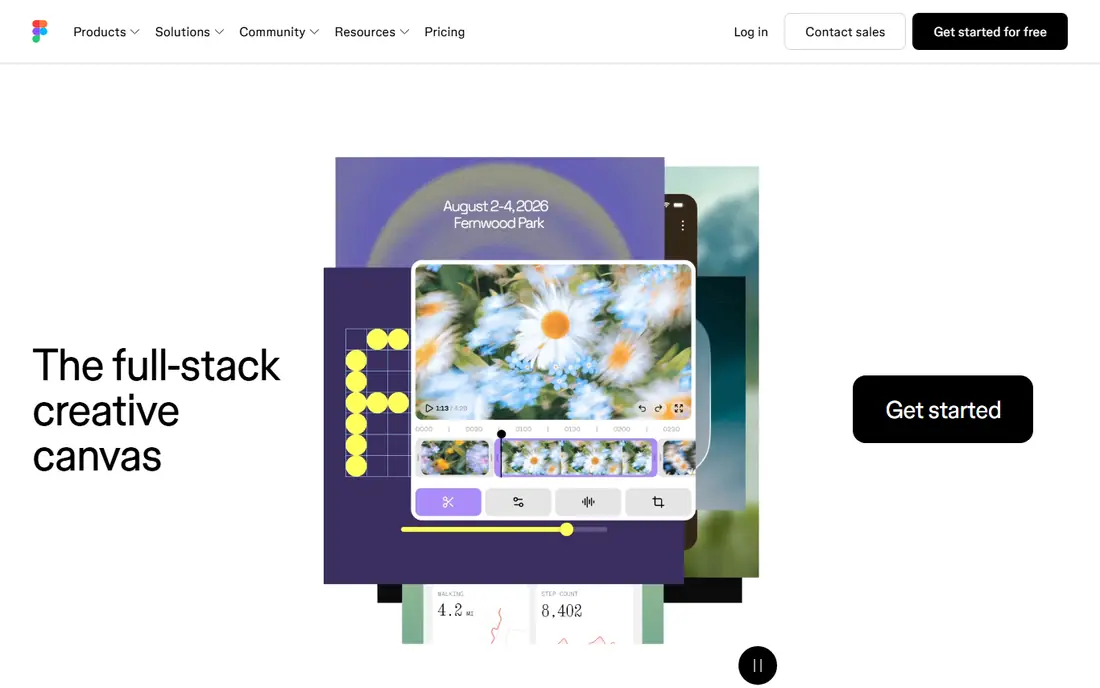
Figma is the default pick for most teams for a simple reason: design, prototyping, commenting, and developer handoff live in the same file. Multiple people can work in a design at once, components keep a design system consistent, and developers can inspect specs without a separate export step. That shared workspace reduces the handoff friction that slows many product teams.
The limits show up at the extremes. Very large files can feel heavy in a browser, and prototypes with complex logic, sensors, or conditional flows are better built in ProtoPie or Axure. For the everyday work of designing screens, testing flows, and shipping a consistent product, Figma remains the most versatile UX tool here.
- Real time collaboration
- Components and design systems
- Prototyping and developer handoff in one place
- Browser performance can suffer on very large files
- Advanced prototyping is less deep than ProtoPie or Axure
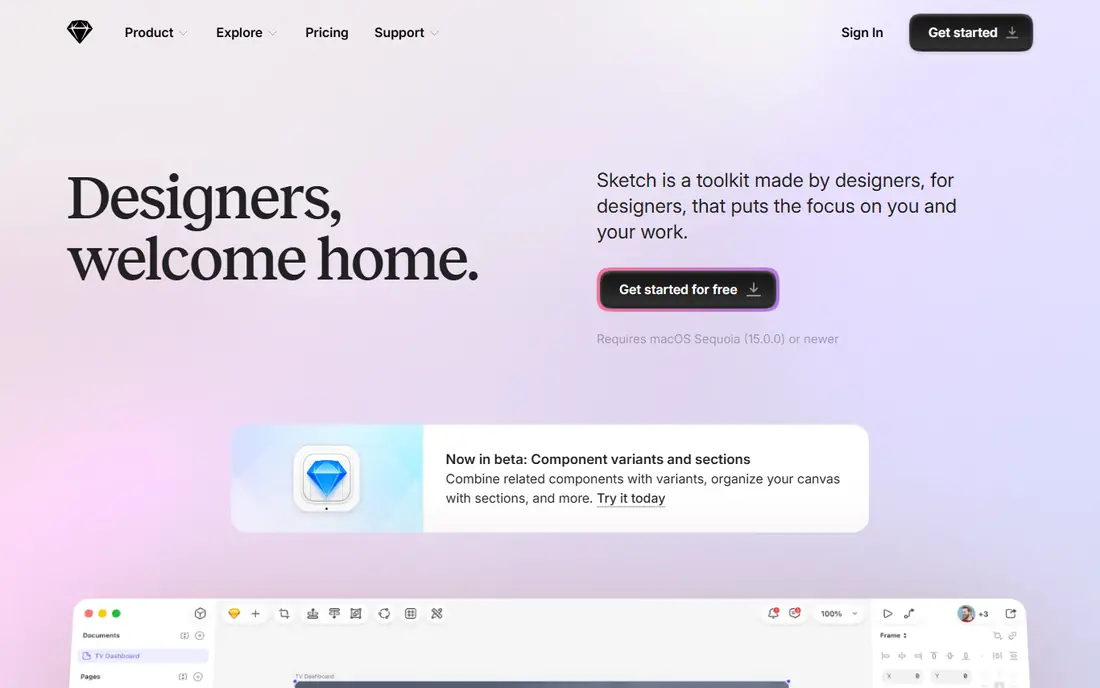
Sketch suits Mac first teams that prefer a native desktop editor over a browser tool. It is fast, its vector tools are mature, and symbols and libraries support a consistent design system. Stakeholders can view designs in a browser without an editor licence, which helps when sharing work with clients or managers.
The trade off is platform and collaboration. There is no Windows or Linux editor, and real time multi user editing is not the core strength it is in Figma. Teams that are all on Mac and value native performance will be happy with Sketch. Mixed platform teams, or teams that need live co editing, will usually prefer Figma or Penpot.
- Native Mac performance
- Mature symbols and libraries
- Web viewing for stakeholders
- Editor is Mac only
- No real time collaboration in the Figma sense
- Plugin dependence for some workflows
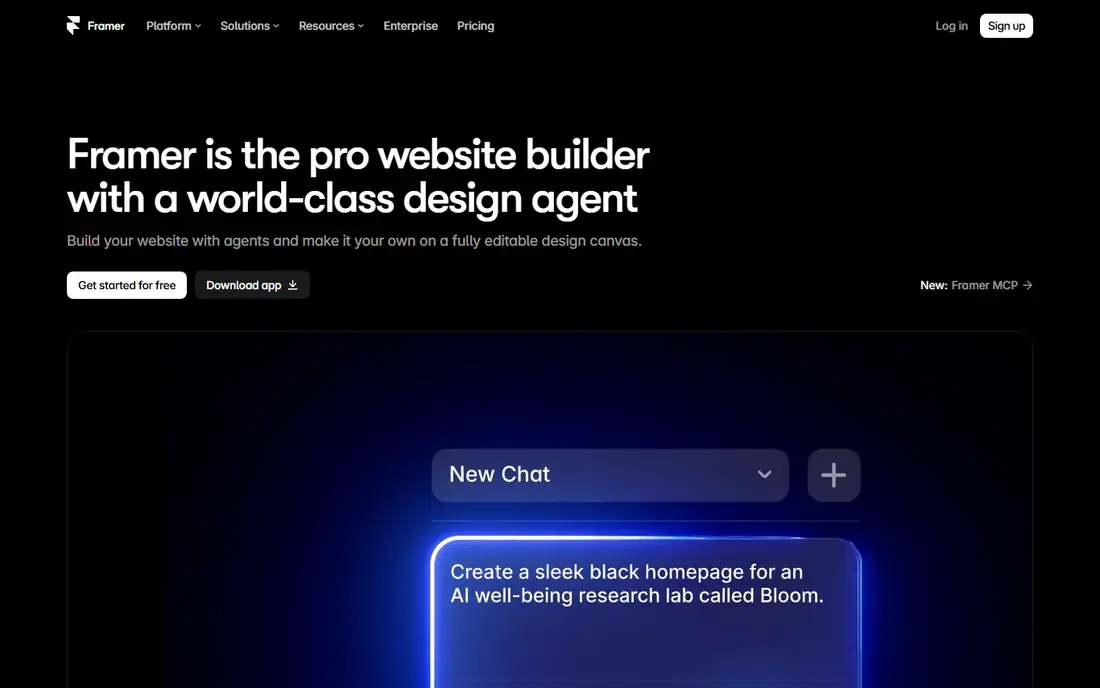
Framer suits designers who want a prototype to become a real published website without a separate build step. You design screens, add interactions, and publish a site, which is powerful for marketing sites, landing pages, and interactive prototypes that need to feel real in a browser. Code components also let developers extend designs in ways a pure design tool cannot.
Pricing needs care, because it can combine site and editor costs, and the learning curve is steeper for designers who do not code. Framer is less suited to a large mobile app design system than Figma, but for web products where design and publishing meet, it is a distinctive and strong pick.
- Design and publish websites from one tool
- Interactive prototypes
- Code components for developers
- Pricing combines per site and per editor costs
- Steeper learning for non developers
Axure RP is the enterprise prototype pick when a flow needs logic, not only screens. Conditional rules, dynamic panels, variables, and data driven content let you simulate a real application, including error states, permissions, and multi step processes. Documentation features also help large teams specify behaviour for developers.
The downside is visual design. Axure is not the tool for pixel perfect marketing screens, and its interface takes learning. Smaller teams may also find the price high for occasional use. When a prototype must prove a complex flow before building, Axure gives depth that Figma, Sketch, and Framer do not match.
- Conditional logic and dynamic content
- Documentation and specifications
- Enterprise prototyping depth
- Less focused on visual interface design
- Learning curve
- Price for smaller teams
ProtoPie suits teams that need a prototype to feel like a real app. It handles gestures, sensors, voice, and device inputs without code, so a mobile prototype can respond in ways a simple click through cannot. That realism helps user testing, because participants react to behaviour, not only to screens in order.
ProtoPie is a prototyping specialist, not a full design system tool, so many teams design screens in Figma or Sketch first and bring them into ProtoPie for interaction. If your testing needs realistic motion, conditional interactions, or sensor based flows, ProtoPie is the best tool on this list for that job.
- Realistic interactions without code
- Sensor and device inputs
- High fidelity mobile prototypes
- Less of a full interface design tool
- Needs Figma or Sketch for initial screens in many workflows
Balsamiq is the early stage pick. Its hand drawn style deliberately keeps wireframes rough, so stakeholders discuss structure, flow, and content rather than colours and fonts. That focus saves time in the first weeks of a project, when ideas change daily and polished screens would waste effort. Non designers also find it easy to use, which helps workshops and client sessions.
The limit is obvious: Balsamiq does not produce high fidelity screens or rich prototypes. It is a starting tool, not a finishing tool. Use it to agree structure, then move to Figma, Sketch, or Penpot for visual design and detailed prototyping.
- Fast low fidelity wireframes
- Hand drawn style keeps focus on structure
- Easy for non designers
- Not for high fidelity screens
- Limited prototyping depth
- No free plan, only a trial
Penpot suits teams that want a Figma like workflow without a proprietary platform. It runs in a browser, it is open source, and it can be self hosted, which appeals to teams with privacy, compliance, or cost concerns. Design output is also friendly to developers, with CSS oriented properties that ease handoff.
The ecosystem is smaller. Plugins, templates, and community files lag behind Figma, so a team that relies on a large plugin library will feel the gap. For a team that values openness, self hosting, and a free core tool, Penpot is a credible and growing alternative that covers most everyday UX design work.
- Free and open source
- Self hosting option
- Browser based
- CSS friendly design output
- Smaller plugin ecosystem than Figma
- Fewer templates and community resources
Miro suits the discovery stage of UX work, where journey maps, user flows, research synthesis, and rough wireframes need one shared canvas. Teams can workshop together in real time, move sticky notes and frames, and link research to flows without switching tools. That shared board often becomes the project memory for early decisions.
Miro is not a replacement for Figma for finished screens, and a large board without structure can become hard to navigate. Use Miro to explore, map, and agree, then move to a design tool for screens and prototypes. For collaborative UX discovery, it is one of the most useful tools here.
- Infinite canvas for workshops
- Journey maps, flows, and wireframes in one board
- Strong collaboration
- Not a high fidelity interface design tool
- Boards can become cluttered without structure
UXPin suits enterprise teams with a coded design system. Prototypes can use real code components, so what stakeholders test is close to what developers will ship, including states, interactions, and data. Design system management also helps large organisations keep components consistent across products.
Onboarding is complex, and the price and setup suit larger teams better than freelancers or small startups. For a simple app or a quick wireframe, UXPin is overkill. For a design system at scale, where code and design must stay aligned, it is a powerful and distinctive choice.
- Prototypes with real code components
- Design system management
- Realistic interactive prototypes
- Complex onboarding
- Price for smaller teams
- Overkill for simple wireframes
How we picked these
We compared official feature pages, pricing pages, and current 2026 guides for tools that support UX work, from wireframing and journey mapping to interface design, prototyping, and developer handoff. We mixed general design tools, prototyping specialists, and open source options, and we favoured tools that are actively maintained and available to ordinary teams. We used See website where a stable public starting price could not be confirmed from the vendor site at the time of writing, since team and editor pricing varies.
How to build a UX toolkit without overlap
Start with one core design tool, one prototyping specialist if needed, and one discovery tool. For most teams, that means Figma or Penpot for screens, ProtoPie or Axure only when prototypes need logic or realism, and Miro or Balsamiq for early exploration. Adding every tool on this list to one project creates confusion, not quality.
Next, agree a handoff routine. Developers need specs, assets, and behaviour notes, not only a link to a file. Use components and styles consistently, name layers clearly, and document edge cases such as empty states, errors, and loading states. A tool cannot fix a messy file, but a consistent routine makes any tool on this list work better.
Finally, test with real users before polishing. A low fidelity prototype in Balsamiq or Miro can reveal a flow problem in a day, while a polished Figma prototype can hide the same problem behind attractive screens. Test early, test the flow rather than the visual finish, and only invest in high fidelity work once the structure is proven.
Frequently asked questions
What is the best UX software?
Figma is the best general UX software for most product teams, because it covers design, prototyping, collaboration, and handoff in one tool. Sketch suits Mac first teams, Penpot suits open source teams, and Axure or ProtoPie suit complex prototypes. The best software depends on team platform, prototype complexity, and design system needs.
What are the best UX design tools for beginners?
Balsamiq and Miro are the easiest starting points for wireframes and journey mapping, because they focus on structure rather than visual polish. Figma is also beginner friendly for screen design, thanks to templates and a large community. Beginners should start with wireframes, then move to Figma for screens once the flow is agreed.
What is the best tool for UI UX design?
Figma is the leading UI and UX design tool for most teams, with Sketch as a strong Mac alternative and Penpot as an open source alternative. Framer suits web products that need design to publishing, while UXPin suits coded design systems at enterprise scale. Choose by platform, team size, and whether you need publishing or code components.
Is Adobe XD still a good UX tool?
Adobe XD is in maintenance mode according to Adobe, and it is no longer sold as a standalone app, so new teams should not choose it for a long term project. Existing XD users should plan a migration to Figma, Sketch, or Penpot, and check Adobe guidance for file export and transfer options.
Do I need separate tools for wireframes and prototypes?
Not always. Figma can handle wireframes and basic prototypes in one file, which suits many teams. Separate tools help when wireframes need a rough, discussion friendly style, as in Balsamiq, or when prototypes need logic and realism, as in ProtoPie and Axure. Add a specialist only when the core tool cannot express the behaviour you need to test.
Sources we checked (9)

Online Jobs is an independent blog about careers, online work, learning new skills and the tools that help people earn. More about us.
Keep reading
All posts
Workday Alternatives
We compared the best workday alternatives for HR, payroll, and global hiring, from BambooHR and Gusto to Rippling, Deel, and HiBob for growing teams in 2026.

Which SaaS Tools Have the Best Customer Support
Which SaaS tools have the best customer support? Compare eight popular tools on help centres, live help, response options and overall support quality.

Top AI Helpdesk Software
Searching for top AI helpdesk software in 2026? We compared 8 AI helpdesks on automation, pricing, channels and ease of setup for small and growing teams.