8 Best Tools for UI Design for Teams, Freelancers, and Beginners

How we put this together: we compare official feature and pricing pages, app store listings, privacy policies and public user reviews. Prices change, so check the provider's site before you pay.
Key takeaways
- Figma is the best all-round UI design tool for teams, with live collaboration and strong handoff.
- Sketch suits Mac-only designers who want a polished native app and a large plugin library.
- Penpot suits open-source teams and tight budgets, with a free core and self-hosting.
- Framer suits designers who want to publish a live site straight from the design.
- Free plans from Figma, Penpot, Framer, Uizard, Lunacy, and Webflow let you learn before you pay.
Quick comparison
| Name | Who it suits | Starting price | Free option | |
|---|---|---|---|---|
 Figma Figma | Team UI design and handoff | Free | Yes | Visit |
 Sketch Sketch | Mac-native UI design | $12 per month | Free trial | Visit |
 Penpot Penpot | Open-source team design | Free | Yes | Visit |
 Framer Framer | Design to live website | Free | Yes | Visit |
 Uizard Uizard | Fast AI prototyping | Free | Yes | Visit |
 Lunacy Lunacy | Free desktop UI design | Free | Yes | Visit |
 UXPin UXPin | Code-based prototyping | $29 per month | Free trial | Visit |
 Webflow Webflow | Marketing sites with CMS | Free | Yes | Visit |
The best tools for UI design
UI design tools now split into clear groups: team editors, native desktop apps, open-source options, and design-to-site builders. The picks below cover each group, so you can match the tool to how you work, whether you design alone on a Mac or with a team across platforms.
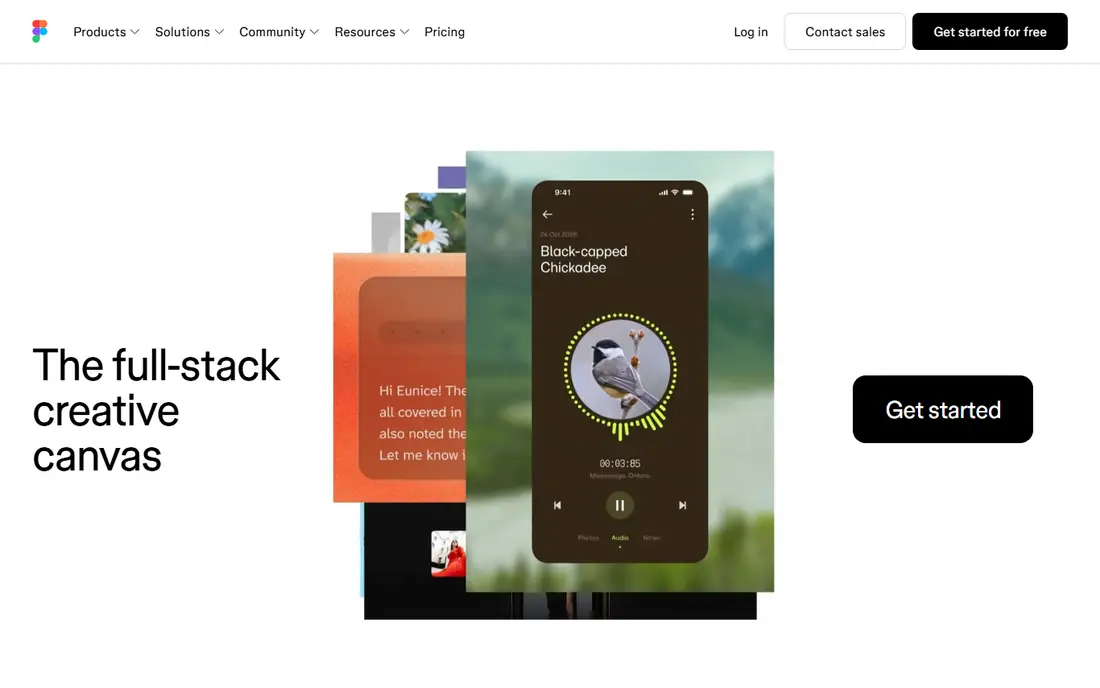
Figma is the standard for team UI design, and the reasons are practical. Several designers can edit the same file at once, components keep buttons and cards consistent, and prototypes link screens into flows you can test. Developers get spacing, colours, typography, and code details from the same file, which cuts handoff meetings. The free plan covers small projects and is enough for freelancers and learners. Larger teams need a paid plan for unlimited projects, shared libraries, and advanced controls. Figma runs in the browser on any platform, which removes the Mac-or-Windows question entirely. If you design interfaces with other people, start here.
- Live multiplayer editing
- Components and design systems
- Developer handoff with specs and code details
- Needs an internet connection for full features
- Paid plans needed for unlimited projects and full AI features
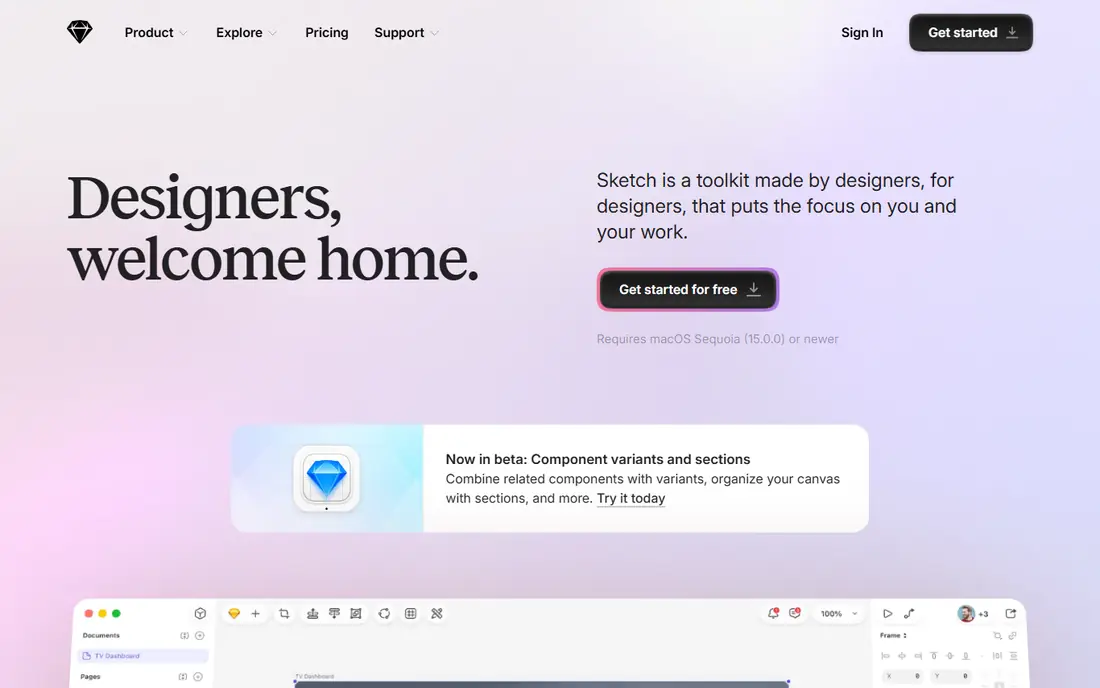
Sketch built the modern UI design market, and it still appeals to Mac designers who want a fast native app. Symbols and shared libraries handle design systems well, and a large plugin library extends the app for animation, accessibility, data, and handoff. The web workspace lets stakeholders view and comment on files, even though editing stays on Mac. The Mac-only limit is the deciding factor. If your team uses Windows or Linux, Sketch will not work as a shared editor. Collaboration is also more async than Figma live editing. For a Mac-only designer or small team that values native speed and plugins, Sketch remains a polished, reliable choice.
- Fast native macOS app
- Strong symbols and shared libraries
- Large plugin library
- Mac-only editing
- Real-time collaboration is weaker than Figma
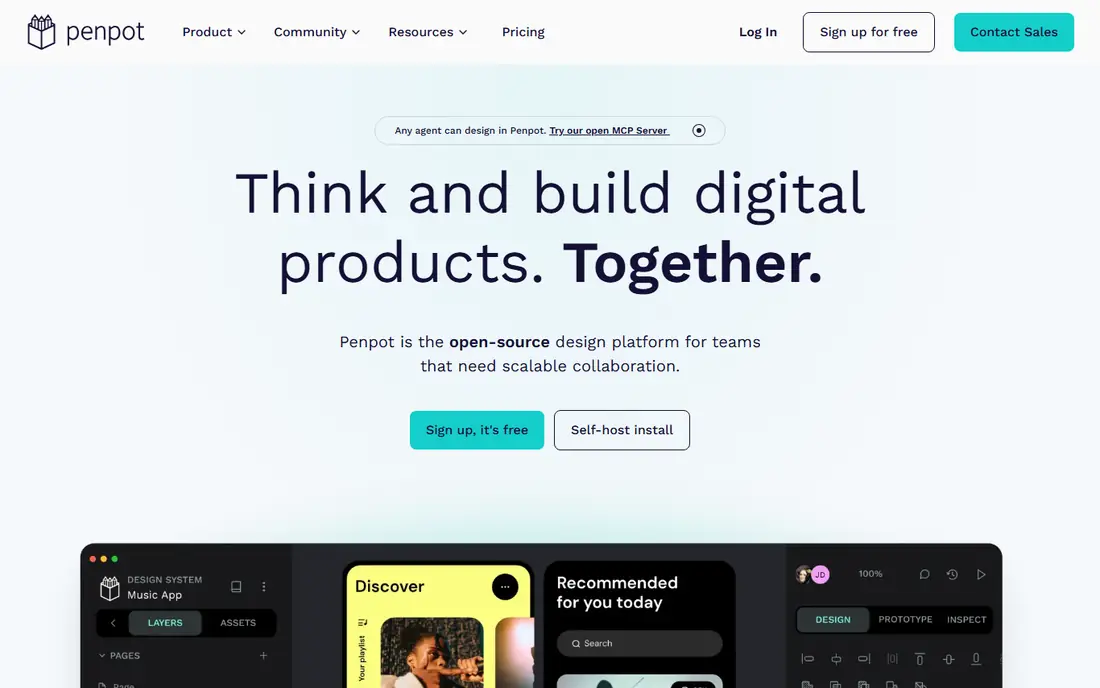
Penpot is the open-source answer to Figma, and it is genuinely usable for team work. It runs in the browser, supports live collaboration, and uses open standards such as SVG, which makes developer handoff straightforward. Teams can self-host Penpot for full control over data and access, or use the hosted version for a simpler start. The trade is ecosystem size. Penpot has fewer plugins, templates, and community files than Figma, so you may build more from scratch. Some advanced features are also still catching up. For teams that value open source, data control, and low cost, Penpot is the strongest free alternative in this list.
- Open-source and self-hostable
- Live collaboration
- CSS and SVG-friendly handoff
- Smaller plugin and community ecosystem than Figma
- Some advanced features are still maturing
Framer closes the gap between design and a live website. You design pages visually, add interactions, and publish to a live site with hosting included, without handing files to a developer for a marketing site. AI features help generate layouts and copy for first drafts, and templates speed up common pages. Framer is less suited to complex app interfaces, where Figma and developer handoff still win. Publishing plans also add cost as a site grows, so a high-traffic site needs a plan check. For designers who build marketing sites and landing pages, Framer removes the build step and gets work live faster than any other tool here.
- Design and publish a live site from one tool
- AI layout help
- Hosting included
- Best for marketing sites, not complex apps
- Site publishing costs rise with traffic and features
Uizard is the fastest way to turn an idea into a screen you can discuss. Its Autodesigner creates wireframes and mockups from a prompt, and you can also start from a sketch or a screenshot of an existing interface. Product managers, founders, and non-designers can test a flow before a designer invests days in detail. The screens are editable, so you can adjust layouts and copy, but they read as drafts rather than finished product screens. Paid plans add exports and more projects. Use Uizard for early exploration and stakeholder feedback, then move the approved flow into Figma or Framer for final design and build.
- Prompt, sketch, and screenshot to editable screens
- Fast early prototypes
- Easy for non-designers
- Output needs polish in a full editor
- Paid plans needed for full exports
Lunacy is a free desktop design app from Icons8 that works on Windows, Mac, and Linux, which makes it useful for solo designers who want a no-cost editor without a browser. It opens Sketch files, includes built-in graphics, icons, and photos, and covers vector editing, prototyping, and export for everyday UI work. Collaboration is limited compared with Figma, and the community library is smaller, so team design systems and shared workflows are harder. For a solo designer on a budget, or a student learning UI design, Lunacy offers a capable free desktop tool with no subscription. For team projects, Figma or Penpot will serve you better.
- Free desktop app for Windows, Mac, and Linux
- Sketch file support
- Built-in graphics and icons
- Smaller community than Figma or Sketch
- Collaboration features are limited
UXPin suits teams whose prototypes must behave like real products. Instead of flat screens, you build prototypes from code components, add conditional logic, and feed in real data, so usability tests reflect how the final product will act. That link to production code also helps design systems stay aligned with what developers ship. The price and learning curve are the limits. UXPin starts higher than most tools here, and setting up code components takes more effort than drawing screens. For teams that test complex flows, forms, and states, that effort pays off in more realistic tests. For simple marketing screens, a visual editor will be faster.
- Prototypes built with real code components
- Strong for design systems tied to production code
- Conditional logic and data in prototypes
- Higher entry price
- Steeper learning curve than visual editors
Webflow lets designers build marketing websites visually while producing real HTML, CSS, and interactions underneath. The CMS handles blogs, case studies, and landing pages, and hosting is included, so a designed site can go live without a separate developer build. Templates and a large community help new users start fast. Webflow is not the best tool for app interfaces, where Figma prototypes and developer handoff still lead. Its full CSS control also takes time to learn, though that control is the point for designers who want pixel-level sites. For marketing sites that need design freedom plus a CMS, Webflow is the strongest pick in this list.
- Visual design with real HTML and CSS output
- CMS and hosting included
- Strong for marketing and content sites
- Learning curve for full CSS control
- App UI design is not its main strength
How we picked these
We compared tools on collaboration, prototyping, design system support, developer handoff, platform support, and price. We checked each vendor's own feature pages and pricing pages, app store listings, and public reviews for how each tool handles components, exports, and team workflows. Tools stayed on the list when they served a distinct kind of designer, from solo Mac users to open-source teams and design-to-site builders. Prices shown are starting points from published plans.
How to choose a UI design tool
Match the tool to your team setup
A cross-platform team needs a browser tool such as Figma or Penpot. A Mac-only solo designer can choose Sketch or Lunacy. A marketing site team should look at Framer or Webflow first.
Test prototyping and handoff, not just drawing
Draw a small flow with two screens, link them, and export specs for a developer. The tool that makes that loop easy is the tool you will enjoy using daily.
Check free plan limits early
Free plans differ on projects, editors, and exports. Confirm that the free tier covers your real project size before you build a design system on it.
Plan for the design system
If you reuse buttons, cards, and forms, pick a tool with strong components and shared libraries. A weak component system will cost more time later than any saving on price today.
Frequently asked questions
What is the best UI design tool for beginners?
Figma is the best starting point for most beginners, thanks to its free plan, browser access, and large tutorial community. Uizard is faster for first prototypes from a prompt, and Lunacy is a good free desktop option for solo learners.
What is the best free UI design software?
Figma, Penpot, Framer, Uizard, Lunacy, and Webflow all offer free plans. Figma suits team learning, Penpot suits open-source teams, and Lunacy suits solo desktop work. Compare project and export limits, since those decide which free plan fits your work.
Is Figma or Sketch better for UI design?
Figma is better for cross-platform teams, live collaboration, and developer handoff. Sketch is better for Mac-only designers who want a fast native app and a deep plugin library. If your team mixes platforms, Figma is the safer choice.
What are the best app UI designs made with?
Most app UI designs in this list are made in Figma, Sketch, or Penpot, with prototypes tested in the same tool. Uizard helps with early drafts, and UXPin helps when prototypes need real code components and logic.
Can I design a UI without coding?
Yes. Figma, Sketch, Penpot, Uizard, and Lunacy all let you design interfaces visually without code. Framer and Webflow go further by publishing a live site from visual design, though deeper customization in Webflow benefits from CSS knowledge.
Which UI design tool is best for developers handoff?
Figma offers the most mature handoff, with specs, assets, and code details in one file. Penpot offers CSS and SVG-friendly handoff for open-source teams, and UXPin suits teams whose handoff must match production code components.
Sources we checked (8)

Online Jobs is an independent blog about careers, online work, learning new skills and the tools that help people earn. More about us.
Keep reading
All posts
Best Free CAD Software
Looking for the best free CAD software? We compare 8 free tools for 2D drafting, 3D modeling, beginners, engineers, printing, exports, and file formats.
8 Best AI Design Tools for Graphics, Layouts, and Brand Assets
Searching for the best AI design tool? We compare 8 AI design apps and software on templates, image generation, editing, and pricing for every budget.

Zoom Alternatives
Zoom alternatives compared for 2026: Google Meet, Microsoft Teams, Webex, Jitsi and more for free calls, large meetings and webinars for teams and classrooms.