Best Logo Design Software in 2026: 8 Tools Compared

Beginners and teams who design content every week · Starting price: See website
How we put this together: we compare official feature and pricing pages, app store listings, privacy policies and public user reviews. Prices change, so check the provider's site before you pay.
Key takeaways
- Canva suits beginners and teams who already design social and marketing content.
- Adobe Express suits Adobe users who want logo work inside a broader creative workspace.
- Looka and Tailor Brands suit founders who want a guided logo plus brand kit in one flow.
- Design.com and BrandCrowd suit buyers who want a large template library to browse first.
- Wix Logo Maker and LogoMaker suit logo-first buyers, especially those already on Wix or who want a one-off purchase.
Quick comparison
| Name | Who it suits | Starting price | Free option | |
|---|---|---|---|---|
| Canva | Beginners and teams who design content every week | See website | Yes | Visit |
 Adobe Express | Adobe users who want logo plus marketing design | See website | Yes | Visit |
 Looka | Guided logo creation plus a full brand kit | See website | See website | Visit |
 Tailor Brands | New businesses that want logo plus launch tools | See website | See website | Visit |
 Design.com | Logo-first creation with broader brand tools | See website | See website | Visit |
 BrandCrowd | Browsing a large designer-made logo library | See website | See website | Visit |
 Wix Logo Maker | Businesses building a site on Wix | See website | See website | Visit |
 LogoMaker | A logo-focused workflow with a one-off purchase model | See website | See website | Visit |
The best logo design software
We compared logo tools for small businesses, creators and teams, with a focus on how each tool creates a logo, what files you receive, and what happens after the logo is done. The best logo design tools are not all the same: some are broad design platforms, some are logo generators, and some are logo-first services with brand kits. Your choice should follow how you will use the logo after you make it.
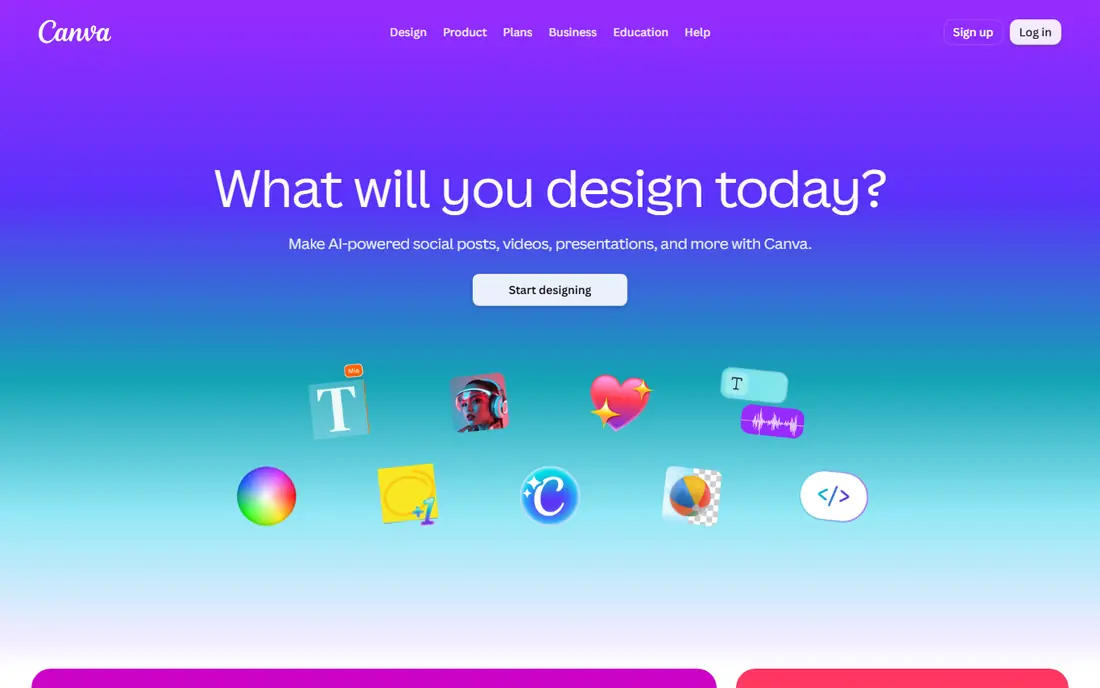
Canva is the easiest starting point for a small business that needs a logo plus social posts, flyers and presentations. The editor is drag-and-drop, templates cover many industries, and you can adjust colours, fonts and layout without design training. Brand Kit tools on paid plans help keep colours and fonts consistent across materials. The trade-off is distinctiveness. Popular templates are widely used, so a logo built only from a common template may look similar to other brands. Check the license terms for logo use and trademark, and check which export formats your plan includes before paying. For a team that designs weekly, Canva offers the broadest everyday value.
- Huge template range, easy editor, Brand Kit on paid plans, social and print templates
- Logos can feel generic if you use common templates, trademark limits apply to some content, scalable files depend on plan and design
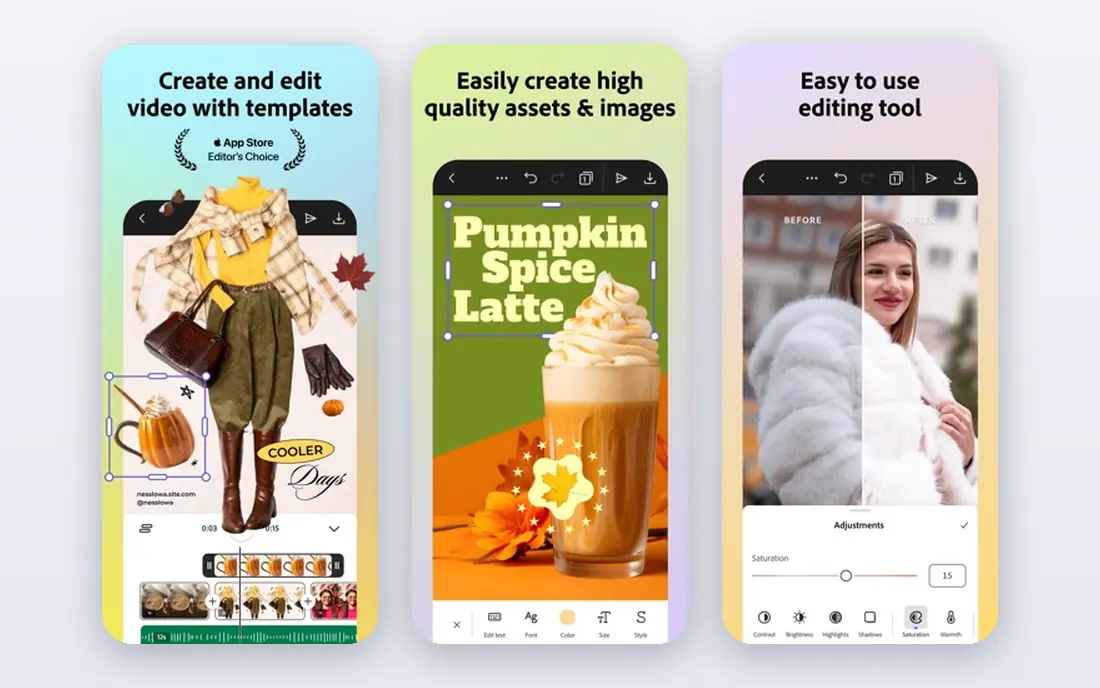
Adobe Express gives you a broad creative workspace with templates for logos, social posts, videos and print. Adobe Fonts and Stock assets add range, and Firefly-assisted features can help generate or refine visuals. For a business already using Adobe tools, Express fits naturally into that workflow. It is less logo-first than Looka or LogoMaker, so the guided logo flow is simpler and the brand kit is part of a wider toolset. Check export formats for your logo, especially scalable files for print and signage, before you finalise a design. If you already live in Adobe tools, Express is a convenient logo option.
- Templates and Adobe Fonts, Stock assets, Brand Kit on paid plans, AI-assisted features
- Less logo-specialised than dedicated logo tools, scalable export options need checking, learning curve for Adobe newcomers
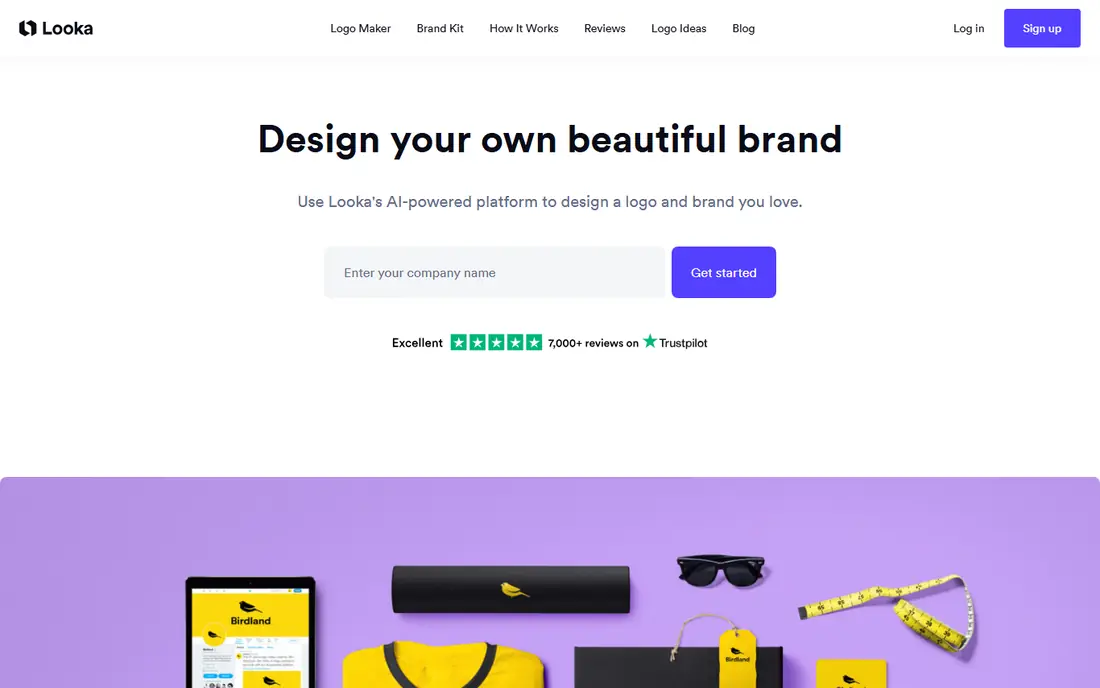
Looka asks for your business name, industry and style preferences, then generates logo options you can refine by colour, font and layout. The brand kit extends the logo into social templates, business cards and other materials, which helps a new business launch with a consistent look. That guided flow suits founders who want a polished result without starting from a blank page. Browsing is free, but downloading full files and the full brand kit needs a paid package, so check what is included in each package. Custom editing is also more limited than Canva or Adobe Express. For a quick, guided logo plus brand kit, Looka is a strong choice.
- Guided logo generation, brand kit with templates, logo variations, colour and font guidance
- Download and full brand kit need a paid package, some logos can feel template-like, custom editing is limited compared with a full editor
Tailor Brands combines logo creation with broader business launch tools, such as domain, business formation help and brand assets in some plans. That bundle suits a first-time founder who wants help beyond the logo itself, and who prefers a guided setup over separate tools for each task. The logo flow asks simple questions and offers variations to refine. If you only need a logo, a subscription bundle may cost more than a one-off purchase elsewhere. Customisation is also more guided than a full design editor. Check the plan details and total cost for the first year before choosing, and confirm which logo files and rights are included.
- Logo generation plus business tools, brand guidance, LLC and domain help in some plans, guided setup
- Subscription model may cost more if you only need a logo, customisation is limited, check what each plan includes
Design.com focuses on logo creation first, with AI generation, a large library of designs, and tools to extend the logo into other brand materials. Mockups help you see the logo on cards, signage and social profiles before you buy, which is useful for judging how a design works in real use. Extra design tools cover common business needs beyond the logo. As with other generators, free browsing does not always mean free full downloads, so check the checkout terms for file formats and rights. The tool suits a business that wants a logo-first workflow with room to grow into wider branding, rather than a general design platform used mainly for social content.
- AI logo generation, large design library, brand tools, mockups and extra design apps
- Free entry may not include full downloads, check file formats per plan, brand tools vary by plan
BrandCrowd lets you browse a large library of designer-made logos by industry, style and keyword, then customise colours, fonts and layout. That browse-first approach suits buyers who want to see many finished ideas before committing, rather than answering a long questionnaire first. Brand templates help extend the chosen logo into other materials. Because designs come from a shared library, check exclusivity and license terms carefully, and avoid a design that is already widely used in your niche. Full file downloads need a paid plan, so confirm which formats are included. For buyers who like to browse first, BrandCrowd offers a wide starting point.
- Large logo library, search by industry and style, customisation tools, brand templates
- Popular designs may be used by others, full downloads need a paid plan, check exclusivity terms
Wix Logo Maker asks a few questions about your business and style, then generates logo options you can adjust. The main benefit is integration: the logo can flow into a Wix website, social assets and business materials without rebuilding it elsewhere. For a business already on Wix, that link saves time and keeps branding consistent. Generating and previewing is free, but full file downloads and rights usually need a paid package, so check the package terms. Customisation is also more basic than a full editor. If you are building everything inside Wix, the Logo Maker is a simple and coherent choice.
- Simple guided flow, Wix site integration, logo variations, brand assets in higher plans
- Paid downloads for full files, customisation is basic, best value inside a Wix workflow
LogoMaker focuses on logo creation rather than general design, with tools to build, refine and download a logo for business use. The one-off purchase model appeals to buyers who do not want a subscription for a single logo, and branded product options help extend the logo into cards and merchandise. That focus keeps the workflow simple. The design range is narrower than Canva or Adobe Express, since LogoMaker does not try to cover every content type. Check which file formats and rights come with your package, especially scalable files for print. For a buyer who wants a logo first and a clear purchase, LogoMaker is worth a look.
- Logo-focused tools, one-off purchase options, file ownership focus, branded product options
- Less broad design range than Canva, check file formats per package, smaller template ecosystem
How we picked these
We picked tools that cover template editors, AI generators and logo-first services, since buyers start from different places. We included broad platforms for teams that design weekly, guided generators for founders who want a fast brand kit, and logo-first services for buyers who want a one-off purchase. We noted where browsing is free but downloads need payment, since that distinction affects total cost. Where pricing was not confirmed from the vendor site at the time of writing, we used See website. Logo pricing varies by package, file format, brand kit and region, so check the checkout page for your package before paying, and confirm trademark and license terms for your intended use.
What to look for when choosing logo design software
Start with use, not style alone. List where the logo will appear, such as a website, social profiles, print, packaging, uniforms and signage, then check that your package includes the file formats for those uses. Scalable vector files matter for large print, while PNG files suit web and social use. A logo that looks good on a screen may fail in print if the files are wrong. Next, check distinctiveness and rights. Avoid a design that is already common in your niche, test the logo at small sizes, and read the license for trademark use. A shortlist test helps: create two or three options, show them at small size and in black and white, and ask whether each one is still clear and distinct. That test often reveals more than a polished mockup alone.
Frequently asked questions
What is the best logo design software?
Canva is the best logo design software for beginners and content teams, while Adobe Express suits Adobe users. Looka suits a guided logo plus brand kit, and LogoMaker suits a one-off logo purchase. The best logo design tools depend on whether you need a full design platform, a brand kit, or a single logo file.
What is the best software to design a logo for a small business?
For a small business, Canva and Adobe Express offer broad value if you also design marketing content, while Looka and Tailor Brands offer a guided logo plus brand kit. If you only need a logo, check LogoMaker or Wix Logo Maker package terms. Choose based on file formats, brand kit needs and total cost, not on the first design you like.
Can I use a Canva logo as a trademark?
Canva content has license limits, and some Canva elements cannot be used as part of a trademark. Check the current Canva license terms and, for a trademark application, consider a fully original design or legal advice on your specific logo. A dedicated logo tool with clear ownership terms may be a safer route for trademark plans.
Are free logo makers really free?
Many logo makers let you browse and preview for free, but full file downloads, scalable formats and brand kits usually need a paid package or plan. Check what the free tier actually includes, especially file formats and rights, before you spend time refining a design you cannot download in the form you need.
What file formats should a logo include?
A useful logo package should include PNG for web and social use, plus a scalable vector format such as SVG or EPS for print, signage and large formats. PDF can also help for print. Check your package before paying, since some free or basic plans limit formats to web-only files.
Should I hire a designer instead of using logo software?
Logo software suits a fast, low-cost start, especially for a new business testing an idea. A designer suits a brand that needs a fully original mark, a trademark strategy, or a complex identity system. Many businesses start with software, then refine the logo with a designer once the business model is proven.
Sources we checked (8)

Online Jobs is an independent blog about careers, online work, learning new skills and the tools that help people earn. More about us.
Keep reading
All posts
What Software Is Best for Thumbnails
Compare the best software for thumbnails in 2026, with templates, photo editing, text effects and brand kits for YouTube, blogs and social posts in one guide.
Best Free CAD Software
Looking for the best free CAD software? We compare 8 free tools for 2D drafting, 3D modeling, beginners, engineers, printing, exports, and file formats.
8 Best Tools for UI Design for Teams, Freelancers, and Beginners
Looking for the best tools for UI design? We compare 8 UI design tools on price, collaboration, prototyping, and handoff to help you pick for every team.